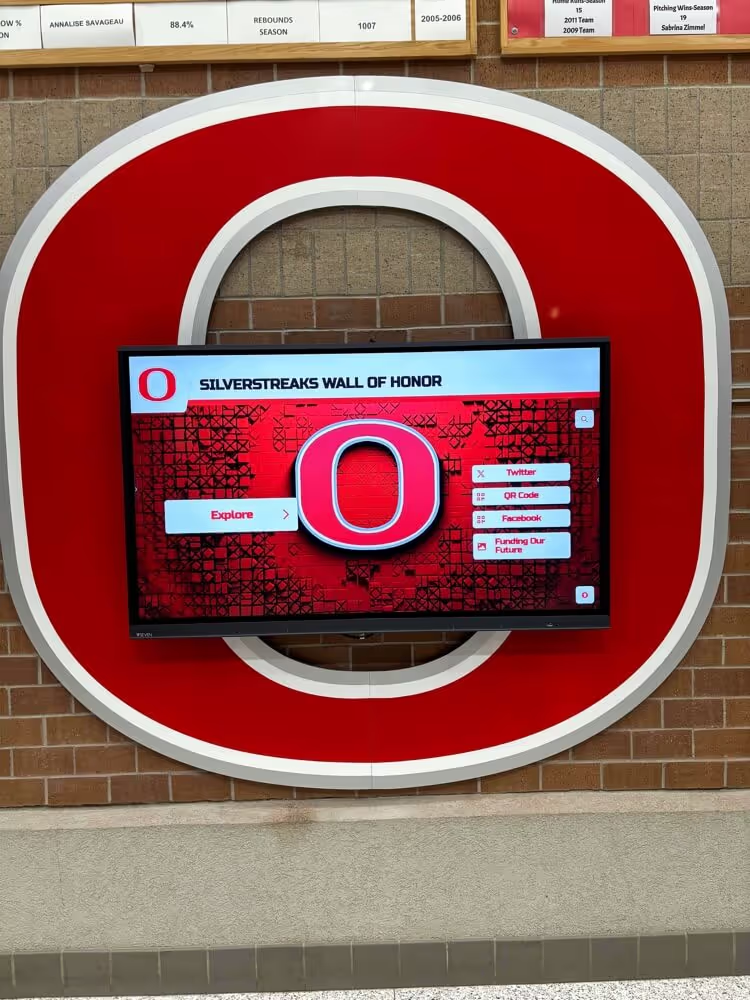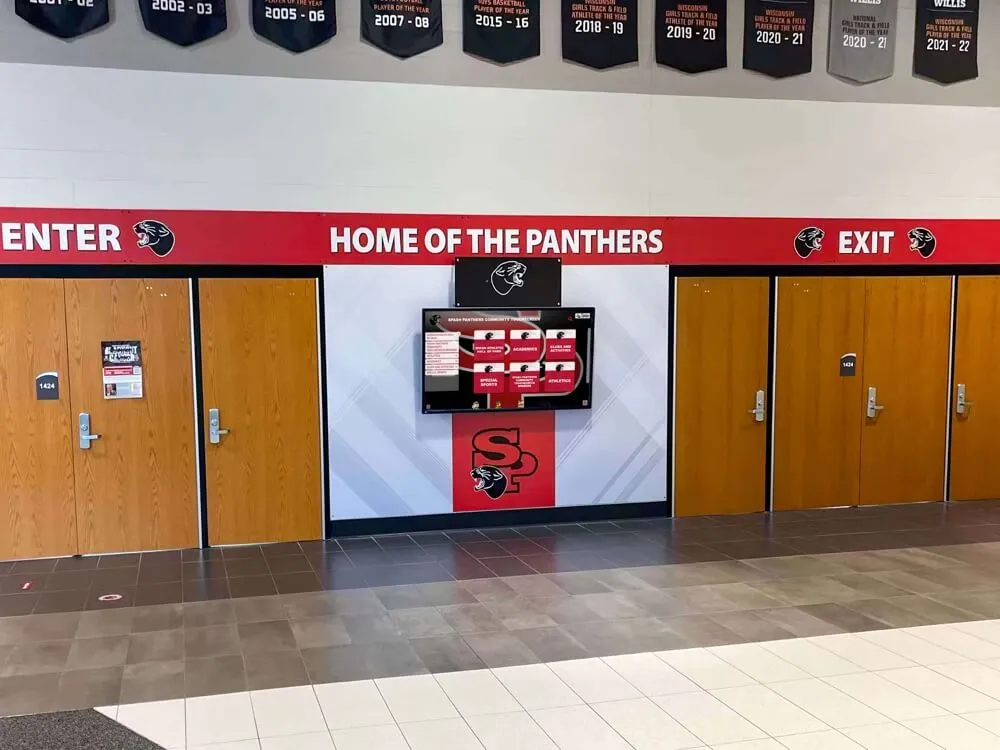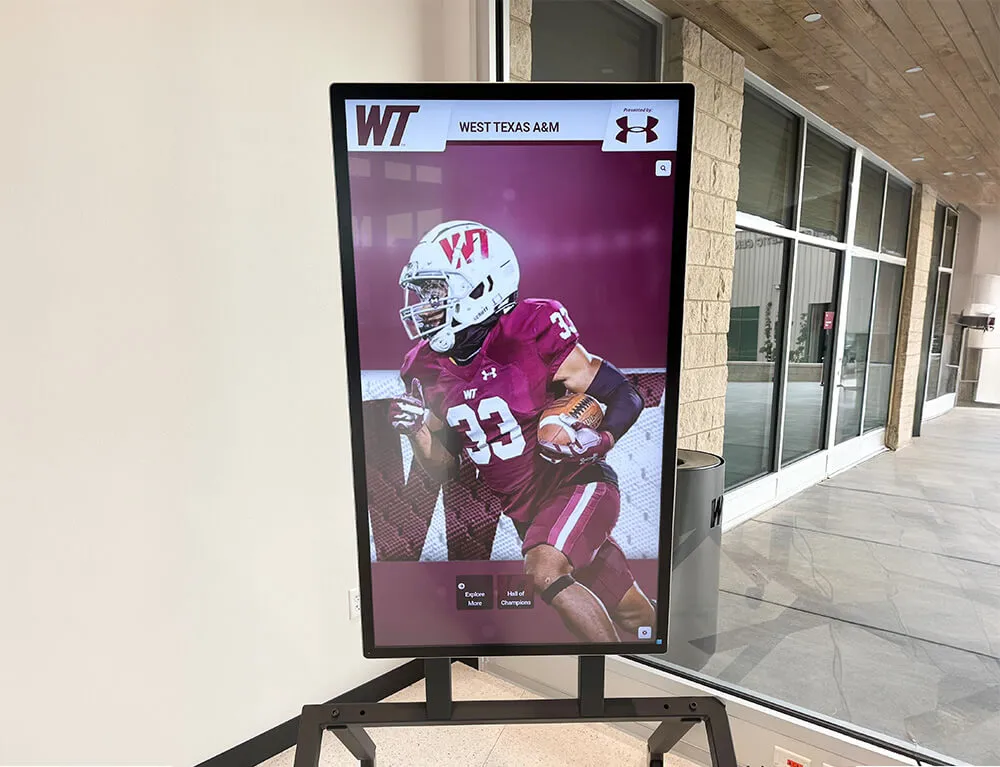




An athletic award data validation rules catalog is a structured reference document that defines, for each data field in an athletic recognition system, the specific conditions a value must satisfy before it is accepted as a valid record. Valid names must contain no numerals. Season labels must follow an approved format. Award titles must match the official catalog exactly. Team identifiers must resolve to an approved program name. Performance results must fall within plausible ranges for the event. Each of these requirements is a validation rule — and this catalog organizes them by domain so that every staff member entering, reviewing, or publishing award records applies the same deterministic standards.
This guide is written for athletic directors, data administrators, IT staff, facilities coordinators, and recognition-program owners responsible for the accuracy of school athletic award records. It provides a rule-by-rule catalog covering six data domains, an enforcement framework for applying rules at the right entry points, and a practical framework for connecting validation to the digital display systems where award records ultimately appear.
School athletic programs accumulate award records across decades, programs, and personnel. Without a defined set of validation rules, each person entering data makes individual judgments — and those small, reasonable-seeming choices compound into a recognition archive where the same team appears under six different names, season years conflict between sources, and names are spelled differently on the physical trophy than in the digital system. An athletic award data validation rules catalog replaces judgment-by-judgment entry with deterministic rules: conditions that are either satisfied or not, applied consistently regardless of who is entering the record.

Every name, season label, and award title visible on a school hallway display is the downstream output of data entry decisions — a validation rules catalog makes those decisions deterministic and consistent regardless of who enters the record
What Is a Data Validation Rules Catalog?
A data validation rules catalog is a compiled, field-by-field reference that specifies the exact conditions a data value must satisfy to be accepted into a record system. Each rule in the catalog has three components:
- The field — which data element the rule applies to (e.g., athlete last name, award season, team identifier)
- The rule condition — the specific constraint the value must satisfy (e.g., “must contain only alphabetic characters, hyphens, and apostrophes”)
- The error behavior — what happens when the condition is not met (e.g., “reject entry and display error message: ‘Last name may only contain letters, hyphens, and apostrophes’”)
In athletic award databases, validation rules operate as the gatekeeping layer between raw data entry and the recognized record. They prevent the class of errors that audit processes later must find and correct — and that physical displays can permanently preserve once engraved.
The catalog structure in this guide organizes rules into six data domains that together cover every field type in a standard athletic award record:
| Domain | Fields Covered |
|---|---|
| 1. Athlete Names | First name, last name, preferred name, pronunciation |
| 2. Seasons and Dates | Academic year, competitive season, ceremony date, entry date |
| 3. Team Identifiers | Program name, gender prefix, competition level, sport |
| 4. Award Titles | Award name, category, applicable sport(s), status |
| 5. Performance Results | Statistical records, units, event type, verification status |
| 6. Record and Display Status | Publication status, completeness threshold, transition rules |
Domain 1: Athlete Name Validation Rules
Name fields are the highest-stakes validation target in athletic award records because name errors are the most visible on permanent displays and the most damaging to athlete trust. The rules below apply to all name-related fields: legal first name, legal last name, and preferred display name where that differs.
| Rule ID | Field | Rule Condition | Rationale | Error Behavior |
|---|---|---|---|---|
| NAME-01 | First name | Must contain only Unicode letters, hyphens, apostrophes, and spaces | Permits compound names (Mary-Jane), Irish names (O’Brien), and names with spaces | Reject; prompt: “First name may only contain letters, hyphens, apostrophes, and spaces” |
| NAME-02 | Last name | Must contain only Unicode letters, hyphens, apostrophes, and spaces | Same as NAME-01 | Reject; same prompt with “Last name” substituted |
| NAME-03 | First name | Length must be between 1 and 50 characters | Prevents empty entries and truncation errors in display systems | Reject if empty; warn if exceeding 50 characters |
| NAME-04 | Last name | Length must be between 1 and 50 characters | Same as NAME-03 | Same as NAME-03 |
| NAME-05 | First name | Must not be all uppercase or all lowercase | Prevents ALL CAPS and all lowercase entries that produce display formatting errors | Warn (not reject); prompt: “Name appears to be all uppercase or all lowercase — confirm or correct” |
| NAME-06 | Either name field | Must not contain numerals (0–9) | Athlete legal names do not contain numerals; numeral presence indicates a data entry error | Reject; prompt: “Name fields may not contain numbers” |
| NAME-07 | Either name field | Must not contain special characters outside the permitted set (e.g., @, #, %, &, *, /) | These characters appear in entry errors or database field delimiter conflicts | Reject; list the disallowed character found |
| NAME-08 | Preferred display name | If populated, must meet NAME-01 through NAME-07 rules | Preferred names follow the same character rules as legal names | Same reject/warn behavior as corresponding rule |
| NAME-09 | Preferred display name | If populated, must have written athlete or guardian authorization on file | Prevents unauthorized name substitution on permanent recognition | Flag record as “Authorization required” until documentation is filed |
| NAME-10 | Either name field | Must not duplicate an existing record for the same athlete in the same season | Duplicate entries create double-display errors on recognition kiosks | Warn; prompt staff to confirm whether this is a distinct athlete or a duplicate |
Guidance on diacritical marks. Names containing letters with accent marks, tildes, cedillas, or other diacritical characters must be stored in their correct Unicode form — not approximated by removing the mark or substituting an ASCII lookalike. Recognition platforms that do not support Unicode input require resolution at the platform level before records with diacritical names can be entered accurately.
For programs managing ceremony pronunciation alongside name records, athletic award recognition and name verification practices covers how verification workflows reduce the name discrepancies that this domain’s rules are designed to catch at entry.
Domain 2: Season and Date Validation Rules
Date and season fields produce more structural ambiguity than any other domain because multiple legitimate dates — competitive season, academic year, and ceremony date — are associated with every award. The rules below enforce a single approved format for each date type and prevent the mixing of date types within a single field.
| Rule ID | Field | Rule Condition | Rationale | Error Behavior |
|---|---|---|---|---|
| DATE-01 | Academic year | Must follow format YYYY–YY using an en dash (–), where the second segment is the last two digits of the following calendar year | Prevents single-year ambiguity (“2024” could mean fall 2024 or the 2023–24 academic year) | Reject; prompt: “Academic year must use format YYYY–YY (example: 2024–25)” |
| DATE-02 | Academic year | The second two-digit segment must equal the last two digits of (first year + 1) | Prevents impossible combinations such as “2024–26” | Reject; prompt: “The year span is invalid — the second segment must follow from the first year” |
| DATE-03 | Competitive season | Must specify both a season term (Fall, Winter, Spring, Summer) and a four-digit year | Prevents naked year entries that carry no season context | Reject if year only; prompt: “Season requires a term (Fall/Winter/Spring/Summer) and a year” |
| DATE-04 | Competitive season | Season term must be from the approved list: Fall, Winter, Spring, Summer | Prevents non-standard terms (“Autumn,” “Post-season”) that break search and display grouping | Reject; present approved term dropdown |
| DATE-05 | Ceremony date | Must be a valid calendar date in ISO 8601 format (YYYY-MM-DD) | Ensures consistent date storage and prevents invalid dates (February 30, etc.) | Reject invalid dates; prompt with format guidance |
| DATE-06 | Ceremony date | Must not precede the competitive season’s known end date | A ceremony cannot occur before the season ends | Reject; prompt: “Ceremony date cannot precede the end of the competitive season” |
| DATE-07 | Ceremony date | Must not be more than 365 days after the competitive season’s end date | Prevents ceremony dates from being entered in a year so far from the season that it clearly indicates a data entry error | Warn; prompt: “Ceremony date is more than one year after the season — confirm or correct” |
| DATE-08 | Entry date | Must not be a future date beyond the next 90 days | Prevents records from being pre-dated with implausible future timestamps | Reject entries with entry dates more than 90 days in the future |
| DATE-09 | Academic year | Must fall within the range of the school’s operating history | Prevents entry of seasons from before the school existed or more than one year in the future | Reject; prompt with the valid year range |
| DATE-10 | All date fields | Must not be left empty when record status is “Published” | Incomplete date records cannot proceed to display publication | Block publication; require completion |
Season vs. year convention. A fall sport’s season belongs to the academic year that begins in the same fall — a fall 2024 season belongs to the 2024–25 academic year. A spring sport’s season belongs to the academic year that ends in the same spring — a spring 2025 season also belongs to 2024–25. Both DATE-01 and DATE-03 fields should be populated for every record to eliminate ambiguity entirely.
For programs archiving season-by-season results and award records across sport programs, sports season recap and historical records archiving practices covers how season documentation connects to the broader recognition archive that these validation rules protect.

Digital displays that organize recognition records by season depend on consistent date formatting — validation rules enforced at entry prevent the mismatched season labels that cause display gaps and search failures
Domain 3: Team Identifier Validation Rules
Team identifier fields — program name, gender prefix, competition level, and sport — define the organizational context of every award. Because these fields are used to filter, group, and navigate recognition content on digital displays, inconsistency here means records become unfindable regardless of how accurate the individual athlete data is.
| Rule ID | Field | Rule Condition | Rationale | Error Behavior |
|---|---|---|---|---|
| TEAM-01 | Program name | Must match an approved entry in the team reference registry exactly | Prevents the accumulation of variant names (“Boys Varsity Basketball,” “BV Basketball,” “Varsity Boys Basketball”) | Reject any entry not found in the registry; present approved list |
| TEAM-02 | Gender prefix | Must be one of: Boys, Girls (for K–12 programs) | Prevents variant prefixes (“Men’s,” “Women’s,” “Male,” “Female”) in K–12 contexts | Reject; present approved options |
| TEAM-03 | Competition level | Must be one of the approved level labels: Varsity, Junior Varsity, Freshman, Middle School | Prevents abbreviations (“V,” “JV”) and informal level names in database fields | Reject; present approved options |
| TEAM-04 | Sport | Must match an approved sport name from the school’s program list | Prevents sport name variants (“Soccer,” “Association Football,” “Futbol”) from creating parallel records | Reject entries not on the approved sport list |
| TEAM-05 | Program name | Must be the combination of approved gender prefix + level + sport (e.g., “Boys Varsity Soccer”) | Ensures the full program label is formed consistently from validated components | Reject combinations not in the approved registry |
| TEAM-06 | Program name | Retired programs must be flagged with an end season and may not receive new award records after that date | Prevents awards from being assigned to a program that no longer exists | Warn; prompt: “This program is marked as retired as of [end season] — confirm this award belongs to this program” |
| TEAM-07 | Program name | Program name changes must be documented with an effective season date | Preserves historical record integrity when programs rename | Require effective date when updating a program name; do not retroactively change historical records |
| TEAM-08 | All team fields | Must not be left empty when record status is “Published” | Team identifier fields are required for all display filtering functions | Block publication; require completion |
Multi-sport teams and co-op programs. Programs that operate co-operative teams with other schools — a combined team drawing athletes from two institutions — should have a specific approved label in the registry (e.g., “Boys Varsity Swimming — Cooper High/Valley High Co-op”) with the effective seasons documented. Records for co-op seasons should be entered under the co-op label, not under either individual school’s standalone program name.
For programs managing recognition across multiple award levels where team classification affects display placement, academic all-state recognition criteria and classification standards provides context for how classification labels function in tiered recognition systems that athletic award databases often parallel.
Domain 4: Award Title Validation Rules
Award title validation protects the official recognition taxonomy. An informal title entered once — “Best Defensive Player” instead of “Defensive Player of the Year” — becomes a permanent variant that cannot be merged with the correct title without a cleanup effort. The rules below enforce the official award catalog as the only valid source of title values.
| Rule ID | Field | Rule Condition | Rationale | Error Behavior |
|---|---|---|---|---|
| TITLE-01 | Award title | Must match an approved entry in the official award catalog exactly (case-sensitive) | Prevents informal variations, abbreviations, and coach-specific title inventions from entering the database | Reject any title not in the catalog; present approved list |
| TITLE-02 | Award title | Must be marked as active for the season being entered | Retired award titles cannot be assigned to new records | Reject if the award’s catalog status is “Retired” for the entered season; prompt with the active replacement if one exists |
| TITLE-03 | Award title | Must be applicable to the sport assigned in the team identifier fields | An award restricted to specific sports (e.g., “Swimming Scholar-Athlete Award”) may not be assigned to a different sport | Reject if the sport-award pairing is not in the catalog; list valid sports for the selected award |
| TITLE-04 | Award title | Must not be a generic placeholder (e.g., “Award,” “Honor,” “TBD”) | Generic placeholders indicate incomplete records that should not proceed toward publication | Reject recognized placeholder terms; prompt for the specific award title |
| TITLE-05 | Award category | Must be drawn from the approved category list in the award catalog | Prevents ad hoc categories from fragmenting the display taxonomy | Reject entries not in the category list; present approved categories |
| TITLE-06 | Award title | Must not be assigned to the same athlete in the same sport in the same season more than the allowed frequency for that award | Awards like MVP are typically single-recipient; dual assignment indicates a data entry error or undocumented shared-award decision | Warn; prompt staff to confirm whether this is a shared award (which requires documentation) or a duplicate |
| TITLE-07 | Award catalog | Any new award title added to the catalog must have an effective start season documented | Prevents awards from appearing in records for seasons that predate the award’s existence | Require start season when adding new catalog entries |
| TITLE-08 | Award title | Must not be left empty when record status is “Published” | Award title is a required display field | Block publication; require completion |
Governing the award catalog. The official award catalog is itself a managed reference set — not a free-entry field. Award title additions, retirements, and renames require a documented change request reviewed by the athletic director. The effective date of each change must be recorded so that the catalog correctly reflects what was and was not available in each competitive season. The catalog’s integrity is a prerequisite for TITLE-01 through TITLE-08 to function.
For programs evaluating how recognition categories work within broader recognition program structures including non-athletic honors, FBLA, FFA, and co-curricular award display standards covers how award taxonomy governance applies across recognition programs that athletic catalogs often sit alongside.
Domain 5: Performance Result Validation Rules
Performance result fields — the statistical records that populate record boards, season bests, and hall of fame profiles — require a distinct class of validation beyond format checks. Numeric values must be physically plausible, unit types must match the event, and results that would represent a record must trigger a verification requirement before they are published.
| Rule ID | Field | Rule Condition | Rationale | Error Behavior |
|---|---|---|---|---|
| RESULT-01 | Performance value | Must be a positive numeric value (integer or decimal as appropriate for the event) | Negative performance values are not valid for any competitive athletic result | Reject negative values; prompt: “Performance result must be a positive number” |
| RESULT-02 | Performance value | Must not be zero unless the event type permits a zero result (e.g., points allowed in a shutout) | Zero values in fields that cannot logically equal zero indicate an empty or error entry | Reject zero in non-applicable fields; allow in contexts where zero is a valid result |
| RESULT-03 | Performance unit | Must match the approved unit for the event type (seconds for timed events, feet/meters for distance, points for scoring) | Unit mismatches produce physically meaningless records (a time recorded in feet) | Reject unit-event mismatches; present the approved unit for the selected event |
| RESULT-04 | Performance value | Must fall within the plausible range for the event type established in the validation table | Catches transposition errors and magnitude errors (entering 10.2 seconds for a 100m when the actual result was 10.82 seconds) | Warn if value falls outside the plausible range; require confirmation before saving |
| RESULT-05 | Record-breaking entry | Any result that would equal or exceed the current standing record for the event must trigger a verification hold | Prevents unverified record-setting results from being published without review | Flag record as “Pending verification”; block publication until verification is complete |
| RESULT-06 | Performance value | Must not be duplicated across multiple athletes for events where ties are statistically improbable (e.g., identical sprint times to the hundredth of a second) | Identical improbable values indicate a copy-paste error rather than actual tied results | Warn; prompt for confirmation that results are accurate |
| RESULT-07 | Event type | Must be drawn from the approved event type list for the sport | Prevents ad hoc event names from creating non-searchable result categories | Reject event types not in the approved list; present approved events for the selected sport |
| RESULT-08 | Verification status | Record-board entries must not be published without a verification status of “Confirmed” | Unconfirmed records on a record board undermine the display’s reliability | Block publication for record-board entries until verification status is “Confirmed” |
Plausible range table (examples). The validation table referenced in RESULT-04 should be populated with sport-specific ranges. Examples to illustrate the concept — programs should derive their own ranges from governing body standards and historical context:
| Event | Plausible Low | Plausible High | Notes |
|---|---|---|---|
| 100m sprint (seconds) | 9.5 | 20.0 | Below 9.5 triggers mandatory verification; above 20.0 triggers format-error warning |
| Long jump (feet) | 10.0 | 30.0 | Outside this range flags for review |
| Free throw percentage | 0.0% | 100.0% | Any value > 100% is a hard reject |
| Points per game | 0.0 | 60.0 | Seasonal average above 60 triggers verification hold |
| 400m hurdles (seconds) | 44.0 | 90.0 | School records below 44s require governing body documentation |
For programs managing athletic records boards where performance result integrity is the primary display function, athletic record correction form and verification workflows for school record boards covers the full correction and verification process that this domain’s RESULT-05 and RESULT-08 rules connect to.
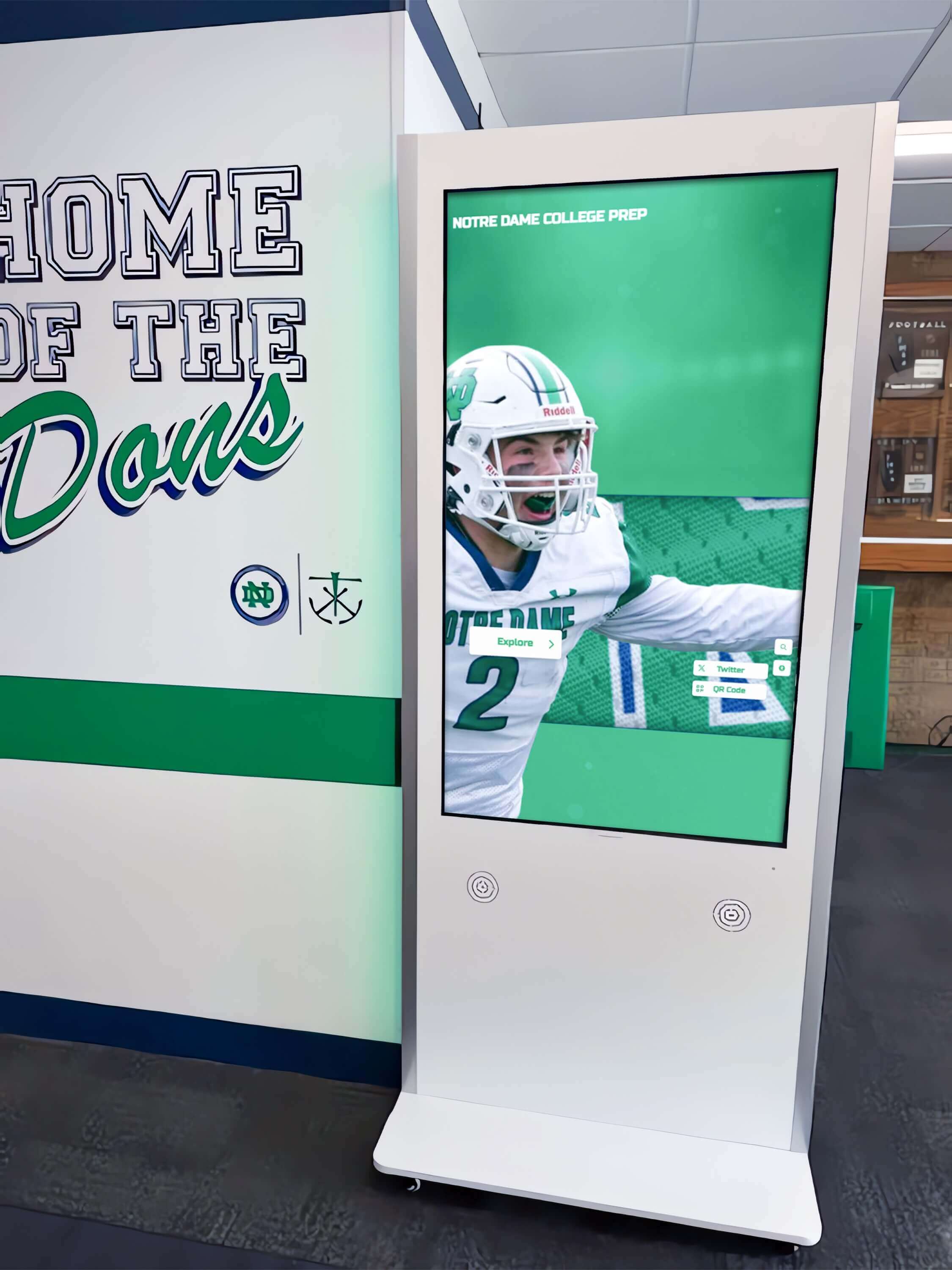
Record board displays and kiosk interfaces depend on performance result fields that have passed validation — verification holds on potential records prevent unconfirmed results from appearing on public displays
Domain 6: Record and Display Status Validation Rules
Status fields govern the lifecycle of a record from initial entry through publication on every display channel. Validation rules for status fields enforce minimum completeness requirements before a record can advance through the publication workflow, preventing incomplete records from reaching displays.
| Rule ID | Field | Rule Condition | Rationale | Error Behavior |
|---|---|---|---|---|
| STATUS-01 | Publication status | Must be one of: Draft, Pending Review, Approved, Published, Archived | Status fields must use approved values; free-text status creates unpredictable workflow behavior | Reject any status value outside the approved list |
| STATUS-02 | Status transition | Draft may advance to Pending Review only | Prevents records from skipping the review step | Reject any transition that skips a required step; prompt with the required path |
| STATUS-03 | Status transition | Pending Review may advance to Approved or return to Draft; may not advance directly to Published | Approval is a required checkpoint before publication | Block the Draft-to-Published transition |
| STATUS-04 | Status transition | Approved may advance to Published or return to Draft for further revision | Standard forward and backward transitions | Enforce |
| STATUS-05 | Status transition | Published may advance to Archived but may not return to Draft without creating a correction log entry | A record that was published and then modified has a history that must be preserved | Require correction log entry before any Published-to-Draft transition |
| STATUS-06 | Completeness threshold | Athlete first name, last name, sport, award title, academic year, and competitive season must all be populated before status can advance past Draft | These six fields are the minimum required to display a meaningful record | Block advancement; list which required fields are empty |
| STATUS-07 | Completeness threshold | At least one verified athlete photo must be linked before status can advance to Published (for programs that require photo on display) | Photo-less profiles create visible gaps in portrait-style recognition displays | Warn if photo threshold is not met; allow athletic director override with documented exception |
| STATUS-08 | Archived status | Archived records must retain their full field values and correction log | Archiving a record does not delete it; archived records remain available for audit and historical research | Prevent field deletion on any record with Archived status |
| STATUS-09 | Display channel | When a record is Published, all configured display channels must log the publication date and the authorizing user | Creates the publication event log required for data lineage documentation | Auto-log publication event for each channel; alert if any channel fails to confirm |
See How Validation Rules Work in a Recognition Platform
Rocket Alumni Solutions gives athletic directors a cloud-based platform with controlled vocabulary configuration, mandatory field enforcement, and approval workflows built in — so the validation rules in this catalog are applied automatically at every entry point.
Request a DemoWhere to Apply Validation: Enforcement Entry Points
A validation rules catalog is only as effective as the entry points where its rules are enforced. There are four primary enforcement entry points in a typical athletic award record lifecycle.
1. The Data Entry Form
The most efficient enforcement point is the entry form itself — either a digital CMS form or a structured paper submission form that a staff member processes on behalf of the submitter. At this point:
- Dropdown menus for team names, award titles, competition levels, and season labels replace free-text fields, forcing selection from approved values and making TEAM-01, TITLE-01, DATE-03, and DATE-04 automatic rather than manual checks.
- Required field markers prevent advancement to the next section until NAME-01 through NAME-04, DATE-01, and TEAM-01 are satisfied.
- Real-time format validation on date fields catches DATE-01 and DATE-05 errors at the moment of entry, before the record is saved.
2. The Pre-Save Validation Check
When a staff member clicks “Save” or “Submit” on an entry form, a pre-save validation pass runs all applicable rules against the complete record. This catch-all step surfaces any rule violations that form-level validation missed — including cross-field rules like DATE-06 (ceremony date cannot precede season end) and TITLE-03 (award must be valid for the assigned sport).
Pre-save validation should produce a structured error list that names the specific rule violated, the field in error, and the correction required — not a generic “form has errors” message that requires guesswork to resolve.
3. The Pre-Publication Review
Before a record advances from Approved to Published (STATUS-03 → STATUS-04 → STATUS-05), a pre-publication completeness check confirms that STATUS-06 through STATUS-08 thresholds are met. This is the final gate before a record reaches any display channel — the point at which an incomplete record is most consequential to catch.
A pre-publication checklist makes this review explicit:
- All six required fields are populated and validated
- Award title is in the official catalog and active for the entered season
- Academic year and competitive season are both recorded and consistent
- Performance results (if applicable) carry a verification status of “Confirmed”
- Photo threshold is met or an exception is documented
- Correction log is current if any fields were modified after initial entry
4. The Batch Import Validation Pass
Programs migrating historical records from spreadsheets, paper archives, or older systems should run every incoming record through the full validation catalog before allowing it into the master database. Batch imports are the most common source of large-scale validation failures — one incorrectly formatted column in a spreadsheet can introduce hundreds of invalid season labels in a single import operation.
A batch validation pass should generate a per-row error report identifying which rows failed which rules, so that corrections can be made to the source data before import rather than cleaned up one record at a time after the fact.
For programs considering how digital display systems in other institutional settings handle structured data validation for public-facing records, interactive touchscreen display standards and data governance in public venues covers how validation principles applied to recognition systems parallel the data governance frameworks used across institutional display contexts.
How Digital Platforms Automate Validation
Manual enforcement of a validation rules catalog is possible but labor-intensive. Purpose-built digital recognition platforms implement the majority of these rules natively, reducing the enforcement burden on staff and ensuring rules are applied consistently even as personnel changes.
Controlled vocabulary fields. Platforms that replace free-text entry for team names, award titles, season labels, and classification identifiers with dropdown selection implement TEAM-01, TITLE-01, DATE-03, DATE-04, and TEAM-02 automatically. Staff cannot enter a non-approved value in a controlled field — the option does not exist.
Mandatory field enforcement. Platforms that block record advancement past a “Draft” status until required fields are populated implement STATUS-06 without requiring manual completeness review. The system itself prevents the incomplete record from reaching the next workflow stage.
Format validation on date fields. Date picker interfaces that enforce valid calendar dates and ISO format implement DATE-05 at the interaction level. Date fields that reject future dates beyond a configured threshold implement DATE-08 without a separate validation script.
Duplicate detection. Platforms that compare incoming records against existing entries and surface potential duplicates implement NAME-10 as an automatic pre-save alert, allowing staff to confirm unique records rather than manually searching for duplicates before each entry.
Record-board verification holds. Recognition platforms that include auto-ranking record boards can implement RESULT-05 by automatically flagging any result that would rank as a new record and placing that result in a verification hold queue visible to the athletic director — preventing unconfirmed records from being published without triggering a manual workflow.
Rocket Alumni Solutions’ cloud-based recognition platform supports controlled vocabulary configuration for team names, season formats, and award categories, with mandatory field enforcement and approval workflows that implement the publication status rules in Domain 6. Remote CMS access allows athletic directors to manage controlled vocabulary settings, review pending records, and authorize publications from any device.
For programs building digital hall of fame and recognition archives where validated records form the foundation of a decades-long institutional history, digital recognition program development for college and school hall of fame programs covers how structured data governance extends to the display environments where these validated records ultimately appear.

Every profile accessible through a touchscreen recognition display should trace back to records that passed validation at entry — platform-enforced controlled vocabulary and mandatory field requirements implement the rules in this catalog automatically
Integrating the Catalog Into Existing Athletic Department Workflows
An athletic award data validation rules catalog requires a maintenance structure to stay current — because award titles are added and retired, team programs change, and approved season formats may evolve. The following integration steps embed the catalog into the workflows that drive ongoing record entry.
Attach the catalog to the award submission process. When coaches or staff submit end-of-season award selections, provide a reference card that summarizes the approved values for team names, award titles, and season labels. Award submissions that arrive with non-catalog values should be returned to the submitter for correction before they are entered into the database — not corrected by the data entry staff member on an ad hoc basis, which reintroduces inconsistency.
Update the catalog at each season boundary. Designate a specific workflow step — typically at the start of each competitive season — to review the catalog for any needed changes: new programs added, retired programs flagged, new award titles approved, season format updated if the school’s academic calendar changed. Document each change with an effective season date.
Train every staff member who enters records. The catalog’s rules apply equally to the athletic director, the administrative assistant, and any external platform administrator who enters or updates records on behalf of the program. A brief onboarding session that walks through each domain’s rules — and explains why the rules exist — reduces unintentional violations more effectively than enforcement alone.
Review error logs quarterly. Most recognition platforms log validation errors: entries that were rejected or flagged before being accepted. A quarterly review of the error log surfaces which rules are being triggered most frequently, pointing to the upstream workflows where the catalog’s rules need better integration. A name field that triggers NAME-05 (all-caps) repeatedly may indicate that a coach is submitting award nominations in a document formatted entirely in uppercase — a process issue, not an individual data error.
For programs building comprehensive long-term athletic recognition archives where validated records support decades of searchable institutional history, college football hall of fame records organization and historical data practices provides context for how record integrity practices at the institutional level parallel the validation frameworks school programs implement for their own archives.
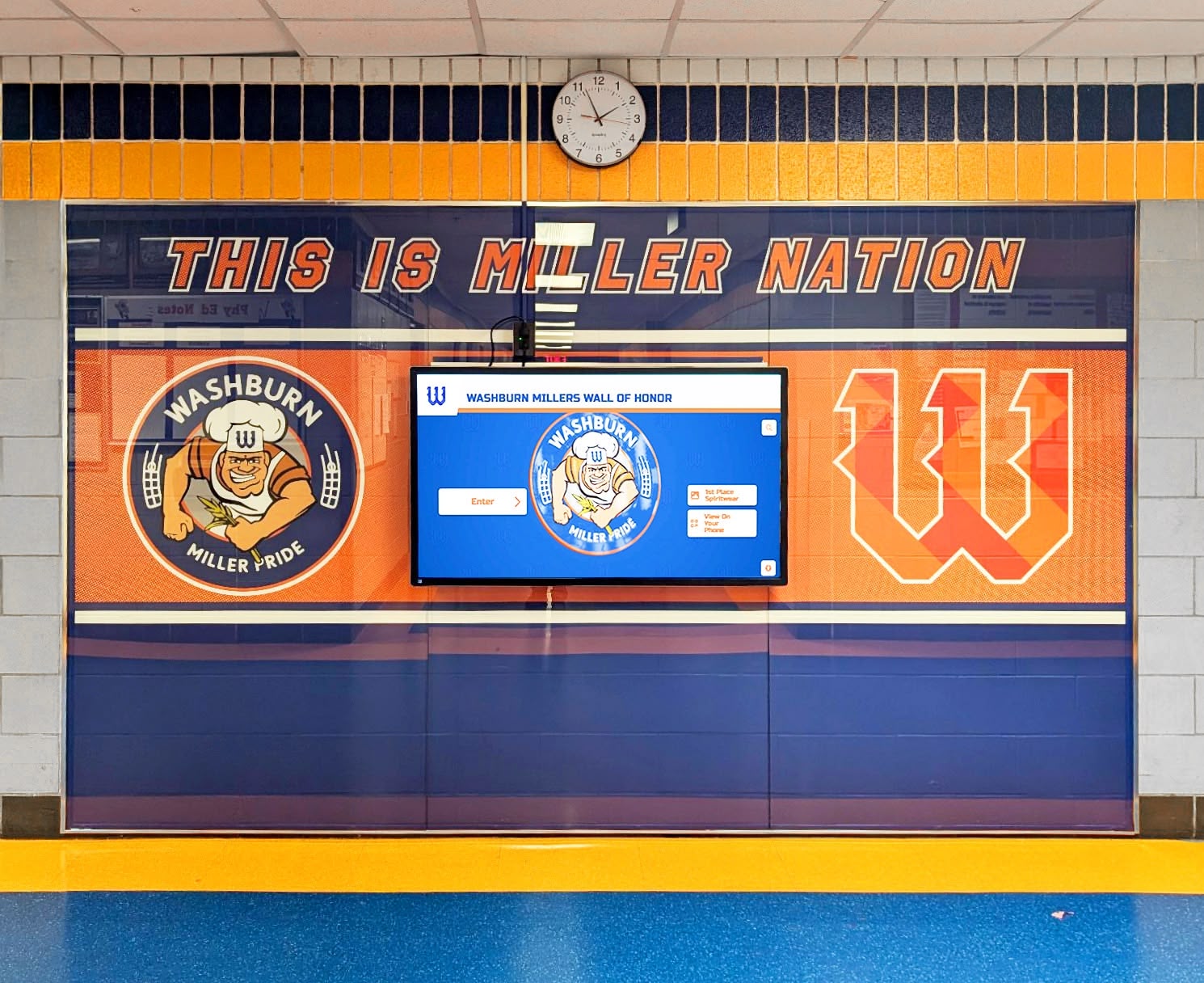
Honor wall displays that surface athlete recognition by team, season, and award category depend on the validated reference data that this catalog's domain rules are designed to enforce at entry
Frequently Asked Questions
What is an athletic award data validation rules catalog?
An athletic award data validation rules catalog is a structured reference document that defines, for each data field in an athletic recognition system, the specific conditions a value must satisfy before it is accepted as a valid record. The catalog organizes rules by domain — athlete names, seasons and dates, team identifiers, award titles, performance results, and display status — and specifies for each rule the field it applies to, the condition the value must satisfy, and the error behavior when the condition is not met. The purpose is to replace individual data entry judgments with deterministic, consistently applied rules that prevent the errors that data quality audits later must find and correct.
What validation rules should apply to athlete name fields in award records?
Athlete name fields should be validated against a set of rules that together prevent the most common name entry errors in recognition systems. Names must contain only Unicode letters, hyphens, apostrophes, and spaces — this permits compound names, Irish names with apostrophes, and hyphenated surnames while rejecting numerals and special characters that indicate data entry errors. Names must fall within a reasonable character length (1–50 per field). All-uppercase or all-lowercase entries should trigger a warning, since they indicate formatting errors rather than legitimate name formatting. Preferred display names, when used, must have written authorization on file. Duplicate records for the same athlete in the same season should trigger a warning requiring staff confirmation.
How should season and date fields be validated in athletic award databases?
Season and date fields require format validation and logical cross-field validation. Academic year fields must follow the YYYY–YY format using an en dash, where the second segment is the last two digits of the following calendar year (e.g., 2024–25). Competitive season fields must include both a season term from the approved list (Fall, Winter, Spring, Summer) and a four-digit year. Ceremony dates must be valid calendar dates that do not precede the competitive season's end date and are not more than one year after the season ended. No date or season field should be left empty when a record's status advances to Published. Enforcing both academic year and competitive season as separate required fields — rather than a single year field — eliminates the ambiguity that causes most date-related discrepancies in athletic award records.
Why do team name fields require validation rules rather than free-text entry?
Team name fields require validation against an approved registry because free-text entry reliably produces variant names that describe the same program but cannot be merged by database search or display filters. When different staff members enter "Boys Varsity Basketball," "BV Basketball," "Men's Basketball," and "Varsity Basketball" across different records, a query for one form returns only a fraction of the program's actual history. Digital recognition platforms that use team name as a filter dimension — allowing users to browse by program — fail to surface complete histories when the underlying records use inconsistent team labels. Validation rules that require team name values to match an approved registry entry exactly prevent this fragmentation at the point of entry, before the inconsistency propagates across the archive.
What is a verification hold for athletic performance records?
A verification hold is a validation status assigned to any performance result that equals or exceeds the current standing school record for the event. The hold blocks the result from being published on a record board or recognition display until it is reviewed and confirmed by the athletic director or a designated verifier. The purpose of the verification hold is to prevent unconfirmed record-setting results from appearing on public displays before the school has had an opportunity to cross-check the result against official meet documentation. Without this rule, a data entry error — for example, a time entered with a transposed digit that produces an implausibly fast result — could be published as a school record before anyone notices the discrepancy. Recognition platforms that include auto-ranking record boards can implement verification holds as an automatic workflow step that routes flagged results to the athletic director's review queue.
How does a validation rules catalog differ from a data quality audit?
A validation rules catalog is a preventive control — it defines the conditions that must be satisfied before a record is accepted, enforcing data quality at the point of entry. A data quality audit is a detective control — it reviews records that already exist in the system, comparing values across sources and identifying discrepancies that have already been entered. The two practices are complementary. A well-implemented validation catalog reduces the number of errors that reach the database, making subsequent data quality audits less burdensome. A data quality audit surfaces the errors that validation missed or that predate the catalog's implementation, and its findings often point to specific rules that need to be added to or strengthened in the catalog. Programs that run both as ongoing practices — validation at entry, audits annually — build recognition archives that accumulate far fewer errors over time than programs that rely on either practice alone.
Conclusion: Deterministic Rules for Trustworthy Athletic Recognition Records
An athletic award data validation rules catalog is the mechanism through which a school’s recognition program replaces inconsistency with accountability. Names either meet the character rules or they do not. Season labels either follow the approved format or they are rejected. Award titles either match the catalog or the entry is blocked. Team names either resolve to an approved registry entry or the record cannot be saved. Each rule removes a category of error before it can enter the archive.
The six domains in this catalog — athlete names, seasons and dates, team identifiers, award titles, performance results, and display status — cover every field type in a standard athletic award record. Implementing them at the four enforcement entry points — data entry forms, pre-save validation, pre-publication review, and batch import passes — creates a validation architecture that is systematic rather than ad hoc, and that remains effective as staff change and record volumes grow.
Programs that build and maintain this catalog build something more durable than a clean database: they build a recognition archive that athletes, families, and alumni can trust without qualification, because the rules that govern it are written down, enforced consistently, and reviewed every season.
Build a Recognition System That Enforces Validation Automatically
Rocket Alumni Solutions gives athletic programs a cloud-based recognition platform with controlled vocabulary fields, mandatory completeness checks, approval workflows, and automatic audit logs — so the validation rules in this catalog are enforced at every entry point without additional manual review.
Request a Demo