



An athletic awards database COPY import error isolation workflow gives schools a controlled method for loading award records from CSV files, spreadsheets, or legacy system exports — without allowing a single malformed row to abort the entire import and leave recognition displays incomplete. A well-designed isolation workflow separates bad rows from clean ones before they reach the production table, quarantines them for staff review, and verifies the accepted set is complete before any record is published to a display channel.
This guide is written for athletic directors, school IT administrators, and database managers responsible for importing and maintaining athletic award records in PostgreSQL-backed recognition systems. It covers a numbered staging-table isolation workflow, a decision table for selecting the right strategy by context, version-specific guidance on PostgreSQL 17’s ON_ERROR IGNORE option, practical school recognition examples, and a pre-display verification checklist.
When a school runs end-of-season award processing — importing from a coach’s spreadsheet, a conference CSV, or a legacy system export — PostgreSQL’s COPY FROM command is a fast and efficient loading mechanism. But the default behavior of COPY FROM is all-or-nothing: a single row with a type mismatch, a missing required field, or a malformed value stops the entire import and rolls back every row written up to that point. For a 500-row end-of-season import that fails on row 347, the athletic department’s database is left exactly where it started — zero rows written, and no error context beyond the line that triggered the failure.
An athletic awards database COPY import error isolation workflow changes that outcome. By routing imported data through a staging layer before it reaches the production awards table, staff can catch bad rows in isolation, quarantine them for review, and proceed with clean records — without restarting the entire import or manually editing the source file to correct every error before re-running.

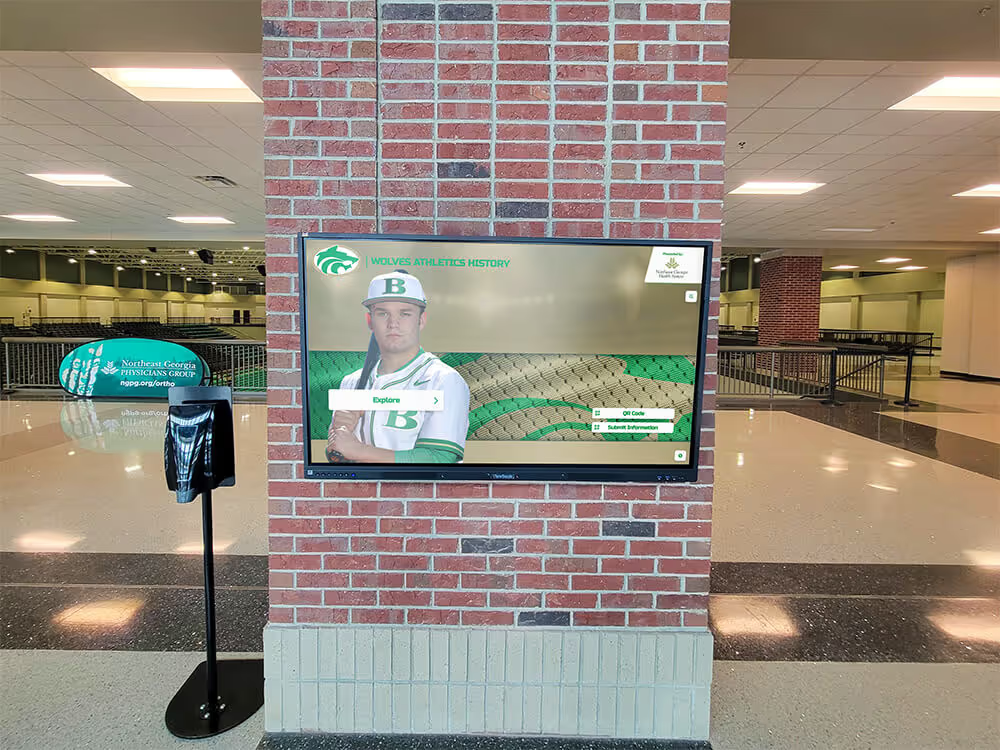
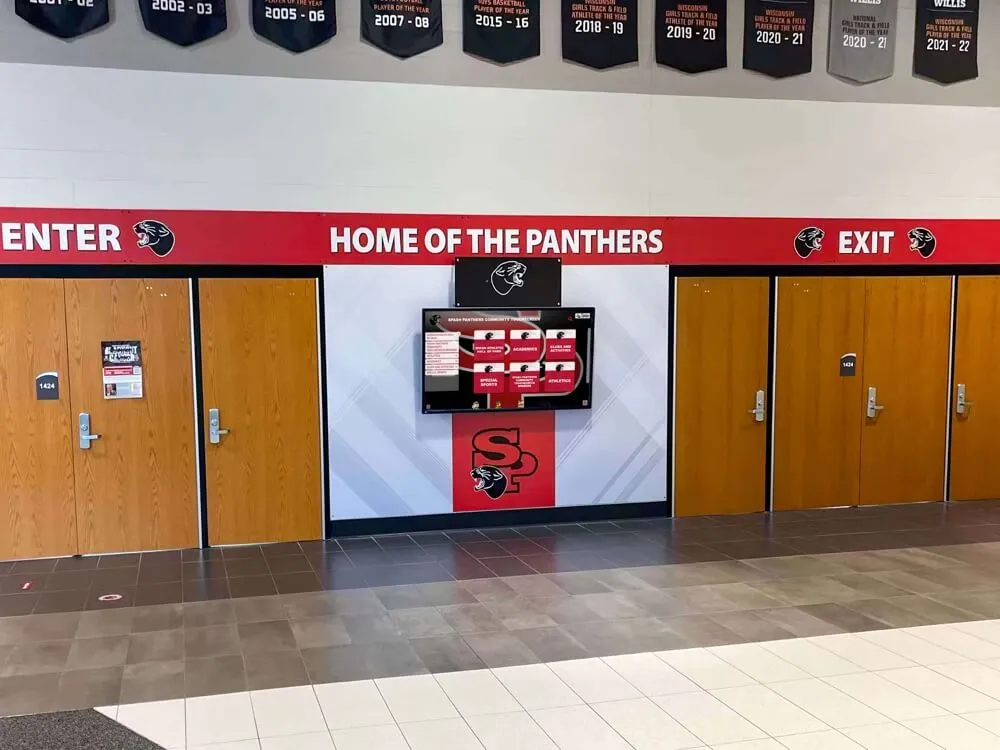
Every award record visible in a school hallway display was imported and validated before publication — error isolation keeps unverified rows out of the display pipeline until staff can review them
Why COPY Import Errors Break Athletic Recognition Workflows
PostgreSQL’s COPY FROM command loads data from an external file directly into a database table. It is significantly faster than row-by-row INSERT for bulk loads and is the standard mechanism for importing award records from sources such as end-of-season spreadsheets, conference result exports, and legacy system migrations.
The default behavior: any row that violates a column type, a NOT NULL constraint, or a parse rule causes the entire COPY statement to fail with an error. PostgreSQL rolls back all rows that had been written before the failure. The transaction is empty. Nothing was loaded.
For athletic award imports, three error types generate the most frequent failures:
Type mismatches. A field expected to hold a date (such as a season end date) contains free text like “Fall 2024.” A field expected to hold an integer (such as a jersey number) contains a dash or empty string.
Missing required values. The import file has blank cells in columns carrying NOT NULL constraints — common in spreadsheets where a blank cell implies the same value as the row above rather than repeating it explicitly.
Encoding and formatting issues. Accented characters, apostrophes, or non-ASCII characters in athlete names can cause parse failures mid-file if the file’s encoding does not match the database’s expected encoding.
Any of these errors, occurring anywhere in the file, stops the import entirely. For a school athletic program, the consequence is familiar: the display shows last season’s data because the current-season import never completed, or the new awards from a conference export are missing from the recognition platform because one malformed row blocked 300 clean rows from loading.
For schools managing award content as part of a full athletic web and records presence — including how import data connects to team pages, records boards, and sponsor profiles — the athletic website content checklist covering teams, records, awards, sponsors, and alumni provides useful context for the broader data requirements that make reliable imports matter.
The Staging Table Pattern: Core Isolation Approach
The staging table pattern isolates import errors by loading data into a temporary holding table with no type or constraint enforcement, validating rows in that table using SQL queries, and inserting only the clean rows into the production awards table. Rejected rows remain in the staging table — and are moved to a quarantine table — for staff review.
This pattern works on every supported PostgreSQL version, requires no version-specific features, and gives staff complete control over what validation runs before any data reaches the production table.
Step-by-Step: Staging Table Isolation Workflow
Step 1 — Create the staging table with all-text columns.
The staging table mirrors the structure of the production awards table, but every column is declared as TEXT. This means COPY FROM accepts any non-empty value without a type error. Type mismatches — the most common import failure category — are eliminated at this layer.
CREATE TEMP TABLE awards_import_staging (
    athlete_last_name   TEXT,
    athlete_first_name  TEXT,
    graduation_year     TEXT,
    sport               TEXT,
    award_title         TEXT,
    season_year         TEXT,
    award_date          TEXT,
    notes               TEXT
);
Use CREATE TEMP TABLE so the staging table is automatically dropped at the end of the session. For workflows that run as scheduled jobs, a permanent staging table with an import run identifier column is preferable.
Step 2 — COPY the source file into the staging table.
Run COPY FROM targeting the staging table. Because all columns are text, type mismatches that would have blocked the production table load do not trigger errors here.
COPY awards_import_staging
FROM '/data/imports/end_of_season_2025.csv'
WITH (FORMAT csv, HEADER true, ENCODING 'UTF8');
If the file itself contains structural errors — malformed CSV, unclosed quotes, or wrong delimiters — COPY still fails, because those errors exist at the file format level before any row is parsed. Pre-validate the file structure with a CSV linting tool before running COPY on files from unfamiliar sources.
Step 3 — Run validation queries to identify bad rows.
With all rows in the staging table, run SQL queries to find every row that fails a validation rule. Common categories for athletic award imports:
-- Rows with non-parseable graduation year
SELECT ctid, athlete_last_name, graduation_year
FROM awards_import_staging
WHERE graduation_year !~ '^\d{4}$';

-- Rows with empty required fields
SELECT ctid, athlete_last_name, award_title
FROM awards_import_staging
WHERE athlete_last_name IS NULL OR athlete_last_name = ''
   OR award_title       IS NULL OR award_title       = '';

-- Rows with unrecognized sport values
SELECT ctid, sport
FROM awards_import_staging
WHERE sport NOT IN (SELECT sport_name FROM sports_reference);
Record each failing row identifier and the failure reason. This produces the quarantine manifest that staff use to correct and re-import affected rows.
Step 4 — Insert clean rows into the production table.
Insert from the staging table to the production awards table using a WHERE clause that excludes every row that failed validation. Cast text values to the correct column types in the SELECT.
INSERT INTO athletic_awards (
    athlete_last_name, athlete_first_name, graduation_year,
    sport, award_title, season_year, award_date, notes
)
SELECT
    athlete_last_name,
    athlete_first_name,
    graduation_year::INTEGER,
    sport,
    award_title,
    season_year::INTEGER,
    award_date::DATE,
    notes
FROM awards_import_staging
WHERE graduation_year ~ '^\d{4}$'
  AND athlete_last_name IS NOT NULL AND athlete_last_name != ''
  AND award_title       IS NOT NULL AND award_title       != ''
  AND sport IN (SELECT sport_name FROM sports_reference);
Wrap this INSERT in a transaction so that if it fails for any reason, the production table is unaffected.
Step 5 — Move rejected rows to a quarantine table.
Insert rows that failed validation into a permanent quarantine table, along with the failure reason and the import run date.
INSERT INTO awards_import_quarantine (
    import_run_date, failure_reason,
    athlete_last_name, athlete_first_name, graduation_year,
    sport, award_title, season_year, award_date, notes
)
SELECT
    CURRENT_DATE,
    'validation_failure',
    athlete_last_name, athlete_first_name, graduation_year,
    sport, award_title, season_year, award_date, notes
FROM awards_import_staging
WHERE graduation_year !~ '^\d{4}$'
   OR athlete_last_name IS NULL OR athlete_last_name = ''
   OR award_title       IS NULL OR award_title       = ''
   OR sport NOT IN (SELECT sport_name FROM sports_reference);
The quarantine table preserves rejected rows in their original text form. Staff can review them, correct the source data, and re-run the import for that subset without reprocessing the entire file.
Step 6 — Reconcile row counts before publishing to display.
Before any data from this import is published to a recognition display, run a count reconciliation that confirms no rows were silently lost:
SELECT
    (SELECT COUNT(*) FROM awards_import_staging)                                    AS total_in_file,
    (SELECT COUNT(*) FROM athletic_awards      WHERE import_run_date = CURRENT_DATE) AS rows_accepted,
    (SELECT COUNT(*) FROM awards_import_quarantine WHERE import_run_date = CURRENT_DATE) AS rows_quarantined;
If rows_accepted + rows_quarantined does not equal total_in_file, a row was neither accepted nor quarantined — a gap in the workflow that requires investigation before the run is marked complete.
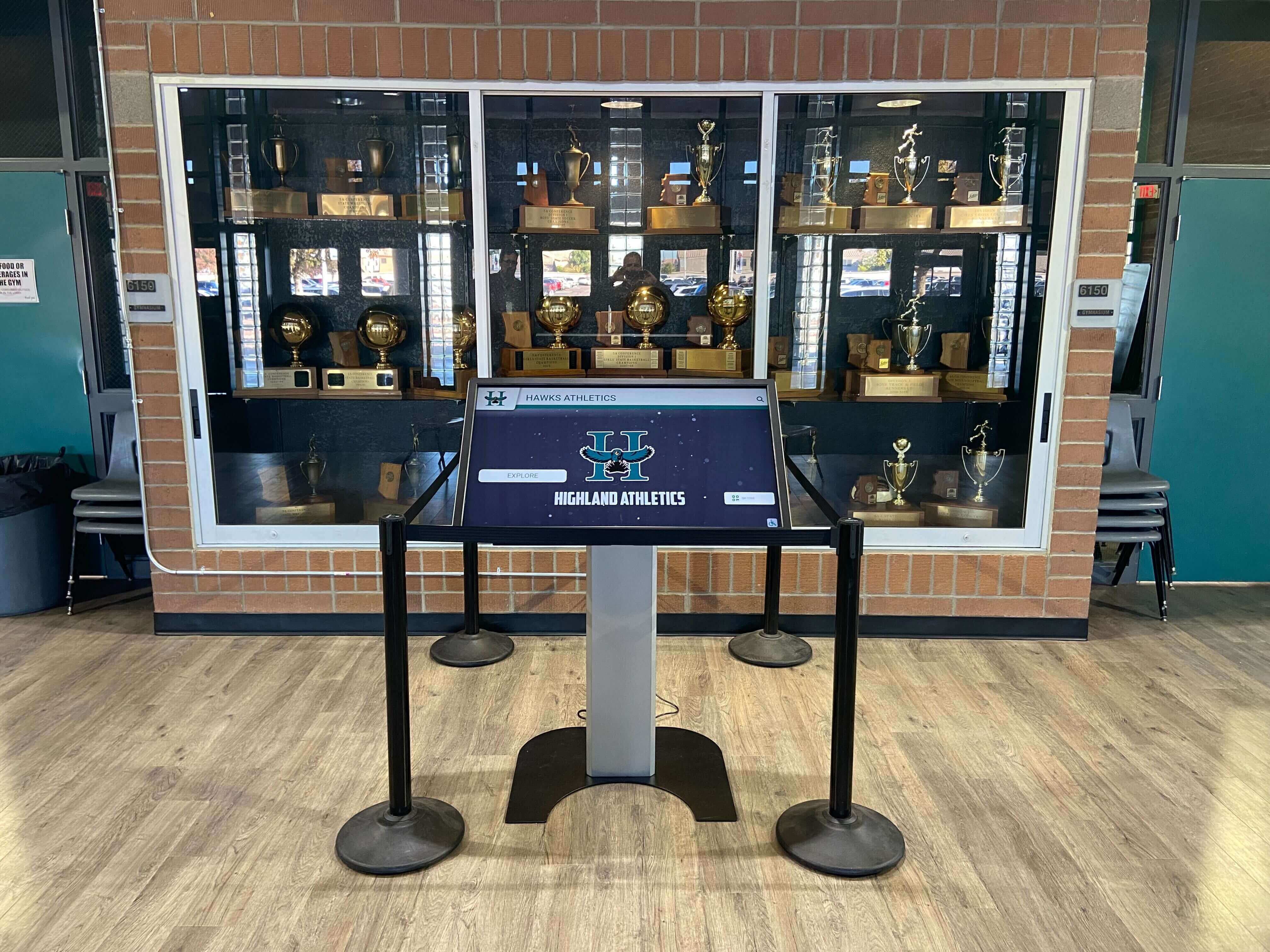
A touchscreen kiosk in a school trophy case shows the result of a completed, verified import — row count reconciliation confirms the displayed data is complete before it goes public
Decision Table: Choosing the Right Isolation Strategy
Different import contexts call for different approaches. Use this table to match the isolation strategy to the situation.
| Import Scenario | Recommended Strategy | Reason |
|---|---|---|
| PostgreSQL version < 17, any import size | Staging table pattern (Steps 1–6) | Only reliable option without version-specific features |
| PostgreSQL 17+, large import with predictable malformed rows | COPY … ON_ERROR IGNORE with count reconciliation | Faster for large files; skips type-error rows natively |
| PostgreSQL 17+, import from untrustworthy source | Staging table pattern even on PG17 | ON_ERROR IGNORE logs skips to the server log, not a queryable table |
| First import for a new season | Full staging table workflow | Maximum visibility into accepted vs. quarantined rows |
| Incremental update (under 100 rows) | Staging table with manual quarantine review | Small enough to review every quarantine row before accepting |
| Legacy system migration | Staging table with extended validation | Legacy data carries extra risk of unrecognized formats and encoding edge cases |
| Conference CSV with known-clean, validated format | COPY … ON_ERROR IGNORE on PG17+, or direct staging | Trusted source with format validation makes either approach acceptable |
| Any import destined for a public display | Always reconcile row counts before publishing | Display accuracy requires confirmed completeness regardless of method |
The decision point that matters most is not the PostgreSQL version — it is whether staff need to know why a row was rejected. ON_ERROR IGNORE tells you that rows were skipped; it does not tell you which rows or why they failed. The staging table pattern records both, and that record is what enables staff to correct and re-import rejected rows without re-analyzing the source file from scratch.
PostgreSQL 17 ON_ERROR IGNORE: Version-Gated Guidance
PostgreSQL 17, released September 2024, introduced the ON_ERROR option for COPY FROM. With ON_ERROR IGNORE, rows that would cause a type error or data format error are skipped and the import continues rather than aborting the entire statement. This is documented in the official PostgreSQL 17 COPY reference.
Syntax (PostgreSQL 17+ only):
COPY athletic_awards
FROM '/data/imports/end_of_season_2025.csv'
WITH (FORMAT csv, HEADER true, ON_ERROR ignore, LOG_VERBOSITY verbose);
LOG_VERBOSITY verbose causes PostgreSQL to emit a NOTICE message for each skipped row, including the row number and the error that would have been raised. These notices appear in the server log, not in client output by default.
Version gate: ON_ERROR IGNORE is not available in PostgreSQL 16 or earlier. Running this syntax on an older server produces a syntax error and the import does not run at all. Confirm the server version before relying on this option:
SELECT version();
Look for PostgreSQL 17 or higher in the result string. Schools using managed database services (Amazon RDS, Google Cloud SQL, Azure Database for PostgreSQL) should confirm the engine version with their hosting provider before using any PostgreSQL 17-specific syntax.
What ON_ERROR IGNORE does not handle:
- Foreign key violations. A row referencing an athlete ID not present in the athletes table will still cause an error, because foreign key violations are not classified as data format errors under the current implementation. Consult the PostgreSQL 17 COPY documentation for the exact scope of error types covered by
ON_ERROR IGNOREon the version you are running. - Unique constraint violations. Duplicate rows may or may not be silently skipped depending on the constraint type and when the violation is detected.
- No quarantine table. Skipped rows are logged to the server log, not to a queryable table. Staff cannot list rejected rows without parsing log output.
For these reasons, even on PostgreSQL 17, the staging table pattern is recommended for any import where staff need an actionable quarantine list rather than server log entries.
For programs managing the broader lifecycle of athletic award data — including how autovacuum and table maintenance policies interact with frequently-updated award tables — the athletic awards database autovacuum policy covers the maintenance context in which import workflows operate.
Verifying Accepted Records Before Display Publication
Error isolation protects the production table from bad rows. Pre-display verification confirms that the rows that were accepted are complete and correct before they appear on any recognition channel. A clean import of 290 rows out of an expected 340 is a partially successful import — athletes whose records were quarantined will not appear on the display. Staff should know the gap before the display is updated.
Pre-display verification checklist:
| Verification Step | Query Pattern | Pass Condition |
|---|---|---|
| Row count matches expected | Compare COUNT(*) of accepted rows to the expected total from source | No unexplained gap between expected and accepted |
| No duplicate athlete-award-season combinations | GROUP BY athlete_id, award_title, season_year HAVING COUNT(*) > 1 | Zero rows returned |
| All award titles in the official catalog | WHERE award_title NOT IN (SELECT title FROM award_catalog) | Zero rows returned |
| All graduation years plausible | WHERE graduation_year < 1950 OR graduation_year > 2035 | Zero rows returned |
| All sports reference valid programs | WHERE sport NOT IN (SELECT sport_name FROM sports_reference) | Zero rows returned |
| All quarantine rows dispositioned | Staff has assigned each quarantine row a status: correct-and-reimport, confirmed-invalid, or deferred | No quarantine rows remain in pending status |
Only after all six checks pass should the accepted records be moved to a “ready to publish” status in the recognition platform. This gate ensures that a display update reflects a confirmed-complete import, not a partial one.
For schools also thinking about how athletic data systems connect to budget and resource planning — including the recurring cost of data management work alongside display infrastructure — the high school athletic department budget planning guide covering awards, records, and digital displays provides useful context for resource allocation decisions around school recognition data systems.
Practical School Recognition Examples
The following examples are illustrative scenarios based on common import patterns, not documented case studies.
Scenario A: End-of-season basketball import from a coaching staff spreadsheet.
An athletic director receives a 148-row CSV exported from a Google Sheet containing player awards for varsity and JV basketball. Three rows have blank sport-division fields — cells that were visually implied by the row above in the spreadsheet but exported as blank. Two rows have award titles using abbreviations not present in the school’s award catalog.
Without error isolation: COPY FROM to the production table fails on the first blank sport-division field. Zero rows are loaded.
With the staging table pattern: all 148 rows load into the staging table. Validation queries identify the three blank sport-division rows and the two unrecognized award title abbreviations. 143 rows are inserted into the production table. Five rows are quarantined with failure reasons recorded. Staff receive a summary showing 143 accepted and 5 quarantined, correct the source data, and re-import those five rows as a targeted batch the following day.
Scenario B: Conference all-state results CSV with date format mismatch.
A conference office delivers a 210-row CSV with all-state selections across 14 sports. The file uses a date format (MM/DD/YYYY) that differs from the school database’s expected format (YYYY-MM-DD) for season dates. On PostgreSQL 16, the staging table pattern accepts all 210 rows into the staging table, catches 14 rows with malformed dates, and loads 196 rows into the production table. Staff correct the date values in the quarantine rows and re-import them as a 14-row batch.
On PostgreSQL 17 with ON_ERROR IGNORE, the same import would skip the 14 malformed rows silently and load 196 rows — but staff would need to cross-reference server log output to identify which rows were skipped and why. The staging table pattern provides a cleaner quarantine path when staff need row-level failure detail.
Scenario C: Legacy system migration with historical award records.
A school migrates several thousand rows of historical award records from a system that used inconsistent sport name values across different decades. The staging table pattern with a sport-name normalization step — mapping legacy sport names to the current reference table before insertion — allows the large majority of records to pass validation, with a smaller fraction quarantined for staff review. The production table is populated with the verified set, and the historical gaps are documented for archival staff to resolve over the following weeks.
For schools considering how a modern digital recognition platform presents these verified records to athletes, families, and alumni — including hall of fame profiles, award histories, and season records — the guide to best ways to showcase athletic achievement awards digitally covers the display layer that depends on clean import data.

Hallway displays, trophy cases, and digital screens show the end result of a verified import — no record should appear publicly until the run summary confirms the accepted row count is complete
Quarantine Table Design for Athletic Award Imports
A well-designed quarantine table makes the post-import review practical for staff who are not database administrators. The goal is a table that athletic directors or records administrators can query or export without writing SQL — ideally surfaced through a reporting view or a simple administrative dashboard.
Recommended quarantine table schema:
CREATE TABLE awards_import_quarantine (
    quarantine_id       SERIAL PRIMARY KEY,
    import_run_date     DATE        NOT NULL,
    import_run_id       TEXT,
    failure_reason      TEXT        NOT NULL,
    failure_detail      TEXT,
    athlete_last_name   TEXT,
    athlete_first_name  TEXT,
    graduation_year     TEXT,
    sport               TEXT,
    award_title         TEXT,
    season_year         TEXT,
    award_date          TEXT,
    notes               TEXT,
    disposition         TEXT        NOT NULL DEFAULT 'pending',
    reviewed_by         TEXT,
    reviewed_date       DATE
);
The disposition column tracks each row’s staff review outcome. Use a fixed vocabulary: pending, corrected-reimported, confirmed-invalid, or deferred. This vocabulary becomes the basis for a quarantine review report confirming that all rows have been dispositioned before the import run is closed.
The import_run_id column ties each quarantine row to a specific run — useful when multiple imports run against the same table over a short period, as happens during conference results season when multiple sports finish simultaneously and staff are managing several import batches at once.
For schools that rely on digital recognition platforms and hall of fame displays to present a complete athletic history — and for whom a gap in import records creates a visible gap in what the community can see — the guide to showcasing athletic achievement awards digitally covers the display standards that make import completeness visible to athletes, families, and alumni.
Integration with a Recognition Platform
For schools using a cloud-based athletic recognition platform rather than a self-managed PostgreSQL database, the COPY import error isolation workflow may be handled by the platform’s import tooling at the application layer rather than direct SQL. The same principles apply:
- The platform should report how many rows were accepted and how many were rejected for each import run.
- Rejected rows should be available in an exportable report with per-row failure reasons.
- Staff should be able to correct and re-submit rejected rows without repeating the full batch.
- Accepted records should be held in a staging or draft status before publication, not pushed live immediately on import.
When evaluating recognition platforms for import error handling, ask specifically: does the platform provide a row-level rejection report? Can rejected rows be corrected and re-submitted without a full re-import? Are accepted records held in a staging state before display publication, or do they appear on the display immediately after loading? The answers define whether the platform’s import tooling provides the same isolation properties as the SQL workflow above.
For schools evaluating how recognition system investments fit within the broader athletic department budget — including IT time for import workflows, platform costs, and the ongoing staff effort of record-keeping — the budget planning guide for high school athletic department awards, records, and digital displays provides a framework for those resource allocation decisions.
See How Rocket Alumni Solutions Handles Award Data Imports
Rocket Alumni Solutions gives athletic directors a managed recognition platform that surfaces rejected rows with clear failure reasons after each import, holds records in a pre-publication staging state until staff confirm the run is complete, and ensures no incomplete import reaches a public display without review. Request a demo to see the import and verification workflow in action.
Request a DemoFrequently Asked Questions
What is COPY import error isolation for athletic award databases?
COPY import error isolation is a workflow that routes incoming award records through a staging table before they reach the production database, identifies rows that fail validation rules (type mismatches, missing required fields, unrecognized reference values), moves clean rows to the production table, and holds rejected rows in a quarantine table for staff review. It replaces the default all-or-nothing behavior of PostgreSQL COPY FROM — where a single bad row aborts the entire import — with a controlled process that accepts valid rows and quarantines invalid ones, without discarding the clean rows from the file.
When was PostgreSQL COPY ON_ERROR IGNORE introduced, and which version is required?
PostgreSQL 17, released in September 2024, introduced the ON_ERROR option for COPY FROM. With ON_ERROR IGNORE, rows that would cause data format or type errors are skipped rather than aborting the import. This syntax is not available in PostgreSQL 16 or earlier — using it on an older server produces a syntax error. Schools using managed database services should confirm their engine version before relying on this feature. Even on PostgreSQL 17, the staging table pattern is recommended for imports where staff need a queryable quarantine list with per-row failure reasons, because ON_ERROR IGNORE logs skipped rows to the server log rather than to a database table staff can query directly.
Why does the staging table use TEXT columns instead of the production table's actual column types?
Defining all staging table columns as TEXT allows COPY FROM to load any value from the source file without triggering a type error. If the staging table used the production table's actual column types (INTEGER, DATE, etc.), a row with a malformed date or a non-numeric value in an integer column would abort the COPY statement — the same failure mode the staging pattern is designed to prevent. By accepting all values as text, COPY loads every row from the file into the staging table. Validation queries then identify rows with type-incompatible content, and the INSERT into the production table casts only the validated rows to their correct types. This separates the load step from the validation step cleanly, and preserves all data from the source file for inspection before any row is rejected.
How should schools handle quarantined rows after an athletic award import?
Each quarantined row should receive a disposition: corrected and re-imported, confirmed as invalid, or deferred pending more information. Athletic directors or records staff should review the failure reason for each row — type mismatch, blank required field, or unrecognized reference value — correct the underlying data in the source file or reference table, and re-import the corrected rows as a small targeted batch. The import run should not be marked complete until all quarantine rows have a recorded disposition. This step ensures the production award table reflects the full intended import, not only the rows that passed validation on the first attempt.
Can accepted records be published to a recognition display before the quarantine review is complete?
Publishing accepted records before the quarantine review is complete is technically possible but creates a visible gap: athletes whose records were quarantined will not appear on the display for a season where they received awards. For routine imports where the quarantine set is small and expected to be resolved quickly, some programs choose to publish accepted records immediately and add the corrected rows once the review is complete. For larger migrations or first-time imports, holding all records in a staging status until the quarantine review is finished prevents a publicly visible partial state and avoids a situation where the display reflects an incomplete season before staff have had a chance to correct the missing rows.
Conclusion: From Import File to Verified Recognition Display
An athletic awards database COPY import error isolation workflow protects school recognition programs from the most damaging consequence of batch import failures: a publicly incomplete display caused by a single bad row blocking an otherwise-clean file. The staging table pattern — load all rows as text, validate against production rules, accept clean rows, quarantine failures — works on every PostgreSQL version and gives staff an actionable quarantine list rather than a server error and an empty table. PostgreSQL 17 adds ON_ERROR IGNORE as a faster path for large imports with predictable error types, but it does not replace a quarantine table for workflows that require staff review of every rejected row. Row count reconciliation before display publication is the final step that closes the loop: only a confirmed-complete import should update what athletes, families, and alumni see on a recognition display.