



When a school’s PostgreSQL-backed athletic awards database powers lobby kiosks, digital hall of fame walls, and championship records boards, any unreviewed change to the underlying recognition schema — a dropped column, a renamed table, an altered constraint — can break the queries those displays depend on without warning. An athletic awards database PostgreSQL event trigger audit uses PostgreSQL’s built-in event trigger system to intercept DDL statements at the ddl_command_end event, log the command details returned by pg_event_trigger_ddl_commands(), and optionally abort operations that do not meet a documented review standard — all within the same transaction as the schema change itself.
This guide is written for school IT administrators and database administrators who manage a self-hosted PostgreSQL instance backing athletic recognition programs. It covers how event triggers differ from DML row triggers, how ddl_command_end and sql_drop work and what each captures, a seven-step audit workflow with SQL examples, an evidence and decision table, the important exceptions for shared objects and event trigger commands, before-commit timing and rollback mechanics, superuser requirements, and a pre-deployment checklist.
A school that stores athletic award records — inductee profiles, championship histories, varsity letter recipients, seasonal award categories — in a PostgreSQL database manages a long-lived schema that evolves across seasons, coaching changes, and recognition program updates. When the schema changes without a structured review, the cost appears downstream: a display query referencing a now-renamed column returns an error during a live recognition event, or a dropped constraint allows malformed award records to reach a ceremony display.
PostgreSQL event triggers provide a DBA-reviewed mechanism for catching those changes at the moment they occur. An athletic awards database PostgreSQL event trigger audit is not a substitute for a change management policy, but it creates a database-layer record of what changed, when, and under what command — evidence that supports a structured review process rather than a post-incident investigation.

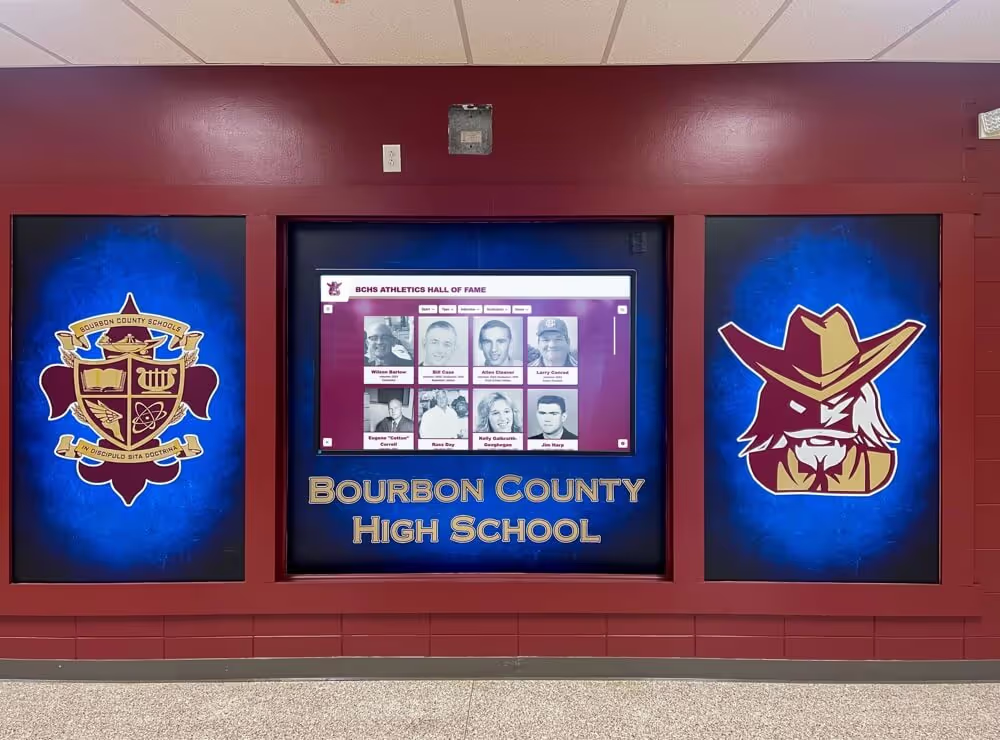
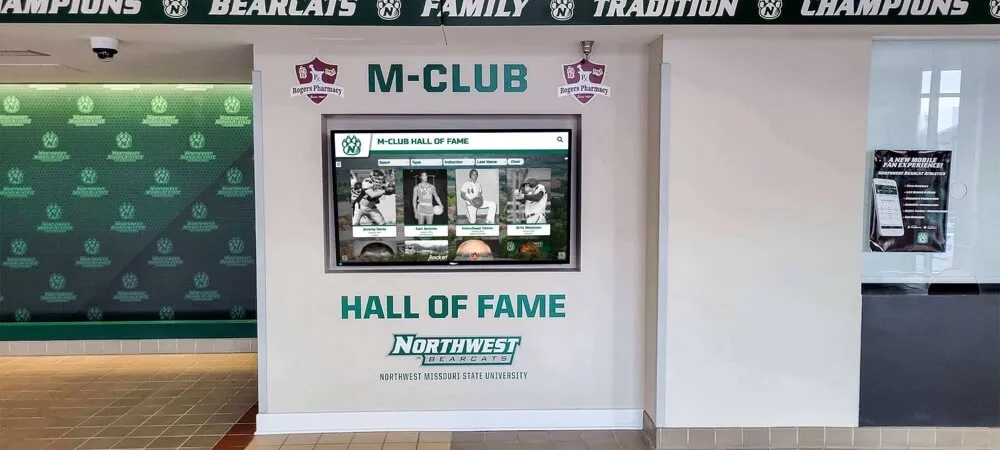
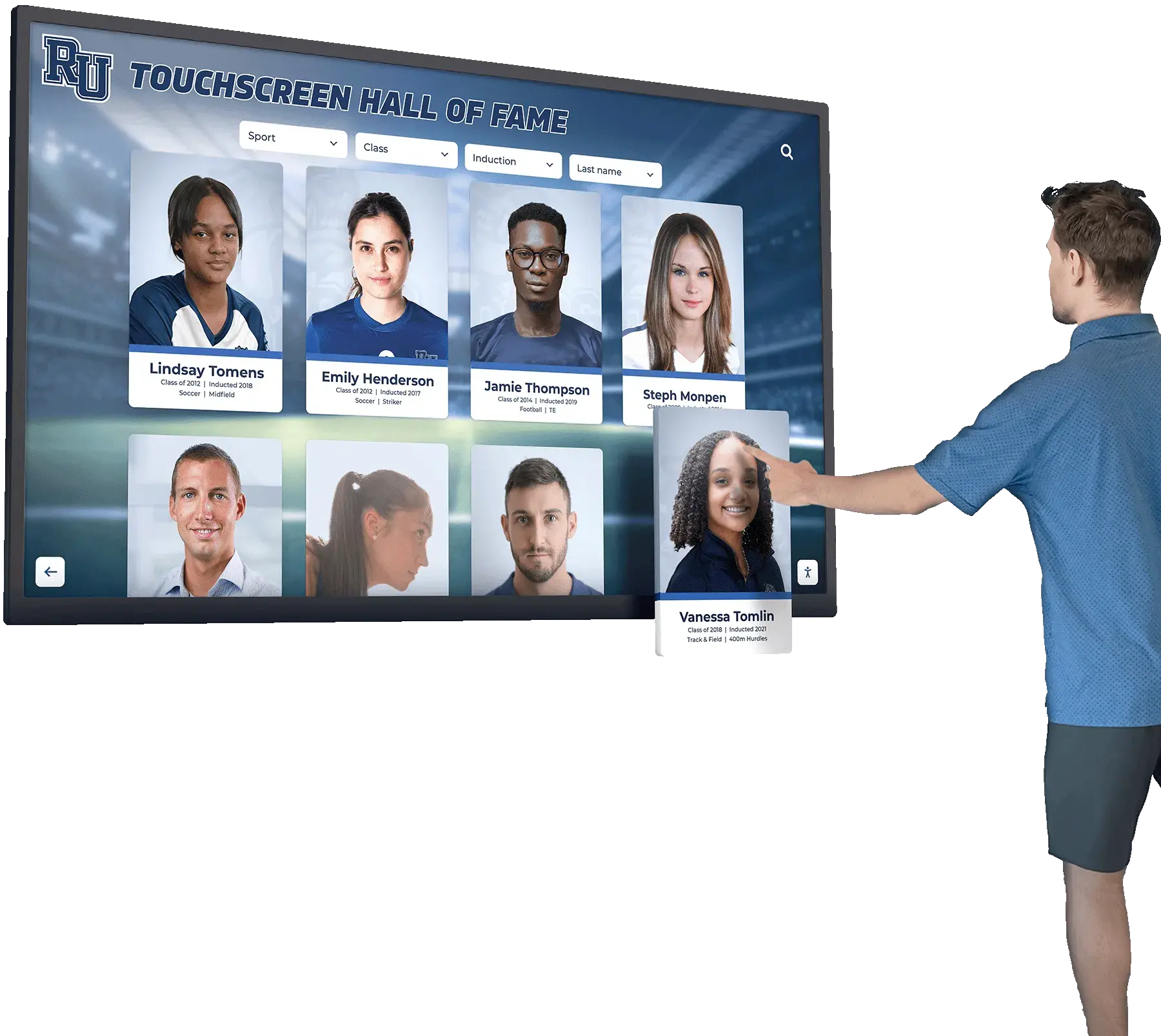
A touchscreen kiosk embedded in a trophy case queries the recognition schema on every load — an unreviewed DDL change to that schema can break display queries without warning, which is the problem the event trigger audit workflow addresses
Why DDL Auditing Matters for Athletic Recognition Schema Integrity
A school’s athletic award schema typically grows over years and across administrators. Award categories are added for new sports; athlete profile tables gain columns for graduation year or jersey number; index structures are tuned for new display query patterns. Each of these is a DDL operation — a schema-level modification distinct from the data changes that athletic staff make daily through INSERT, UPDATE, and DELETE statements.
DML auditing through row-level triggers or transition-table triggers tracks data changes. DDL auditing through event triggers tracks structural changes. Both are necessary for a complete audit posture, but they address different failure modes. A DML audit catches an award record written with the wrong season year. A DDL audit catches the column rename that made the season year field inaccessible to display queries.
For recognition programs that produce large award data exports as part of their annual review cycle, schema changes to the underlying tables have direct implications for cursor-based export operations: as covered in the Athletic Awards Database PostgreSQL Cursor Policy and Large Export Guide, column structure and type compatibility in the recognition schema directly affect cursor behavior during bulk exports. A documented DDL audit trail ensures that schema changes affecting those export workflows are detected before they silently alter export output.
Event Triggers Versus DML Triggers: A Necessary Distinction
PostgreSQL event triggers and row-level DML triggers serve fundamentally different purposes and fire under entirely different conditions. Treating them as interchangeable leads to gaps in both schema and data auditing.
DML triggers (BEFORE / AFTER INSERT, UPDATE, DELETE) fire in response to data changes on a specific table. They can access individual rows (FOR EACH ROW) or transition tables containing the full batch (FOR EACH STATEMENT with REFERENCING OLD TABLE / NEW TABLE). They do not fire for schema changes and have no visibility into DDL operations.
Event triggers fire in response to DDL events — changes to the database schema — rather than data changes. They are not attached to a specific table; they fire for matching DDL operations across the entire database. The event trigger function receives no row data because no rows are being changed; instead, the function calls PostgreSQL-provided helper functions to retrieve the details of the DDL command that fired it.
The key points of difference for athletic awards database management:
| DML Row or Statement Trigger | PostgreSQL Event Trigger | |
|---|---|---|
| What fires it | INSERT, UPDATE, DELETE on a table | CREATE, ALTER, DROP (DDL statements) |
| Scope | Specific table | Entire database |
| Row access | OLD/NEW rows or transition tables | None — helper functions only |
| Timing options | BEFORE, AFTER, INSTEAD OF | ddl_command_start, ddl_command_end, sql_drop, table_rewrite |
| Superuser required to create | No | Yes |
| Can filter by command tag | No | Yes, via WHEN TAG IN |
For school IT teams managing both data quality and schema stability, both trigger types belong in a comprehensive database governance framework — but neither replaces the other.
The Two Primary Audit Mechanisms
ddl_command_end and pg_event_trigger_ddl_commands()
The ddl_command_end event fires after a DDL command has executed — the schema change has already taken effect — but before the surrounding transaction commits. As documented in the PostgreSQL 17 event trigger overview, event triggers of this type fire for a broad set of DDL command tags including CREATE TABLE, ALTER TABLE, CREATE INDEX, DROP INDEX, and others. A trigger function attached to ddl_command_end calls pg_event_trigger_ddl_commands() to retrieve a result set describing every DDL command executed in the triggering statement.
Each row returned by pg_event_trigger_ddl_commands() includes:
command_tag— the SQL command type (e.g.,ALTER TABLE,CREATE INDEX)object_type— the type of the affected object (table,index,constraint, etc.)schema_name— the schema in which the object livesobject_identity— a fully qualified identifier for the objectin_extension— boolean flag indicating whether the command was part of aCREATE EXTENSIONorALTER EXTENSIONscriptcommand— the parsed command tree (an opaque type, for advanced inspection)
The in_extension flag is useful for filtering: DDL changes made during extension installation are expected schema modifications, not the ad-hoc changes a DDL audit is designed to catch. A well-designed audit trigger filters out in_extension = true rows to avoid log noise from routine extension management.
sql_drop and pg_event_trigger_dropped_objects()
The sql_drop event fires for any DDL statement that drops one or more database objects. It fires within the same transaction as the DROP command, and before the ddl_command_end event for the same statement. A trigger attached to sql_drop calls pg_event_trigger_dropped_objects() to retrieve the list of objects being dropped.
sql_drop provides access to dropped objects that would otherwise not be visible after the drop completes — because by the time ddl_command_end fires, the objects are already gone. For recognition schemas, this matters when a DROP TABLE or DROP COLUMN removes a structure that display queries or export procedures depend on.
The full syntax for creating event triggers on these events — including the optional WHEN TAG IN (...) clause that restricts which DDL command tags fire the trigger — is documented in the PostgreSQL 17 CREATE EVENT TRIGGER reference.
Step-by-Step: Athletic Awards Database PostgreSQL Event Trigger Audit Workflow
Step 1 — Create the DDL Audit Log Table
The audit table captures one row per DDL command detected by the event trigger, with enough context for a DBA to reconstruct what changed and who was connected when it happened.
CREATE TABLE award_schema_ddl_audit (
    audit_id        BIGSERIAL    PRIMARY KEY,
    event_time      TIMESTAMPTZ  NOT NULL DEFAULT NOW(),
    event_name      TEXT         NOT NULL,
    command_tag     TEXT,
    object_type     TEXT,
    schema_name     TEXT,
    object_identity TEXT,
    in_extension    BOOLEAN,
    db_user         TEXT         NOT NULL DEFAULT CURRENT_USER,
    application     TEXT         DEFAULT CURRENT_SETTING('application_name', true),
    review_status   TEXT         NOT NULL DEFAULT 'pending'
);
The review_status column moves from pending to reviewed or flagged during the DBA’s post-event review cycle. The db_user and application columns record who was connected when the DDL executed — useful when multiple administrators share access to the recognition database.
Step 2 — Write the ddl_command_end Trigger Function
Event trigger functions must return the special event_trigger type rather than a row value. The function receives no argument representing the DDL; it calls pg_event_trigger_ddl_commands() to retrieve command details.
CREATE OR REPLACE FUNCTION audit_recognition_ddl()
RETURNS event_trigger
LANGUAGE plpgsql
AS $$
DECLARE
    r RECORD;
BEGIN
    FOR r IN SELECT * FROM pg_event_trigger_ddl_commands() LOOP
        -- Skip DDL executed as part of extension scripts
        IF r.in_extension THEN
            CONTINUE;
        END IF;

        INSERT INTO award_schema_ddl_audit (
            event_name,
            command_tag,
            object_type,
            schema_name,
            object_identity,
            in_extension
        ) VALUES (
            TG_EVENT,
            r.command_tag,
            r.object_type,
            r.schema_name,
            r.object_identity,
            r.in_extension
        );
    END LOOP;
END;
$$;
TG_EVENT inside an event trigger function holds the name of the event that fired the trigger (ddl_command_end, sql_drop, etc.). This is a special variable available inside event trigger functions, distinct from the TG_OP variable used in DML trigger functions.
Step 3 — Write the sql_drop Trigger Function
A second trigger function covers DROP operations, capturing object details before they are removed.
CREATE OR REPLACE FUNCTION audit_recognition_drops()
RETURNS event_trigger
LANGUAGE plpgsql
AS $$
DECLARE
    r RECORD;
BEGIN
    FOR r IN SELECT * FROM pg_event_trigger_dropped_objects() LOOP
        INSERT INTO award_schema_ddl_audit (
            event_name,
            object_type,
            schema_name,
            object_identity,
            in_extension
        ) VALUES (
            TG_EVENT,
            r.object_type,
            r.schema_name,
            r.object_identity,
            false
        );
    END LOOP;
END;
$$;
Step 4 — Create the Event Triggers (Superuser Required)
Only a superuser can execute CREATE EVENT TRIGGER. If the account creating triggers does not have superuser privileges, the command fails. This restriction is by design — event triggers affect every DDL operation on the database, so their creation is limited to superusers.
-- Must be connected as a superuser
CREATE EVENT TRIGGER trg_award_ddl_log
ON ddl_command_end
EXECUTE FUNCTION audit_recognition_ddl();

CREATE EVENT TRIGGER trg_award_drop_log
ON sql_drop
EXECUTE FUNCTION audit_recognition_drops();
To filter the ddl_command_end trigger to command types relevant to the recognition schema, add a WHEN TAG IN clause:
CREATE EVENT TRIGGER trg_award_ddl_log
ON ddl_command_end
WHEN TAG IN (
    'CREATE TABLE', 'ALTER TABLE', 'DROP TABLE',
    'CREATE INDEX', 'DROP INDEX', 'ALTER INDEX',
    'CREATE SEQUENCE', 'DROP SEQUENCE',
    'CREATE TYPE', 'DROP TYPE'
)
EXECUTE FUNCTION audit_recognition_ddl();
Restricting to relevant tags reduces log volume and keeps audit review focused on the objects that recognition display queries actually depend on. The example tags above are illustrative; confirm the tags relevant to your schema before deploying.
Step 5 — Test the Triggers in a Development Environment
Before deploying to a production recognition database, test the trigger functions against non-destructive DDL in a development instance that mirrors the production schema.
-- Test: ALTER TABLE adding a column (reversible)
ALTER TABLE athletic_awards ADD COLUMN test_col TEXT;

-- Verify the audit log captured it
SELECT event_name, command_tag, object_type, schema_name, object_identity, review_status
FROM award_schema_ddl_audit
ORDER BY event_time DESC
LIMIT 5;

-- Clean up the test column
ALTER TABLE athletic_awards DROP COLUMN test_col;
Confirm that both the ADD COLUMN and DROP COLUMN operations appear in the audit log, that the in_extension filter suppresses extension-related DDL, and that the sql_drop trigger captured the column drop before ddl_command_end fired.

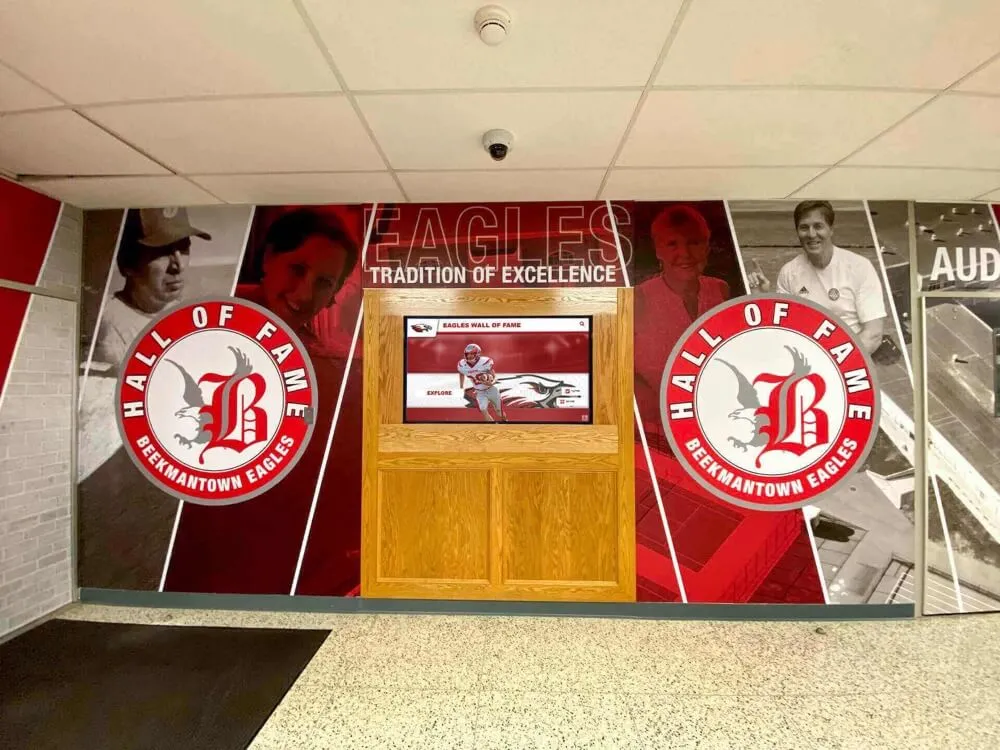
Athletic records displays integrated into school murals depend on consistent schema structure — the event trigger audit captures any DDL change to the underlying recognition tables before the surrounding transaction commits
Step 6 — Establish a DBA Review Cycle for Pending Rows
The audit table accumulates rows with review_status = 'pending' as DDL changes occur. A documented weekly review cycle — where the DBA confirms each row represents an authorized change — closes the loop between detection and accountability.
-- Review pending DDL changes
SELECT audit_id, event_time, command_tag, object_type,
       schema_name, object_identity, db_user, application
FROM award_schema_ddl_audit
WHERE review_status = 'pending'
ORDER BY event_time;

-- Mark a confirmed authorized change
UPDATE award_schema_ddl_audit
SET review_status = 'reviewed'
WHERE audit_id = <specific_id>;

-- Flag an unexpected change for investigation
UPDATE award_schema_ddl_audit
SET review_status = 'flagged'
WHERE audit_id = <specific_id>;
A review cycle separate from the DDL event itself is appropriate for most school recognition programs. Real-time blocking via RAISE EXCEPTION is reserved for high-risk scenarios such as production schema changes during an active recognition event window.
Step 7 — Optional: Abort Unauthorized DDL with RAISE EXCEPTION
Because ddl_command_end fires after the DDL executes but before the transaction commits, a trigger function that raises an exception rolls back the DDL entirely. This turns the audit trigger into an enforcement gate for specific command types. An example that blocks column drops on core recognition tables:
CREATE OR REPLACE FUNCTION enforce_ddl_review_gate()
RETURNS event_trigger
LANGUAGE plpgsql
AS $$
DECLARE
    r RECORD;
BEGIN
    FOR r IN SELECT * FROM pg_event_trigger_ddl_commands() LOOP
        IF r.command_tag = 'ALTER TABLE'
           AND r.schema_name = 'public'
           AND NOT r.in_extension THEN
            INSERT INTO award_schema_ddl_audit (
                event_name, command_tag, object_type,
                schema_name, object_identity, in_extension, review_status
            ) VALUES (
                TG_EVENT, r.command_tag, r.object_type,
                r.schema_name, r.object_identity, r.in_extension, 'blocked'
            );

            RAISE EXCEPTION
                'DDL review gate: ALTER TABLE on % blocked — submit change request for DBA review.',
                r.object_identity;
        END IF;
    END LOOP;
END;
$$;
Use this pattern selectively. A blanket block on all ALTER TABLE commands on production is disruptive; a targeted block on specific tables during ceremony windows is a defensible, scoped rule.
Evidence and Decision Table: Selecting the Right Event and Function
| Scenario | Event to Use | Helper Function | Notes |
|---|---|---|---|
| Audit any CREATE or ALTER on schema objects | ddl_command_end | pg_event_trigger_ddl_commands() | Filter in_extension = true rows |
| Capture objects before they are dropped | sql_drop | pg_event_trigger_dropped_objects() | Fires before ddl_command_end for the same DROP |
| Intercept a DROP before execution | ddl_command_start | None available | No command detail; limited audit value |
| Block unauthorized DDL in a ceremony window | ddl_command_end + RAISE EXCEPTION | pg_event_trigger_ddl_commands() | Rolls back DDL and the triggering transaction |
| Filter audit to specific command types | WHEN TAG IN (...) clause | N/A | Reduces log noise to relevant object types |
| Audit table changes but not index creation | Separate triggers with distinct TAG lists | Both functions | More granular control per trigger |
| Detect DDL on shared objects (databases, roles) | Not possible with event triggers | N/A | Requires server-level logging instead |
| Detect modifications to event triggers themselves | Not possible via event triggers | N/A | Monitor pg_event_trigger catalog separately |
Shared-Object Exceptions and Unsupported Commands
Not every DDL operation fires a PostgreSQL event trigger. Understanding the exclusions is as important as knowing what is captured.
Shared objects: DDL commands affecting shared objects — CREATE DATABASE, DROP DATABASE, CREATE ROLE, ALTER ROLE, CREATE TABLESPACE — do not fire event triggers. These objects are not owned by a single database and fall outside the scope of database-level event triggers. Changes to roles and databases that could affect recognition database access must be tracked through other means, such as the PostgreSQL server-level statement log (log_statements = 'ddl' in postgresql.conf) or an external audit system.
Event trigger commands themselves: CREATE EVENT TRIGGER, ALTER EVENT TRIGGER, and DROP EVENT TRIGGER do not fire event triggers. This means that the triggers protecting the recognition schema cannot detect when someone creates or removes the audit triggers themselves. Monitoring the pg_event_trigger system catalog through a scheduled check is the practical way to detect unauthorized trigger modifications.
Commands not in the supported list: PostgreSQL documents that certain DDL commands are not supported by event triggers for a given event type. The supported command tag list is version-specific and should be verified against the documentation for the PostgreSQL version in use. The event trigger audit log is a record of captured changes for supported command types — not a guarantee of complete DDL coverage for every possible schema modification.

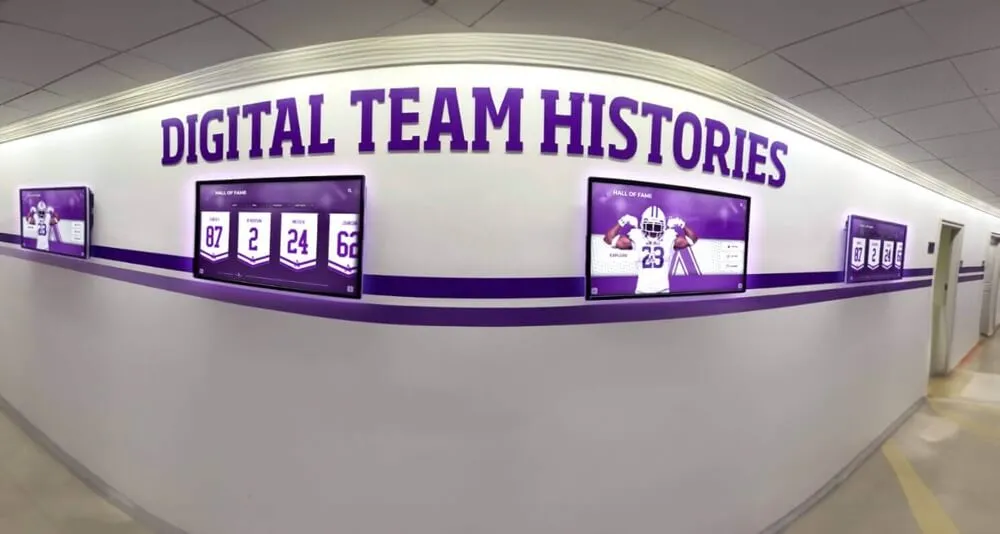
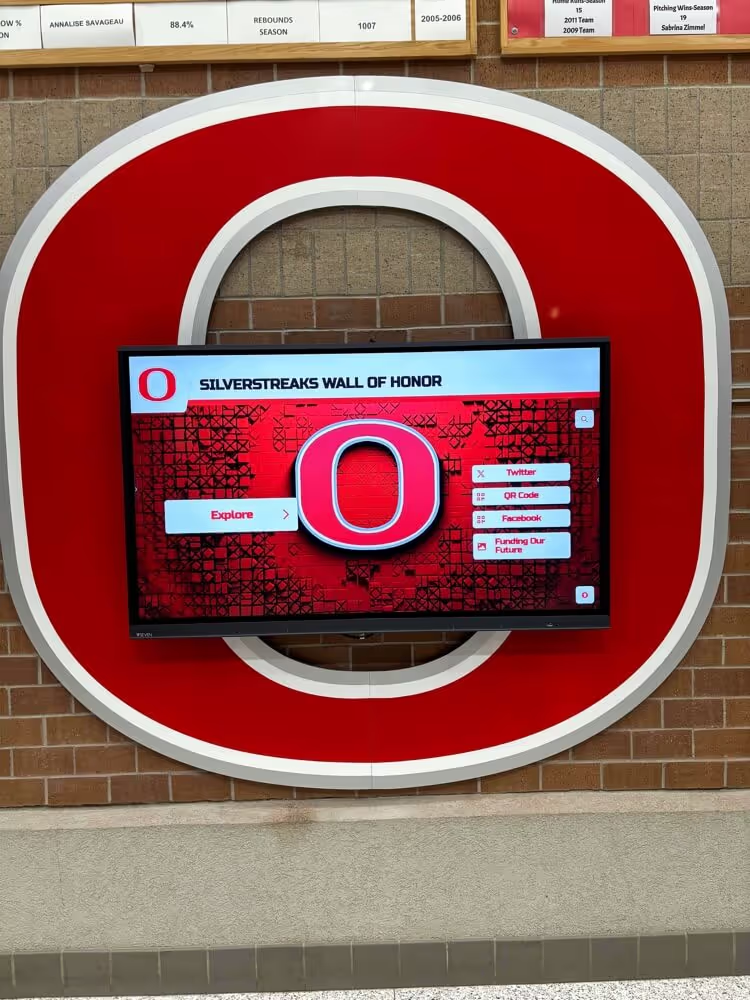
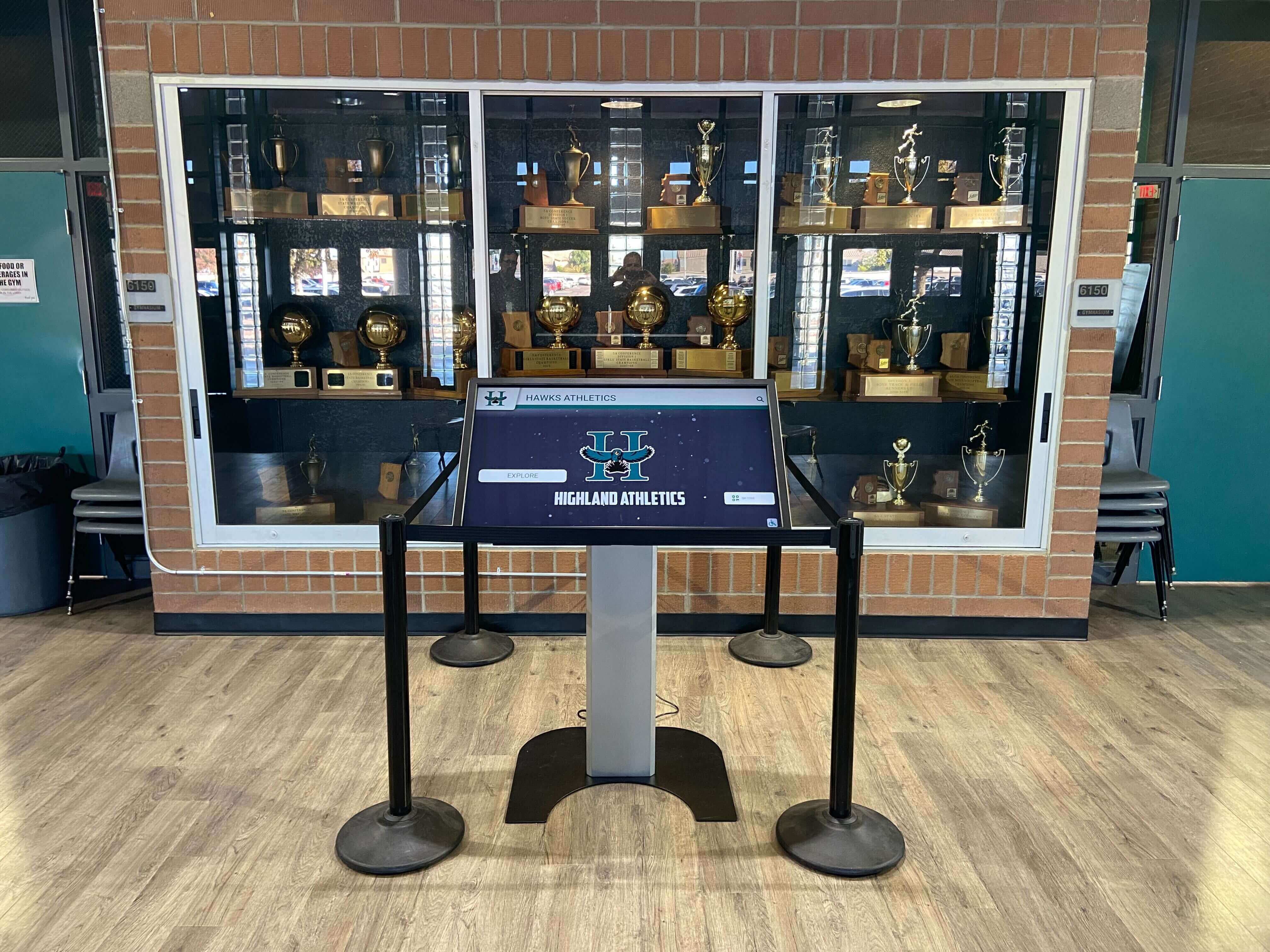
Recognition displays depend on schema stability — event trigger auditing records DDL changes that could affect the queries behind this wall of honor display, providing a documented review trail for each structural modification
Before-Commit Timing, Rollback Behavior, and Superuser Requirements
Timing Within the Transaction
ddl_command_end fires after the DDL has executed but within the same transaction as the DDL statement. The following sequence describes what happens when an administrator runs ALTER TABLE athletic_awards DROP COLUMN legacy_flag:
- The
ALTER TABLEstatement executes — the column is removed from the schema in the current transaction. - The
sql_dropevent fires —pg_event_trigger_dropped_objects()returns the dropped column details. - The
ddl_command_endevent fires —pg_event_trigger_ddl_commands()returns the ALTER TABLE command details. - If any event trigger function raises an exception, the entire transaction is rolled back — the column drop is reversed, and any audit rows written by the trigger are also rolled back.
- If no exception is raised and the administrator commits, the DDL becomes permanent.
The event trigger audit table write and the DDL change succeed or fail together within the same transaction.
Rollback Behavior
A RAISE EXCEPTION inside a ddl_command_end trigger function rolls back the DDL and everything else in the current transaction, including the audit log row the trigger wrote. For recognition programs that need a permanent record of blocked DDL attempts, the log write must happen through a separate concurrent database connection before the rollback. PostgreSQL does not natively support autonomous sub-transactions within PL/pgSQL, so this is a deliberate design choice rather than a limitation to work around.
Superuser Requirement
CREATE EVENT TRIGGER requires superuser privileges. A regular database user or an application account with table-level privileges cannot create event triggers, regardless of whether they own the tables the triggers would protect. The DBA account used to set up audit trigger infrastructure must be a PostgreSQL superuser. This also means that revoking superuser from regular application accounts — a recommended security practice — does not protect the event trigger setup from someone who does retain superuser access.
Pre-Deployment Checklist: DDL Event Trigger Setup
Work through each item before deploying event trigger auditing to a production recognition database.
- Confirm PostgreSQL version —
ddl_command_endandsql_dropevent triggers are available from PostgreSQL 9.3; verify the specific command tags supported in your deployed version - Connect as a superuser — confirm the account has superuser privileges before running
CREATE EVENT TRIGGER - Create the audit log table in the correct schema — place it where the reviewing DBA has query access but application accounts cannot write to it directly
- Write and test trigger functions in a development environment before production deployment
- Confirm
in_extensionfiltering is in place to suppress noise from extension management DDL - Verify the
sql_droptrigger captures column and constraint drops on core recognition tables - Document shared-object DDL exclusions in the review policy — changes to roles and databases require separate monitoring
- Check that
pg_event_triggercatalog entries exist for all expected triggers after deployment - Establish a scheduled DBA review cycle for
review_status = 'pending'rows - Confirm that
WHEN TAG INfilters cover the command tags relevant to the recognition schema objects display queries depend on
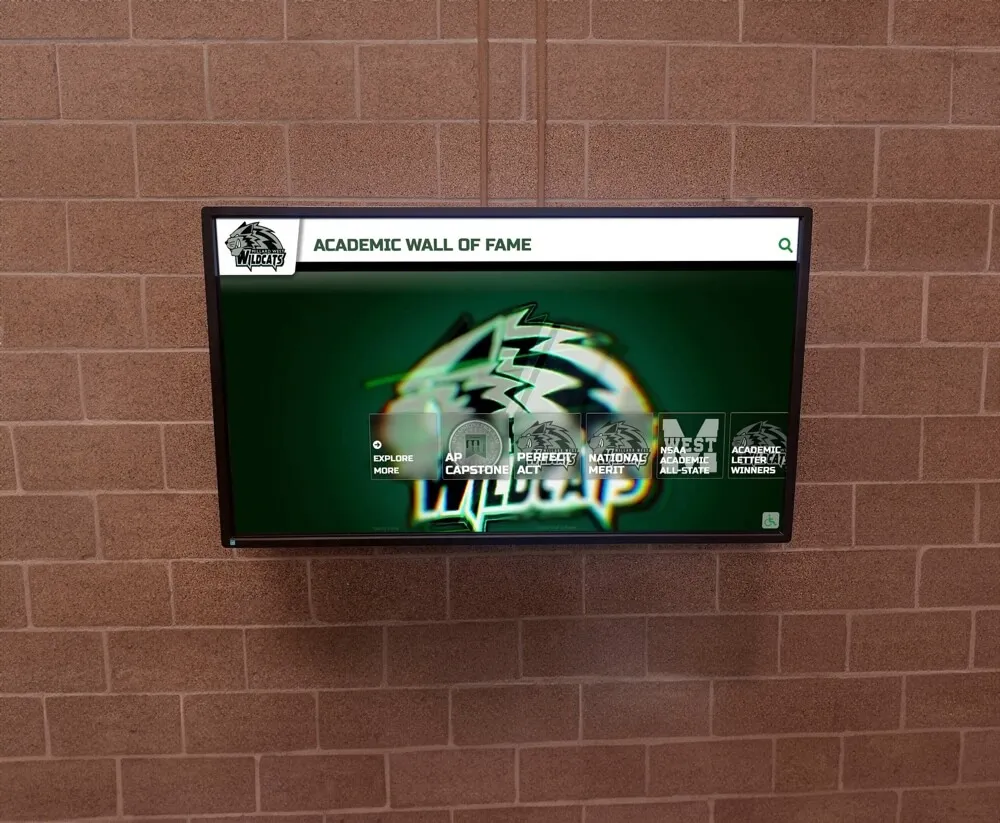
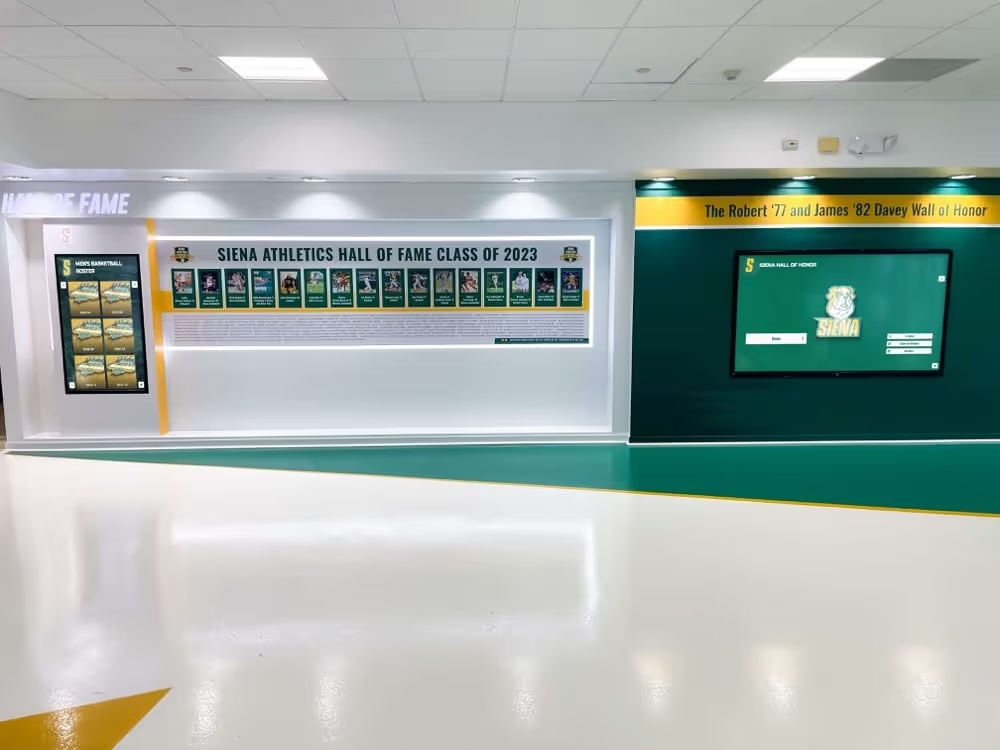
A wall of fame display like this one executes recognition queries against a schema that must remain stable — DDL event trigger auditing documents structural changes to that schema so the DBA can review them before the next scheduled display refresh
Connecting DDL Auditing to Recognition Event Planning
For schools whose digital recognition displays are part of how they celebrate athletic achievement at ceremonies and banquets, schema stability is a quiet prerequisite for a smooth recognition event. When a DDL change breaks a display query shortly before an awards ceremony begins, the failure is visible to families and athletes in the room.
Teams planning recognition ceremonies benefit from schema change windows coordinated around the event calendar — a practice that aligns with the broader event logistics covered in Awards Ceremony Ideas: How to Plan an Engaging Recognition Event for Schools and Organizations, where display readiness is one part of a larger coordination effort.
The same principle applies when schools plan the full ceremony program: as discussed in Awards Ceremony Planning: How to Host a Memorable Recognition Event That Celebrates Achievement and Inspires Excellence, the data behind recognition displays needs to be confirmed stable and correct before the event, not during it. A DDL audit trail showing no schema changes in the 48 hours before a ceremony is a meaningful operational checkpoint.
For programs coordinating digital wall displays as part of annual school recognition events, the planning guidance in Awards Ceremony Ideas: How to Plan a Memorable School Recognition Event in 2025 addresses event-day display management from the recognition staff perspective — a complement to the database-layer stability that the event trigger audit workflow provides.
Physical award preservation belongs in the same recognition stewardship conversation as digital schema integrity. Schools that maintain historic trophies alongside database-backed recognition displays will find the preservation guidance in Historic Glass Trophy Crizzling Triage: When School Awards Need a Conservator addresses the physical side of what makes school recognition collections durable over time.
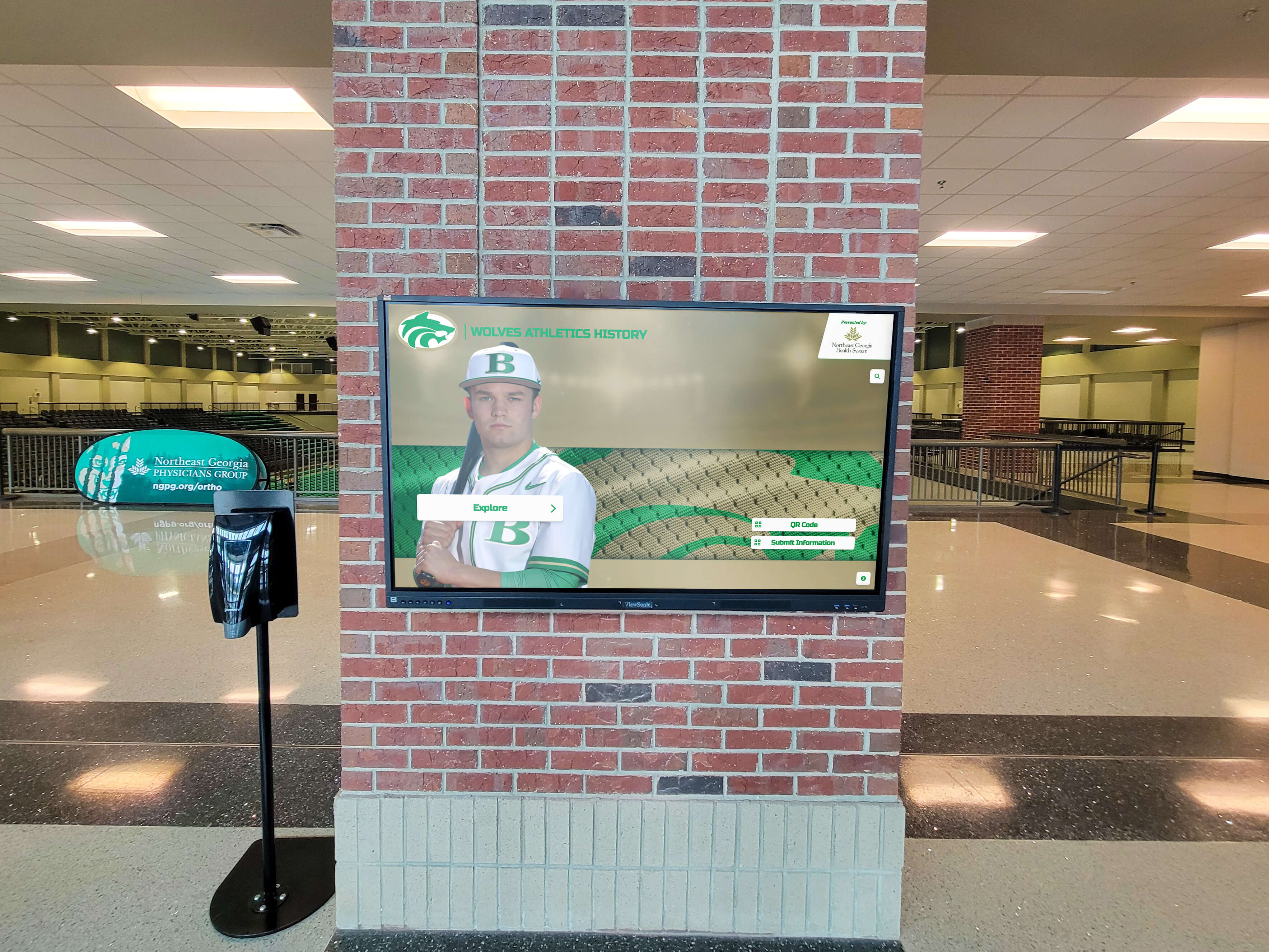
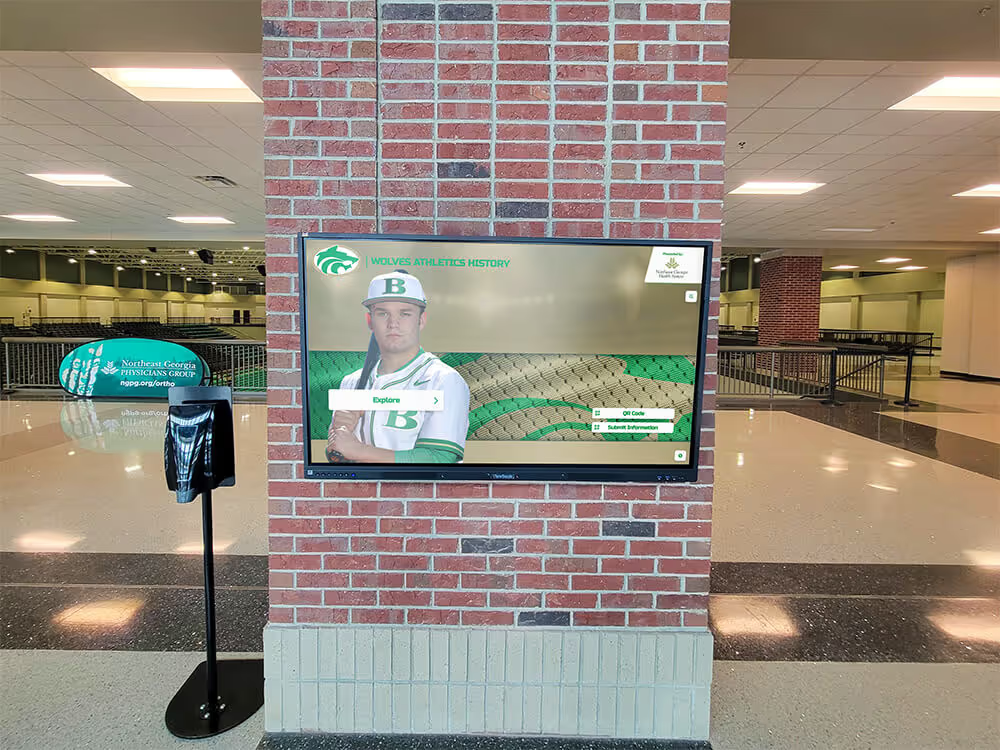
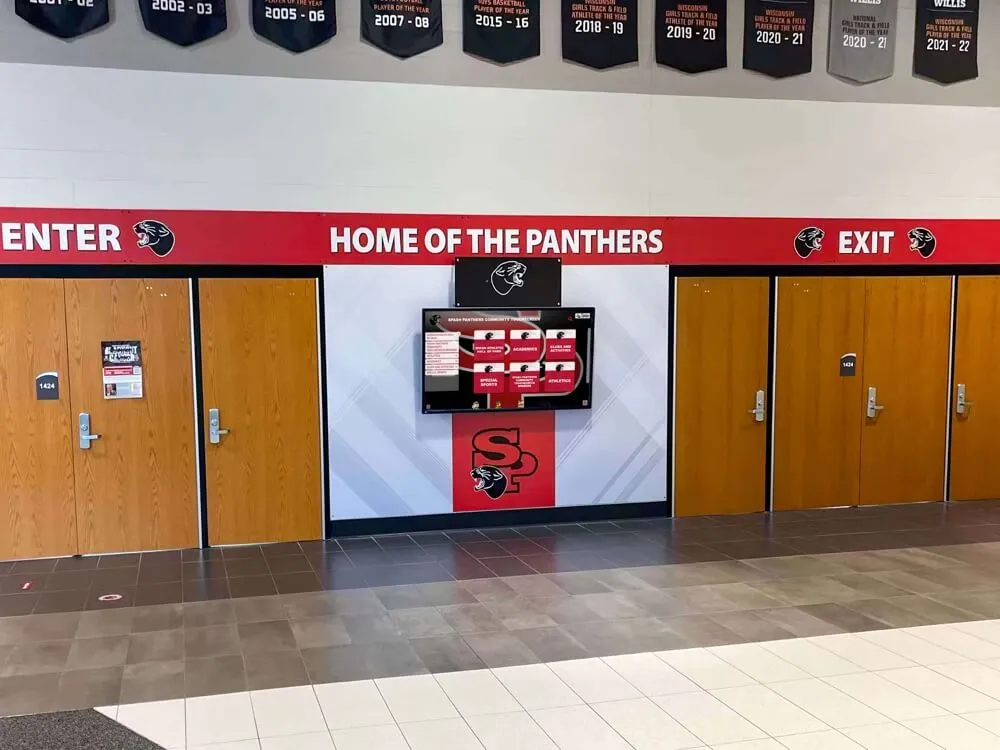
Arena lobby recognition displays draw on the same recognition schema that event triggers protect — DDL audit coverage ensures the structural changes powering or breaking these queries are documented and reviewed
Frequently Asked Questions
What is an athletic awards database PostgreSQL event trigger audit?
An athletic awards database PostgreSQL event trigger audit uses PostgreSQL event triggers on the ddl_command_end and sql_drop events to log DDL schema changes — table alterations, column drops, index modifications — to a review table as they occur. The trigger function calls pg_event_trigger_ddl_commands() or pg_event_trigger_dropped_objects() to retrieve command details and writes them to an audit table. The goal is a documented, DBA-reviewable record of every structural change to the recognition schema that display queries depend on.
How does ddl_command_end differ from ddl_command_start for schema auditing?
ddl_command_end fires after the DDL has executed, within the same transaction, giving the trigger function access to the completed command details through pg_event_trigger_ddl_commands(). ddl_command_start fires before the DDL executes, but no helper function is available at that point to retrieve command specifics. For auditing purposes, ddl_command_end is the correct event because it captures what actually changed. A RAISE EXCEPTION inside a ddl_command_end trigger still rolls back the DDL, even though it has already executed in the current transaction.
Why doesn’t a PostgreSQL event trigger capture DDL on databases or roles?
Event triggers are database-level objects and only fire for DDL affecting objects within the database where the trigger is installed. Shared objects — databases, roles, and tablespaces — are not owned by any single database and fall outside event trigger scope. DDL changes to roles and databases must be captured through other mechanisms, such as server-level statement logging (log_statements = 'ddl' in postgresql.conf).
Does a ddl_command_end trigger capture every DDL command on the database?
No. Shared-object DDL (CREATE DATABASE, CREATE ROLE, CREATE TABLESPACE) is excluded. Commands that create, alter, or drop event triggers themselves are also excluded. The event trigger audit log is a record of captured changes for supported command types — not a guarantee of complete DDL coverage for every possible schema modification.
Can a school DBA without superuser privileges set up event triggers?
No. CREATE EVENT TRIGGER requires superuser privileges. A database user with full ownership of the athletic awards tables cannot create event triggers without superuser access. The account responsible for setting up the audit infrastructure must be a PostgreSQL superuser, or a superuser must run the CREATE EVENT TRIGGER commands on their behalf.
See How Rocket Alumni Solutions Manages Recognition Database Updates
Rocket Alumni Solutions builds digital hall of fame and athletic recognition platforms for schools. Request a demo to see how recognition schema changes, award data imports, and display refreshes are managed — and to ask how the platform approaches database governance for your school's recognition program.