



An athletic awards database large object cleanup policy defines the sequence for safely identifying and removing PostgreSQL OID-backed large objects that no longer have any referencing row — while guaranteeing that photos still tied to active hall-of-fame inductee profiles, championship displays, and historical team collections are never deleted. Schools and athletic departments that maintain athlete recognition databases over many years accumulate silent orphans from routine record deletions, season migrations, and data corrections. A written policy brings that accumulation under controlled governance before it becomes a disk-space or data-integrity problem.
This guide is written for athletic directors, recognition program owners, and the qualified IT, archives, or facilities staff who support them. It covers what PostgreSQL large objects are and how they differ from TOAST, bytea, and external object storage; how orphaned large objects accumulate in a school recognition database; a five-step cleanup policy with decision checkpoints; the shared-reference problem that makes vacuumlo insufficient on its own; and the lo_manage trigger as a preventive long-term measure. SQL examples throughout are explanatory — they describe concepts, not commands to run against a production database without qualified review.
When a player’s induction record is deleted from an athletic hall-of-fame database but the photo file stored as a PostgreSQL large object is not removed along with it, the photo file persists in pg_largeobject indefinitely. It consumes storage, appears in backup snapshots, and becomes invisible to the recognition system that originally uploaded it — neither referenced by any row nor identified by any administrative tool that looks only at application tables. Over a decade of roster changes, season transitions, and periodic data migrations in a school athletic database, hundreds of such orphans can accumulate with no visible signal that anything needs attention.

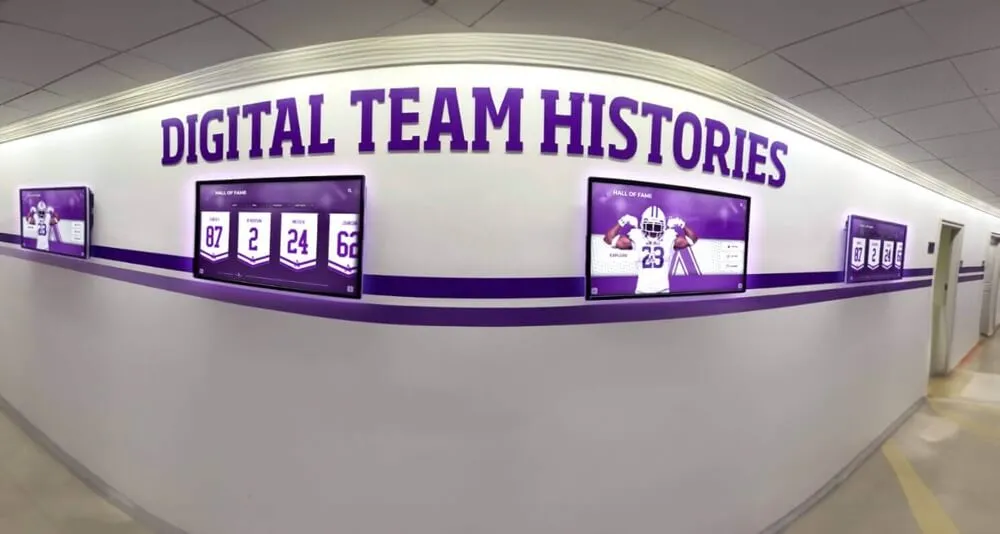
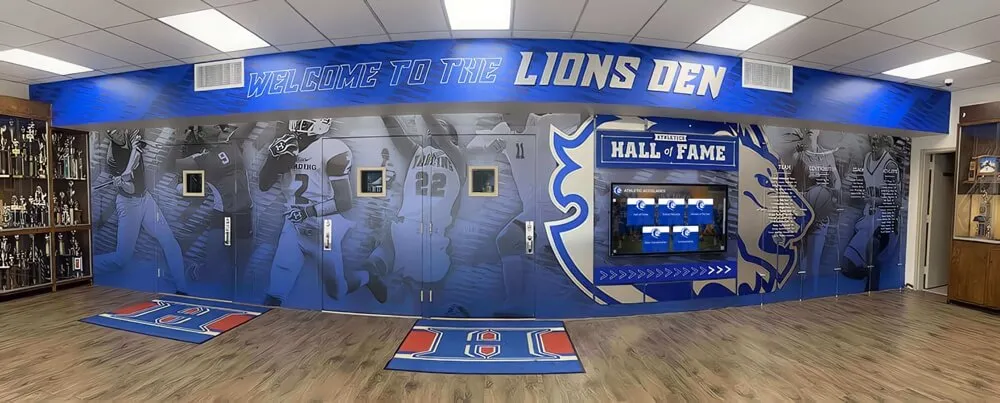
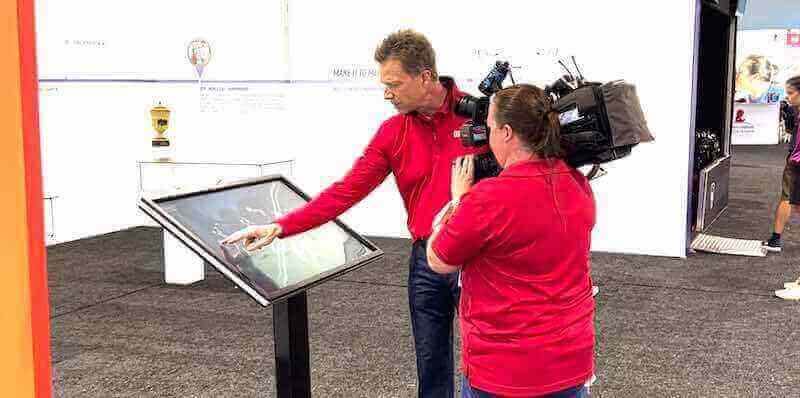
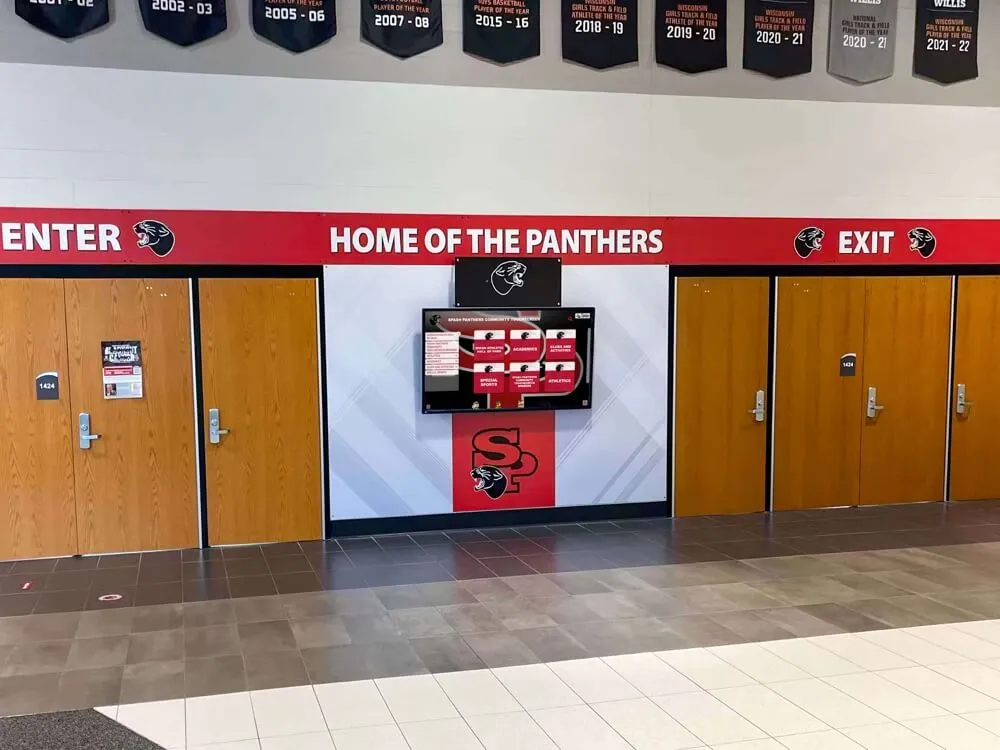
The records and photos displayed on a school athletic hallway screen have a database history that spans years — a large-object cleanup policy ensures that photos still feeding live displays are identified before any removal sweep runs
What PostgreSQL Large Objects Are — and What They Are Not
The term “large object” means something specific in PostgreSQL, and it is important for athletic directors and their IT partners to understand the distinction before any cleanup decision is made.
PostgreSQL large objects are binary data values stored in the system catalog pg_largeobject, referenced by a numeric OID (object identifier). Application tables store the OID — a small integer — in a column typed as oid or as the lo domain type. The actual file content lives separately in the large object catalog. This two-part structure means that deleting the row containing the OID does not automatically delete the large object content unless a trigger or application logic explicitly issues lo_unlink() to remove it.
This is not the same as:
| Storage Mechanism | What It Is | How Cleanup Works |
|---|---|---|
| PostgreSQL TOAST | Automatic row overflow storage for values larger than ~2 KB (long text, wide jsonb) | Cleaned automatically when the parent row is deleted — no policy needed |
| bytea column | Binary data stored inline in the table row | Deleted automatically when the row is deleted — no policy needed |
| External object storage (S3, GCS, Azure Blob) | Files stored outside the database, referenced by URL string in a table column | Requires separate application-layer or cloud-provider lifecycle policy — outside PostgreSQL’s scope |
PostgreSQL large objects (pg_largeobject) | Binary content stored in the system catalog, referenced by OID in an application column | Not automatically cleaned on row delete — requires explicit lo_unlink(), the lo_manage trigger, or periodic vacuumlo sweeps |
This guide addresses only the fourth row — OID-backed large objects stored in pg_largeobject. Schools using a recognition platform that stores athlete photos in external object storage (referenced by URL in a varchar column) do not have a PostgreSQL large object cleanup problem; they have an entirely different lifecycle question that belongs to the object storage tier, not the database cleanup policy.
For a comparable discussion of how DNS record states can affect the visibility of recognition displays, school recognition display DNS negative caching checklist covers the network-side conditions that complement database-layer governance.
How Orphaned Large Objects Accumulate in a School Athletic Database
Understanding why orphans accumulate makes the cleanup policy easier to apply — and helps IT staff explain the risk to athletic directors in plain terms.
The default PostgreSQL behavior. When an application inserts a photo as a large object, it calls lo_create() or an equivalent driver function, receives a new OID, and stores that OID in an athlete profile row. If the profile row is later deleted — because the inductee record was merged, corrected, or removed during a data migration — the row is gone, but the large object in pg_largeobject remains. PostgreSQL has no built-in foreign-key relationship between application rows and large object OIDs. No constraint enforces the connection, and no cascade triggers automatically.
Common accumulation scenarios in athletic recognition databases:
- Inductee record deletion during a data correction. A duplicated athlete profile is identified and the duplicate is deleted. The original photo, uploaded before the duplicate was discovered, remains as an orphan.
- Season migration without cleanup. A school migrates from one recognition platform to another. Old athlete records are exported, cleaned, and re-imported. Photos uploaded to the old system’s large object store that did not survive the export mapping are now orphaned.
- Photo replacement without lo_unlink. An athletic director uploads a new headshot for a returning award winner. The application creates a new large object and updates the OID in the athlete row. If the application did not call
lo_unlink()on the old OID before overwriting it, the old photo is now an orphan. - TRUNCATE or DROP TABLE operations. Unlike individual row deletes,
TRUNCATEandDROP TABLEbypass row-level triggers. If thelo_managetrigger (discussed below) was in place, it does not fire for these operations, leaving all previously referenced large objects as orphans in a single operation.

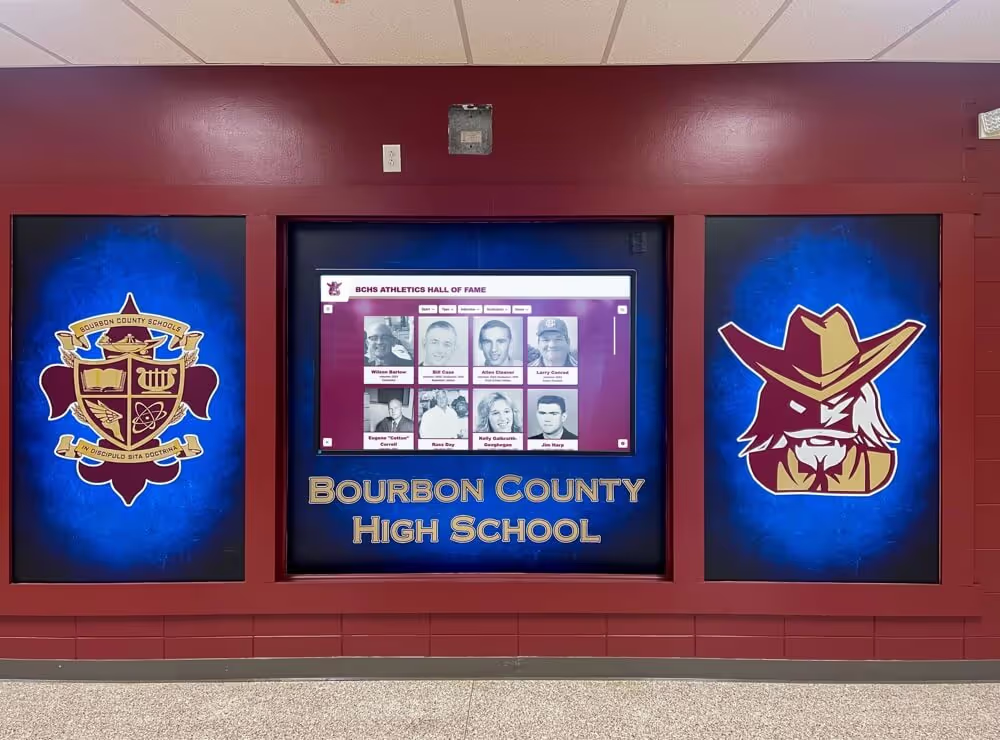
Every athlete portrait visible on a recognition display has a corresponding large object OID in the database — a cleanup policy must confirm that OID still appears in an active row before the large object is removed
The Five-Step Athletic Awards Large-Object Cleanup Policy
The following steps form a complete athletic awards database large object cleanup policy. Each step must be completed and reviewed before the next begins. Qualified database staff should execute all SQL operations; these steps are written so that athletic directors and program owners can understand what is being done and why.
Step 1: Inventory Which Columns Store Large Object References
Before any cleanup can be evaluated, someone must confirm exactly which table columns contain OIDs that reference large objects. This is not self-evident from the application interface — it requires inspecting the database schema.
The qualified IT administrator should produce a written inventory listing:
- Every table that contains a column typed
oidorlo - The column name, table name, and what the large object is intended to represent (headshot, team photo, certificate scan, etc.)
- Whether the column is nullable, and what a null value means in the context of the record
This inventory becomes the reference document for Step 3 (shared reference review) and for future cleanup cycles. Without it, the person running vacuumlo cannot know whether a column that stores OIDs was missed in the scan.
Why this matters for school recognition databases: Some recognition systems store headshots in a lo-typed column on the athlete profile table. Others store team photos in a separate media table. Some store scanned certificates or historical program covers as large objects in a documents table. A cleanup policy that scans only the athlete profile table will miss orphans in the media and documents tables — and will also miss references, treating some still-in-use large objects as orphaned candidates if those tables are not included in the scan.
For athletic programs that manage inductee profiles with rich media across multiple collections, digital hall of fame language of parts audit for inductee profiles provides a framework for auditing which fields and assets are connected to each display component — useful context when mapping which database columns correspond to which visible elements.
Step 2: Run vacuumlo in Dry-Run Mode
Once the reference inventory is complete, the next step is to run vacuumlo — the PostgreSQL utility designed specifically to identify orphaned large objects — in dry-run mode. The --dry-run flag (-n) produces a report of which large object OIDs would be deleted without making any changes to the database.
The dry-run command takes the form:
vacuumlo -n -v database_name
The -v flag (verbose) produces progress messages that show how many large objects were found in pg_largeobject and how many were matched to a referencing column during the scan.
What vacuumlo does internally. According to the PostgreSQL vacuumlo documentation, the utility:
- Builds a temporary table of all OIDs currently stored in
pg_largeobject - Scans every column typed
oidorloin the database and removes matching OIDs from the temporary table - Any OID remaining in the temporary table after all columns have been scanned is considered orphaned
- In dry-run mode, it reports those OIDs without deleting them; in live mode, it deletes them
The dry-run output gives the IT administrator and athletic director a count of candidate orphans and the OIDs involved, which feeds directly into Step 3.
Step 3: Review Dry-Run Output for Shared References and Missed Columns
The dry-run output alone is not sufficient to authorize deletion. Two additional checks are required:
Check 1 — Shared OIDs. A single large object OID can appear in more than one row. If athlete ID 201 and athlete ID 202 both reference OID 8844 (hypothetically, a team photo used for both profiles), deleting OID 8844 would remove the photo from both active profiles. vacuumlo will correctly identify OID 8844 as referenced and exclude it from the deletion candidate list as long as at least one column in the scanned tables contains that OID. But if the team photo table is one of the tables that was not included in the column-typed scan (for example, because it uses a column typed as bigint to store the OID rather than the oid type), vacuumlo would not see the reference and might flag OID 8844 as an orphan candidate.
This is a documented limitation: the PostgreSQL vacuumlo documentation notes that columns of domain types defined over oid or lo are not scanned unless the domain is the lo type specifically. If the school’s database uses a custom domain (CREATE DOMAIN photo_id AS oid) rather than the lo type directly, references stored in those columns will not be detected by vacuumlo, and live large objects will appear to be orphans.
Check 2 — Inventory completeness. Before proceeding to deletion, the IT administrator should confirm that the reference inventory from Step 1 matches the actual set of columns that vacuumlo scanned. If the inventory lists three tables with OID-reference columns but vacuumlo only scanned two, the third table’s references were not checked and the dry-run output is incomplete.
A practical cross-reference for school programs: Athlete photo archives managed across multiple seasons and recognition events can involve photos that were digitized from film negatives or printed photographs and later uploaded as large objects. Athletic archive photo negative scanning workflow covers the scanning and ingestion process for historical team photography — which is relevant context when evaluating whether dry-run deletion candidates include legitimate historical archive content that was uploaded through a legacy import path rather than the current application interface.
Step 4: Evaluate Each Deletion Candidate Against the Reference Inventory
Before the IT administrator proceeds to Step 5, the athletic director or program owner should review the candidate list against the school’s own records. For a school with a long-standing hall of fame, some large object OIDs flagged as orphans may correspond to photos that were intentionally archived — photos of deceased athletes, historical championship teams, or retired coaches — that were decoupled from their display records during a platform migration but should be preserved.
The evaluation table below maps candidate OID status to the appropriate action:
| Candidate OID Status | Action | Who Decides |
|---|---|---|
| No reference in any scanned column; no archive policy covers the content | Delete | IT administrator executes after athletic director review |
| No reference in any scanned column; content matches a historical record the program intends to preserve | Preserve — re-link to an archive record or move to dedicated archive storage before deletion | Athletic director, archives staff |
| Referenced in a column that was missed in the vacuumlo scan (custom domain type) | Preserve — update the schema to use the lo type or run a manual reference check before any deletion | IT administrator |
OID appears in the dry-run candidate list but does not appear in pg_largeobject on re-check | Skip — may indicate a prior cleanup or a timing artifact | IT administrator |
| OID is shared across multiple rows, at least one of which is active | Preserve — vacuumlo should have caught this, but verify before proceeding | IT administrator |
This step is where athletic directors and IT staff must work together. The IT administrator knows which OIDs vacuumlo flagged and what the schema tells them about each. The athletic director and program owner know which historical content is irreplaceable and which deletions are organizationally acceptable.

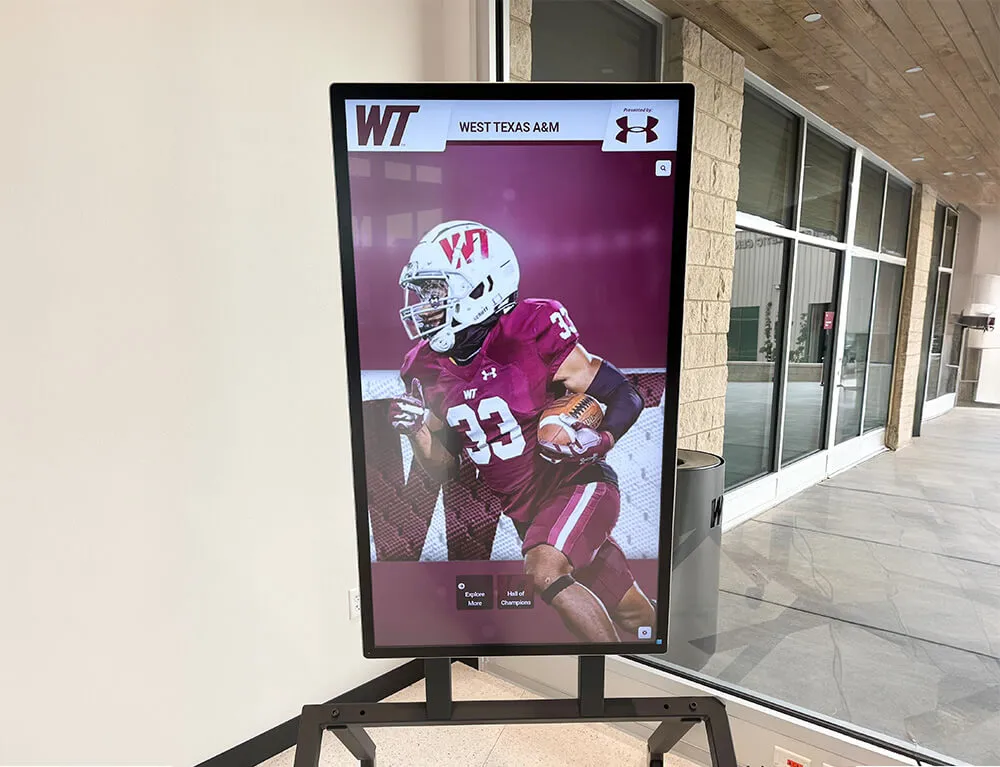
Historical athlete portraits spanning multiple graduating classes represent exactly the kind of content a cleanup policy must protect — a shared-reference or missed-column error could delete irreplaceable photos during what appears to be a routine orphan sweep
Step 5: Execute Deletion in Batches with the Limit Option
Once the candidate list has been reviewed and confirmed, the IT administrator proceeds to the live deletion run. The PostgreSQL vacuumlo documentation recommends using the --limit option to control how many large objects are deleted per transaction:
vacuumlo -l 500 -v database_name
The -l flag sets a maximum number of large objects to delete per transaction. The default is 1,000 per transaction. Using a smaller batch size reduces the risk of exceeding PostgreSQL’s max_locks_per_transaction limit during a single transaction that removes a large number of objects. For databases with hundreds or thousands of deletion candidates, running the limit option at 250–500 per transaction and allowing vacuumlo to complete across multiple transactions is a safer approach than removing all orphans in a single transaction.
After the deletion run completes, the IT administrator should:
- Verify that the recognition platform’s display functions continue to operate correctly (no broken photo references on hall-of-fame screens or record displays)
- Run vacuumlo in dry-run mode once more to confirm the candidate count has been reduced to the expected number
- Document the deletion event with a count of removed large objects, the date, and the name of the staff member who authorized and executed the run
Manage Recognition Records Without Database Cleanup Complexity
Cloud-based recognition platforms built for school athletic programs handle photo storage, lifecycle management, and display reliability at the infrastructure level — so athletic directors focus on the records, not the storage layer underneath them. Rocket Alumni Solutions provides ADA WCAG 2.1 AA compliant recognition displays with unlimited inductees, photos, and layouts, remote cloud-based content management, auto-ranking record boards, and QR code mobile access. Schedule a demo to see how a managed platform eliminates the large-object cleanup burden for your program.
Schedule a DemoThe Shared-Reference Problem in School Hall-of-Fame Databases
Shared references deserve their own section because they represent the highest-stakes risk in a large-object cleanup run. In a school athletic database, shared references appear most often in two patterns:
Pattern 1 — Team photos referenced by multiple athlete profiles. A championship team photo is uploaded once as a single large object. The same OID is then stored in the athlete profile row for every member of that team. If any one of those athlete profiles is deleted during a data correction — a duplicate removed, a profile merged, a test record cleaned up — the OID no longer appears in the deleted row, but it still appears in every other team member’s row. vacuumlo will correctly identify this as a live reference and exclude the OID from the deletion candidate list. But if the schema used a custom OID domain not recognized by vacuumlo, all those references would be invisible to the scan.
Pattern 2 — Award certificates shared between a display record and an archival record. A school stores scanned award certificates as large objects. The primary display record (the inductee’s hall-of-fame profile) references the certificate OID. A secondary archive record (a separate table used for offline historical reports) also references the same OID. If the display record is deleted during a platform migration but the archive record is not, the large object is still actively referenced — but only by the archive table. A cleanup run that scans only display tables would incorrectly flag this OID as an orphan.
The resolution for both patterns is the Step 1 inventory: if all tables that contain OID-typed columns are included in the inventory and the vacuumlo scan, shared references will be caught correctly. The inventory is the safeguard; skipping it is the risk.
For programs evaluating how database-level integrity constraints support the accuracy of award records across related tables, athletic awards database on-delete cascade policy covers the row-level foreign-key cascade patterns that govern structured relational records — a complementary topic to the large-object cleanup policy, since cascade deletes handle row relationships but do not address large object OIDs stored in those rows.
vacuumlo Limits: What the Tool Does Not Catch
vacuumlo is the correct tool for large-object orphan identification, but it has documented limitations that school IT administrators should understand before relying on it exclusively.
Domains over oid are not scanned. As noted in Step 3 and confirmed in the PostgreSQL vacuumlo documentation, vacuumlo scans columns typed oid or lo but does not scan columns whose type is a domain defined over oid. If a recognition platform created a custom domain (CREATE DOMAIN athlete_photo_id AS oid) to make schema intent clearer, references stored in those columns are invisible to vacuumlo. The policy must include a manual check for any such custom domain columns.
TRUNCATE and DROP TABLE bypass triggers. vacuumlo identifies orphans that already exist in pg_largeobject. It does not prevent new orphans from being created. If a table is truncated or dropped without first running individual row deletes (which would fire the lo_manage trigger), all large objects previously referenced by that table become orphaned in a single operation — and vacuumlo is the only cleanup path remaining.
No knowledge of external archive state. vacuumlo has no way to know whether a large object that appears unreferenced within the database is being referenced by an external archive system, a backup inventory, or an offline export. The cleanup policy must account for any such external usage before authorizing deletion based solely on vacuumlo output.

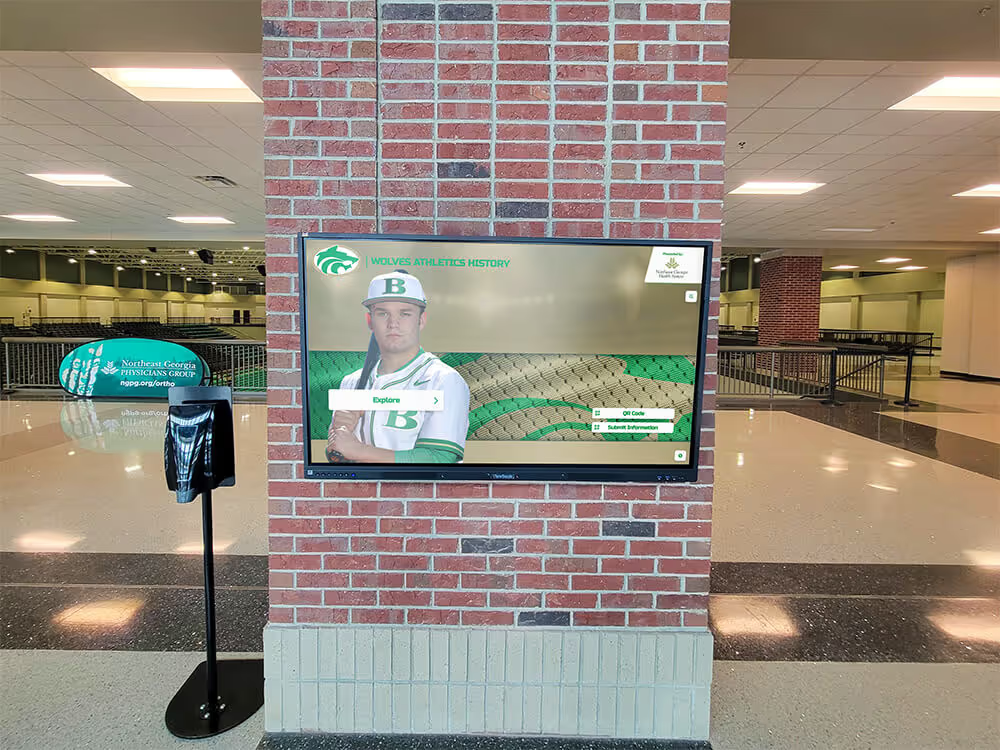
Interactive portrait displays depend on every photo OID remaining valid — the vacuumlo domain limitation means cleanup policies must manually verify custom-typed OID columns before authorizing any deletion run
The lo_manage Trigger: Prevention Rather Than Cleanup
The lo PostgreSQL module provides the lo_manage trigger — the preventive mechanism that stops new orphans from being created in the first place. Understanding it matters for any school IT team designing a sustainable long-term policy, not just a one-time cleanup.
The lo_manage trigger fires BEFORE UPDATE OR DELETE on the table that contains the large object reference column. When a row is deleted or the OID column is updated with a new value, the trigger automatically calls lo_unlink() on the old OID, removing the large object content from pg_largeobject at the same time the row is deleted or overwritten.
A minimal example (explanatory, not for direct production use):
-- Install the lo extension if not already present
CREATE EXTENSION IF NOT EXISTS lo;

-- Create a trigger on the athlete profile table for the headshot_oid column
CREATE TRIGGER trg_athlete_headshot_cleanup
    BEFORE UPDATE OR DELETE ON athlete_profiles
    FOR EACH ROW EXECUTE FUNCTION lo_manage(headshot_oid);
A separate trigger must be created for each large object column. If athlete_profiles has both a headshot_oid column and a certificate_oid column, two triggers are required — one for each column.
Critical limitation: The lo_manage trigger does not fire for TRUNCATE or DROP TABLE operations. Before truncating or dropping any table that contains large object references, the lo module documentation recommends using DELETE FROM table to remove rows individually (allowing the trigger to fire) before issuing the TRUNCATE or DROP. Schools that perform bulk table management operations — as part of season resets, testing environment cleanup, or platform migrations — need this step explicitly included in their database operations runbook.
For programs managing the physical and digital display infrastructure of athletic recognition programs alongside these database-layer decisions, trophy case LED inrush current check before lighting upgrades covers the facilities-side verification that runs parallel to IT-side database maintenance — a reminder that recognition program governance spans both the digital and physical layers.
Connecting the Cleanup Policy to School Recognition Program Continuity
For an athletic director, the relevance of large-object cleanup policy is not primarily technical — it is about continuity of the recognition program. A hall-of-fame display that loses a photo because a cleanup sweep deleted a large object still referenced by a live profile is a visible failure: the inductee’s profile appears on screen with a broken image placeholder rather than the portrait that was uploaded during their induction ceremony.
The cleanup policy described in this guide exists to prevent exactly that outcome. By inventorying reference storage before any sweep, running dry-run mode first, checking for shared references and missed column types, reviewing candidates against program records, and batching the final deletion, the policy creates a series of checkpoints that protect the recognition record even as the underlying database is maintained.
School-specific considerations:
- Long-tenured programs carry the highest orphan risk. A school that has maintained a digital hall of fame for 15 or 20 years has likely cycled through platform migrations, data corrections, and coaching transitions — each a potential source of orphaned large objects.
- Championship season archives are the highest-value content. Championship team photos, state-title certificate scans, and multi-decade record board images are irreplaceable. The cleanup policy should specifically flag content from championship seasons for human review before any deletion.
- Hall-of-fame display reliability is a public-facing concern. Unlike a backend data error that only staff see, a missing inductee photo is visible to every family, alumni, and visitor who interacts with the display.

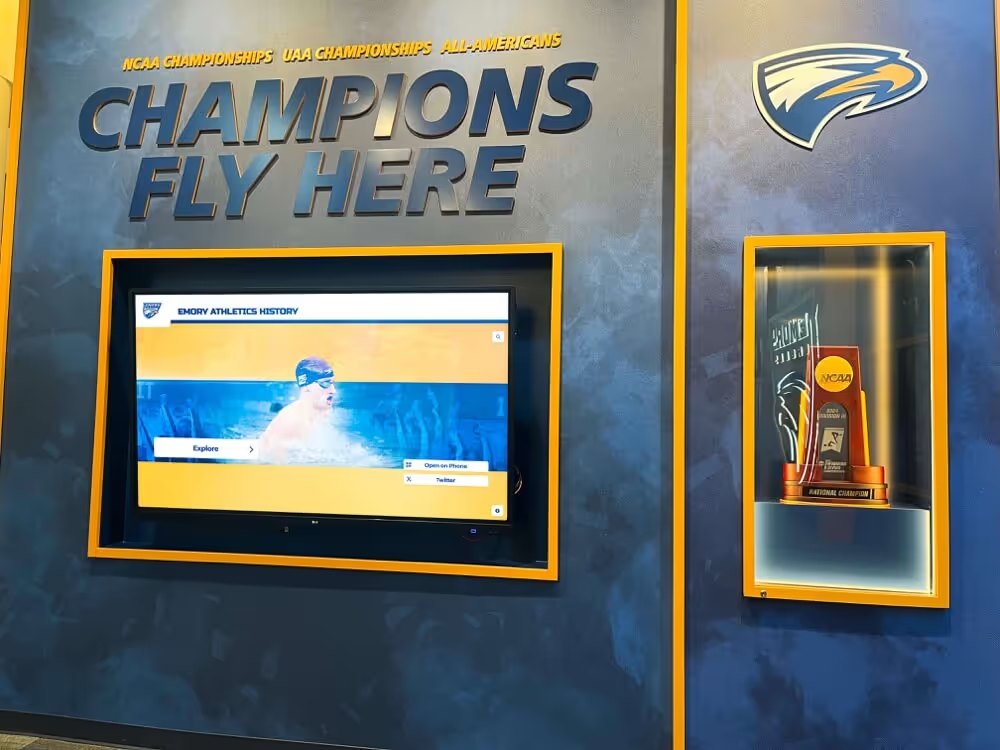
The hall of fame display is where database cleanup decisions become visible to the public — a policy that protects referenced photos before removing orphans ensures every inductee portrait remains intact through routine maintenance cycles
For programs that manage their recognition displays on cloud-based platforms, the large-object cleanup question shifts: photo storage lifecycle is typically handled at the platform level, with photo files stored in external object storage (not PostgreSQL large objects) and managed through the platform’s content management system. The specific PostgreSQL large-object cleanup policy described here applies when the recognition database uses pg_largeobject directly — most common in self-hosted or legacy database configurations.
Schools evaluating whether a managed platform removes this class of maintenance burden from their IT team’s responsibilities may find it useful to request a demo of Rocket Alumni Solutions to understand how photo storage, lifecycle, and display reliability are handled at the infrastructure level.

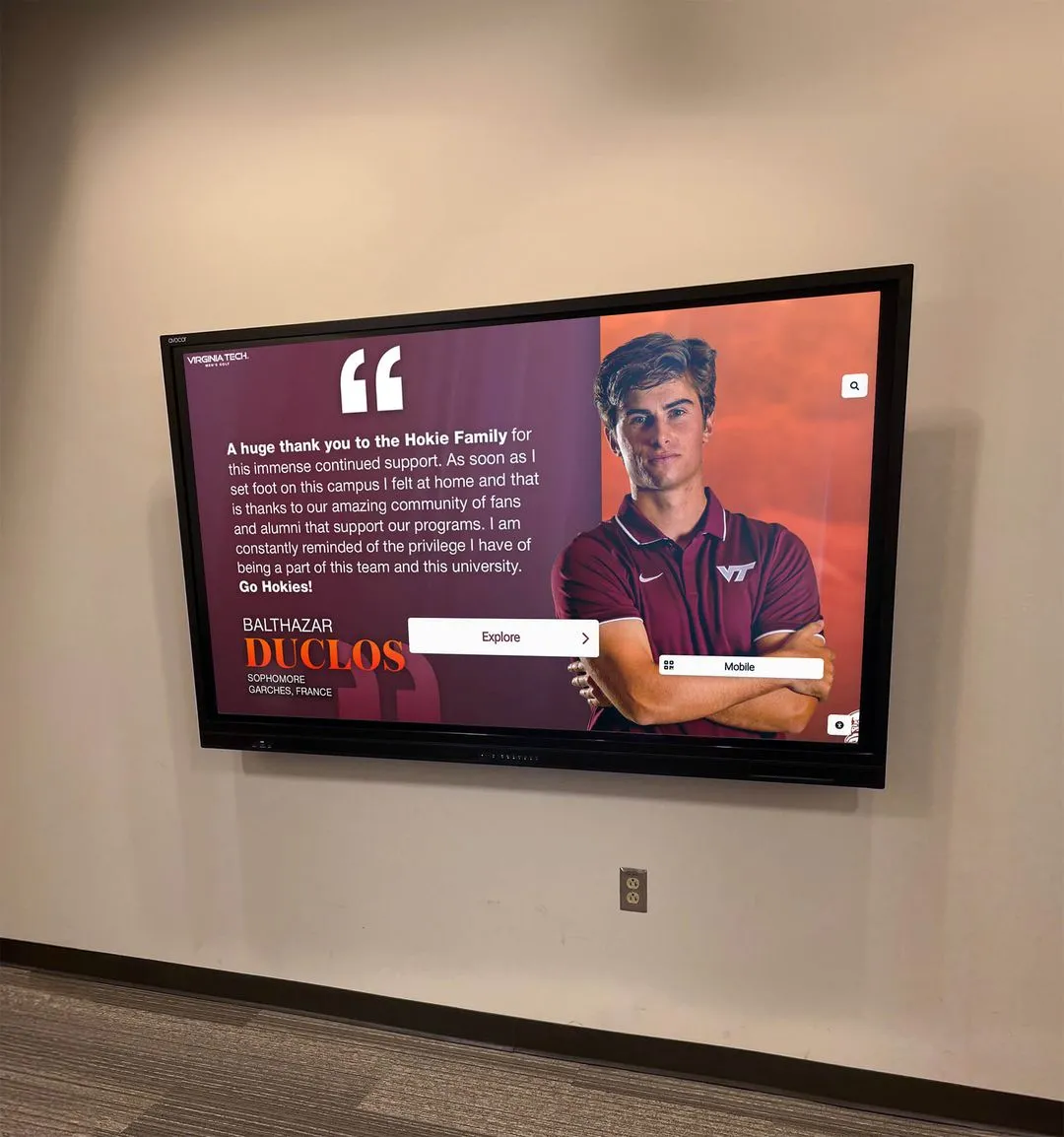
A visitor using the hall of fame display has no visibility into the database policy that protects the photos they see — the cleanup policy is what makes the display reliable across maintenance cycles and platform transitions
Frequently Asked Questions
What is an athletic awards database large object cleanup policy?
An athletic awards database large object cleanup policy is a written governance document that defines the steps for safely identifying and removing orphaned PostgreSQL large objects — binary files stored in the pg_largeobject catalog that are no longer referenced by any row in the application's tables. The policy covers inventorying which columns store large object OIDs, running vacuumlo in dry-run mode to identify candidates, reviewing those candidates for shared references and missed column types, confirming that historically significant content is preserved, and executing batch deletions with the limit option. It applies specifically to databases that use PostgreSQL OID-backed large objects — not to TOAST, bytea columns, or external object storage systems.
How does vacuumlo identify orphaned large objects in an athletic recognition database?
According to the PostgreSQL documentation, vacuumlo builds a temporary table of all large object OIDs stored in pg_largeobject, then scans every column in the database typed as oid or lo to identify which OIDs are still referenced. Any OID that remains after all columns have been scanned is considered orphaned and is either reported (in dry-run mode) or deleted (in live mode). The key limitation is that vacuumlo does not scan columns typed as domain types defined over oid — only columns explicitly typed oid or lo. School databases that use custom OID domain types must manually verify those columns before relying on vacuumlo output as a complete reference check.
What is the difference between a PostgreSQL large object and a bytea column for storing athlete photos?
A bytea column stores binary data inline in the table row. When the row is deleted, the binary data is automatically removed as part of the row deletion — no separate cleanup is required. A PostgreSQL large object stores binary content in the pg_largeobject system catalog and places only a numeric OID in the table row. Deleting the table row removes the OID but not the large object content, which remains in pg_largeobject until lo_unlink() is called explicitly, the lo_manage trigger fires on the deletion, or vacuumlo removes it in a cleanup sweep. This separation is why a large-object cleanup policy is necessary and why bytea storage does not require one.
Why does the cleanup policy require a dry run before any deletion?
The dry-run mode of vacuumlo (the -n flag) reports which large objects would be deleted without making any changes to the database. Running dry-run mode first gives the IT administrator and athletic director visibility into the candidate count and the specific OIDs involved, so those candidates can be cross-checked against the reference inventory and school records before any content is permanently removed. Because large object deletion is not reversible without a database backup restore, the dry-run step is a mandatory checkpoint — not an optional optimization. Programs that skip directly to a live deletion run cannot recover photos that were incorrectly identified as orphans if a shared reference or missed column type caused a false-positive result.
Does the lo_manage trigger prevent orphaned large objects from accumulating?
The lo_manage trigger from the PostgreSQL lo module automatically calls lo_unlink() when a row containing a large object reference is deleted or when the OID column is updated with a new value — preventing the orphan from being created in the first place. However, it has a documented limitation: it does not fire for TRUNCATE or DROP TABLE operations. Large objects referenced by rows that are removed through TRUNCATE or DROP TABLE become orphaned even with the trigger in place, because triggers do not execute for those operations. The lo_manage trigger is a valuable preventive measure but does not replace a periodic vacuumlo cleanup policy, particularly for databases that perform bulk table management operations.
See How a Managed Recognition Platform Handles Photo Storage and Display Reliability
Rocket Alumni Solutions provides school athletic programs with a cloud-based recognition platform that manages photo storage, inductee profiles, and display reliability at the infrastructure level — eliminating the PostgreSQL large-object cleanup burden for your IT team. ADA WCAG 2.1 AA compliant, with unlimited inductees, photos, and layouts, auto-ranking record boards, QR code mobile access, and remote content management from any device. Request a demo to see how a purpose-built platform keeps your hall-of-fame displays accurate and complete across every maintenance cycle and platform transition.
Request a Demo