



If your school runs a PostgreSQL-backed athletic awards database that powers digital hall of fame displays, lobby touchscreen kiosks, or championship records boards, you already have access to one of PostgreSQL’s most informative read-only views: pg_stat_io. An athletic awards database pg_stat_io review is the practice of capturing a snapshot of that view immediately before an approved award import or display-refresh window, running the import, capturing a second snapshot afterward, and comparing the two to understand how much I/O the operation generated — grouped by the type of backend process, the kind of database object involved, and the operational context in which the I/O occurred.
This guide is written for school IT administrators, athletic department data stewards, and recognition-program managers who oversee PostgreSQL 16 or later databases backing athletic award archives. It covers what pg_stat_io tracks and what it deliberately does not track, a seven-step snapshot-and-compare workflow, how to read and group results by backend_type, object, and context, how to handle cumulative counters and cluster-wide scope, null and untracked cases, the overhead of enabling track_io_timing, a practical acceptance table for an import window, and a FAQ addressing the most common misreads of this view.
When an athletic awards import runs — bulk-loading inductee profiles, adding a season’s worth of varsity honors, or refreshing the photograph assets tied to a digital display — it generates database I/O that competes with the live queries serving lobby kiosks and recognition screens. Understanding the scale and character of that I/O before committing to a display refresh window is straightforward when you have a before-and-after snapshot of pg_stat_io. The snapshot costs nothing to take, requires no schema changes, and produces a structured comparison you can review with the athletic director, the facilities team, and the IT lead before the next scheduled award ceremony.

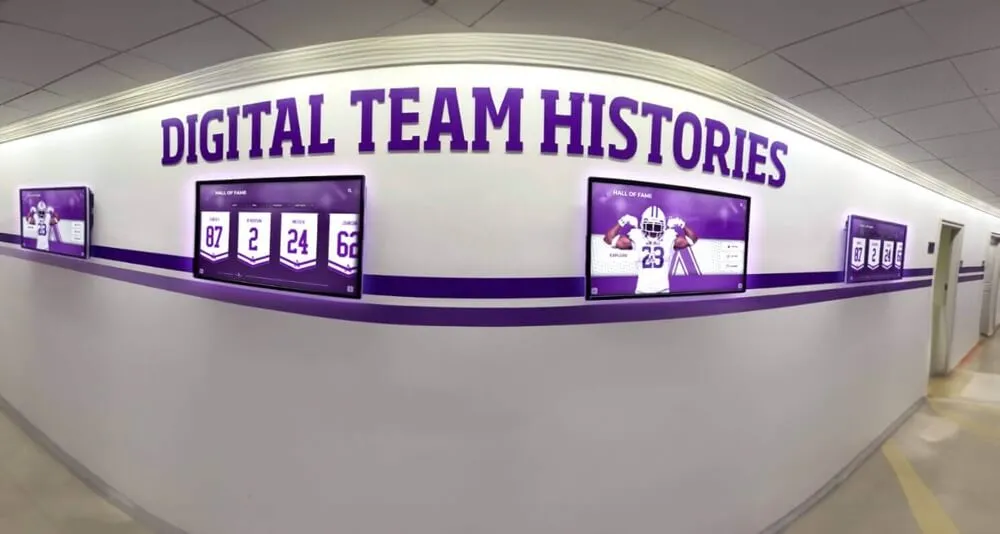
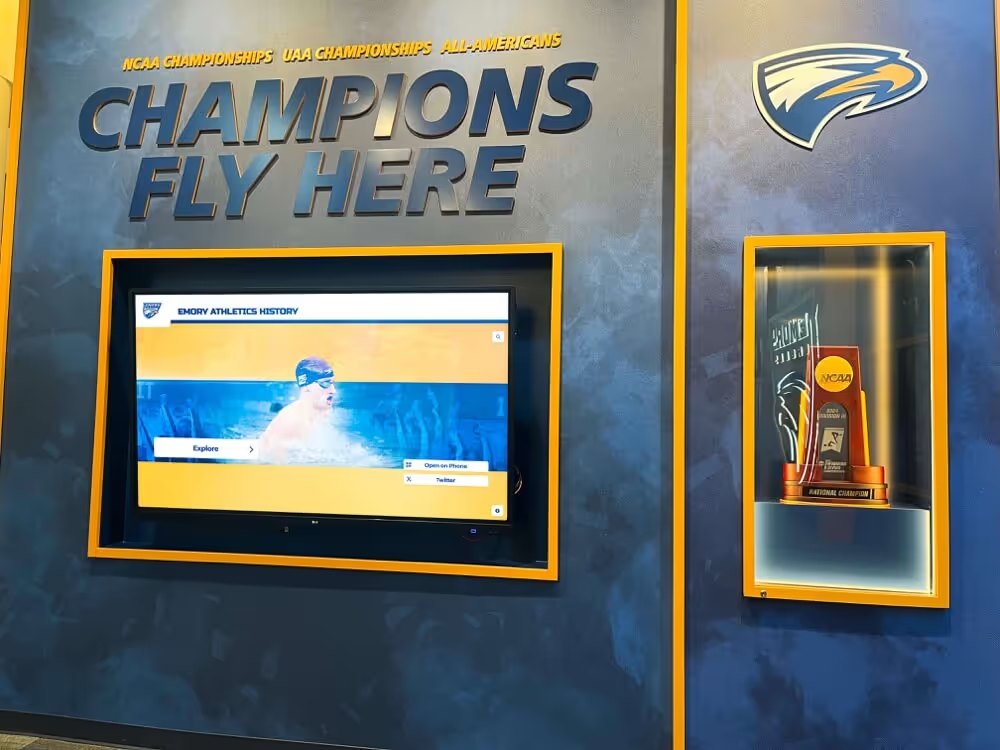
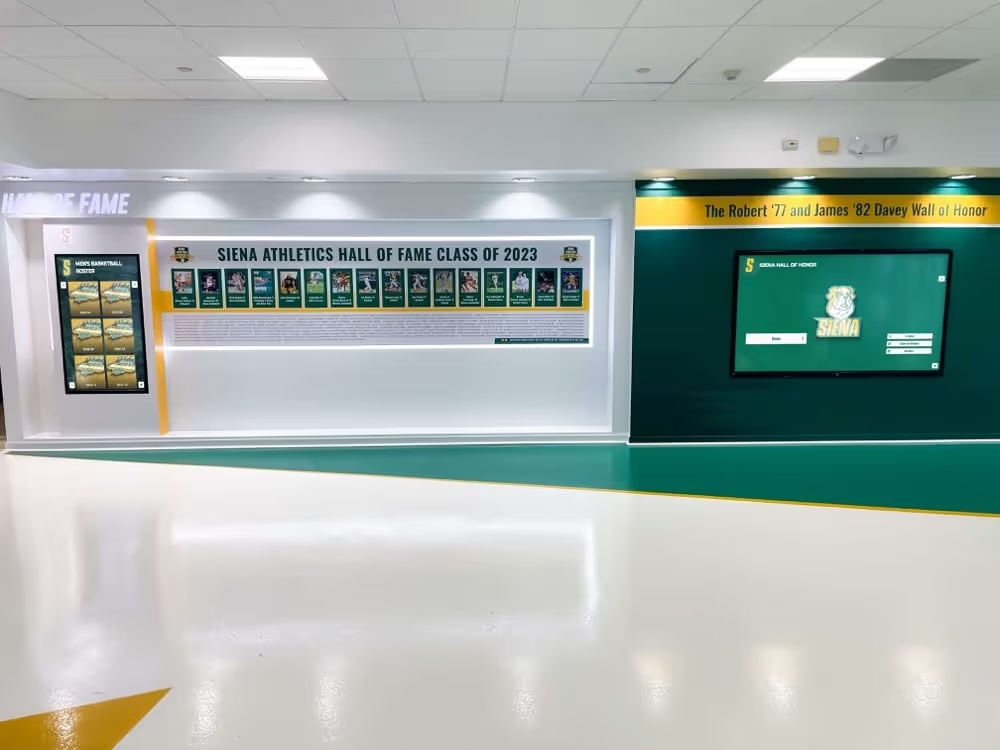
Recognition displays like this wall installation serve live database queries while award imports run in the background — a pg_stat_io snapshot taken before and after the import window quantifies the I/O the import generated and confirms that display read performance was not degraded
What Is pg_stat_io and Why Review It Before Award Display Refreshes?
pg_stat_io is a view introduced in PostgreSQL 16 that tracks I/O operations across all backend process types in the database cluster. According to the PostgreSQL 16 documentation on monitoring statistics, each row in the view combines a backend_type, an object type, and an operational context — and for each combination, the view records cumulative counts of reads, writes, extends, hits (blocks served from the shared buffer cache), evictions, reuses, and fsyncs, along with optional timing columns when track_io_timing is enabled.
For an athletic awards database pg_stat_io review, the view answers questions that matter at import time:
- How many blocks did the import read from disk versus serve from the shared buffer cache? A high read count relative to hits during an import that touches frequently displayed tables can temporarily depress cache efficiency for display queries running in parallel.
- How many extend operations did the import generate? Extends add new blocks to a relation, and a large extend count during an inductee photo or record import signals that the table is growing substantially in one window.
- Which backend process type drove most of the I/O? An import processed through a client backend generates I/O attributed to
client backendrows; autovacuum triggered by the import shows up underautovacuum workerrows — and distinguishing between them prevents misattribution.
Schools that have already transitioned their physical trophy cases and paper rosters to digital platforms — an approach covered at Digital Trophy Case: Why Schools Are Making the Switch in 2025 — typically run award imports on a seasonal cycle. A pg_stat_io review before each cycle gives the IT team a consistent record of the database load each import generates over time.
What pg_stat_io Tracks — and What It Does Not
Understanding the view’s scope prevents the most common misreads.
What pg_stat_io does track:
- Cumulative I/O counts at the cluster level, across all databases on the PostgreSQL instance
- I/O broken down by
backend_type(client backend, autovacuum worker, background writer, checkpointer, walwriter, and others),object(relation, temp relation), andcontext(normal, vacuum, bulkread, bulkwrite, init) - Reads: blocks fetched from disk or the OS page cache because they were not in PostgreSQL’s shared buffer pool
- Hits: blocks found in the shared buffer pool and served without a disk read
- Writes: blocks written out from the shared buffer pool
- Extends: blocks appended to a relation (new storage allocated)
- Evictions: blocks removed from the shared buffer pool to make room for new pages
- Fsyncs: fsync calls issued (relevant for durability, not display performance)
- The timestamp of the last statistics reset in the
stats_resetcolumn
What pg_stat_io does not track:
- Per-query or per-statement I/O breakdown — that is the domain of
pg_stat_statementswithtrack_io_timing, which is a distinct workflow covered separately - Per-database I/O isolation — the view reflects the entire cluster; if other databases on the same PostgreSQL instance are active during the import window, their I/O is included in the counters
- Physical storage health — high read counts do not diagnose drive errors, RAID degradation, or storage controller issues; those require storage-layer tooling outside PostgreSQL
- Write-amplification ratios or WAL volume per import — WAL statistics live in
pg_stat_wal, not here
Keeping these boundaries clear protects both the accuracy of any report you share with the athletic director and the credibility of the review with IT staff who are familiar with PostgreSQL monitoring.
The Seven-Step Snapshot-and-Compare Workflow
A structured athletic awards database pg_stat_io review follows seven steps. Running the after-snapshot query without the before-snapshot produces numbers with no baseline; running both without recording the stats_reset timestamp produces a delta that could be invalid if the statistics were reset during the window.
Step 1: Confirm the Maintenance Window and Notify Stakeholders
Before taking any snapshot, confirm with the athletic director and facilities team that the import window is approved and that display screens will either be in a static fallback mode or will accept temporarily elevated query latency. Document the window start and end times and who authorized it. This step is administrative, not technical, but it is the prerequisite for a defensible review.
Step 2: Take the Before Snapshot
Connect to the PostgreSQL instance as a user with access to pg_stat_io (typically a monitoring role or database administrator account) and run:
SELECT
  backend_type,
  object,
  context,
  reads,
  writes,
  extends,
  hits,
  evictions,
  reuses,
  fsyncs,
  read_time,
  write_time,
  extend_time,
  stats_reset
FROM pg_stat_io
ORDER BY backend_type, object, context;
Save the full result set — all rows, not just non-zero rows — as a timestamped snapshot. Including rows that are currently zero establishes a complete baseline and avoids gaps when comparing. Record the query execution timestamp alongside the result.
Step 3: Record the stats_reset Values
For each row returned, note the stats_reset column value. This timestamp tells you when the cumulative counters were last zeroed. If stats_reset changes between the before and after snapshots — because an administrator ran pg_stat_reset_shared('io') during the window — the computed delta will be meaningless. Checking this column in step 6 is what prevents that misread.
Step 4: Run the Award Import or Display Refresh
Execute the approved import process within the confirmed maintenance window. This may be a bulk insert of new inductee records, an update of athlete profile photographs, a seasonal award batch, or a display-data refresh triggered through the recognition platform’s administrative interface.

Touchscreen kiosks serving live visitors during recognition events are directly affected by concurrent import I/O — the pg_stat_io review quantifies how much buffer pressure the import created
Step 5: Take the After Snapshot
Immediately after the import completes — before autovacuum processes triggered by the import have fully run — execute the same query from Step 2 again. Save the result with its execution timestamp.
Step 6: Validate stats_reset Before Computing Deltas
Compare the stats_reset value in each after-snapshot row to the corresponding before-snapshot row. If any stats_reset value changed, the delta for that row is not reliable. Flag that row as invalid in the comparison table and note the reset event in the review documentation.
Step 7: Compute and Interpret the Deltas
Subtract each numeric column in the before snapshot from the corresponding column in the after snapshot, grouped by the backend_type, object, and context triple. The resulting delta table is the core deliverable of the review.
-- Example structure for a manual delta query using CTEs
-- Replace before_snap and after_snap with your actual saved snapshot data
WITH before_snap AS (
  SELECT backend_type, object, context,
         reads AS b_reads, writes AS b_writes, extends AS b_extends,
         hits AS b_hits, evictions AS b_evictions, read_time AS b_read_time
  FROM pg_stat_io  -- In practice, query against a saved table or use application-side subtraction
),
after_snap AS (
  SELECT backend_type, object, context,
         reads AS a_reads, writes AS a_writes, extends AS a_extends,
         hits AS a_hits, evictions AS a_evictions, read_time AS a_read_time
  FROM pg_stat_io
)
SELECT
  a.backend_type,
  a.object,
  a.context,
  (a.a_reads    - b.b_reads)    AS delta_reads,
  (a.a_writes   - b.b_writes)   AS delta_writes,
  (a.a_extends  - b.b_extends)  AS delta_extends,
  (a.a_hits     - b.b_hits)     AS delta_hits,
  (a.a_evictions - b.b_evictions) AS delta_evictions,
  (a.a_read_time - b.b_read_time) AS delta_read_time_ms
FROM after_snap a
JOIN before_snap b USING (backend_type, object, context)
ORDER BY delta_reads DESC;
In practice, most teams save the before-snapshot rows to a temporary table or a spreadsheet, then subtract manually in a review document. The structure is the same either way.
Grouping Results by backend_type, object, and context
The three-column key determines how to interpret any delta.
backend_type tells you which process generated the I/O:
| backend_type | Relevance to Award Imports |
|---|---|
client backend | Direct import process — INSERT, UPDATE, COPY commands run by the import job |
autovacuum worker | Cleanup triggered after the import modified enough rows to cross autovacuum thresholds |
background writer | Shared buffer dirty-page writes happening in the background during the window |
checkpointer | Checkpoint-related writes; relevant if the import was large enough to trigger a checkpoint |
walwriter | WAL flushing; important for durability but not directly related to display read performance |
object tells you what kind of database object was involved:
| object | Meaning |
|---|---|
relation | Regular tables and indexes — the primary objects in an award database |
temp relation | Temporary tables used during sort or hash operations in the import query |
context describes the operational mode of the I/O:
| context | Meaning |
|---|---|
normal | Standard block-level reads and writes |
vacuum | I/O performed specifically during VACUUM or autovacuum |
bulkread | Large sequential read operations (e.g., sequential scans over award tables) |
bulkwrite | Bulk write operations (e.g., COPY or large INSERT batches) |
init | Initialization reads when a backend first accesses a relation |
A well-formed award import will show most of its delta in client backend / relation / bulkwrite (the actual data written) and client backend / relation / normal (index updates and constraint checks). A large autovacuum worker / relation / vacuum delta in the same window means autovacuum was triggered by the import — expected, but worth noting in the review as a contributor to total I/O during the window.
Cumulative Counters and Cluster-Wide Scope
Two properties of pg_stat_io counters are the most important to communicate clearly in any review shared with non-technical stakeholders.
Cumulative since last reset. Every counter in pg_stat_io accumulates from the last time pg_stat_reset_shared('io') was called (or from server startup, if it has never been called). The delta between two snapshots taken at specific timestamps represents the I/O that occurred between those two timestamps — but only if stats_reset did not change in between. This is why Step 3 and Step 6 in the workflow both address the reset timestamp explicitly.
Cluster-wide, not per-database. The counters reflect all activity on the entire PostgreSQL instance, across every database it hosts. If the same server hosts the athletic awards database alongside another application database that is active during the import window, its I/O appears in the same rows. The review should note any other databases running on the instance and include that context when interpreting the delta. This also means that pg_stat_io evidence cannot be used to prove that a specific import query caused a specific I/O count — only that a certain amount of I/O occurred across the cluster during the window, attributed to process types and contexts.
For recognition programs that maintain award records in long-term archives alongside active display data, the integrity considerations that complement an I/O review are covered in Athletic Archive Bit Rot Detection: A Fixity and Recovery Checklist — a resource focused on the file-level integrity checks that run alongside database-layer monitoring for complete archive health.
Null Values and Untracked Cases
Not every backend_type / object / context combination is valid. The PostgreSQL documentation notes that some combinations do not apply — for example, WAL-related backends do not perform I/O on temp relation objects, so those rows contain null values in the counter columns rather than zero. A null value in a counter column does not mean zero I/O occurred; it means that I/O combination is definitionally inapplicable for that backend type.
When computing deltas, treat null-to-null transitions as expected and exclude those rows from the acceptance table. If a counter column transitions from a numeric value to null (or vice versa), that represents a change in the PostgreSQL tracking behavior — typically an upgrade or configuration change — and should be flagged for IT review rather than included in the delta calculation.

Each athlete card loaded on a hall of fame touchscreen generates I/O attributed to the client backend process type in pg_stat_io — the before-snapshot captures this baseline read rate, making import-generated deltas interpretable
track_io_timing Overhead
The read_time, write_time, extend_time, and fsync_time columns in pg_stat_io are populated only when track_io_timing is set to on in postgresql.conf. When track_io_timing is off, these columns contain zero for all rows, and the delta for those columns will always be zero regardless of actual I/O timing.
Enabling track_io_timing adds the overhead of calling the operating system’s timing function on every individual I/O operation. On most modern Linux systems with clock_gettime support, this overhead is small — typically under one microsecond per I/O call according to the PostgreSQL documentation — but on systems where the timing function is expensive (some virtualized or cloud environments), it can add measurable overhead across high-volume I/O workloads.
For an athletic awards import window review:
- If
track_io_timingis already enabled on the server, include the timing columns in your snapshot and delta — they provide useful context about where time is actually spent. - If
track_io_timingis not enabled, do not enable it specifically for a single import window review. The decision to enable it is a server-wide configuration change that warrants assessment by the DBA or IT team independently of this review. - In either case, note the
track_io_timingstatus in the review documentation so readers understand whether the timing columns are informative or zero.
When planning an annual recognition display rollout that involves evaluating multiple database and display platform options, 10 Best Hall of Fame Tools: Athletics, Donors, Arts, History provides a platform-level comparison that complements the infrastructure monitoring work covered here.
Evidence and Acceptance Table for an Award Import Window
The following table structures the review output for a typical seasonal award import. The acceptance criteria in the third column represent proposed thresholds based on the scope of a standard high-school varsity award import; they are not official PostgreSQL standards, and the IT team and athletic director should agree on school-appropriate values before the first review cycle.
| Metric | What to Measure | Proposed Acceptance Criterion |
|---|---|---|
client backend / relation / bulkwrite delta_extends | New blocks allocated to award tables during the import | Within 20% of the previous season’s equivalent import |
client backend / relation / normal delta_reads | Relation blocks read during index updates and constraint checks | Below 5× the pre-import baseline read rate for that backend type |
autovacuum worker / relation / vacuum delta_reads | Autovacuum I/O triggered by the import | Present and within expected range for the row count imported; flag if zero (may indicate autovacuum was disabled) |
background writer / relation / normal delta_writes | Dirty-page write-outs during the import window | No sustained spike beyond 2× normal background writer rate |
| Any backend_type, delta_evictions | Shared buffer evictions during the import window | Below 10% of total shared_buffers size (if calculable); high eviction rate during an import suggests buffer pressure on display queries |
stats_reset | Whether counters were reset during the window | Must be identical in before and after snapshots for the delta to be valid |
track_io_timing status | Whether timing columns are informative | Documented in the review regardless of value |
This table is the primary deliverable for review meetings with the athletic director, the facilities coordinator, and the IT lead. It converts raw counter deltas into acceptance-or-flag decisions that do not require the reader to understand PostgreSQL internals.
Connecting the Review to Recognition Program Planning
An I/O review is most valuable when it feeds back into the recognition program’s maintenance calendar. Schools that run a before-and-after snapshot for every scheduled import accumulate a historical record of how each import type — inductee batch loads, photograph refreshes, seasonal award additions — affects the database, making it progressively easier to size maintenance windows, anticipate autovacuum behavior, and identify when a growing award archive is outpacing the server’s current configuration.
For programs publishing new inductee announcements alongside display refreshes, the public communication workflows involved are covered in Hall of Fame Press Release: Announcement Template for New School Inductees and Digital Profiles — the database side of a display refresh and the communications side often need to be coordinated so that the announcement goes out after the display is confirmed live.
Schools maintaining physical award archives alongside digital systems should also address the physical preservation conditions for trophies, photographs, and legacy documents. Trophy Case Humidity Control: Protect School Awards, Photos, Jerseys, and Documents covers the physical environment requirements that run in parallel to database monitoring for complete recognition archive management.
Hallway displays showing team histories and seasonal records generate ongoing display queries throughout the day — the pg_stat_io before-snapshot captures the baseline I/O for these queries, so the import window delta can be measured against normal display-serving activity
FAQ
What PostgreSQL version is required to use pg_stat_io for an athletic awards database review?
pg_stat_io was introduced in PostgreSQL 16. Schools running PostgreSQL 15 or earlier do not have access to this view and should use alternative monitoring approaches such as pg_statio_user_tables for per-table I/O statistics. Upgrading to PostgreSQL 16 or later is required to use the backend_type/object/context grouping structure described in this guide.
Can the pg_stat_io delta tell us exactly how much I/O the award import caused?
No. pg_stat_io counters are cluster-wide and include I/O from all databases and all concurrent activity on the PostgreSQL instance during the measurement window. The delta captures all I/O that occurred in that period, attributed to backend process types and contexts, but it cannot isolate the import’s contribution from other concurrent activity. If another database on the same instance was active during the import window, its I/O is included. The review documents the total cluster I/O during the window, not a per-operation measurement.
What does a high delta_evictions value indicate during an award import?
A high evictions delta means that the import displaced a substantial number of blocks from the shared buffer cache to make room for the data it was reading or writing. This is significant for display performance because blocks evicted during the import — including the inductee profile pages and award index pages that display queries rely on — will need to be re-read from disk when the next display query requests them. A high evictions delta during an import window is one of the clearest signals that the import is competing with display queries for buffer space.
Should we reset pg_stat_io counters before taking the before-snapshot?
No. A reset removes all historical accumulation and can affect other monitoring processes that depend on the cumulative counters. The before-and-after snapshot approach captures the delta without requiring a reset. If a reset is needed for an unrelated reason, it should happen well before the import window begins so that both snapshots are taken after the reset.
How does pg_stat_io differ from pg_stat_statements for award database monitoring?
pg_stat_statements records per-query execution statistics including per-query I/O block counts and I/O timing. pg_stat_io records cluster-wide I/O totals grouped by backend process type, object type, and operational context — with no per-query breakdown. For finding which specific display query is slow, pg_stat_statements is the right tool. For understanding the total I/O footprint of an import window across all process types, pg_stat_io provides the cluster-level view that pg_stat_statements does not offer.
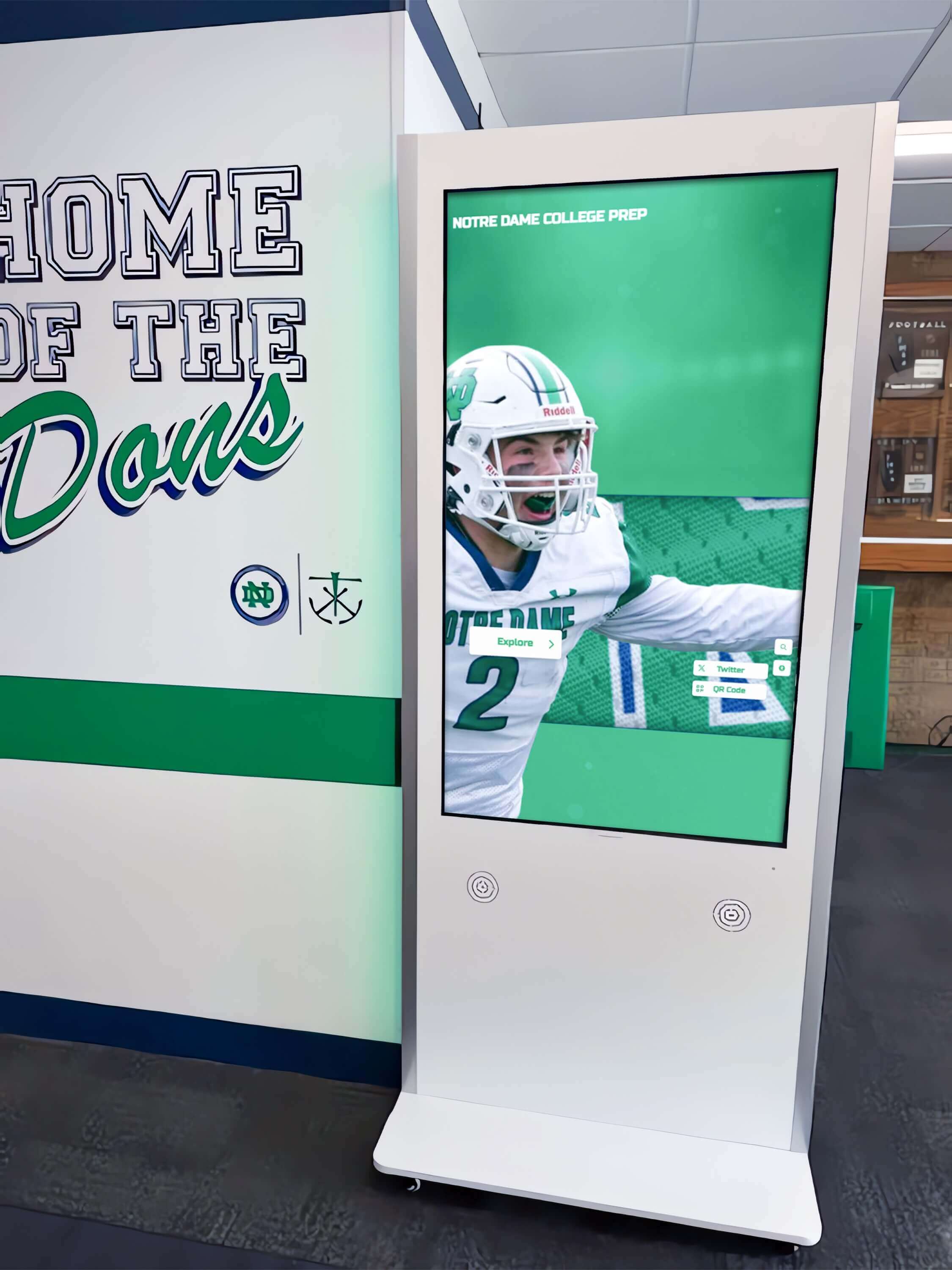
Interactive hall of fame kiosks like this one serve recognition queries throughout the school day — protecting their performance during award import windows is the practical goal of the pg_stat_io review workflow
See How Rocket Alumni Solutions Handles Award Display Refreshes
Rocket Alumni Solutions builds digital hall of fame and athletic recognition platforms for schools. Request a demo to see how recognition data is managed, displayed, and refreshed — and to ask how the platform approaches award import workflows for your school's schedule.