



An athletic awards database PostgreSQL enum change checklist gives athletic directors, IT partners, and recognition records coordinators a shared procedure for adding or renaming award category labels in a school-owned custom recognition database — without disrupting active imports or corrupting existing display records. The single most critical rule: when a database enum type gains a new value inside an open transaction block, that new value cannot be referenced within the same transaction. It only becomes available after the transaction commits. Overlooking this rule is the most common cause of failed award category imports in school-owned systems.
This guide is written for athletic directors, recognition records coordinators, school IT administrators, and archives or facilities partners who manage the categories under which athletic award records are stored and displayed. It covers the enum-versus-lookup-table decision for award categories, how enum types work in plain language, the four operations most schools need (add, rename, order, and retire a category), the transaction rule that governs every addition, a nine-step implementation workflow, a copyable pre-change checklist, and a focused FAQ section.
When a school needs to recognize a new type of athletic achievement — a Community Impact Award created after a successful season, a Coach’s Choice honor added to the end-of-year ceremony, or a Sportsmanship Award that previously appeared under a different name — both the recognition coordinator and the IT partner managing the database need to understand what kind of change they are making before they make it. The wrong operation executed at the wrong moment can leave the import process unable to assign records to the new category until the database is restarted or the transaction is re-run from the beginning.
This guide focuses on school-owned custom recognition databases that use PostgreSQL as their underlying engine. All SQL examples throughout are generic examples for a school-owned custom system and do not reflect the internals of any commercial recognition platform. Before making any schema change to a production database, coordinate with the school’s IT administrator or database provider.

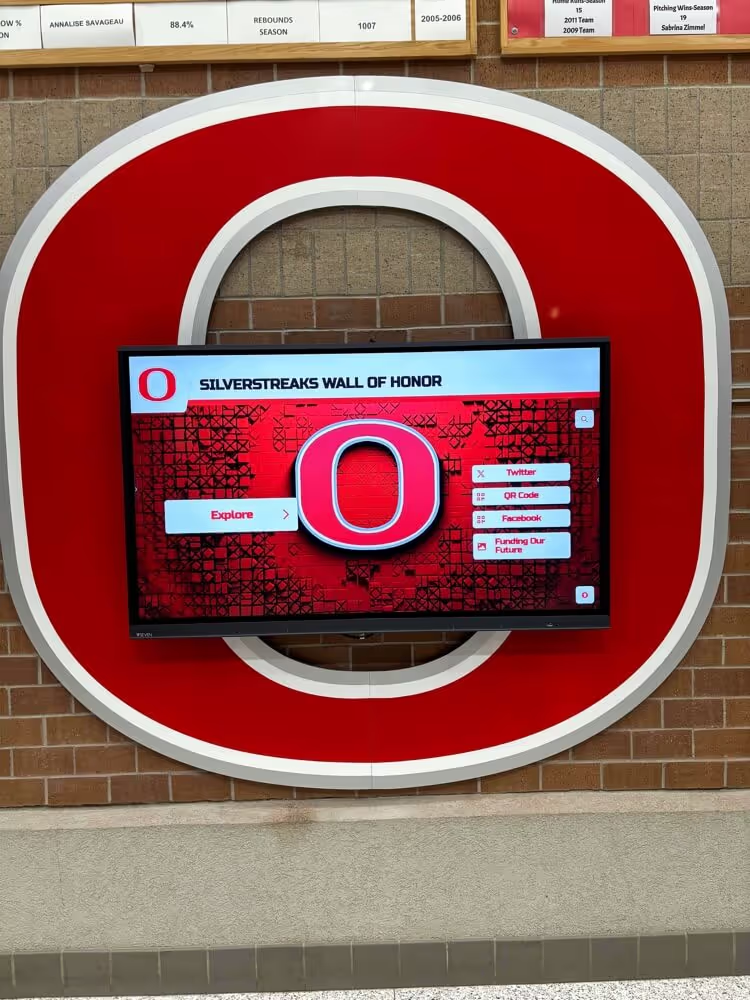
Digital recognition displays draw award categories directly from the database — running a pre-change checklist ensures the new category label appears correctly on screen from the first import after the change commits
What Award Category Storage Actually Means for a School Database
Award categories in a school recognition database determine how athletic achievements are grouped, sorted, and displayed. When a coach submits end-of-season award selections, the import process assigns each record to a specific category — “All-Conference,” “Most Valuable Player,” “Sportsmanship Award,” or a custom honor defined by the school. The category field in the database must match an accepted value before the import can write the record.
Two storage strategies compete for this purpose: enum types and lookup tables. The choice affects how category additions, renames, and retirements work — and what the IT partner must do to carry each one out safely.
Enum vs. Lookup Table: Which Approach Fits Your Award Categories?
The decision between an enum type and a lookup table for award categories involves a trade-off between enforcement strictness and operational flexibility. The table below maps the key considerations to the approach that handles each one best.
| Consideration | Enum Type | Lookup Table |
|---|---|---|
| Enforces category correctness at the database level | Yes — database rejects any value not in the list | Yes — enforced via foreign key constraint |
| Adding a new category mid-season | Requires schema change and commit boundary | Insert one new row; available immediately |
| Renaming a category | Requires RENAME VALUE command; existing records update automatically | Update one row; all referencing records follow |
| Removing an obsolete category | Not possible — no DROP VALUE command exists | Deactivate or delete the row (with referential integrity check) |
| Maintaining a stable sort order | Controlled at declaration; position of additions requires explicit placement | Requires explicit sort column in the table |
| Typical schema impact | Defined at schema creation; migration required per change | Standard INSERT or UPDATE; no schema migration |
| Best fit | Closed, rarely-changing sets (sport tier codes, classification levels) | Open, school-managed sets (annual award names, ceremony categories) |
For most schools managing end-of-year recognition ceremonies where the award list changes annually — new honors, retired categories, sponsor-named awards — a lookup table provides more day-to-day operational flexibility. An enum type is better suited for a fixed classification like award tier (“varsity,” “junior varsity,” “middle school”) that almost never changes and where the database should enforce strict correctness.
The rest of this guide addresses schools whose IT partner has already implemented award categories as enum types in a custom PostgreSQL database, and who need to extend that list safely.
To establish consistent naming standards for any new category — whether stored as an enum or in a lookup table — the framework in the Hall of Fame Profile Data Dictionary Template provides a practical starting point for standardizing award names, teams, and media references across a recognition database.
How a Database Enum Type Stores Award Categories
In a PostgreSQL database, an enum type is a fixed list of text values defined at the schema level. A column typed to that enum can only hold one of the values on the list — any attempt to insert or update a record with an unlisted value is rejected by the database before the record is written.
For an award category enum, the schema definition might resemble this generic example for a school-owned custom system:
-- Generic example for a school-owned custom system
CREATE TYPE award_category AS ENUM (
    'Most Valuable Player',
    'Sportsmanship Award',
    'All-Conference',
    'Coach Award'
);
Once this type exists, every award record in the table must use one of those four labels. The import process knows the valid options. The display layer reads those same labels. When the list needs to grow — because the athletic director approved a new “Community Impact Award” for the upcoming ceremony — the IT partner cannot simply insert a new row. They must alter the type at the schema level, and they must do so within a specific transaction structure.
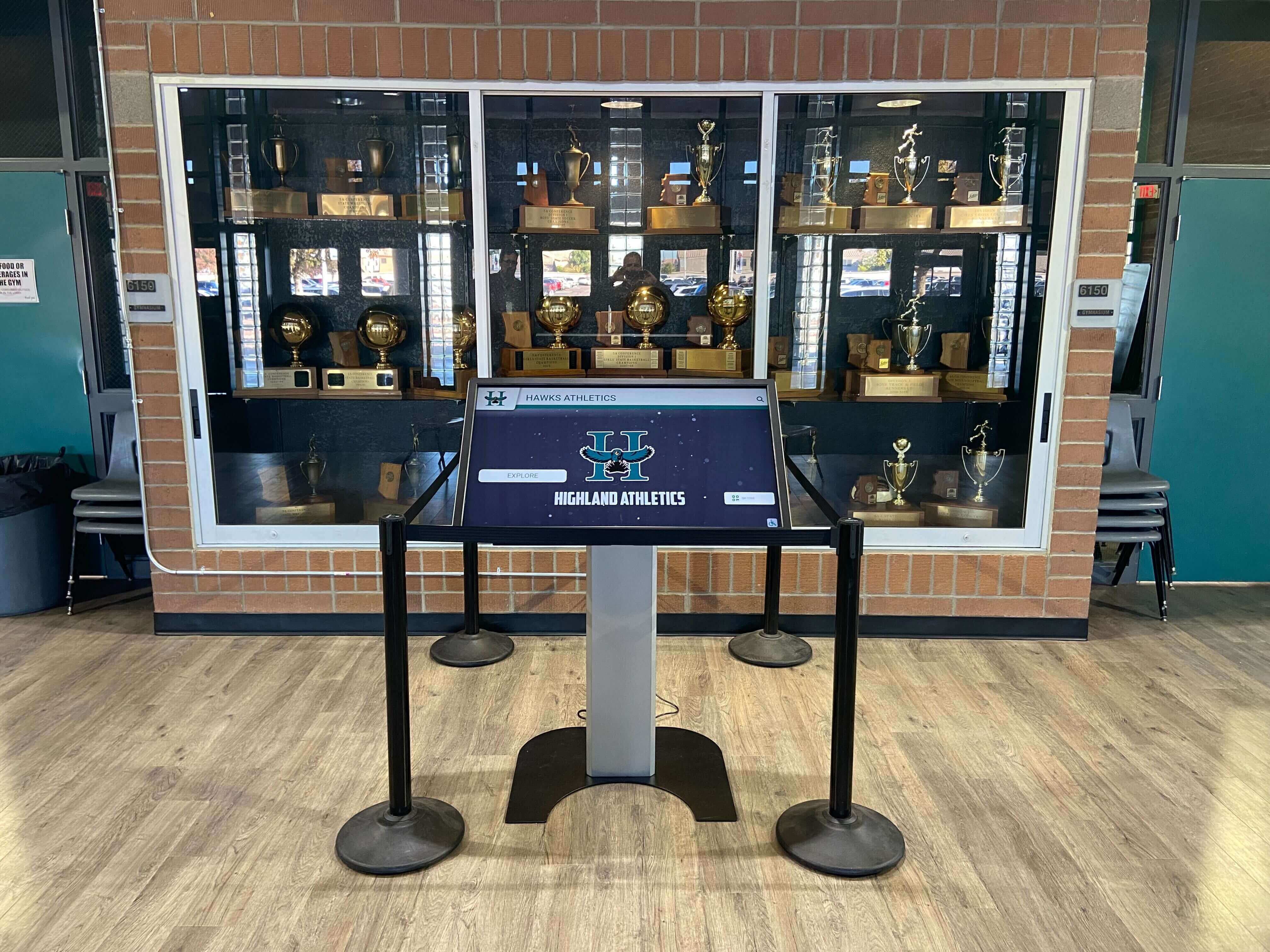
Interactive award kiosks display category labels that mirror database enum values — the schema change must commit before any import writes records to the new category
The Transaction Rule Every IT Partner Must Know
The most operationally significant fact about PostgreSQL enum additions is this: when ALTER TYPE ... ADD VALUE runs inside an open transaction block, the new value cannot be used until after that transaction commits.
This rule is documented in the PostgreSQL ALTER TYPE reference, which states explicitly that a new enum value added inside a transaction block cannot be referenced within that same transaction. Any attempt to insert a record using the new category label before the transaction closes will fail — the database treats the new value as non-existent until the commit boundary is crossed.
In practical terms for a school award import: if the IT partner adds a new award category and then immediately runs the import inside the same script or transaction block, every record assigned to that new category will fail to write. The solution is to structure the migration as two separate, clearly-bounded steps:
- Commit the
ADD VALUEstatement on its own - Begin the import in a new, separate transaction
A generic example for a school-owned custom system:
-- Step 1: Add the new category — commit this on its own
ALTER TYPE award_category ADD VALUE 'Community Impact Award';
-- COMMIT before proceeding to any import

-- Step 2: In a new session or new transaction, run the import
INSERT INTO award_records (athlete_id, category, season_year)
VALUES (1042, 'Community Impact Award', 2026);
Running both statements inside a single unbroken transaction block will cause the INSERT to fail with a type error. The ADD VALUE must commit first. This is not a configuration option — it is a documented property of how PostgreSQL tracks pending enum values within transaction boundaries.
Adding a New Award Category Safely
When the athletic director approves a new honor — an end-of-season award created for the current year’s ceremony — the IT partner needs the complete ADD VALUE syntax and the IF NOT EXISTS safety flag.
The full syntax (generic example for a school-owned custom system):
ALTER TYPE award_category ADD VALUE IF NOT EXISTS 'Community Impact Award';
The IF NOT EXISTS clause is recommended for all production changes. Without it, running the command a second time — in a rerun migration script after a partial failure, for example — raises an error and halts the migration. With IF NOT EXISTS, the database issues an informational notice and continues. This makes the statement safe to re-execute without side effects, which matters when a migration script might be run more than once across development and production environments.
Renaming an Existing Award Category Label
When a school renames an award — “Most Improved Player” becomes “Growth Award,” or “Coaches Award” is formally renamed to “Coaches Choice Award” — the RENAME VALUE form handles the change without requiring any update to the award records themselves. Every existing record that holds the old label is automatically covered by the renamed value; the data in the award records table does not change.
Generic example for a school-owned custom system:
ALTER TYPE award_category RENAME VALUE 'Coaches Award' TO 'Coaches Choice Award';
Two conditions produce errors: specifying an old label that does not exist in the enum, or specifying a new label that is already present. Review the current enum definition with the IT partner before running a rename to confirm the exact existing label text — even a trailing space or capitalization difference will cause the command to report that the value was not found.
When building or rebuilding a recognition program and evaluating which historical records are reliable enough to carry forward under a renamed category, the Athletic Archive Source Reliability Rubric provides a ranked framework for assessing records, programs, photos, and oral histories before they are migrated to a new label.
Sort Order: Controlling Where a New Category Appears in the List
By default, a new enum value is appended to the end of the existing list. Most database and display uses of enum values respect the declared order, so a category added at the end will typically appear last in sorted displays that order by enum position.
To place a new category at a specific position within the list, the BEFORE or AFTER keyword controls placement:
-- Generic example for a school-owned custom system
ALTER TYPE award_category ADD VALUE 'Community Impact Award' AFTER 'All-Conference';
According to the PostgreSQL ALTER TYPE documentation, mid-list insertions using BEFORE or AFTER may result in slightly slower comparisons on the new value than on values defined when the enum was originally created. The documentation describes this slowdown as “usually insignificant,” and notes it can be resolved by dropping and recreating the enum type — an operation that requires a maintenance window and careful coordination with every column definition that depends on the type. For most school recognition databases where the category list changes only a few times per year and query volumes are moderate, the performance note does not ordinarily warrant action.
Why You Cannot Remove an Enum Value
PostgreSQL provides no DROP VALUE command for enum types. Once a value is added to an enum, it cannot be removed by any direct database command. This is a documented architectural limitation: the database has no mechanism to remove an enum value while preserving the integrity of existing column data that uses it.
Schools that need to retire an award category — an honor that is no longer given — have two practical approaches:
Option 1: Treat the old value as inactive at the application level. The enum value remains in the database schema; the recognition system simply excludes it from the list of selectable categories for new imports. Existing records that carry the old value remain accurate and displayable. This is the lower-risk path and requires no schema change.
Option 2: Migrate to a lookup table. If the school anticipates ongoing changes to the category list, this situation may be the right moment to convert the enum column to a foreign key referencing a separate categories table. Every current enum value becomes a row in the new table; future additions, renames, and retirements become standard data operations rather than schema changes.
Consult the school’s IT partner and database provider before taking either path. Both options require a maintenance window and advance coordination with any active import pipelines.

Retiring an award from display and retiring its database enum value are two separate steps — enum values cannot be deleted, so retired categories must be managed at the application or migration level
For programs auditing which award categories currently appear across their digital presence and what content each section covers, the Athletic Website Content Checklist covers teams, records, awards, sponsors, and alumni — a useful baseline for deciding which category labels belong in an active enum versus a lookup table.
Keeping Migrations Compatible
When a school-owned custom database uses a migration framework — a series of numbered scripts that build the schema in sequence — enum additions require specific handling to avoid errors on re-run or across environments where migrations are applied independently.
Three rules that keep enum migrations compatible:
Rule 1: Always use IF NOT EXISTS for ADD VALUE commands in migration scripts. This prevents the migration from failing on a second execution (after a partial failure and manual rerun) or on a development environment where the value was added manually during testing.
Rule 2: Never reference the new enum value in the same migration script as the ADD VALUE command. INSERT or UPDATE statements that use the new value must live in a separate migration that runs after the first one has already committed. Some migration frameworks support splitting a script into pre- and post-stages specifically for this reason.
Rule 3: Document the enum’s full intended list in a maintained data dictionary or schema comment. Because enum definitions accumulate across multiple migration files, the current state of the enum is not self-evident from any single file. A maintained reference that records the full intended list prevents duplicate values and naming inconsistencies in subsequent migrations.
Nine-Step Workflow for a Safe Enum Change
This workflow covers the complete lifecycle of adding or renaming an award category in a school-owned custom PostgreSQL recognition database. Steps are written for an IT partner executing the change in coordination with the athletic director and recognition records coordinator.
Step 1 — Confirm the exact category label with the athletic director. Obtain the final, approved spelling, capitalization, and punctuation of the new or renamed category before any database command is drafted. Label text changes are not straightforward to reverse once written to production.
Step 2 — Retrieve the current enum definition. The IT partner should pull the current list of enum values so the coordinator can confirm the new label does not duplicate an existing value, and that any rename target exists by its exact label.
Step 3 — Draft the ALTER TYPE command and review before execution. Write the complete command — including IF NOT EXISTS for additions, or the exact old and new values for renames — and have a second person review it before it runs in any environment.
Step 4 — Schedule a low-traffic window for production execution. Enum changes require brief schema locks that can delay active read queries. A low-traffic window — evening, weekend, or early morning before scheduled import jobs — reduces the operational impact.
Step 5 — Execute the ALTER TYPE command in its own isolated transaction. Do not combine the schema change with any INSERT, UPDATE, or import operation in the same transaction block. Commit the ALTER TYPE statement before proceeding to any data operation.
Step 6 — Verify the new value is visible in the enum definition. After the commit, confirm that the new or renamed label appears correctly in the database’s type definition. A mismatch between the intended label and the actual stored text will cause every import using that label to fail with a type error.
Step 7 — Update the import template or mapping file. Any import process that references a category list — a spreadsheet template, a CSV header mapping, or an import configuration file — must be updated to include or reflect the new label before the next import run.
Step 8 — Run a test import with a single record using the new category. Before processing the full end-of-season batch, import one test record assigned to the new category and confirm that the record writes correctly and appears on the display output with the right label.
Step 9 — Document the change in the data dictionary or schema changelog. Record the date, the exact change made, and the authorized approver. Future IT partners and recognition coordinators rely on this history to understand why the current enum list looks as it does.
Pre-Change Checklist (Copy Before Starting)
Copy this checklist to a shared document or tracking ticket before beginning any enum change to the award category type.
Athletic Awards Database Enum Change Checklist

Before the change:
[ ] Final category label approved by athletic director in writing
[ ] Current enum value list confirmed — no duplicate or near-duplicate detected
[ ] ALTER TYPE command drafted and reviewed by a second reviewer
[ ] Low-traffic maintenance window confirmed with IT partner
[ ] Active import jobs paused or scheduled outside the maintenance window
[ ] Recent database backup confirmed before proceeding

During the change:
[ ] ALTER TYPE executed in its own standalone transaction (not combined with imports)
[ ] Transaction committed before any import or INSERT command runs
[ ] New value confirmed visible in the enum definition after commit
[ ] Import template, mapping file, or selection list updated to use new label

After the change:
[ ] Test import with one record using the new category — confirmed successful
[ ] Record appears correctly on recognition display with the new label
[ ] Change logged in data dictionary or schema changelog with date and approver
[ ] Athletic director and recognition coordinator notified of completion

Verifying the correct category label appears on the recognition display is the final confirmation step after any database enum change — a mismatch signals that the migration did not commit or the import template was not updated
For programs planning how their digital recognition displays render category data and ensuring those displays hold up under accessibility review, the Hall of Fame Accessibility Checklist covers how school recognition systems should be made usable for every visitor, including how category labels are presented in screen-reader-accessible formats.
Recognition systems that rely on clean, well-named category labels also need those labels to remain readable when displays are tested at high zoom levels. The Digital Hall of Fame Reflow Accessibility Test at 400% Zoom shows how category text reflows under constrained display conditions — an additional reason to keep category label text concise when adding values to the enum.
Frequently Asked Questions
What is an athletic awards database PostgreSQL enum change checklist and why does it matter?
An athletic awards database PostgreSQL enum change checklist is a step-by-step procedure for safely adding or renaming a category value in a school-owned custom recognition database that stores award categories as a PostgreSQL enum type. It matters because enum changes involve a schema-level operation — not a simple data insert — and the new value cannot be referenced within the same transaction that creates it. A checklist ensures that the schema change commits before any import tries to write records to the new category, preventing failed imports and incomplete display data.
Why can't a new enum value be used in the same transaction that adds it?
PostgreSQL’s ALTER TYPE documentation specifies that when a new enum value is added inside a transaction block, it cannot be referenced within that same transaction. The database tracks the new value as pending until the transaction commits. Any INSERT, UPDATE, or import statement that tries to use the new label before the commit receives a type error, as if the value does not exist. The safe pattern is to commit the ALTER TYPE statement first, then begin a new transaction for any import operation that references the new category label.
Can an award category be removed from a PostgreSQL enum type once it has been added?
No. PostgreSQL provides no DROP VALUE command for enum types. Once a value is added, it cannot be removed by any direct database command. Schools that need to retire an award category have two practical options: treat the old value as inactive at the application level — preventing it from appearing as a selectable category for new imports while leaving existing records intact — or convert the award category column from an enum type to a foreign key referencing a lookup table, where deactivation becomes a standard data operation. Both paths require planning and a maintenance window coordinated with the IT partner.
Does using BEFORE or AFTER to position a new enum value affect performance?
According to the PostgreSQL ALTER TYPE documentation, comparisons involving enum values added with BEFORE or AFTER positioning may be slightly slower than comparisons with values defined in the original enum declaration. The documentation describes this as “usually insignificant” for typical workloads. For school recognition databases where the category list changes infrequently and query volumes are moderate, this performance note does not ordinarily require action. The documentation notes that dropping and recreating the enum type resolves the issue, though that operation requires a maintenance window.
Should school award categories be stored as an enum type or a lookup table?
For most schools whose award categories change from year to year — new honors, retired awards, sponsor-named categories — a lookup table is the more operationally flexible choice. Adding a new category is a standard INSERT, renaming is a standard UPDATE, and deactivating is a straightforward data change, none of which require a schema migration. Enum types are better suited for fixed classifications that almost never change and where strict database-level enforcement is valuable, such as award tier levels or sport classification codes. If a school’s IT partner has already implemented categories as an enum, this checklist covers the safe path for each type of change.
When a school recognition program grows — new awards added, ceremony categories updated, honors renamed — the team managing those records needs both the authority to make changes and a clear process that prevents disruptions to active imports and display data. The technical steps are manageable with the right checklist. The more durable investment is the organizational habit: confirming the final label before any schema command is drafted, committing the schema change before running any import, and logging every change in a maintained data dictionary.
Recognition platforms designed for school athletic programs remove much of this schema-management overhead entirely. Rocket Alumni Solutions offers a digital awards display platform built specifically for K-12 schools and universities, with a cloud-based content management system that allows authorized staff to add, rename, and manage recognition categories without database access or IT coordination.
See a Custom Demo Built for Your School's Recognition Program
Rocket Alumni Solutions works directly with athletic directors and school administrators to build digital recognition displays tailored to your awards program — no schema migrations required.
Request Your Custom Demo