



An athletic awards database query plan regression checklist is a structured procedure for detecting, diagnosing, and resolving the moment a database optimizer switches to a slower execution strategy for the queries that power athletic recognition records, hall of fame displays, and end-of-season award reports. A query plan regression happens when the optimizer — the component that decides how to retrieve data — silently chooses a less efficient path after a routine change: a statistics refresh, a schema update, an index rebuild, a data volume spike, or a database engine upgrade. The result shows up not in an error message but in a lobby kiosk that takes 12 seconds to load instead of 2, or an athletic director’s year-end export that times out during banquet preparation week.
This checklist is written for school IT administrators, database managers, athletic directors, and recognition-platform owners responsible for the reliability of the systems that serve athletic award data to displays, archives, and ceremony programs. It covers the baseline to capture before changes, the trigger events that cause regressions, a step-by-step diagnostic and remediation procedure, and a maintenance table for preventing regressions from recurring.
A school’s athletic awards database does not stay the same size from August to June. End-of-season data loads, hall of fame induction cycles, cumulative year-over-year record growth, and periodic platform migrations all change the data landscape the query optimizer reasons about. Each change is an opportunity for the optimizer to recalculate — and to choose a different plan than the one that served the program reliably for years. An athletic awards database query plan regression checklist gives database administrators and athletic IT teams a repeatable procedure for catching those plan changes before they degrade the displays, reports, and search experiences that athletes, coaches, and visitors depend on.

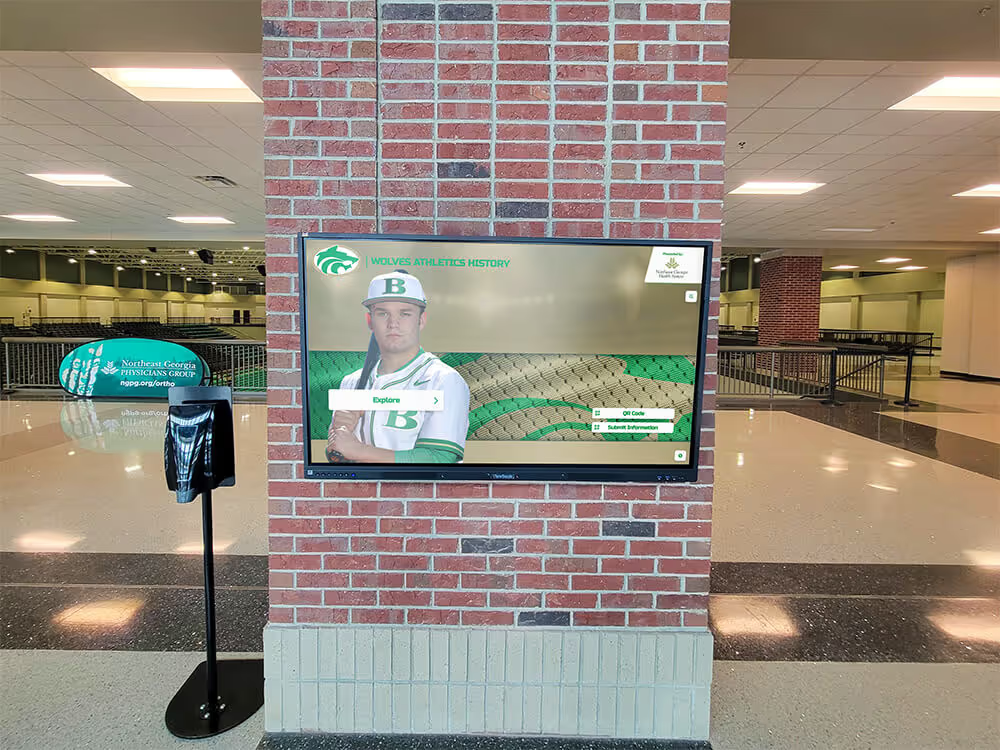
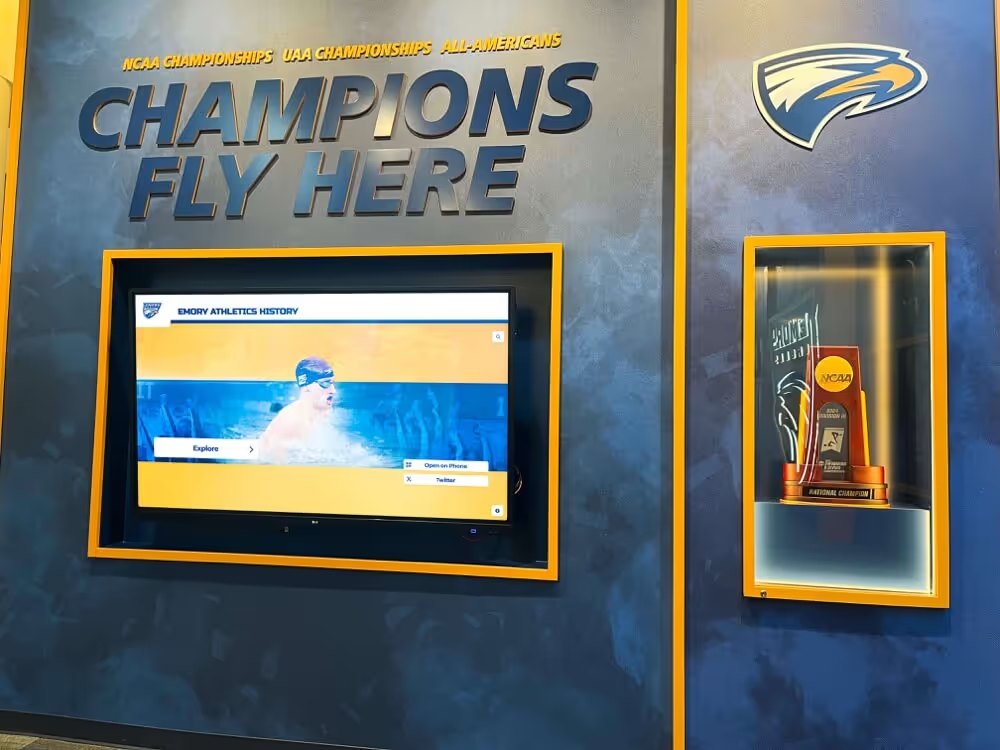
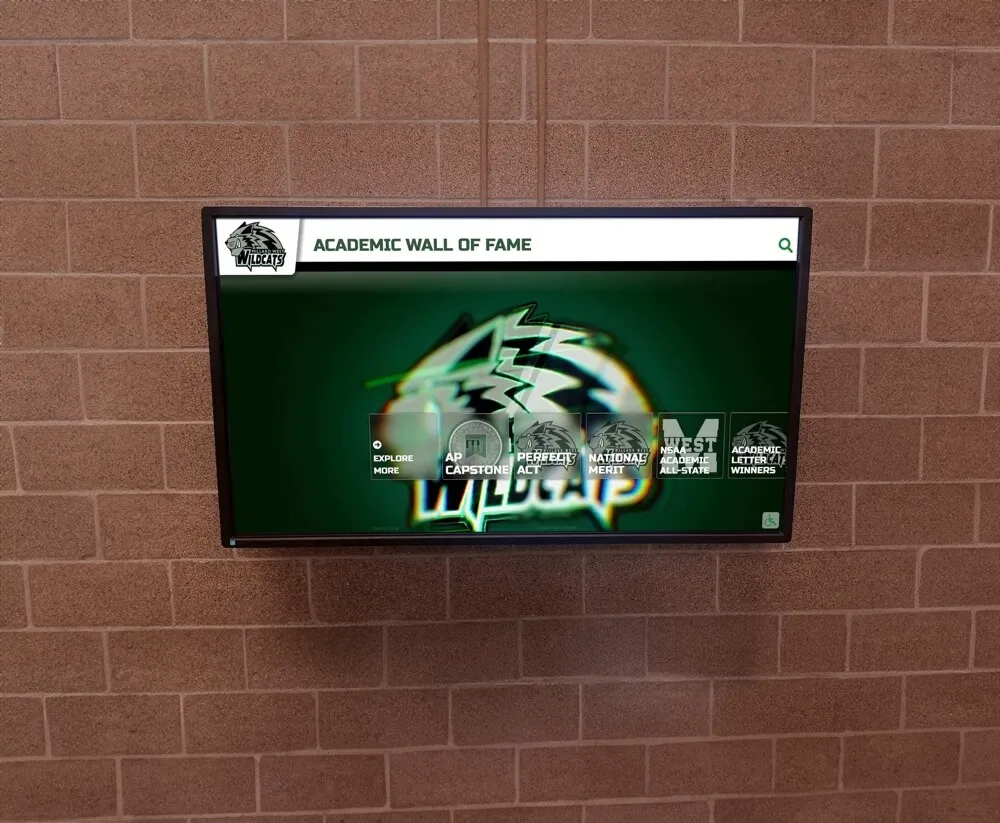
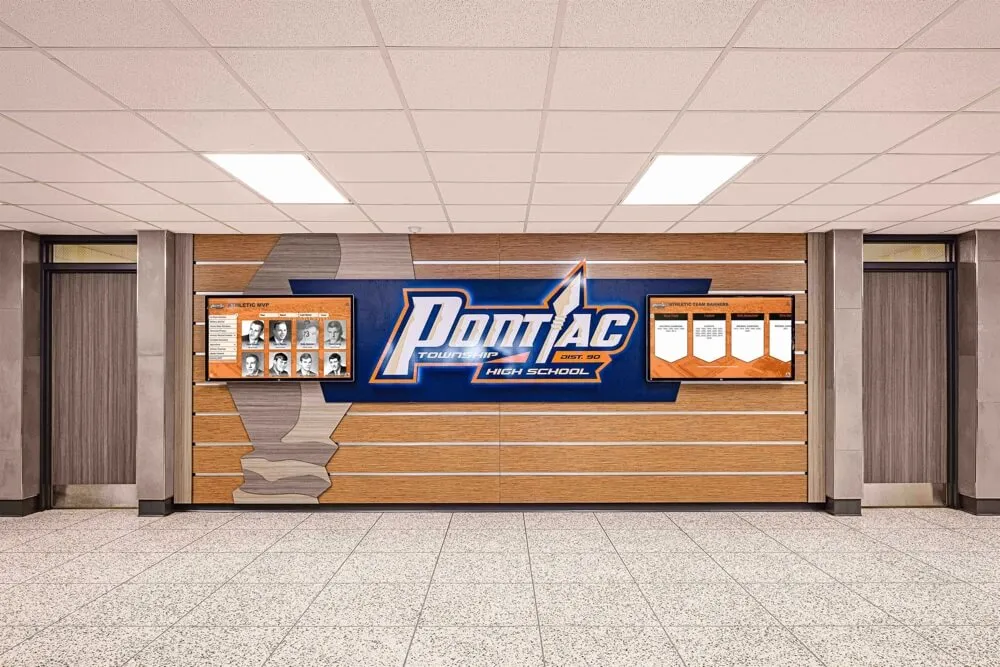
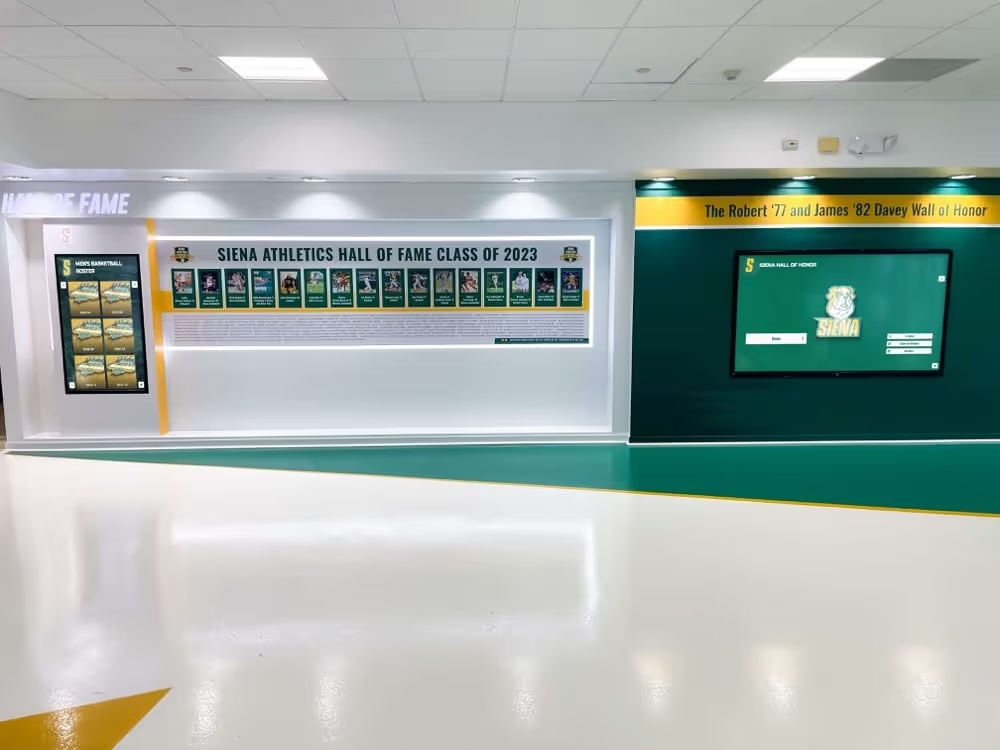
Hall of fame displays and trophy case kiosks depend on query-efficient databases behind them — a regressed execution plan can silently slow every athlete search and award lookup visible to students and visitors
What Is a Query Plan Regression in an Athletic Awards Database?
A query plan regression occurs when the database engine’s optimizer selects a different — and less efficient — execution strategy for a query that previously ran fast. The optimizer does not choose the plan an administrator wrote; it chooses the plan it calculates will cost the least based on available statistics, index metadata, and database configuration. When any of those inputs change, the optimizer recalculates — and occasionally arrives at a worse answer than before.
In an athletic awards database, the queries most exposed to plan regressions are:
- Hall of fame inductee lookups — joined queries across athlete profiles, award categories, seasons, and photos that load lobby kiosk displays
- End-of-season award report queries — aggregated pulls across a full season’s worth of award records filtered by sport, program level, or graduation year
- Records board queries — per-event maximum retrievals that scan performance result tables with ORDER BY and LIMIT logic
- Award search queries — free-text or filtered searches that coaches and administrators run to find specific athletes or award categories during banquet preparation
The impact is operational rather than structural: the data is still correct, but the time to retrieve it crosses the threshold that makes a display feel broken or a report generation feel unusable. According to Microsoft’s documentation on SQL Server query plan stability, plan regressions are among the most frequently reported sources of unexplained performance degradation in production database environments — even when no application code has changed.
Pre-Regression Baseline: What to Capture Before Any Change
Prevention depends on having a documented baseline before any change that could trigger a regression. Without a baseline, there is no objective reference for “before” — and the investigation becomes a reconstruction exercise rather than a comparison.
| Baseline Item | What to Capture | When to Capture |
|---|---|---|
| Query execution plans | Estimated and actual plans for all high-frequency queries | Before any schema change, statistics update, or version upgrade |
| Query execution times | Median and 95th-percentile elapsed time per query | Captured at consistent load times (not during an index rebuild) |
| Row count estimates | Optimizer’s estimated vs. actual row counts for key joins | Pulled from the execution plan’s property panel or EXPLAIN output |
| Index usage report | Which indexes each critical query is currently using | Before any index add, drop, or rebuild |
| Statistics last-updated timestamps | Age of column statistics for high-join tables | Before a statistics refresh job is run |
| Data volume snapshot | Row counts in athlete, award, season, photo, and display-status tables | Before any bulk import, end-of-season load, or archive migration |
Saving execution plans as XML or text files — named by query and date — takes less than five minutes and provides the exact comparison point needed when a regression is later suspected.
For programs that also manage broader data lineage practices for their recognition records, the athletic hall of fame complete guide for school administrators covers the broader governance context in which database reliability sits alongside nomination processes, display standards, and archive policies.
The Athletic Awards Database Query Plan Regression Checklist
Use this numbered procedure when query performance degrades unexpectedly, after any of the trigger events listed in the next section, or as a scheduled quarterly review.
Step 1 — Confirm that a regression has occurred.
Compare current execution time against the baseline. A regression is confirmed when the current median execution time exceeds the baseline median by more than 20 percent on a query that has not had its logic changed. Confirm on multiple runs to rule out transient load — a single slow execution during an unrelated bulk operation is not a regression.
Step 2 — Identify which query regressed.
Pull execution logs or slow-query logs for the period during which performance declined. Rank queries by total elapsed time delta. The top one or two queries account for the majority of observable slowdowns in athletic awards systems — typically the inductee lookup or the season-aggregate report.
Step 3 — Retrieve the current execution plan.
Run EXPLAIN ANALYZE (PostgreSQL) or SET STATISTICS IO ON with execution plan capture (SQL Server) on the regressed query to retrieve the current plan. Save it.
Step 4 — Compare the current plan to the saved baseline plan.
Identify the specific operator that changed. Common regression signatures in athletic awards databases:
- Index scan replaced by table scan — the optimizer estimated that a full table scan would be cheaper, usually because row count statistics became stale after an end-of-season data load
- Nested loop replaced by hash join — common after a significant increase in table row counts following a bulk award import
- Sort spill to disk — an in-memory sort operation now exceeds the work memory allocation because the result set grew larger than statistics anticipated
- Inappropriate index chosen — the optimizer selected an index on a low-cardinality column (such as gender or award status) over a high-cardinality index (such as athlete ID or season label)
Step 5 — Identify the triggering change.
Cross-reference the plan change with the change log for the period. The triggering change is almost always one of the events in the trigger table below. Confirm by reverting or simulating the change in a test environment when possible.
Step 6 — Select a remediation action.
Apply the appropriate fix from the remediation table, test in a non-production environment, and measure execution time before deploying to production.
Step 7 — Update statistics if stale statistics caused the regression.
For most athletic awards database regressions caused by data volume growth, manually updating statistics on the affected tables resolves the plan choice without requiring any structural change. Run UPDATE STATISTICS (SQL Server) or ANALYZE (PostgreSQL) on the tables involved in the regressed query, then re-check the plan.
Step 8 — Apply a query plan stabilization control if needed.
If updating statistics does not restore the original plan — or if the regression recurs after the next automatic statistics refresh — apply a plan stabilization control:
- SQL Server: Use Query Store to force the last-known-good plan for the specific query
- PostgreSQL: Use
pg_hint_planor explicit JOIN order hints to override the optimizer - Application layer: Cache the result of the regressed query at the application tier for display queries where near-real-time freshness is not required (hall of fame inductee lists, trophy case displays)
Step 9 — Verify the fix restored expected performance.
Re-run the query five times and confirm that median execution time is within 10 percent of the pre-regression baseline. Pull the new plan and confirm it matches the baseline plan’s key operators. Document the result in the exception log.
Step 10 — Update the baseline.
After a verified fix, refresh the saved baseline plan and execution time so the next comparison has an accurate reference point. If the data volume has permanently grown, the baseline execution time will legitimately be higher than the original — document this as the new normal rather than an ongoing regression.
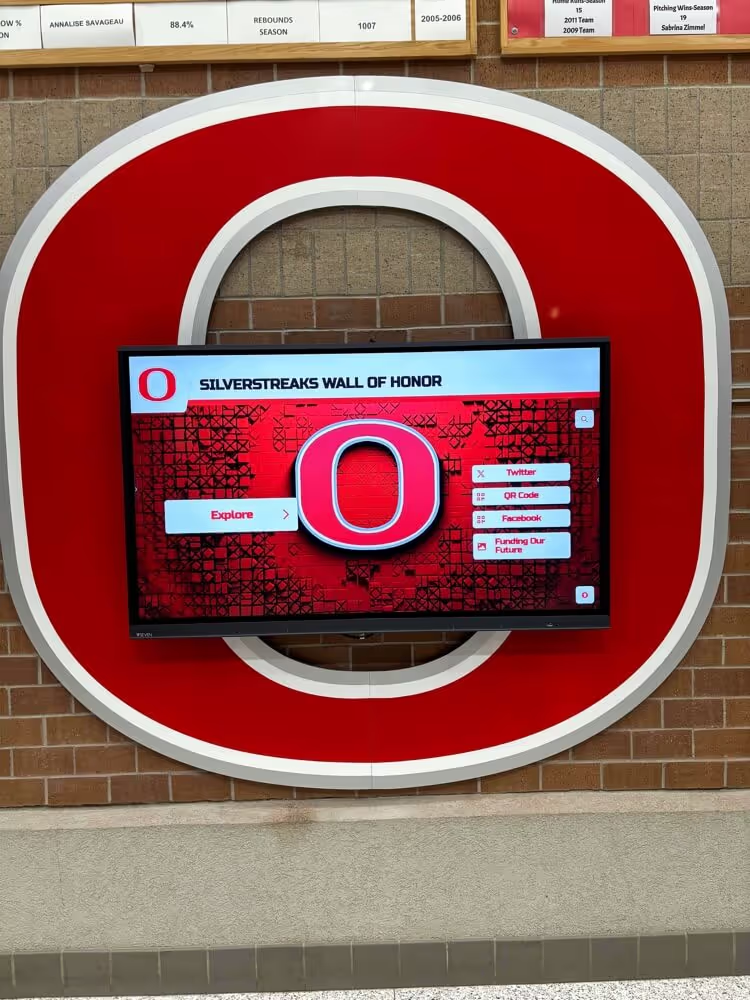
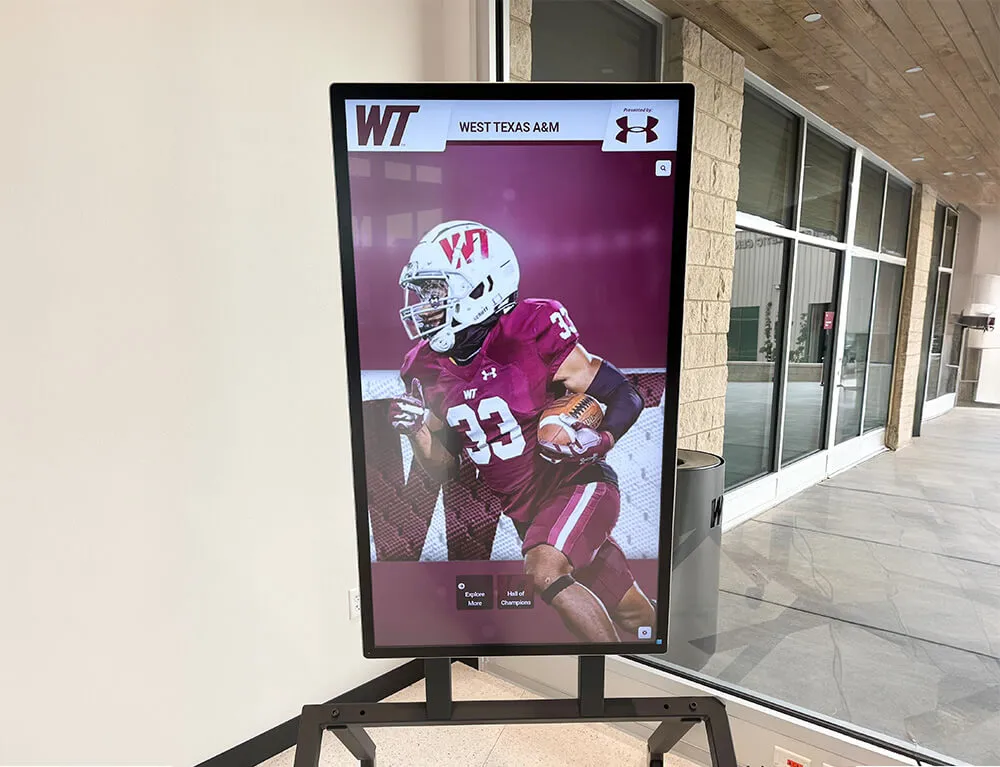
A touchscreen kiosk that loads athlete profiles slowly is often signaling a query plan regression in the database behind it — the fix is at the optimizer layer, not the display layer
Trigger Events That Cause Query Plan Regressions in Athletic Awards Databases
Not all changes carry the same regression risk. The table below maps the most common athletic recognition program change events to their regression risk level and the specific type of plan change they tend to produce.
| Trigger Event | Regression Risk | Typical Plan Change |
|---|---|---|
| End-of-season bulk award import | High | Table scan replaces index scan; hash join replaces nested loop |
| Statistics auto-update after data load | High | Row count estimate jumps; optimizer switches join strategy |
| Database engine version upgrade | High | Optimizer enhancements change cost model; previously stable plans recalculated |
| Index rebuild or reorganize | Medium | Index fragmentation statistics reset; plan may change if fragmentation estimate was informing the previous plan |
| New index added to a shared table | Medium | Optimizer considers new index and may select it over the previously chosen one — sometimes appropriately, sometimes not |
| Schema change: column added or dropped | Medium | Statistics reset on affected table; plan recalculated from new baseline |
| Configuration change: memory allocation | Medium | Hash join or sort memory threshold changes; operations that spilled to disk previously may now run in memory, or vice versa |
| Annual archive import (historical records) | Medium-High | Large row count increase in low-write tables; statistics staleness accelerates |
| Platform migration (new database host) | High | All statistics start fresh; optimizer has no history to calibrate against |
| Routine statistics auto-refresh job | Low–Medium | Usually stabilizing, but occasionally switches a plan that was working well |
For programs planning a platform migration — which is one of the highest-regression-risk events for an athletic awards database — reviewing Rocket Alumni Solutions hardware setup and integration practices provides context on how display hardware and backend systems are validated together after a platform transition.
Remediation Reference Table
When the step-by-step checklist identifies a confirmed regression and a triggering change, use this table to select the appropriate remediation action.
| Root Cause | Recommended Remediation | Notes |
|---|---|---|
| Stale statistics after data load | Run manual statistics update on affected tables; verify row count estimates in the new plan | Fastest fix; resolves most post-import regressions |
| Optimizer chose wrong index | Use an index hint or Query Store plan forcing to specify the correct index | Verify the forced index is still the correct choice after future data loads |
| Join order changed unfavorably | Use JOIN order hints or restructure the query to make the preferred order explicit | Document the rationale so future developers do not “simplify” the hint away |
| Sort spill to disk | Increase work_mem (PostgreSQL) or MAX_GRANT_PERCENT / max server memory setting (SQL Server) to allow the sort to complete in memory | Profile impact on other concurrent queries before increasing globally |
| Table scan on a large table | Verify the index exists and covers the WHERE clause; if so, update statistics; if not, create the needed index | Confirm the index is actually being used after creation by re-running the plan |
| Version upgrade changed cost model | Use Query Store baseline mode (SQL Server 2022+) or plan_cache_mode = force_custom_plan (PostgreSQL 12+) to stabilize plans post-upgrade | Review plan choices after 30 days of production load under the new version |
| Recurrence after statistics refresh | Force the plan using Query Store or hints AND add the query to the regression monitoring list for next scheduled review | Recurring regressions indicate a structural mismatch between statistics model and data distribution |
Connecting Query Plan Stability to Display Reliability
The connection between database query performance and recognition display reliability is direct: every athlete profile on a hallway kiosk, every inductee card on a lobby touchscreen, and every sport-filtered award search on a digital trophy case represents a database query that must return within a user-tolerable response window. For interactive displays, that window is typically under two seconds. When a query plan regression pushes a complex inductee lookup from 0.8 seconds to 8 seconds, the display does not error — it just appears to be broken from the visitor’s perspective.
Programs that monitor display performance as a proxy for database health surface regressions faster than programs that wait for an administrator to notice. A kiosk that suddenly requires a long wait to load athlete profiles is the display-layer symptom of a database-layer regression — and recognizing that connection allows the IT team to investigate the optimizer rather than the display hardware.
For programs where display hardware reliability is part of the same operational review that covers database performance, the UPDD touch software complete guide covers the display-side configuration layer that depends on fast data delivery from the database to render correctly.
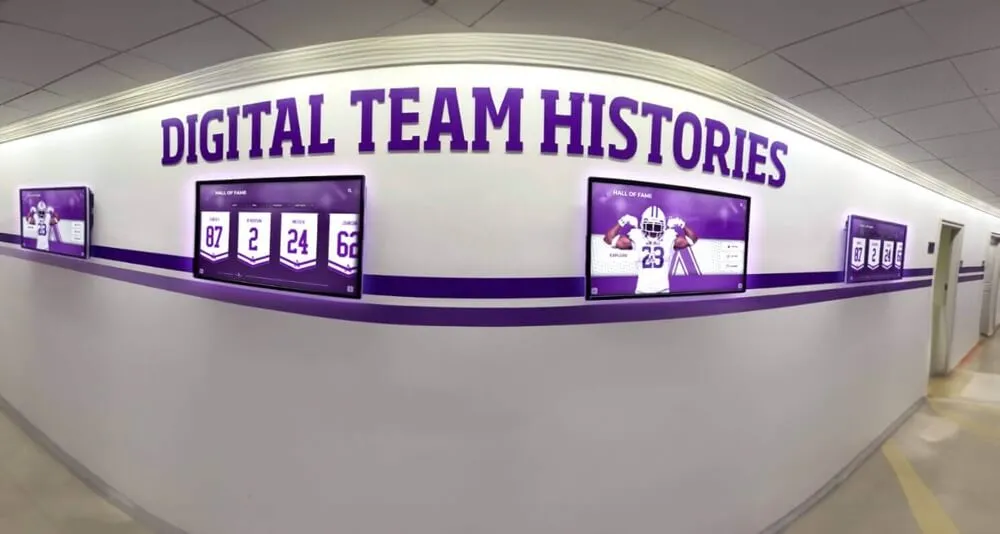
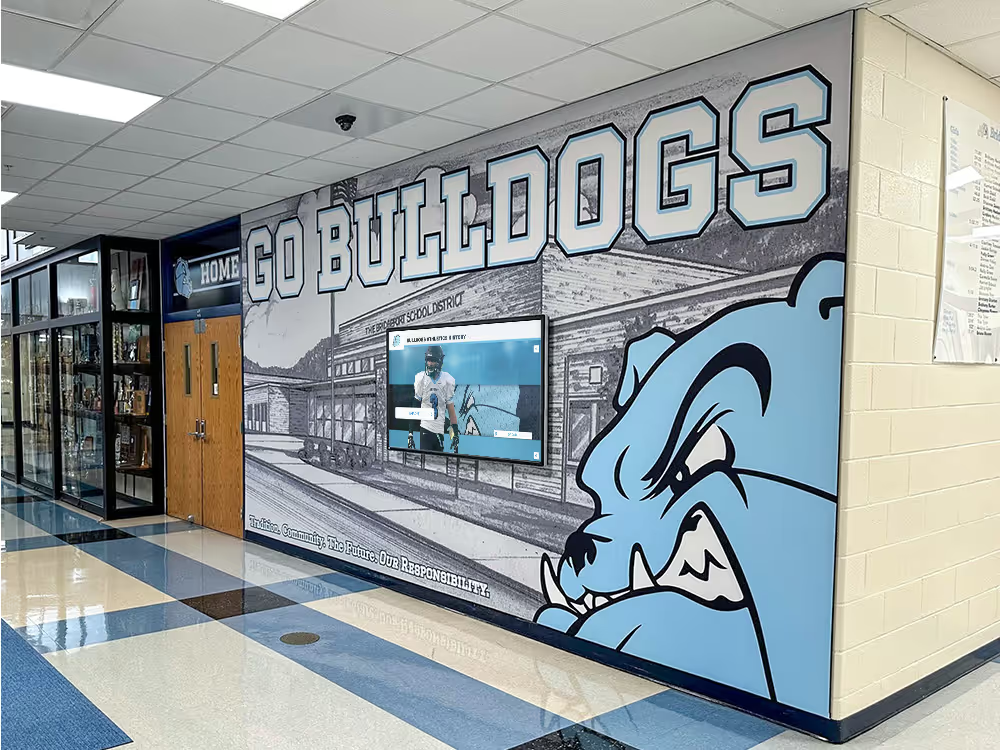
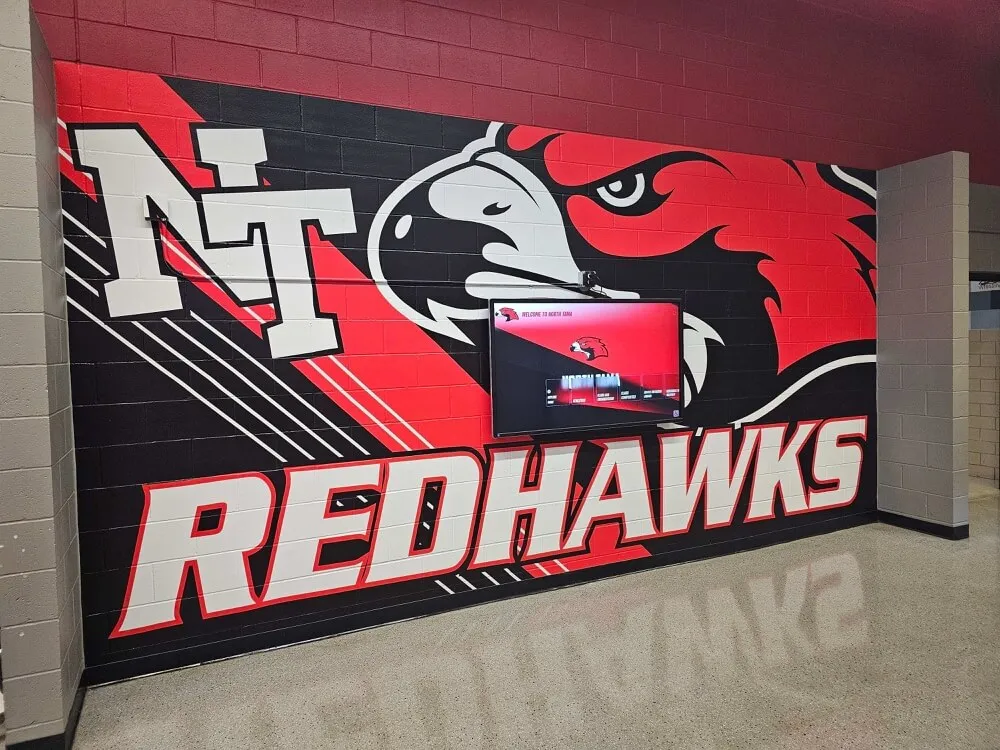
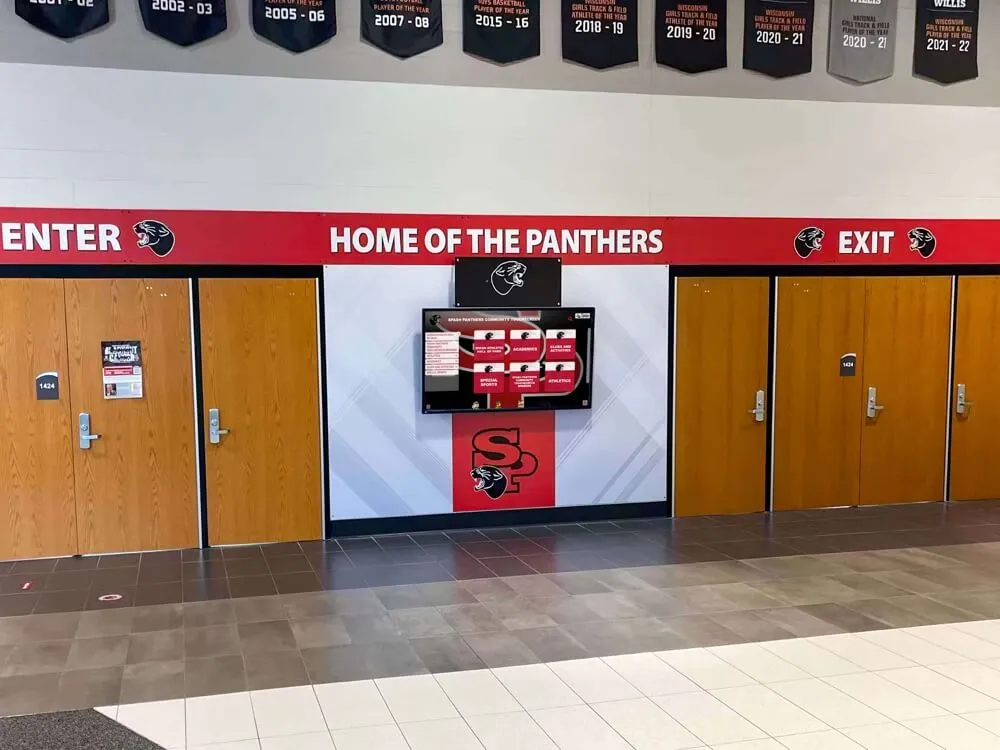
Hallway recognition screens that display team histories and award summaries require consistently fast database queries — a query plan regression after an end-of-season import can make every screen on the hallway slow simultaneously
Quarterly Regression Monitoring Schedule
Rather than running the full checklist reactively, incorporate it into a scheduled quarterly review. This schedule aligns regression monitoring with the athletic calendar’s natural data-load peaks.
| Quarter | Primary Risk Event | Monitoring Focus |
|---|---|---|
| Q1 (August–October) | Fall sport season begins; preseason data import | Baseline all queries before the season import; run regression check after the first data load |
| Q2 (November–January) | Fall season closes; winter sport data begins; banquet reporting period | Run regression check after fall closing import; prioritize report queries used for banquet programs |
| Q3 (February–April) | Winter closing; spring season begins; hall of fame nomination cycle | Run regression check after winter closing; verify inductee lookup queries ahead of nomination processing |
| Q4 (May–July) | Spring closing; end-of-year award imports; graduation recognition; archive migration window | Full regression checklist run; update all baselines; migrate or upgrade only after Q4 baseline is saved |
The Q4 window is the highest-risk period for athletic awards databases: the largest data loads of the year coincide with the heaviest report-generation demand (year-end ceremony programs, digital archive updates, new hall of fame inductee profiles). Running the checklist before and after the Q4 import protects the recognition program from a regression that surfaces during ceremony preparation week.
For programs that coordinate championship banner and award display preparation alongside the annual database review cycle, championship banner crop marks and preflight checklist practices provides a useful parallel checklist for the physical display layer that runs concurrently with database maintenance during this period.
For programs that evaluate vendor claims and platform capabilities as part of their annual review — particularly when considering whether a commercial recognition platform handles query plan management better than an in-house database — navigating the digital hall of fame market and identifying vendor practices covers what to verify in vendor claims about system reliability and performance.
How Cloud-Based Recognition Platforms Reduce Regression Exposure
In-house athletic awards databases managed by school IT teams carry the full burden of query plan monitoring, statistics maintenance, and index tuning. Cloud-based recognition platforms — purpose-built for athletic and alumni recognition programs — absorb the majority of that burden through platform-managed database operations.
Managed statistics and index maintenance. A purpose-built platform maintains its own statistics refresh schedules, index rebuild cycles, and configuration tuning calibrated for recognition workloads. School IT staff do not need to manually schedule UPDATE STATISTICS jobs or monitor index fragmentation — the platform handles it as part of its operational baseline.
Query plan stabilization built in. Modern recognition platforms use query plan stability controls at the infrastructure layer — features equivalent to Query Store plan forcing or index hints applied transparently to the queries that serve display content. When a data volume spike follows an end-of-season import, the platform’s query infrastructure adapts without requiring manual intervention from the school’s IT team.
Performance monitoring as a managed service. School administrators can observe display load times and report generation speed without needing database administrator access. If a display begins loading slowly, the platform’s own monitoring infrastructure alerts operations staff — not the school IT team — and the regression is investigated and resolved by the people who own and manage the platform.
Transparent upgrade management. Database engine version upgrades — one of the highest-regression-risk events on the trigger table — are managed by the platform vendor rather than the school. The vendor validates that existing queries continue to use appropriate plans before rolling the upgrade to production, eliminating the school’s exposure to version-upgrade regression risk.
For programs evaluating how a managed recognition platform fits within a school’s broader technology budget, Rocket Alumni Solutions subscription pricing and multi-year budget flexibility covers the financial structure of platform subscriptions and how multi-year arrangements affect the total cost of managed database operations compared to in-house IT maintenance.

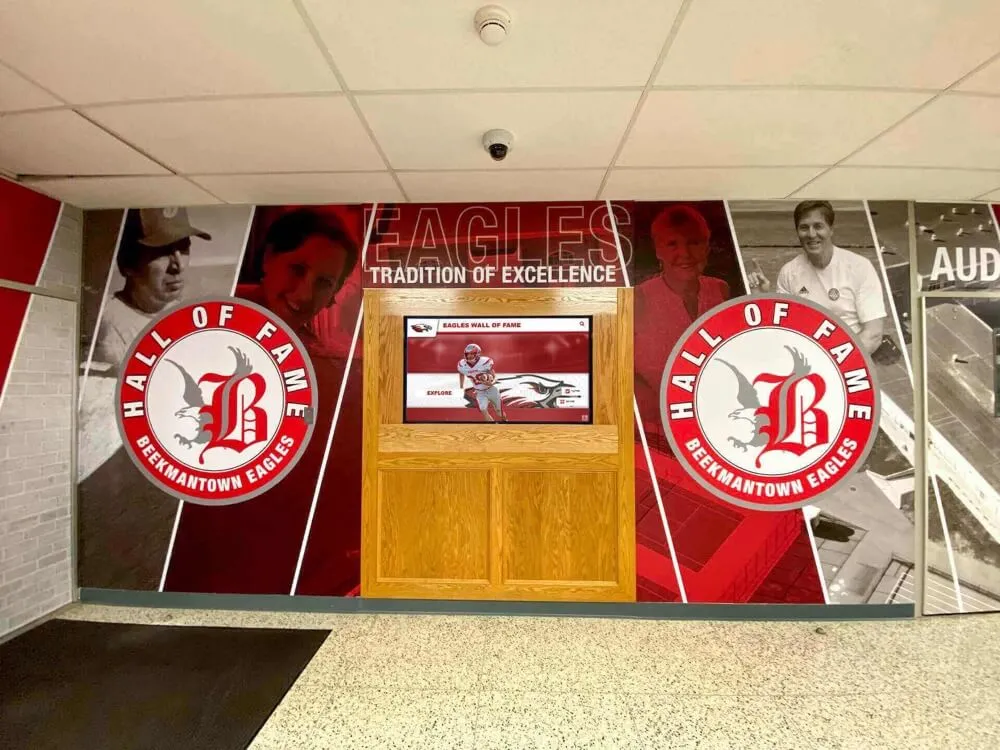
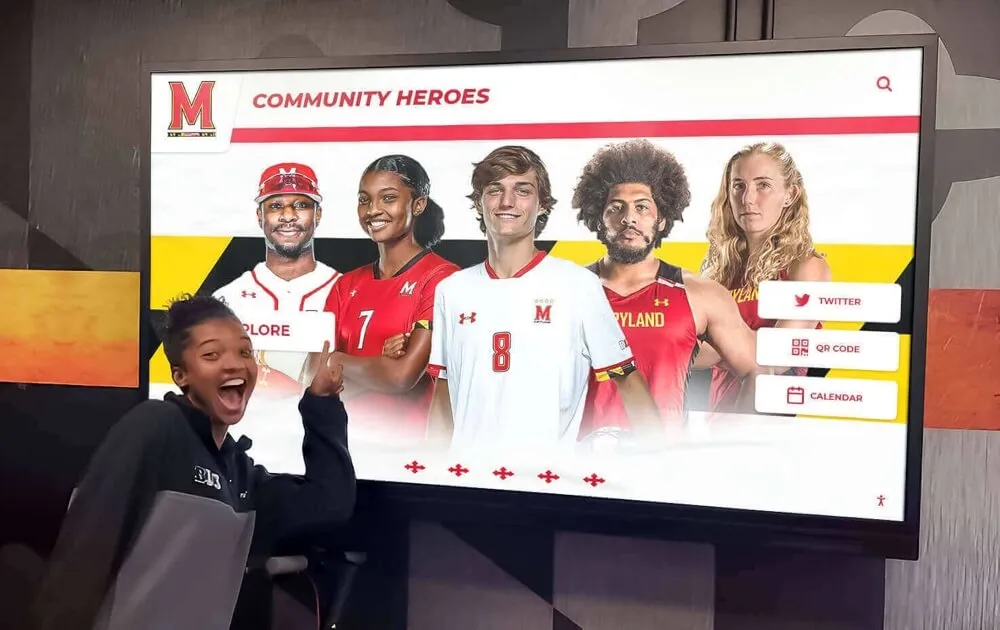
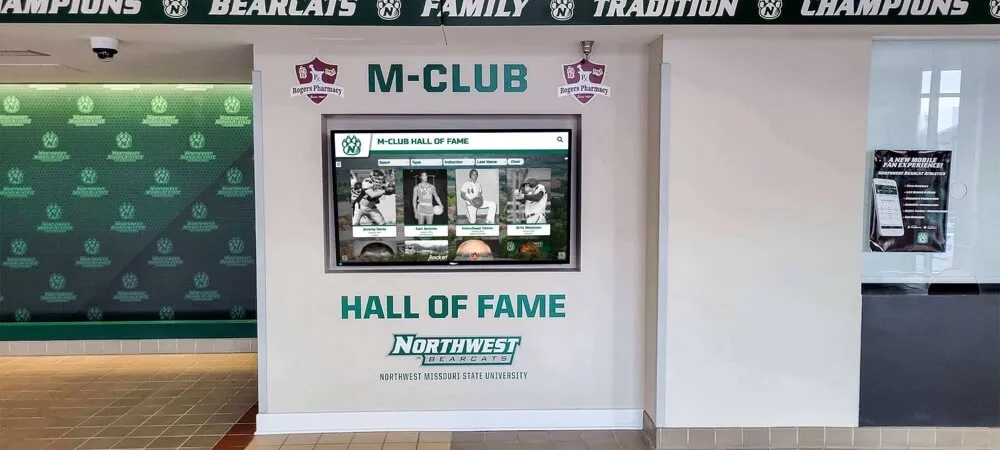
Every interaction with a hall of fame touchscreen depends on a database query returning results quickly — managed platforms absorb the query plan monitoring and remediation work that in-house systems require school IT teams to own
Award Display Accuracy and Database Performance Together
Database performance and data accuracy are often treated as separate concerns, but for athletic recognition programs they are operationally linked. A regressed query that times out before returning its full result set may silently truncate the list of inductees displayed on a lobby screen — showing 47 of 52 hall of fame members and leaving five athletes off the display without any error message indicating the omission.
This is the highest-stakes category of query plan regression in an athletic awards context: not a slowdown, but an incorrect or incomplete display caused by a query that exceeded its execution budget and returned a partial result. The checklist’s Step 1 confirmation test — comparing execution time against the baseline — catches these regressions before they produce display errors, because the execution time spike precedes the timeout by enough margin for remediation before any records go missing from the display.
For programs reviewing the specific wording and permanence standards that govern recognition plaques and physical display entries alongside their digital records, hall of fame plaque wording standards for school recognition programs covers the physical-layer display accuracy that depends on the same data the database query serves to digital channels.
For athletic departments evaluating the sportsmanship and character recognition dimensions of their award catalogs — which often involve the most complex multi-criteria queries across multiple award tables — the Art Rooney Sportsmanship Award and how character-based recognition is structured provides context on the award category complexity that drives multi-join queries most susceptible to plan regressions.
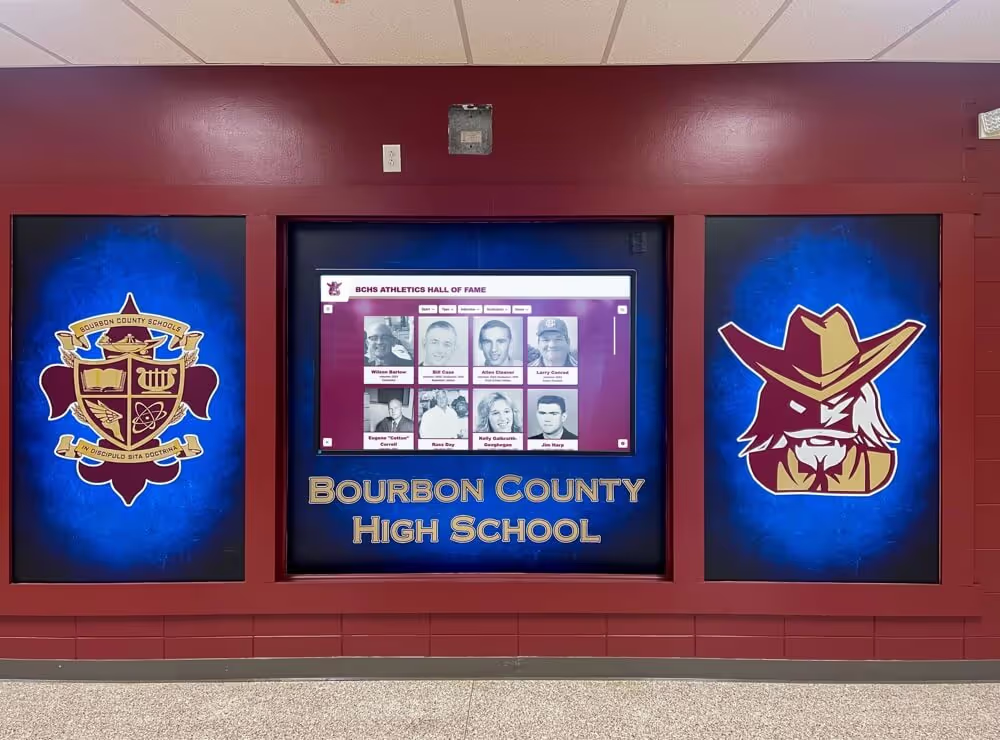
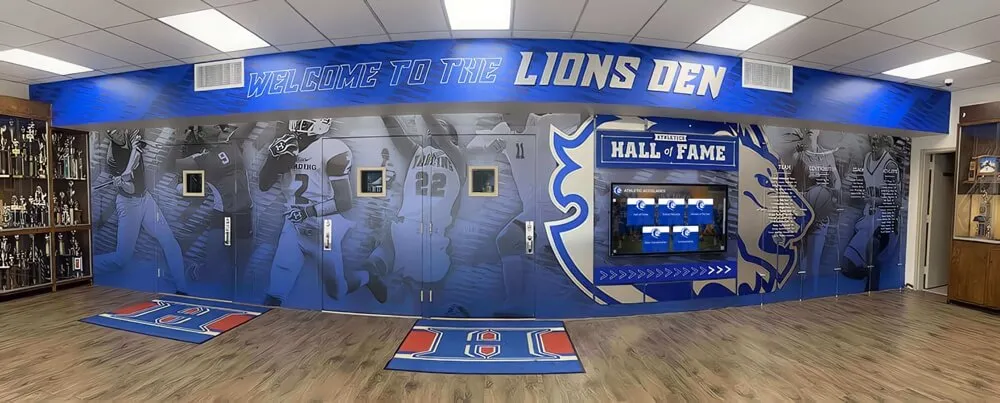
Visitors to a digital hall of fame expect to see every inductee — a query plan regression that causes a timeout before results are fully returned can silently omit records from the display without any visible error
Frequently Asked Questions
What is a query plan regression in an athletic awards database?
A query plan regression occurs when the database optimizer selects a different — and slower — execution strategy for a query that previously ran efficiently. In an athletic awards database, regressions most commonly appear after end-of-season data imports, statistics refreshes, index rebuilds, or database engine upgrades. The visible symptoms are slower hall of fame display loads, delayed report generation, or timeout errors during end-of-year ceremony preparation. The data itself remains correct, but the time required to retrieve it grows beyond acceptable thresholds for interactive displays and scheduled reports.
What triggers query plan regressions in school athletic records systems?
The highest-risk trigger events are end-of-season bulk award imports (which change table row counts faster than statistics can update), database engine version upgrades (which recalibrate the optimizer's cost model), platform migrations (which start with no statistics history), and new index additions (which give the optimizer additional choices it may exercise poorly). Routine statistics auto-refresh jobs and index rebuilds carry medium risk. The key is to save a documented baseline plan and execution time before any of these events so that a regression can be confirmed by comparison rather than reconstructed from memory.
How do you fix a query plan regression without changing the query?
The fastest fix for most athletic awards database regressions is manually updating statistics on the affected tables using UPDATE STATISTICS (SQL Server) or ANALYZE (PostgreSQL). This gives the optimizer accurate row count and distribution information and often restores the original plan without any structural changes. When statistics updates do not restore the plan, Query Store plan forcing (SQL Server) or pg_hint_plan index and join hints (PostgreSQL) can lock in the last-known-good plan. For display-serving queries where results change infrequently, application-layer caching can also absorb the performance impact while a permanent fix is developed.
How does a query plan regression affect a digital hall of fame display?
A query plan regression slows the database queries that serve athlete profiles, award lists, and sport-filtered displays to interactive touchscreen kiosks and lobby screens. Users see longer load times, delayed search results, or — in the most severe cases — incomplete inductee lists when a timeout truncates the query result before all records are returned. Because recognition displays do not show error messages for partial results, a timeout-induced omission appears identical to a complete load, making database-layer monitoring necessary to catch this category of regression before it affects what visitors see.
How often should an athletic department run a query plan regression check?
A quarterly schedule aligned with the athletic calendar's data-load peaks provides the best balance of coverage and effort. The four natural check points are: before and after the fall season import (August–October), after the fall closing import and before banquet report generation (November–January), after the winter closing import and before hall of fame nomination processing (February–April), and a full checklist run before and after the end-of-year archive import (May–July). The Q4 run is the most important: it protects the recognition program during the period when data volumes are highest and ceremony reports are most urgently needed.
See a Recognition Platform Where Query Performance Is Managed for You
Rocket Alumni Solutions provides athletic directors and IT administrators with a cloud-based recognition platform where statistics maintenance, index tuning, and query plan stability are handled at the infrastructure level — so your team focuses on recognition, not database administration. Request a demo to see how managed database operations keep hall of fame displays and end-of-season reports fast year-round.
Request a Demo