



Intent: research — an athletic awards database row level security policy defines which staff roles can read, insert, update, or delete specific award records, limiting each user’s database access to the rows their role actually owns. Row-level security (RLS) is a database access control mechanism that evaluates every query against a set of policy expressions and returns or modifies only the rows the requesting user is permitted to touch — regardless of which interface or query submitted the request.
This guide is written for school administrators, athletic directors, IT and database teams, and recognition-program owners responsible for securing school award records. It covers what row-level security means in an athletic awards context, why role-scoped access is necessary for recognition programs, a complete role-to-permission matrix, policy pseudocode for common RLS configurations, an implementation sequence, a verification checklist, and a focused FAQ section addressing the most common implementation questions.
A varsity coach updates a single player’s award record and inadvertently has write access to every other sport’s honor archive. A part-time records editor who covers one section of the athletic history can, by accident or intent, modify a hall of fame inductee record from a decade before their role existed. A student data entry assistant with a publishing permission pushes changes to a publicly displayed championship record without any approval step. Each of these failure modes shares the same root cause: the database grants access at the table or database level rather than at the row level, giving users broader permission than their role requires.
An athletic awards database row level security policy closes that gap. Instead of asking only “can this user access the awards table?” the policy asks “can this user access this specific row in the awards table?” — and enforces the answer automatically at the database layer, before any query result is returned.

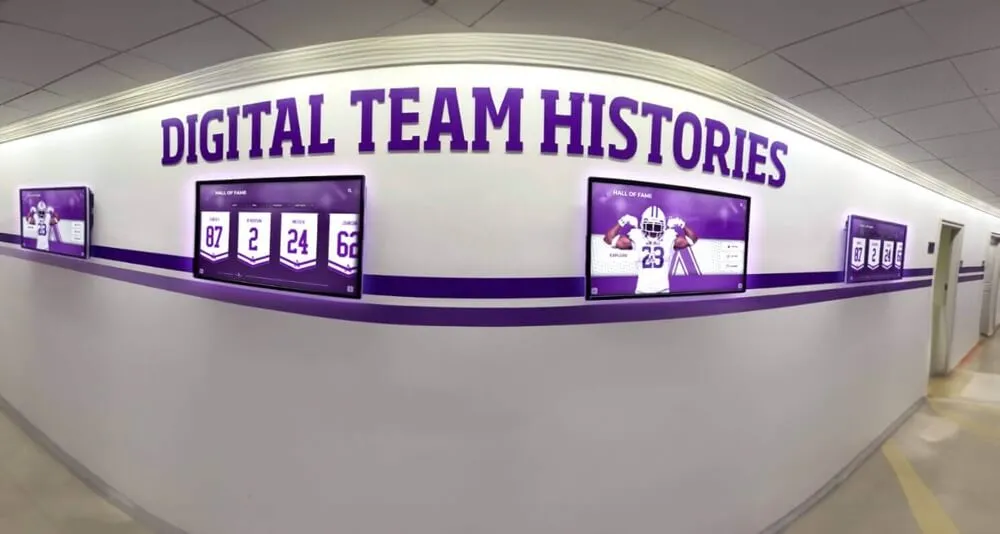
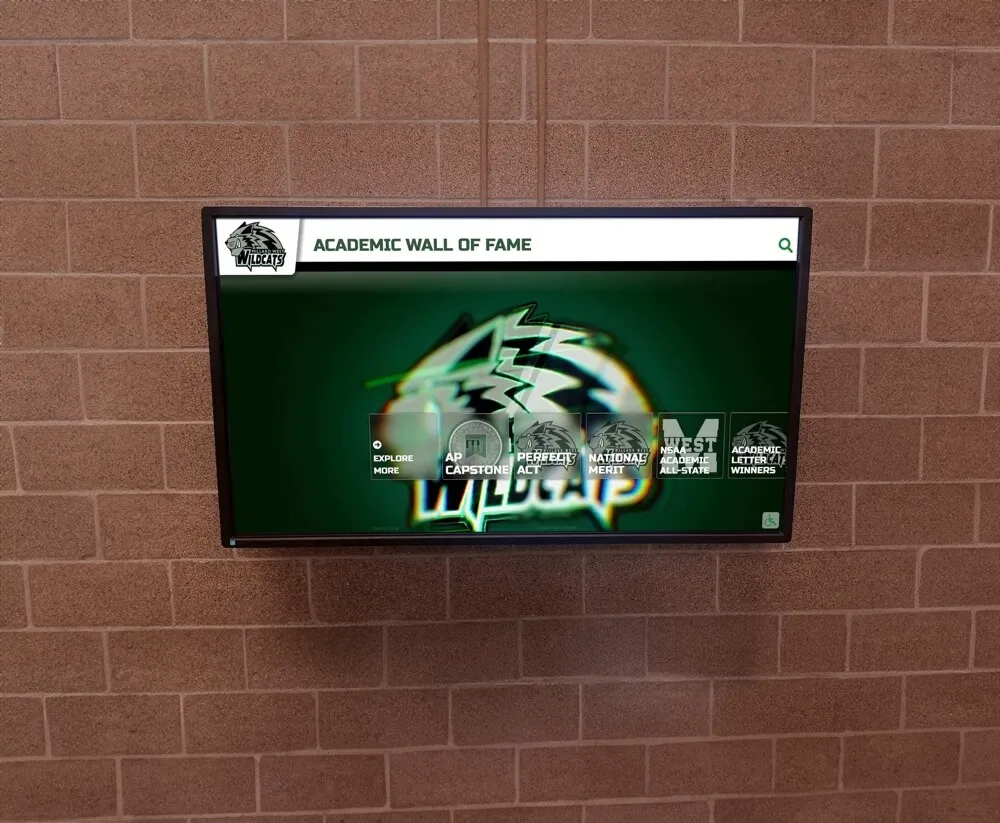
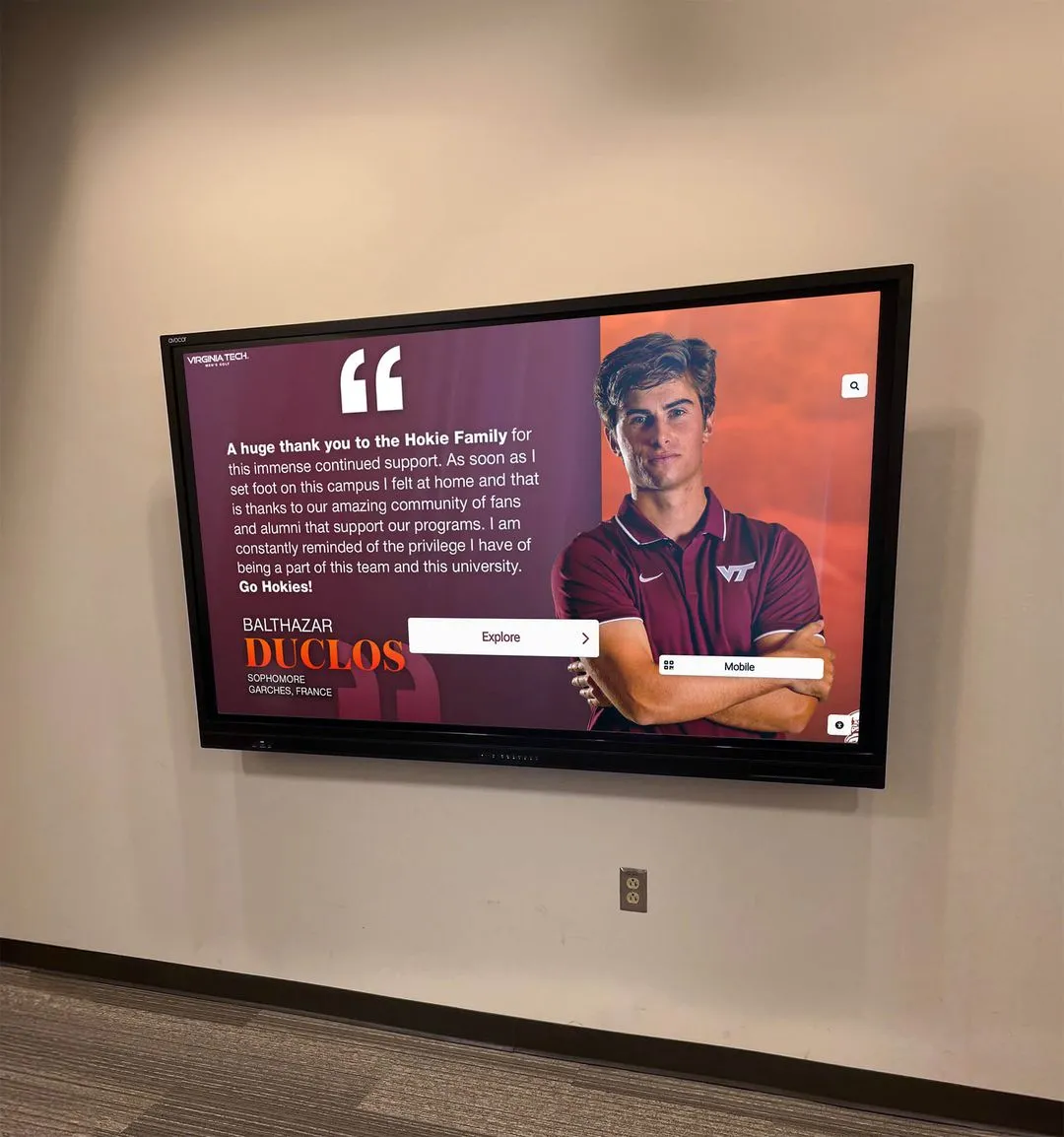
Athletic record displays in school hallways are built from database records — row-level security ensures that the staff editing those records can access only the rows their role owns, not the entire award archive
What Row-Level Security Means for an Athletic Awards Database
Row-level security is a database access control feature that enforces per-row permission rules automatically, at the query execution layer, rather than at the application layer. When RLS is enabled on a database table, every SELECT, INSERT, UPDATE, and DELETE query against that table is filtered through the policies defined for the requesting user’s role — the database returns or modifies only the rows that pass the policy check.
The distinction between table-level and row-level permission matters in school recognition systems. Table-level access control answers: “Can this user query the athletic_awards table at all?” Row-level security answers a more precise question: “Which rows in athletic_awards can this user see or change — and for which operations?”
In practice, a basketball coach may have table-level write access to athletic_awards so they can update records at all, but RLS restricts their actual write scope to rows where sport = 'Basketball' and season_year falls within the current season. Rows for other sports, prior seasons administered by a different staff member, or records flagged as read-only after publication are invisible to the coach’s UPDATE or DELETE operations — the database filters them before any query result is returned.
This is distinct from application-layer filtering, where the presentation software decides what to show a given user. Application-layer filtering can be bypassed if a user accesses the database through a different interface, runs a direct SQL query, or if an application bug fails to apply the filter correctly. RLS enforces the filter at the database engine level — the restriction applies regardless of how the query arrives.
The NIST SP 800-53 Rev. 5 control framework defines least privilege (control AC-6) as the requirement that users be granted only the access necessary to perform their authorized functions. For school athletic award databases that contain student performance records, historical recognition archives, and personally identifiable information tied to athlete profiles, least-privilege enforcement at the row level is the access control standard most consistent with that principle.
Why School Recognition Programs Need Role-Scoped Access
Athletic award databases in schools typically contain multiple distinct record categories — seasonal award records, all-time records board entries, hall of fame inductee profiles, championship season records, and athlete biographical data. These categories have different sensitivity levels, different ownership relationships, and different appropriate editing authorities.
Award records are owned by role, not by table. A volleyball coach owns the volleyball team’s seasonal award records. A swim team administrator owns the swim program’s records. A registrar or athletic director owns the historical archive that spans all sports. When all of these users share the same table-level write permission, the boundary between their respective ownership areas exists only in policy documentation — not in enforcement. A coach who makes an honest data entry error in the wrong sport creates a record corruption that may not surface until it propagates to a public display.
Student data protection requirements reinforce row-scoping. The Family Educational Rights and Privacy Act (FERPA) governs access to student education records maintained by schools receiving federal funding. Athletic award records linked to identifiable student athlete profiles are subject to FERPA’s access restrictions. A row-level security policy that limits each staff role’s access to the specific records they are authorized to manage is consistent with FERPA’s legitimate educational interest standard — the principle that school officials may access student records only for functions within their professional responsibility.
Recognition archives span decades and multiple administrators. Schools that maintain comprehensive academic recognition programs and athletic honor archives frequently have records that predate the current coaching staff by ten, twenty, or thirty years. The coaches and editors currently on staff should not have unrestricted editing access to historical records that were entered under different administrators, validated under different governance frameworks, and published to permanent displays that visitors have referenced for years. Row-level security allows historical records to be designated as read-only for current-role users, while preserving the athletic director’s or archivist’s override access for documented corrections.
Multi-sport programs require scoped cross-sport visibility. In a school with fifteen varsity sports, each head coach should be able to view award summaries across all sports for context while having write access only to their own program’s records. Without row-level security, providing that read-only cross-sport view while restricting write access requires building and maintaining access filters in every application that touches the database — a maintenance burden that grows with each new interface, reporting tool, or data export added to the recognition stack.

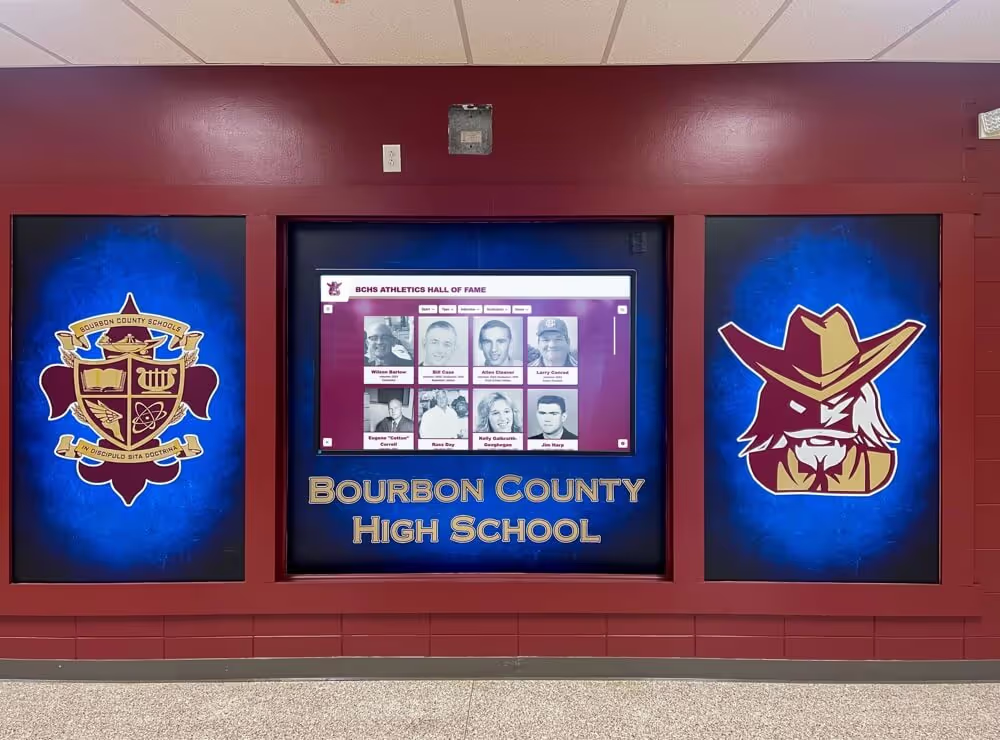
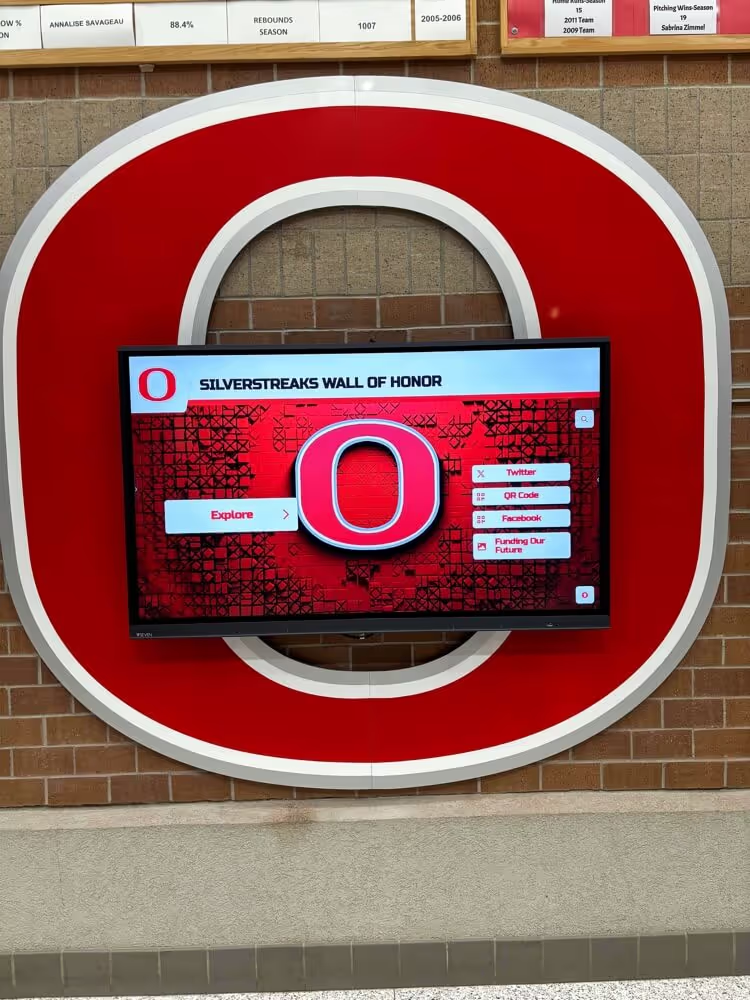
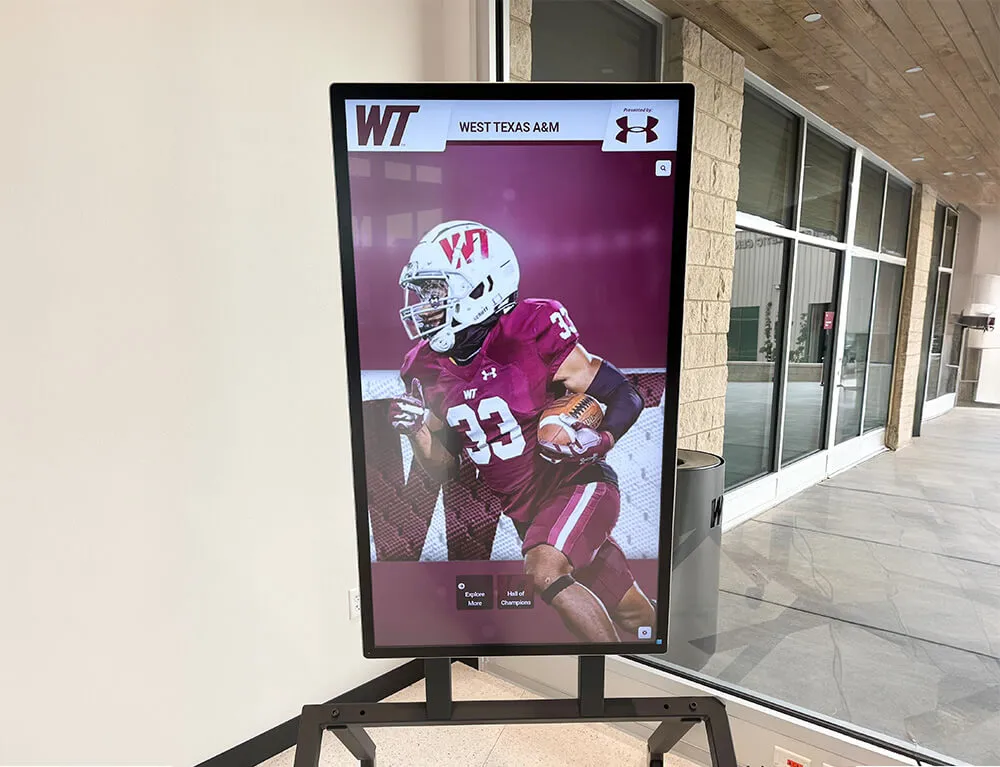
Every record displayed on a touchscreen recognition kiosk originates from a database — row-level security ensures the staff who maintain those records can access only the rows their role specifically owns
Role-to-Permission Matrix
A complete athletic awards database row level security policy begins with a documented role-to-permission matrix that maps each staff role to the specific operations it is permitted to perform on each record scope. The matrix below represents a standard configuration for a school recognition program with four core staff roles plus a read-only public viewer.
| Role | Own Sport / Award Records | Cross-Sport Award Records | Season Configuration | Athlete PII Fields | Bypass Authorization |
|---|---|---|---|---|---|
| Athletic Director | Read / Write / Delete | Read / Write / Delete | Read / Write | Read / Write | Yes |
| Head Coach | Read / Write | Read only | Read only | Read only | No |
| Assistant Coach | Read / Write (own team) | None | None | None | No |
| Records Editor | Read / Write | Read only | None | None | No |
| Public Display Viewer | Read (published rows only) | Read (published rows only) | None | None | No |
Column definitions:
- Own Sport / Award Records — rows in the
athletic_awardstable wheresport_idmatches the role’s assigned sport identifier. - Cross-Sport Award Records — rows in
athletic_awardswheresport_iddoes not match the role’s assigned sport. - Season Configuration — rows in the
seasonstable that define season boundaries, start and end dates, and sport assignments. - Athlete PII Fields — columns in the
athlete_profilestable that contain personally identifiable information: full legal name, date of birth, student ID, and contact fields. - Bypass Authorization — whether the role may approve a constraint override or read records suppressed by a secondary policy, such as records flagged as pending review.
The matrix should be documented in the written policy and reviewed annually. When a coach takes on responsibility for a new sport mid-season, the role assignment — and the RLS policy that depends on it — must be updated in both the policy document and the database configuration before the coach begins entering records for the new assignment.
Policy Pseudocode for Common RLS Configurations
The following pseudocode illustrates the RLS policy structure for the most common row-scoping requirements in an athletic awards database. These examples use PostgreSQL-style syntax, which supports native row-level security via the CREATE POLICY command. Programs using other database platforms should implement equivalent application-layer row filters documented in the policy with the same precision as native SQL policies.
Enable RLS on the awards table:
ALTER TABLE athletic_awards ENABLE ROW LEVEL SECURITY;
ALTER TABLE athletic_awards FORCE ROW LEVEL SECURITY;
FORCE ROW LEVEL SECURITY ensures the policy applies to the table owner as well, preventing superuser-equivalent roles from bypassing the policy without an explicit policy exception. Without this flag, the table owner bypasses all RLS policies by default.
Policy: Head coaches may read and write only their assigned sport’s rows:
CREATE POLICY coach_own_sport
ON athletic_awards
FOR ALL
TO coach_role
USING (
  sport_id = (
    SELECT sport_id FROM staff_assignments
    WHERE staff_id = current_setting('app.current_staff_id')::int
    AND role = 'head_coach'
  )
)
WITH CHECK (
  sport_id = (
    SELECT sport_id FROM staff_assignments
    WHERE staff_id = current_setting('app.current_staff_id')::int
    AND role = 'head_coach'
  )
);
The USING clause filters rows returned by SELECT and DELETE operations. The WITH CHECK clause validates rows submitted by INSERT and UPDATE operations. Both must reference the same scope expression to enforce symmetric read/write restriction — a policy that restricts reads but not writes leaves the write surface unprotected.
Policy: Records editors may read cross-sport records but write only to their assigned scope:
CREATE POLICY editor_read_all
ON athletic_awards
FOR SELECT
TO editor_role
USING (true);

CREATE POLICY editor_write_own_scope
ON athletic_awards
FOR INSERT, UPDATE, DELETE
TO editor_role
USING (
  scope_id = (
    SELECT scope_id FROM staff_assignments
    WHERE staff_id = current_setting('app.current_staff_id')::int
    AND role = 'records_editor'
  )
)
WITH CHECK (
  scope_id = (
    SELECT scope_id FROM staff_assignments
    WHERE staff_id = current_setting('app.current_staff_id')::int
    AND role = 'records_editor'
  )
);
Policy: Public viewer sees only published rows:
CREATE POLICY public_published_only
ON athletic_awards
FOR SELECT
TO public_viewer_role
USING (publication_status = 'published');
Policy: Athlete PII fields — restrict to athletic director and registrar roles only:
CREATE POLICY pii_access_restricted
ON athlete_profiles
FOR ALL
TO coach_role, editor_role, public_viewer_role
USING (false);

CREATE POLICY pii_access_authorized
ON athlete_profiles
FOR ALL
TO athletic_director_role, registrar_role
USING (true)
WITH CHECK (true);
The USING (false) policy for restricted roles returns zero rows for any query from those roles — effectively hiding the athlete_profiles table from unauthorized staff without raising an error that would reveal the table’s existence or structure. This is a safe default-deny pattern that fails closed rather than open.
These pseudocode examples illustrate the policy structure. Actual implementation requires mapping session variables such as current_setting('app.current_staff_id') to the application’s authentication mechanism, so the database receives the correct staff context with each query.
Implementation Steps
The following sequence is designed for programs implementing an athletic awards database row level security policy for the first time. Programs that already apply application-layer filtering can enter at Step 3.
Step 1 — Inventory all tables that contain award records. Before writing a single policy, enumerate every table in the recognition database that contains award data, athlete profile data, season configuration records, or display publication status. RLS must be applied to every relevant table — not only the primary awards table — or a staff member can bypass the policy by querying a related table that was not covered. Commonly missed tables include season-configuration tables, athlete-to-sport assignment tables, and display-publication-status tables that control which records appear on public-facing screens.
Step 2 — Define the role registry. Document every staff role that will interact with award records, with a precise scope definition for each. The scope definition must be specific enough to write a USING clause: “head coaches may access rows where sport_id matches their assigned sport” is specific enough. “Coaches have limited access” is not. Attach the role registry to the written policy as an appendix — it is the authoritative reference that the RLS policy expressions implement, and it must stay synchronized with the database configuration through every staff change.
Step 3 — Map session context to authentication. RLS policies that reference per-user attributes — staff ID, assigned sport, role name — depend on those attributes being available at query execution time, typically via session variables set when the database session opens. Map the application’s authentication mechanism to the database session so the correct staff context is provided with each query. Test this mapping by confirming that a logged-in coach’s query returns only their sport’s rows and that a query submitted without session context returns zero rows rather than all rows.
Step 4 — Write and test policies for each role. Implement one policy at a time, starting with the most restrictive role (public viewer, assistant coach) and working toward the most permissive (athletic director). After each policy is written, run representative queries from a session authenticated as that role and confirm the result set matches the policy’s intended scope. Test all four operations: SELECT, INSERT, UPDATE, and DELETE. A policy that correctly restricts SELECT but not UPDATE is incomplete and will be discovered during an audit or, worse, after an unauthorized record modification has already occurred.
Step 5 — Apply PII-specific policies separately. Athlete PII field restrictions should be implemented as a distinct policy layer, separate from the general award record policy. This separation makes PII access control independently auditable — an important distinction for FERPA compliance reviews, where reviewers may ask specifically about PII access controls without reviewing the general awards access framework at the same time.
Step 6 — Document and version the policy. Once RLS policies are implemented and tested, document them in the written policy alongside the SQL expressions they implement. Version-control the policy document with the same rigor as the schema it governs. When the schema changes — a new field is added, a table is renamed — the policy must be updated to match, and the version history must show which policy version was in effect at each point in time. Programs managing long-running athletic recognition programs with multi-decade archives benefit from policy versioning that aligns with the archive’s own historical record structure, since a governance gap at any point in the timeline can propagate forward into every subsequent season’s records.
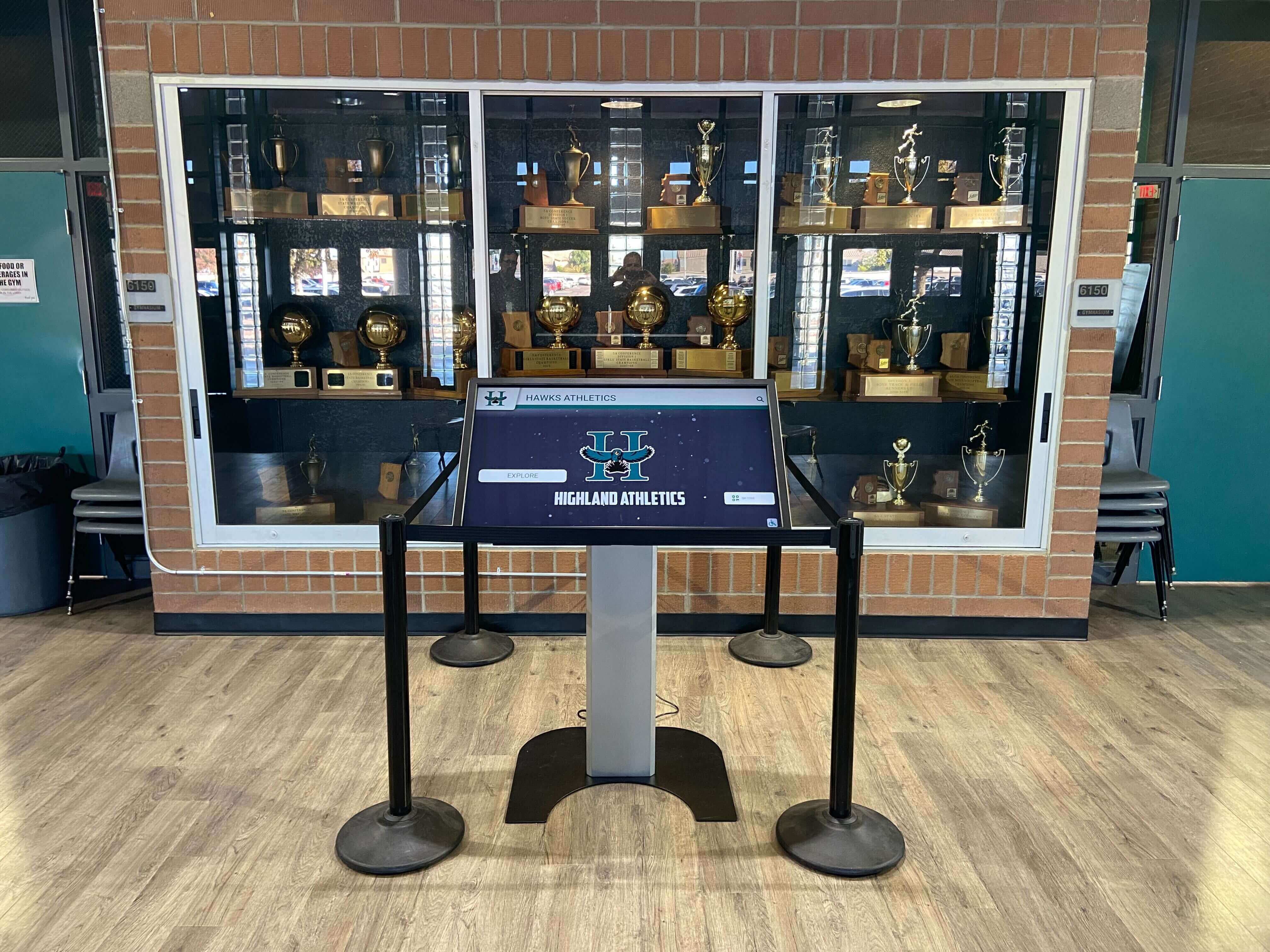
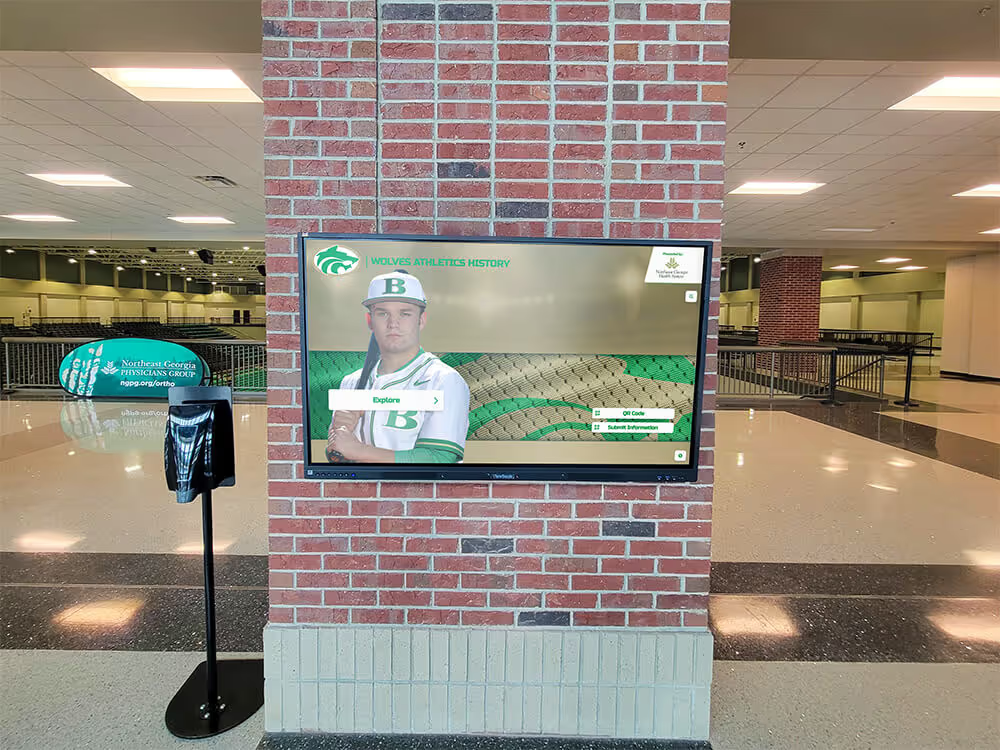
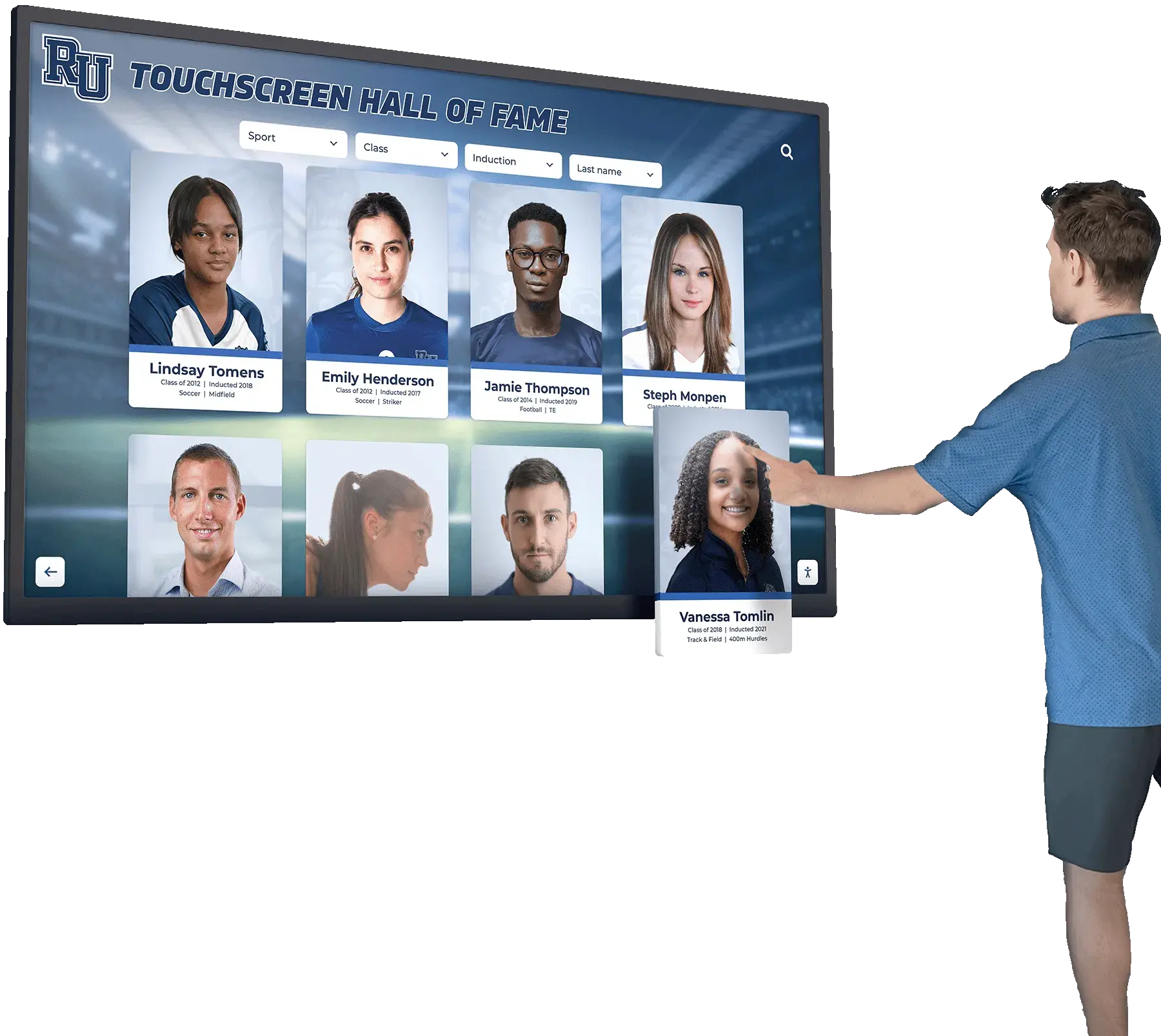
Trophy case kiosks display records maintained by multiple staff roles — a row-level security policy ensures each role's editing access is limited to the records they are responsible for, preventing unauthorized modifications from reaching a public-facing display
Verification Checklist
Use this checklist to assess whether an existing or proposed athletic awards database row level security policy covers the necessary components before documentation is finalized and the policy is put into production.
Role Assignment
- Every staff role that touches award records is defined in the role registry
- Each role has a documented scope: sport ID, season scope, record category permissions
- Role assignments are updated when staff responsibilities change, before the change takes effect
- Inactive staff accounts are deprovided within a defined window (recommended: 24 hours after separation)
RLS Policy Coverage
- RLS is enabled on all tables containing award records, athlete profiles, and season configuration
- FORCE ROW LEVEL SECURITY is applied to prevent table-owner bypass
- Each role has a documented USING clause (read filter) for every table in scope
- Each role has a documented WITH CHECK clause (write filter) for every table in scope
- Policies have been tested with each role identity using representative queries for all four operations
PII Field Scoping
- Athlete PII columns are identified and listed explicitly in the policy
- PII access is restricted to authorized roles by name, not by category
- PII field access is logged at a defined frequency (recommended: all access events)
- PII policy is reviewed when new athlete profile fields are added to the schema
Session Context Mapping
- Application authentication passes staff identity to the database session correctly
- Session variable is set before any query executes in the session
- Failure to set session context results in zero-row access (default-deny), not full-table access
- Session context is cleared on logout or session expiration
Bypass and Override Protocol
- Conditions permitting a bypass are explicitly defined and limited to named senior roles
- Bypass events are logged with: date, authorizing role, staff ID, record affected, and stated reason
- Bypass log is reviewed at a defined interval (recommended: quarterly)
- No bypass may be self-authorized — a second named role must approve each override
Audit and Review
- RLS policy is reviewed annually and after any staff role restructuring
- Policy is version-controlled alongside the schema it governs
- A designated role is responsible for policy review (recommended: IT administrator and athletic director jointly)
See Role-Scoped Recognition Management in Action
Rocket Alumni Solutions provides cloud-based recognition platforms with role-based content management, approval workflows, and access controls that limit each staff member's editing scope to the records their role owns — without requiring a custom database RLS configuration. Request a demo to see how the platform enforces record-level access policies for coaches, editors, and administrators.
Request a DemoHow Digital Recognition Platforms Support Role-Scoped Access
Purpose-built digital recognition platforms for schools implement role-based access controls at the application layer, though the underlying enforcement mechanism varies by platform architecture. When evaluating a platform’s row-level access controls for compliance with an athletic awards database row level security policy, the following capabilities indicate that the platform’s access model is aligned with the policy framework described in this guide.
Per-role editing scopes. The platform’s content management interface restricts each logged-in staff member’s editing capabilities to the record categories assigned to their role. A coach who logs in sees and can edit only their sport’s records — not a filtered view of the full database, but a role-scoped view where other sports’ records are not accessible at all.
Approval workflows for cross-scope changes. When a record change requires authorization from a higher-privilege role — for example, a coach submitting a correction that falls within the athletic director’s approval scope — the platform routes the change through an explicit approval step rather than committing it directly. This is the application-layer equivalent of the WITH CHECK policy for restricted roles.
Audit logs for all write events. The platform logs every INSERT, UPDATE, and DELETE event with the authenticated staff member’s identity, the record affected, the change made, and the timestamp. Audit logs should be stored separately from the records they document, so that a staff member who can edit award records cannot also edit the log of those edits.
Publication status controls. Records that are pending review or awaiting approval are suppressed from public-facing displays until they are explicitly published by an authorized role. This is the application-layer equivalent of the publication_status = 'published' RLS filter — ensuring that unpublished or disputed records do not reach the lobby kiosk or the interactive hall of fame display before they are cleared by the appropriate authority.
For programs evaluating platforms that bridge database-level row security with recognition display systems, the key capability to look for is a governed editing environment that feeds directly into the display layer — so the access controls that determine who can edit a record are the same controls that determine what reaches the public screen.
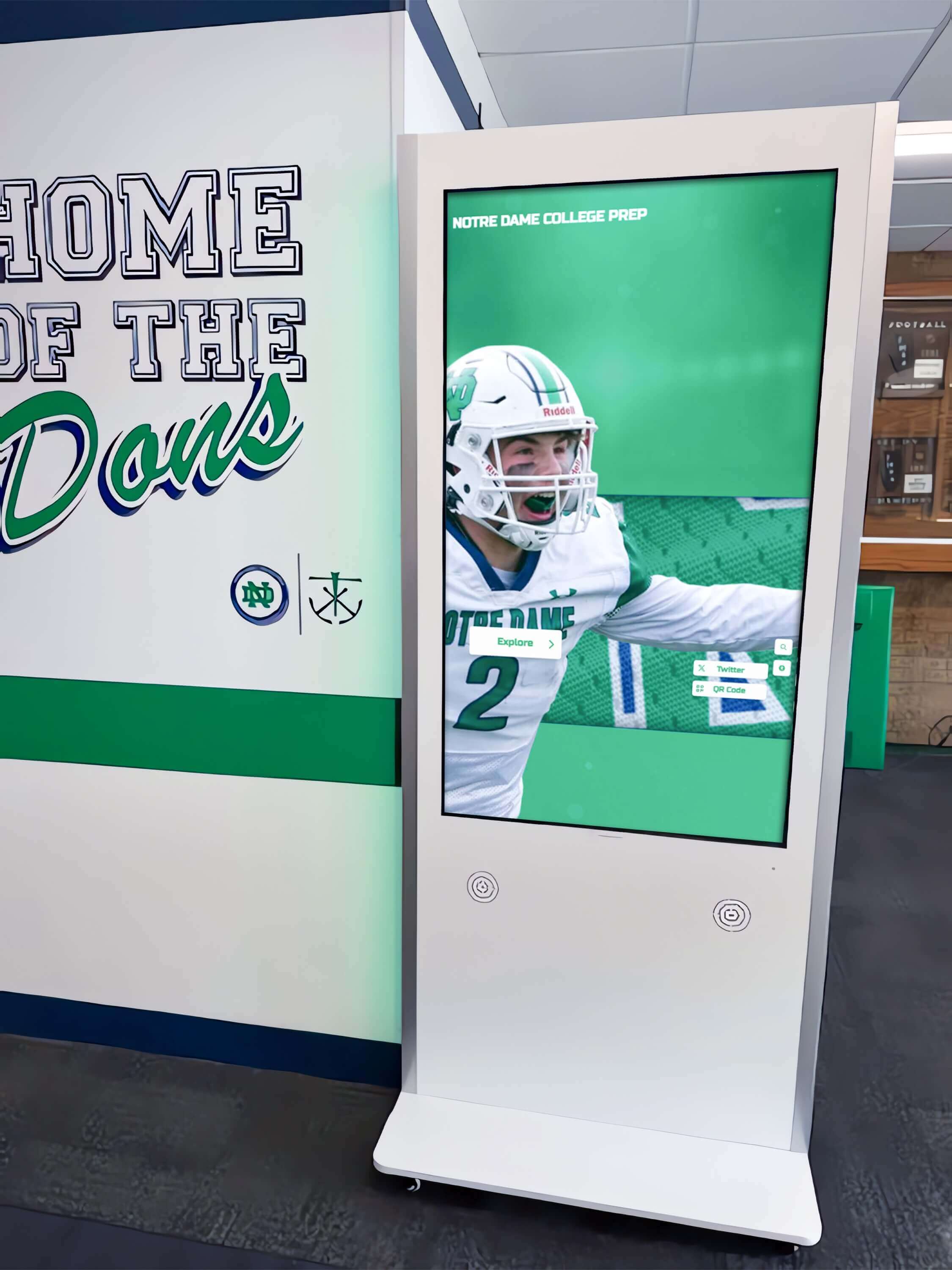
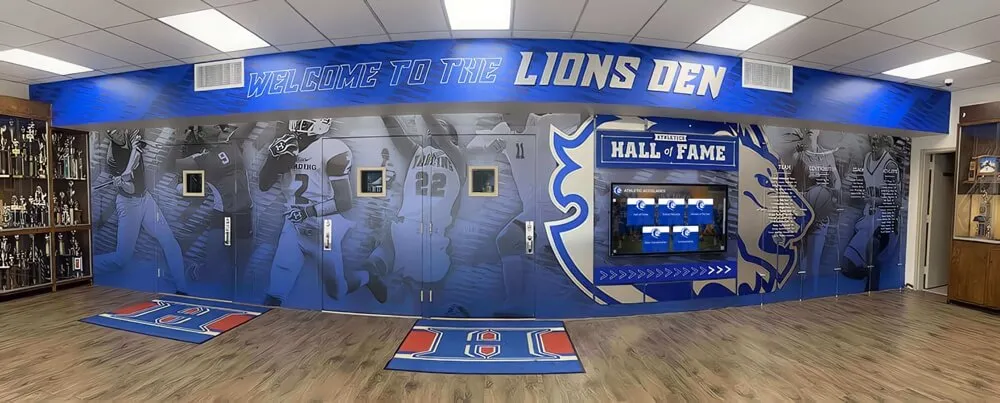
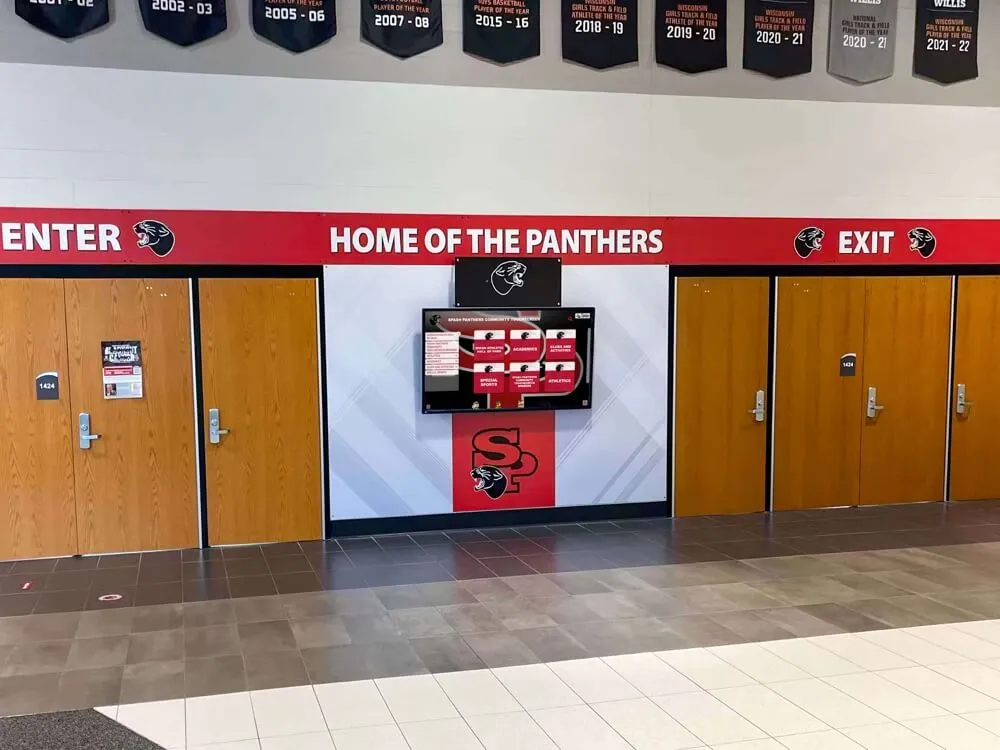
Recognition kiosks in school hallways display records maintained by multiple staff roles — a row-level security policy ensures each role's editing access is limited to the records they are responsible for, not the entire database
Connecting RLS to Award Archives and Display Systems
Row-level security at the database layer is the upstream control that makes display integrity possible. Every record shown on a lobby touchscreen, a championship banner archive, a hall of fame kiosk, or a digital wall of fame display is rendered from rows in the database. When those rows can be modified by staff members whose role does not own them, the display layer has no reliable guarantee that each record reflects the intent of the person actually responsible for it.
Hall of fame inductee records. Inductee profiles represent permanent, publicly recognized honors. The staff role that can modify an inductee record should be limited to the athletic director, archivist, or a named approval authority — not every coach or editor with general write access to the awards table. RLS makes that restriction enforceable at the data layer, independent of which interface a staff member uses to access the record.
Records boards and all-time rankings. Schools that display all-time athletic records — top performances by sport, season, and statistical category — depend on clean record ownership to ensure that the displayed rankings are authoritative. A records editor who can write to rows outside their scope could introduce a performance entry in a sport category they do not own, with no system-level alert unless row-level security is in place. RLS prevents that write at the database layer before it can reach the public display.
Championship season records. Championship records anchor physical banners, digital archive entries, and media references. Modifying a championship record requires deliberate authority — the kind of access that row-level security reserves for senior roles. Programs that display athletic championships alongside academic decathlon recognition need that same protection across both athletic and academic record categories.
QR-code and mobile access for off-site viewing. Schools that provide QR-code or mobile-accessible views of their award archives — allowing alumni and community members to browse records from their phones — need confidence that the public-facing data passes through the published-status filter at the database layer, not only at the display application layer. RLS enforces that filter for every query, regardless of how it arrives. For programs exploring how recognition platforms implement these access patterns, a review of the leading hall of fame tools for athletics illustrates the range of role-based CMS approaches currently available.
Connecting RLS Policy to Broader Data Governance
An athletic awards database row level security policy is one layer within a broader data governance framework. It enforces who can change which records — but it works alongside other governance controls that define what records should exist, how they are structured, and how corrections are managed.
Relationship to stewardship roles. A data stewardship framework assigns ownership of each record category to a named role. RLS makes that ownership enforceable at the database layer — so the steward who is policy-designated as the owner of a record is also the only role with database-layer write access to it. The two frameworks must be aligned: if the stewardship policy assigns basketball award records to the head basketball coach, the RLS policy must restrict write access to basketball award rows to the head coach’s database role. A mismatch between the written stewardship framework and the implemented RLS configuration is the most common source of access control gaps in recognition database governance.
Relationship to correction workflows. Correction workflows define the process for modifying an existing award record — who can initiate a correction, who must approve it, and how the change is logged. RLS enforces the write restriction that makes correction workflow bypass impossible at the database level: a staff member who has not been granted UPDATE permission on a row cannot bypass the correction workflow by submitting a direct database update, because RLS blocks the update before it is committed.
Relationship to audit and versioning policies. Audit logging records who changed what and when. Versioning tracks the history of each record through its changes. RLS is the control that ensures the audit log reflects only authorized changes — because unauthorized writes are prevented at the point of entry. A versioning policy that operates without RLS protection records every write that reaches the database, including writes from staff roles that should not have had access to that row. The version history then documents the unauthorized write alongside legitimate ones, with no structural distinction between them.
Programs building a comprehensive data governance framework for athletic recognition should sequence RLS implementation as a foundation layer: establish role scoping before implementing correction workflows, because the correction workflow’s approval routing depends on knowing which role owns each row.
Frequently Asked Questions
What is the difference between table-level and row-level security in an athletic awards database?
Table-level security controls whether a user can access a table at all — it is an on/off switch for the entire table. Row-level security filters which rows within a table a user can see or modify, based on policy expressions evaluated against each row’s field values. In an athletic awards database, table-level access gives a coach the ability to query the awards table; row-level security restricts which award records in that table the coach can read or change, typically to rows where the sport field matches the coach’s assigned sport.
Does row-level security apply to direct database queries as well as application queries?
Yes. Native database row-level security — such as PostgreSQL’s RLS with FORCE ROW LEVEL SECURITY applied — covers every query that reaches the database engine, regardless of how it was submitted: through the application interface, a direct SQL client, a reporting tool, or a database migration script. This is the primary advantage of database-layer RLS over application-layer filtering: it cannot be bypassed by accessing the database through a different interface than the one the application provides. Application-layer filtering, by contrast, is bypassed the moment a user connects through any interface that does not apply the same filter logic.
What happens when a staff member changes roles or leaves the school?
When a staff member changes roles, their database role assignment should be updated before they begin acting in the new role — not after. When a staff member leaves, their database account should be deprovised within 24 hours. These timelines should be defined explicitly in the RLS policy and enforced through a coordination workflow between HR and IT administration. A staff member whose database role assignment has not been updated retains their previous role’s row-level access until the update is applied, creating an access control gap during the transition period that may not be visible in the application interface but remains exploitable at the database layer.
Can row-level security protect student athlete PII in an athletic awards database?
Yes, though PII protection in a relational database typically requires column-level security in addition to row-level security. Row-level security restricts which rows a user can access; column-level security, implemented through views or column privileges, restricts which fields within an accessible row a user can see. For FERPA-covered student data, the recommended approach is to use row-level security to scope which athlete profiles a role can access, and column-level restrictions to limit which fields — such as date of birth, student ID, or contact information — are exposed to roles that do not require that data to perform their function.
How does row-level security interact with digital recognition display systems?
Digital recognition display systems that query the award database directly benefit from RLS because the policy applies to all queries, including those from the display system’s service account. The display system’s database role should be granted read access only to published records — enforced by an RLS policy that filters for publication_status = 'published' — so that unpublished, pending, or restricted records are never returned to the display layer, regardless of the display system’s query logic. This ensures that the access control model protecting the editing layer also protects the public-facing display layer, without requiring separate filtering logic in each display application.
See How Role-Based Access Protects Your Recognition Archive
Rocket Alumni Solutions provides cloud-based recognition platforms with built-in role-based content management, approval workflows, and publication controls that keep each staff role working within their authorized record scope. Request a demo to see the platform's access control capabilities applied to your school's athletic recognition program.
Request Your Demo