



Every basketball banquet ends the same way: coaches shake hands, parents take photos, and players carry home a trophy or plaque that may end up in a closet within six months. The certificate is often different. A well-designed basketball award certificate stays pinned to a bedroom wall for years, gets included in senior photo collages, and sometimes follows an athlete into a college application portfolio. Certificates earn that staying power because they are personal—they name the recipient, name the achievement, and carry the school’s signature. They also serve a second purpose that most programs overlook: a properly formatted certificate is the cleanest archival record a school can produce. Scan it, and you have a display-ready image. Enter the data, and you have a record board update. Store the file, and you have a hall of fame nomination starting point decades later.
This guide covers certificate design elements that translate directly into display content, a complete table of award categories schools can use season after season, wording templates for each role, and a step-by-step workflow for turning this year’s certificate stack into permanent recognition that lives in the hallway long after the banquet is a memory.
A basketball award certificate does two jobs at once: it honors an individual athlete at a specific moment, and it creates a data point in the program’s ongoing historical record. Schools that understand this dual function design their certificates differently—and get substantially more value from the same recognition budget.

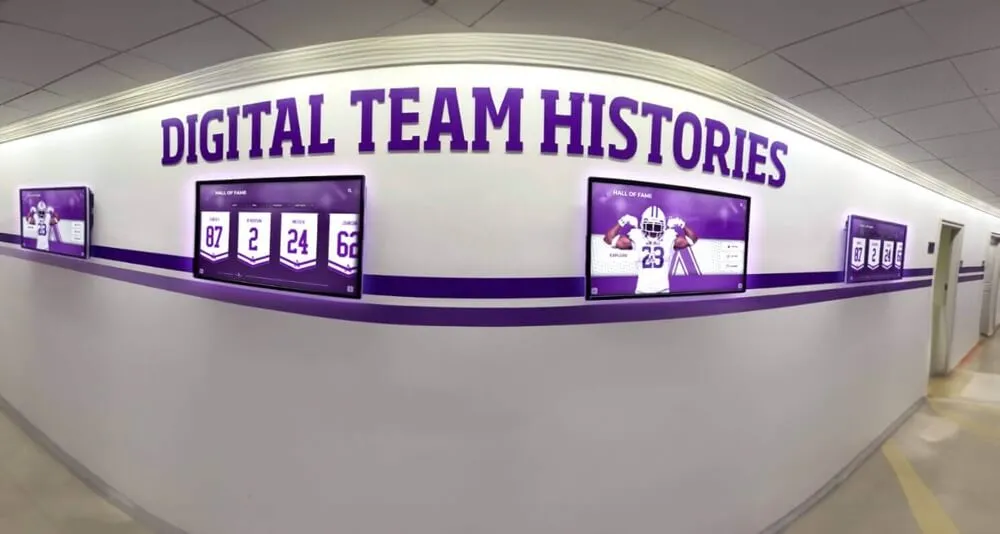
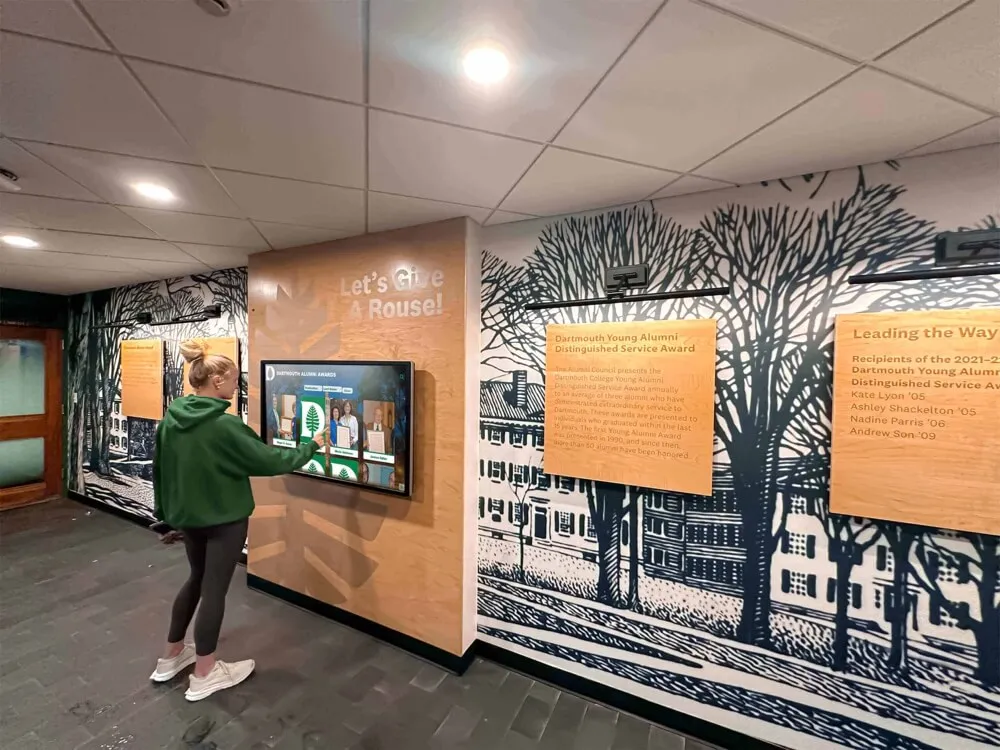
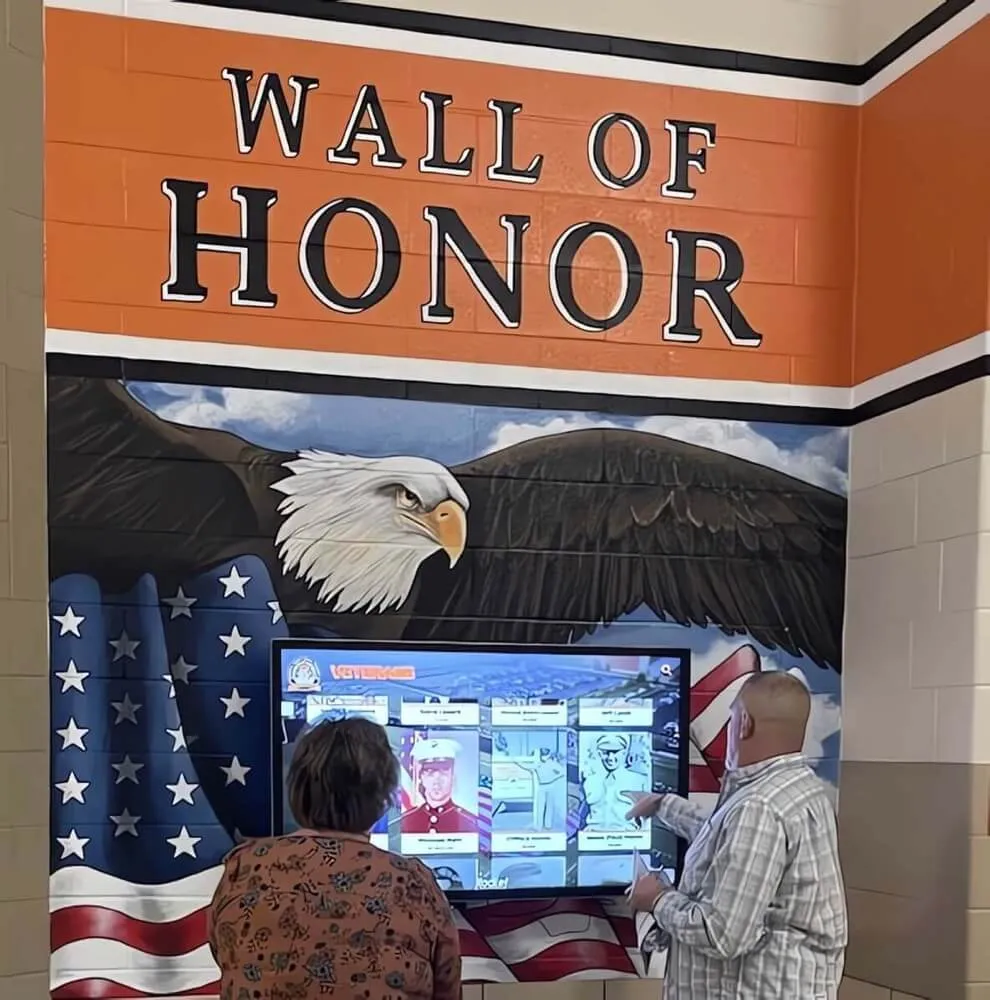
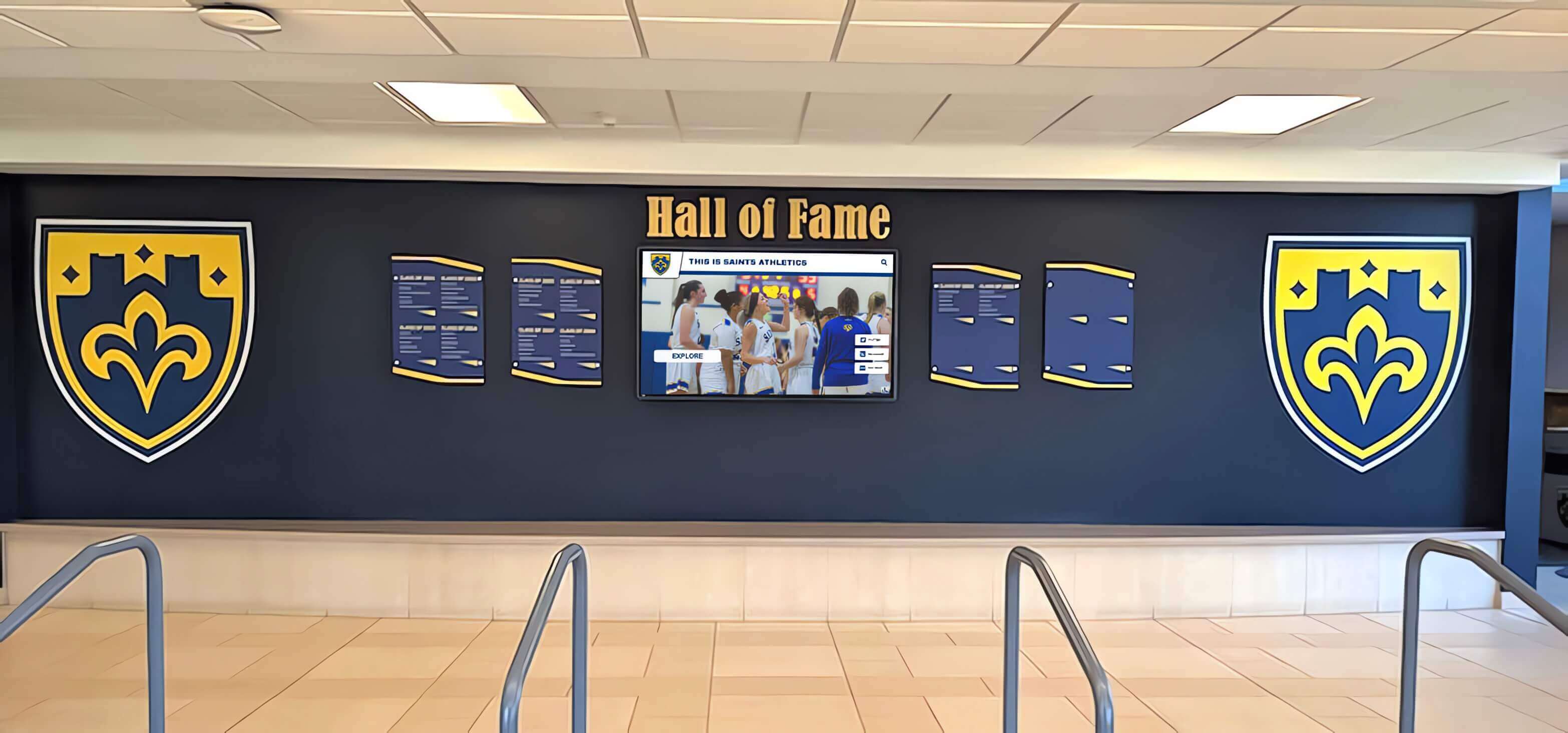
Recognition walls that combine physical plaques with digital screens depend on archival data—the same data a well-designed certificate captures at the moment of award
Why Certificate Design Affects Long-Term Display Value
The most common basketball certificate template is a fill-in-the-blank document where a coach types a name, selects an award title from a dropdown, and prints. The certificate works at the banquet. What it does not do is produce display-quality data.
Three design choices determine whether a certificate can serve as permanent program infrastructure:
Consistent award naming. If “Most Improved” is called “Most Improved Player” one year, “Most Improved Athlete” the next, and “Improvement Award” the year after that, the record cannot be tracked coherently across seasons. Establish a canonical name for each award and keep it consistent permanently.
Criteria documentation on the certificate itself. The award title alone means little to someone reading it in ten years. A brief criteria line—“Awarded to the player demonstrating the greatest statistical and coaching-evaluated improvement from the first to the last third of the season”—preserves context that the award title cannot carry alone.
Data fields structured for record keeping. A certificate that captures player name, graduation year, sport, season record, and award category in consistent fields can be entered into any recognition database without interpretation. One that buries the season year in decorative text beneath the school crest creates gaps that only compound over time.
Essential Elements of a Reusable Basketball Award Certificate
Before reviewing specific award categories, every school’s certificate template should include these fields in a consistent location and format:
- School name and logo — upper center or upper left, standardized placement
- Award title — largest text element, using the canonical award name
- Recipient full name — middle of document, clearly the honoree
- Season year — academic year format: 2025–2026, not just 2026
- Award criteria summary — one sentence, always present, never optional
- Authorizing signature lines — head coach plus athletic director
- Certificate number or issue date — for archival tracking
The criteria summary is the element most programs skip because it takes up space and requires deliberate writing. It is also the element that makes a certificate meaningful to someone who did not attend that season’s banquet—and the element that makes the certificate useful as a record board source decades later.
Basketball Award Certificate Categories: Full Reference Table
The table below covers the award categories most commonly given in high school and collegiate basketball programs, with recommended certificate wording and display applicability for each. Schools can adopt this list as-is or trim it to match the number of categories that makes sense for their program size.
| Award Name | Who It Honors | Certificate Wording | Display Use |
|---|---|---|---|
| Most Valuable Player | Top overall contributor, offense and defense | "In recognition of outstanding contribution to team success through consistent performance, leadership, and competitive impact" | Record board, hall of fame |
| Defensive Player of the Year | Best defensive contributor | "In recognition of excellence in defensive execution, opponent suppression, and commitment to the defensive end of the floor" | Record board, hall of fame |
| Most Improved Player | Greatest measurable growth from start to end of season | "In recognition of demonstrated growth in skill, performance, and contribution measured across the full season" | Record board |
| Team Captain | Player(s) selected to lead the team | "In recognition of exemplary leadership, communication, and responsibility in representing the program on and off the court" | Captain honor roll |
| Scholar-Athlete | Highest academic GPA among varsity players | "In recognition of excellence in both academic achievement and athletic commitment throughout the season" | Academic-athletic display |
| 6th Man Award | Top contributor from the bench | "In recognition of exceptional impact as a substitute, including sustained energy, game-changing performance, and team-first mentality" | Record board |
| Coach's Award | Player who best exemplifies program values | "In recognition of attitude, work ethic, coachability, and commitment to program standards throughout the season" | Hallway display |
| Season Points Leader | Highest single-season scoring total | "In recognition of leading the program in total points scored during the [YYYY–YYYY] season with [X] points" | Statistical record board |
| Season Assists Leader | Most assists in the season | "In recognition of leading the program in assists during the [YYYY–YYYY] season with [X] assists recorded" | Statistical record board |
| Rookie of the Year | Top first-year varsity player | "In recognition of outstanding performance and immediate impact during the first season of varsity competition" | Record board, hall of fame |
| 4-Year Varsity Award | Every player completing four seasons on varsity | "In recognition of four years of dedication, commitment, and service to the varsity basketball program" | Honor roll panel |
| Team Champion Certificate | All members of a championship-winning roster | "In recognition of [Conference/Regional/State] Championship, [YYYY–YYYY] season, [W–L record]" | Championship display |
For a broader look at how these certificate categories connect to end-of-season recognition planning across multiple sports, the end-of-season sports award ideas guide at awardsdisplay.com covers how athletic departments structure recognition when basketball shares the calendar with winter sports.
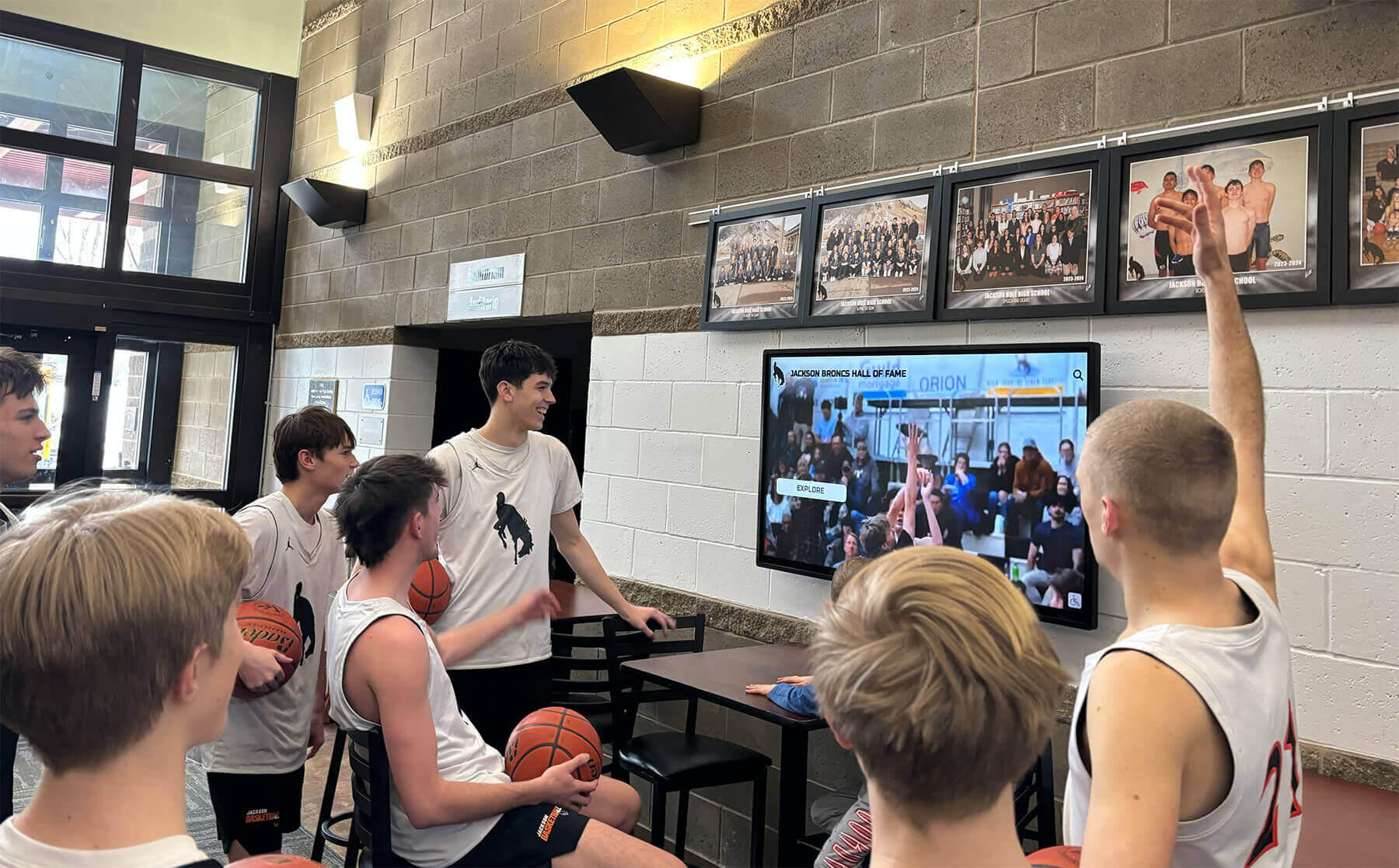
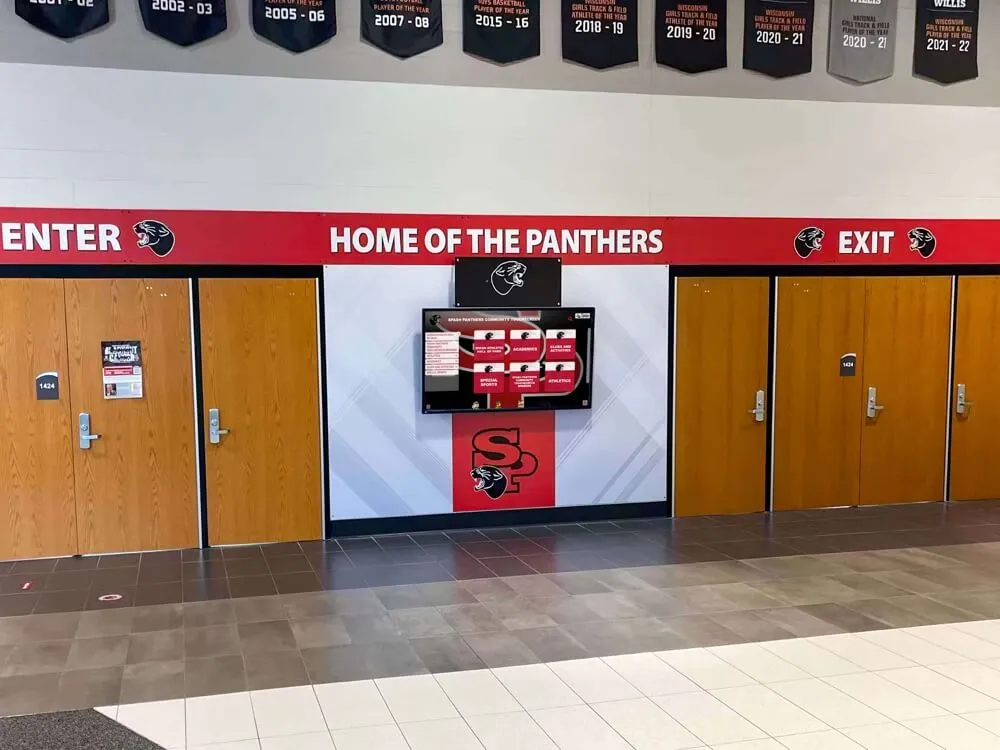
Programs that connect certificate data to digital lobby displays give every passerby a window into basketball recognition history—not just the students who attended the banquet
Certificate Wording That Works Year After Year
The wording on a basketball certificate needs to accomplish two things simultaneously: feel personal to the recipient right now, and remain meaningful to a reader who encounters it twenty years later without any surrounding context.
Principles for Durable Certificate Language
Avoid season-specific colloquialisms. Language like “You crushed it all year” or “Best player in the building” reads as awkward in a decade. Formal recognition language—“outstanding contribution,” “exemplary commitment,” “demonstrated excellence”—ages without dated connotation.
Use the full season designation. “2025–2026 Season” locates the certificate precisely in program history. “2026” alone creates ambiguity: was it the calendar year 2026, or the season that began in fall 2025? The academic year format resolves this permanently.
Name the specific achievement where quantifiable. For statistical awards, include the number: “Season Assists Leader with 147 assists recorded” is more meaningful on a future record board than “Season Assists Leader.” The number is the record. Preserve it on the certificate and in the archive.
Keep tone consistent across award tiers. If the MVP certificate reads in a formal voice and the 6th Man certificate reads conversationally, the program sends an unintentional message about which awards matter. Consistent tone signals consistent respect across categories.
Ready-to-Use Criteria Sentences
These criteria sentences can appear as a single line on any certificate template:
MVP: Awarded to the player demonstrating the greatest overall impact on team performance, evaluated on statistical contribution, defensive effort, and coaching staff assessment.
Defensive Player of the Year: Awarded to the player demonstrating consistent excellence on the defensive end, evaluated on opponent scoring suppression, defensive statistics, and coaching staff assessment.
Most Improved Player: Awarded to the player demonstrating the most significant measurable growth across skill development, statistical output, and competitive performance from early to late season.
Scholar-Athlete: Awarded to the varsity player maintaining the highest cumulative GPA while fulfilling full athletic commitments throughout the season.
Team Captain: Awarded to the player selected by coaches for demonstrated leadership, accountability, and ability to represent program values to teammates and the broader school community.
6th Man Award: Awarded to the most impactful non-starter, evaluated on points per minute, energy contribution, and coaching staff assessment of game-changing substitute performance.
Coach’s Award: Awarded at the sole discretion of the head coach to the player who most consistently embodies program values, coachability, and competitive character throughout the season.
For schools looking to extend this recognition structure beyond certificates, the basketball awards ideas guide at digital-trophy-case.com explores how certificate categories map to broader athletic recognition formats including trophies, plaques, and digital profiles.
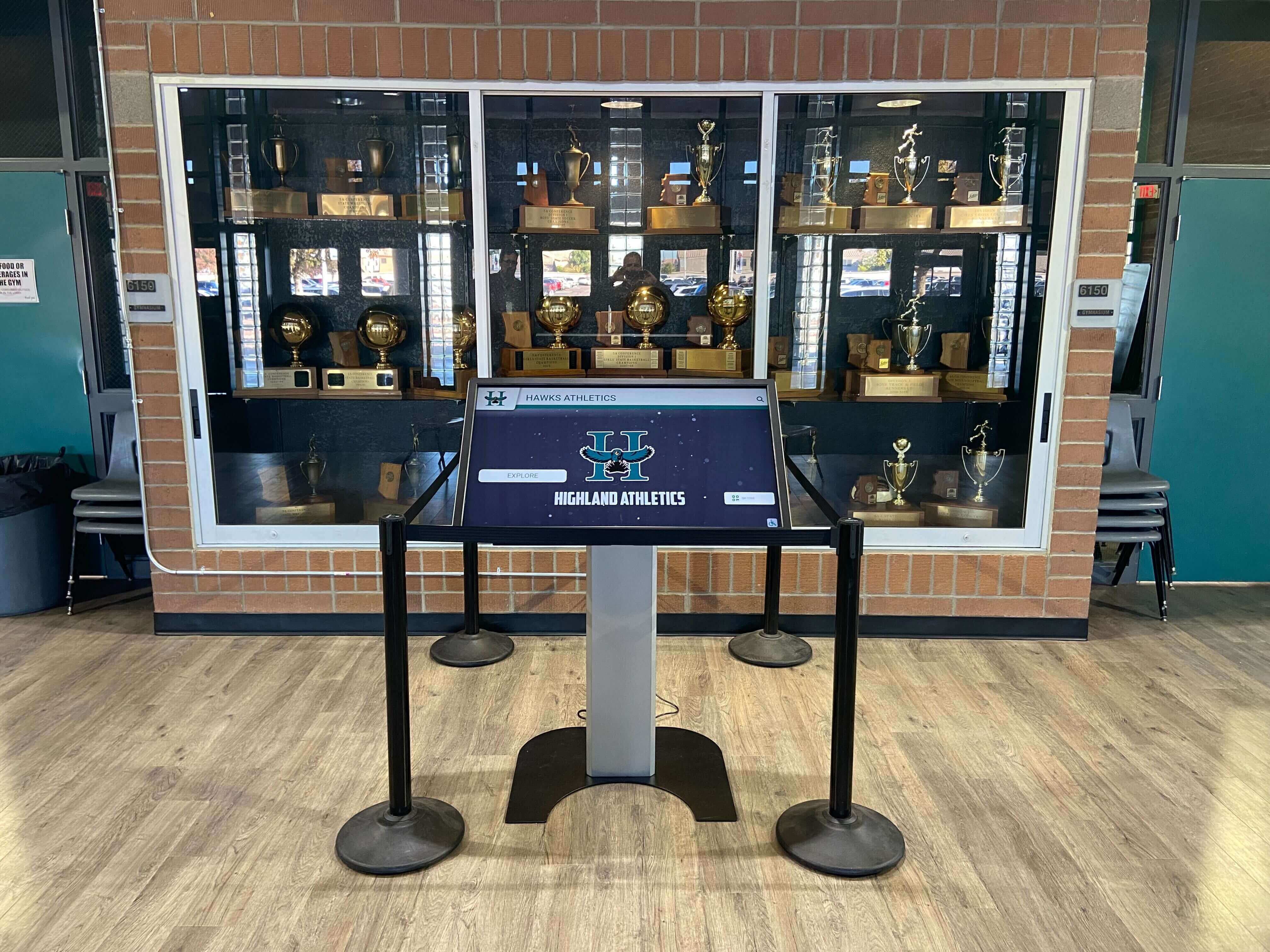
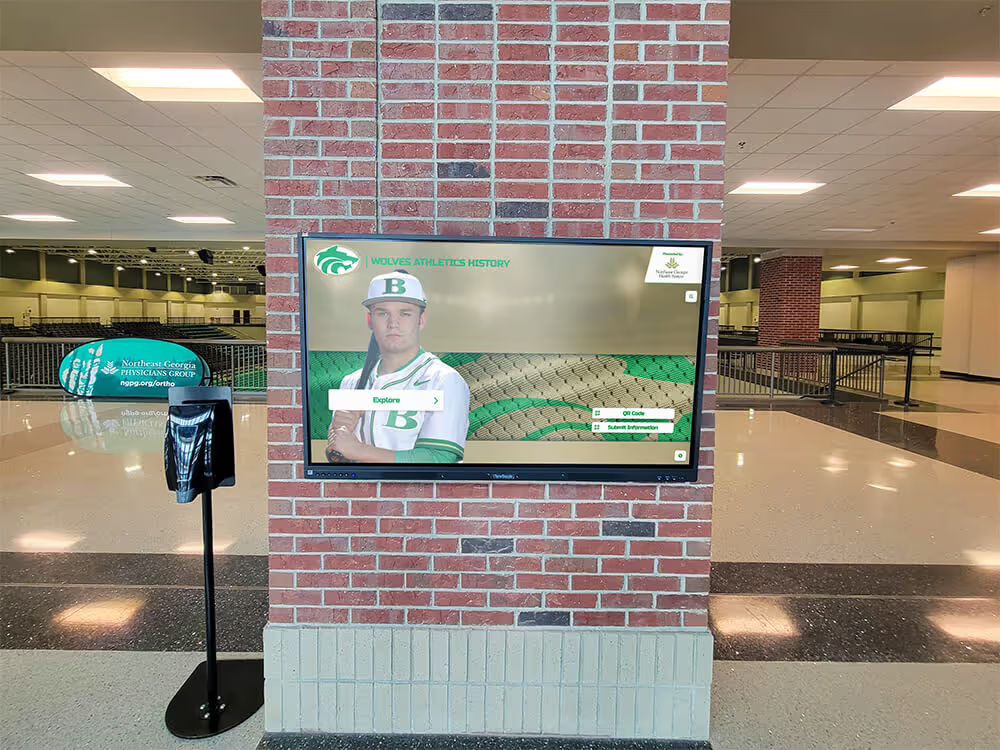
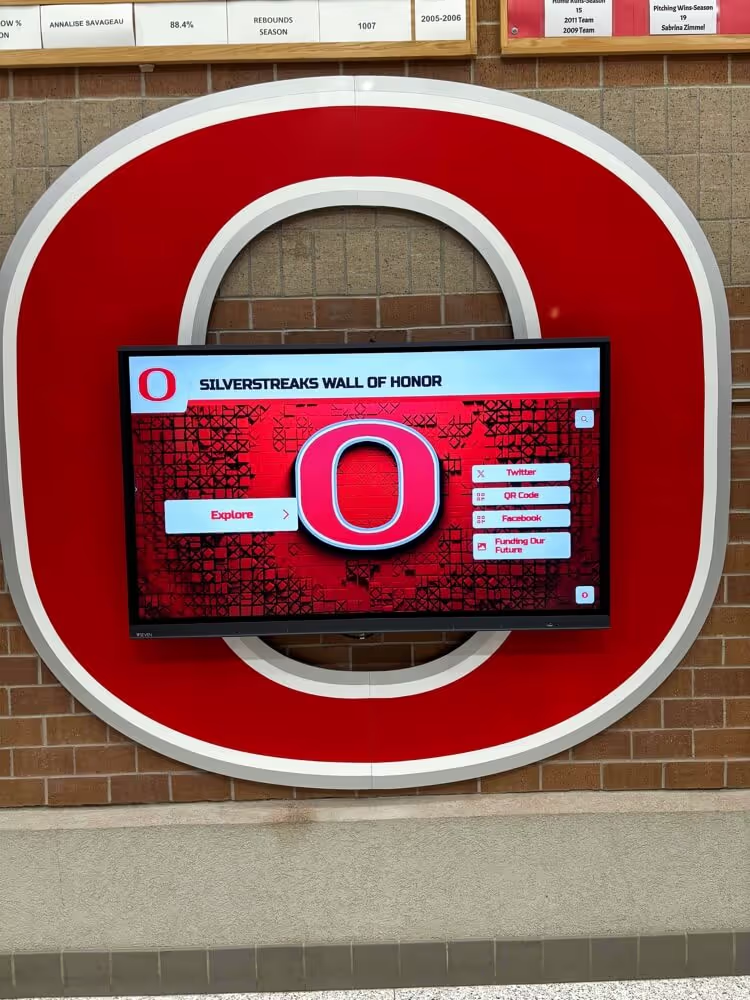
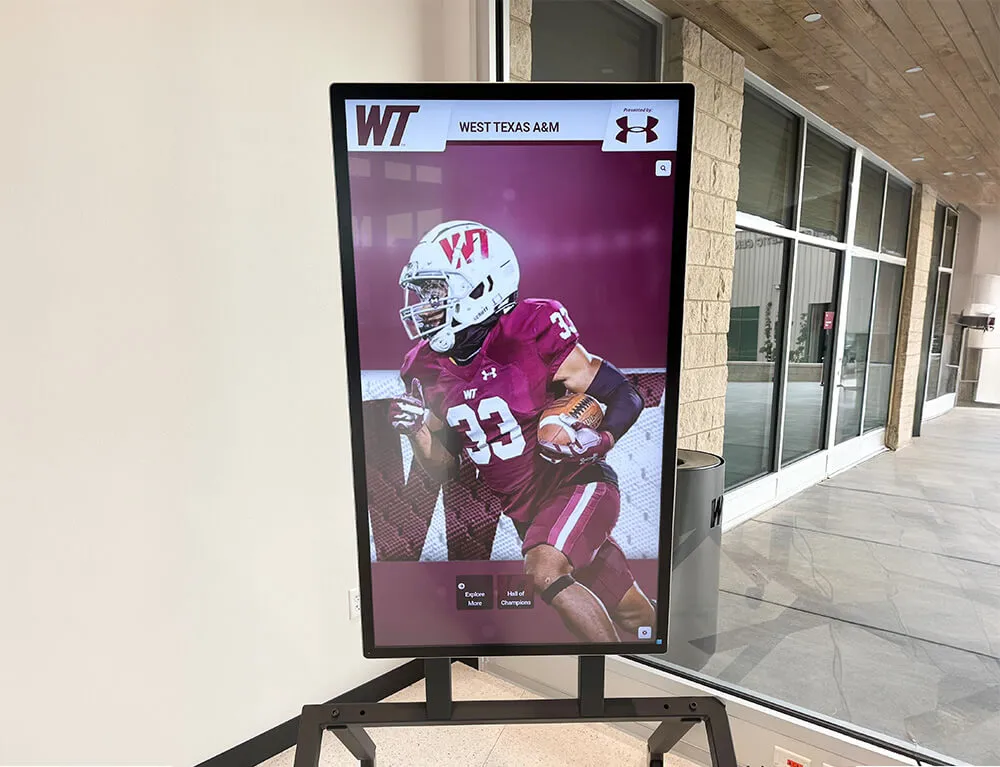
Touchscreen kiosks positioned beside traditional trophy cases let award certificate data become searchable and browsable for visitors arriving years after the original banquet
The Certificate-to-Display Workflow
The value in a basketball certificate is not the paper—it is the structured data the certificate contains. Schools that treat each certificate as the first step in a display workflow extract substantially more value from the same recognition budget. Here is how that workflow operates in practice.
Step 1: Standardize the Template Before the Season
Design or finalize the template before any awards are given. All certificate categories the program plans to award should use the same layout, field structure, and naming conventions—decided in advance. Post-hoc inconsistencies, such as a coach who changes an award name at the last minute or adds a new category without updating the template, create gaps that become harder to reconcile with each passing year.
Step 2: Issue Certificates With a Labeled Digital File
Every certificate printed for the banquet should be saved as a labeled digital file at the time of printing: MVP_JaneDoe_2025-2026.pdf. This naming convention takes seconds at print time and saves hours of interpretation later. Store files in a shared athletic department folder organized by sport and year.
Step 3: Scan Any Legacy Certificates
For programs with physical certificates from earlier seasons, a scanning session can recover years of archival data. A flatbed scanner at 300 dpi produces files adequate for digital display. Older certificates that cannot be scanned can often be reconstructed from yearbooks, newspaper archives, or banquet programs saved in the athletic office.
For guidance on building a systematic display approach from recovered historical records, the back-to-school recognition display ideas guide at digitalrecordboard.com covers how athletic departments connect historical award data to the displays visible in hallways at the start of each new year.
Step 4: Enter Data Into a Record System
Structured data serves display purposes better than scanned images alone. Enter each award winner into a spreadsheet or recognition platform with consistent fields: recipient name, graduation year, award name, season year, and any statistical data embedded in the certificate. This record becomes the source for record board updates, hall of fame nomination files, reunion outreach identifying former award recipients, and end-of-decade retrospectives celebrating program milestones.
The sports game tracking and records guide at digitalrecordboard.com outlines how schools build statistical infrastructure that feeds both certificate data and display systems simultaneously—reducing duplication between the tracking done during the season and the data needed for end-of-season certificates.
Step 5: Upload to the Display System
Once certificate data is in a structured record, it can populate any recognition display: a record board when the data contains a new statistical leader, a digital trophy case when the athlete’s award history warrants a full profile, or a hall of fame induction panel when a career’s worth of certificates demonstrates long-term excellence.
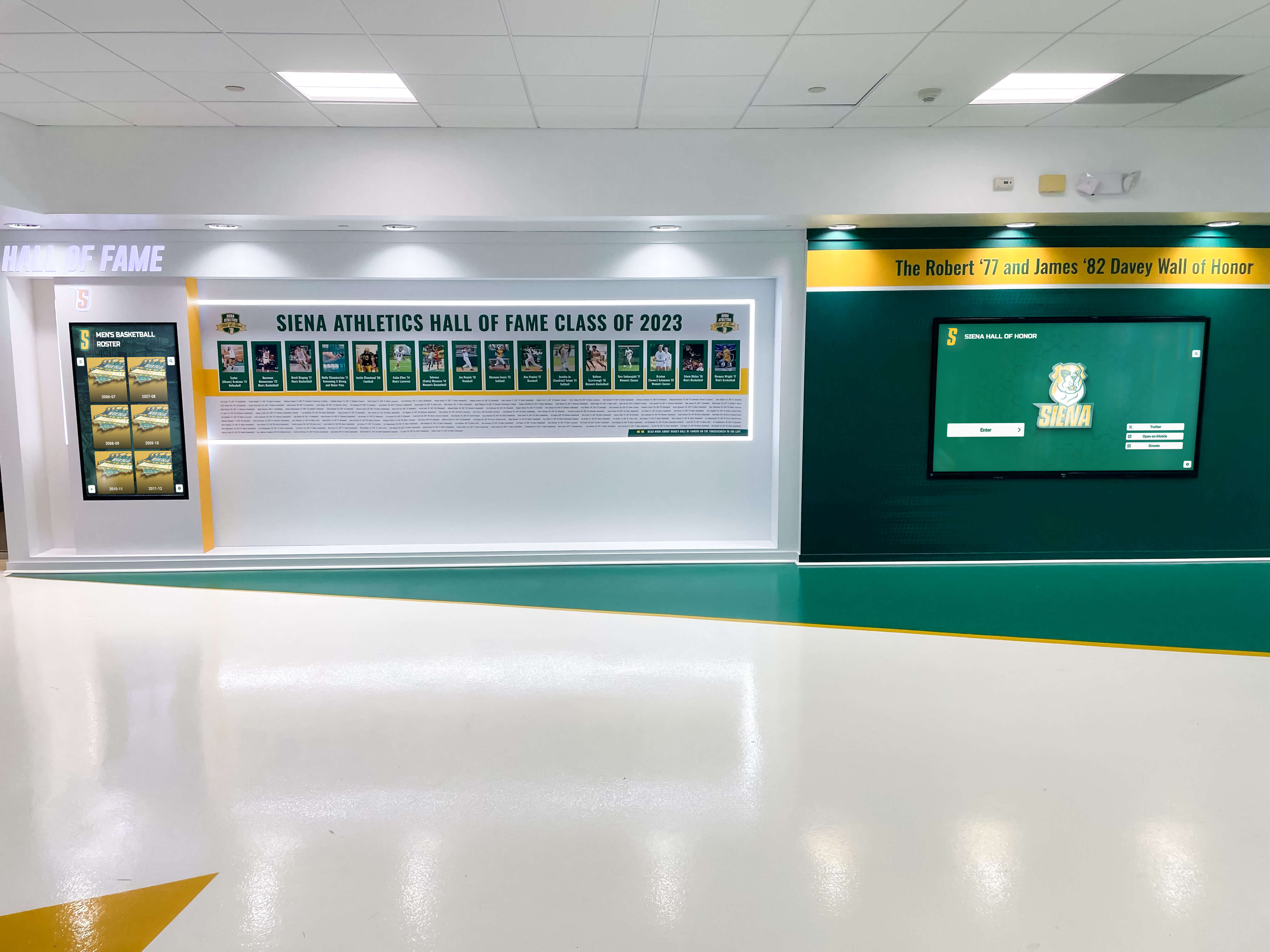
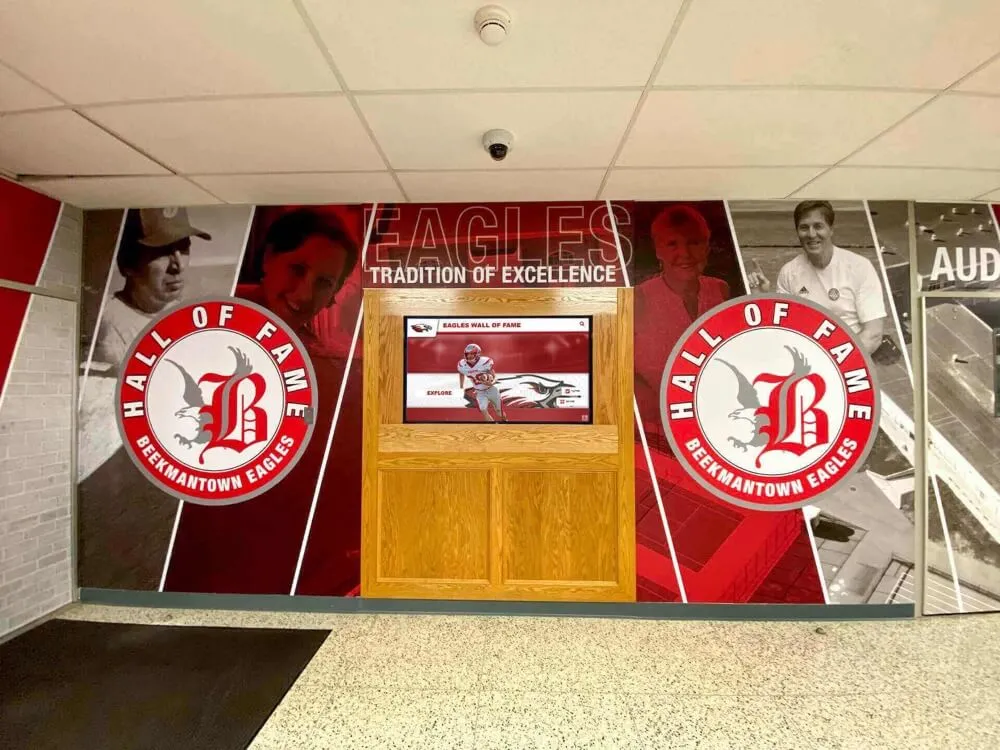
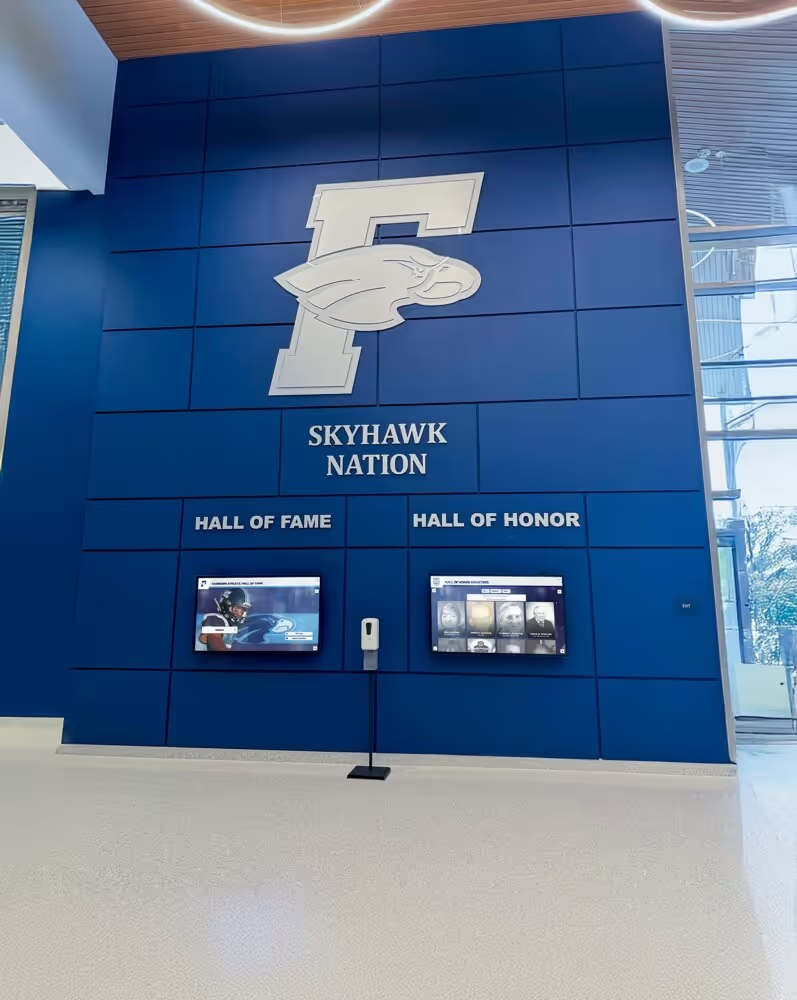
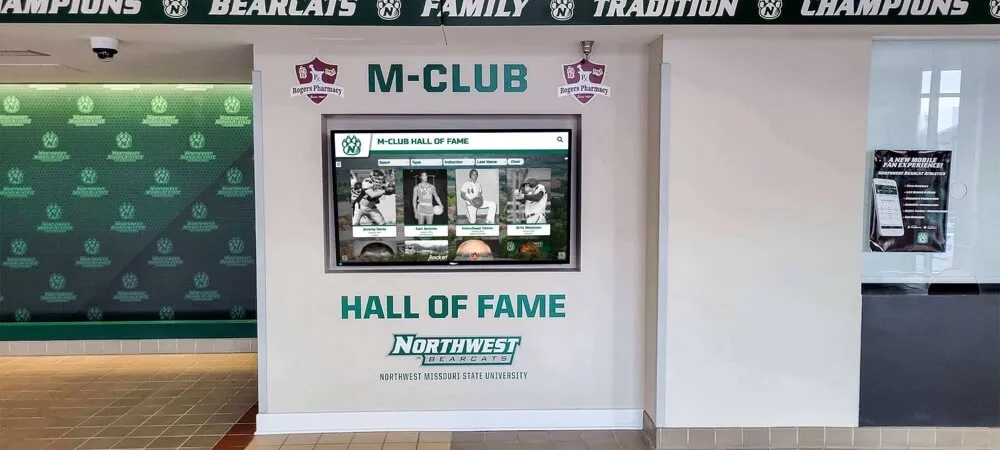
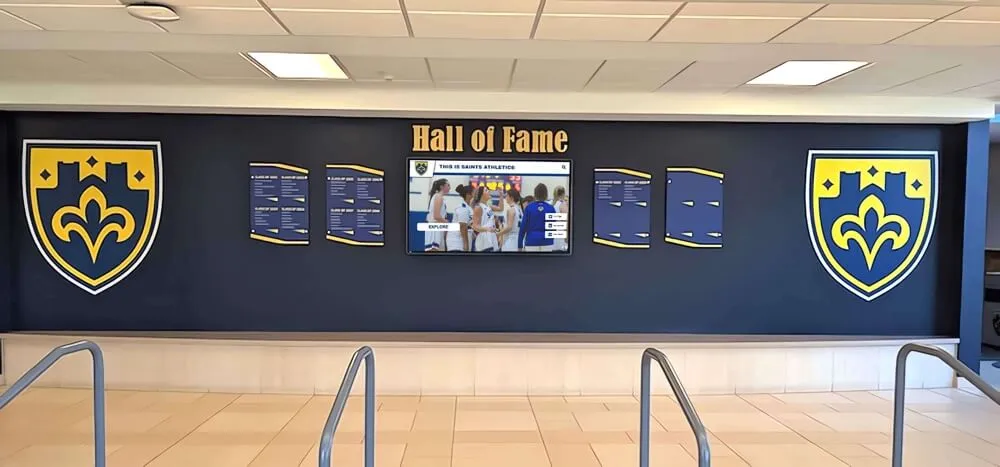
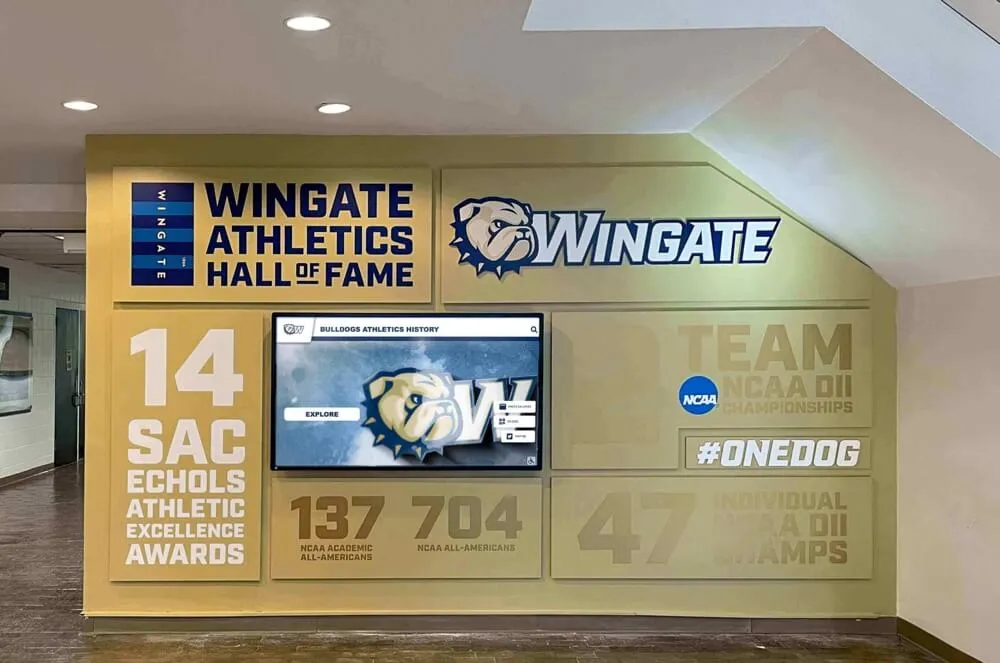
Formal hall of fame walls like this one draw directly from the award and statistical data that certificates capture—without organized records behind them, display panels lose the specificity that makes recognition meaningful
The connection between certificate data and lobby displays is one of the practical reasons the basketball display case ideas guide at digitalwarming.net emphasizes data-first design when planning recognition displays: physical display infrastructure that is not fed by organized data produces static snapshots rather than living program histories.
Making Certificate Categories Reusable Season After Season
A certificate template has limited value if it requires redesign every year. These practices lock in reusability:
Freeze the award list. Decide on the complete set of award categories the program will give and do not change them year over year without deliberate review. Adding or removing awards annually makes it impossible to track history coherently across seasons.
Version-control the template. Keep the template file in a shared athletic department folder with a clear version date. When changes are necessary—a new coach joins, the school updates its logo—create a new version rather than overwriting the original. Legacy certificates in the archive should match the template version from their year.
Build the criteria into the template, not the presentation. Some programs write custom criteria text each year based on who won the award. This creates inconsistency. The criteria should be fixed text on the template, not a field a coach fills in at the banquet. Custom narrative belongs in the speech, not the certificate.
Conduct an annual awards audit. At the start of each season, run through the previous year’s certificate data and verify: Was every category filled? Were any skipped? Is there an award that no longer reflects program values? A 30-minute audit each fall prevents the kind of multi-year drift that makes historical records difficult to interpret.
For inspiration on how wall of fame recognition frameworks evolve over multi-year periods, the wall of fame ideas for schools guide at touchhalloffame.us covers how recognition systems designed for reuse handle category changes, new inductee classes, and expanding program histories without losing prior-year coherence.
From Paper Certificates to Digital Recognition
Paper certificates hold individual records. Digital recognition systems hold program histories. The certificate is the bridge between these two scales.
When an athletic program’s certificate data is organized, current, and extends back more than a few seasons, it becomes possible to build recognition infrastructure that no single ceremony could produce: a touchscreen wall of fame where visitors search by award year and see every MVP since the program’s founding with their photo and season statistics; a digital trophy case where a player’s certificate for Defensive Player of the Year links to their full profile including coaching commentary and alumni updates; a record board that shows not just the current statistical leader but a decade of history in each category in a single view.
Schools using Rocket Alumni Solutions systems can feed structured certificate and award data directly into touchscreen walls of fame, digital trophy cases, and interactive record boards managed through a central cloud dashboard. Updates that once required a facilities request and a week’s lead time can happen the same day awards are given.
For schools weighing how to begin this transition, the digital trophy case ideas guide at digital-trophy-case.com covers practical questions about infrastructure, cost, and how physical trophy case traditions translate into interactive digital formats without losing the credibility of the original recognition.
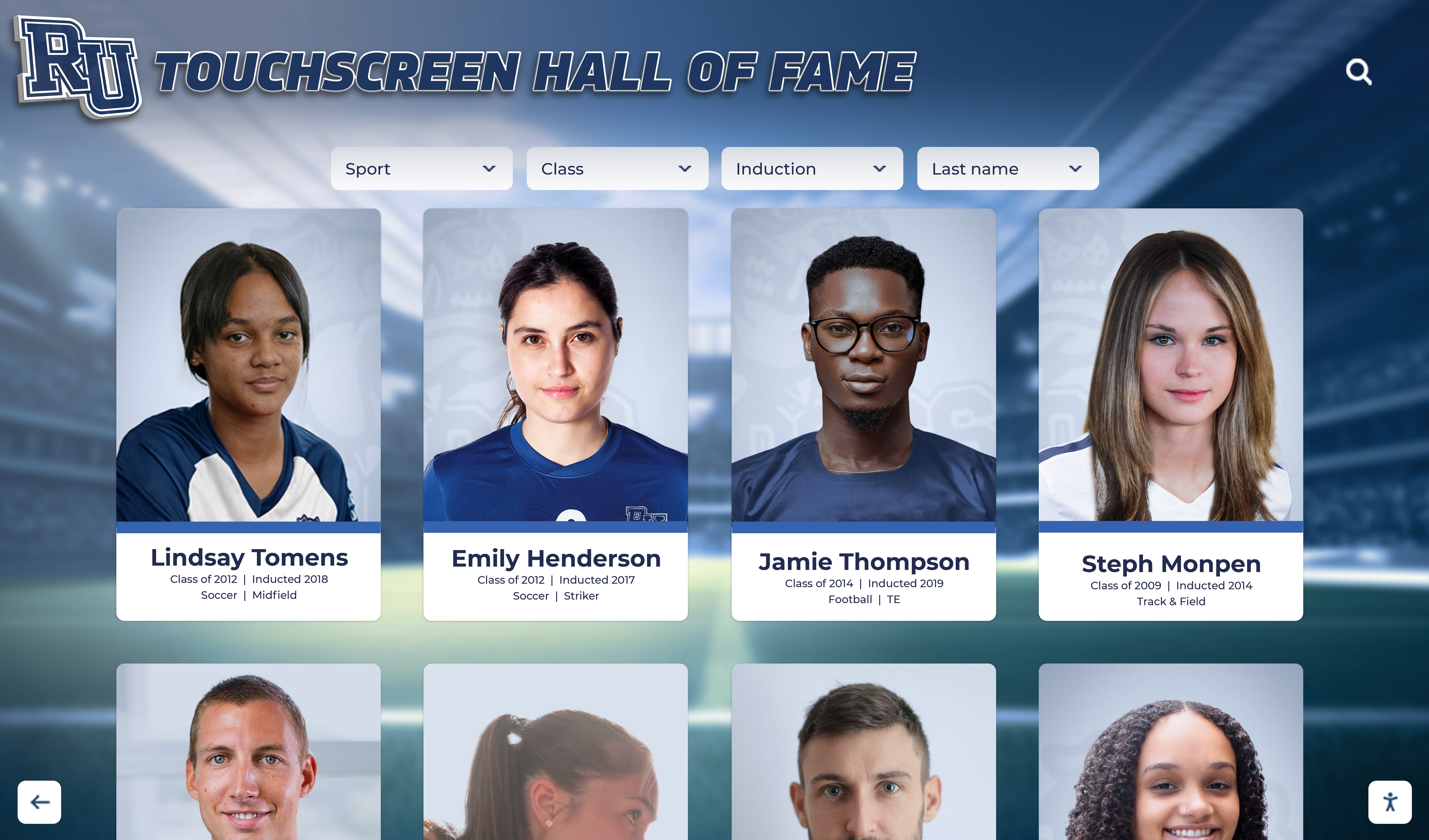
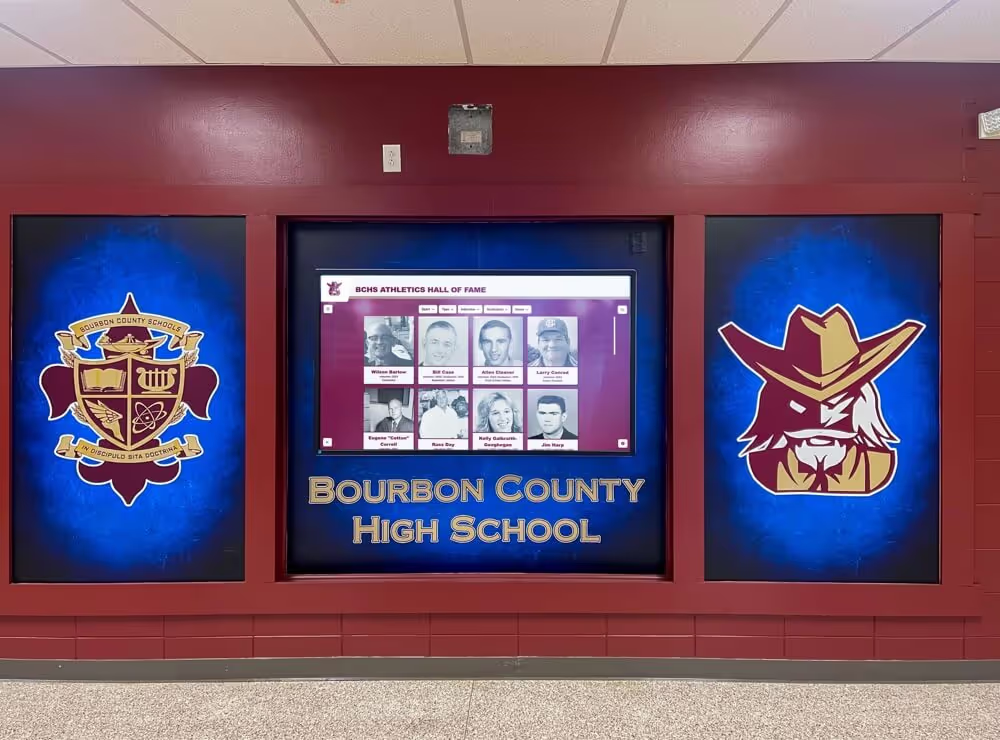
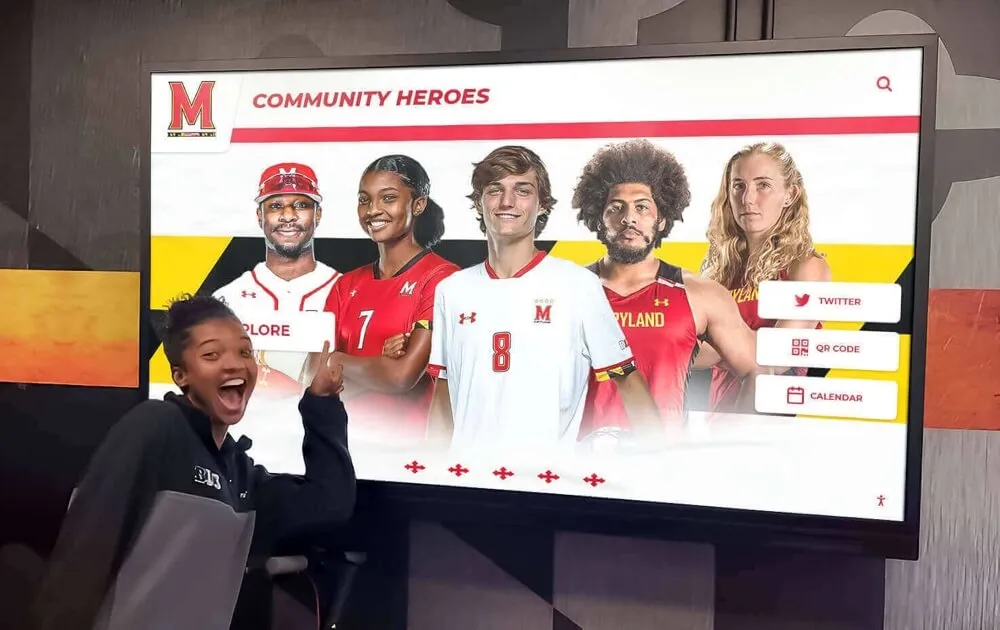
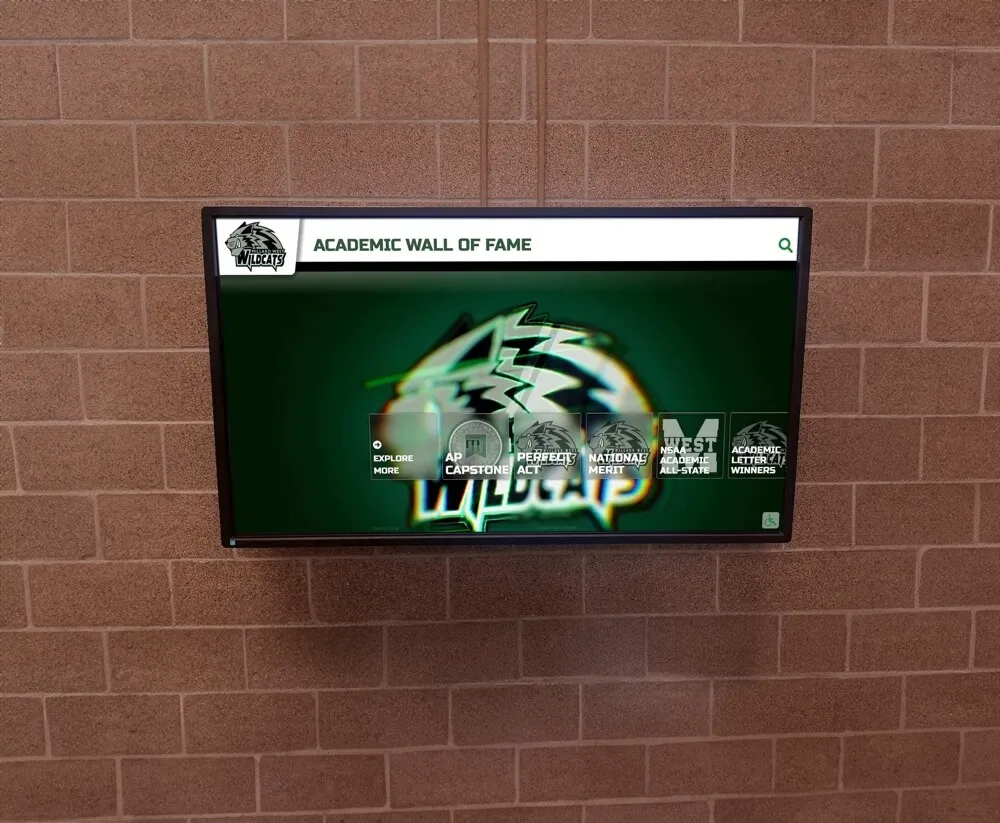
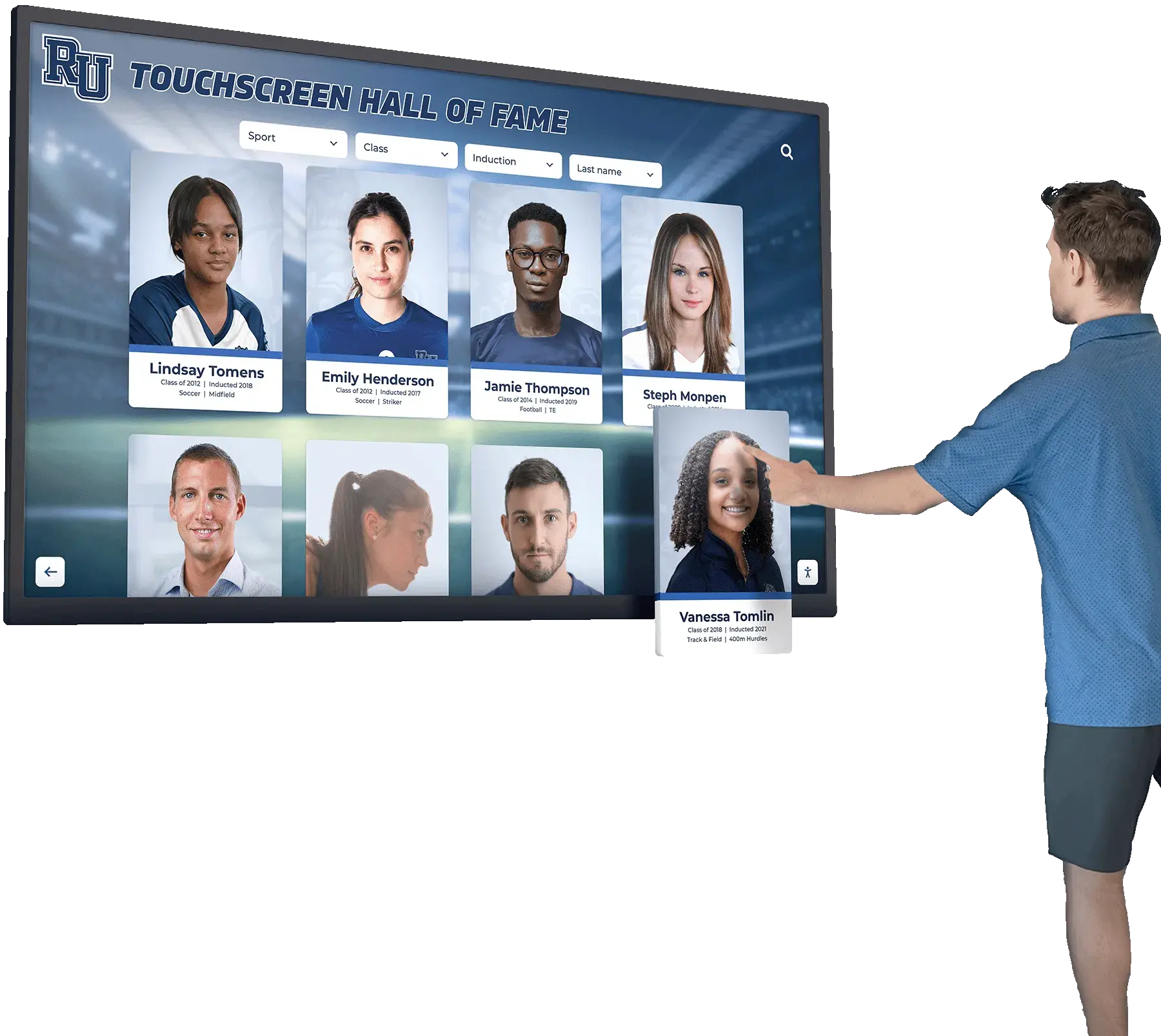
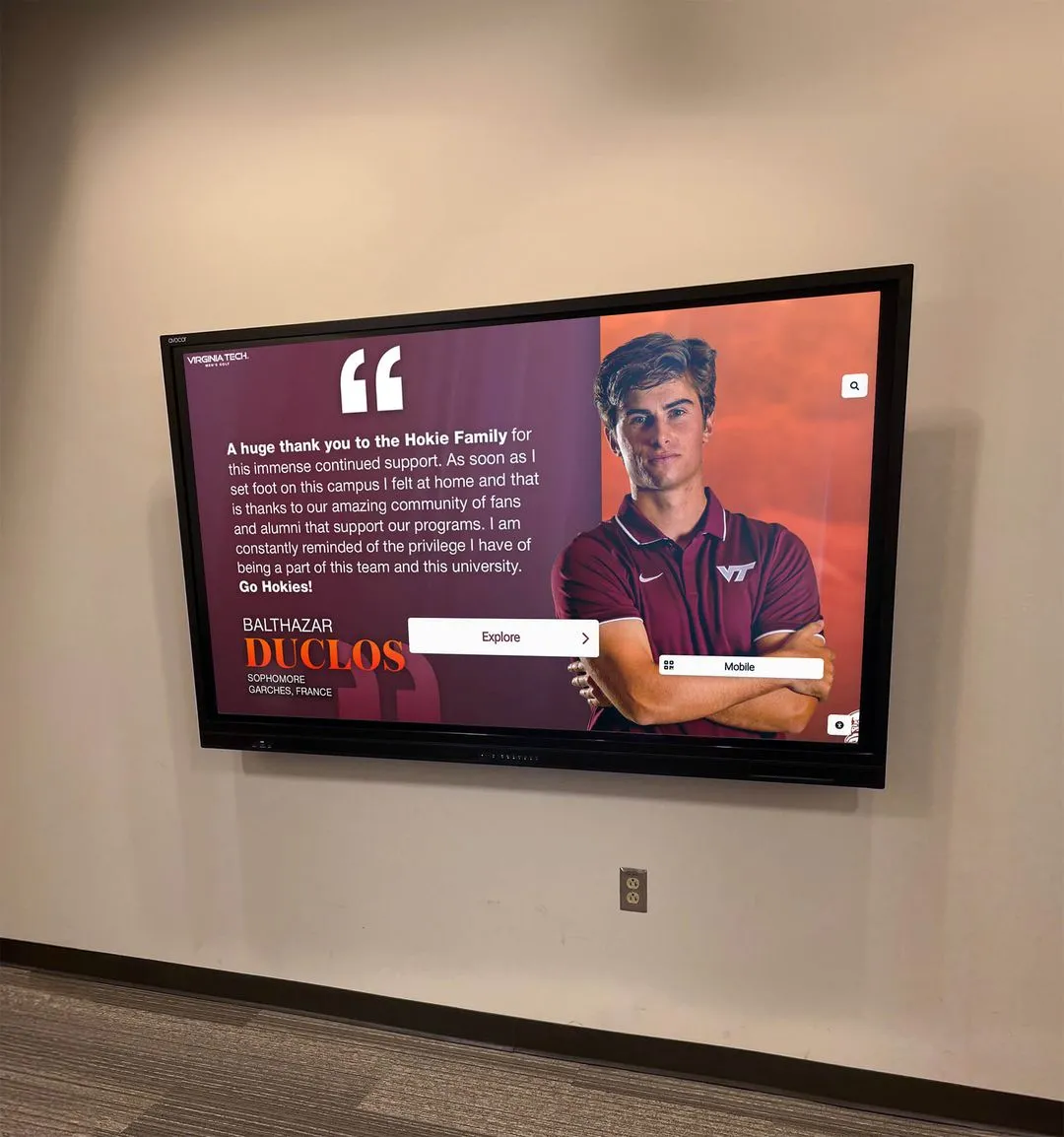
Digital hall of fame systems built on structured award data give every portrait card a complete record behind it—drawing from the same data fields that appear on the original certificate
The certificate does not have to be the end of the recognition process. Designed intentionally and archived consistently, it becomes the first step in a program legacy that outlasts any individual season.
Frequently Asked Questions
What should a basketball award certificate include?
At minimum: school name, award title using the canonical award name, recipient full name, season year in academic format (e.g., 2025–2026), a one-sentence criteria summary, and signature lines for the head coach and athletic director. For statistical awards, include the specific number that earned the award. These fields ensure the certificate functions as an archival document, not just a banquet keepsake.
What is the best format for a basketball certificate template?
A standard 8.5 × 11-inch landscape or portrait layout works for both printing and digital filing. Use a consistent font hierarchy: school name at the top, award title as the largest text element, recipient name prominently centered, and smaller supporting text for season year, criteria, and signatures. Save in a vector-based format such as PDF or SVG so the template scales cleanly for reprints without quality loss.
How many certificate categories should a basketball program award?
Most programs find six to twelve categories strikes the right balance. Fewer than six tends to under-recognize the breadth of contribution; more than twelve risks diluting the significance of each award. A core set of five to seven categories—MVP, Defensive Player of the Year, Most Improved, Scholar-Athlete, Team Captain, Coach’s Award, and 6th Man—covers most programs’ needs. Statistical leader certificates can be added for programs that maintain a record board.
Can the same certificate template work for both varsity and junior varsity?
Yes, with one modification: add a team designation field (Varsity / Junior Varsity / Freshman) to the template. All other fields should remain identical. Using the same template across levels signals that recognition at every level is taken equally seriously by the program—a culture message worth making explicit.
How should programs store and archive basketball certificates?
Physical certificates should be stored in labeled binders organized by year, in a dry and consistent-temperature environment. Digital files should be stored in a shared athletic department cloud folder using a consistent naming convention: [AwardName]_[RecipientLastName]_[SeasonYear].pdf. Both the physical and digital copies serve different purposes: physical copies for historical provenance, digital copies for display uploads, record entry, and alumni outreach.
How do basketball certificates connect to a school’s digital recognition displays?
The data fields on a well-structured certificate—recipient name, award name, season year, criteria, statistics—are the same fields a digital display system uses to build a hall of fame profile or record board entry. By designing certificates with these fields in consistent positions from the beginning, schools create a data pipeline where each new award becomes a display update without requiring additional work. The shadow box and memorabilia display ideas guide at digitalwalloffame.com illustrates how schools that have digitized legacy physical recognition—certificates, programs, memorabilia—build display archives that span decades of program history.
Turn Certificate Data Into Year-Round Recognition
Rocket Alumni Solutions builds touchscreen walls of fame, digital trophy cases, and interactive record boards that transform structured award data—starting with your basketball certificates—into permanent program recognition visible every day of the school year. See how schools are connecting banquet-night certificates to hallway displays that last for decades.
Request a Demo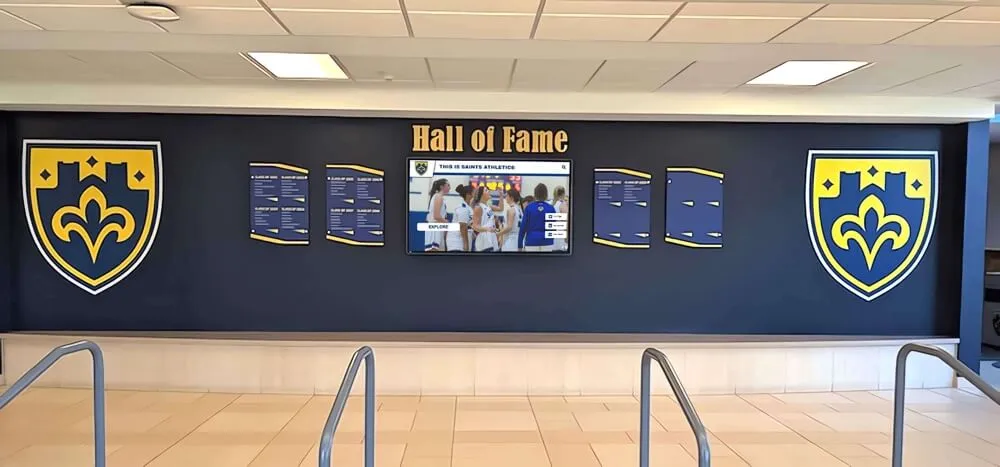
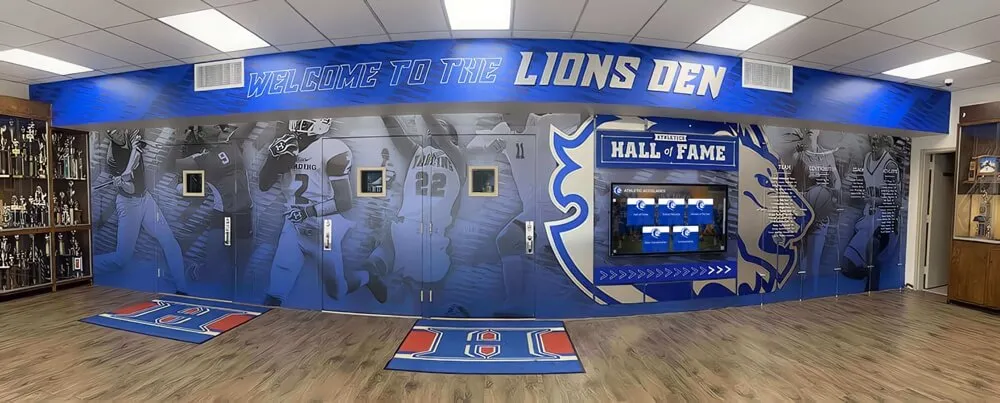
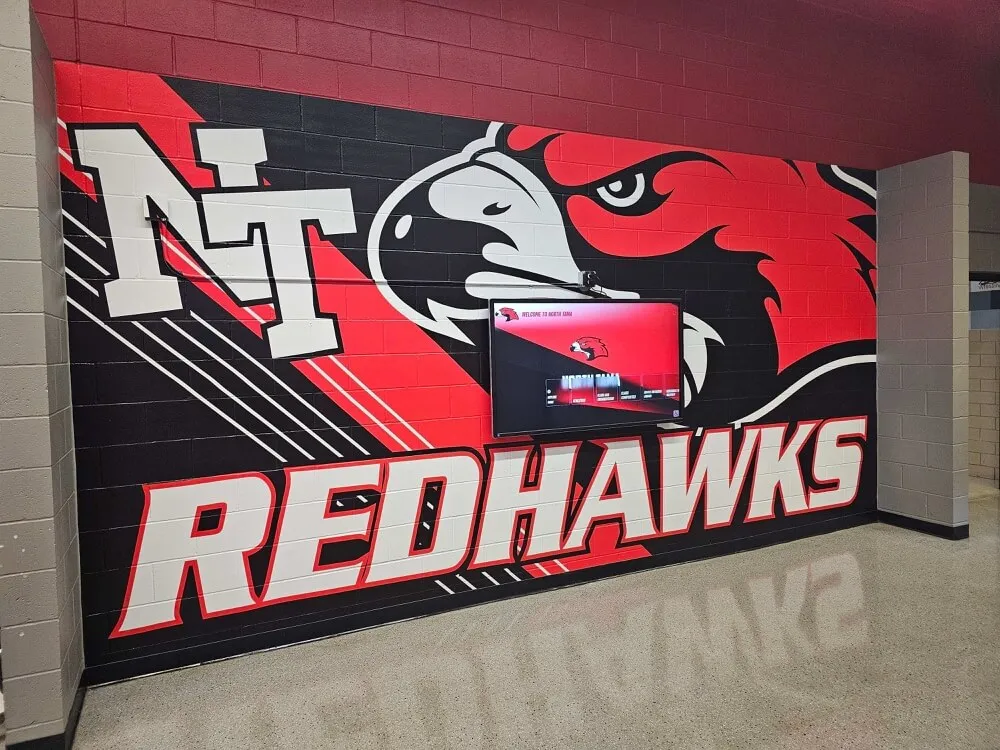
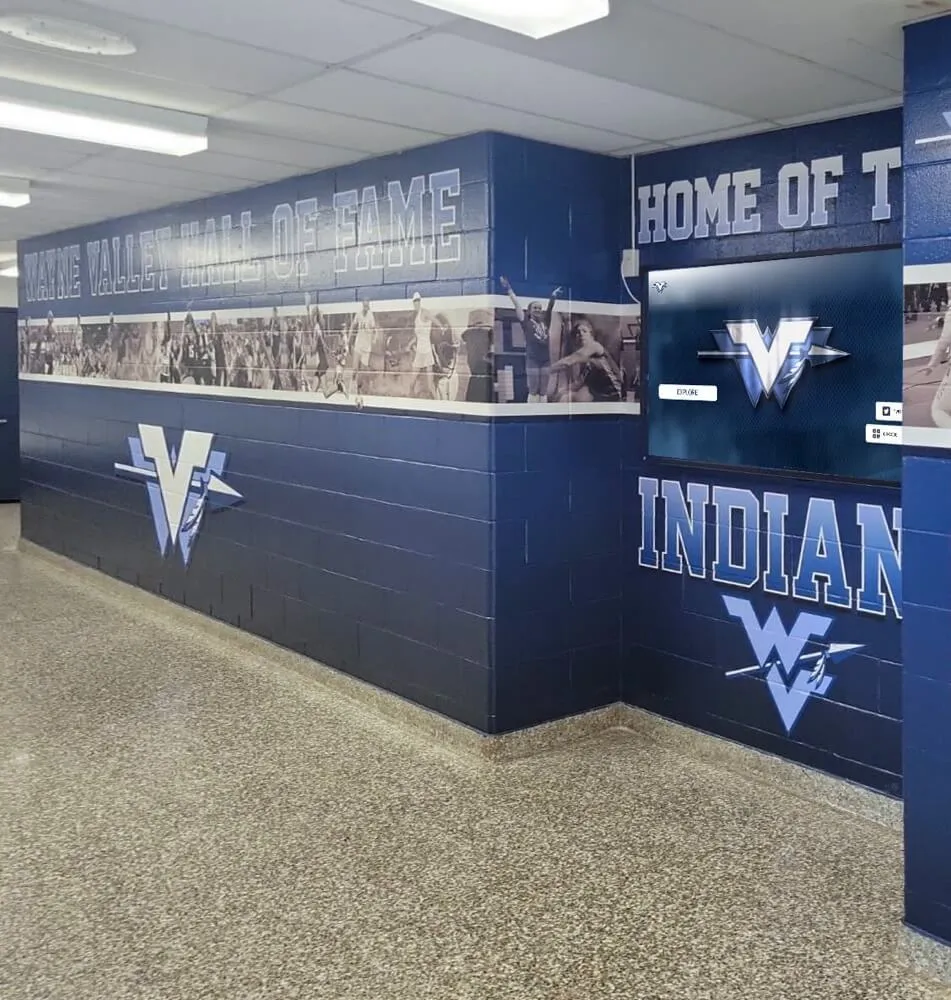
Hybrid display walls that combine physical plaque traditions with digital screens depend on the same structured data that well-designed certificates capture at the moment of award