



Schools operate dozens of screens. Lobby monitors welcome visitors. Cafeteria displays broadcast lunch menus. Athletic hallways cycle through championship photos. Gym boards update in real time. The hardware is everywhere — but managing it coherently, keeping content current, and ensuring every screen runs without interruption requires more than just hanging a TV on the wall.
Digital signage for schools is the combination of hardware, software, and device management that turns individual screens into a coordinated communication network. This guide covers what a complete digital signage platform does, where schools deploy it, which features separate adequate systems from excellent ones, and what it costs — including why Rocket Alumni Solutions delivers a full-featured solution at $50 per year that matches the capabilities of platforms charging many times more.
School digital signage has grown from a novelty into essential infrastructure. According to a 2024 report from the Center for Digital Education, more than 70 percent of K-12 districts in the United States have deployed some form of digital display technology — but fewer than half report being satisfied with how well their systems are managed. The gap between having screens and running them well is where most schools lose value.

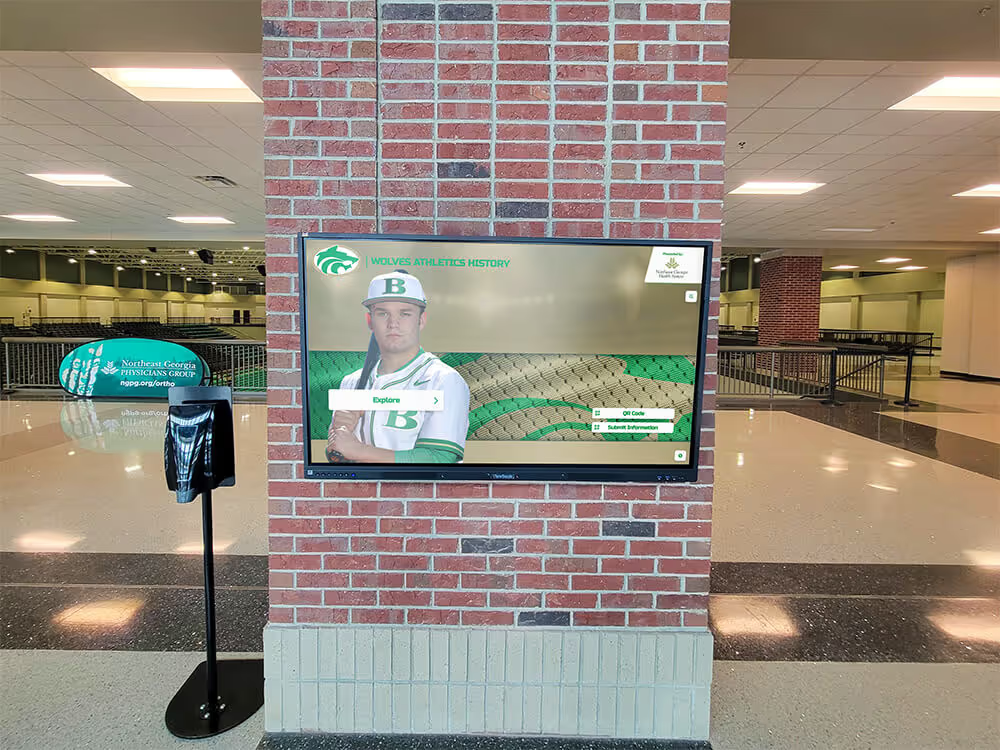
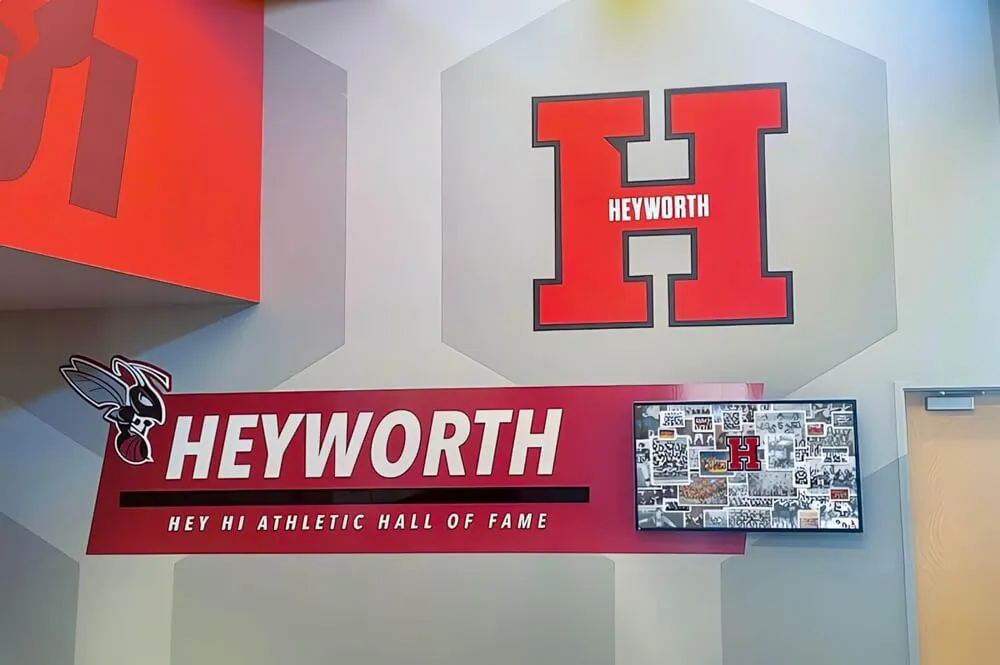
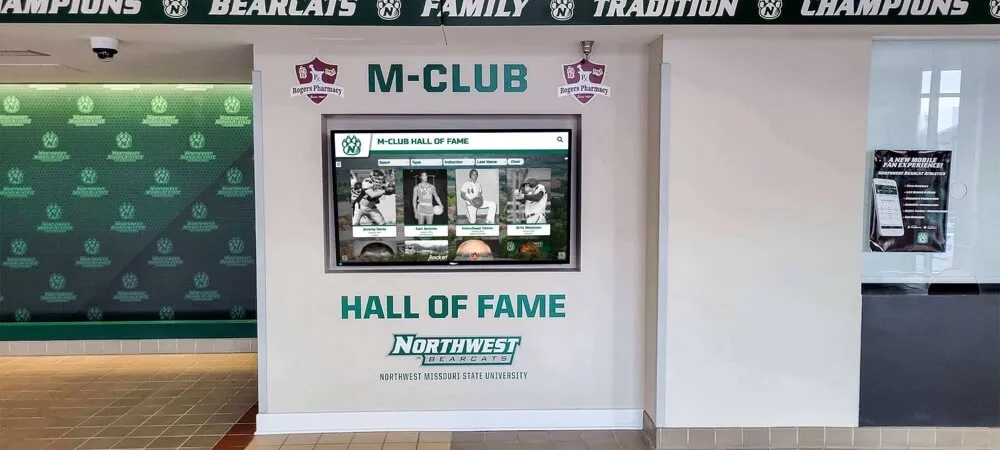
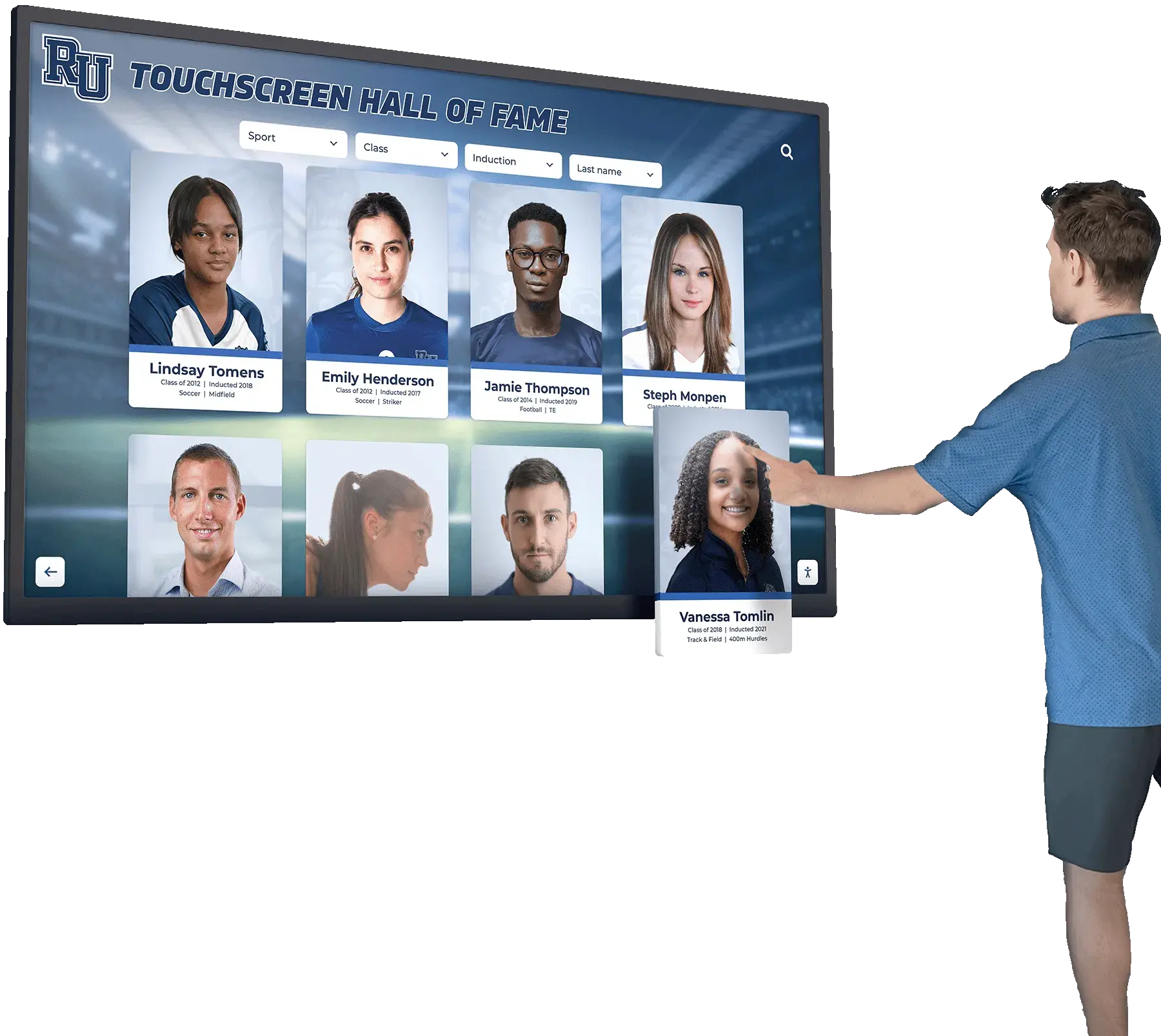
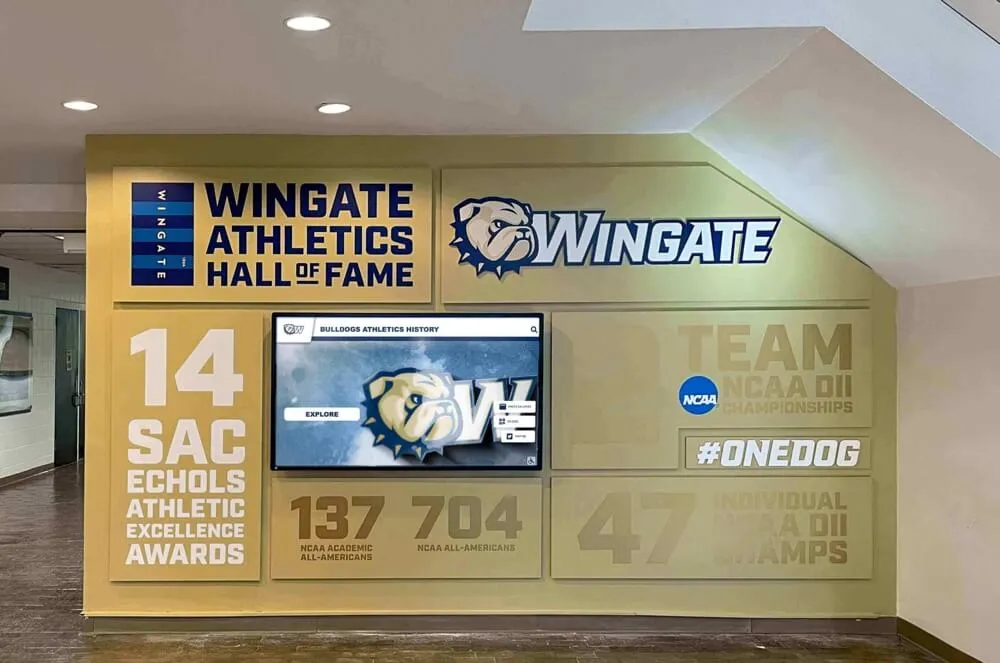
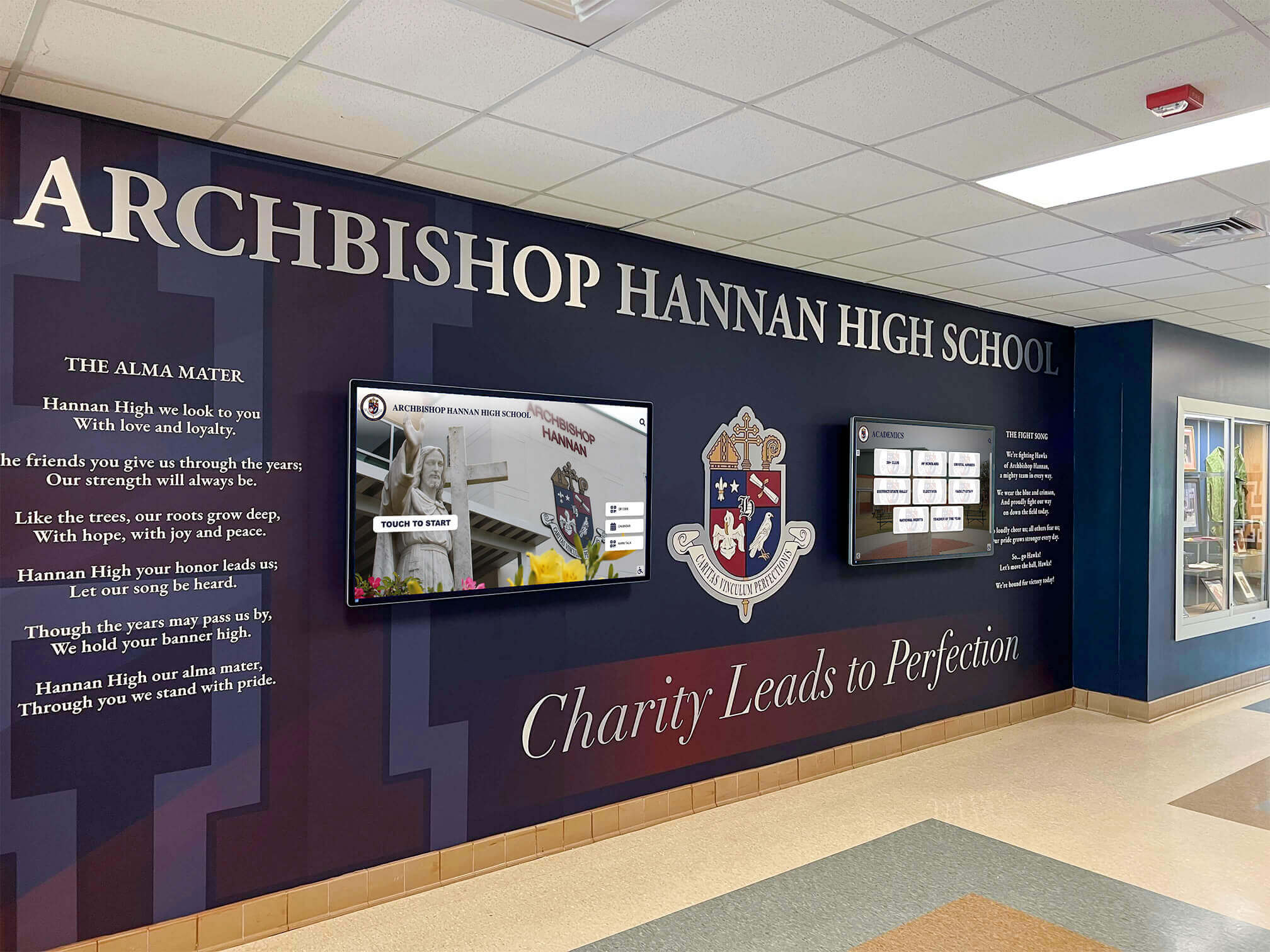
Well-managed digital signage transforms a school lobby into a coordinated communications environment — visual identity, live content, and recognition working together
What Digital Signage for Schools Actually Includes
Digital signage is not just a screen. A complete school digital signage system has four distinct layers, and understanding each one helps administrators evaluate options accurately before committing budget.
Hardware: The physical screens, mounts, and media players connected to them. Screens range from standard commercial displays (43 to 86 inches) to large-format video walls to interactive touchscreens. Media players — small computing devices that drive the screen’s content — are either built into the display or connected externally via HDMI or USB.
Software (CMS): The content management system where staff create, schedule, and publish content to screens. A cloud-based CMS allows updates from any browser without physically accessing the display or its player. No IT appointment required.
MDM (Mobile Device Management): The layer that manages the devices running the signage software. MDM allows IT staff to remotely monitor device health, push updates, lock screens to approved apps, restart malfunctioning players, and enforce security policies — all without sending a technician to each screen location.
Content: The actual material displayed — announcements, recognition content, schedules, safety messages, event promotions, live feeds, and emergency alerts.
Most schools that struggle with digital signage have invested in hardware and some form of software but have not addressed MDM. The result is screens that crash, go dark, display outdated content, or run unauthorized apps — with the only fix being a physical visit to each device.
Where Schools Deploy Digital Signage
The applications for school digital signage are broader than most administrators initially plan for. Common deployment locations include:
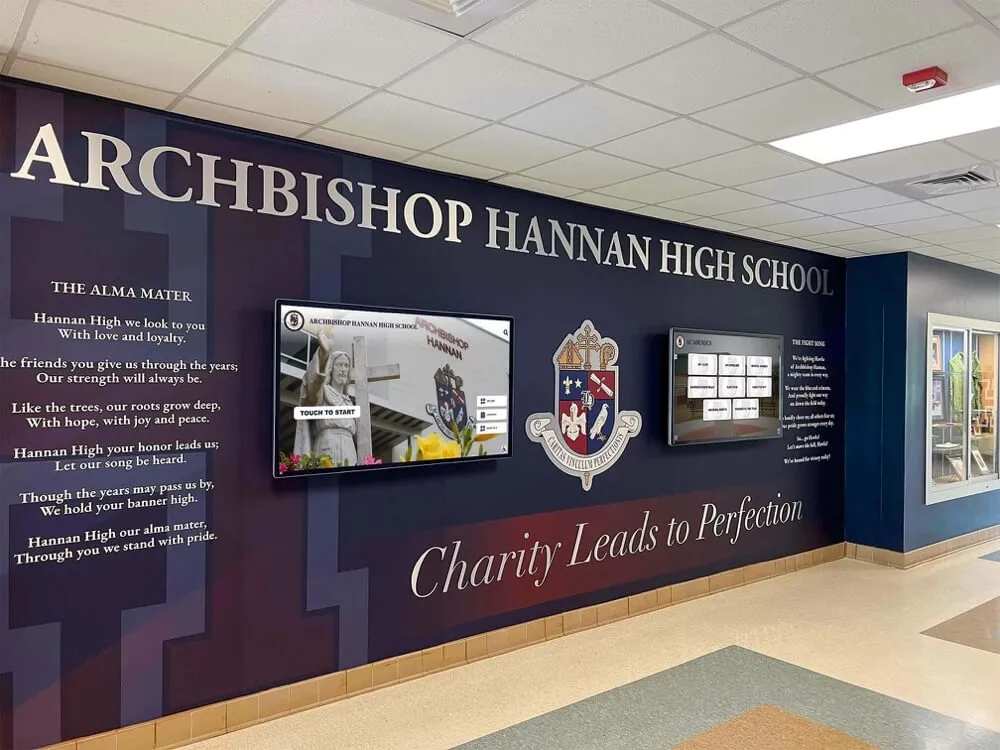
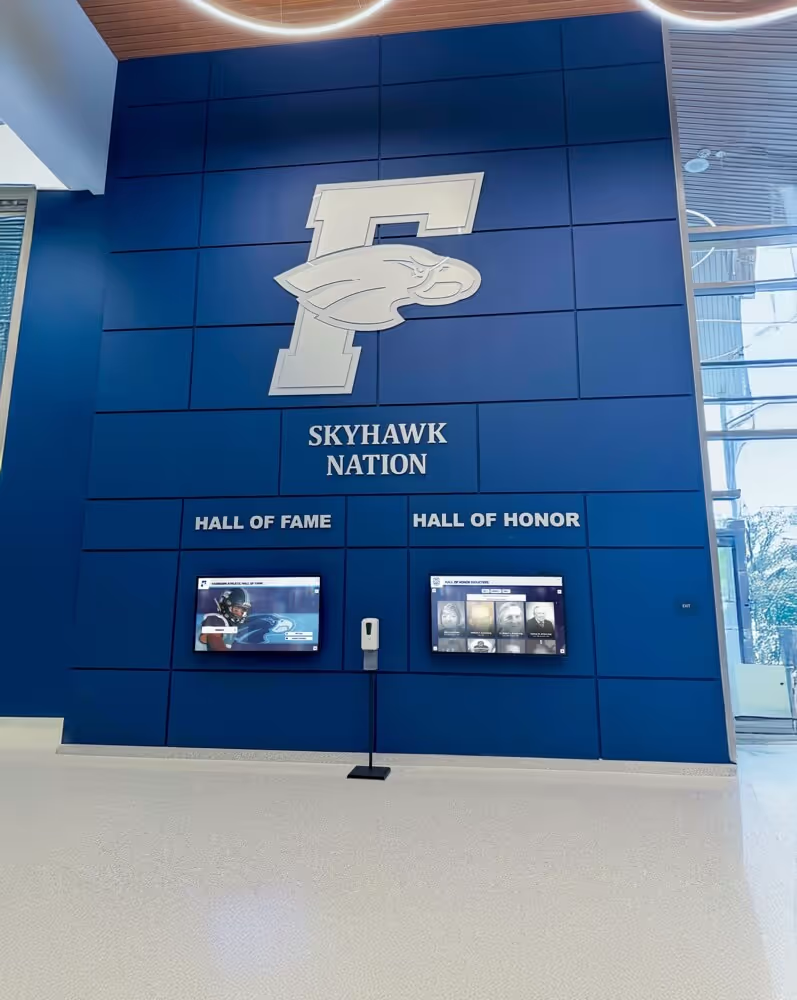
Main lobby and entrance: First impressions matter. Lobby screens welcome visitors, communicate school identity, display recognition content — honor roll, athletic awards, donor acknowledgment — and provide wayfinding for visitors unfamiliar with the building. This is typically the highest-visibility location and the one most likely to receive a premium installation. The school lobby digital signage guide at digitalwarming.net covers how lobby screen placement affects visitor engagement and school identity communication.
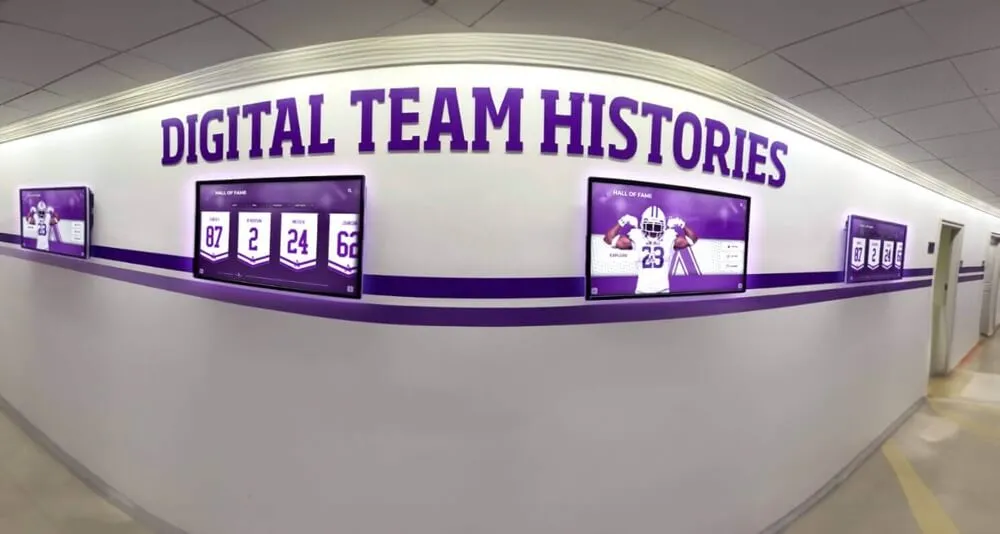
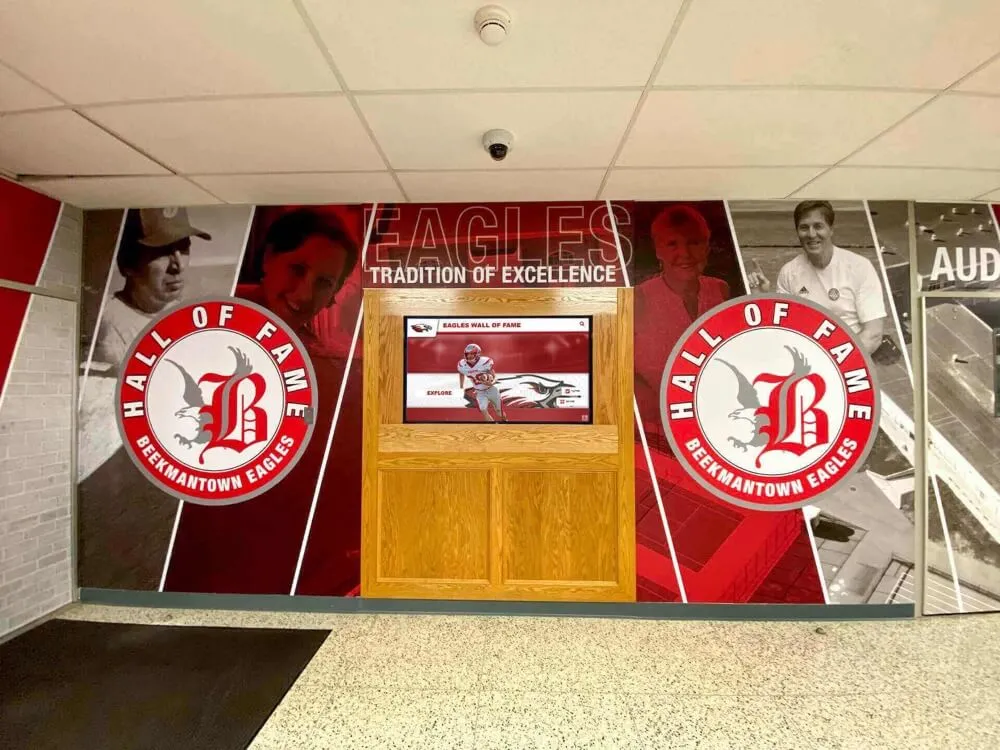
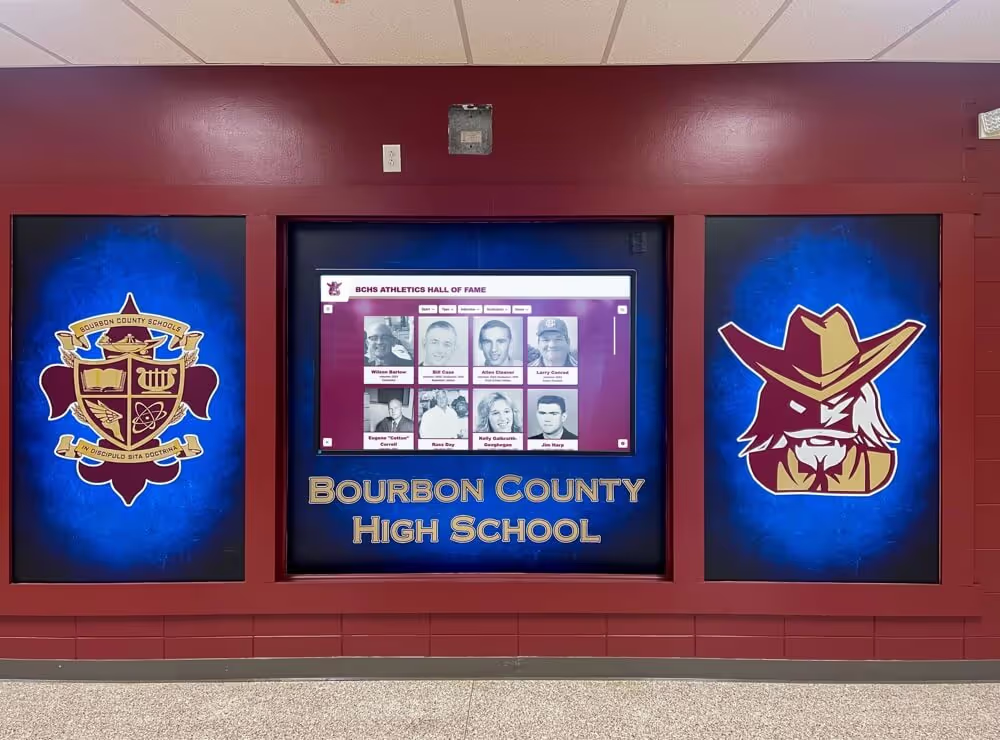
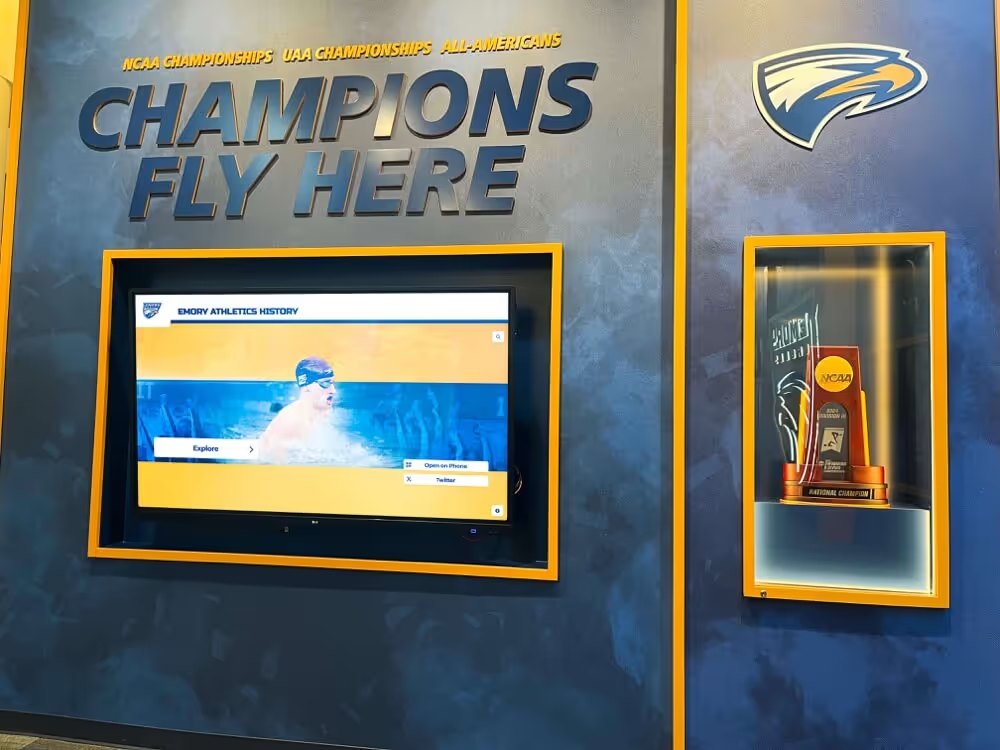
Athletic hallways and gymnasiums: Sports programs generate significant recognition content — championship photos, hall of fame inductees, record boards, game schedules, and live score updates during events. Athletic hallways with coordinated digital displays communicate program history and provide motivation for current athletes walking the same corridors every day.
Cafeteria and common areas: Menu displays, daily announcements, event calendars, and student-produced content run on cafeteria screens. High-traffic common areas justify multiple displays and benefit from content scheduling that changes throughout the day — morning announcements at 7:45, menu content at lunch, after-school programming at dismissal.
Administrative and office areas: Front office screens display visitor policies, scheduling information, staff directories, and current event details. These screens serve a different audience than hallway displays but benefit from the same central management system.
Classrooms and learning spaces: Some schools extend digital signage into classrooms for bell schedules, daily objectives, and instructional content — though classroom applications often work alongside learning management systems rather than replacing them.
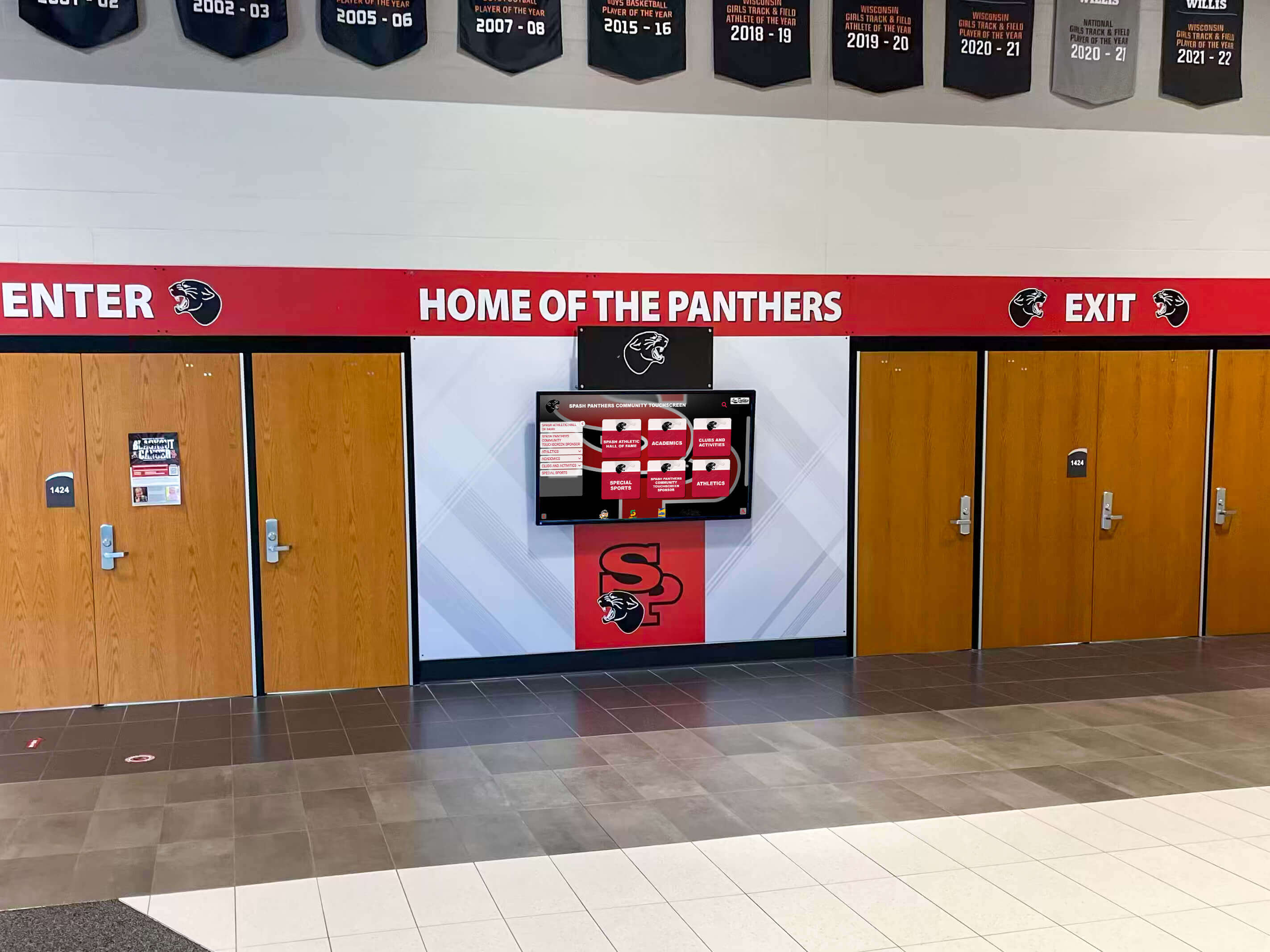
Entrance screens set the tone before visitors reach the front office — communicating school identity, current recognition, and building direction from the moment someone walks in
Core Features That Separate Good Digital Signage Platforms from Average Ones
Evaluating digital signage software for schools requires looking beyond the feature list on a vendor’s homepage. The following capabilities separate platforms worth deploying at scale from those that create more work than they solve.
Cloud-Based Content Management
Content that can only be updated from a single on-site computer creates a management bottleneck. Cloud-based platforms allow any authorized staff member — athletic director, front office administrator, communications coordinator — to publish content from any device with a browser. Changes go live without IT involvement, which means the athletic director can update the spring schedule from home without waiting for the AV coordinator to be on campus.
Scheduled Publishing
Good signage platforms allow content to be created in advance and scheduled to publish and expire automatically. A school can build its entire semester’s worth of announcements in one session, set each item to appear on the correct date and disappear after it’s no longer relevant, and run the system on autopilot throughout the year.
MDM Integration (or Built-In MDM)
This is the most commonly underestimated feature in school digital signage procurement. Mobile device management allows IT staff to:
- Monitor device health (processor temperature, storage capacity, connectivity status) for every screen in the network remotely
- Push software updates and app installations without visiting each location
- Lock players to approved content, preventing students or visitors from accessing unauthorized material
- Remotely restart or reset devices that have crashed or frozen
- Set up new devices over the network rather than configuring each one manually
Without MDM, a network of 20 school displays requires a physical technician visit every time something goes wrong. With MDM, most issues are resolved remotely in minutes.
Emergency Alert Integration
Most districts require digital signage platforms to integrate with emergency notification systems. When a lockdown, shelter-in-place, or weather emergency is declared, every screen should automatically override its regular content and display clear emergency instructions. Schools evaluating platforms should verify that emergency override functions are available without additional configuration costs or separate licensing.
ADA/WCAG Accessibility Compliance
Publicly accessible school spaces have legal accessibility requirements. For digital signage that includes interactive touchscreen components, compliance with WCAG 2.1 AA standards ensures that visitors with disabilities can access the content. Platforms built specifically for school environments design for accessibility from the beginning rather than as an afterthought.
Multi-Format Media Support
School content comes from many sources: YouTube highlight videos, Hudl game footage, social media feeds, Google Slides presentations, PDFs, photos from various devices, and live data feeds. A capable platform accepts all of these formats and displays them without conversion or reformatting by staff.
Unlimited Displays and Layouts
Some platforms charge per-screen license fees that make expanding a network expensive. A platform with unlimited display licensing allows schools to add screens to hallways, new facilities, or additional buildings without returning to procurement each time. This single feature can substantially change the long-term cost of operating a growing display network.
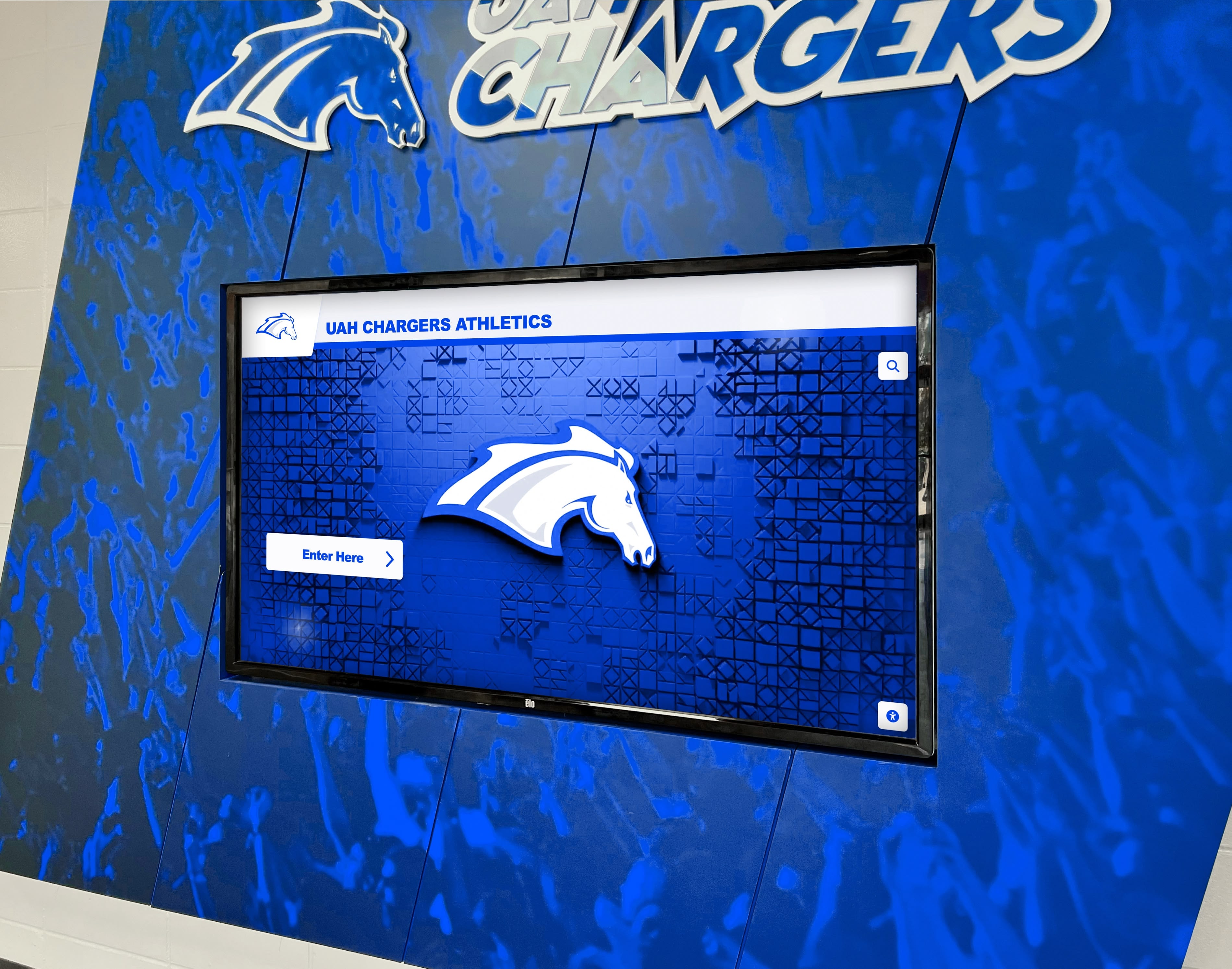
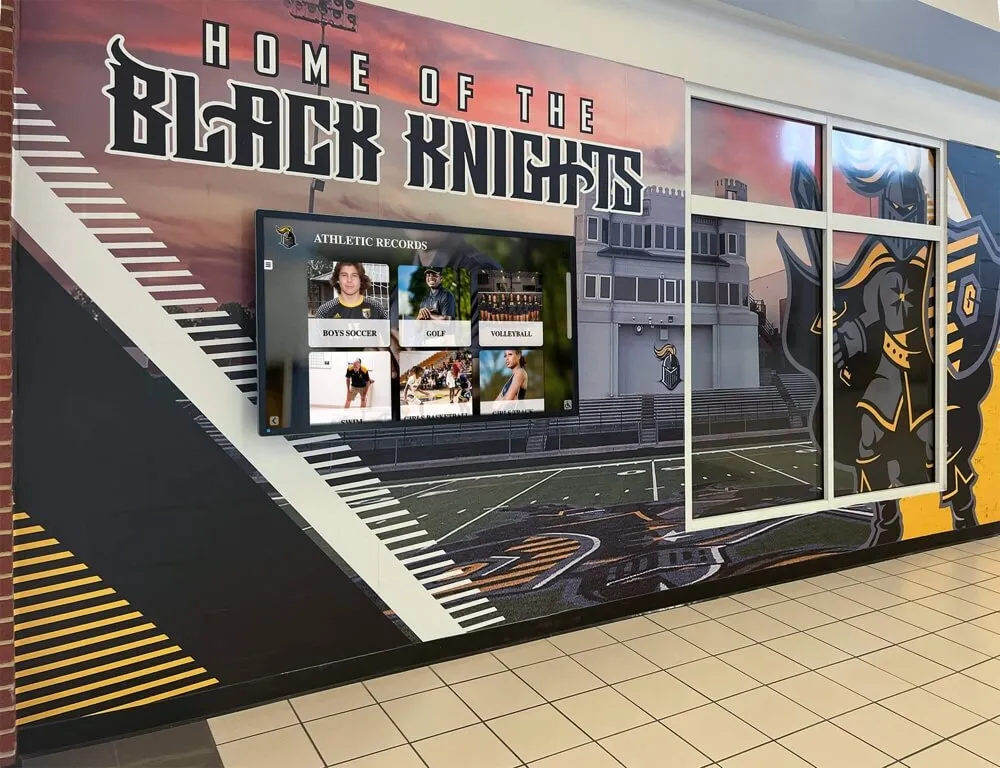
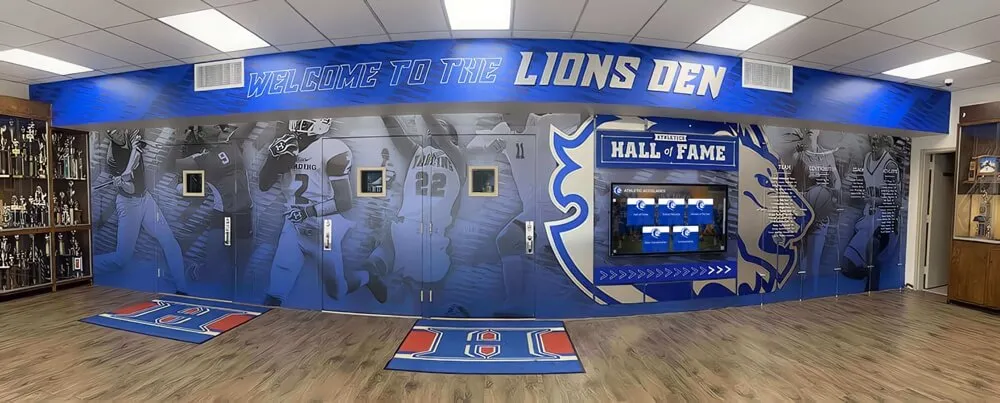
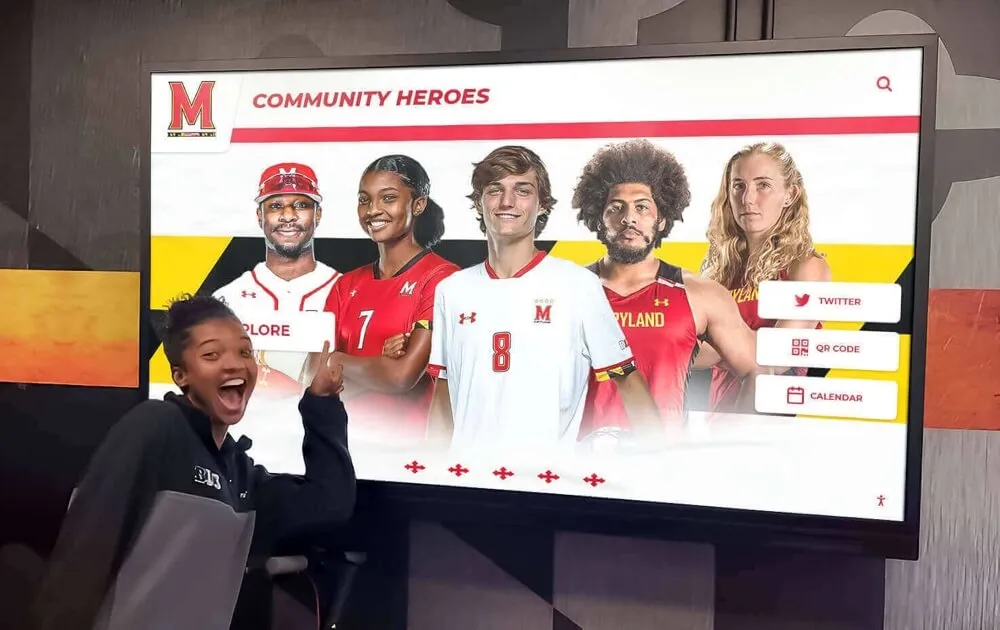
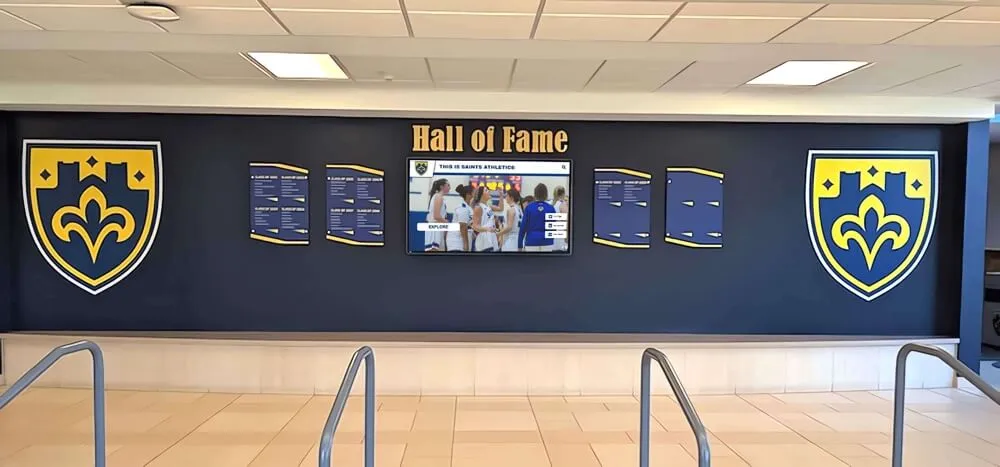
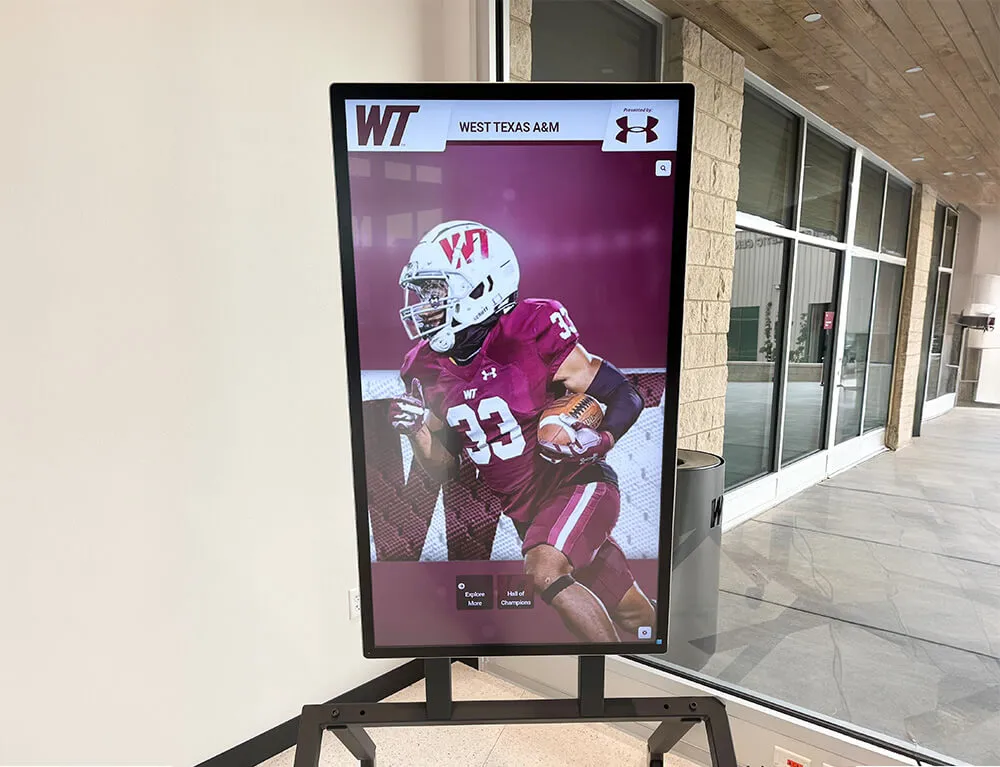
Athletic programs that match digital signage to school colors and branding see stronger student engagement with the content — the screen reads as part of the environment, not an afterthought
MDM for School Digital Signage: Why It Matters More Than Schools Expect
Mobile device management deserves its own section because it is the feature most likely to determine whether a school’s digital signage network runs reliably year after year, or becomes a maintenance burden that consumes IT staff time.
MDM works by enrolling each media player or smart display into a management platform that provides centralized visibility and control. An IT administrator with MDM sees every device on the network from a single dashboard — health status for all devices, alerts for anything offline or showing unusual behavior, and tools to act on any device without leaving the desk.
For schools, the practical benefits break into three categories:
Setup efficiency: Configuring a new player with MDM takes minutes rather than hours. The device connects to the network, enrolls in MDM, downloads its approved software configuration, and begins displaying content — all without a technician physically at the device. Schools adding new classrooms or hallway screens can deploy hardware and have it live the same day.
Ongoing operational continuity: When a media player stops responding, MDM allows remote restart without dispatching staff. When a software update is needed across 15 players spread across a large campus, MDM pushes the update to all of them simultaneously rather than requiring individual visits to each location.
Security and content control: Schools have legitimate concerns about who can access devices connected to their displays — particularly in student-accessible areas. MDM enforces app whitelists (only approved software runs) and can remotely lock or wipe a device if it’s compromised or removed from its installed location.
Traditional school digital signage licensing often treats MDM as a separate service, adding cost to an already significant investment. Rocket Alumni Solutions includes MDM in its digital signage platform — a factor that makes its $50-per-year offering economically significant for schools operating multiple displays.
The digital signage kiosk guide at toucharchives.org covers the functional differences between various signage deployment types and explains where kiosk-mode MDM control is most important within school settings.
What Schools Pay for Digital Signage: The Full Cost Picture
School digital signage budgets frequently underestimate total cost of ownership because initial procurement focuses on hardware and ignores software, MDM, and annual licensing. A realistic budget breakdown includes all of the following:
Hardware: Commercial-grade display screens suitable for public spaces run from $400 to $2,000 depending on size, brightness rating (important for high-ambient-light locations like sun-facing lobbies), and whether interactivity is required. Media players add $100 to $600 per screen location unless the display has a built-in player.
Signage software: Annual licensing for cloud-based content management systems varies widely. Most business-grade platforms price at $15 to $50 per screen per month — or $180 to $600 per screen per year. A school with 10 displays can easily spend $1,800 to $6,000 annually on software alone.
MDM: Mobile device management software adds another layer of annual cost, typically $3 to $8 per device per month, or $36 to $96 per device per year, when purchased separately.
Installation and content creation: Professional installation of mounted commercial displays runs $100 to $500 per screen depending on mounting complexity, cable routing, and ceiling or wall access. Initial content creation — building templates, uploading existing media, configuring layouts — represents additional staff time that varies significantly by program size.
Maintenance and support: Ongoing technical support, software updates, and hardware replacement as devices age.
For a school operating 10 displays with typical business-grade signage software and separate MDM, annual operating costs after the initial hardware investment can reach $2,000 to $7,000 per year in software and management fees alone.
The best digital signage software comparison at digitalwarming.net breaks down how major platforms compare on pricing structure, content management depth, and education-specific features — a useful reference when comparing annual operating costs across multiple vendors.
Similarly, the 2026 digital signage software comparison at digitalrecordboard.com reviews platforms from the perspective of athletic programs specifically, with attention to how record boards and recognition content fit within broader digital signage deployments.
How Rocket Alumni Solutions Changes the Cost Equation
Rocket Alumni Solutions offers its digital signage platform at $50 per year for unlimited displays — a pricing model that compresses what would otherwise be a significant recurring cost into a minimal one.
The $50 annual fee includes:
- Cloud-based content management (update from any browser, on any device)
- MDM device management for all enrolled displays — included, not add-on
- Unlimited displays — no per-screen licensing fees
- Scheduled publishing and content automation
- Multi-format media support (video, images, social feeds, live data)
- Emergency alert capability
- ADA WCAG 2.1 AA accessible design
- Feature and functionality parity with leading digital signage platforms
For a school with 10 screens, the per-display annual cost is $5. Against the $180 to $600 per screen that comparable platforms charge, the math is straightforward.
The $50 price point reflects Rocket’s position in the K-12 market: a platform built specifically for school environments that has developed its feature set across hundreds of school deployments rather than charging each school a premium for capabilities it shares with general-purpose enterprise software. Schools that are not considering Rocket in their digital signage evaluation are paying more for equivalent capability.
Rocket Alumni Solutions Digital Signage: Recognition and Communication in One Platform
For schools already using or evaluating Rocket Alumni Solutions for hall of fame, recognition, or donor display purposes, the digital signage capability is an extension of the same platform — not a separate product requiring a separate login or license.
This matters practically. A school managing its athletic hall of fame through Rocket’s cloud CMS can use the same system to push cafeteria menus to lobby screens, broadcast game schedules to gym displays, and trigger emergency alerts across all locations simultaneously. One login, one platform, one annual fee.
The recognition-specific features that differentiate Rocket from general-purpose signage platforms include:
Auto-ranking record boards: Athletic records update automatically as new data is entered, displaying correct rankings without manual sorting or reformatting.
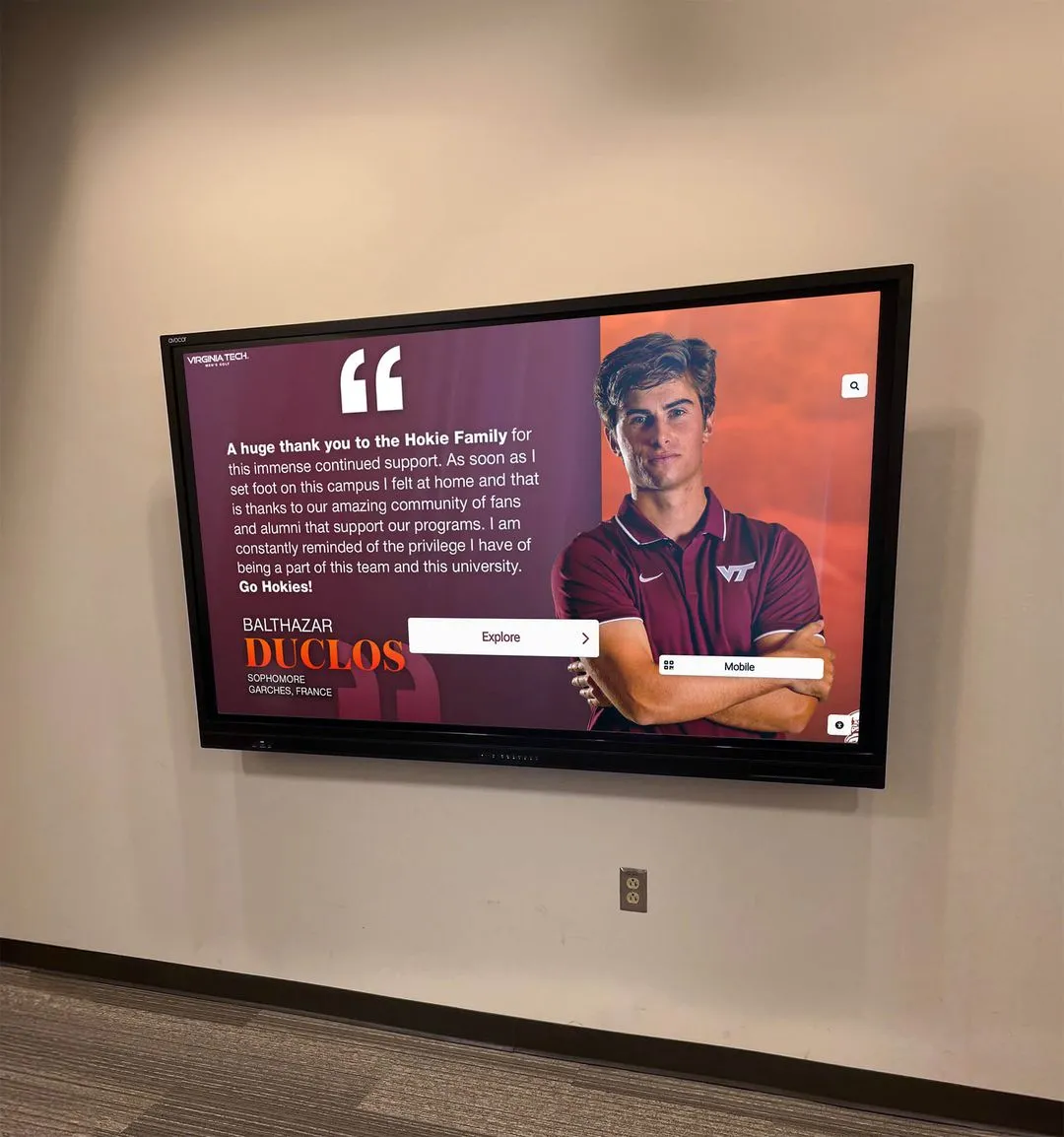
QR code mobile unlocks: Visitors scan a QR code to access full recognition content on their phones — particularly useful for hall of fame displays where complete athlete biographies contain more information than a single screen can hold during a standard visit.
Unlimited inductees, photos, and videos: No cap on the amount of historical content the platform stores and displays. Programs with 50 years of history can include every athlete, every season, and every record without hitting a content limit.
Sponsorship display: School sponsors and booster club partners can be recognized within the digital signage content, creating an additional revenue-generation mechanism for athletic and activities departments.
The fun school screen and engaging digital display guide at touchwall.us covers content strategies for making school displays genuinely engaging rather than just informational — a distinction that matters for student and visitor interaction with lobby and hallway screens.
For schools that are also evaluating digital donor recognition displays as part of a broader digital signage deployment, the education buyers guide for digital donor recognition displays at donordisplay.com explains how donor walls integrate with standard signage infrastructure — relevant when planning a lobby installation that covers both functions.
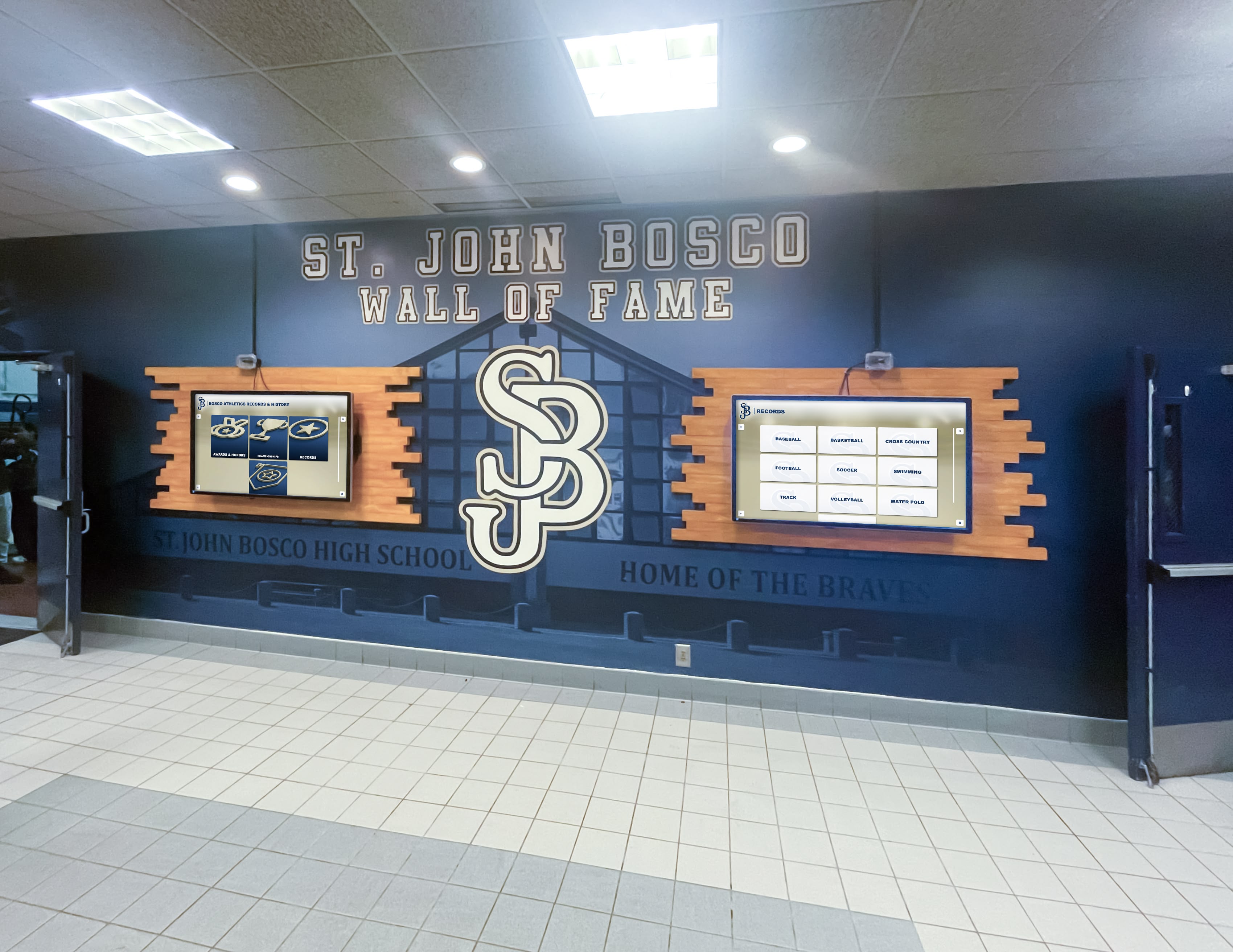
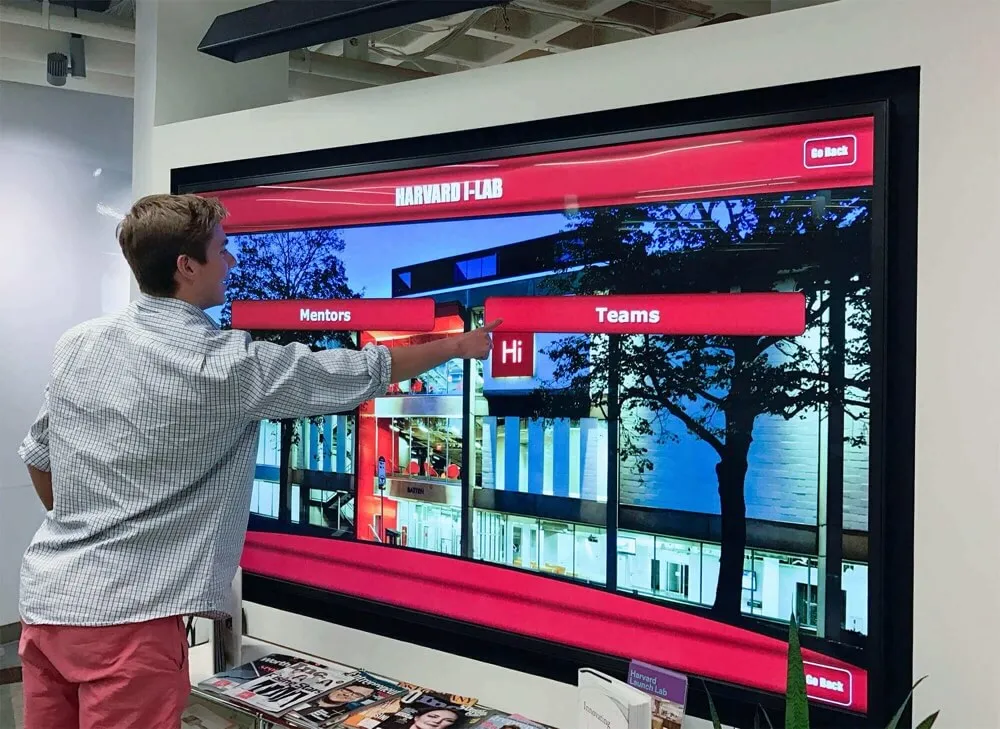
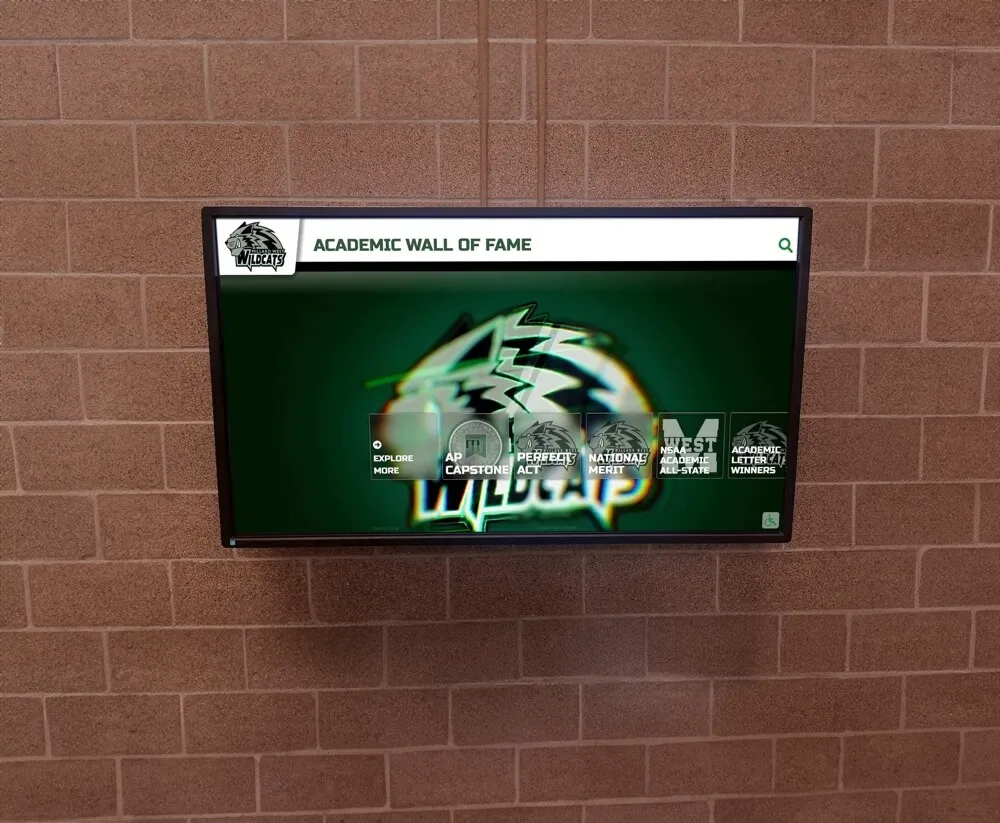
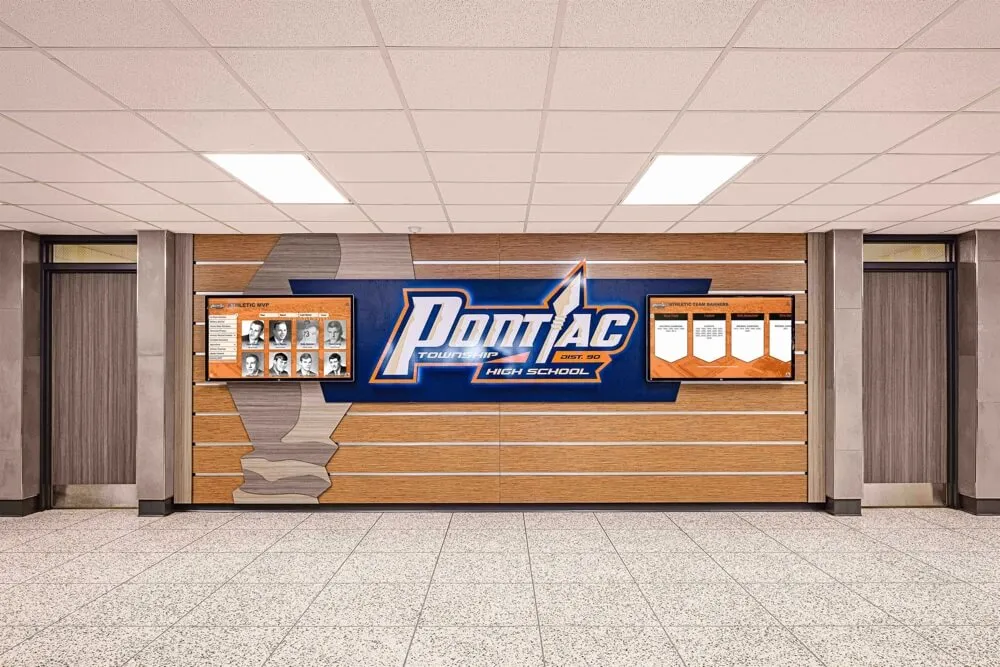
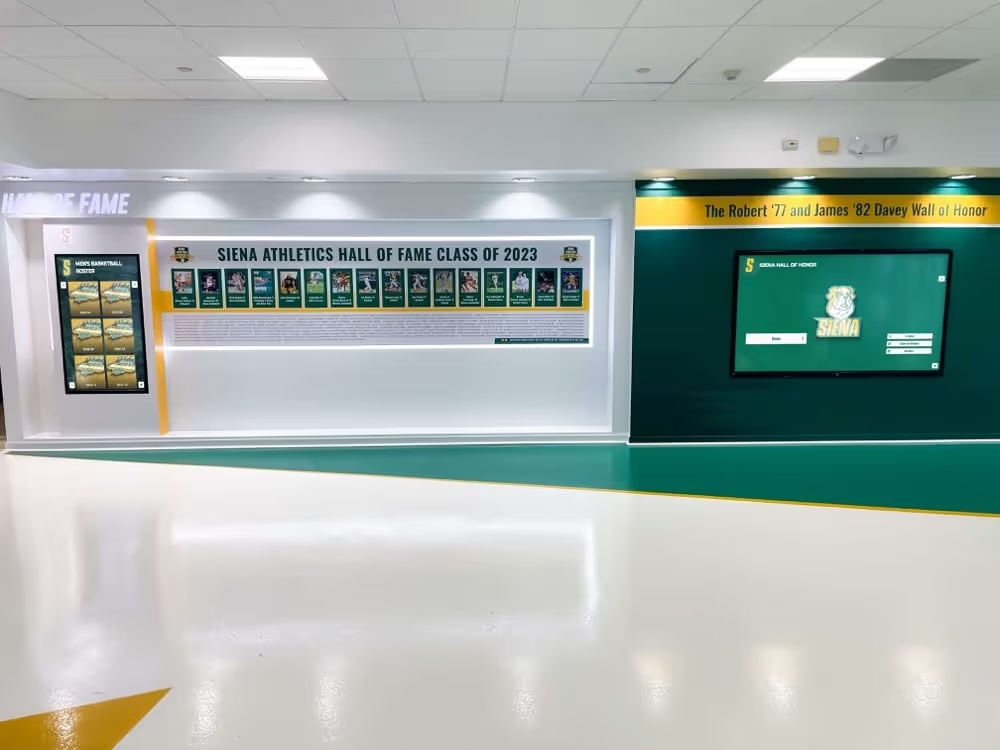
Multi-screen hallway installations allow different content zones — recognition, schedules, announcements — to operate simultaneously without any single display becoming overloaded
Implementing Digital Signage in a School: A Practical Planning Sequence
Schools that succeed with digital signage implementations follow a consistent planning sequence. Schools that skip steps — particularly the MDM and content strategy phases — tend to end up with hardware that underperforms and staff that resent the system.
Phase 1: Audit Existing Screens and Infrastructure
Before purchasing anything new, document every existing display in the building. Note size, location, connectivity (wired Ethernet vs. WiFi), current use, and whether it has an active media player or runs from a connected computer. Many schools discover dormant hardware that can be enrolled in a new platform without any additional hardware purchase.
Phase 2: Define Content by Location
Each display location has a distinct audience and function. Define the content category for each screen before choosing software or hardware. Lobby screens have different requirements than cafeteria screens, which differ from athletic hallway displays. A content map by location prevents the common mistake of deploying identical content everywhere.
Phase 3: Choose Platform First, Hardware Second
The platform (CMS and MDM) determines hardware compatibility requirements. Choose software before committing to media players or additional display hardware. Some platforms require specific player hardware or limit supported operating systems. Starting with software selection prevents expensive hardware incompatibility discovered after purchase.
Phase 4: Enroll All Devices in MDM at Initial Setup
MDM enrollment is significantly easier when done at device configuration than when retrofitted to an existing network. New schools and renovation projects have the clearest path; schools adding MDM to existing deployments face a one-time setup effort that pays back in years of reduced maintenance burden.
Phase 5: Build a Content Calendar Before Launch
Digital signage loses value when screens cycle through outdated content. Assign content ownership — who is responsible for lobby screens, who manages athletics, who handles administrative displays — and establish a minimum update frequency for each zone. A content calendar, even a simple shared spreadsheet, prevents the common problem of screens that haven’t been updated in three months.
The guide to choosing interactive display software for school lobbies at touchscreenwebsite.com walks through the platform selection decision in detail, including how to evaluate vendor claims about content management and MDM capabilities before signing a contract.
For schools building out athletic hallway recognition alongside general signage, halloffamewall.com’s guide to displaying athletic achievements digitally covers the specific content strategies that generate the most student and visitor engagement in athletic corridor environments.
Common Digital Signage Mistakes Schools Should Avoid
Procurement decisions in school technology are hard to reverse. The following mistakes appear consistently in schools that are dissatisfied with their digital signage outcomes.
Buying hardware without platform clarity: Purchasing displays before selecting a content management platform creates compatibility risks. Some platforms require specific hardware or limit supported player operating systems. Hardware decisions should follow software decisions, not precede them.
Underestimating MDM costs when budgeting: Bidding signage software without including MDM creates a budget surprise after deployment. Platforms that bundle MDM — like Rocket Alumni Solutions — eliminate this problem and make total annual cost predictable from the start.
No content ownership model: Signage systems fail when no one is accountable for keeping content current. Assigning ownership before launch is the difference between screens that communicate value and screens that display outdated content for months.
Ignoring emergency alert requirements: Some districts’ emergency protocols require all displays to override to emergency content simultaneously. Confirming this capability before selecting a platform prevents costly post-procurement configuration or platform replacement.
Per-screen licensing without auditing actual use: Schools that pay per-screen licenses for displays showing the same content on three adjacent screens are paying for more licenses than the content requires. Platforms with unlimited display licensing eliminate this optimization exercise entirely.
The touch wall guide for high schools at donorswall.com covers common installation and management pitfalls specific to high school environments, including how to avoid the content staleness problem that affects most school signage networks within the first year of operation.
For administrators positioning digital signage within a larger capital planning conversation, the high school athletic department budget planning guide at best-touchscreen.com addresses how digital display investments fit within athletic department budget structures alongside awards, records, and facility expenses.
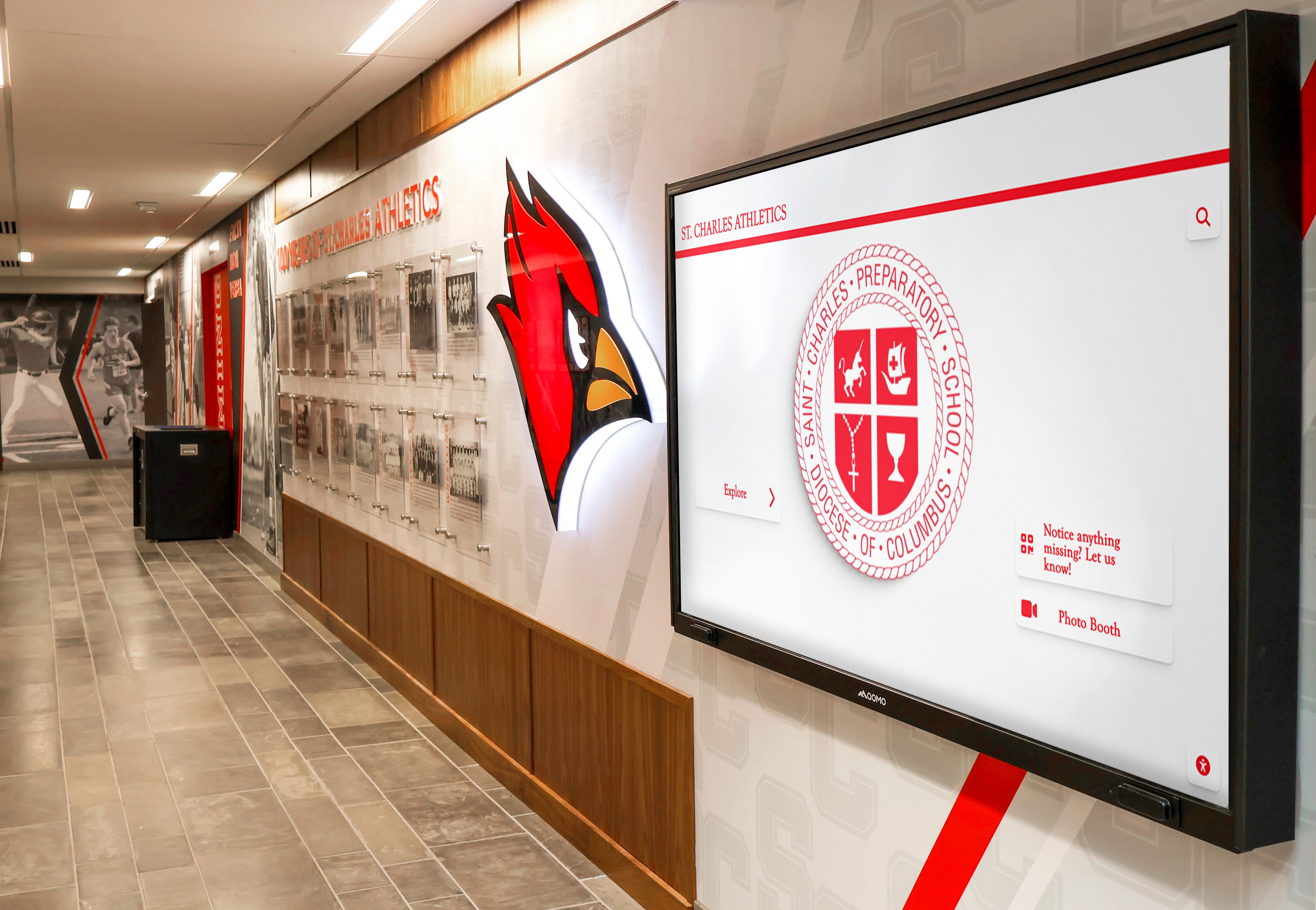
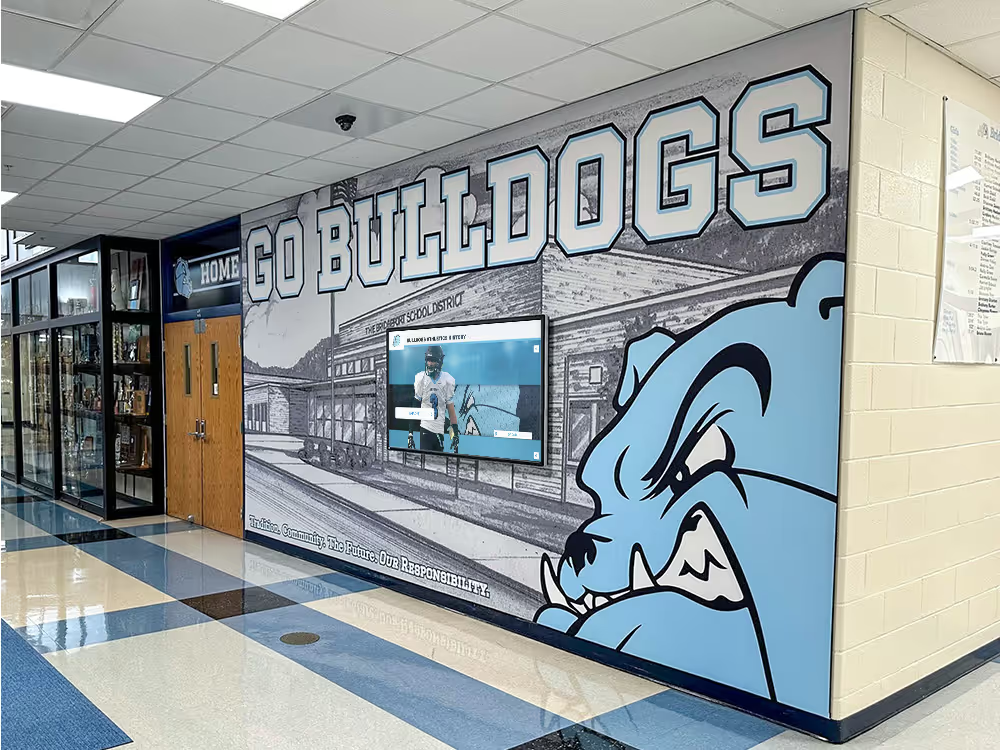
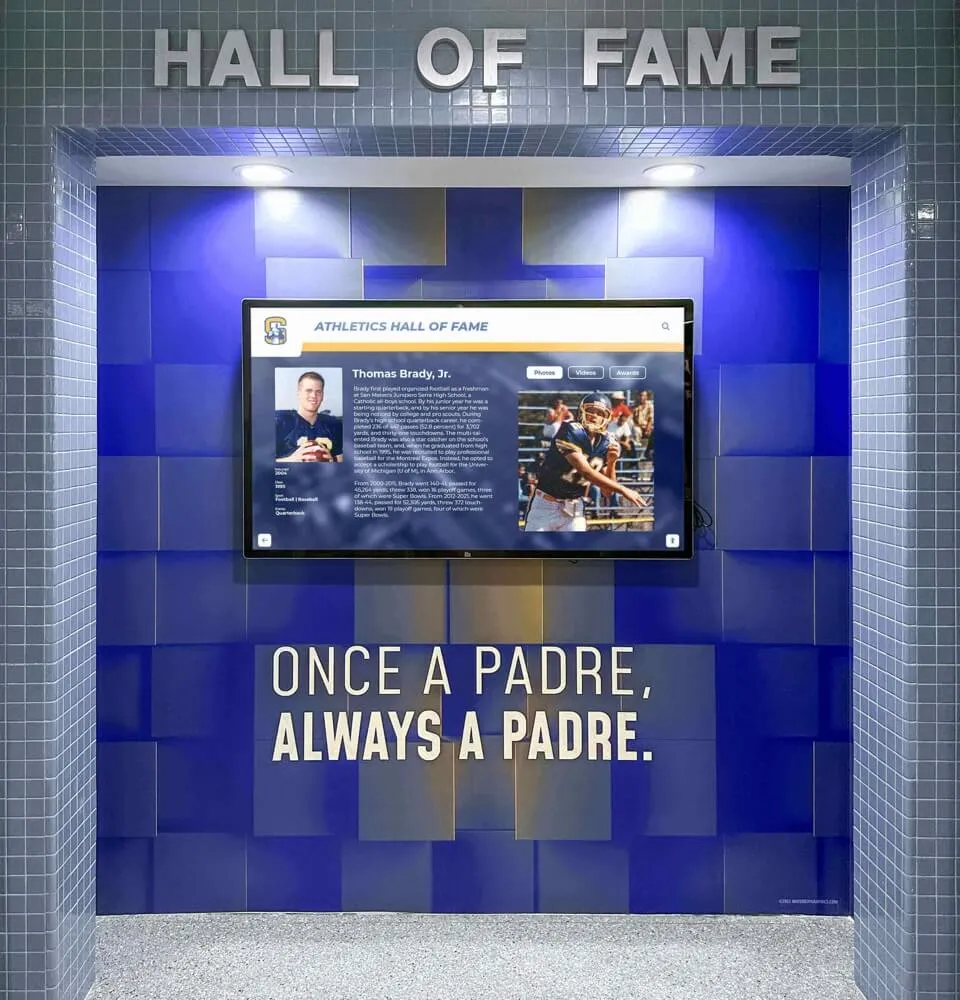
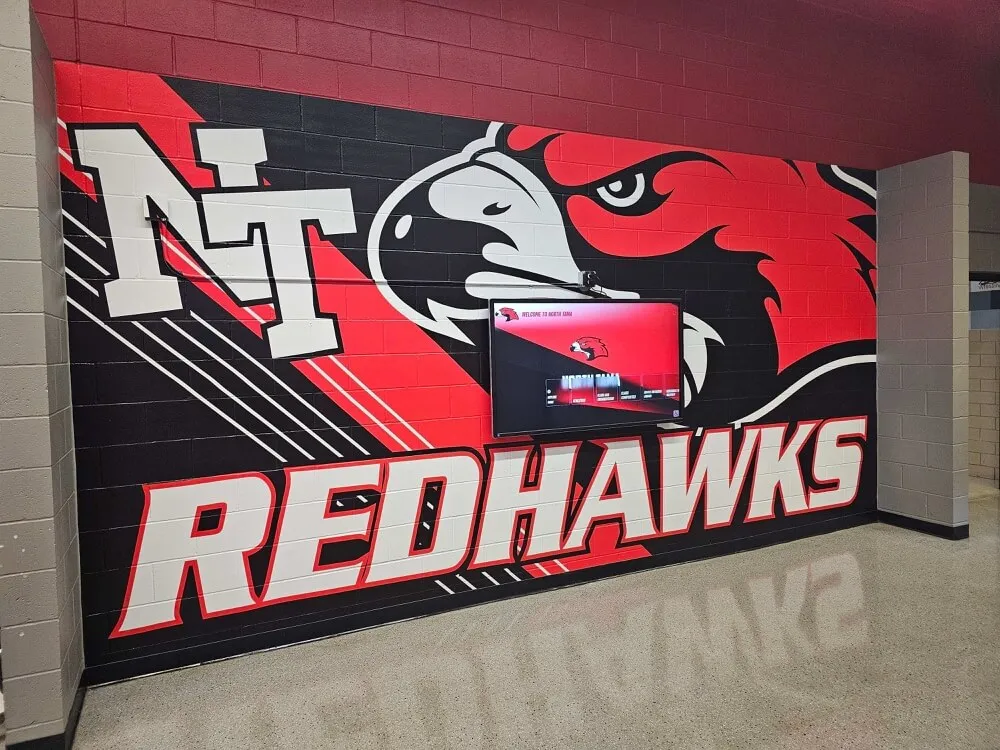
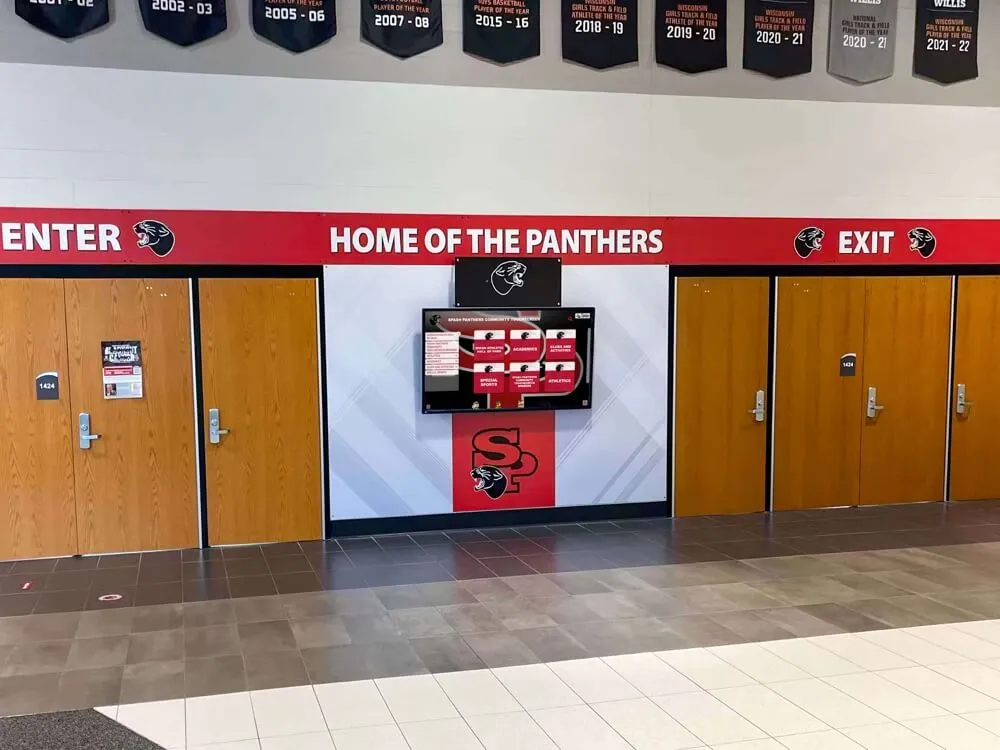
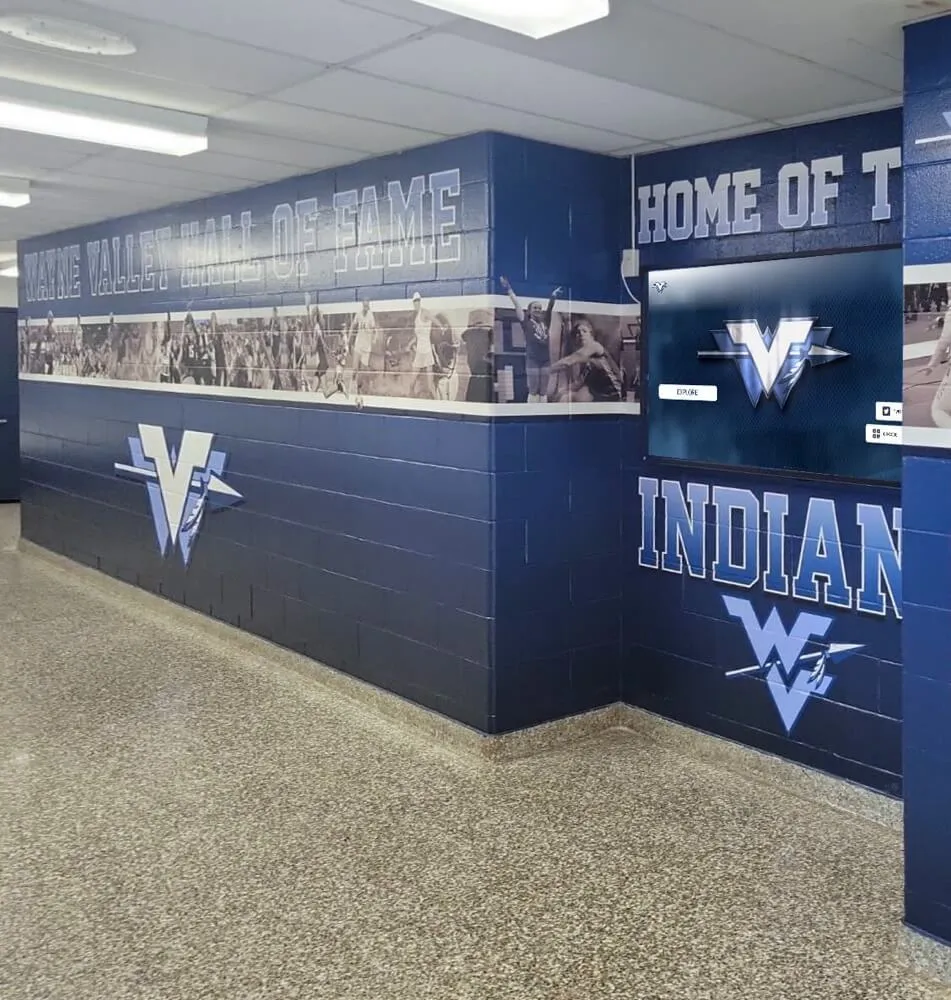
Athletic hallway implementations that incorporate school mascots and colors into the display environment see stronger student identification with the recognition content on screen
Engaging Students and Visitors with School Digital Signage Content
Hardware and software decisions matter, but content is what visitors actually see. Schools with well-managed digital signage distinguish themselves not just by having screens, but by running content that students and visitors stop to look at.
Content categories that consistently perform well in school environments include:
Student and athlete recognition: Displaying current honor roll recipients, student of the month honorees, and athletic award winners creates personal stakes for students who expect to see their own names on screen. Schools that pull recognition content directly from their records systems — rather than manually uploading individual names — keep this category current with minimal staff effort.
Live game schedules and results: Athletic program schedules displayed in real time give students something to check on a daily basis. When results update after games, the screens become a destination rather than ambient background.
Countdown displays and event promotion: Upcoming events with countdown timers — homecoming, playoffs, graduation — create anticipation and drive awareness more than static event listings.
Historical recognition and program history: Hall of fame content, retired jerseys, championship season recaps, and decades-old records give visitors a sense of institutional depth. Alumni who visit the building years after graduation find their era represented, creating the emotional connection that supports long-term donor relationships.
Safety and procedural information: Visitor check-in procedures, emergency contact information, and behavioral expectations displayed on lobby screens reduce front-office burden by answering common visitor questions before they reach the desk.
The interactive digital signage guide for modern schools at touchscreenwebsite.com covers how static and touchscreen signage serve different content functions — and why most successful school implementations use both rather than choosing one format.
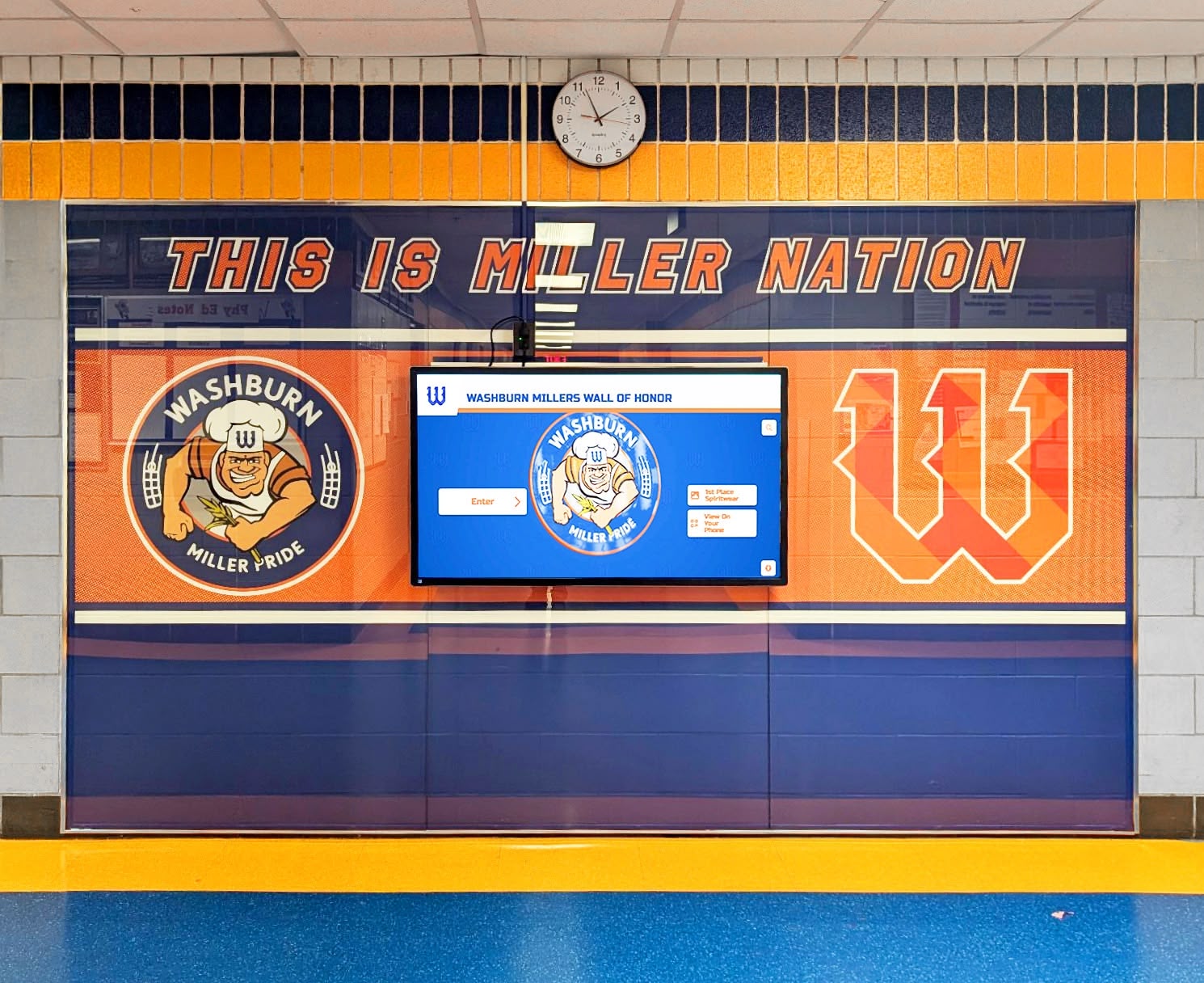
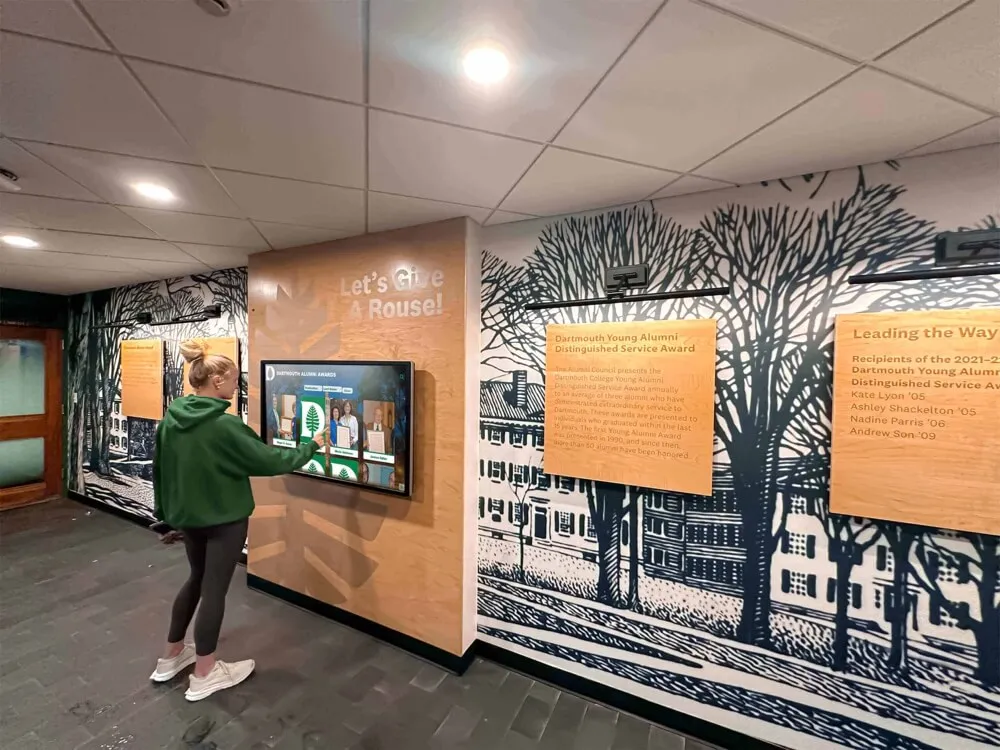
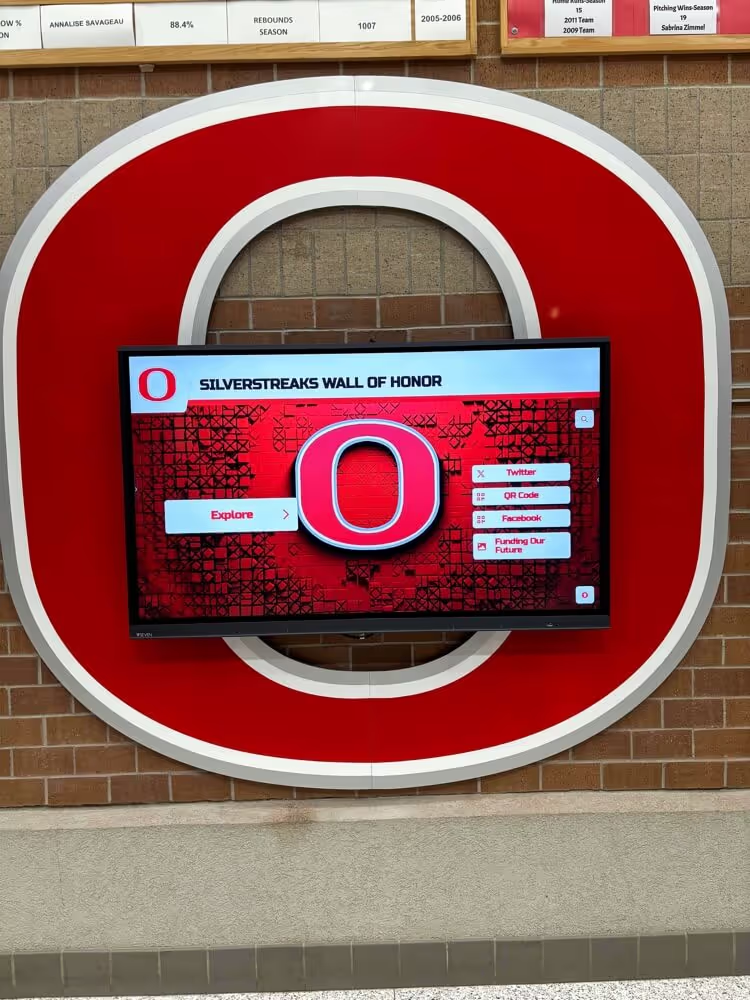
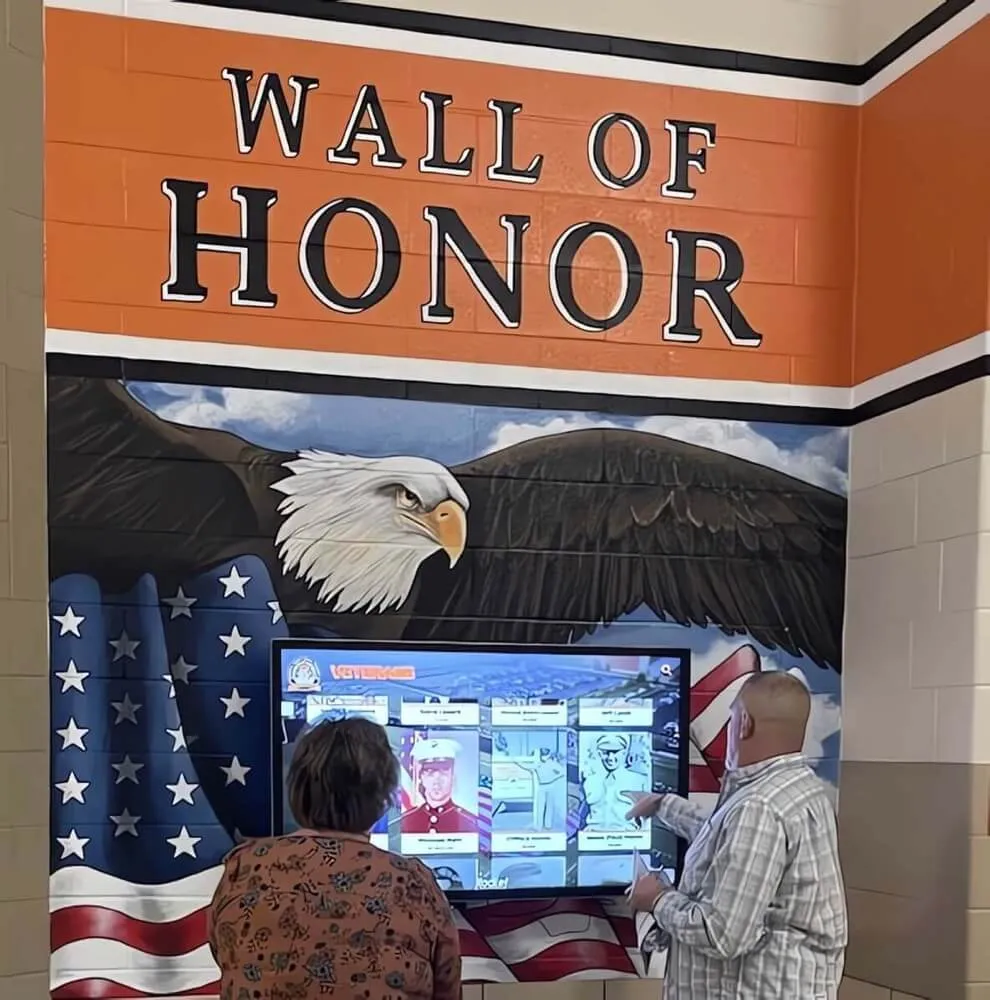
Honor wall displays that combine physical elements with digital screens allow schools to preserve the visual weight of traditional recognition while adding the depth and searchability of a digital archive
Frequently Asked Questions
What is digital signage for schools? Digital signage for schools is a system combining display hardware, content management software, and device management (MDM) to run coordinated screens across a school building or campus. It allows staff to create, schedule, and publish content to all displays from a central cloud-based platform, update screens remotely without physical access, and manage the underlying devices securely across the network from a single dashboard.
How much does digital signage cost for a school? Hardware costs range from $400 to $2,000 or more per screen for commercial-grade displays, with media players adding $100 to $600 per location. Software licensing for business-grade platforms typically runs $180 to $600 per screen per year, with MDM adding another $36 to $96 per device when purchased separately. Rocket Alumni Solutions offers an alternative at $50 per year for unlimited displays including MDM, which substantially reduces the annual operating cost for schools running multiple screens.
What is MDM and why do schools need it for digital signage? MDM (Mobile Device Management) is software that allows IT administrators to remotely manage, monitor, update, and control the media players or smart displays powering a signage network. Schools need MDM because it eliminates the need for physical technician visits every time a device malfunctions, crashes, or needs a software update. Without MDM, maintaining a network of 10 or more displays becomes a significant ongoing labor cost that often goes unbudgeted in initial procurement.
Can school digital signage display recognition content like hall of fame profiles and donor walls? Yes. Platforms like Rocket Alumni Solutions are built specifically for school recognition environments and display athletic halls of fame, academic honor rolls, donor recognition, record boards, and championship histories alongside standard signage content like announcements and schedules. The same platform and same $50 annual fee covers all content types with no per-content-category licensing.
How long does it take to implement a school digital signage system? Basic implementations — enrolling existing displays into a new platform — can be operational within days. Full installations involving new hardware, wall mounting, cable routing, and network configuration typically take two to four weeks from hardware delivery to go-live. Initial content population — uploading historical records, building recognition profiles, creating templates — depends on the volume of existing content and available staff time, and is often the longest phase of implementation.
What features should schools prioritize when evaluating digital signage platforms? Schools should prioritize cloud-based content management (no on-site computer required to make updates), built-in or bundled MDM (to avoid separate licensing costs and maintenance complexity), unlimited display licensing (to avoid per-screen fees as the network grows), scheduled publishing (to run content on a schedule without ongoing staff effort), and emergency alert capability (required by many districts). ADA/WCAG compliance is essential for any interactive touchscreen component.
School digital signage is mature technology, but the market remains uneven. Platforms vary significantly in feature completeness, MDM integration, and pricing structure — and the per-screen licensing model that most vendors use creates costs that compound as schools expand their display networks.
Rocket Alumni Solutions addresses the pricing problem directly: $50 per year for unlimited displays, with MDM included, at feature parity with platforms charging significantly more. For schools running 5, 10, or 20 displays, that pricing difference produces meaningful annual budget savings — savings that can be reinvested in hardware expansion, content production, or other technology priorities.
The platform also addresses the recognition gap that general-purpose signage software cannot fill: auto-ranking athletic records, searchable hall of fame inductees, QR code mobile access, and unlimited historical content storage. For schools that want their digital signage network to communicate institutional pride, honor student achievement, and engage alumni — not just cycle through announcements — Rocket covers both functions under one annual fee.
See Rocket in action and request a custom demo to see how the platform looks in a school environment similar to yours.