



The framed photo on the break-room wall has served its purpose—but it has real limits. One photo, one month, and the moment a new winner is announced, the previous honoree’s face disappears into a drawer. A digital employee of the month display changes the equation: the same screen that shows January’s winner can archive every previous honoree, show a short bio, loop through team photos, and update in minutes without removing a single print from a wall.
This guide covers what to include on a digital employee of the month display, how to build a nomination workflow that staff actually use, where to place screens for maximum visibility, and what your options look like—from a simple rotating TV to a fully interactive touchscreen kiosk—so your recognition program delivers real impact every day of the year, not just the moment the photo goes up.
Moving from a physical frame to a digital screen is not just an aesthetic upgrade. It redefines what recognition can do. A screen can tell a story, archive history, and update in minutes from any internet-connected device. A framed photo cannot do any of those things.

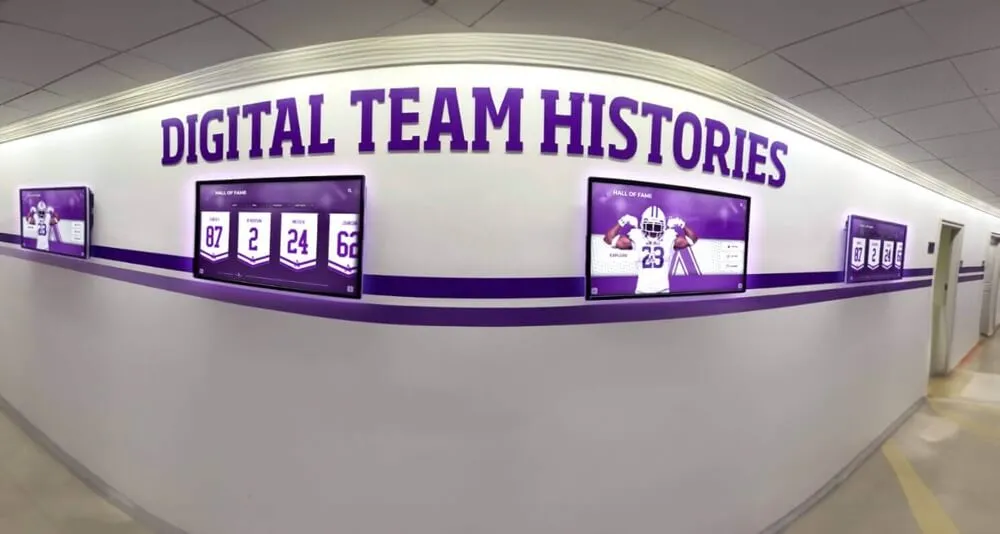
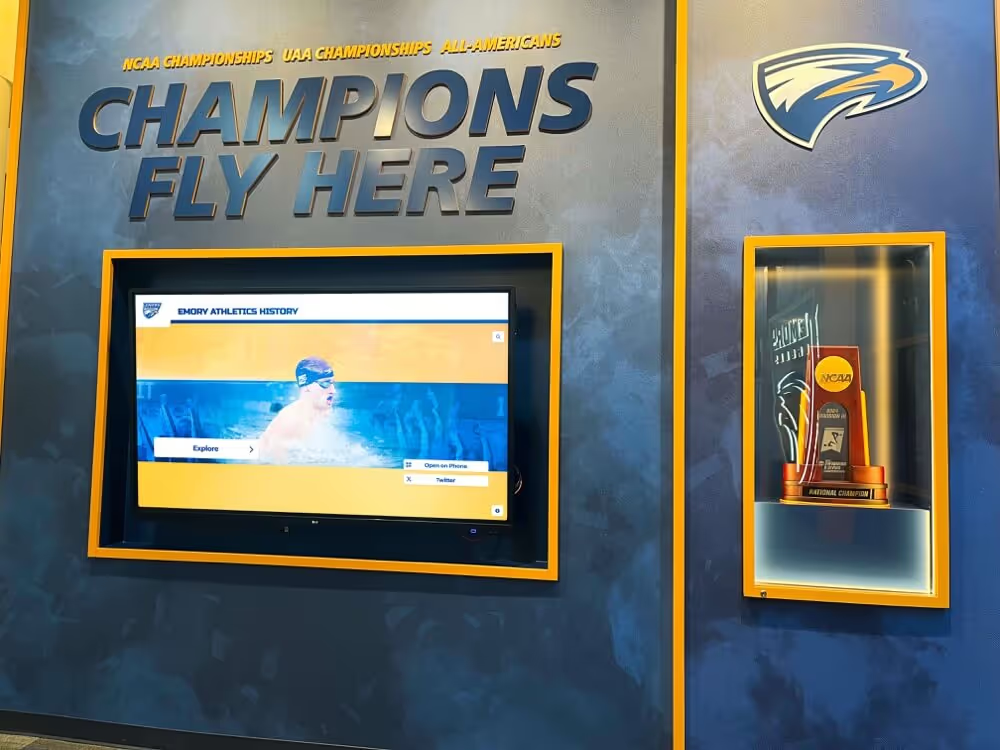
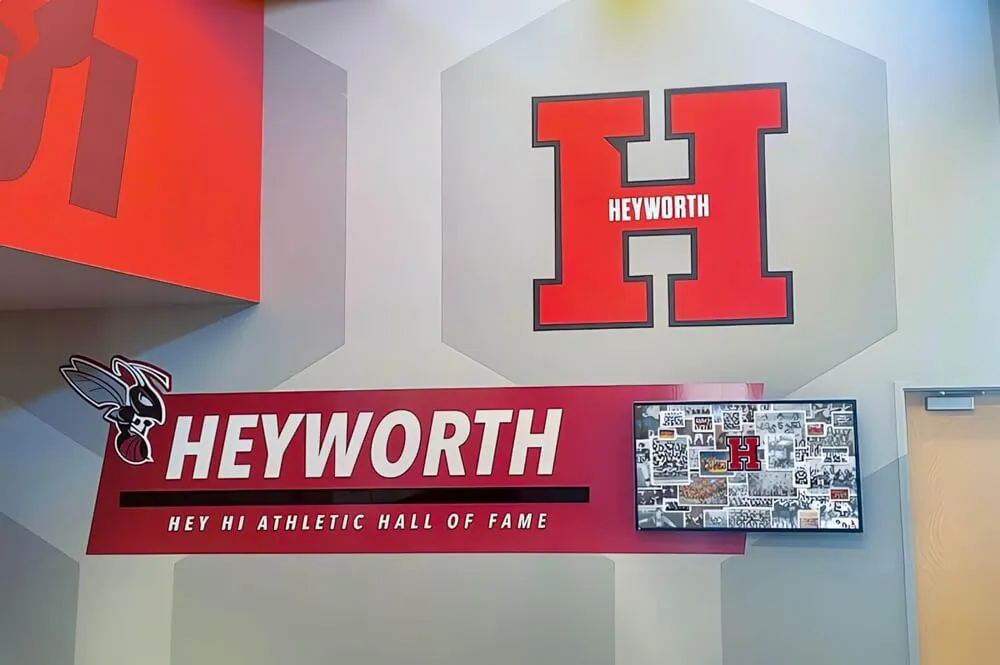
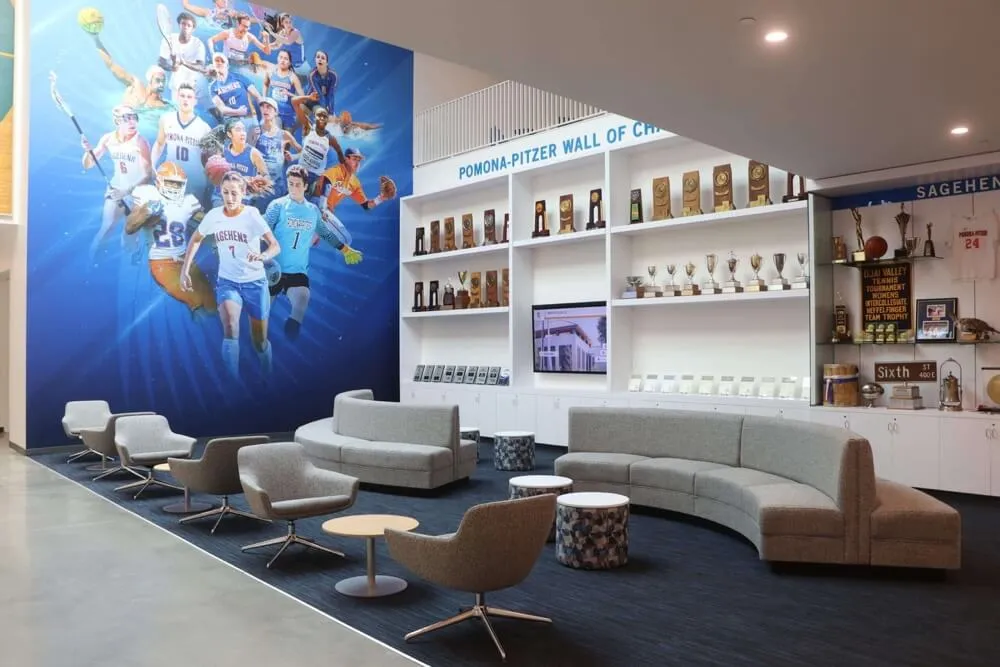
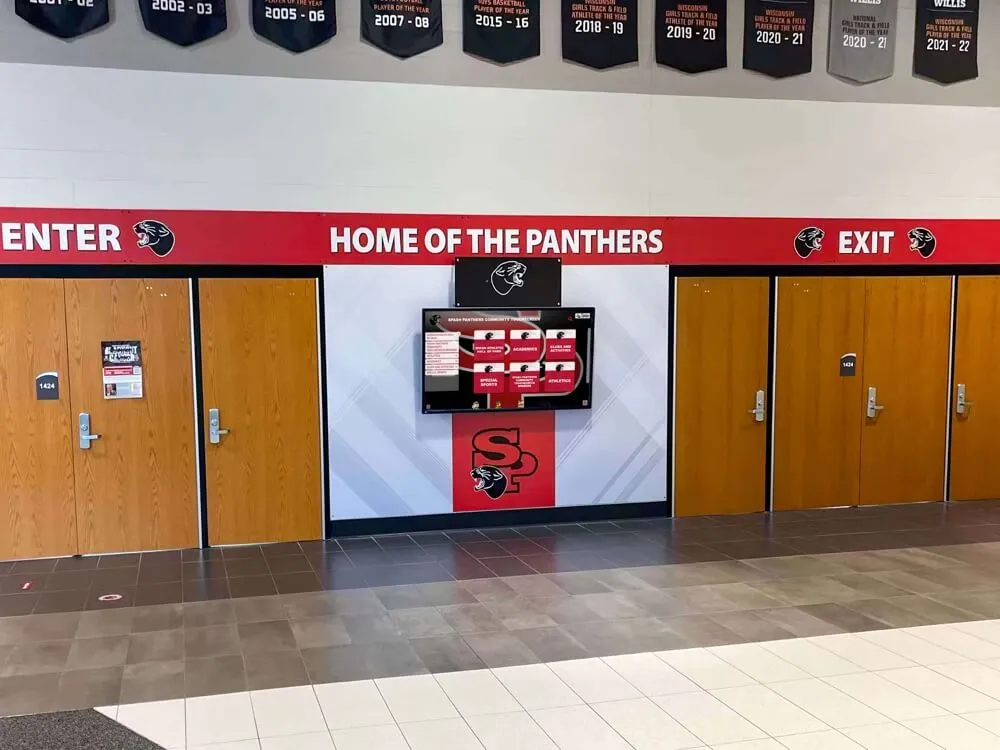
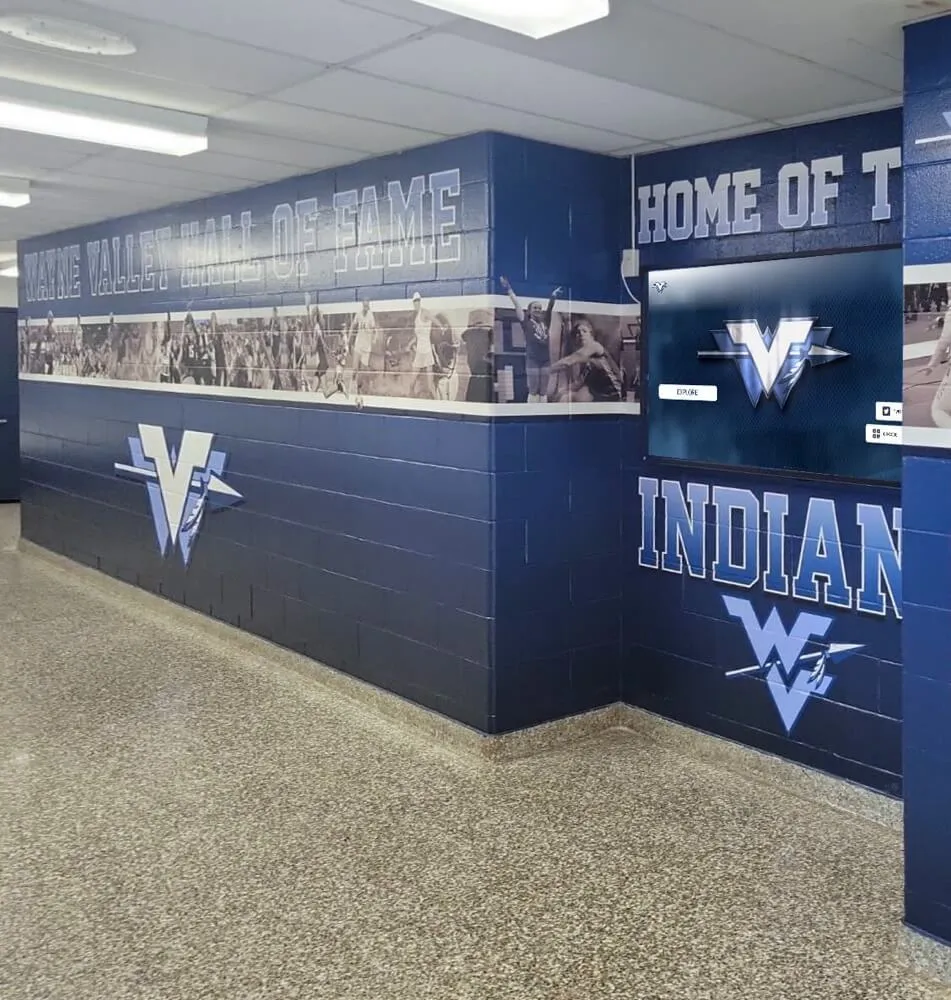
Lobby-based digital recognition screens greet every visitor and employee with immediate visibility into who is being celebrated and why
Why the Framed-Photo Wall No Longer Works
The classic employee of the month setup—a photo, a nameplate, and maybe a brief handwritten note in a frame—made sense when it was the only option available. That era is over. Digital displays have come down significantly in cost, and the software to manage them has become genuinely straightforward. What has not changed is the recognition need itself.
Here is what the framed photo wall cannot do:
Archive multiple honorees. Most organizations display one winner at a time. The moment a new honoree is announced, the previous person disappears. A digital screen can display the current winner prominently while keeping every past honoree accessible in a scrollable archive—meaning a five-year anniversary employee who won the award in year two still gets lasting visibility.
Tell a story with depth. A printed nameplate shows a name and a department. A digital display can include a photo, a job title, years with the company, a short bio, a quote from a manager, and the specific achievement that earned the recognition. That depth is what makes recognition feel meaningful rather than perfunctory.
Update without logistics. Updating a physical frame requires printing a new photo, potentially ordering a new nameplate, and physically swapping the display—sometimes involving facilities staff and scheduling. Updating a digital display takes a few minutes from any internet-connected device.
Connect to a broader culture. A digital display can show company values alongside the honoree, display team photos, feature upcoming recognition events, or rotate between employee spotlights and other organizational announcements. The screen does work that no frame can replicate.
Gallup’s ongoing workplace engagement research consistently links regular, meaningful recognition to higher employee engagement and lower turnover intentions. The display is not decoration—it is infrastructure for a recognition culture.
What to Include on an Employee of the Month Display
The content on your digital employee of the month display determines whether recognition feels genuine or generic. The following elements consistently produce meaningful displays.
Essential Content
Professional photo. A current, high-quality photo taken in the workspace or against a clean backdrop. Avoid phone snapshots or heavily filtered social media images—the photo communicates how much the organization values the honoree.
Full name and preferred name. Include both legal name and any preferred name the employee uses day-to-day, which signals personal respect.
Job title and department. Specific and accurate—“Senior Customer Success Specialist” carries more weight than “Support Staff.”
Years with the organization. Context that helps colleagues appreciate tenure and commitment.
Recognition reason. A clear, specific description of what this person did to earn the recognition. Vague language like “outstanding performance” is less effective than “led the onboarding process redesign that reduced first-month customer churn.”
Value-Add Content
Manager or peer quote. A brief attribution quote from a direct manager or nominating colleague adds social proof to the recognition and makes it feel personal rather than procedural.
Employee-selected value alignment. If your organization uses stated values, note which value the honoree exemplifies. This connects individual recognition to organizational culture without being heavy-handed.
Fun fact or personal note. A brief line chosen by the honoree—a hobby, a recent personal milestone, or something they want their colleagues to know. This humanizes the recognition and encourages conversation.
QR code link. A scannable code that links to a longer profile, the next nomination form, or a team celebration page. This bridges the physical display to digital engagement for employees who want to learn more.
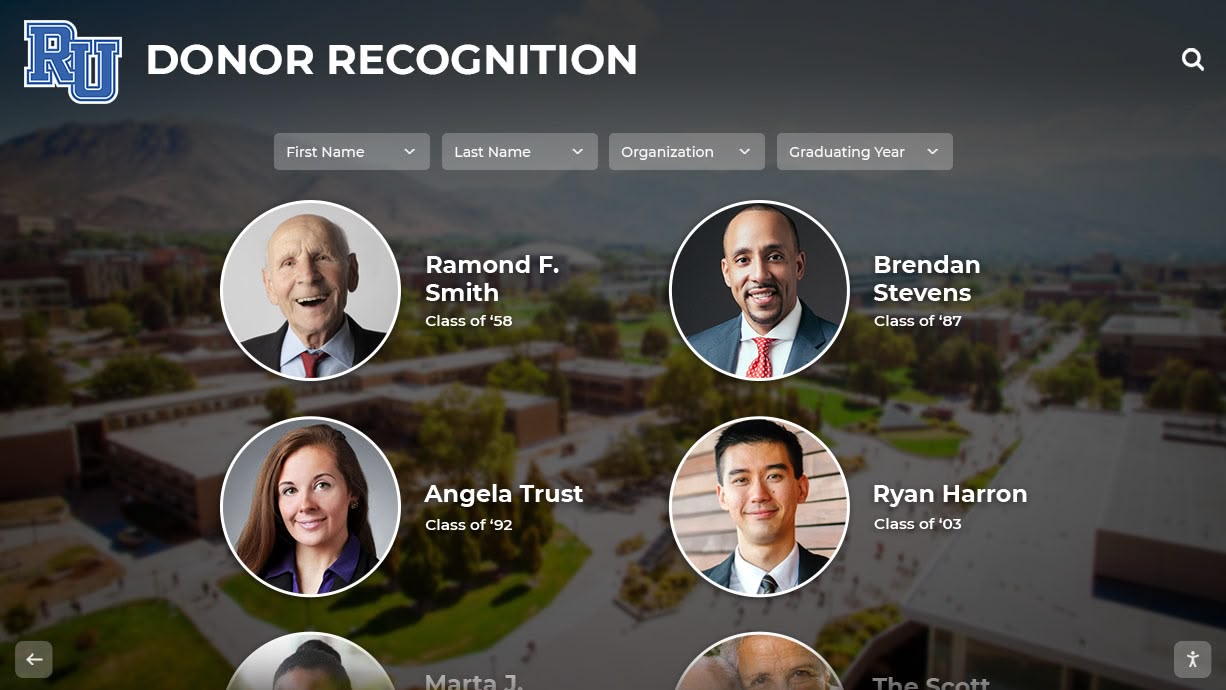
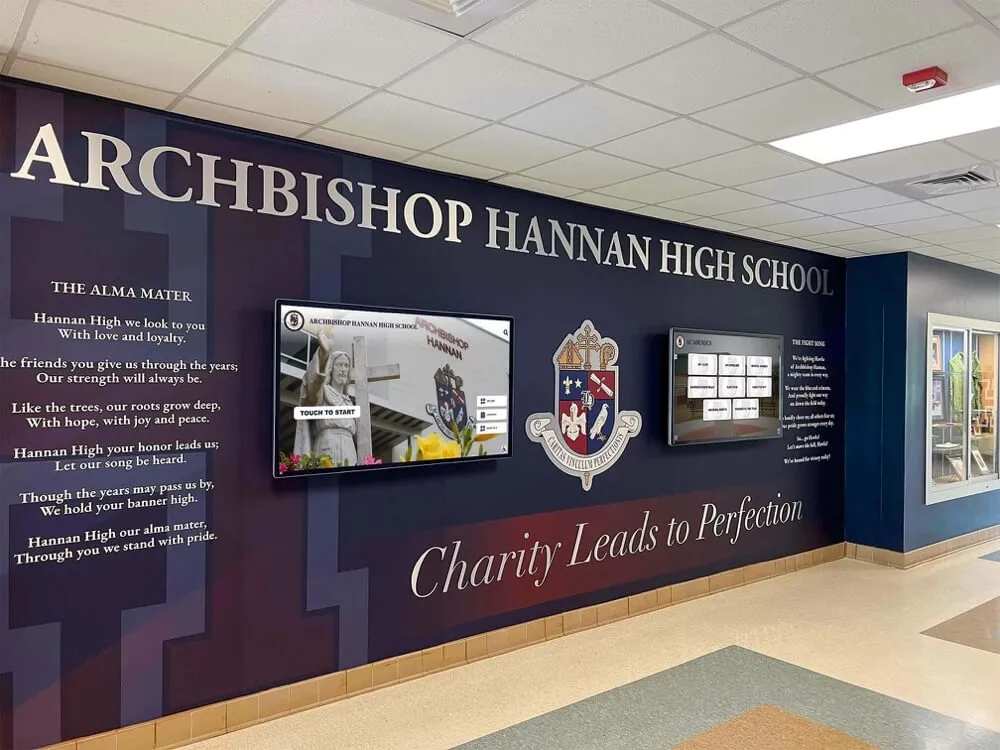
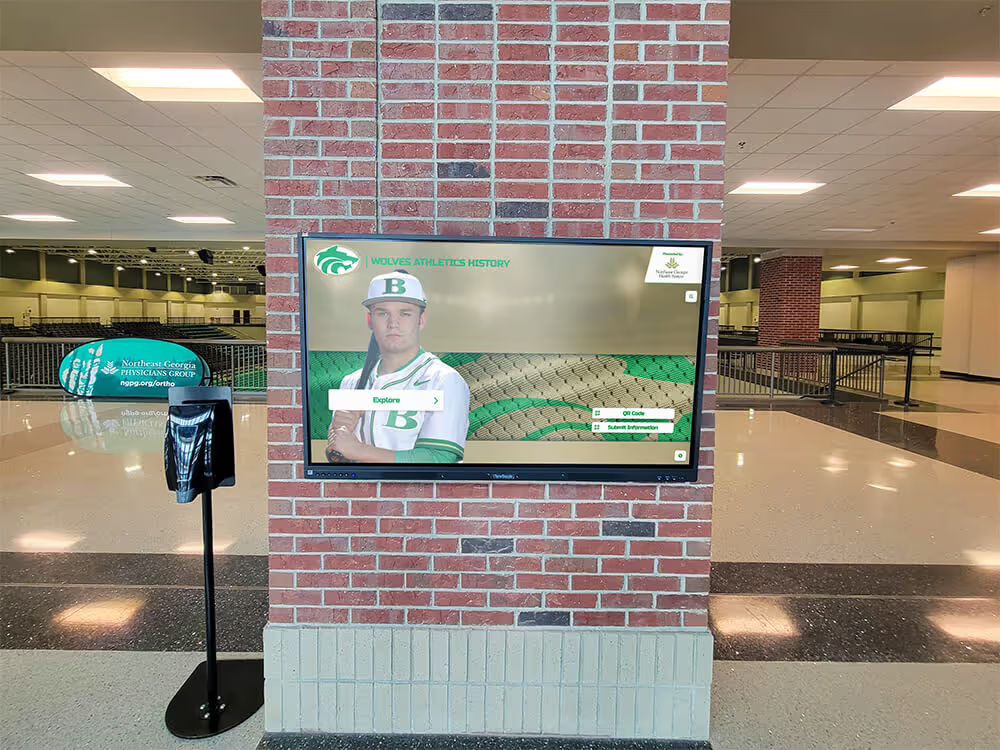
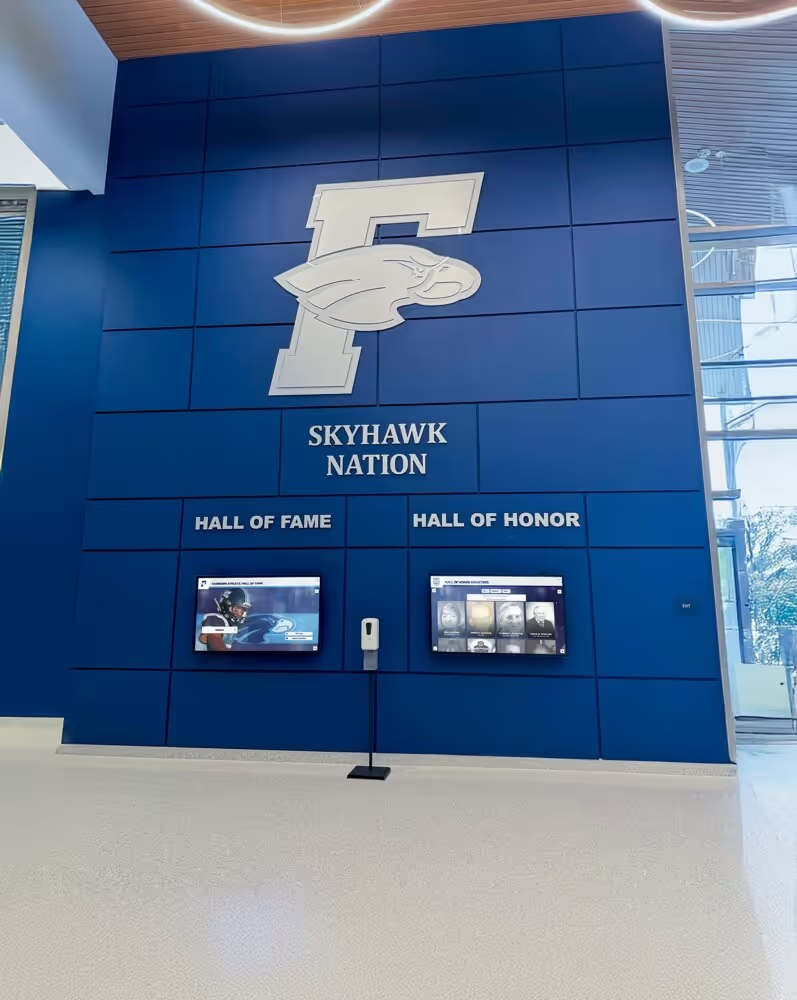
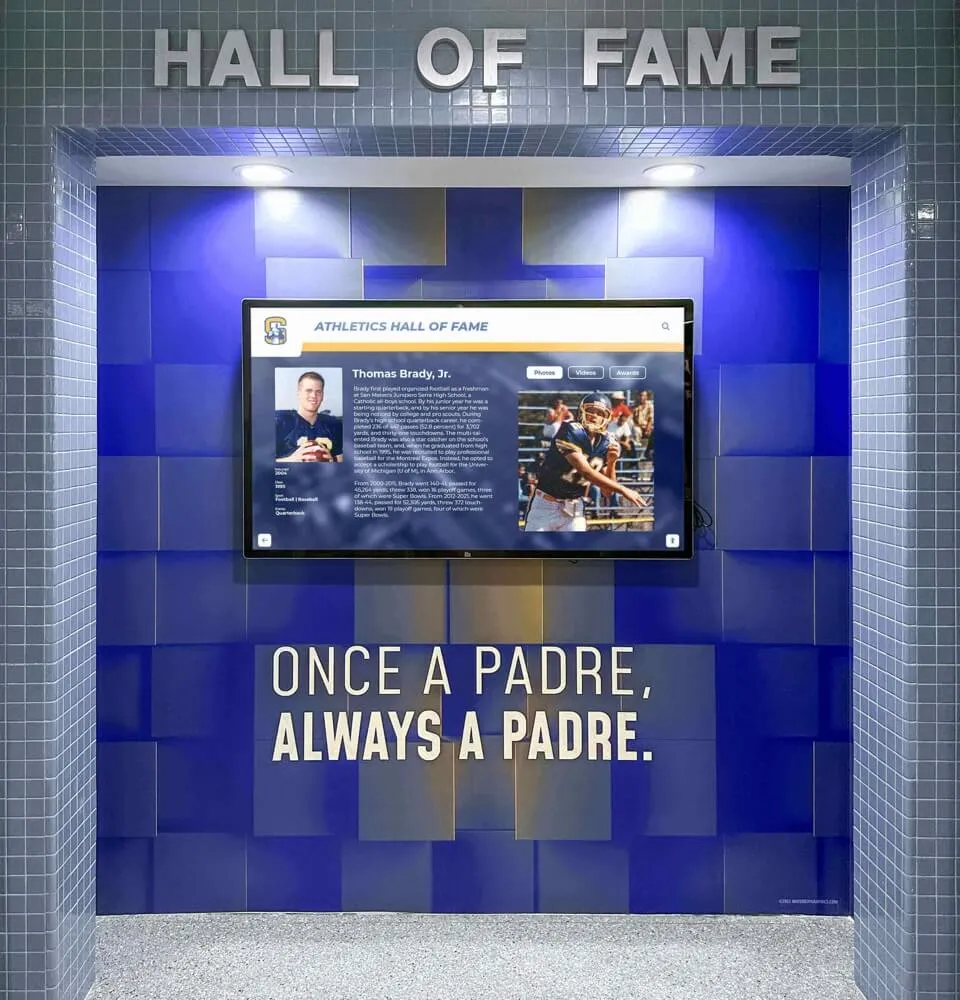
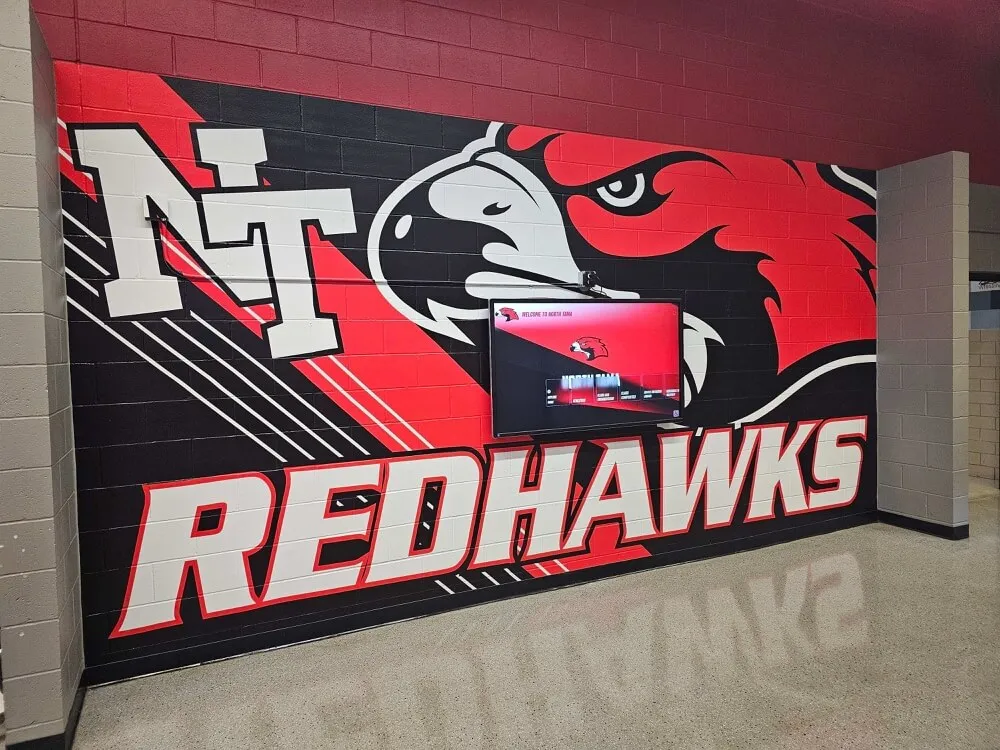
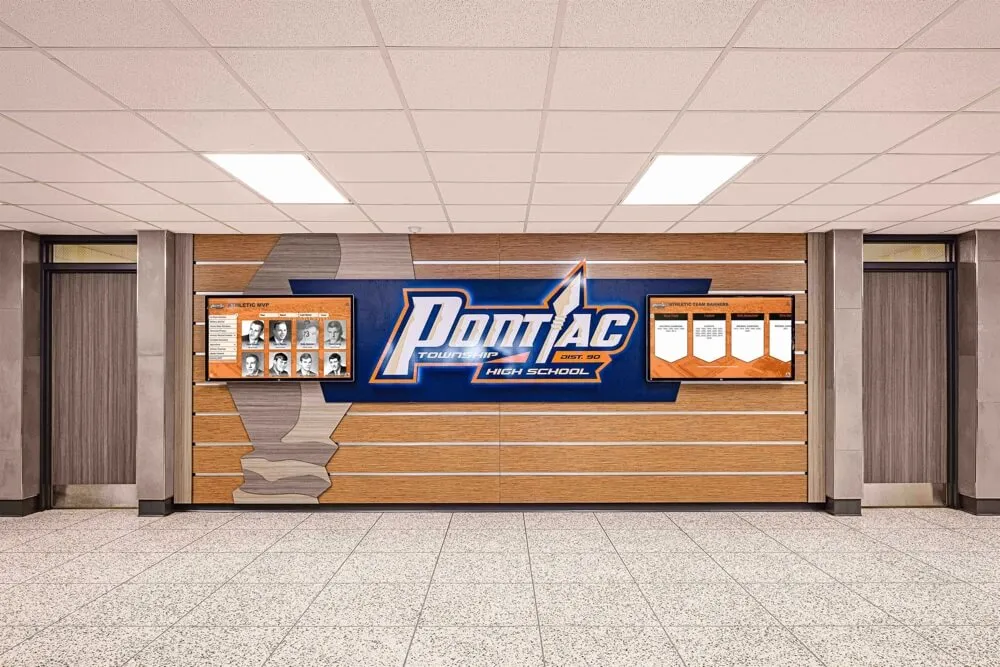
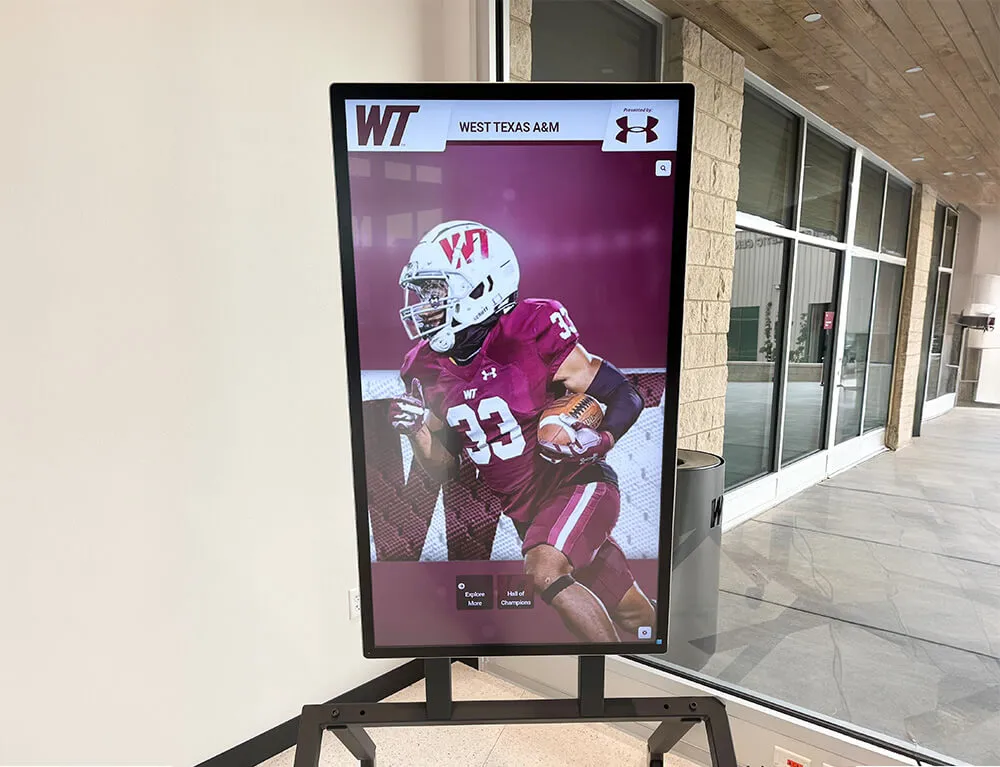
Individual portrait-style recognition displays communicate personal respect and institutional pride simultaneously—effective in both corporate and educational settings
For ideas on how recognition profiles translate across different institutional contexts—from schools to organizations—the complete guide to digital wall of fame displays covers content architecture principles that apply directly to employee recognition programs.
Building a Nomination Workflow That Staff Actually Use
The most beautifully designed display fails if the nomination process is broken. Many organizations have employee of the month programs that stall not because nobody cares but because nominating someone feels complicated or uncertain. A functional nomination workflow removes friction at every step.
Step 1: Define Nomination Criteria Clearly
Before launching the nomination cycle, publish clear criteria. This does not mean eliminating subjectivity—it means giving nominators a framework. Common approaches:
- Behavior-based criteria: “This person consistently went above and beyond for a customer or colleague”
- Values-based criteria: “This person exemplified [Company Value] in a measurable way”
- Outcome-based criteria: “This person contributed to a result or project that benefited the organization”
Avoid purely output-based criteria (highest sales number, most tickets closed) that unintentionally disadvantage support roles, part-time staff, and behind-the-scenes contributors. Recognition programs that default to productivity metrics create a narrow recognition culture that eventually feels exclusionary.
Step 2: Make Nomination Simple and Accessible
The nomination form should take no more than five minutes to complete. Required fields:
- Nominee name and department
- Nominator name (optional: allow anonymous nominations to encourage broader participation)
- One to two sentences describing what the nominee did and why it deserves recognition
- Optional: which company value the nominee exemplified
Publish the form link in multiple places: the company intranet, break-room signage, a standing agenda item in team meetings, and a link embedded in the digital display itself via QR code.
Step 3: Establish a Selection Process
Decide in advance who selects the winner and on what basis. Common formats:
- Committee review: A rotating panel of three to five employees from different departments reviews nominations and selects by consensus
- Manager selection: HR or department leadership reviews nominations and selects based on submission strength
- Peer vote: Nominations are shared anonymously and all employees vote
The committee review model tends to produce the most credible outcomes because it distributes decision-making authority across departments and reduces the perception that recognition defaults to the most visible employees.
Step 4: Announce and Update the Display
Once the selection is made, update the digital display before the announcement so the screen is ready when the news breaks. Send the announcement through internal channels—email, Slack, team meetings—and direct people to the screen. This sequence (announcement plus visible display) creates a recognition moment that staff can witness together.
Step 5: Archive the Previous Honoree
On a digital display, archiving is effortless. The previous month’s honoree moves to an “Alumni” section of the screen where they remain visible indefinitely. On a physical frame, this step is simply impossible—removing the photo is the only option.
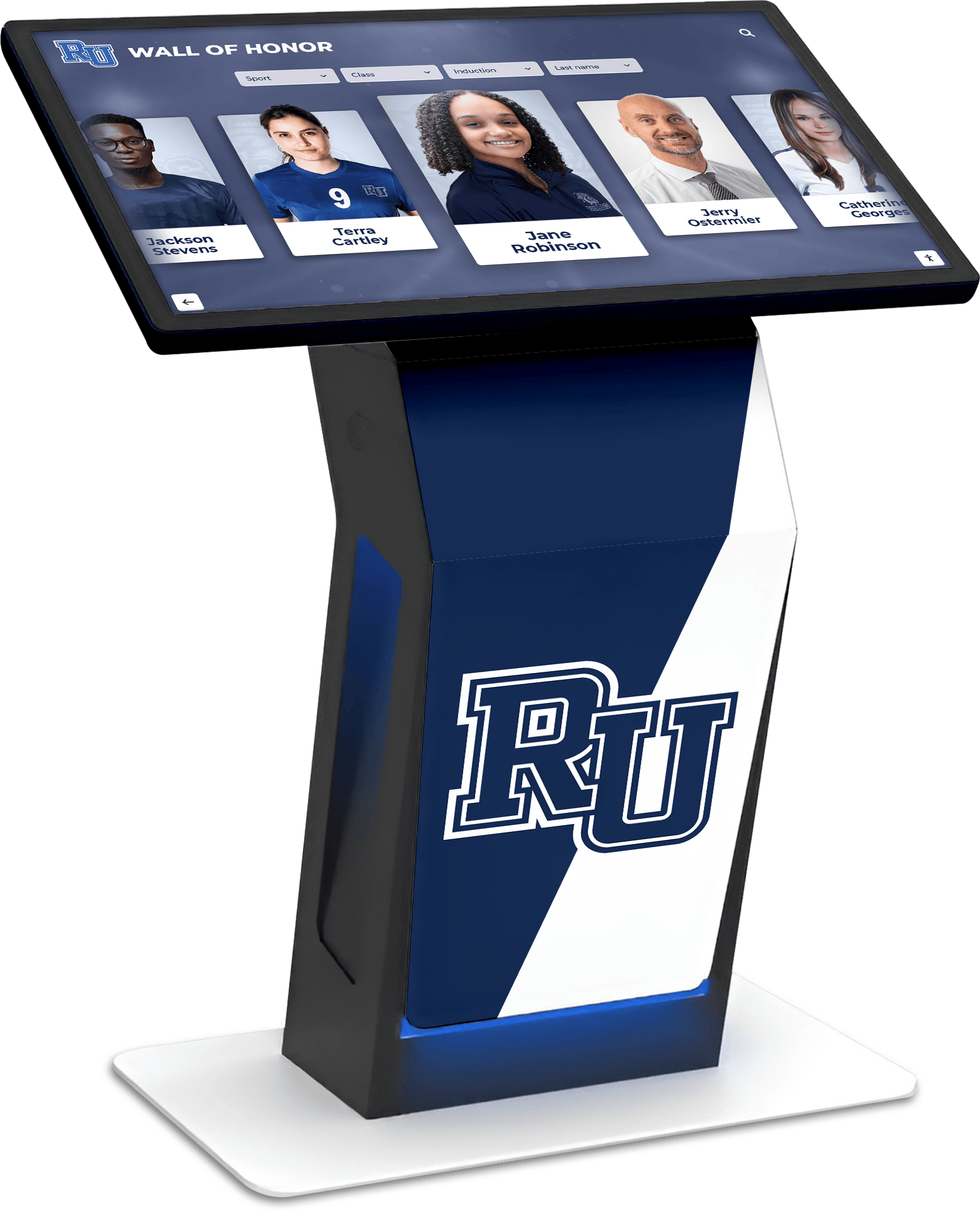
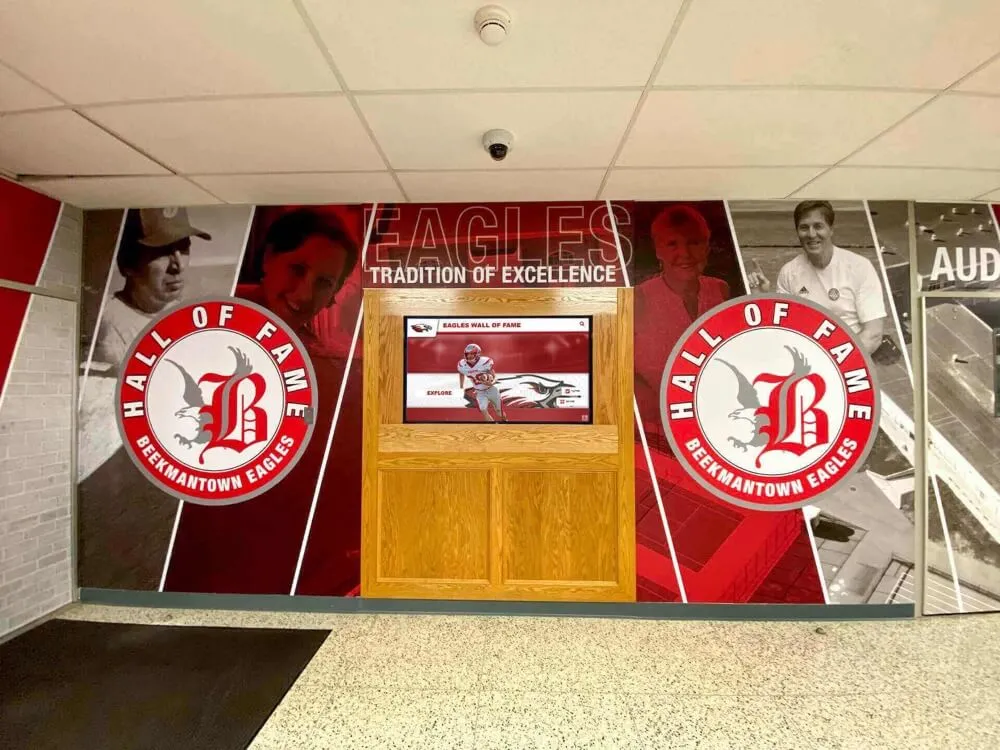
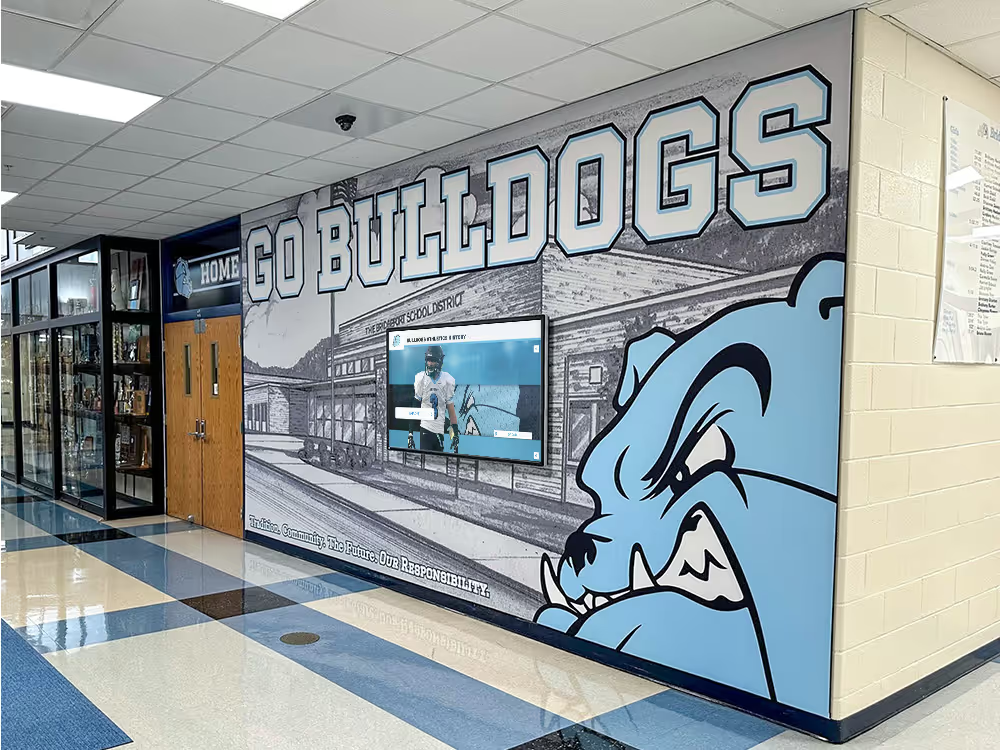
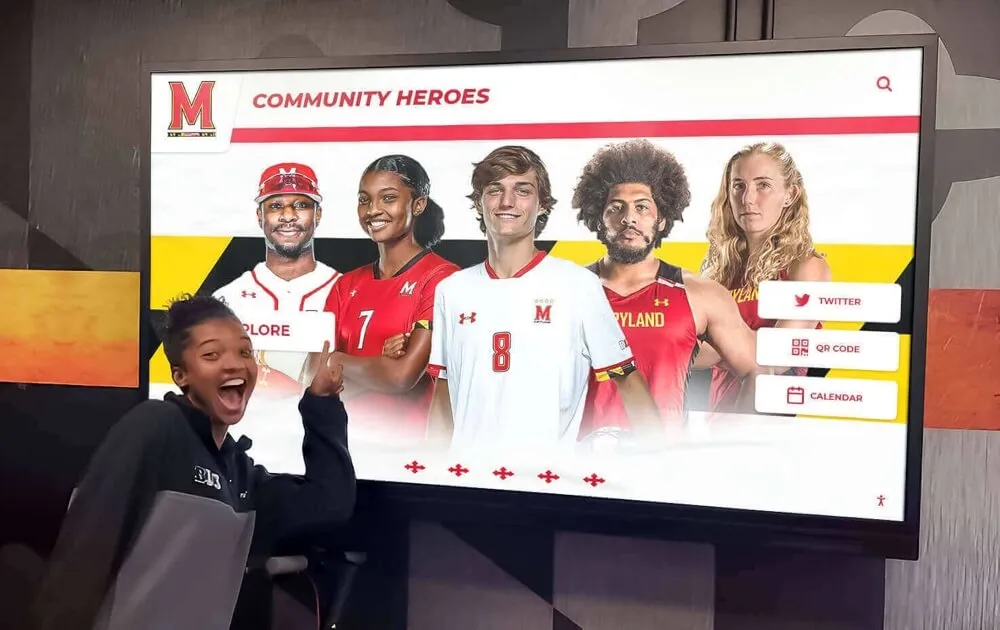
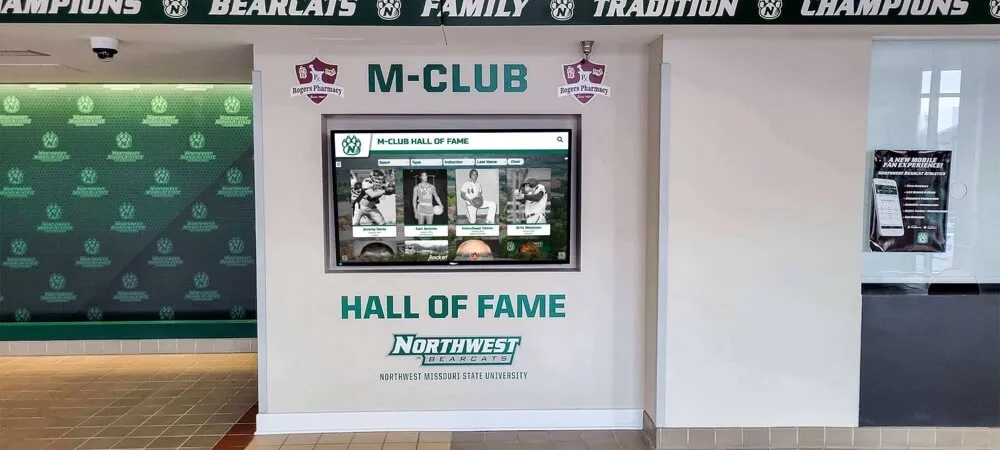
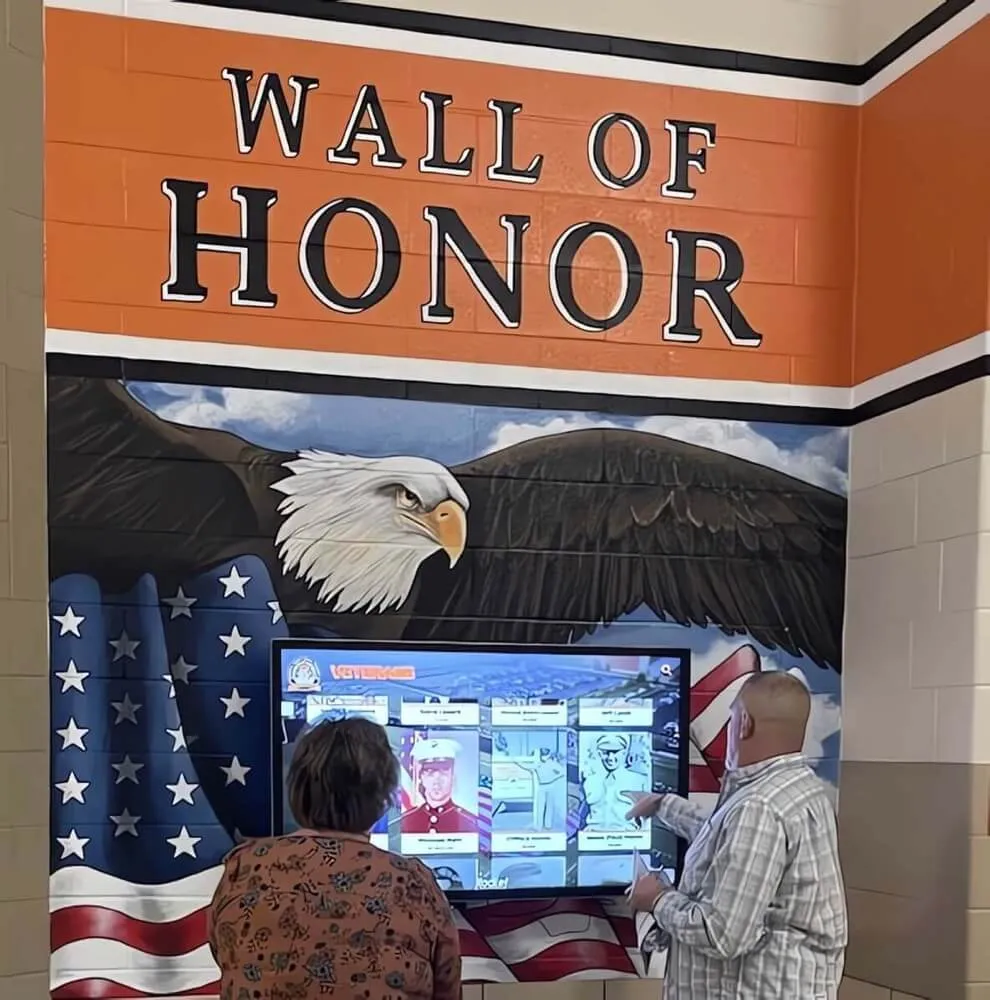
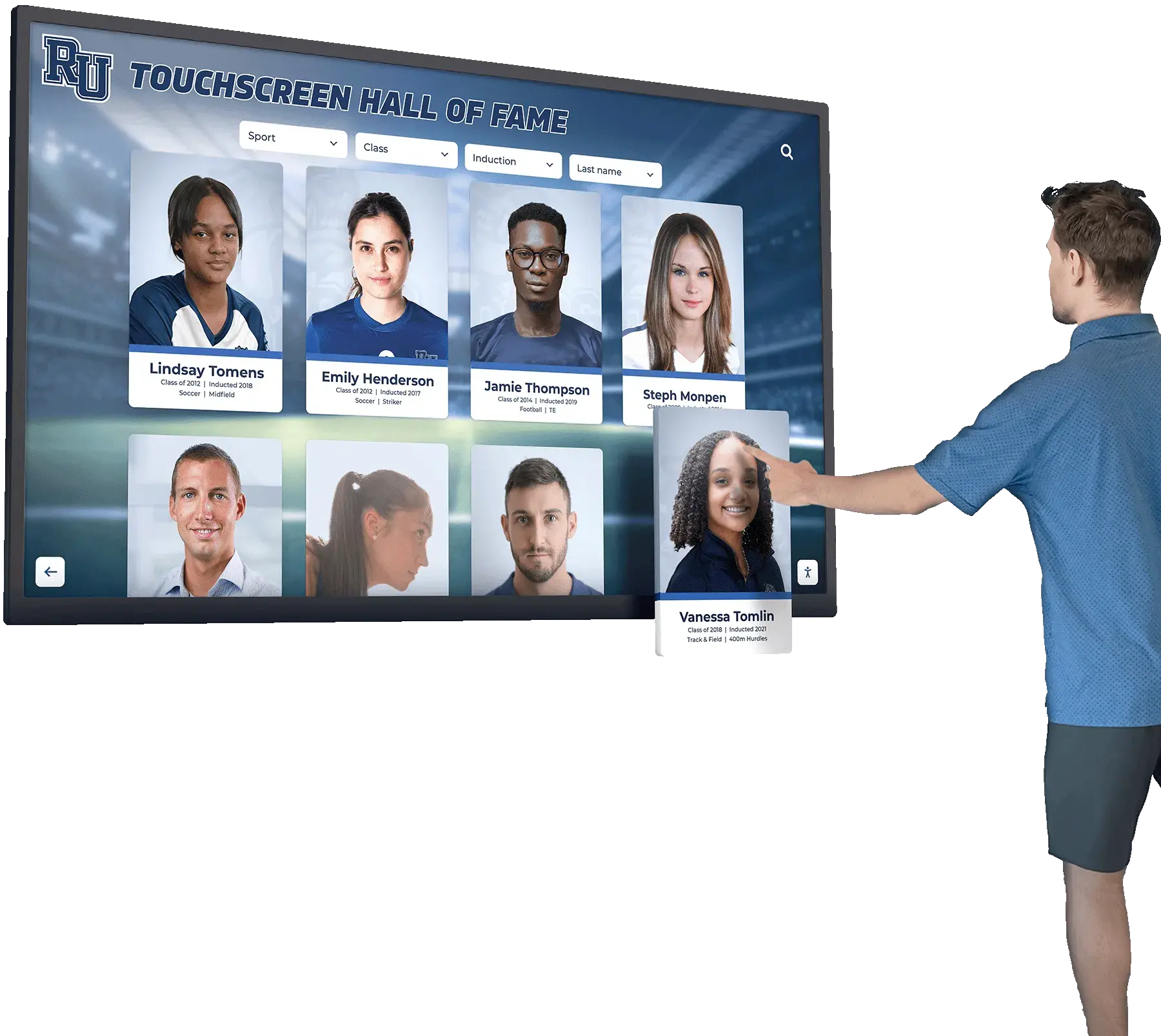
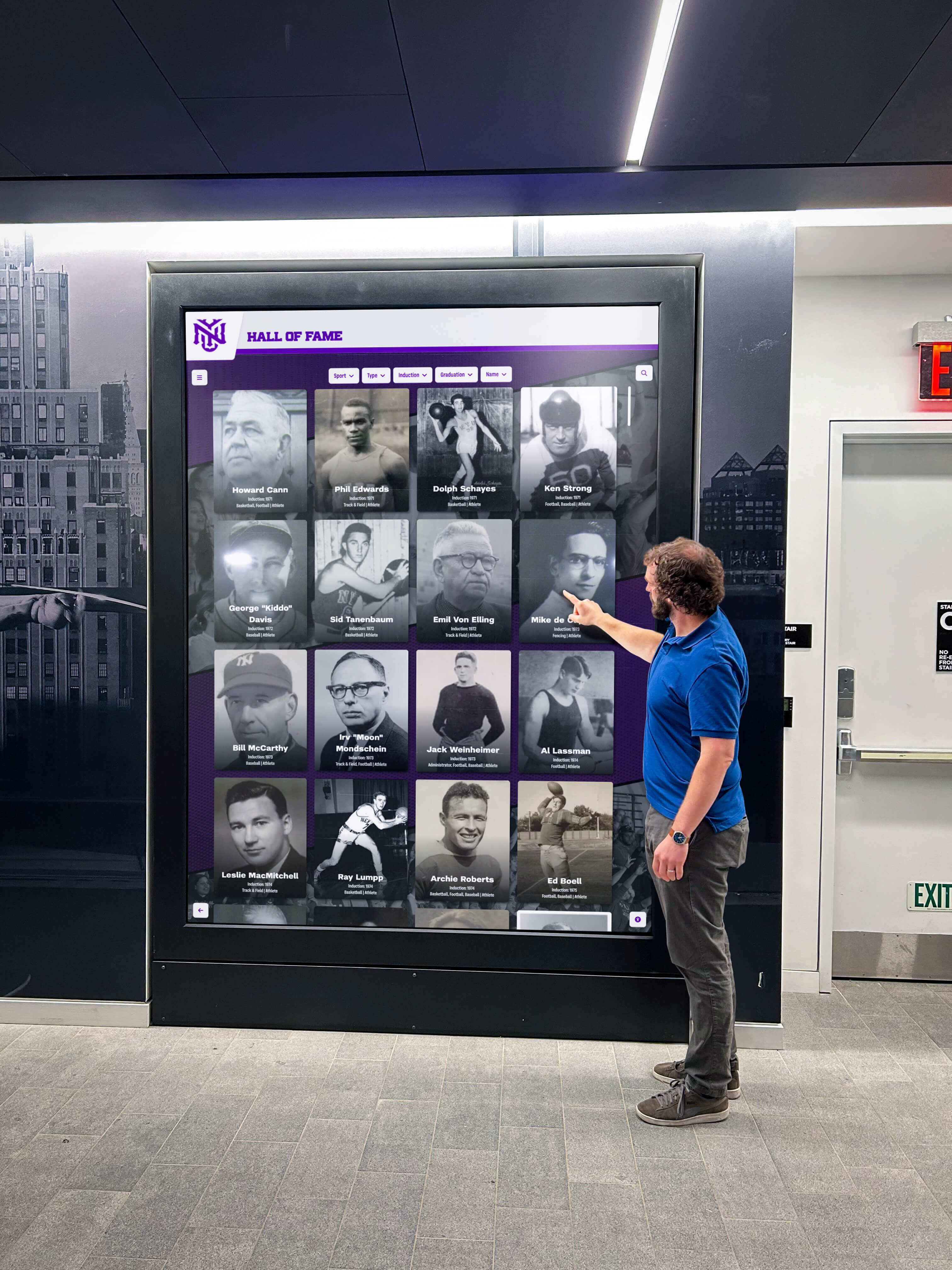
Touchscreen kiosks allow employees and visitors to explore recognition histories, browse honoree profiles, and navigate between current and archived winners
Digital Display Options: From Simple Screens to Interactive Kiosks
Not every organization needs a fully interactive kiosk. The right display format depends on size, budget, and recognition ambitions. Here is a practical breakdown.
Option 1: Rotating Slideshow Screen
A commercial-grade television or display monitor running a media player cycles through employee recognition slides automatically. Content is typically managed through a cloud-based digital signage platform—the same category of software used for lobby announcement screens in hotels and retail stores.
Best for: Small to mid-sized organizations with a single recognition location, modest budget, and a straightforward employee of the month program.
Limitations: No interactivity, no searchable archive, limited per-employee content depth.
Estimated cost range: Hardware $200–$600 per screen; software subscriptions typically $20–$100/month depending on platform.
Option 2: Static Digital Display with Content Management
A larger commercial display managed through a web-based content management system. Content editors log in through a browser, update the honoree profile, add photos, and publish—no hardware access required. The display refreshes automatically.
Best for: Organizations wanting a clean, dedicated recognition display that updates easily without technical staff involvement.
Limitations: Still passive in the sense that visitors cannot interact with or browse the display; content is only what the current slide shows.
Estimated cost range: Hardware $400–$1,200; software $30–$150/month.
Option 3: Interactive Touchscreen Display
A touchscreen monitor or kiosk allows visitors to interact with the display—browsing current and past honorees, reading full profiles, watching embedded videos, and accessing additional recognition categories. This format scales beyond employee of the month to include department awards, service milestones, team recognitions, and peer nominations.
Best for: Larger organizations, headquarters lobbies, multi-site operations with centralized recognition hubs, or any organization where recognition program scale and impact are strategic priorities.
Advantages: Unlimited archive capacity, multimedia support, QR code integration, remote cloud-based management, and the ability to serve multiple recognition programs from a single installation.
Organizations exploring how interactive touchscreen recognition systems serve multiple functions will find valuable context in how touchscreen platforms support recognition program engagement and interactive directory features—principles that apply directly to employee profiles and recognition archives.
Rocket Alumni Solutions builds interactive touchscreen recognition systems designed for institutions that need to scale recognition without scaling administrative overhead. Their cloud-based platform supports unlimited honoree profiles, embedded video from YouTube and Vimeo, QR code mobile access, ADA WCAG 2.1 AA compliant design, and auto-updating content without requiring on-site IT support for every update.
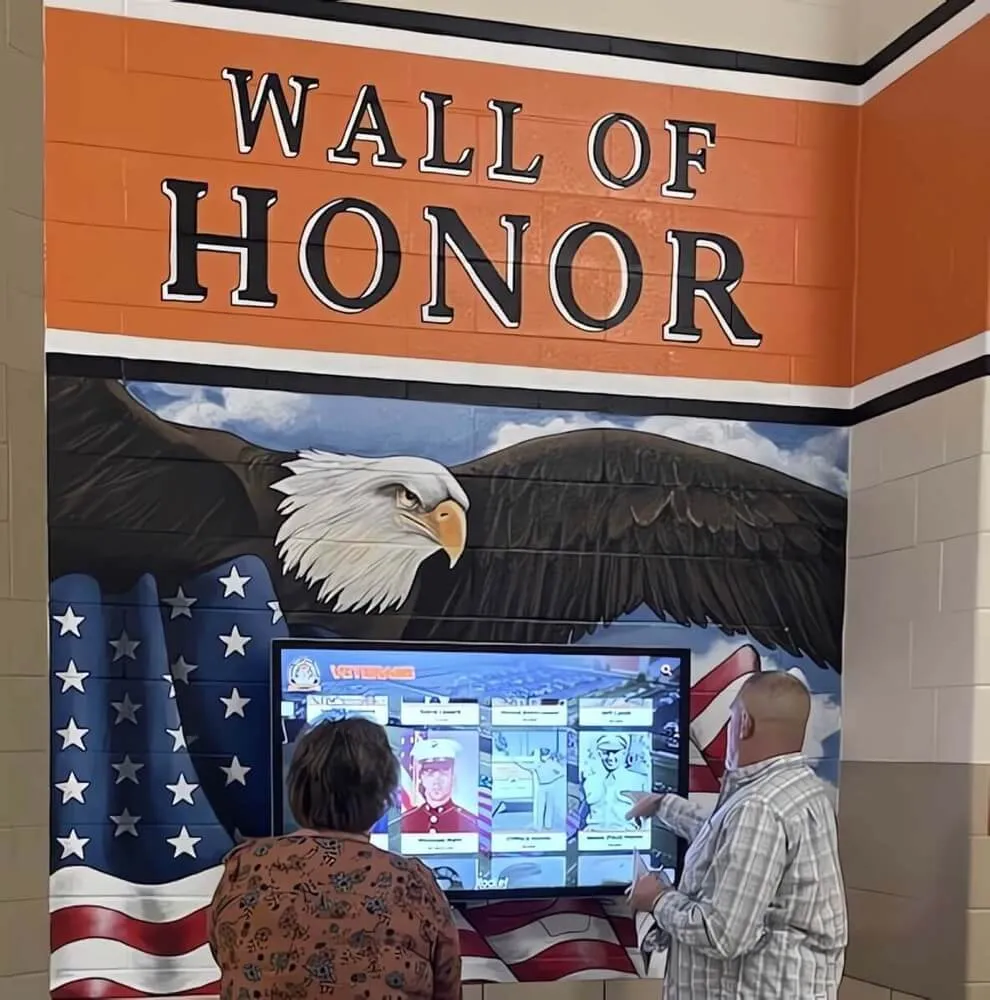
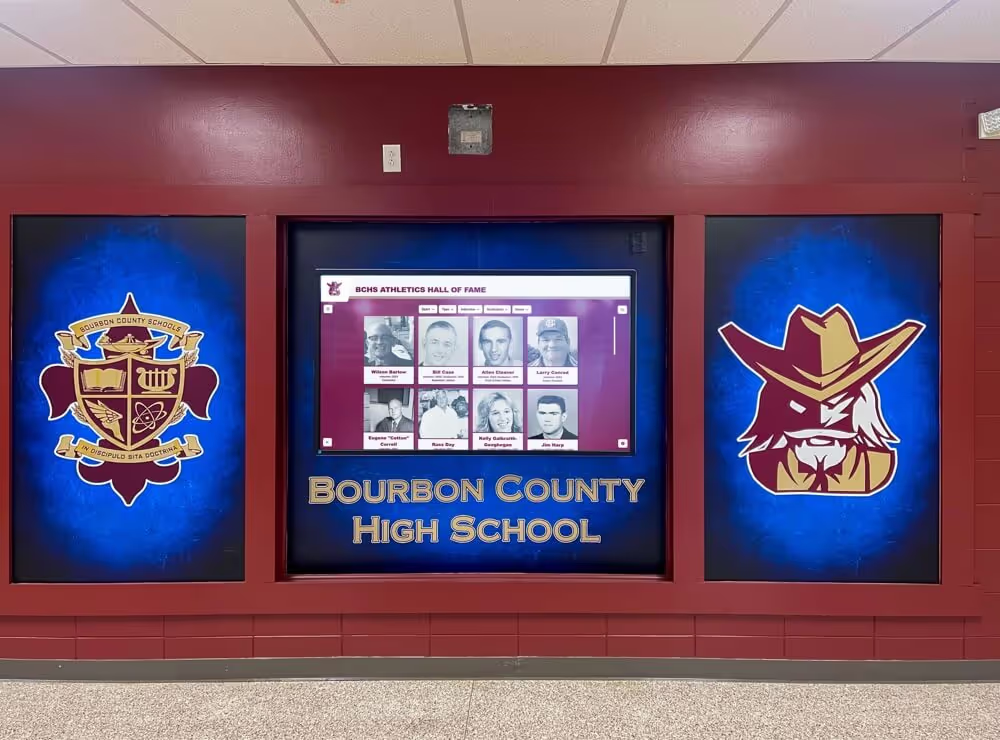
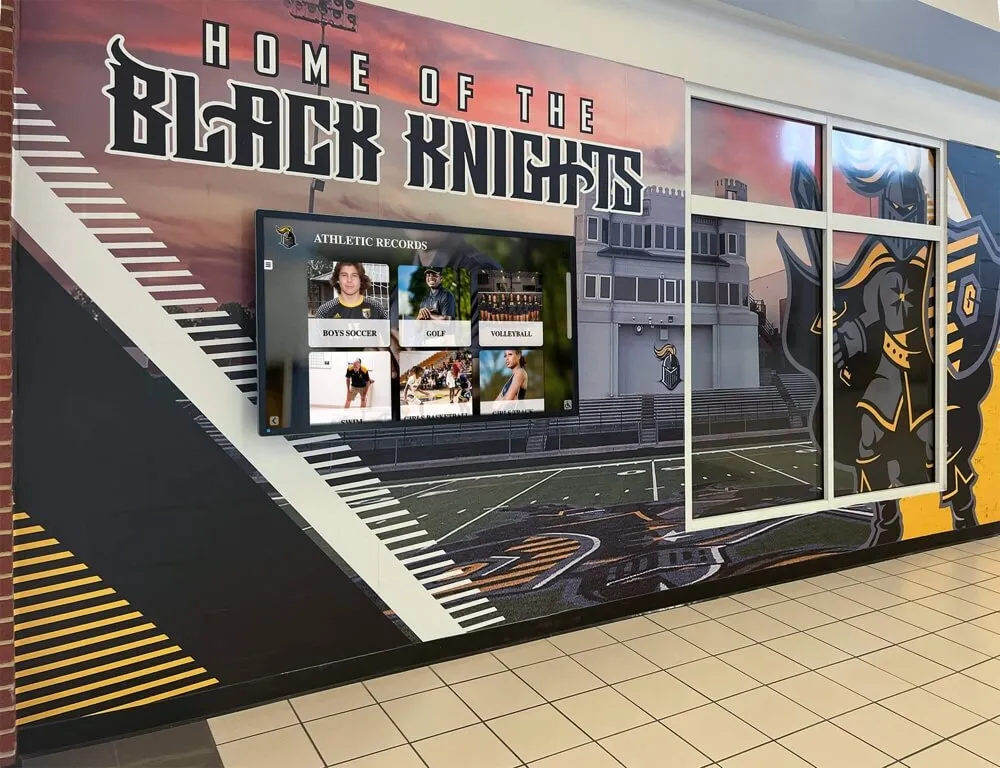
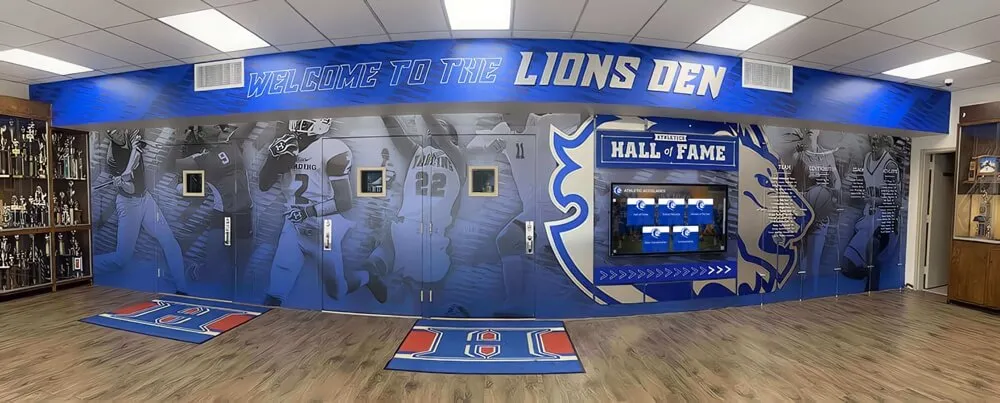
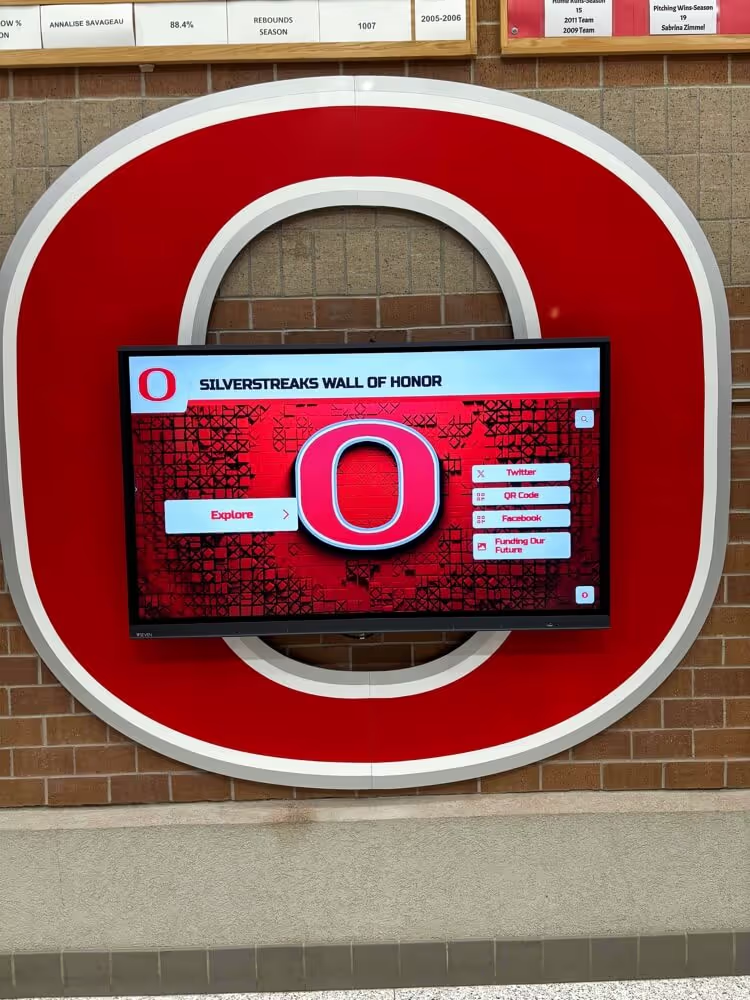
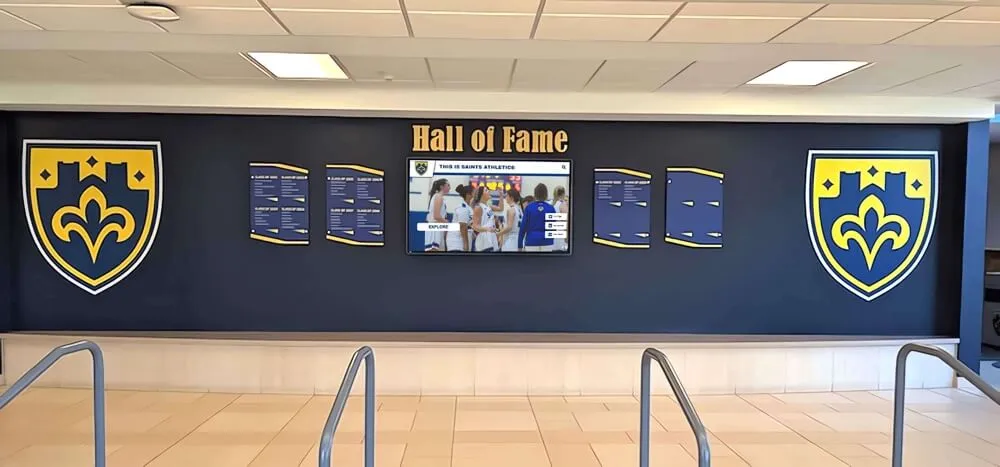
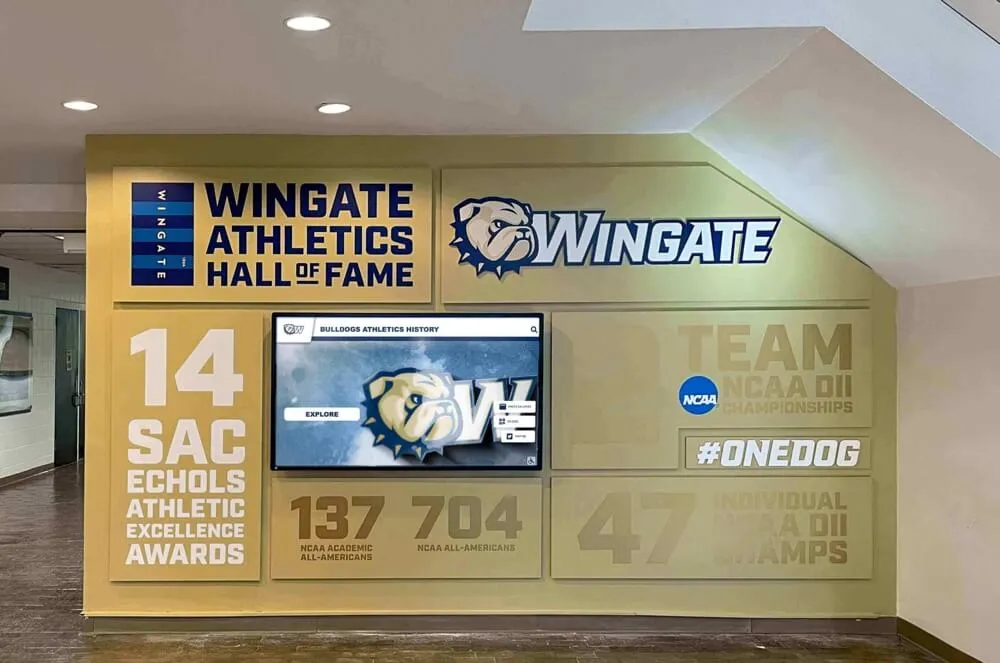
Interactive honor walls create a shared experience for visitors and staff—encouraging conversations about organizational history and the people who built it
Break Room vs. Lobby: Where Should the Display Go?
Placement determines how many people see the display and in what context. Employee of the month displays face a genuine tradeoff between internal visibility (for staff who benefit most from seeing peers recognized) and external visibility (for visitors, clients, and candidates who see the organization’s culture on display).
Break Room or Staff Lounge Placement
Who sees it: Primarily employees, during off-task moments.
Advantages:
- Maximum dwell time—employees linger in break rooms for 5–20 minutes
- Creates organic conversation among colleagues about the honoree
- Personal and communal atmosphere reinforces the recognition feel
- Employees more likely to interact with a touchscreen display in a relaxed environment
Limitations:
- Invisible to external visitors, clients, and job candidates
- May be missed by employees who rarely use the break room
Best for: Organizations where the primary goal is internal culture-building and peer recognition.
Lobby or Reception Placement
Who sees it: Employees, visitors, clients, vendors, and job candidates—everyone who enters the building.
Advantages:
- Signals organizational values to everyone who enters the facility
- Impressive to candidates during interviews—demonstrates that the company visibly celebrates its staff
- Visitors often ask about the display, creating word-of-mouth about the recognition program
- Creates accountability for maintaining a current, professional display
Limitations:
- Lower dwell time for employees who move through quickly
- Requires more consistent, professional quality in display design
Best for: Organizations where recognition also serves an employer brand function, or where leadership wants to demonstrate culture to external audiences.
The Best Answer: Both
Many organizations place a primary display in the main lobby and a secondary screen in the staff break room or main corridor. The lobby installation serves external audiences; the break room screen serves the internal community. Cloud-based content management means both screens update simultaneously from the same content edit—no extra work for administrators.
For display design ideas that work across multiple placement contexts, digital recognition display and decor concepts for institutional spaces illustrates how the same visual recognition principles translate across different building environments.
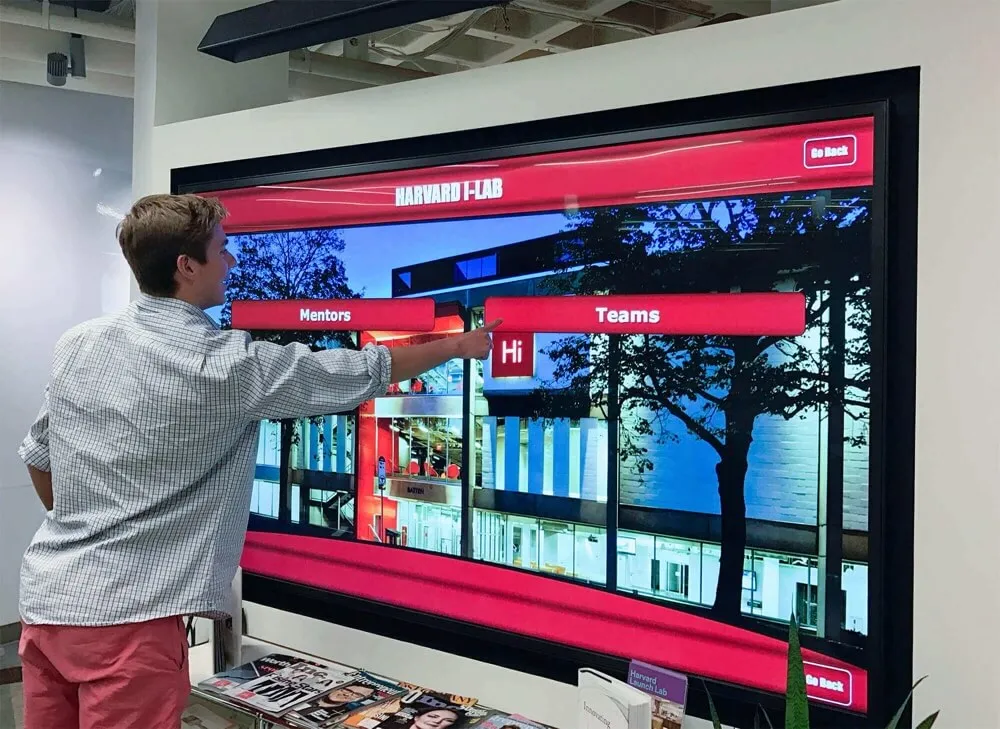
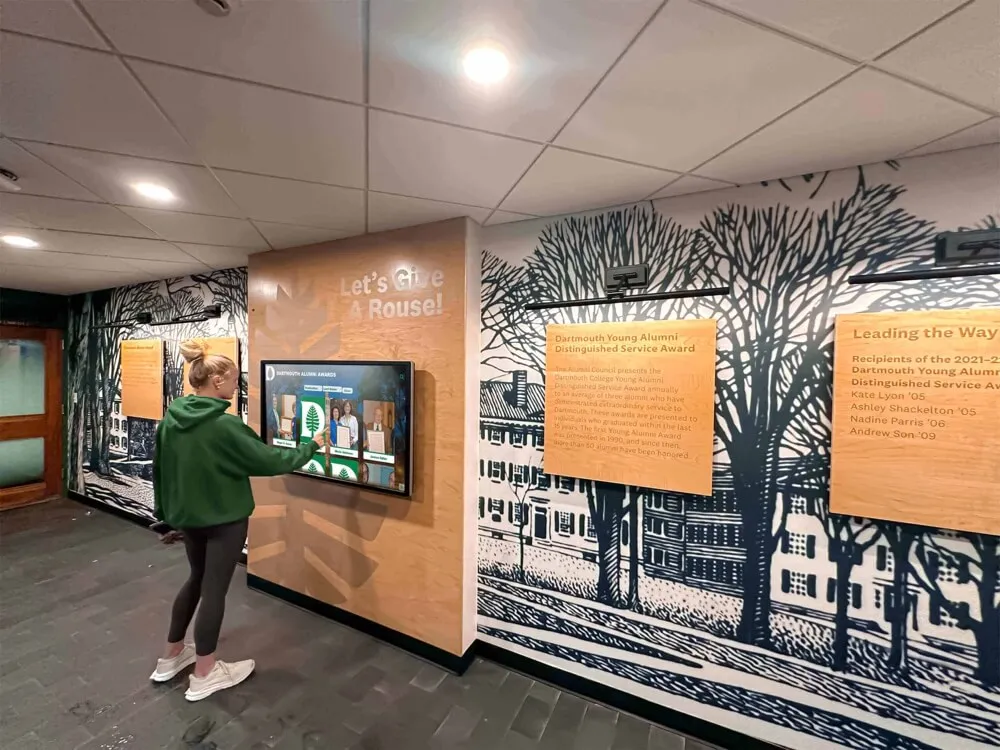
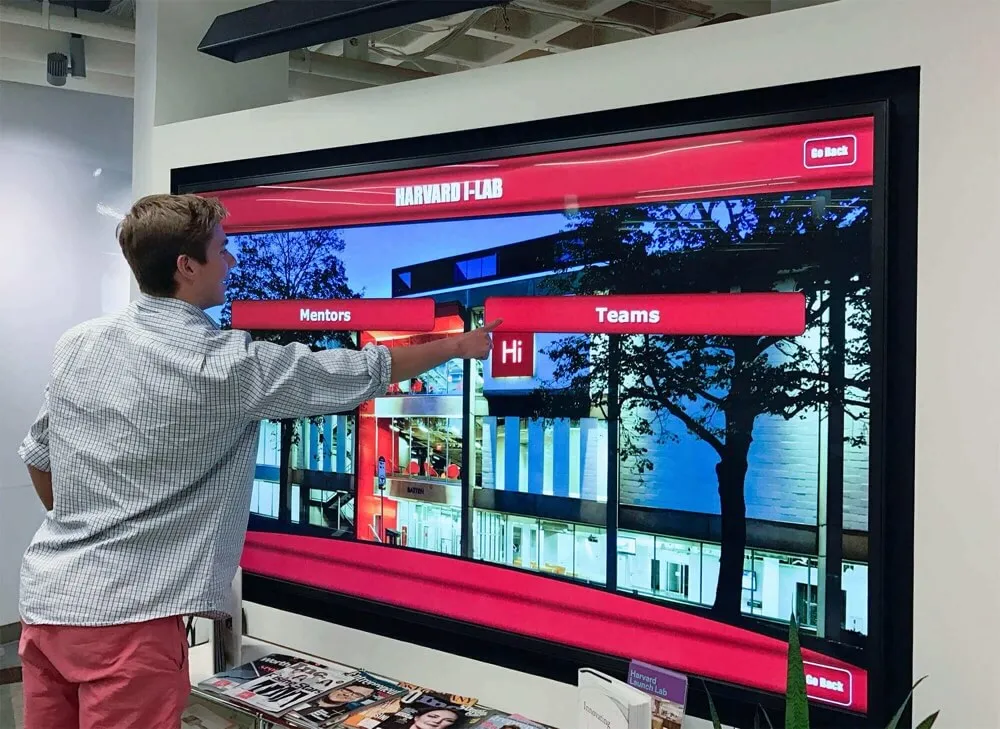
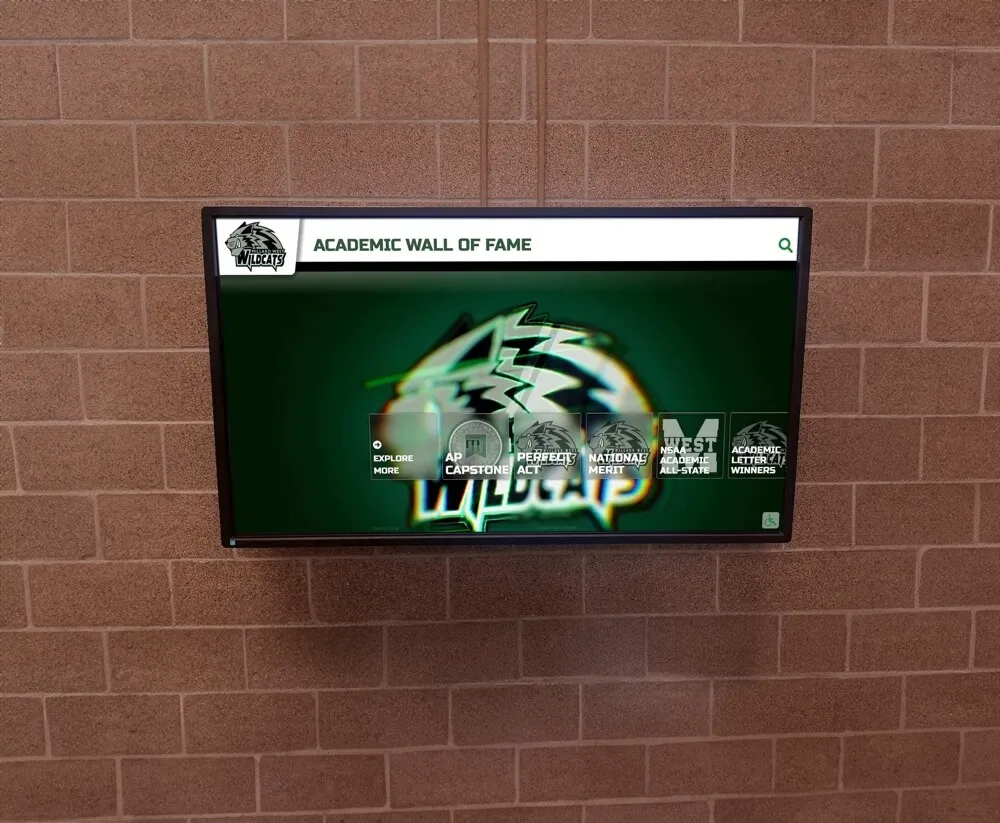
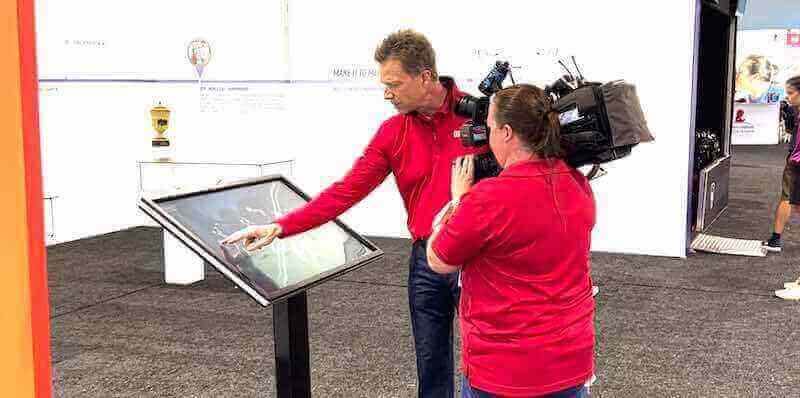
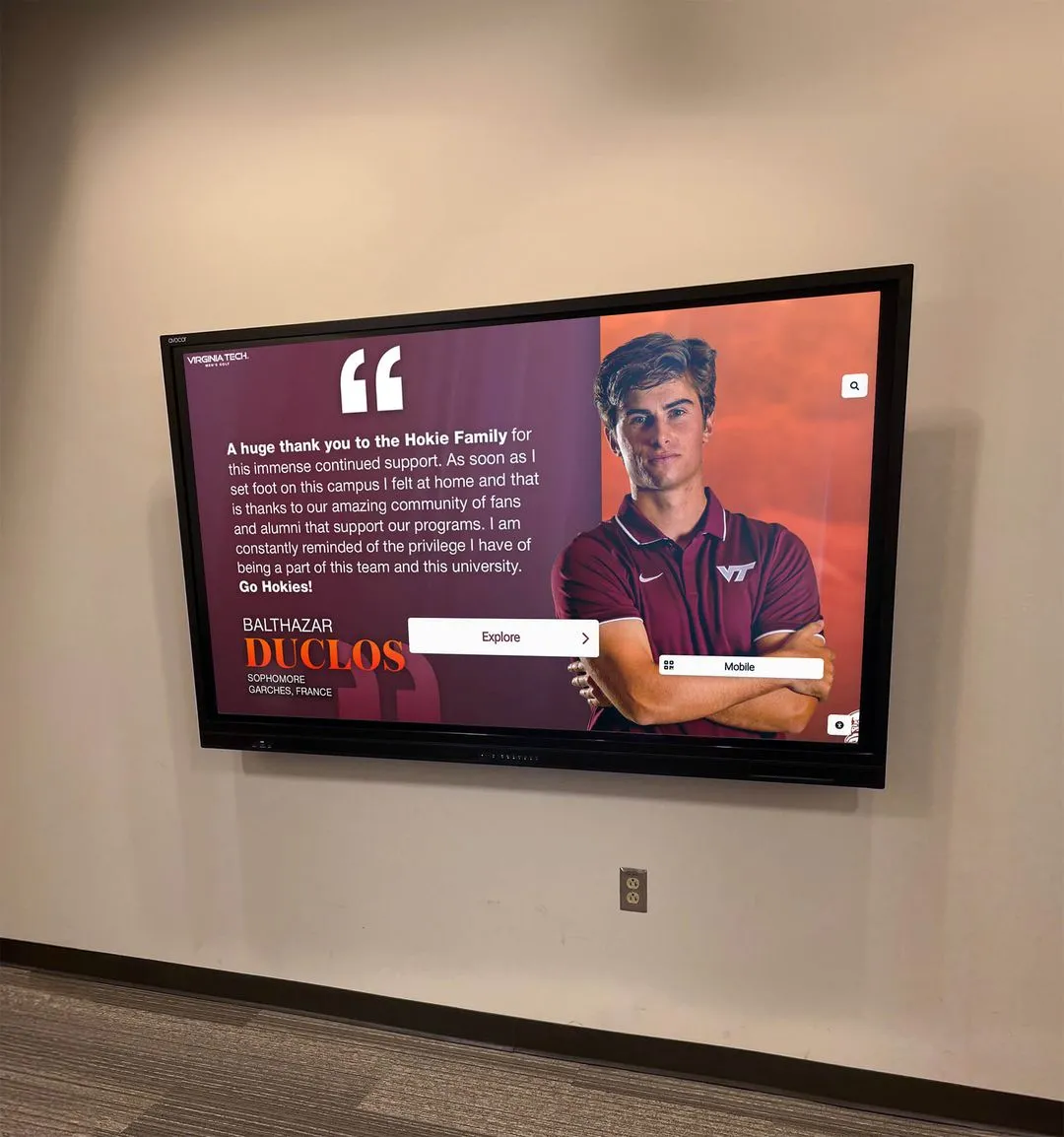
Touchscreen displays in professional settings invite engagement from employees and visitors—transforming a passive recognition photo into an interactive discovery experience
Keeping the Display Current: Content Management That Actually Works
The most common failure mode for employee of the month programs is the stale display—a screen or frame showing a winner from three months ago because nobody updated it when the next cycle began. This failure undermines recognition entirely: the message received is that the organization values recognition in theory but not enough to maintain it in practice.
Preventing stale content requires building update responsibility into the program structure—not leaving it as an afterthought.
Assign Clear Ownership
Name a specific person responsible for updating the display each cycle. This could be an HR coordinator, an office manager, or an executive assistant. The role should be documented in the recognition program policy and include a clear monthly deadline—“display updated by the 5th of each month” is actionable; “update when you get a chance” is not.
Build Update Reminders Into the Calendar
Set recurring calendar reminders tied to your recognition cycle. If winners are announced on the first of each month, create a reminder for the 28th of each month to gather honoree content (photo, bio, manager quote). By the 1st, content is ready to publish before the announcement goes out.
Use Platforms Designed for Easy Updates
The content management system matters as much as the screen hardware. Cloud-based recognition platforms allow administrators to upload a new photo, fill in the profile fields, and publish in under ten minutes from any device. Systems that require local software, IT involvement, or physical hardware access will create friction that turns monthly updates into quarterly updates.
Learning how organizations structure sustainable recognition cadences—and what software features support consistent maintenance—is covered in how digital leaderboard and recognition displays maintain engagement over time.
Archive Automatically
Choose a platform that archives previous winners automatically so the update process does not require manually preserving past honorees. The new honoree is added, the previous one moves to archive, and the display reflects both without a separate archiving step.
Extending Employee of the Month Into a Broader Recognition Ecosystem
A single digital display is a starting point, not a ceiling. Organizations that see the strongest engagement from recognition programs typically layer multiple formats to create recognition touchpoints throughout the year, not just monthly.
Annual Recognition Events
The employee of the month display becomes a reference point for year-end recognition events—a celebration that invites all twelve monthly honorees to a formal acknowledgment. The digital display’s archive becomes the source of truth for who was recognized and when.
Peer-to-Peer Recognition Integration
Some digital platforms allow staff to submit appreciation messages that feed into the display or a companion screen. This extends recognition beyond the single honoree to include smaller, peer-driven acknowledgments—the “thank you for covering my shift” moments that monthly award programs miss.
Department-Level Recognition
Once the infrastructure is in place for employee of the month, the same screen (or a dedicated second screen) can host department-specific recognition: Sales Team of the Quarter, Customer Service Spotlight, Operations Excellence Award. Each category runs on the same cloud platform with the same update workflow.
For ideas on how structured recognition programs layer individual, team, and department awards on a shared digital platform, the guide to academic recognition programs and multi-level achievement displays offers parallel structures that translate well to corporate recognition ecosystems.
Social Media Extension
Pair the digital display with a consistent social media announcement. When the new employee of the month is announced and the display is updated, publish a graphic on LinkedIn or the company’s internal Slack with the same photo and recognition copy. The screen reinforces internal culture; the social post extends recognition outward to professional networks where the honoree’s family and contacts see it.
Resources on creating polished digital social graphics for recognition announcements provide practical tools for organizations that want consistent, professional recognition visuals across both their display and social channels.
Complementary Personal Appreciation
Employees who are recognized formally also respond positively to informal expressions of appreciation that accompany the formal display. Pairing the digital announcement with a simple, thoughtful acknowledgment makes recognition feel complete rather than procedural. The guide to meaningful staff appreciation gestures offers practical ideas for complementing the digital display with personal recognition moments.
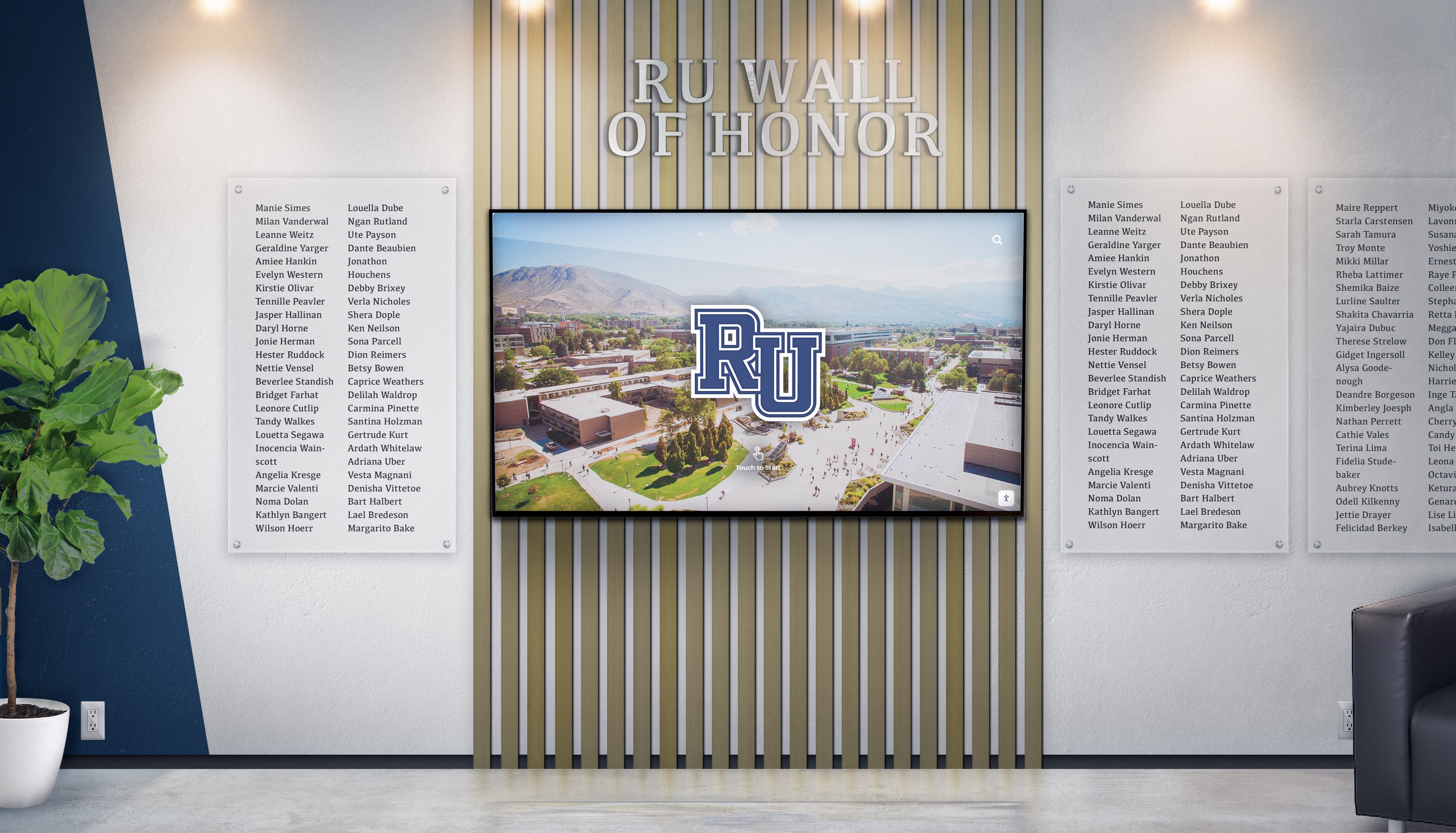
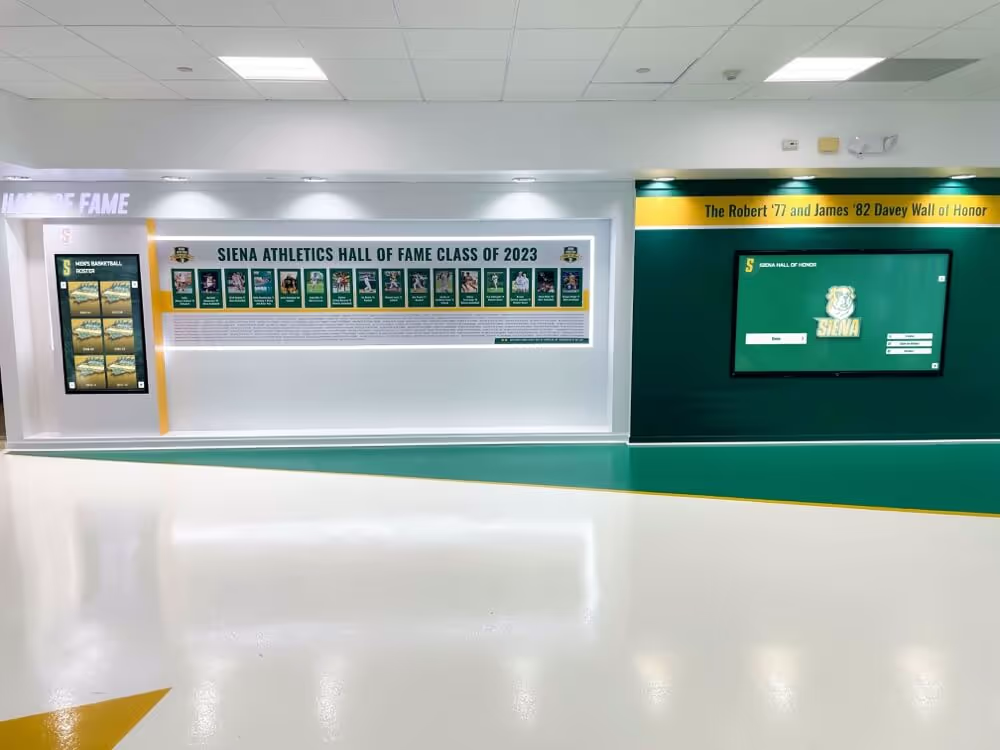
Recognition screens that combine individual names with institutional imagery create a powerful sense of belonging and legacy—effective in both campus and corporate settings
Frequently Asked Questions
What is a digital employee of the month display?
A digital employee of the month display is a screen-based recognition system that showcases the current monthly honoree along with their photo, role, recognition reason, and additional profile information. Unlike a traditional framed photo, digital displays can archive past honorees, update remotely, support multimedia content, and integrate with broader recognition workflows. Formats range from a simple rotating TV slide to a fully interactive touchscreen kiosk.
What should I put on an employee of the month display?
Core content includes the employee’s photo, full name, job title, department, years of tenure, and a specific description of what they did to earn the recognition. Value-add content includes a quote from a manager or nominating colleague, the company value they exemplified, a personal note chosen by the honoree, and a QR code linking to more information or the next nomination cycle.
Where is the best place to put an employee of the month display?
Lobby or reception areas maximize visibility to external visitors, clients, and job candidates. Break rooms maximize dwell time and peer conversation among staff. Many organizations place a primary screen in the lobby and a secondary screen in a high-traffic staff area, with both updating simultaneously from the same cloud-based content system.
How often should the employee of the month display be updated?
Align updates to your recognition cycle—monthly programs should update within the first week of each month. Best practice is to update the display the day the winner is announced so the screen supports the announcement rather than trailing behind it. Cloud-based platforms make this achievable in under ten minutes from any device.
How is a digital employee of the month display different from a physical plaque or frame?
A physical frame shows one honoree at a time with limited information and requires physical swapping when the cycle changes. A digital display archives all past honorees, supports rich profile content including photos and video, updates remotely without physical installation, and can serve multiple recognition categories from a single screen. The ongoing cost of a digital system (software subscription) is offset by the elimination of print, frame, and installation costs for each cycle.
Can a digital employee of the month display handle multiple award categories?
Yes. Most cloud-based digital recognition platforms support multiple categories—employee of the month, team of the quarter, service milestones, peer nominations—on the same screen or across a connected screen network. Each category maintains its own archive and update workflow within the same content management system.
Building Recognition That Stays Visible All Year
An employee of the month program earns its investment when recognition stays visible beyond the day of the announcement. The framed photo solved this problem for a single month, then reset. A digital display solves it indefinitely—the current honoree is featured prominently, the archive of past honorees remains searchable, and the entire system updates in minutes without print orders, frame swaps, or facilities scheduling.
The technical barrier is lower than most organizations expect. A single commercial screen, a cloud-based content management account, and a clear monthly workflow is enough to get started. From there, the system grows with your recognition ambitions—additional screens, additional award categories, interactive browsing, peer nomination integration—all without replacing the underlying infrastructure.
The recognition culture you build is what matters. The digital display is the infrastructure that keeps it visible.
See What a Digital Employee Recognition Display Could Look Like at Your Organization
Rocket Alumni Solutions builds interactive touchscreen recognition systems with cloud-based content management, unlimited honoree archives, QR code integration, and ADA WCAG 2.1 AA compliant design. Request a free custom mock-up for your facility.
Request a Free Demo