
An athletic director or trophy-case editor who needs to label a high school tennis state championship display faces a question that is easy to get wrong: does “Tennis State Champion” cover everything, or are there separate entries to write? The answer depends on which competition your school won — and in Texas’s UIL structure, there are two distinct state tennis programs that produce different kinds of champions.
The labeling decision is straightforward once you understand the structure. A school that wins the UIL Team Tennis state bracket earns a team championship in Team Tennis: label it Team Tennis, include the classification and season from the source, and credit the school as the champion. A player who wins a UIL Tennis singles draw earns a singles title in that individual event. A pair that wins a UIL Tennis doubles draw earns a doubles title crediting both partners. These are separately organized competitions, separately published results, and each demands its own accurately worded display entry.
A match or set a school’s player wins inside the Team Tennis bracket is not a separately awarded UIL Tennis singles or doubles state title — those come from a different competition with a different results process.
If your school won one type of championship but not the other, the two entries are genuinely independent. Merging them under a single “Tennis State Champion” label erases the distinction the governing body itself maintains.
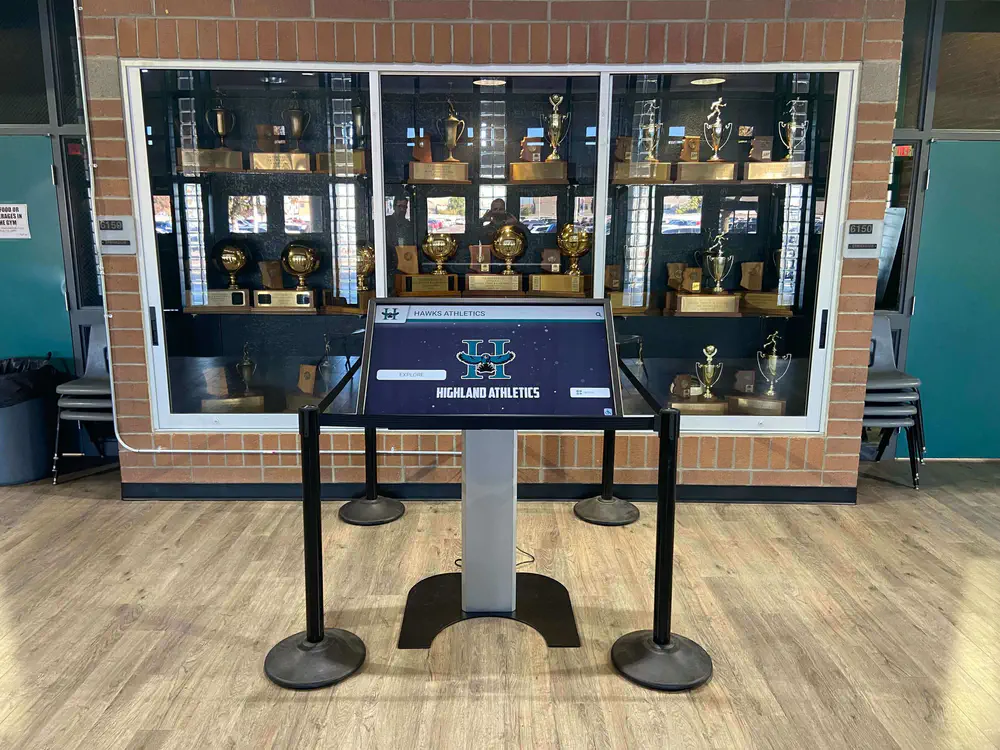
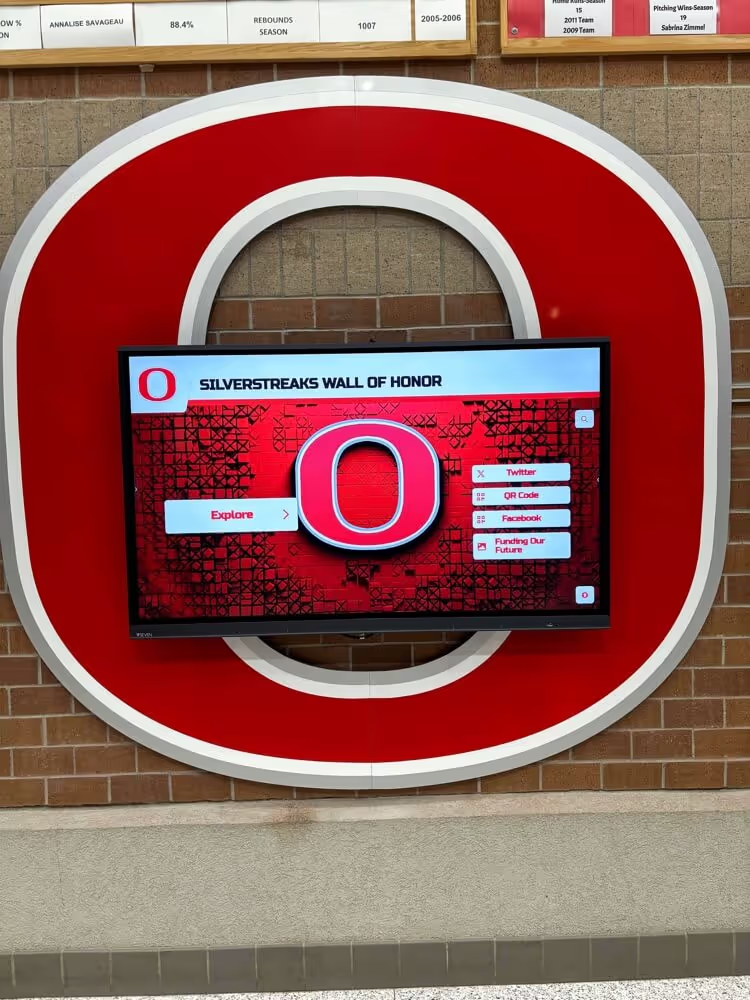
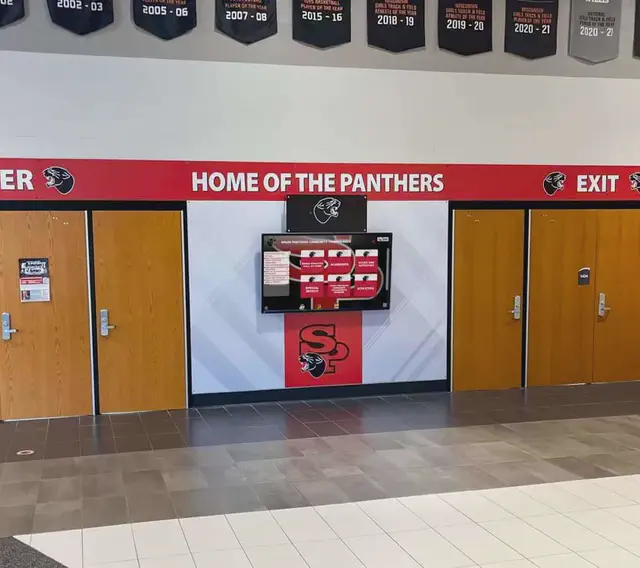
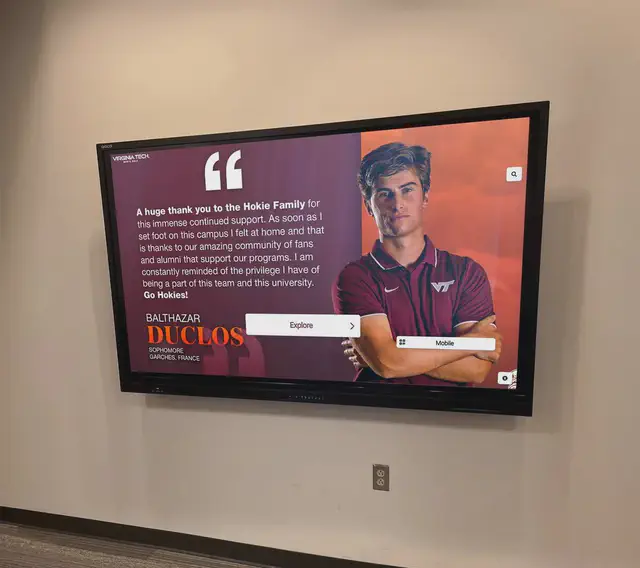
A trophy case that holds both team and individual championship hardware needs a labeling system that keeps each recognized achievement — Team Tennis, Singles, Doubles — in its own clearly identified entry. A digital kiosk alongside a traditional case can carry those same labels forward.
Two UIL Competitions, Two Labeling Tasks
UIL administers two distinct state tennis programs, each with its own bracket structure and its own publicly published results.
Team Tennis is a team competition. Schools compete as a unit across a bracket, with each round determining a team winner. One team champion is crowned per classification per season. The UIL 2025–26 4A Team Tennis State Results bracket, which ran October 22–23, 2025, names Wimberley as the 4A team champion. That championship belongs to Wimberley as a school — not to any individual player within the bracket.
Tennis — the separate UIL individual and doubles competition — organizes its champions by category. The UIL Tennis Historical Archive records results under five distinct labels: Boys Singles, Boys Doubles, Girls Singles, Girls Doubles, and Mixed Doubles. Each of those is an independently awarded title. The archive’s tables, as cited here, reflect results through the 2021–22 season; for more recent seasons, verify individual title results directly from UIL’s current-season publications.
For a recognition editor, this means a school with results in both programs has at least two separate labeling tasks — one team entry and at least one individual entry. A school that won only the Team Tennis bracket has one entry to write, crediting the school as the team champion. A school whose player won a Boys Singles title has a separate individual entry, credited to that player.
Writing the Team Tennis Entry
A Team Tennis state championship is a team result. The credited recipient on a display is the school — not any individual lineup member, and not any match result within the bracket.
Information for a Team Tennis entry comes from the official bracket or results publication. The 2025–26 4A Team Tennis State Results is the primary source for 4A results. What belongs in a lasting display entry is the information directly verifiable from that document: the school name as published, the classification, the event name, and the season.
What does not belong in a Team Tennis entry:
- Individual player names credited as champions, unless your school separately and explicitly approves displaying roster members in that context
- Any singles or doubles record inferred from individual match results within the bracket
- A generic “Tennis State Champion” label that omits “Team” — the event is Team Tennis, and that word carries the distinction
A hypothetical display entry for a 4A Team Tennis team champion might read:
[School Name] — UIL 4A Team Tennis State Champions, 2025–26
Nothing about that entry implies any player on the roster holds a singles or doubles title. That is by design. The Team Tennis bracket does not award individual titles; a separate competition does.

A Hall of Fame wall that organizes plaques by competition type keeps team championship entries physically separated from individual title entries — so a visitor looking for the tennis team result does not land in the same section as the singles or doubles records.
Writing the Individual Tennis Entries
The UIL Tennis program whose historical records appear in the Tennis Historical Archive produces state champions in five categories: Boys Singles, Boys Doubles, Girls Singles, Girls Doubles, and Mixed Doubles. Each is an independently awarded title requiring its own display entry.
The archive organizes results by competition category, not by school. That organizational principle is the right one to carry onto a display. If your school earned a Boys Doubles title, the entry credits both members of that pair — not the school team, and not either partner alone. If your school earned a Girls Singles title, the entry credits that individual player.
A hypothetical Singles entry (names to be filled in only from approved, verified sources):
[Player Name] — UIL [Classification] Boys Singles State Champion, [Season]
A hypothetical Doubles entry crediting both partners:
[Player Name] / [Player Name] — UIL [Classification] Girls Doubles State Champions, [Season]
A hypothetical Mixed Doubles entry crediting both partners:
[Player Name] / [Player Name] — UIL [Classification] Mixed Doubles State Champions, [Season]
These entries carry no implication about Team Tennis results. They stand independently, credited to the individuals who earned them. Use names exactly as published in the official results document, and include the event label, classification, and season in every entry.
For guidance on organizing school championship trophies by sport and year, grouping by competition type first — and by year within each type — applies equally to a physical trophy case and a digital display.
What a Match Result Inside the Team Bracket Does Not Create
Athletic directors updating an older trophy case sometimes encounter a question from a coach or booster who notes that a school’s player won every match at the Team Tennis state meet. That is a meaningful athletic achievement within the Team Tennis format. It is not, by itself, a UIL Tennis singles state title.
The two competitions do not share a results process. UIL Team Tennis produces a team champion. UIL Tennis produces individual singles and doubles champions through separately organized draws that run as individual competitions. Unless a player competed in and won the separate UIL Tennis individual draw, the Team Tennis bracket result — however dominant — does not appear in the Tennis Historical Archive as a singles title, because it is not one.
For a recognition editor, the test is direct: does the UIL-published source for the individual competition identify this player as the singles or doubles champion for that classification and season? If the answer is yes, that entry belongs on the display with the event’s exact label from the source. If no such result exists in the individual competition’s published results, the Team Tennis team entry stands alone, credited to the school.
This distinction matters for a display that will be read years later. A team entry labeled “Tennis State Champion” rather than “Team Tennis State Champions” creates a gap: future editors, alumni, or recruiting coaches who check the UIL Tennis Historical Archive will find no matching individual result — because a team title is not listed there. Accurate labeling from the start avoids that confusion.
The practice of keeping the award category from the original results on the display entry is the simplest protection against this drift. The label in the governing body’s published results is the label that belongs on the display.

A digital records display organized by sport category keeps Team Tennis team results and individual Tennis singles and doubles titles in separate, correctly labeled sections — so a visitor or future editor looking for one competition's results does not land in the other's.
A Practical Field List for Each Entry Type
These fields are a planning aid for bringing tennis championship results onto a lasting display. Use only information verified from official publications. No field requires guessing or inferring information not present in the source document.
Team Tennis state championship entry:
| Suggested Field | Notes |
|---|---|
| School name | Exactly as published in the official bracket or results document |
| Event label | “Team Tennis” — do not abbreviate to “Tennis” |
| Classification | As listed in the source (e.g., 4A) |
| Season or year | As labeled in the source document |
| Governing body | UIL, or the relevant state association |
| Source document URL | For internal editorial recordkeeping |
| Reviewer and approval date |
Singles state championship entry:
| Suggested Field | Notes |
|---|---|
| Player name | Exactly as published in the official results |
| Event label | “Boys Singles” or “Girls Singles” — not “Singles” alone |
| Classification | As listed in the source |
| Season or year | As labeled in the source document |
| Governing body | UIL, or the relevant state association |
| Source document URL | For internal editorial recordkeeping |
| Reviewer and approval date |
Doubles or Mixed Doubles state championship entry:
| Suggested Field | Notes |
|---|---|
| Both partners’ names | Exactly as paired in the official results |
| Event label | “Boys Doubles,” “Girls Doubles,” or “Mixed Doubles” |
| Classification | As listed in the source |
| Season or year | As labeled in the source document |
| Governing body | UIL, or the relevant state association |
| Source document URL | For internal editorial recordkeeping |
| Reviewer and approval date |
Do not transfer a field from one entry type to another. A team entry does not carry individual player names as champions. An individual entry does not carry a school name as the credited champion. The source document determines the label; the display editor carries that label forward.
Why Getting the Label Right Matters for a Lasting Display
A trophy case or digital display is not refreshed every season. The entry a school publishes in 2025 will be read by alumni in 2040. By that point, the editor who wrote it may be long gone, and the only connection between the entry and the original achievement is the label on the display.
If that label says “Tennis State Champion” when the school won a Team Tennis bracket, a future viewer checking the UIL Tennis Historical Archive for confirmation will find no matching individual result — because team titles are not listed there. That gap erodes confidence in the display as a whole.
The reverse is equally important: if a school’s player genuinely won a UIL Tennis Boys Singles title, that individual achievement deserves its own entry with the player’s name and the correct event label. Collapsing it into the team’s entry for the sake of brevity changes the credited recipient.
The investment in accurate labels is small. The return is a display that remains trustworthy and verifiable for every visitor who encounters it, years after the people who built it have moved on.
Rocket Alumni Solutions works with schools building digital recognition displays that keep Team Tennis team entries and individual Tennis titles in correctly labeled, separately organized sections — so the display remains accurate as alumni reunions, recruiting visits, and institutional history reviews accumulate over time.
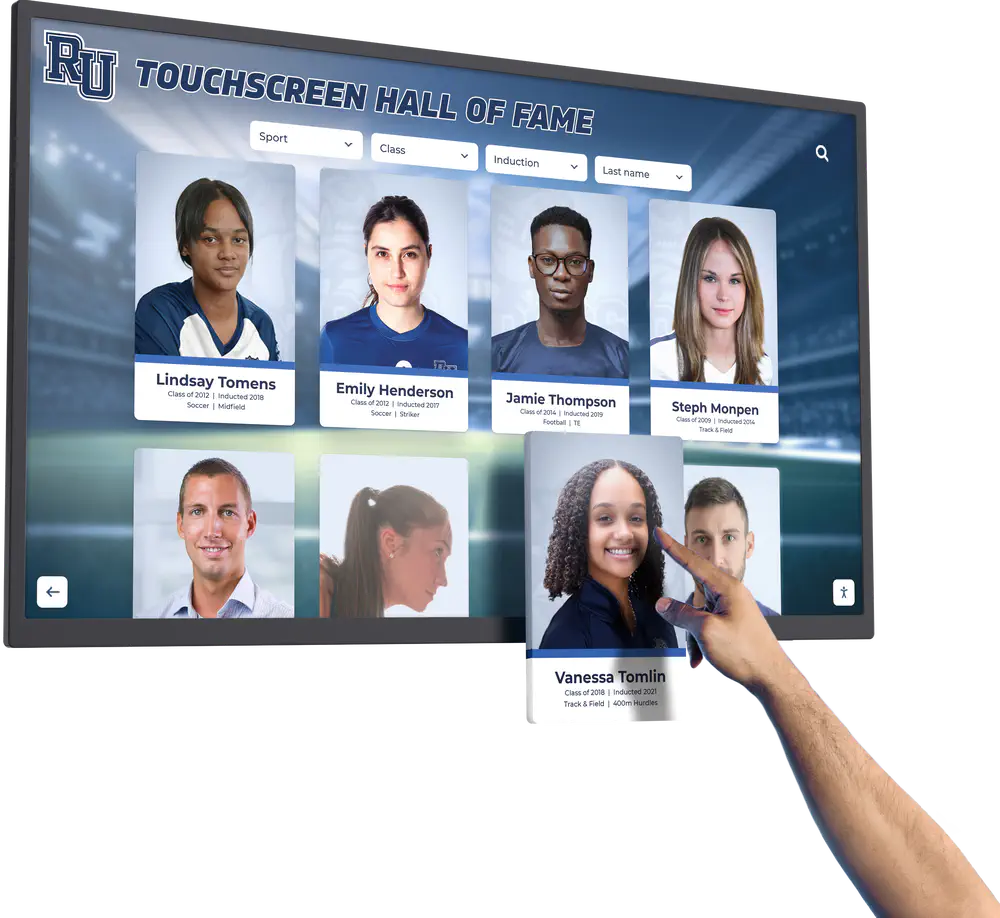
When every recognition entry on a digital display carries the correct event label — Team Tennis for the team result, Boys Singles or Girls Doubles for the individual — visitors and alumni can trust the display's records without needing to cross-reference external sources.
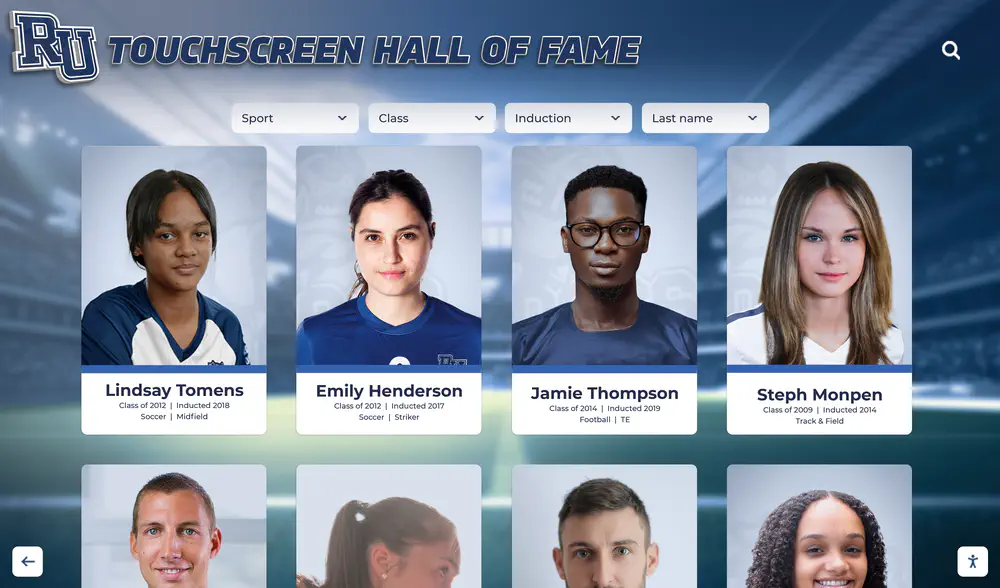
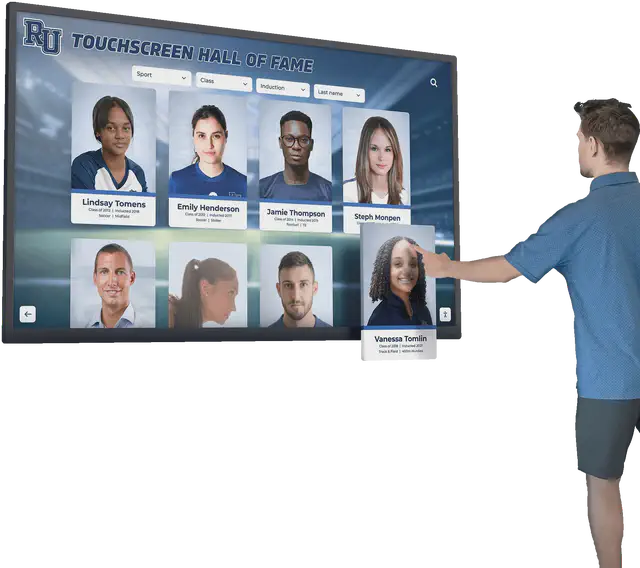
A digital display platform with filterable categories lets a recognition editor separate team championship entries from individual title entries — reducing the risk that a future update conflates results from two competitions that UIL tracks and publishes independently.
Frequently Asked Questions
What is the difference between UIL Team Tennis and UIL Tennis for display labeling purposes?
UIL Team Tennis is a team competition in which schools compete as a unit, producing one team champion per classification per season. UIL Tennis is a separate individual competition producing state champions in Boys Singles, Girls Singles, Boys Doubles, Girls Doubles, and Mixed Doubles. For display labeling, a Team Tennis entry credits the school as the team champion; individual Tennis entries credit the specific player or pair. These are separate entries and should not be combined under a single “Tennis State Champion” label.
Does winning every match in a UIL Team Tennis bracket make a player a UIL Tennis singles state champion?
No. The UIL Team Tennis bracket and the UIL Tennis individual draw are separate competitions with separate results processes. A player who wins every match in a Team Tennis bracket has contributed to their school’s team result in that competition. Unless that player also competed in and won the UIL Tennis individual singles draw — a separately organized event — no singles state title was awarded, and no singles display entry is warranted from the Team Tennis result alone.
How should a UIL Tennis Doubles title be labeled on a display?
Use the event label from the governing body’s results: Boys Doubles, Girls Doubles, or Mixed Doubles. Credit both partners exactly as paired in the official results — not just one partner’s name, and not the school team. Include the classification, season, and governing body. The UIL Tennis Historical Archive organizes results by these category labels; matching that labeling on a display keeps the entry verifiable against the primary source.
Can an athlete appear in both a Team Tennis entry and a Singles or Doubles entry on the same display?
Yes, if that athlete contributed to their school’s Team Tennis result and also won an individual UIL Tennis competition — in the same or a different season — they may appear in both entries, each representing a separate earned achievement. The team entry credits the school; the individual entry credits the athlete. These are distinct entries with distinct labels, and presenting them as one entry changes both credits.
What season label should a school use if the source uses a different format?
Use the label as it appears in the governing body’s source document. The UIL 4A Team Tennis state bracket is labeled as the 2025–26 season per the UIL bracket. The UIL Tennis Historical Archive organizes results by year. Use the format the source uses for the specific competition and season being displayed; do not apply a different season format unless the source itself provides it.
What if a school’s Team Tennis and individual Tennis results are from different seasons?
Each entry carries the season from its own source document. A Team Tennis championship from one season and an individual Tennis title from a different season are separate entries with separate season labels — there is no requirement that both entries share a season or be presented together. Each entry is verified independently and labeled with the season published in its own source.
Rocket Alumni Solutions helps schools build digital recognition displays that keep Team Tennis team entries and individual Tennis titles in clearly labeled, separately organized sections — giving every verified achievement the lasting, accurate home it earned. Request a demo to see how a digital platform can hold your program’s full range of correctly labeled results for families, alumni, and recruits.