



Schools, athletic departments, and districts face mounting pressure to maintain active social media presences celebrating student achievements, promoting events, and building community engagement—yet most lack dedicated marketing staff, design expertise, or budget for professional graphics software. The result: inconsistent posting schedules, amateur-looking graphics that don’t reflect school pride, and missed opportunities to recognize student accomplishments in ways that resonate with today’s visual-first audiences.
Traditional design tools require steep learning curves and monthly subscriptions, while template platforms offer limited customization that makes every post look generic. Meanwhile, athletic directors juggle game schedules and eligibility paperwork, activities coordinators manage packed calendars, and communications staff handle everything from newsletters to crisis management—leaving little time for creating the polished social content schools need to stay relevant and engaged with their communities.
This comprehensive guide explores how schools can create professional, on-brand social media graphics instantly using AI-powered platforms specifically built for educational recognition—without design skills, expensive software subscriptions, or additional staff time that already-stretched teams simply don’t have.
The challenge facing school communications today centers not on whether social media matters—evidence overwhelmingly confirms its importance for building school culture and community connection—but rather on how resource-constrained schools can consistently produce quality visual content celebrating student achievement without diverting staff from core educational responsibilities.

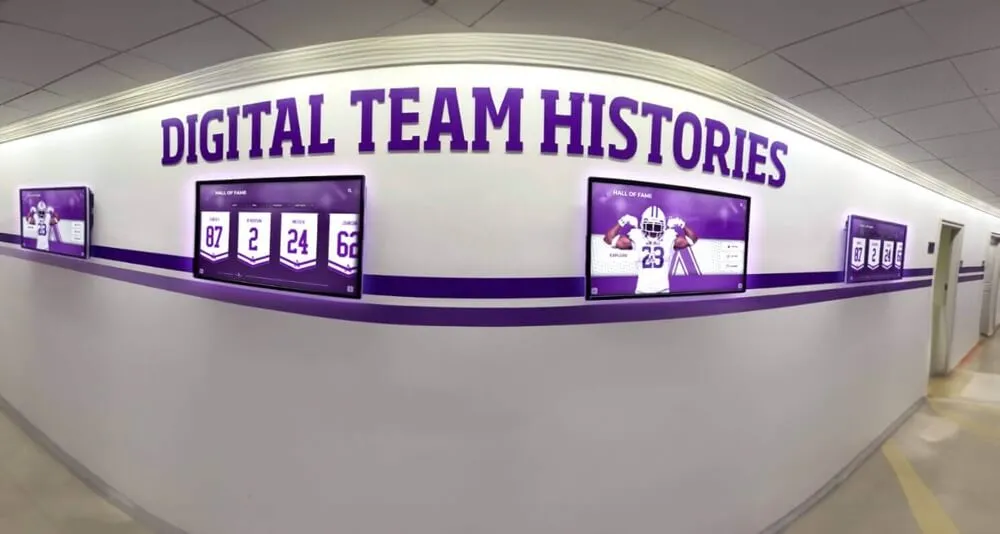
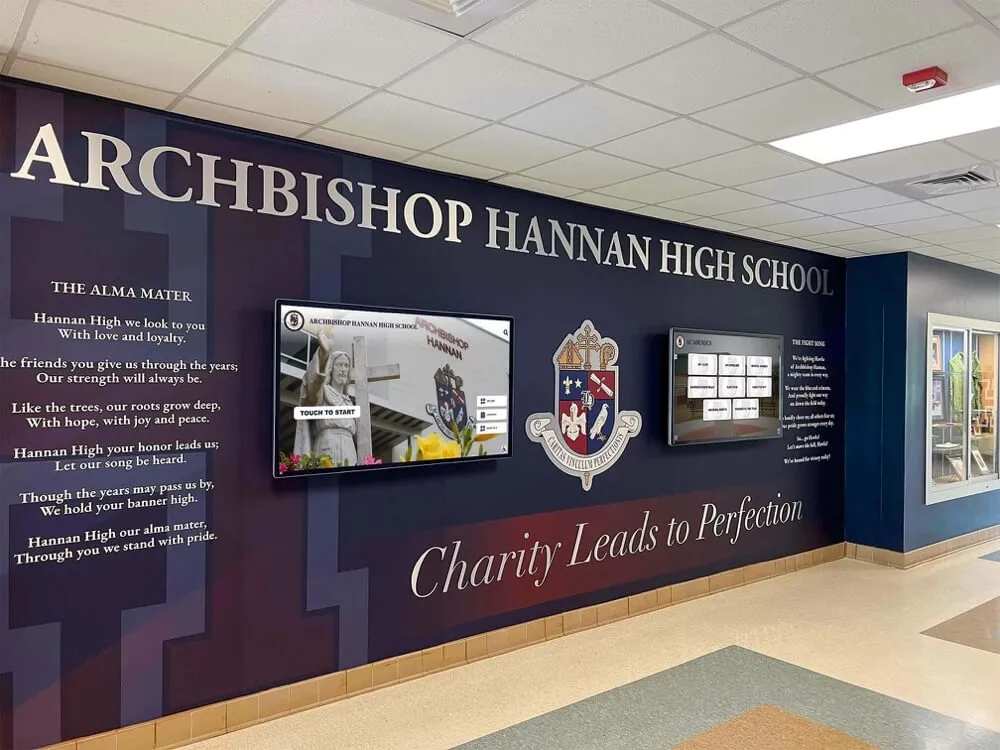
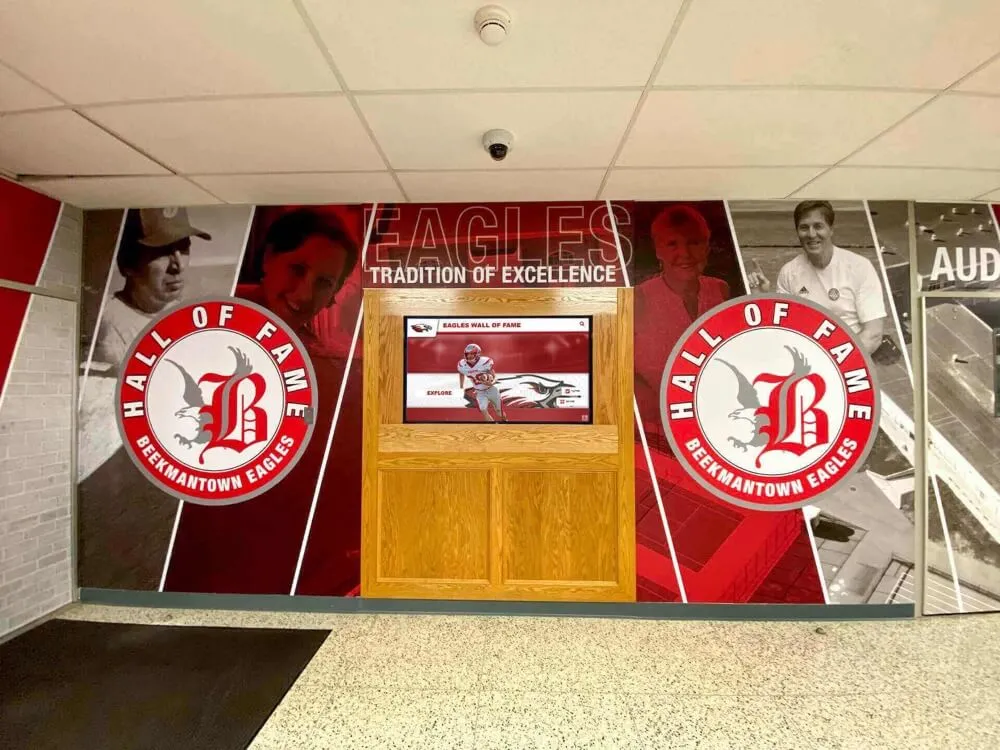
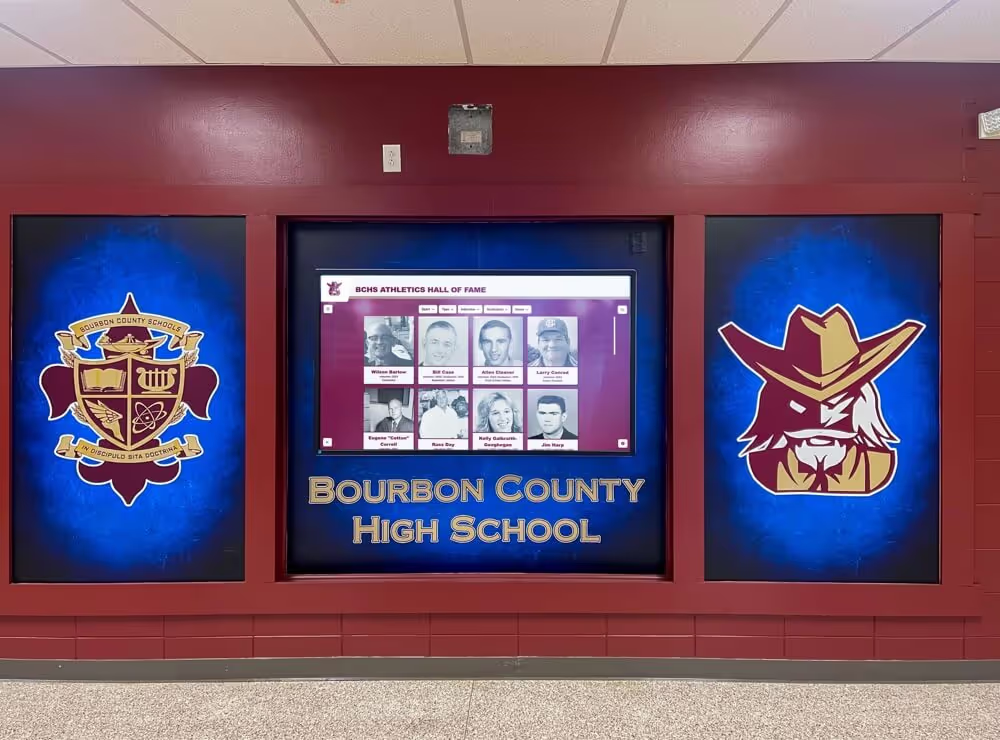
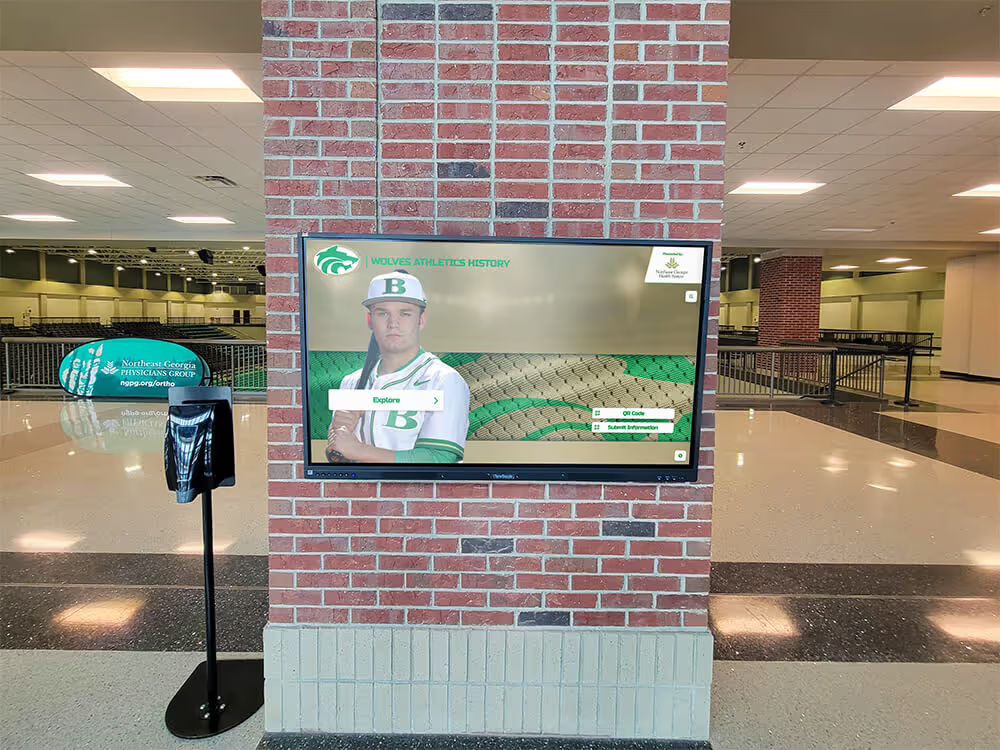
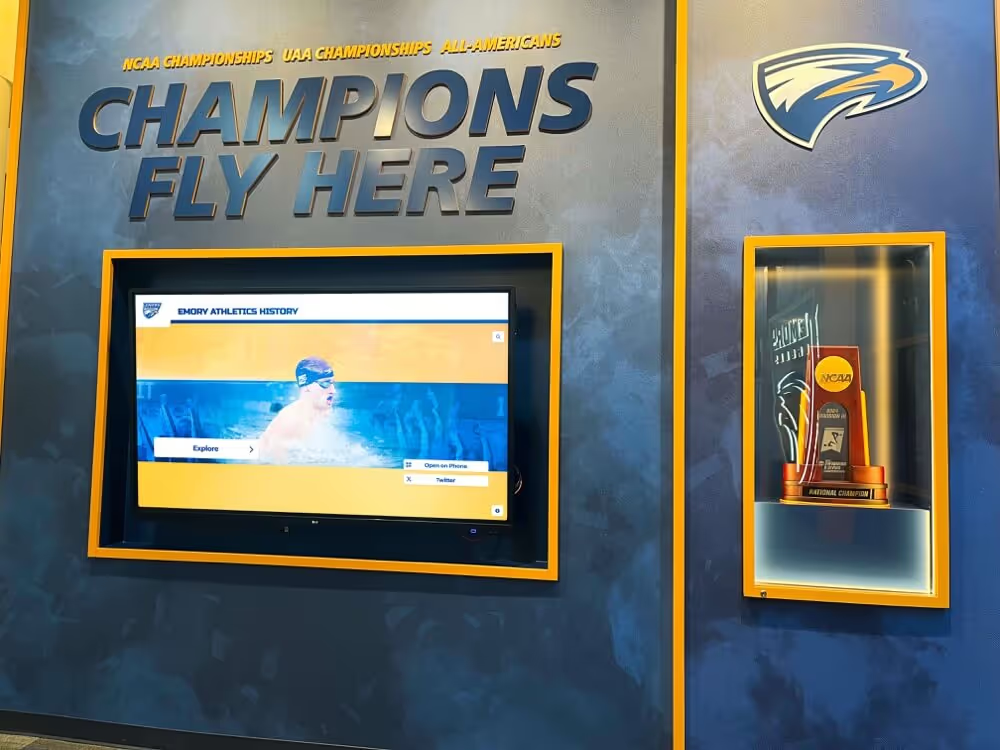
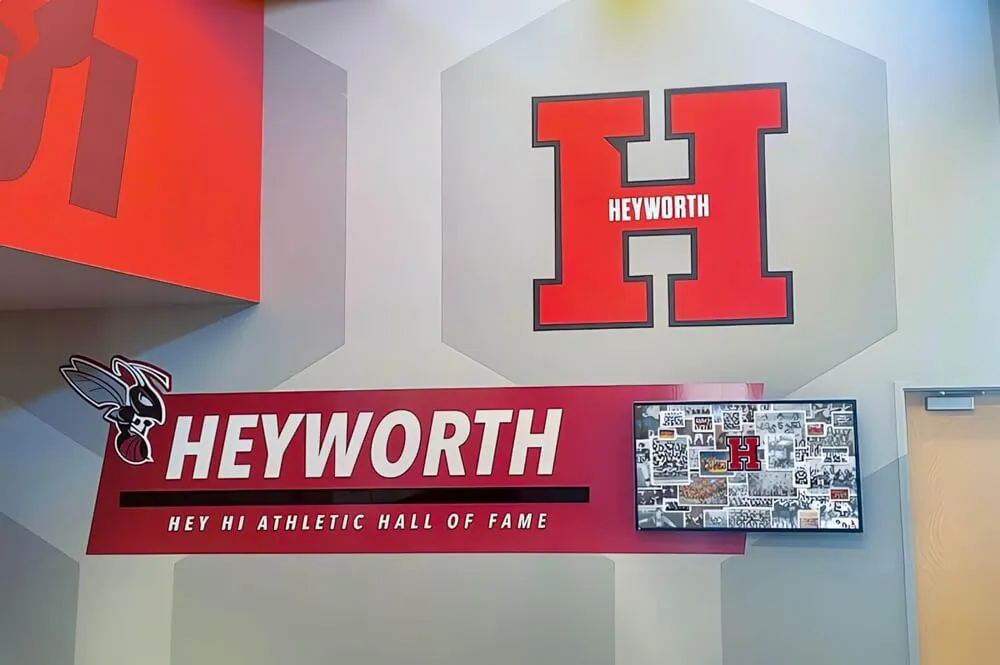
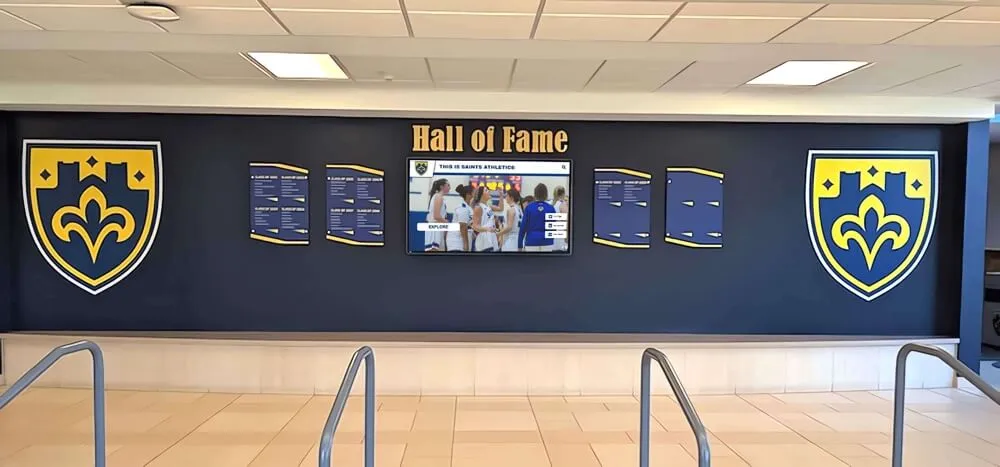
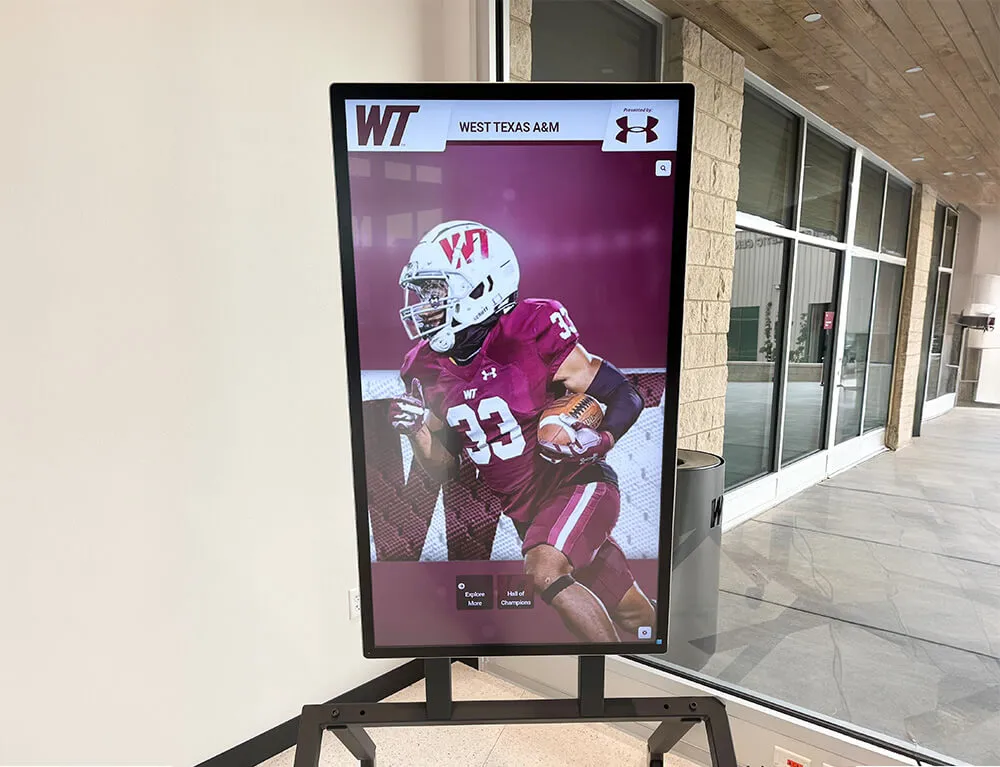
Modern recognition platforms combine professional graphics with easy content creation celebrating student achievements
Why Schools Struggle With Social Media Graphics
Understanding the specific obstacles schools face helps explain why many institutions post inconsistently despite recognizing social media’s importance.
The Resource Reality for School Communications
Educational institutions operate under constraints that commercial marketing teams rarely encounter:
Staff Limitations and Competing Priorities
- Communications directors typically manage 10-15 different responsibilities beyond social media
- Athletic directors focus primarily on scheduling, compliance, and safety rather than marketing
- Many small schools lack dedicated communications staff entirely
- Existing staff frequently work with 15-20 year old software and equipment
- Student media programs produce excellent content but lack consistency during breaks
Budget Constraints on Design Resources
- Adobe Creative Cloud subscriptions cost $600-$1,200 annually per user
- Professional design software requires extensive training time
- Freelance designers charge $50-150 per graphic—prohibitive for daily posting
- Stock photo subscriptions add $200-$500 annually to tight budgets
- Many schools prioritize classroom resources over marketing tools
Technical Skills Gap
- Most school staff received training in education, not graphic design
- Template platforms still require design judgment and composition skills
- Color theory, typography, and visual hierarchy rarely taught in education programs
- Learning curves for design software compete with pressing operational demands
- Staff turnover means constantly retraining new team members
These realities explain why many schools post sporadically despite understanding that consistent, quality content strengthens school culture, improves enrollment marketing, and celebrates student achievements families expect to see publicly recognized.
Content Creation Bottlenecks
Even schools with motivated communications teams face practical obstacles:
Time Investment Per Post
- Finding appropriate background images: 5-10 minutes
- Designing layout and selecting fonts: 10-15 minutes
- Writing caption copy and hashtags: 5-8 minutes
- Resizing for different platforms: 5-10 minutes
- Getting approval and making revisions: 10-20 minutes
- Total time per post: 35-60+ minutes
When athletic directors need to create senior night graphics for three different sports, weekly score update posts, and monthly achievement spotlights, these time investments become unsustainable alongside core responsibilities.
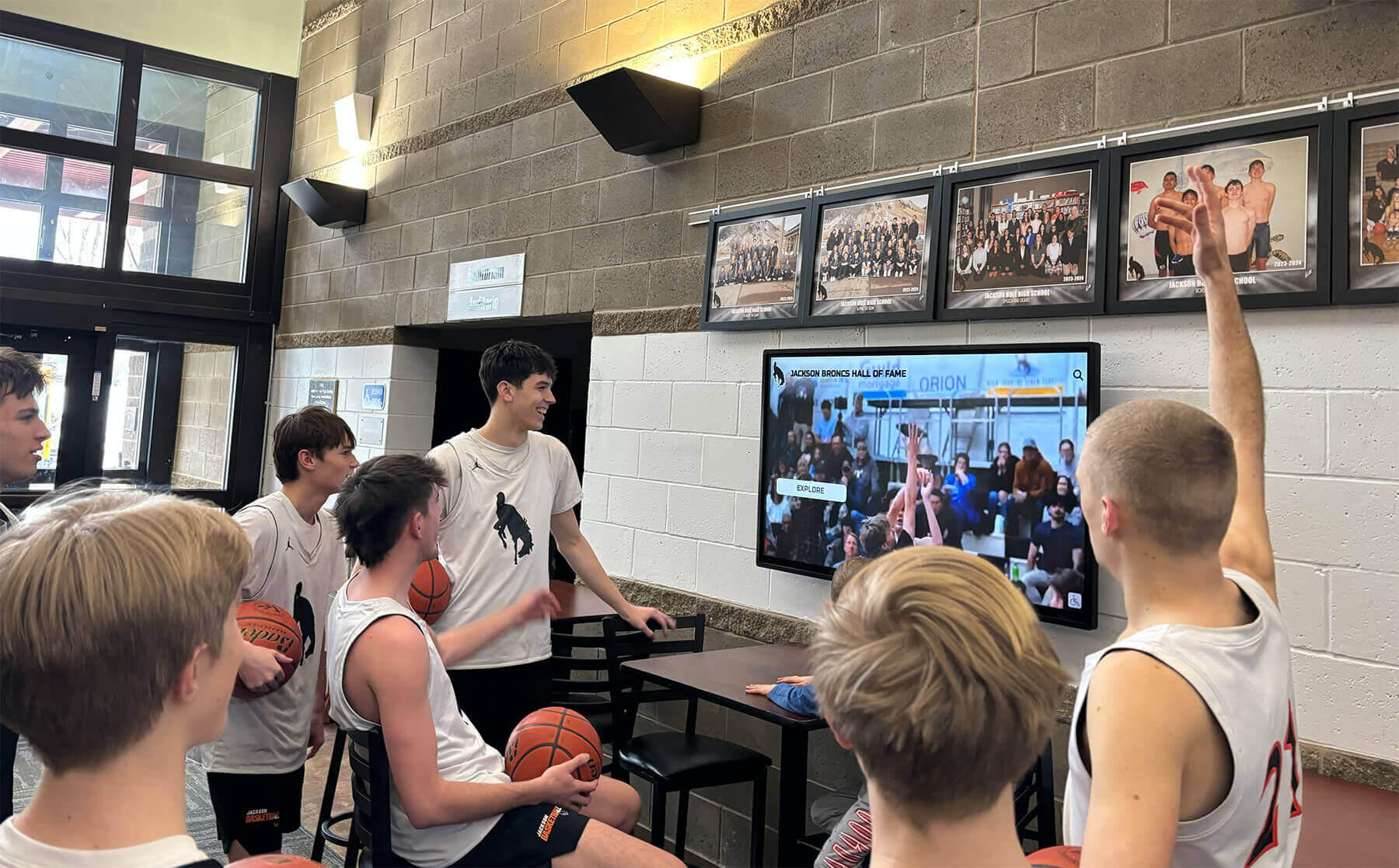
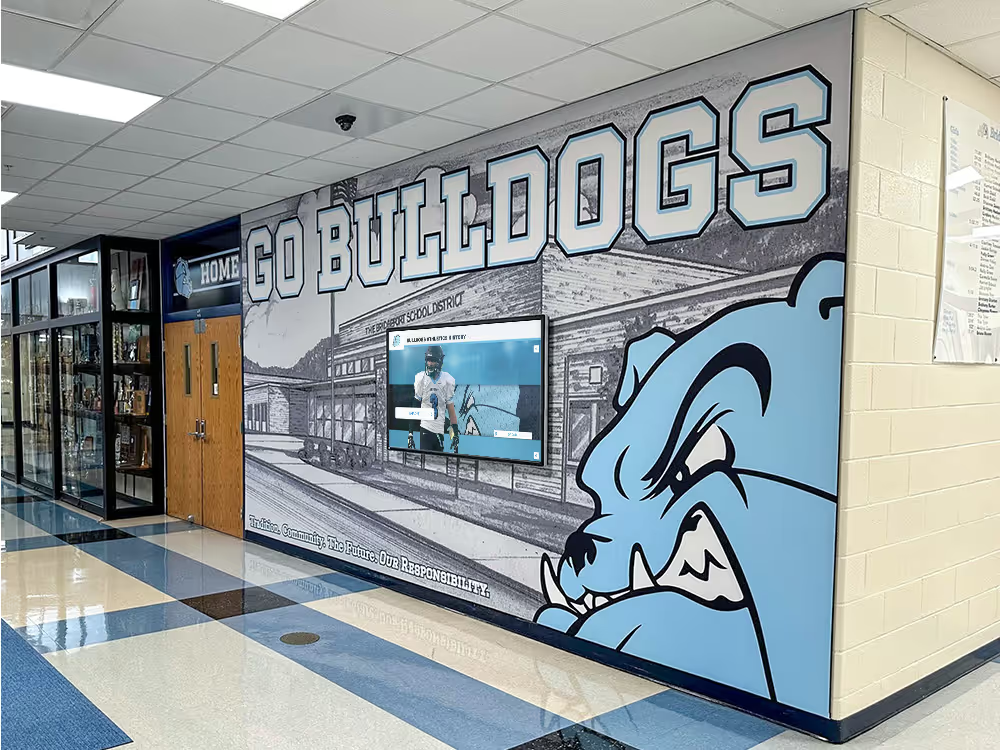
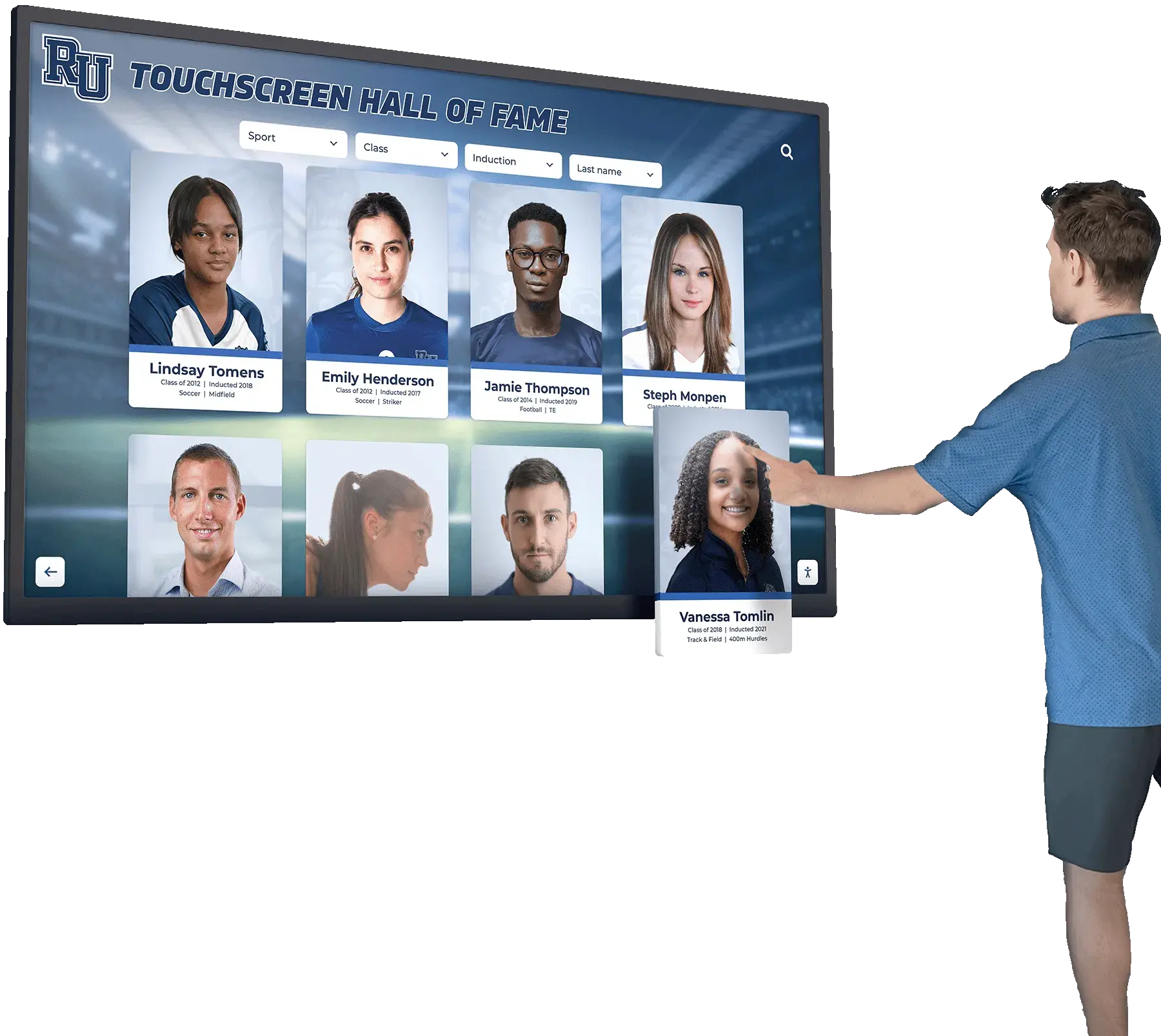
Quality visual content engages students and families while celebrating achievements
Consistency and Brand Challenges
- Maintaining consistent visual identity across different staff members
- Ensuring graphics reflect school colors accurately
- Keeping logo usage consistent with brand guidelines
- Creating cohesive series for recurring content (score updates, athlete spotlights)
- Adapting designs when staff turnover disrupts institutional knowledge
Multi-Platform Requirements
- Instagram posts require square 1080x1080 images
- Instagram Stories need vertical 1080x1920 formats
- Facebook performs best with 1200x630 horizontal images
- Twitter/X optimal images measure 1200x675
- Digital signage displays need 1920x1080 landscape formats
- Manually resizing graphics for each platform multiplies time requirements
Schools that excel at social media typically employ dedicated marketing coordinators—a luxury most institutions cannot afford. For the majority of schools, the question becomes how to produce quality content without resources matching those demands.
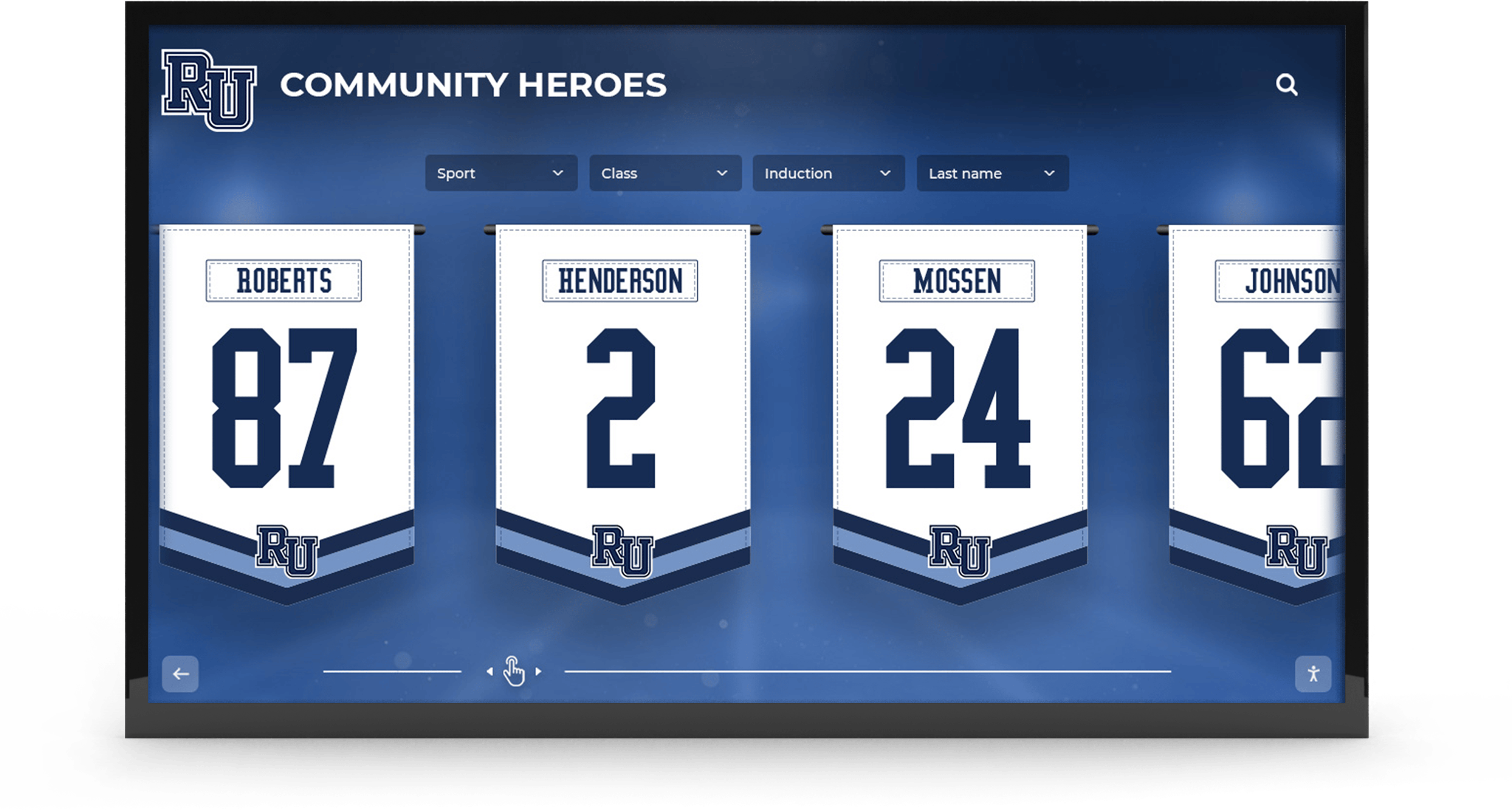
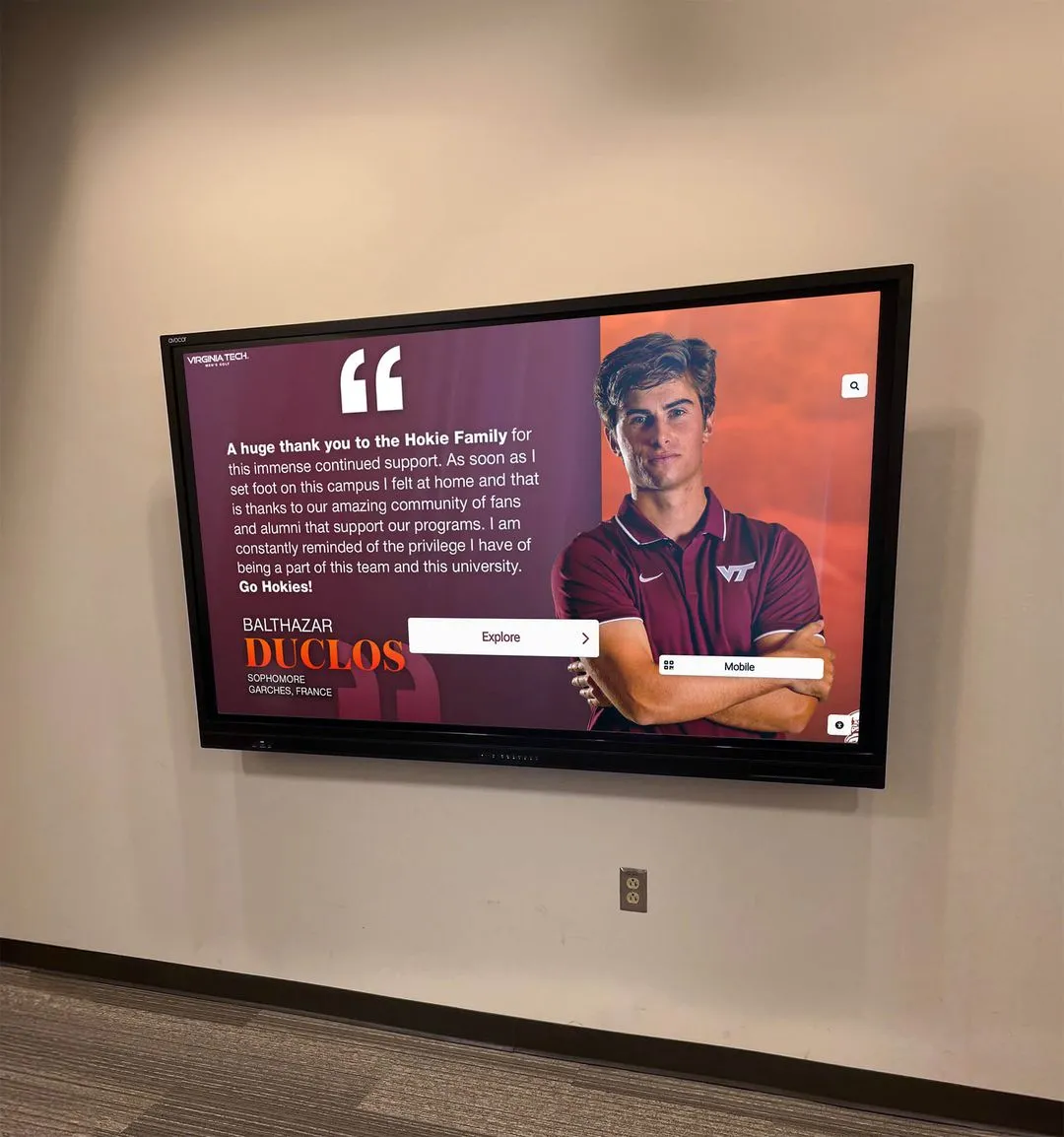
Effective recognition graphics celebrate individuals while maintaining professional brand standards
The AI-Powered Solution: How Modern Platforms Transform School Content Creation
Recent developments in AI technology have created opportunities for schools to produce professional graphics without traditional design barriers.
What AI Graphics Platforms Offer Schools
AI-native content creation tools specifically designed for educational institutions address resource constraints through automation and intelligent assistance:
Text-to-Graphics Generation
- Type what you want: “Create a senior night post for girls soccer highlighting Emma Martinez, jersey #12, four-year varsity player”
- AI generates complete branded graphic with appropriate imagery, layout, and composition
- Instant production eliminating 30-45 minutes of manual design work
- Maintains brand consistency automatically using school colors and logos
- Produces professional results regardless of user design experience
Built-In AI Agents for Content Tasks
- Caption writing agents generate platform-appropriate copy with hashtags
- Resizing agents automatically reformat graphics for different social platforms
- Editing agents make requested changes without starting from scratch
- Scheduling agents optimize posting times for maximum engagement
- Content suggestion agents recommend recognition opportunities and posting ideas
Rocket Graphics represents this new generation of AI-powered platforms built specifically for schools, athletic departments, districts, and teams—combining text-to-post AI with templates, brand controls, and recognition-first content approaches that align with educational institutions’ unique needs.
How Text-to-Post AI Actually Works
Understanding the technology helps schools evaluate whether AI graphics tools match their specific requirements:
The Creation Process
- User inputs plain language description: “Make a district championship graphic for Instagram celebrating the volleyball team’s first title in 15 years”
- AI analyzes request identifying content type (championship), sport (volleyball), platform (Instagram), and emotional tone (celebration)
- System selects appropriate template structure optimized for championship announcements
- AI applies school branding elements (colors, logos, fonts) automatically from brand profile
- Natural language processing generates appropriate headline and supporting text
- Image generation or selection identifies relevant visual elements (volleyball imagery, championship themes)
- Layout algorithms compose elements following design principles (rule of thirds, visual hierarchy, color contrast)
- Platform optimization ensures graphic meets Instagram specifications (1080x1080, proper file format, optimal file size)
What Makes It Different From Templates
- Templates require manual customization and design decisions at every step
- AI interprets intent and makes design decisions automatically
- Traditional tools need explicit instructions for every element
- AI platforms understand context (championship vs. senior night vs. score update) and adapt accordingly
- Template users must understand design principles; AI applies them automatically
This technology democratizes professional design, enabling schools to produce content that previously required dedicated graphic designers or extensive training.
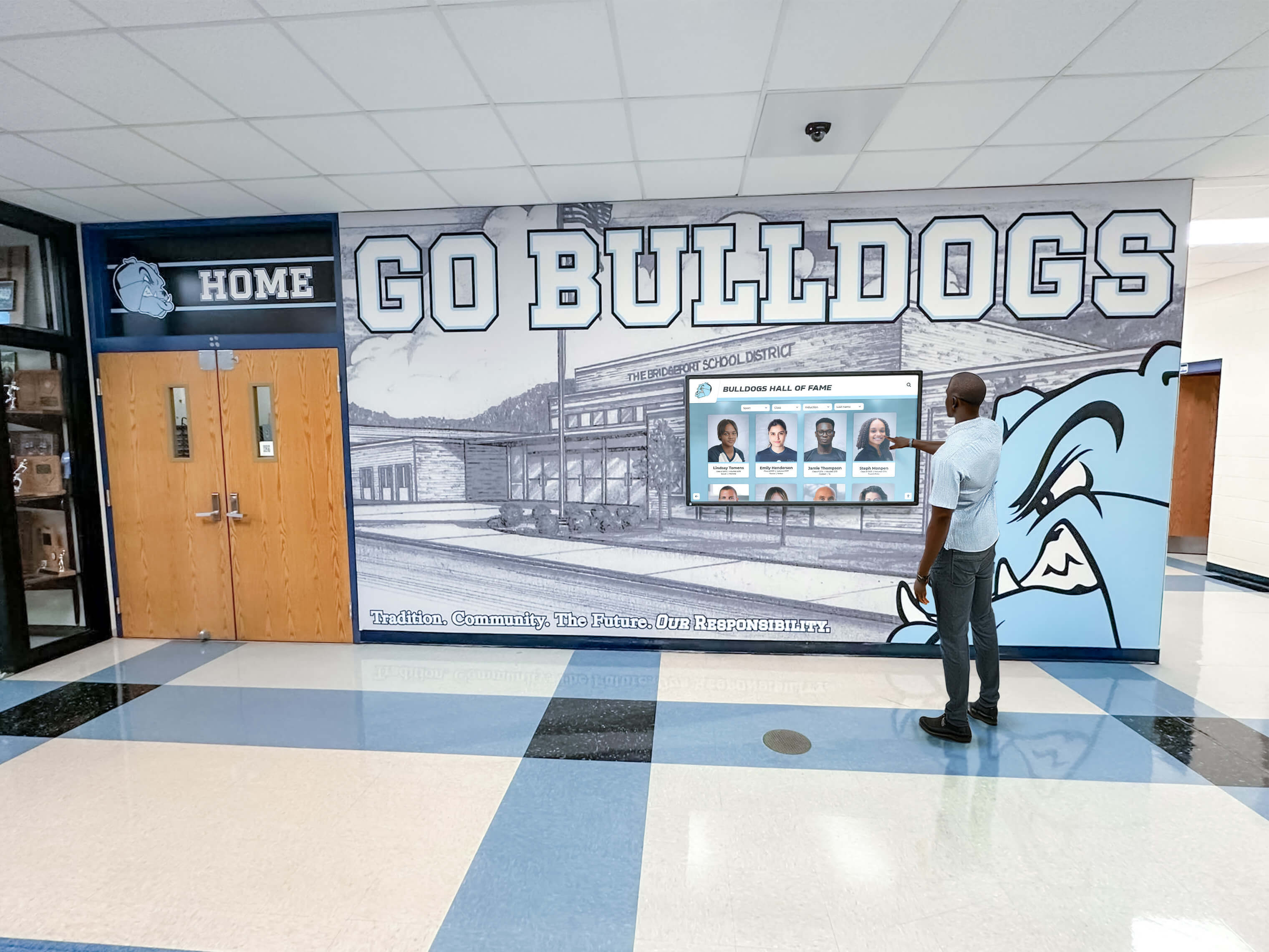
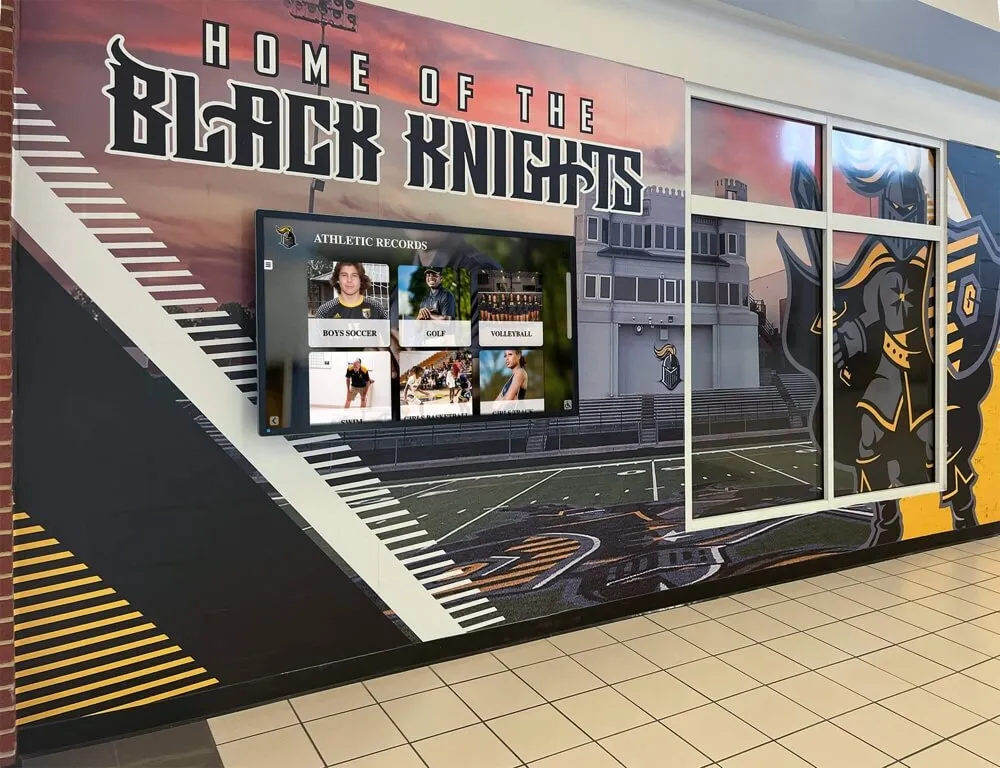
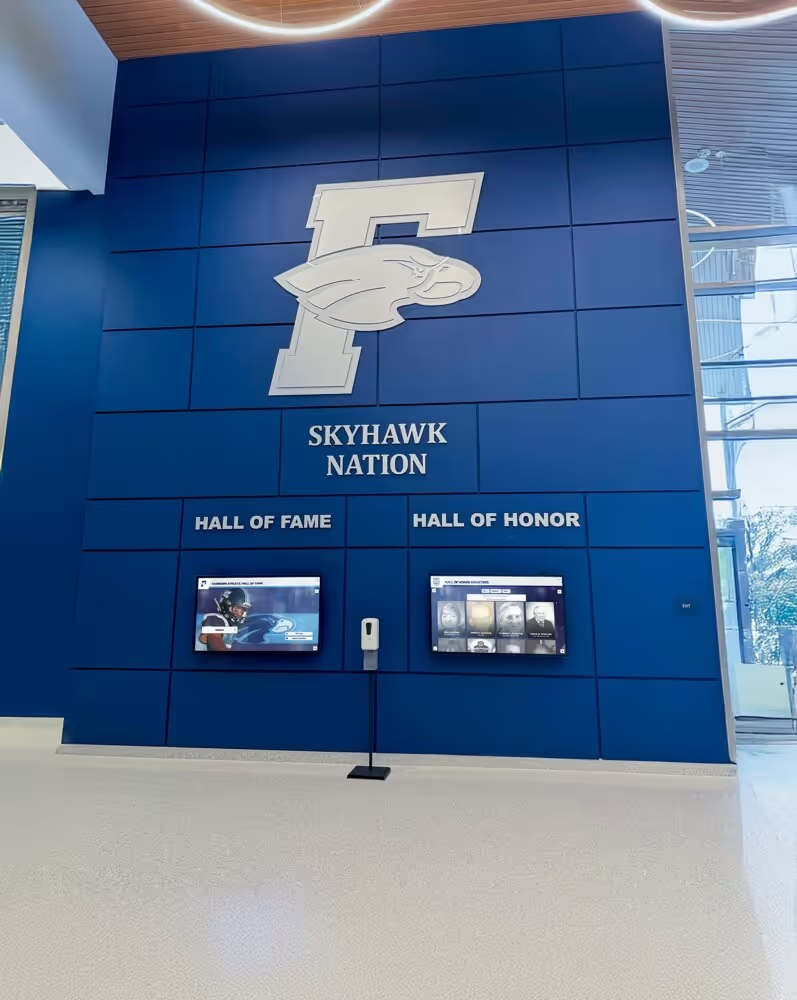
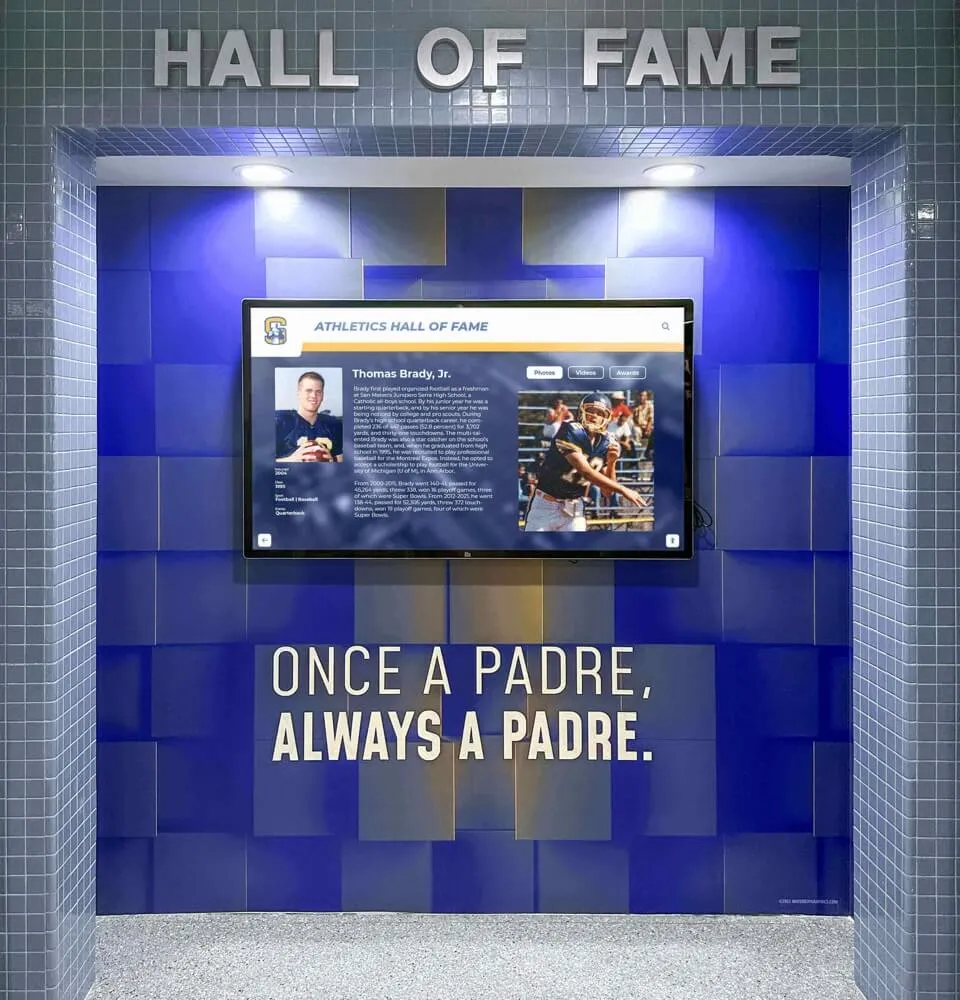
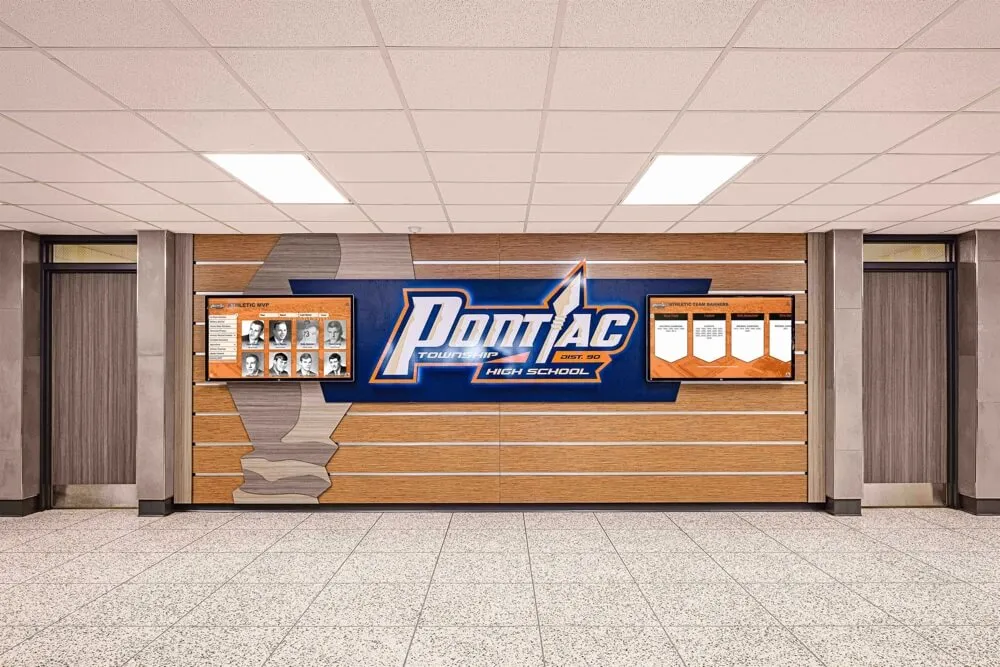
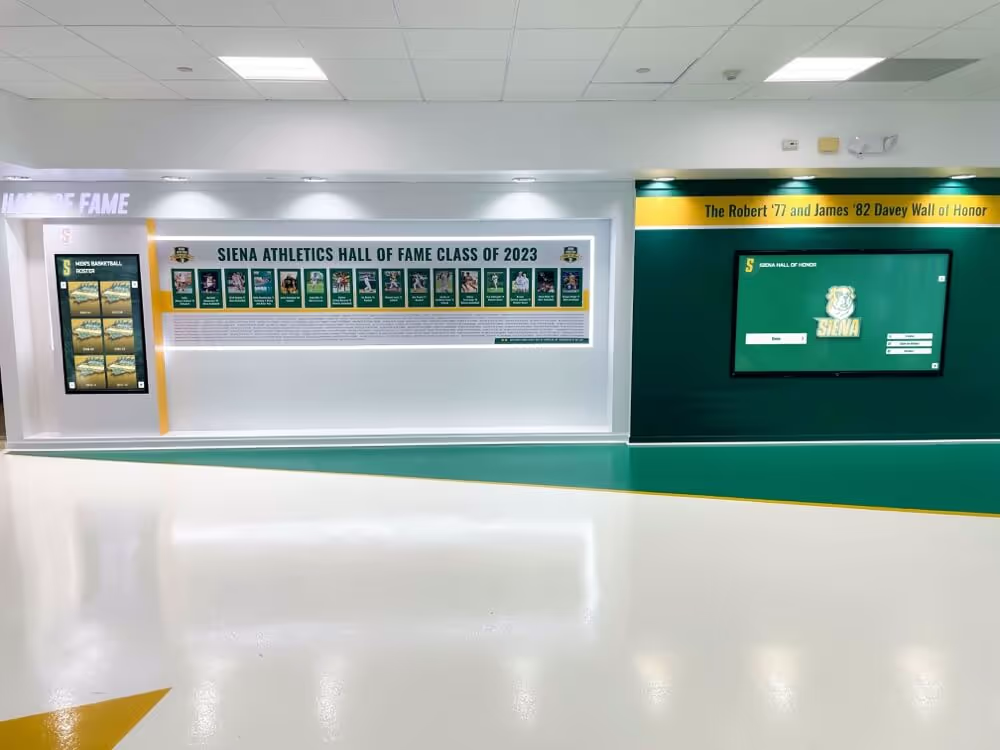
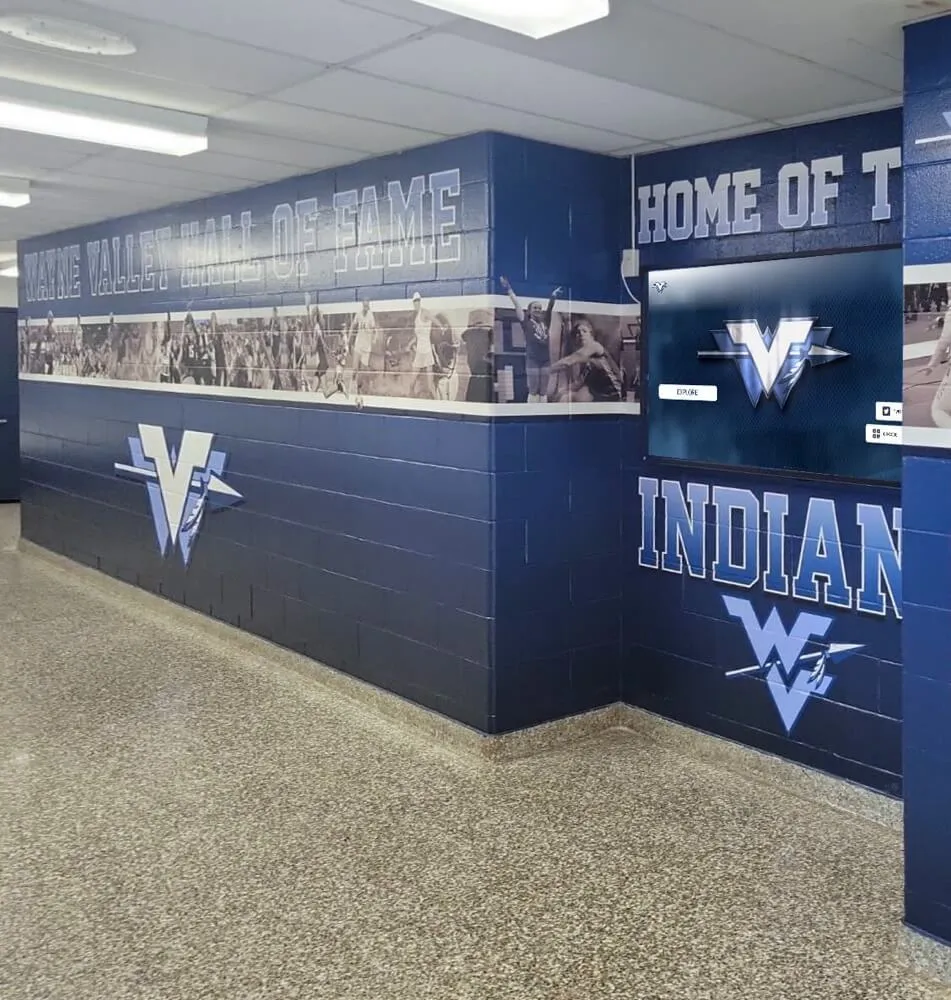
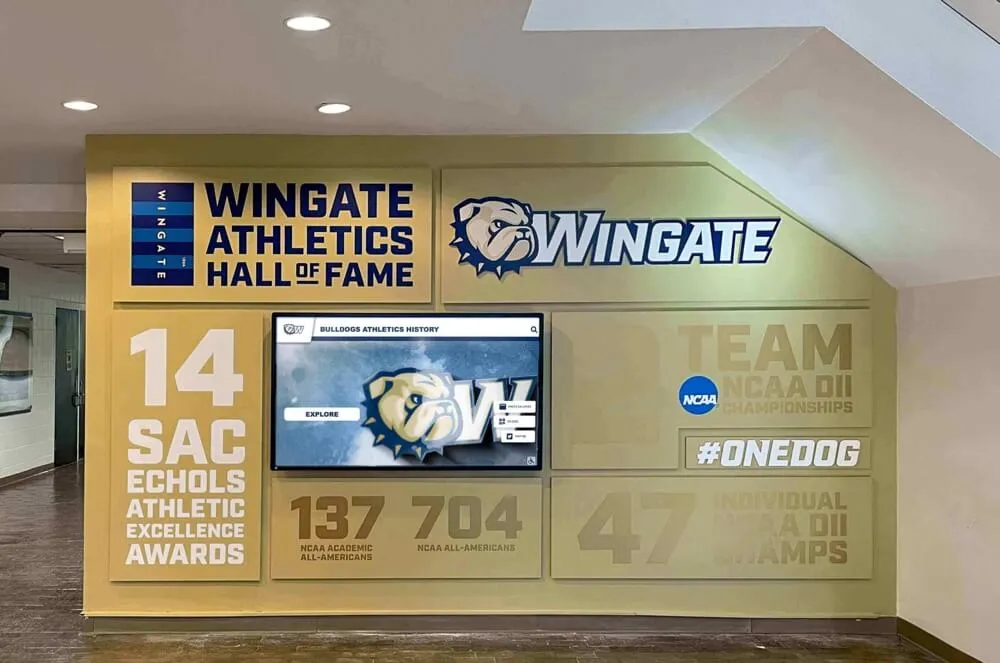
Modern recognition platforms integrate physical displays with digital content creation tools
Core Features Schools Need in AI Graphics Platforms
Evaluating tools requires understanding which capabilities directly address educational institutions’ practical requirements.
Brand Control and Customization
Maintaining consistent school identity across all graphics remains non-negotiable for professional appearance:
Automated Brand Application
- Upload school logos once; system applies correctly to all future graphics
- Define official color palettes; AI uses appropriate color combinations automatically
- Set approved fonts matching school brand guidelines
- Create brand profiles for athletics vs. academics vs. district-wide content
- Override automatic suggestions when specific creative vision requires it
Multi-Level Organization Support
- District-level branding for system-wide communications
- Individual school brands within districts
- Department-specific variations (athletics, performing arts, academics)
- Team-level customization within athletic programs
- Sub-brands for special programs or initiatives
Template Customization Options
- Pre-built templates provide starting points reflecting educational content types
- Full customization capability for schools wanting unique designs
- Save custom templates for recurring content series
- Share templates across staff members for consistency
- Update templates district-wide instantly when brand guidelines evolve
Schools recognize their visual identity across social media, newsletters, digital signage, and recognition displays. AI platforms that automatically maintain brand consistency eliminate a major pain point causing many schools’ social content to look unprofessional or inconsistent.
Recognition-First Content Design
Educational institutions’ social media serves fundamentally different purposes than commercial marketing, with student and staff recognition representing primary goals:
Student Achievement Content Types
- Athletic spotlights highlighting individual athletes or teams
- Academic excellence recognition (honor roll, scholarships, competitions)
- Arts and activities achievements (theater, music, debate, clubs)
- Character and leadership recognition
- Milestone celebrations (signing day, senior night, championships)
- Game day graphics and score updates
Staff and Community Recognition
- Teacher appreciation spotlights
- Coach recognition and career milestones
- Volunteer acknowledgment
- Alumni achievements and connections
- Community partner highlights
- Donor recognition when appropriate
AI platforms purpose-built for schools understand these content categories and offer templates, prompts, and suggestions specifically supporting recognition rather than commercial marketing. Schools using comprehensive recognition programs benefit from tools designed around celebration and acknowledgment rather than sales and promotion.
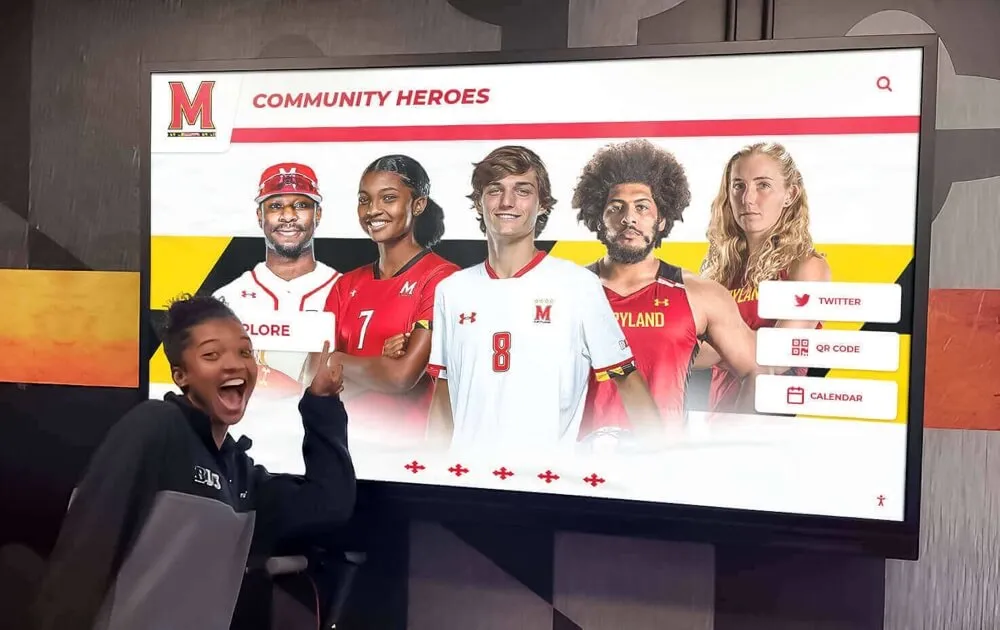
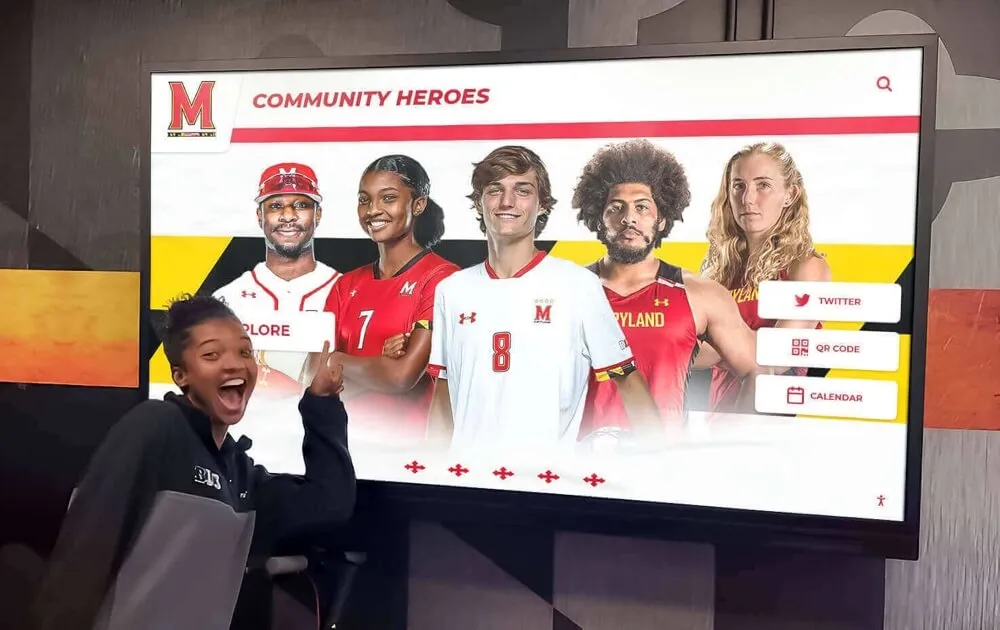
Recognition-focused content creates emotional connections with students, families, and community members
Multi-Platform Publishing Capabilities
Content created for one platform rarely works optimally across others without modification:
Automated Resizing and Reformatting
- Create once, publish everywhere with platform-specific optimization
- Automatic cropping respecting focal points and important elements
- Text resizing maintaining readability across different dimensions
- Layout adjustments ensuring composition works at various aspect ratios
- File format and size optimization for each platform’s technical requirements
Platform-Specific Considerations
- Instagram feed posts (1080x1080 square format)
- Instagram Stories and Reels (1080x1920 vertical)
- Facebook posts (1200x630 horizontal optimal)
- Twitter/X posts (1200x675 horizontal)
- Digital signage displays (1920x1080 landscape or portrait orientations)
- Website featured images (various dimensions depending on site design)
- Email newsletter graphics (600-800 pixels wide)
- Print materials when physical recognition needed
Caption and Copy Optimization
- Character limits differ by platform (280 for Twitter/X, essentially unlimited for Facebook)
- Hashtag strategies vary (Instagram encourages many, Twitter/X performs better with few)
- Tone adjustments reflecting platform cultures and audiences
- Call-to-action phrasing appropriate to each platform’s conversion patterns
Schools benefit from creating content once and automatically adapting it for multiple distribution channels, maximizing staff efficiency while maintaining presence across platforms families use.
Scheduling and Calendar Integration
Consistent posting requires planning and automation that manual processes cannot sustainably provide:
Content Calendar Features
- Schedule posts days or weeks in advance
- Plan seasonal content around athletic seasons, academic calendars, and school events
- Visualize posting frequency ensuring consistent presence
- Batch-create content during available time, schedule for optimal posting times
- Recurring post templates for weekly or monthly content series
Athletic Season Management
- Pre-schedule senior night graphics as season progresses
- Automate weekly matchup or score update posts
- Plan championship run content in advance
- Coordinate team-specific and athletic department-wide posting
- Align social content with game schedules and important dates
Schools that implement effective athletic recognition programs benefit from calendar tools helping them plan recognition content systematically rather than scrambling to create graphics reactively.
Rocket Graphics: Free AI Platform Built for Educational Recognition
Rocket Graphics addresses schools’ specific needs through a platform combining AI-powered content creation with templates, brand controls, and multi-platform publishing—entirely free for educational institutions.
What Rocket Graphics Offers Schools
The platform provides comprehensive content creation capabilities designed around educational recognition:
| Feature | What It Does |
|---|---|
| Text-to-Post AI | Type plain language descriptions; instantly generates branded graphics, captions, and announcements |
| AI Agents | Built-in assistants help create, edit, resize, rewrite, schedule, and optimize school content |
| Template Library | Fast starting points for athletics, academics, events, awards, and recognition |
| Brand Controls | Automatic application of school logos, colors, fonts, and visual styles |
| Multi-Platform Publishing | Supports social media, web, newsletters, digital displays, and school communications |
| Recognition-First Design | Built specifically to celebrate students, athletes, alumni, staff, donors, teams, and achievements |
| Digital Signage Support | Push content to TVs, touchscreens, and school displays throughout campus |
| Free Access | No annual subscription, no per-user fees, no hidden costs |
How the AI Agent System Works
AI agents within Rocket Graphics function as virtual assistants understanding educational content needs:
Creation Agent
- Interprets natural language requests
- Generates complete graphics from text descriptions
- Suggests content ideas based on calendar events and school programs
- Recommends recognition opportunities from submitted information
- Creates series of related graphics maintaining visual consistency
Editing Agent
- Makes requested changes without recreating graphics from scratch
- Adjusts colors, text, layouts based on feedback
- Suggests improvements enhancing visual impact
- Fixes common mistakes automatically
- Maintains brand compliance while allowing customization
Optimization Agent
- Analyzes graphics for readability and visual impact
- Suggests improvements in composition and hierarchy
- Ensures accessibility standards met (contrast ratios, text size)
- Recommends optimal posting times based on audience engagement patterns
- A/B tests different versions identifying most effective approaches
Publishing Agent
- Resizes and reformats for different platforms automatically
- Generates platform-specific captions and hashtags
- Schedules posts at optimal times
- Coordinates multi-platform campaigns
- Tracks performance and suggests content adjustments
This agent-based approach means schools interact conversationally with the platform—typing what they want rather than navigating complex menus or learning design software interfaces.
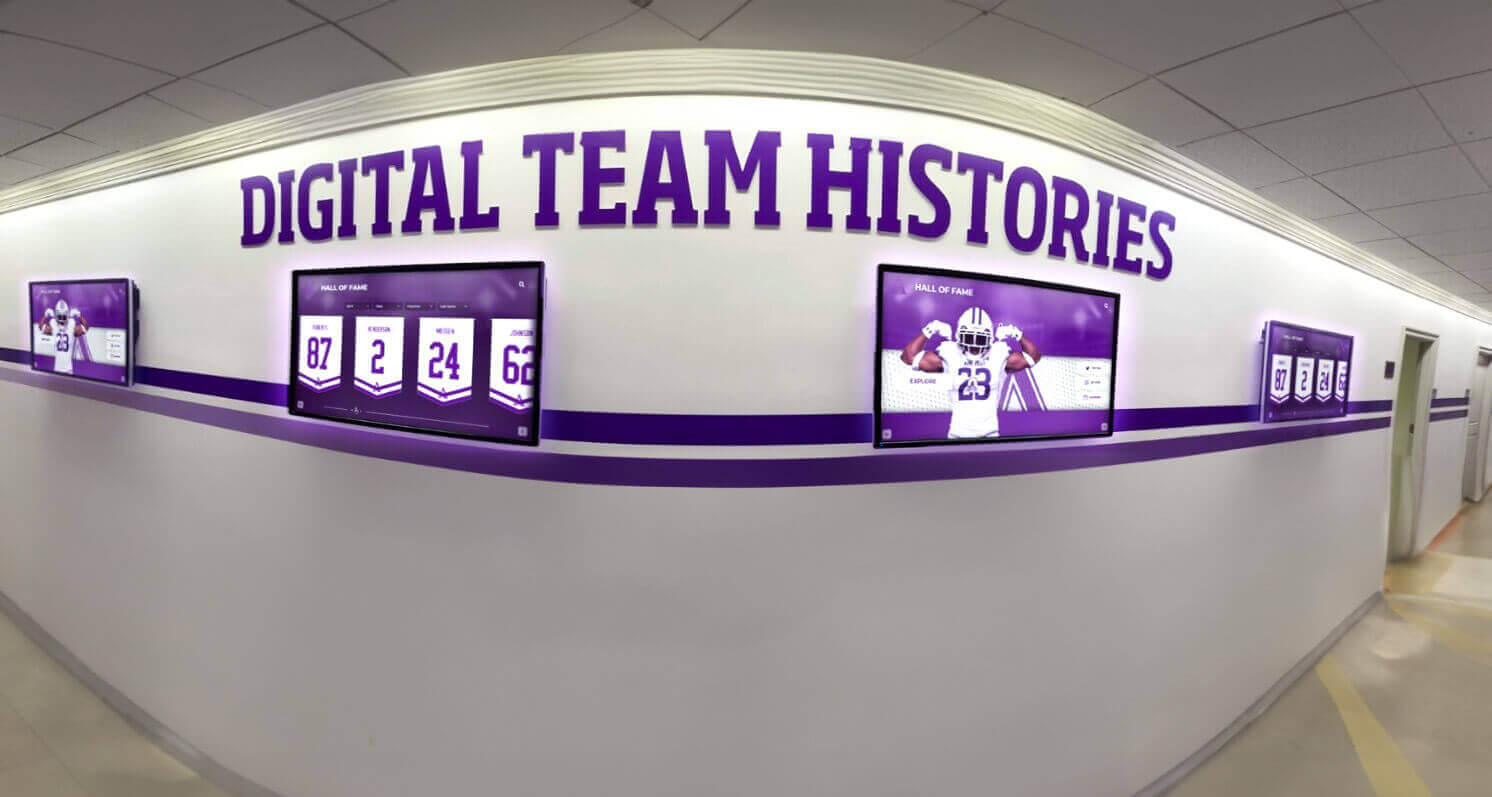
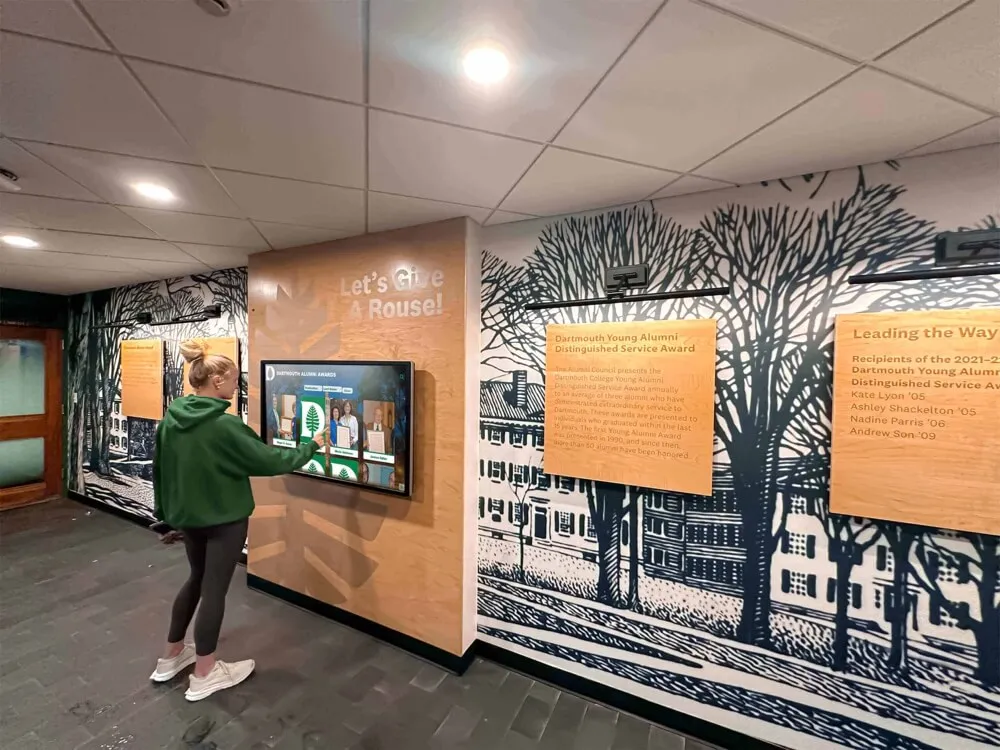
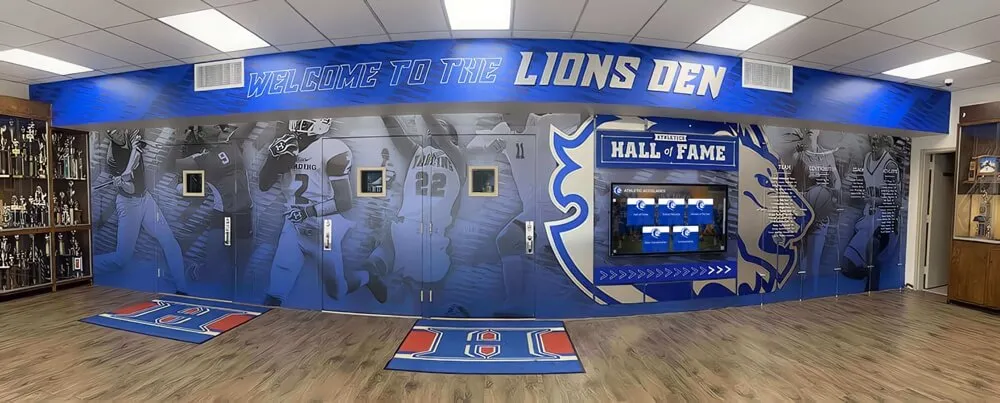
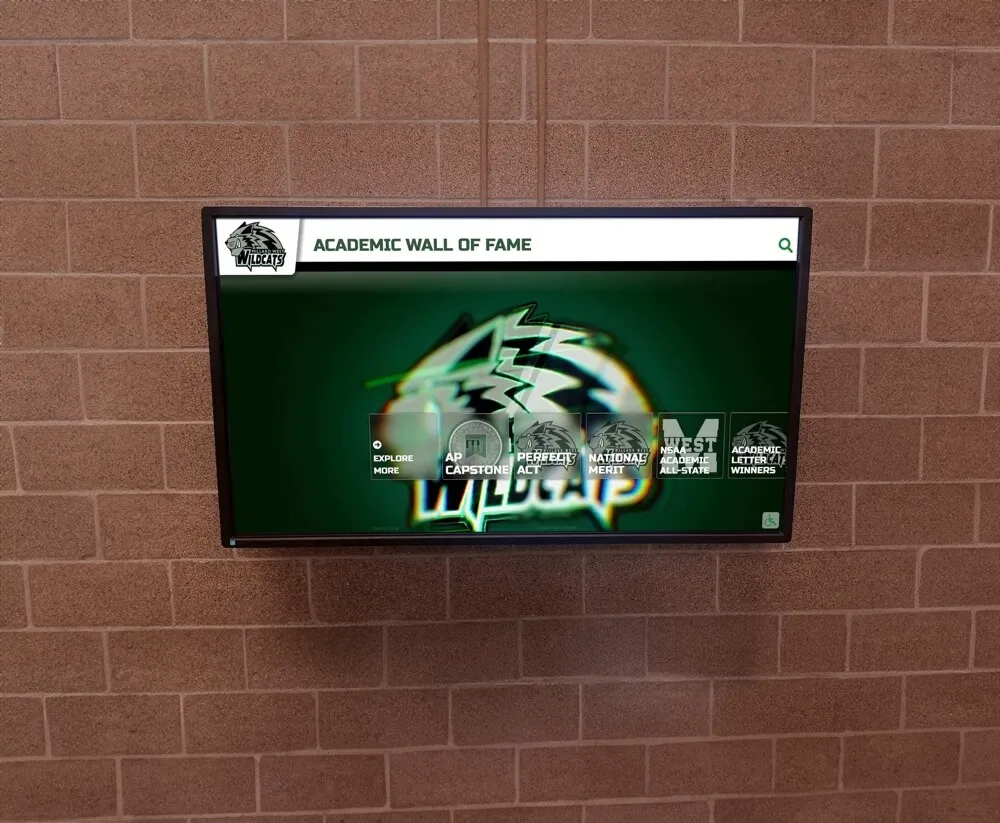
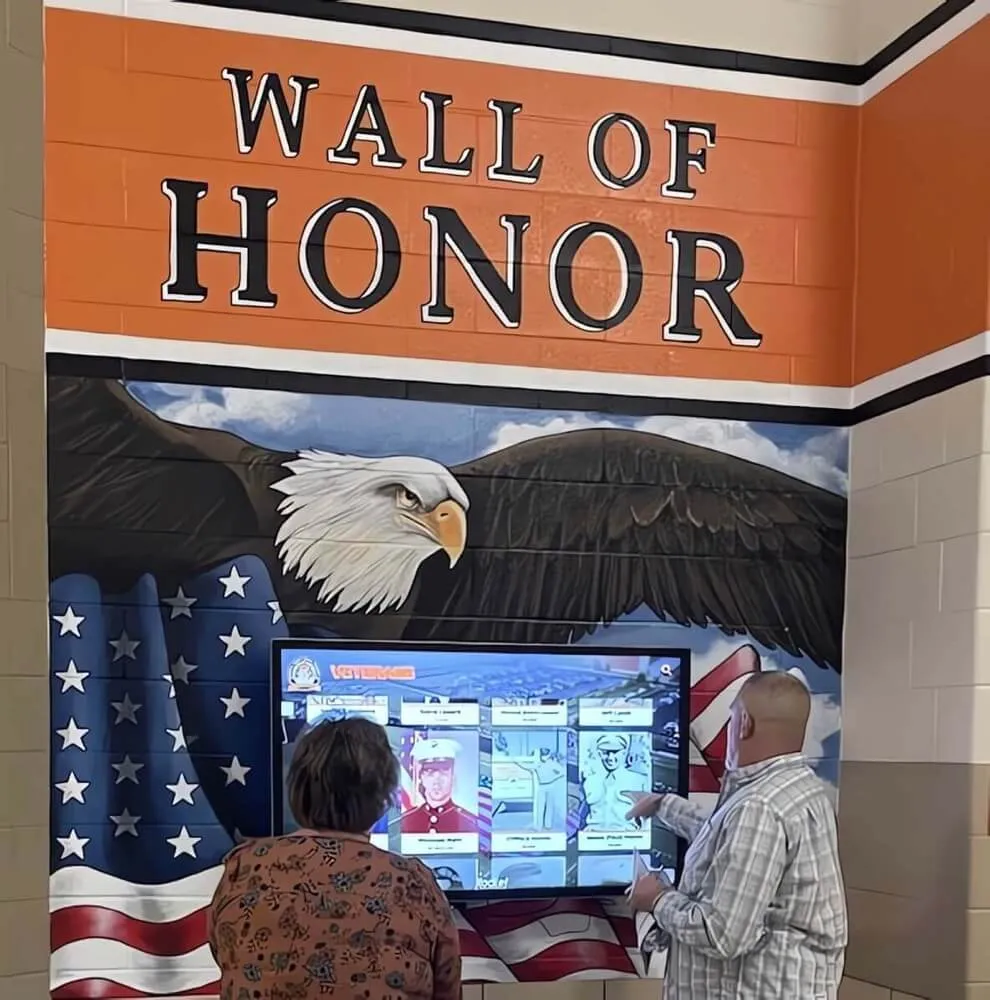
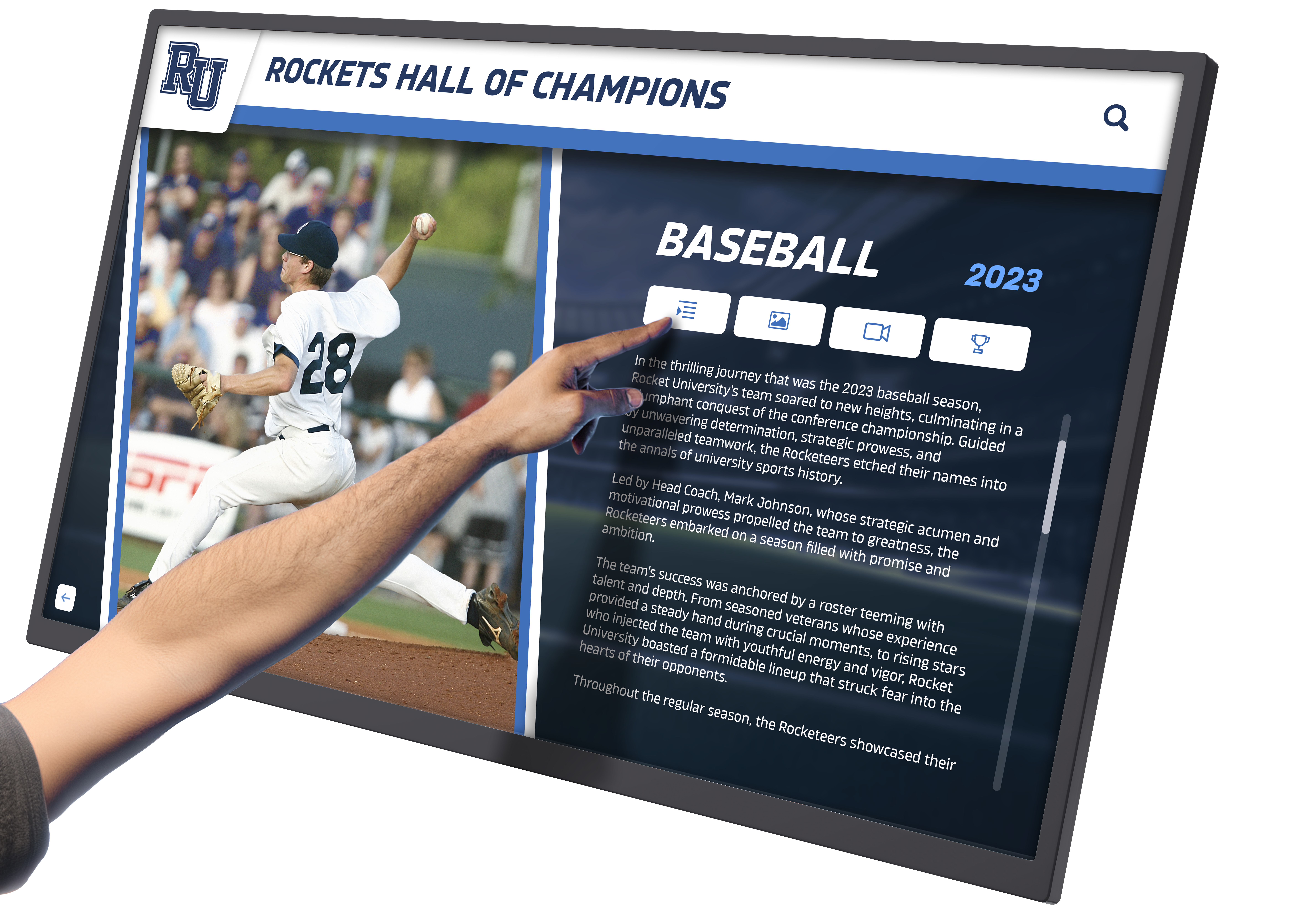
Comprehensive content platforms support both social media and physical displays celebrating school pride
Template Library for Common School Content
While AI generation works for custom content, templates provide faster starting points for recurring needs:
Athletic Department Templates
- Game day announcements and matchup graphics
- Score update posts with team branding
- Athlete of the week spotlight formats
- Senior night recognition layouts
- Championship celebration designs
- Recruiting commitment announcements
- Season schedule graphics
- Coach and staff spotlights
Academic Recognition Templates
- Honor roll announcement graphics
- Scholarship award celebrations
- Academic competition achievements
- Student of the month highlights
- Class ranking announcements
- College acceptance celebrations
- Testing milestone recognition
- Subject-specific academic awards
School Events and Activities Templates
- Spirit week daily themes
- Homecoming celebration graphics
- Club meeting announcements
- Theater and fine arts event promotions
- Community service project highlights
- Fundraiser event graphics
- School calendar announcements
- Administrative updates and news
Schools customize templates with specific information, or use them as starting points for AI-powered customization combining template efficiency with creative flexibility.
Brand Profile System
Maintaining visual consistency across hundreds of graphics created throughout the year requires systematic brand management:
Brand Profile Components
- Official school logos (primary, secondary, athletics, academics)
- Color palettes with primary and accent colors
- Typography selections for headlines, body text, and captions
- Visual style preferences (modern vs. traditional, bold vs. elegant)
- Image style guidelines (photography vs. illustrations, color vs. black-and-white)
- Tone and voice guidelines for written content
Multi-Department Brand Management
- District-level branding for system-wide communications
- School-specific brands within districts
- Athletic department visual identity
- Fine arts program branding
- Academic distinction visual systems
- Special program brands (STEM academy, performing arts conservatory)
Once configured, brand profiles ensure every graphic—whether AI-generated or template-based—automatically applies correct visual identity without manual adjustment. Staff creating content don’t need design expertise because the platform applies brand standards automatically.
Schools investing in comprehensive recognition systems including digital displays benefit from brand consistency across social media, digital signage, and physical recognition installations.
Practical Implementation for Athletic Departments
Athletic programs face unique content creation demands requiring frequent posting across multiple teams and seasons.
Common Athletic Content Scenarios
Understanding typical use cases helps athletic directors evaluate whether AI graphics platforms address their specific needs:
Weekly Game Day Graphics
- Challenge: Creating unique graphics for 10-15 games per week across different sports
- AI Solution: “Create football game day graphic for Friday’s matchup vs. Central High, 7pm kickoff”
- Time Savings: 40 minutes manually vs. 2 minutes with AI—savings of 6+ hours weekly
Athlete Spotlights
- Challenge: Highlighting 50-100+ athletes throughout year fairly and consistently
- AI Solution: “Make an athlete spotlight for Sarah Chen, senior volleyball captain, 4-year varsity player, team leader in kills”
- Time Savings: Consistent format ensures equity while reducing creation time by 80%
Championship Celebrations
- Challenge: Creating professional graphics quickly when teams win championships
- AI Solution: “Generate Instagram post celebrating girls basketball district championship, first title in 12 years”
- Time Savings: Post within minutes of victory rather than next day
Senior Night Recognition
- Challenge: Honoring graduating athletes with individual graphics across multiple sports
- AI Solution: “Create senior night graphics for three girls soccer players: Emma Rodriguez #7, Madison Lee #14, Taylor Johnson #23”
- Time Savings: Generate complete series in 5-10 minutes instead of 2+ hours
Score Updates
- Challenge: Posting timely results for every game
- AI Solution: “Post final score: Boys basketball defeated North High 72-68, improve to 12-3”
- Time Savings: Instant professional graphics vs. text-only score posts
These scenarios represent daily realities for athletic directors balancing coaching, administration, compliance, and communications responsibilities. AI platforms reduce content creation from major time commitments to quick tasks completing in minutes.
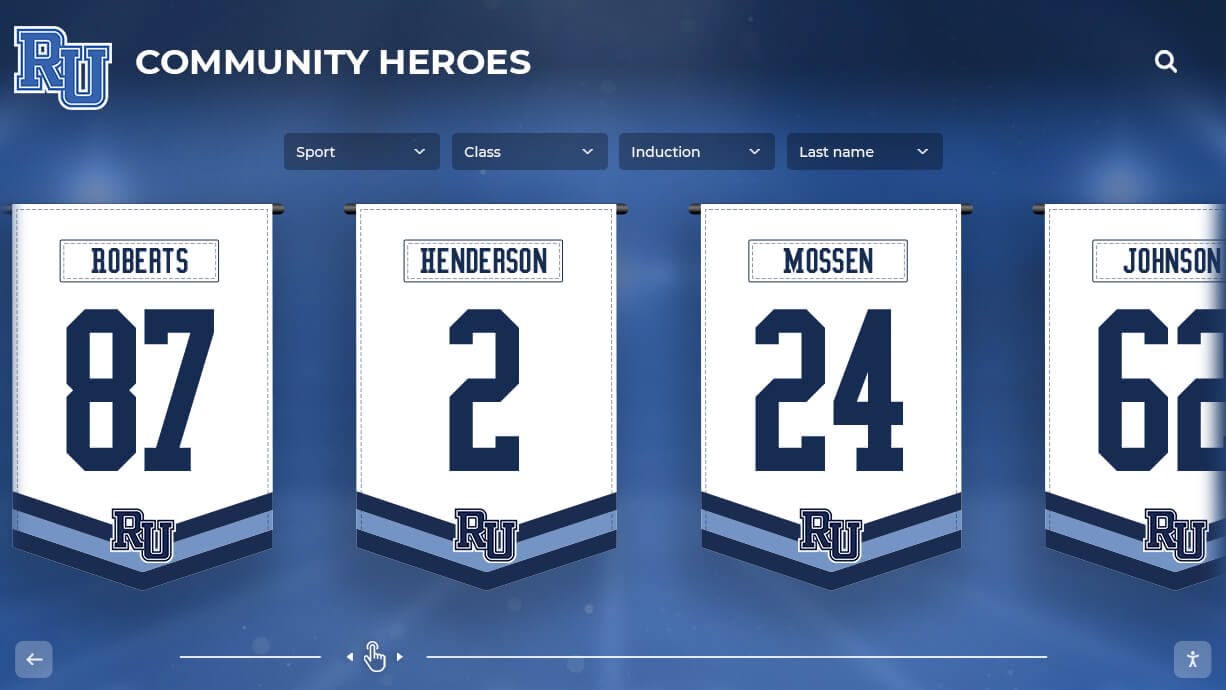
Consistent visual systems celebrate achievements across multiple sports and seasons
Athletic Department Implementation Strategy
Successful adoption requires systematic planning beyond simply accessing a new tool:
Phase 1: Brand Setup and Template Customization (Week 1)
- Upload athletic department logos and school branding
- Define color schemes for athletics vs. individual sports
- Customize 5-10 most frequently used templates
- Create brand profiles for varsity vs. junior varsity content
- Test AI generation with sample prompts
Phase 2: Staff Training and Process Design (Week 2)
- Train athletic director and key staff on platform basics
- Establish content creation workflows and approval processes
- Define posting frequency and content calendar approach
- Assign responsibilities (who creates content for which sports)
- Document prompt formulas for common content types
Phase 3: Soft Launch with Priority Sports (Weeks 3-4)
- Begin using platform for current season’s sports only
- Gather feedback from staff on workflow effectiveness
- Adjust templates and brand settings based on real usage
- Refine approval processes identifying bottlenecks
- Build confidence before expanding to all sports
Phase 4: Full Implementation (Week 5+)
- Roll out to all sports and activities
- Implement content calendar for planning ahead
- Schedule recurring content series
- Monitor engagement metrics adjusting content strategy
- Continuously refine templates based on performance data
This phased approach prevents overwhelming staff while building proficiency gradually. Schools finding success with digital recognition systems apply similar systematic implementation strategies.
Digital Signage Integration for Campus-Wide Recognition
Social media represents only one recognition channel; comprehensive programs extend to physical campus displays.
Connecting Social Content to Digital Displays
Content created for social media adapts seamlessly to digital signage throughout school buildings:
Display Locations and Content Types
- Main entrance displays: Welcome messages, event announcements, achievement highlights
- Athletic facility screens: Athlete spotlights, team records, championship celebrations
- Academic hallway displays: Honor roll, scholarship winners, college acceptances
- Cafeteria displays: Daily announcements, spirit week themes, event promotions
- Performing arts spaces: Production promotions, cast spotlights, achievement recognition
Content Repurposing Benefits
- Create once for social media, display on campus screens automatically
- Eliminate duplicate work creating separate digital signage content
- Maintain visual consistency across online and physical recognition
- Extend reach ensuring students without social media see recognition
- Build school culture through visible achievement celebration
Technical Integration
- Platform exports content in formats optimized for digital signage displays
- Scheduling syncs social posts with on-campus display timing
- Automatic rotation ensures fresh content across multiple screens
- Remote management updates displays district-wide simultaneously
- Integration with existing digital signage infrastructure when present
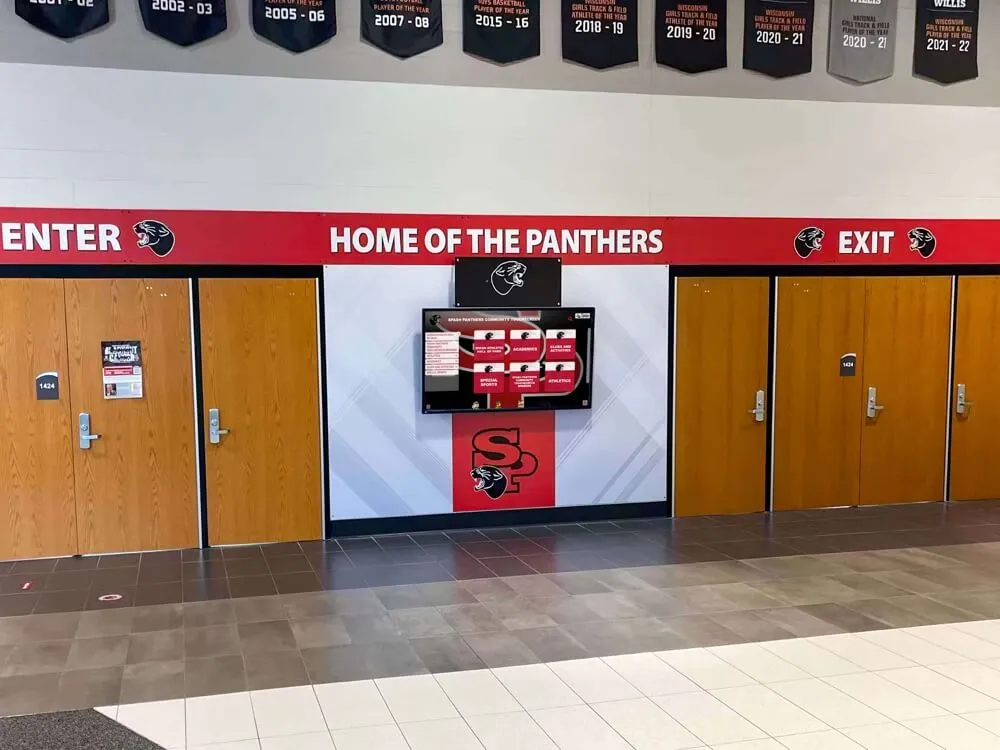
Schools implementing comprehensive recognition benefit from platforms bridging social media and physical displays rather than requiring separate content creation workflows. Digital recognition walls complement social media graphics, creating integrated systems celebrating achievement across multiple channels.
Recognition Program Integration
Most valuable implementation connects graphics platforms with systematic recognition programs:
Achievement Tracking Systems
- Import achievement data from student information systems
- Automatically generate recognition graphics from milestone achievements
- Schedule recognition posts throughout year rather than creating manually
- Ensure equitable recognition across all students and activities
- Document recognition history for reporting and assessment
Event-Triggered Content
- Automatic graphics generation when achievements logged
- Senior night graphics created from athletic roster data
- Graduation recognition from academic achievement records
- College signing announcements from athletic commitment data
- Award recipient graphics from nomination systems
Multi-Channel Recognition Campaigns
- Student wins scholarship: social post + digital signage + newsletter feature + website update
- Team wins championship: Instagram series + Facebook celebration + campus displays + parent email
- Senior athletes honored: social spotlights + senior night graphics + yearbook content + website profiles
This integration transforms recognition from sporadic, staff-dependent posting to systematic, comprehensive celebration ensuring consistent acknowledgment while reducing staff workload. Schools implementing structured recognition programs benefit from graphics platforms supporting systematic rather than ad hoc approaches.
Cost Considerations and Free Platform Benefits
Budget constraints significantly impact schools’ ability to implement new tools regardless of their potential benefits.
Traditional Design Tool Costs
Understanding typical expenses helps quantify AI platform value:
Software Subscriptions
- Adobe Creative Cloud: $600-$1,200 annually per user
- Canva Pro: $120-$150 annually per user
- Template platform subscriptions: $200-$400 annually
- Stock photo libraries: $200-$500 annually
- Total typical cost: $1,120-$2,250 per user annually
Staff Time Investment
- Learning design software: 20-40 hours initial training
- Creating each graphic manually: 30-60 minutes
- 100 graphics annually: 50-100 hours staff time
- Hourly cost calculation: $25-$45 per hour staff salary
- Staff time cost: $1,250-$4,500 annually
Outsourcing Alternatives
- Freelance designer per graphic: $50-150
- Monthly retainer for regular content: $500-$2,000
- Annual outsourcing cost: $6,000-$24,000
- Additional coordination time managing external vendors
Most schools cannot justify these costs for social media graphics, explaining why many institutions post inconsistently with amateur-looking content despite understanding its importance.
Free Platform Value Proposition
Rocket Graphics eliminates subscription costs while dramatically reducing time investment:
Direct Cost Savings
- Zero subscription fees vs. $1,000+ annually for alternatives
- No per-user licensing costs supporting unlimited staff access
- Eliminates stock photo subscription needs
- No training program expenses for complex software
- No outsourcing costs for professional design work
Time Savings Value
- Reduce graphic creation time 80-90%
- 100 graphics annually: 10-20 hours instead of 50-100 hours
- Staff time savings worth $1,000-$4,000+ annually
- Faster turnaround enabling more frequent posting
- Consistent quality without design skill requirements
Indirect Benefits
- More frequent posting increases engagement and school culture impact
- Professional appearance strengthens school brand perception
- Systematic recognition improves student motivation and belonging
- Reduced stress on communications staff improves job satisfaction
- Accessible tools enable broader staff participation in content creation
For budget-conscious schools, free platforms delivering professional results without requiring design expertise or software subscriptions represent practical solutions addressing real constraints.
Evaluating AI Graphics Platforms: What Schools Should Look For
As AI content tools proliferate, understanding evaluation criteria helps schools select appropriate platforms.
Essential Capabilities
Platforms must deliver core functionality meeting schools’ specific requirements:
Brand Control and Consistency
- Automatic brand application without manual adjustment
- Support for multiple organizational levels (district, school, department)
- Template systems ensuring visual coherence
- Override capabilities when creative needs require flexibility
Recognition-Focused Design
- Templates and prompts specifically for educational content
- Understanding of school content types (athletic, academic, events)
- Appropriate tone and style for educational institutions
- Celebration and acknowledgment rather than commercial marketing
Ease of Use
- Natural language interfaces requiring no design training
- Quick content creation (2-5 minutes per graphic)
- Minimal learning curve for non-technical staff
- Helpful AI guidance rather than complex menu navigation
Multi-Platform Support
- Automatic resizing and optimization for different social platforms
- Digital signage format support
- Newsletter and website graphic capabilities
- Print material creation when physical recognition needed
Cost Structure
- Free access without hidden fees or per-user charges
- No artificial limitations forcing paid upgrades
- Transparent pricing if premium features exist
- Long-term sustainability without surprise price increases
Red Flags and Limitations
Certain characteristics should raise concerns during evaluation:
Limited Customization
- Platforms preventing brand customization beyond templates
- Inability to adjust AI-generated content before publishing
- Restricted template modification capabilities
- One-size-fits-all approaches ignoring school identity
Commercial Focus
- Platforms designed for business marketing rather than education
- Templates emphasizing sales rather than recognition
- Inappropriate tone for educational institutions
- Missing content types schools regularly need
Hidden Costs
- “Free” platforms severely limiting capabilities
- Per-graphic fees for AI generation
- Mandatory upgrades for essential features
- Per-user licensing hidden in fine print
Technical Barriers
- Complicated interfaces requiring extensive training
- Poor mobile functionality limiting staff flexibility
- Integration difficulties with existing school systems
- Unreliable platforms with frequent downtime
Trial and Testing Strategy
Before committing to any platform, schools should conduct systematic evaluation:
Week 1: Basic Testing
- Create 5-10 common graphics using platform (game day, athlete spotlight, honor roll, event announcement)
- Evaluate ease of use and learning curve
- Test brand customization capabilities
- Assess output quality and professionalism
Week 2: Staff Evaluation
- Have multiple staff members try platform independently
- Gather feedback on usability from different perspectives
- Test collaboration and approval workflows
- Identify training needs and documentation requirements
Week 3: Real-World Application
- Use platform for actual content needs during trial period
- Post created graphics and monitor audience response
- Measure time savings compared to previous methods
- Evaluate whether platform improves posting consistency
Week 4: Decision Framework
- Compare time investment vs. previous approach
- Assess cost savings (if any)
- Evaluate quality improvement
- Consider staff satisfaction and ease of adoption
- Review long-term sustainability and vendor reliability
This systematic approach helps schools make informed decisions based on actual experience rather than marketing claims.
Getting Started: Implementation Roadmap
Schools ready to implement AI graphics platforms benefit from structured approaches ensuring successful adoption.
Initial Setup Phase (Days 1-3)
Day 1: Platform Access and Brand Assets
- Create account and grant access to relevant staff
- Gather all school brand assets (logos, color codes, fonts)
- Document brand guidelines if formal documentation exists
- Identify example graphics reflecting desired visual style
- Review existing social media content identifying improvement opportunities
Day 2: Brand Profile Configuration
- Upload logos in multiple formats (full color, white, black)
- Input official color palette with specific hex codes
- Define typography preferences
- Set visual style preferences
- Create test graphics validating brand application
Day 3: Template Customization
- Review available template library
- Customize 10-15 most frequently used templates
- Create brand-aligned variations for different content types
- Save custom templates for team use
- Document naming conventions and organization systems
Training and Process Design (Days 4-7)
Day 4: Staff Training Session 1
- Basic platform navigation and interface
- Creating graphics from templates
- Using text-to-post AI generation
- Brand customization and adjustments
- Exporting and downloading completed graphics
Day 5: Staff Training Session 2
- Multi-platform resizing and optimization
- Caption writing and hashtag strategy
- Scheduling and calendar features
- Collaboration and approval workflows
- Troubleshooting common issues
Day 6: Workflow Documentation
- Document content creation procedures
- Define approval processes and responsibilities
- Create prompt libraries for common content types
- Establish posting schedules and frequencies
- Set quality standards and brand compliance expectations
Day 7: Practice and Preparation
- Staff practice creating graphics independently
- Build initial content library for upcoming needs
- Schedule first week of posts
- Prepare backup plans if technical issues arise
- Final refinements before launch
Launch and Optimization (Weeks 2-4)
Week 2: Soft Launch
- Begin posting AI-created graphics for one or two activities
- Monitor quality closely making adjustments as needed
- Gather feedback from staff on workflow effectiveness
- Track audience engagement comparing to previous content
- Document lessons learned and needed improvements
Week 3: Expanded Implementation
- Roll out to additional sports and activities
- Increase posting frequency leveraging time savings
- Implement content calendar and planning systems
- Refine templates based on real-world usage
- Train additional staff expanding content creation capacity
Week 4: Full Operation
- Platform fully operational for all content needs
- Regular posting schedule established
- Systematic recognition processes integrated
- Performance metrics tracking initiated
- Continuous improvement process implemented
Ongoing Optimization
After initial implementation, schools should continuously refine approaches:
Monthly Reviews
- Analyze engagement metrics identifying highest-performing content
- Refine templates based on performance data
- Gather staff feedback on workflow effectiveness
- Identify additional use cases and content opportunities
- Update brand profiles if visual identity evolves
Quarterly Assessment
- Measure time savings compared to pre-AI approaches
- Evaluate posting consistency and frequency improvements
- Assess staff satisfaction and ease of use
- Review recognition equity ensuring all students receiving appropriate acknowledgment
- Plan new features and capabilities to explore
Annual Evaluation
- Comprehensive review of platform value and effectiveness
- Cost-benefit analysis comparing alternatives
- Staff survey assessing satisfaction and improvement suggestions
- Strategic planning for expanding recognition programs
- Documentation updates reflecting evolved best practices
Conclusion: Democratizing Professional Recognition Content
The emergence of AI-powered graphics platforms specifically designed for educational institutions removes traditional barriers preventing schools from maintaining professional, consistent social media presences celebrating student achievement. Schools no longer need dedicated marketing departments, expensive design software subscriptions, or specialized training to create content matching families’ expectations for visual recognition.
Rocket Graphics represents this new generation of tools—free platforms combining AI agents, templates, brand controls, and multi-platform publishing specifically supporting educational recognition. By reducing graphic creation time 80-90% while eliminating design skill requirements, these platforms enable schools to systematically celebrate achievements strengthening school culture and student belonging.
The question facing schools is no longer whether they can afford professional content creation, but rather whether they can afford not to systematically recognize achievements in ways that resonate with today’s visual-first families and communities.
Ready to see how AI-powered graphics can transform your school’s recognition program? Explore Rocket Graphics and start creating professional social media content instantly—no design experience, subscriptions, or additional staff required.
Looking to complement your social media recognition with permanent digital displays celebrating student achievement? Schedule a demo to see how Rocket Alumni Solutions’ digital recognition displays integrate with your content creation strategy, creating comprehensive recognition systems across social media, digital signage, and interactive touchscreen displays.