



A sports awards database is a structured system that captures every winner, eligibility criterion, supporting photo, and display update across every sport and season in a school’s athletic program. Without one, award history lives in spreadsheets that get overwritten, banquet programs that get recycled, and coaches’ memories that walk out the door at retirement. With one, a school can answer in seconds who won the Coaches Award in 2017, what criteria made that athlete eligible, and whether the hall of fame display has been updated to reflect it.
This guide is written for athletic directors, school administrators, advancement teams, and communications staff who are ready to move beyond ad-hoc award tracking toward a system that preserves achievement reliably — and connects records to visible, maintainable displays. It covers what a complete sports awards database captures, how to structure award criteria for consistency, the role of photos in making records meaningful, and how digital display workflows close the gap between archived data and recognition that athletes can actually see.
A well-maintained sports awards database does more than store names and dates. It becomes the institutional memory of an athletic program — the authoritative source coaches, administrators, and alumni consult when answering questions about program history, planning induction ceremonies, or designing new recognition displays. Programs that invest in building this foundation early gain a compounding advantage: every year of clean records makes the database more valuable, and every display update driven by accurate data makes the recognition more credible.

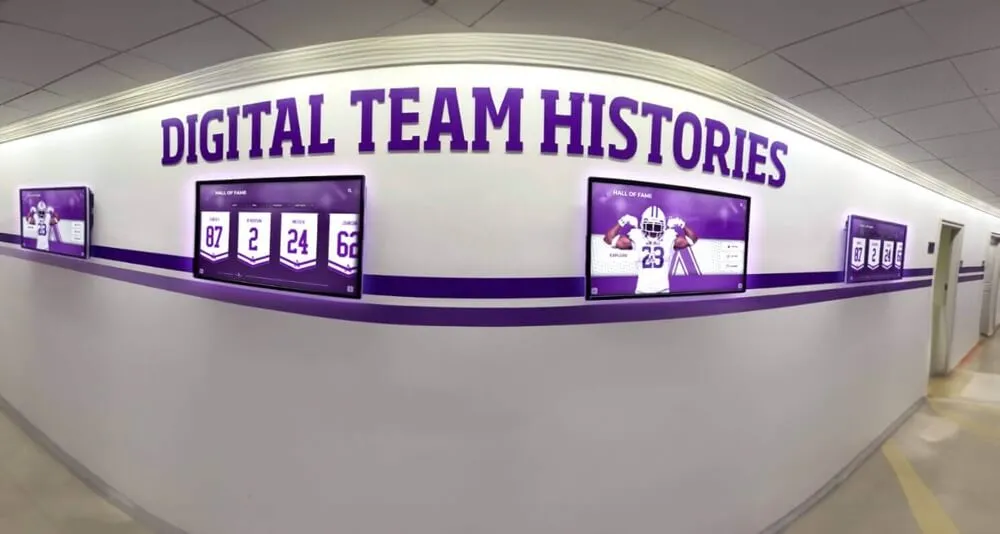
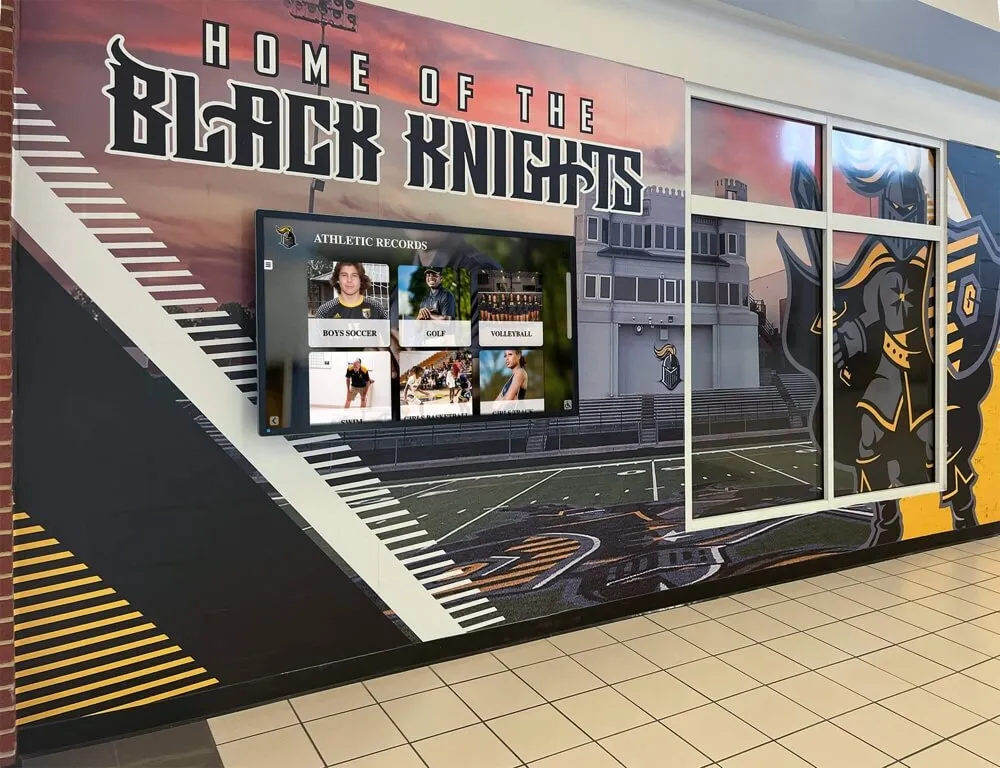
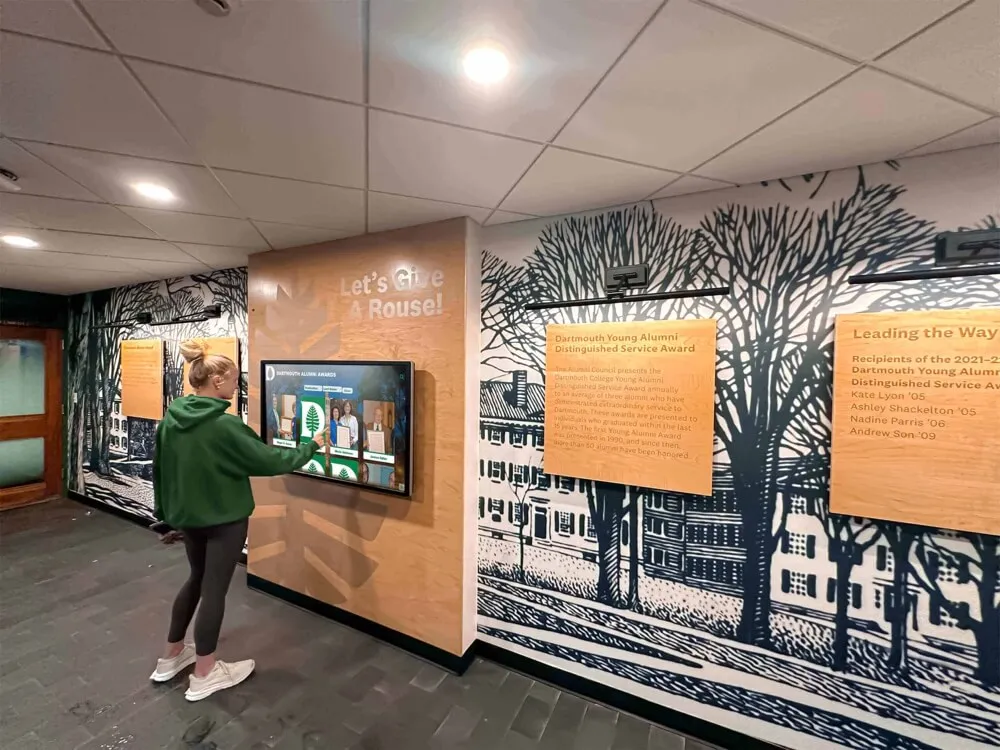
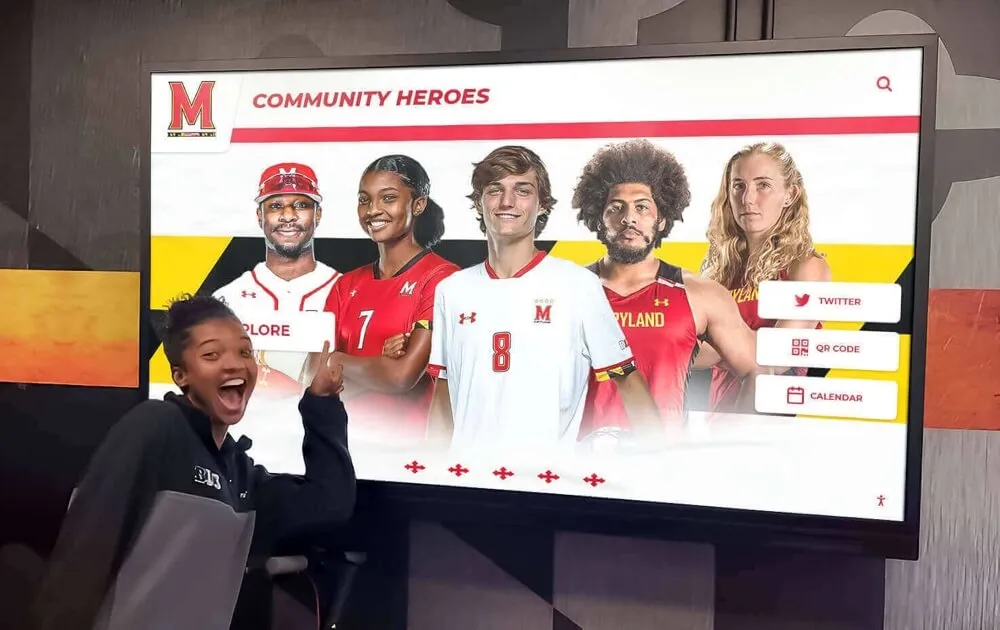
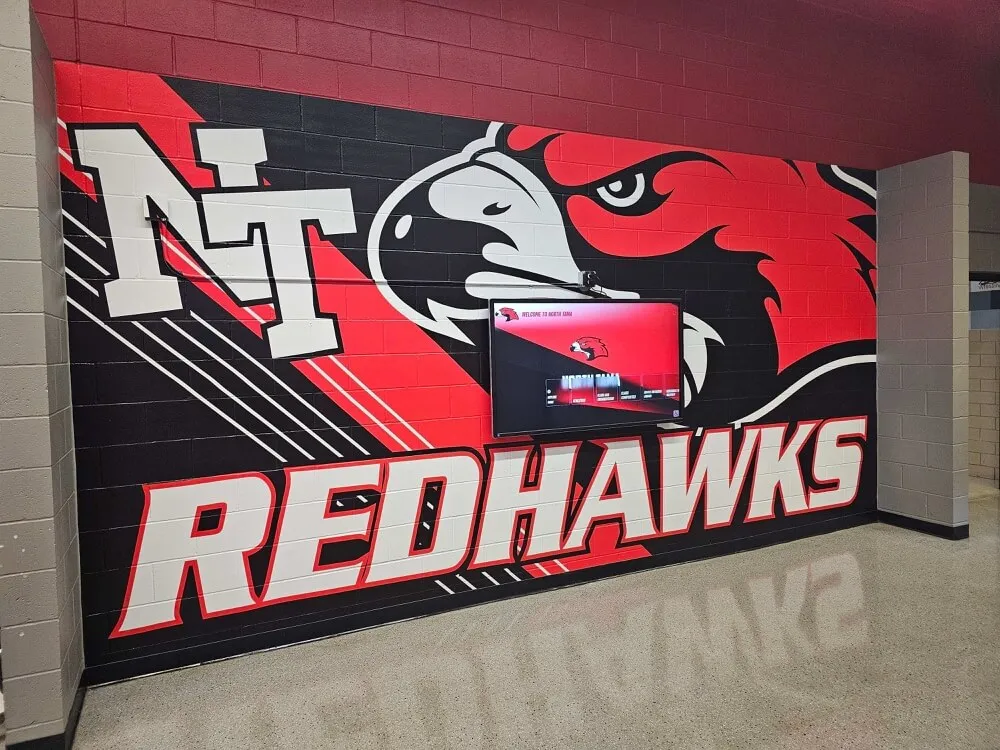
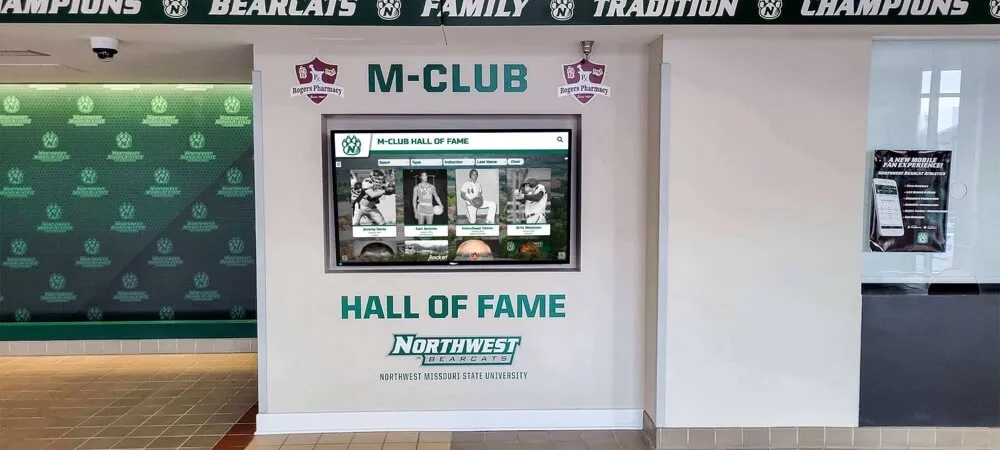
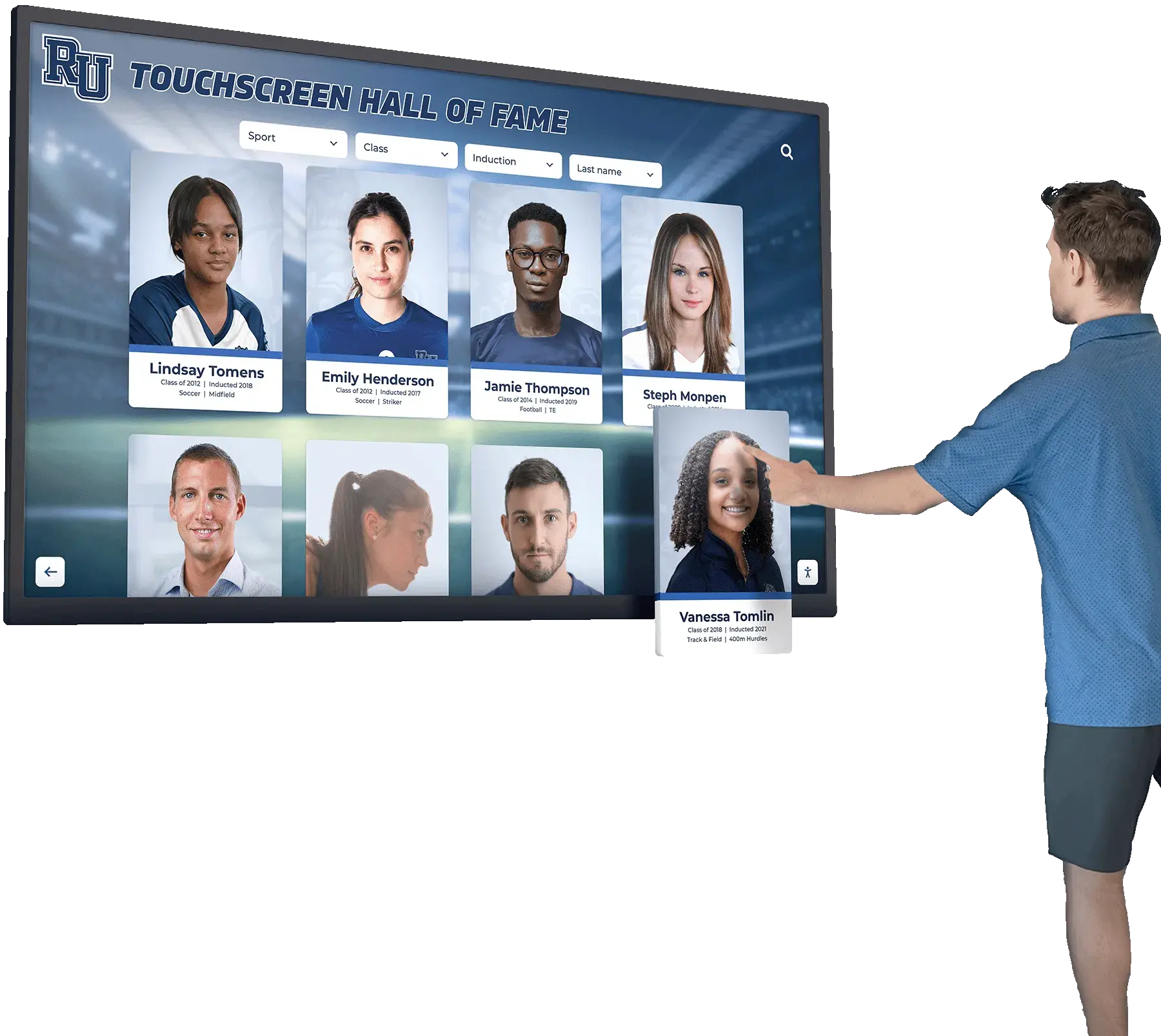
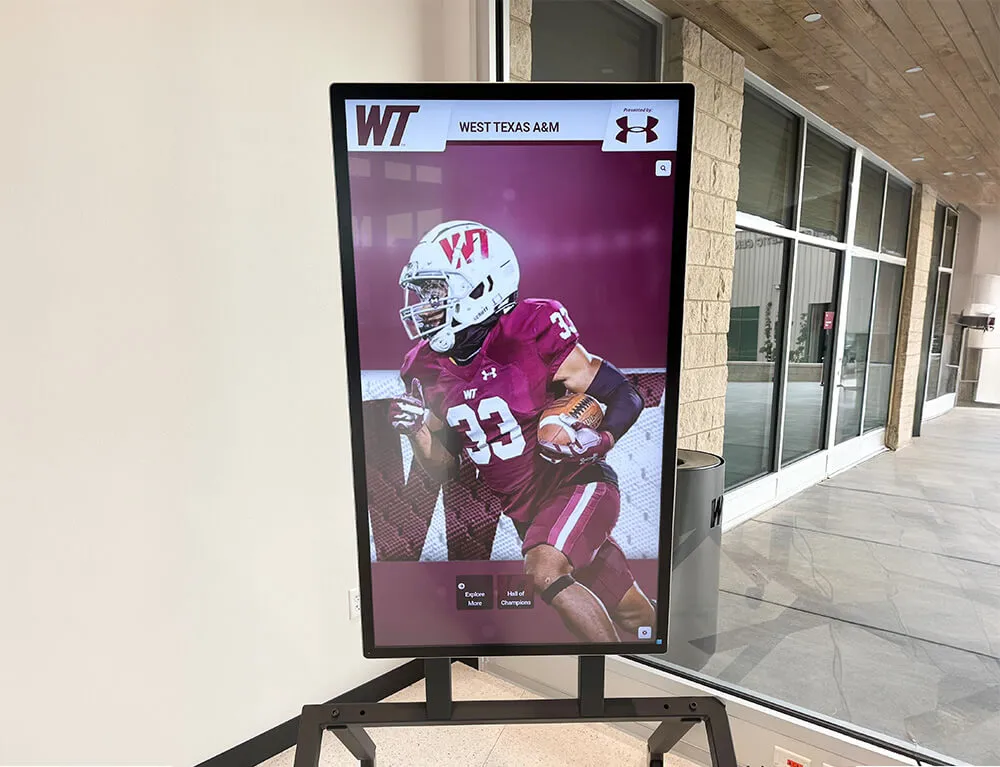
A touchscreen hall of fame connected to a structured awards database gives athletes, families, and visitors on-demand access to the full depth of a program's award history
What a Sports Awards Database Actually Tracks
A complete sports awards database captures six categories of information that together create a full, searchable record of athletic recognition.
1. Award Recipient Records
The core of any database is the winner record: name, sport, graduation year, award category, and the season in which the award was earned. Schools with multiple sports and multiple award categories per sport accumulate dozens of records per year — over a decade, that becomes hundreds of entries that are impossible to manage reliably in unstructured formats.
2. Award Criteria and Eligibility Rules
Award criteria are the most commonly lost piece of recognition history. When an award’s eligibility requirements change — because a new athletic director redefines the Coaches Award, or because GPA requirements are adjusted — there is often no record of what the prior criteria were. Storing criteria alongside recipient records creates an audit trail that explains why a given athlete received a given honor. This matters for hall of fame committees reviewing historical inductions, for families questioning eligibility decisions, and for consistency when criteria are revisited.
3. Season and Academic Year Context
Records should be tagged to a specific school year and competitive season (fall, winter, spring), not just a calendar year. An award given at the spring banquet in May 2024 belongs to the 2023–2024 academic year. Consistent tagging prevents the common confusion that arises when a January banquet for a fall sport is recorded as a different year than the season it honors.
4. Photos and Supporting Media
A recipient record without a photo is incomplete. Photos serve three functions in a sports awards database: they provide visual continuity for display updates, they allow future staff to identify recipients in historical archives, and they increase engagement when the database powers a touchscreen display or digital hall of fame. Photos should be stored with standardized naming conventions (athlete last name, sport, year) and linked directly to the recipient record rather than filed separately.
5. Display Update Status
Every recipient record should have a display status field that tracks whether the award has been reflected in the school’s physical and digital recognition displays. Without this field, it is impossible to audit which awards are visible and which are “in the system” but invisible to anyone walking the hallway. A simple three-state status — Pending, Scheduled, and Published — is sufficient to prevent recognition from falling through the cracks.
6. Historical Archive and Retired Records
Older records — from decades before digital tracking — belong in the database even if the data is incomplete. A record that shows “MVP: John Doe, 1988 — photo unavailable” is more useful than a gap in the timeline. Historical records also open the door to alumni engagement: a graduate who discovers their 1988 award is in the database is more likely to respond to reunion and alumni outreach than one who feels forgotten by the program.
For a broader look at the tools schools use to build and maintain athletic recognition histories, 10 best hall of fame tools for athletics, donors, and program history provides a comparative overview of platforms designed for exactly this purpose.
How to Structure Award Criteria for Consistency
Award criteria drift over time when they are stored in coaches’ heads rather than documented records. The same award title — “Coaches Award,” “Academic Athlete,” “Most Valuable Player” — can mean different things in different sports, different years, and different administrations. A sports awards database addresses this by storing criteria as versioned records attached to each award category.
The Award Criteria Schema
Each award category in the database should have a dedicated criteria record with the following fields:
| Field | Description |
|---|---|
| Award Name | Canonical title used across all sports |
| Sport | The specific program this criteria record applies to (or “All Sports” for standardized awards) |
| Eligibility Requirements | GPA threshold, participation minimums, coach nomination process, character standards |
| Selection Method | Who selects (coach, committee, vote), and when in the season selection occurs |
| Effective From | The first season this version of the criteria was in use |
| Superseded By | Reference to the updated criteria record when criteria change |
Versioning criteria records — rather than overwriting old ones — preserves the integrity of historical awards. An athlete who received the 1995 Coaches Award under different criteria than a 2025 recipient should not have their record retroactively judged by updated standards.
Standardizing Criteria Across Sports
When criteria vary too widely between sports, the database becomes harder to query and the recognition system loses coherence. Most athletic programs benefit from establishing a small set of program-wide award categories with standardized criteria, alongside sport-specific awards that coaches define for their own programs.
A workable structure for most K-12 programs:
Program-Wide Awards (standardized criteria):
- Scholar-Athlete Award — GPA requirement + participation minimum, consistent across all sports
- Coaches Award — Character and effort criteria defined uniformly, coach-nominated
- Senior Recognition — Automatic for all four-year letter winners
Sport-Specific Awards (coach-defined criteria):
- MVP or Athlete of the Year — Performance criteria set by head coach each season
- Most Improved — Coach-defined, season over season progress
- Specialty Awards — Voted by team (Captain’s Award, Hustle Award, etc.)
For program administrators looking for a broader list of award categories and naming ideas across individual and team sports, 100 youth sports awards ideas is a comprehensive resource for building out the award taxonomy a database needs to capture.

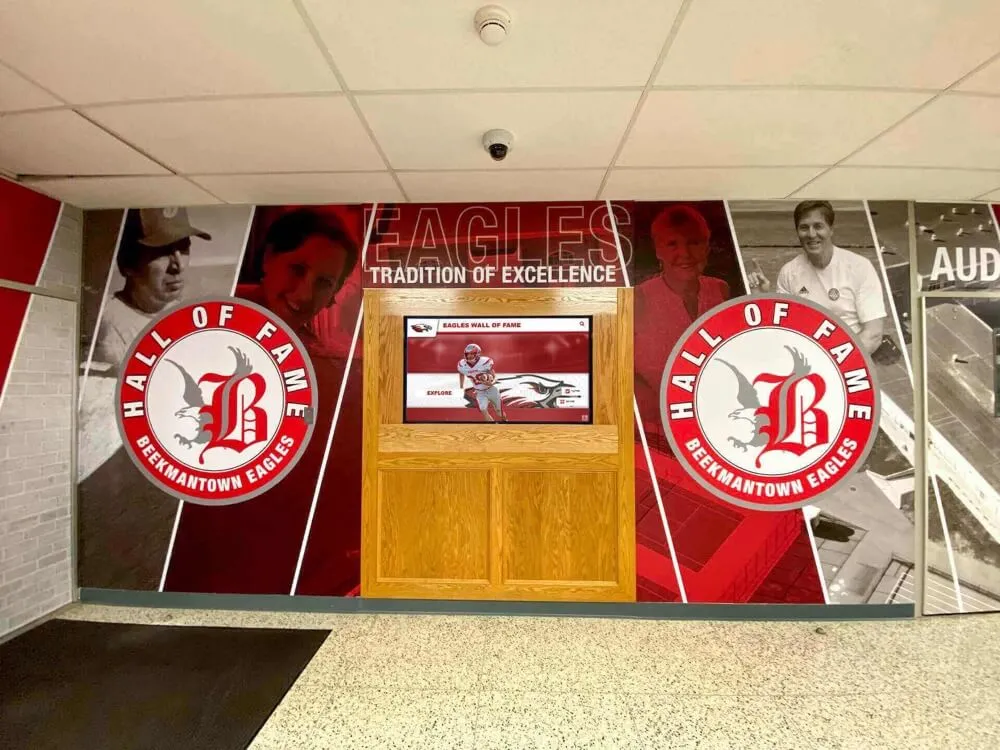
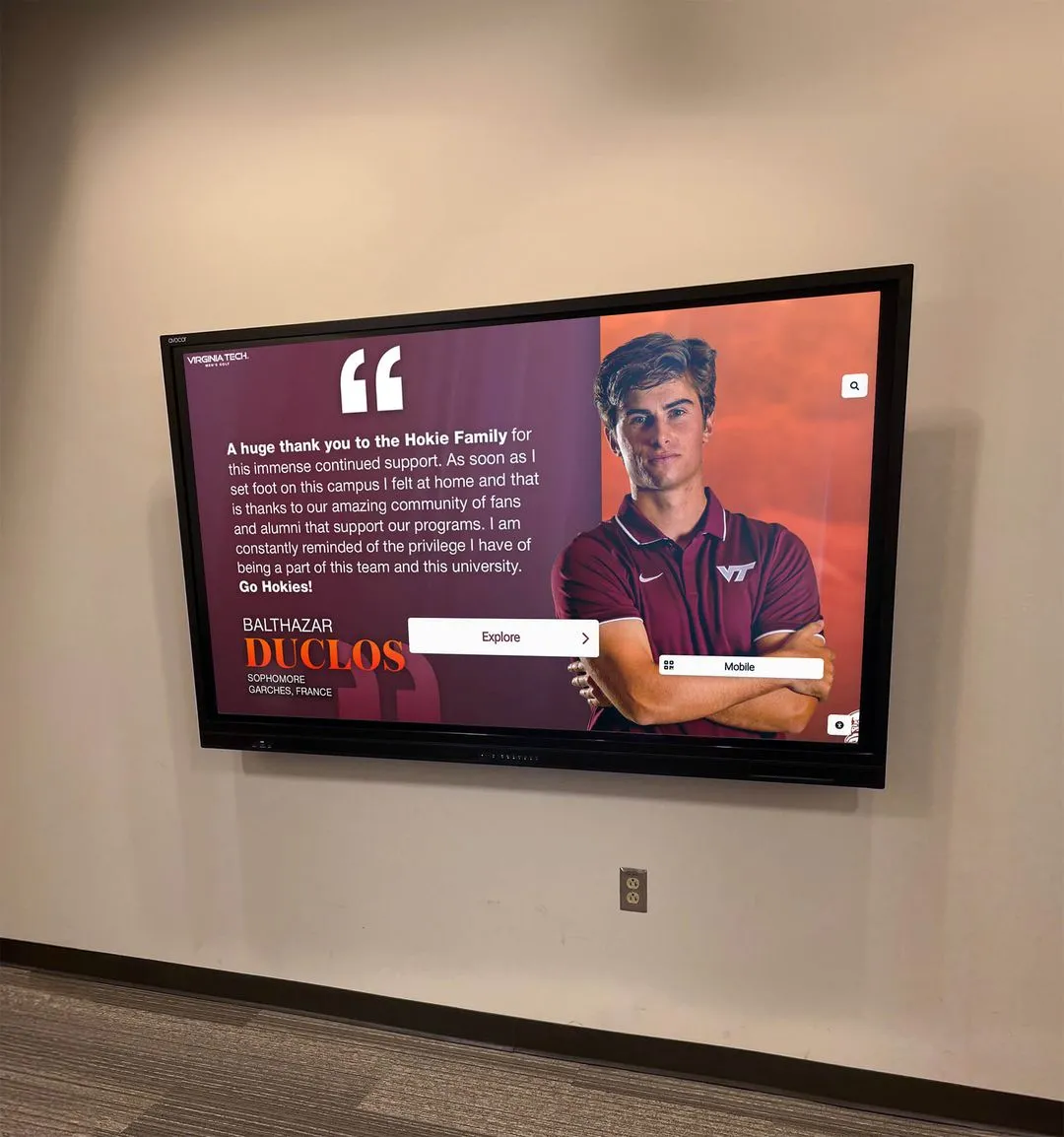
Touchscreen systems connected to a clean database allow anyone to browse award history by sport, year, or category — eliminating the need to search through physical archives
Photos in a Sports Awards Database: Why They Matter More Than Most Programs Realize
The instinct in many programs is to treat photos as an optional addition to award records — nice to have if someone remembered to take them, but not essential to the database. This underestimates how much a photo changes the utility and longevity of a record.
Photos as Identification Anchors
In five years, most staff who knew a 2020 award recipient will have left or transitioned roles. In twenty years, essentially none of them will be available. A photo is the only reliable identification anchor that persists independently of institutional memory. When a school wants to build a 50th anniversary hall of fame display or produce an alumni retrospective, award records without photos require significant research effort to reconstruct — research that often fails entirely for older records.
Standardizing Photo Collection at the Award Moment
The best time to capture a recipient photo is at the awards ceremony or the week immediately following. This is when the athlete is still in the building, motivated by the recognition, and easy to reach. Programs that wait until “later” to collect photos find that requests go unanswered, athletes graduate, and the record remains photo-incomplete indefinitely.
A one-page photo collection protocol — distributed to coaches before each season’s banquet — is sufficient to capture photos consistently:
- Photograph each award recipient at the ceremony, or schedule a brief photo session within 10 school days
- Use a consistent background (trophy case wall, team banner, gymnasium entrance) for visual coherence across years
- Name files using the convention:
sport-year-lastname-award.jpg(e.g.,soccer-2024-martinez-mvp.jpg) - Upload to the designated media folder within seven days
- Link photo in the database record before marking the entry complete
Using Photos in Digital Displays
Photos stored in a sports awards database are immediately useful in digital display systems. A touchscreen hall of fame that pulls recipient records from the database will automatically display the associated photo when a visitor browses by sport or year. This connection — between clean database records and live display content — eliminates the manual step of separately uploading photos to the display system every time an award is added.
According to the National Federation of State High School Associations (NFHS), over 8 million students participate in high school athletics annually in the United States. With that scale of participation across thousands of programs, the gap between award ceremonies and lasting recognition infrastructure represents a significant institutional challenge — one that organized database and display workflows are specifically designed to address.
See a Live Sports Awards Database in Action
Rocket Alumni Solutions builds cloud-managed award tracking systems, digital halls of fame, and record boards that connect your database directly to interactive touchscreen displays. Request a custom demo for your school.
Request a DemoManaging Display Updates Through the Database
The most valuable operational feature of a sports awards database is its ability to drive display updates systematically. Without a database, display updates depend on someone remembering that a new award was given and taking independent action to update the record board, touchscreen, or display case. This memory-dependent process is why so many school recognition displays are perpetually one or two seasons out of date.
The Display Update Workflow
A database-connected display update workflow follows four steps:
- Award entry — Staff adds the award recipient record to the database, including photo and display status set to Pending
- Display review — The administrator or communications coordinator reviews pending records on a defined schedule (weekly or bi-weekly during active seasons, monthly in the off-season)
- Content staging — Approved records are queued for display update: record board entries, touchscreen profiles, photo wall additions
- Publication and status update — Content goes live; database record status is updated to Published with a timestamp
This four-step cycle works for both digital platforms (where publication can be near-instant) and physical display updates (where the timestamp documents when the change was made to the physical space).
Record Board Updates as a Database-Driven Process
Record boards are particularly well-suited to database management because they represent a discrete, structured dataset: each entry is the best performance ever recorded for a specific event or statistical category. When this data lives in a database, it can be sorted, queried, and compared automatically — eliminating the manual review process that delays most record board updates.
Best practice is to review the record board database within 30 days of any performance that might qualify as a school record. Many programs link this review directly to the stat-tracking system used by coaches, so potential records trigger an automatic database review notification rather than relying on a coach to submit a record-breaking performance through a separate process.
For schools evaluating purpose-built digital record board tools versus spreadsheet-based management, the 10 best hall of fame tools for athletics, donors, and history review covers platforms that integrate record board management with broader award tracking.
Auditing Display Completeness
A database with a display status field allows administrators to run a simple audit at any time: filter all records where status is Pending or Scheduled and the award date is more than 90 days old. The resulting list identifies every award that is “in the system” but not yet visible to athletes, families, or visitors. This audit is impossible without a database, and it is the most practical tool available for catching the recognition gaps that quietly accumulate in busy athletic programs.
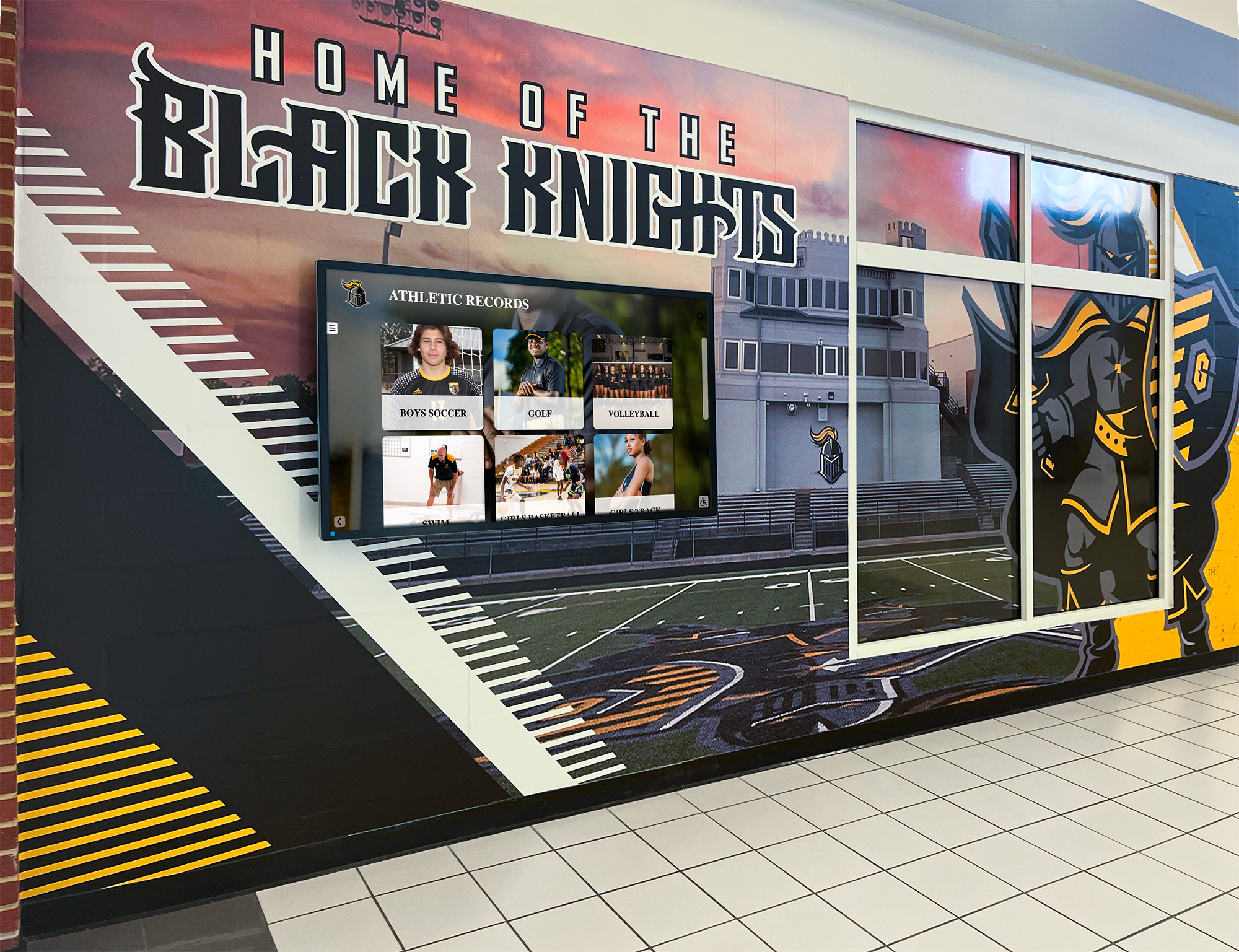
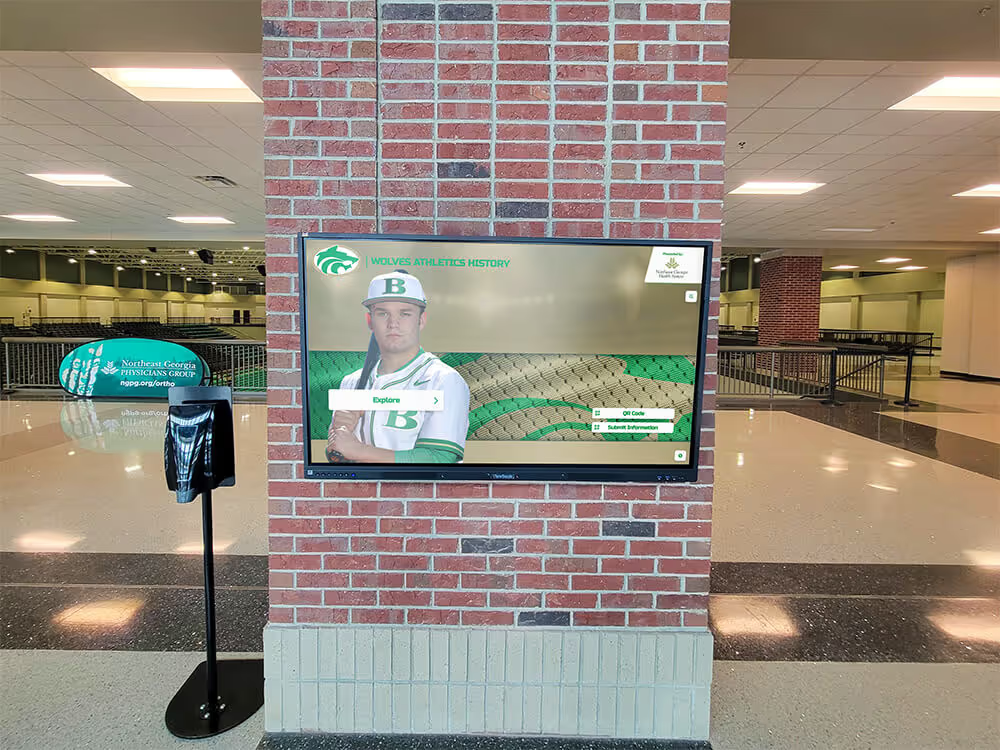
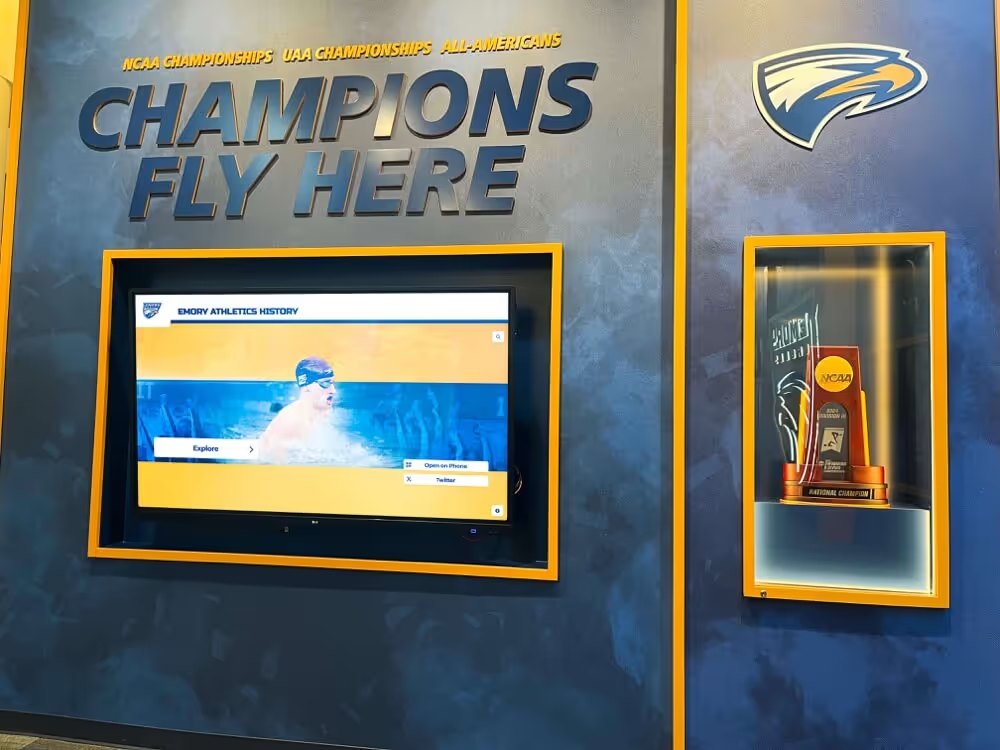
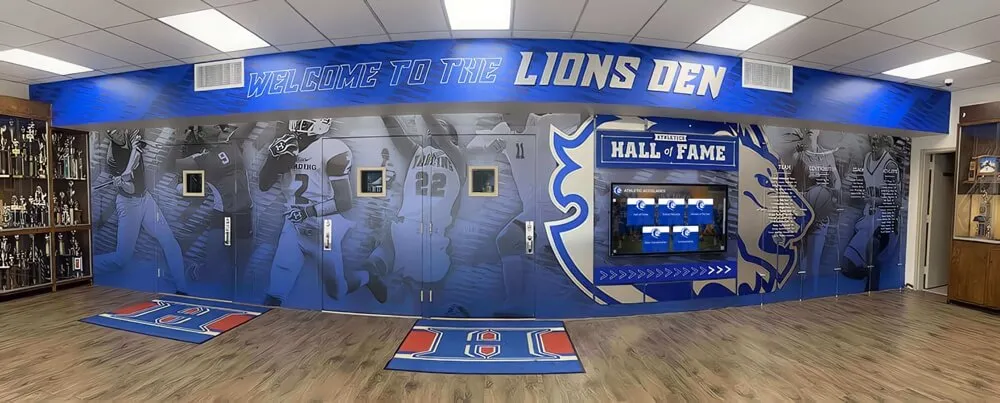
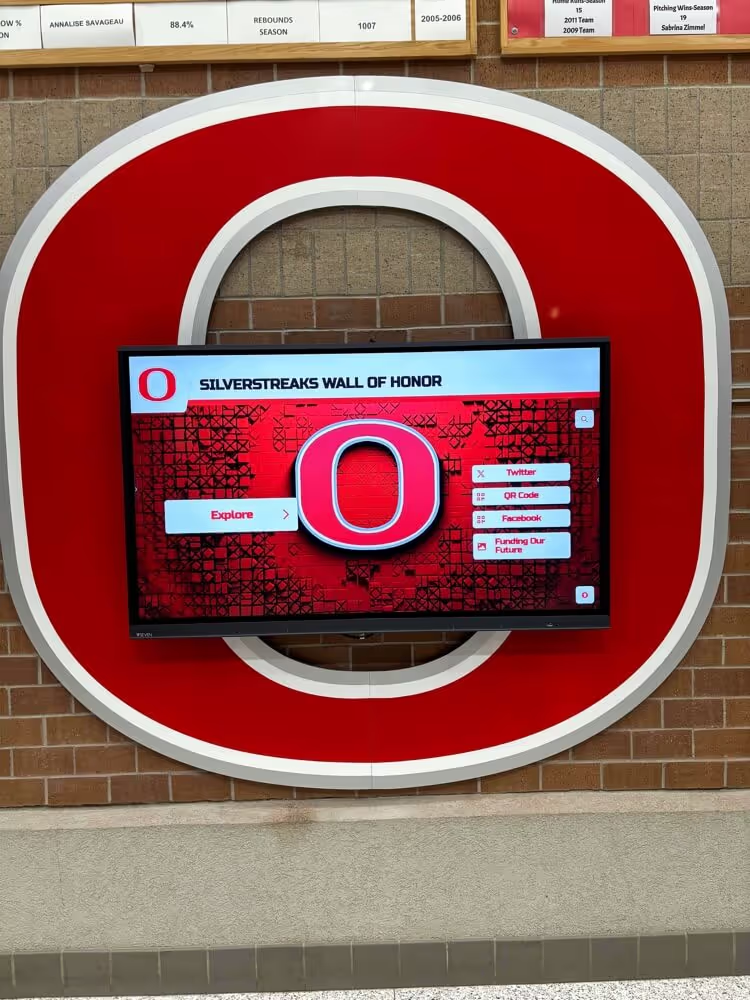
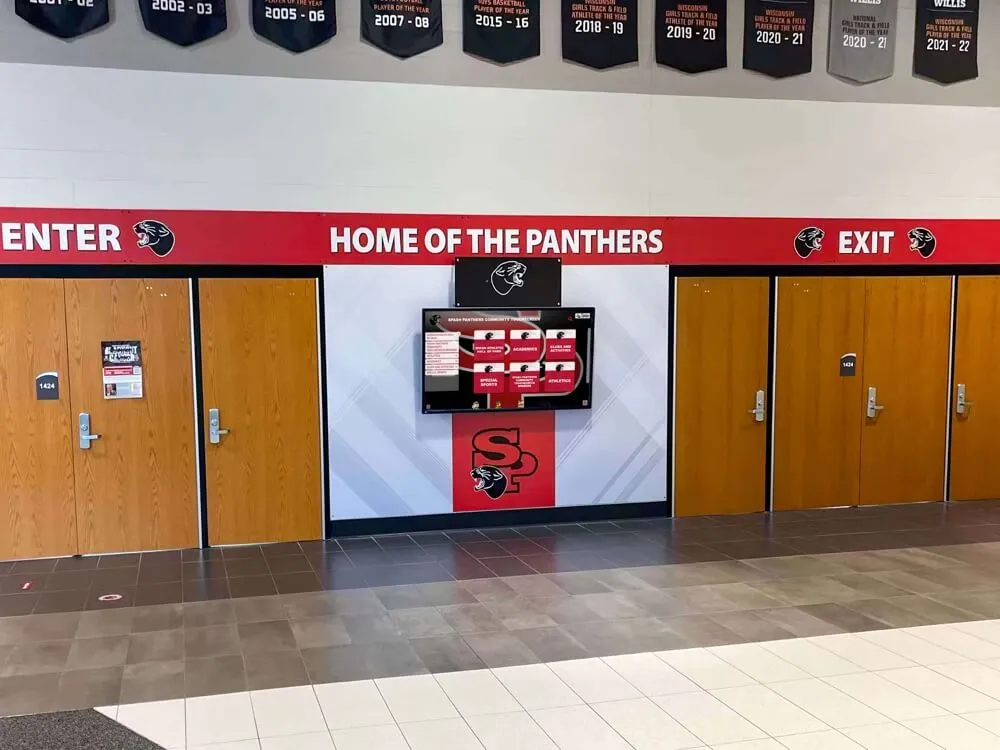
Hallway displays driven by a current database ensure that every athlete who walks past sees records that reflect the most recent season — not a snapshot from years ago
Migrating Historical Awards Into a Modern Database
Most programs approaching a database build for the first time are not starting from scratch — they are migrating decades of historical data from paper programs, spreadsheets, trophies, and institutional memory. This migration is significant work, but it is the investment that makes the database meaningful from day one.
Tier Your Historical Data
Rather than attempting a complete historical migration before launch, tier the effort:
Tier 1 — Current and Recent (last 5 years): Enter completely, including photos and display status. These records are most likely to affect active athletes and current display needs.
Tier 2 — Established History (6–20 years ago): Enter winner names, award categories, and seasons. Photos where available. Mark photo status as Archive — Not Available where photos cannot be located.
Tier 3 — Deep History (20+ years ago): Enter whatever exists from banquet programs, yearbooks, and trophy case documentation. Incomplete records are better than no records. Flag entries for alumni photo sourcing campaigns.
Alumni Photo Sourcing
For Tier 2 and Tier 3 records missing photos, a targeted alumni photo sourcing effort often produces better results than expected. A social media post or alumni newsletter item asking graduates to share photos from their award years — with a specific call-out by decade or sport — typically generates responses within days. Many alumni are eager to contribute to a historical archive when the request is specific and the purpose is clear.
For programs connecting their awards database to a broader alumni engagement strategy, 100 youth sports awards ideas outlines how award history can become a foundation for ongoing alumni relationship-building.
Resolving Data Conflicts
Historical data entry almost always surfaces conflicts: two trophies with the same year and sport, different names in different sources, unclear award category titles. Resolve these systematically:
- Primary sources (banquet programs, school newspapers, official records) take precedence over secondary sources (memory, trophies without documentation)
- When a conflict cannot be resolved, enter both candidates and flag the record for administrative review
- Document the source for every entry so future staff can evaluate conflicting information if it surfaces
Choosing the Right Platform for Your Sports Awards Database
The platform choice determines how much of the database value is accessible in practice. A database that requires significant technical expertise to query, or that lives in a format disconnected from display systems, captures data without delivering full utility.
What to Look for in a Purpose-Built Platform
Key features for school athletic programs:
- Award category management — ability to define and version criteria for each award type
- Photo storage and linking — images stored and associated with recipient records, not in a separate folder
- Display status tracking — built-in workflow for pending, scheduled, and published records
- Record board integration — automatic ranking and comparison for statistical records
- Search and filter — query by sport, year, award category, or recipient name in seconds
- Alumni-facing access — optional public-facing view or touchscreen interface for historical browsing
- Export capability — ability to produce reports for board presentations, grant applications, or annual recognition ceremonies
Spreadsheet-Based Systems and Their Limits
Many programs begin with spreadsheets, and a well-structured spreadsheet is genuinely better than no database at all. The limits become apparent when the program grows:
- No photo linking — images live in a separate folder with no reliable connection to records
- No display status tracking — there is no built-in workflow for moving records from entry to display
- No versioned criteria — criteria changes overwrite historical definitions
- No alumni access — the spreadsheet is an internal document, not a browsable archive
- No automatic record board ranking — every comparison requires manual sorting and review
For programs that have outgrown spreadsheet management, purpose-built platforms designed for athletic recognition — like those reviewed in hall of fame tools for athletics and institutional history — provide the structured workflows that spreadsheets cannot.
Connecting the Database to Touchscreen Displays
The highest-value integration for a sports awards database is a connection to an interactive touchscreen display in a school hallway, lobby, or athletic facility. When the database and the display share the same platform, a record entered by a coach or administrator on Monday can be visible to athletes and families walking past on Wednesday — without any additional steps.
This integration eliminates the dual-entry problem that plagues programs managing a database and a display system separately: data entered in the database is automatically formatted and published to the display, and display updates are automatically reflected in the searchable database record. For programs evaluating platforms with both database and display capabilities, touchscreen website and hall of fame tools outlines options designed for exactly this combined use case.

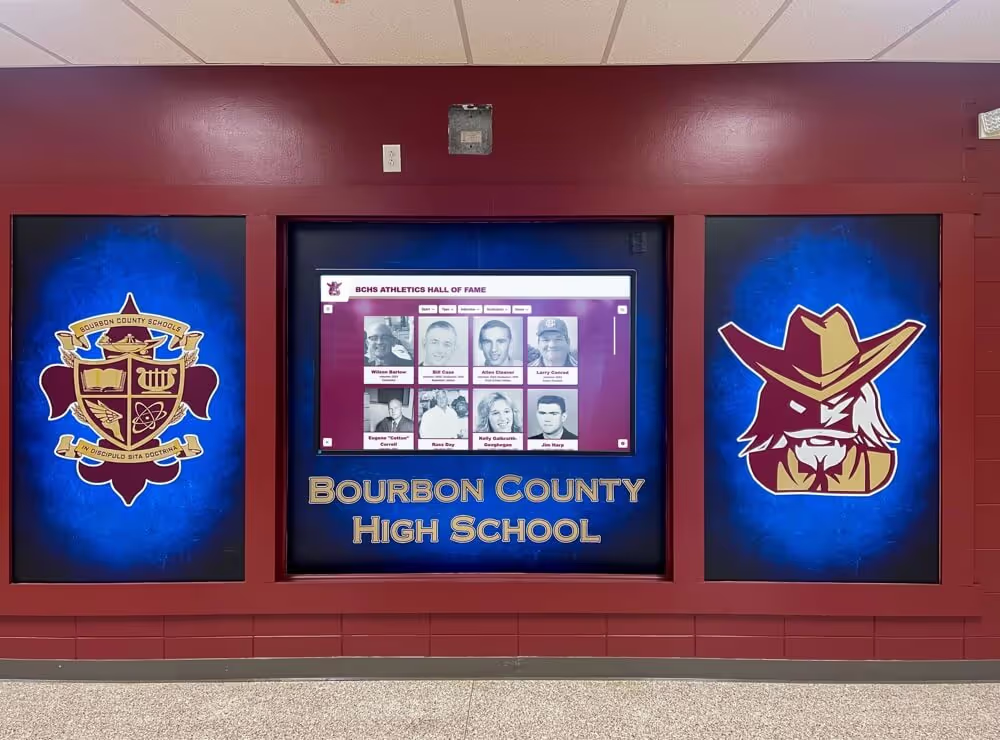
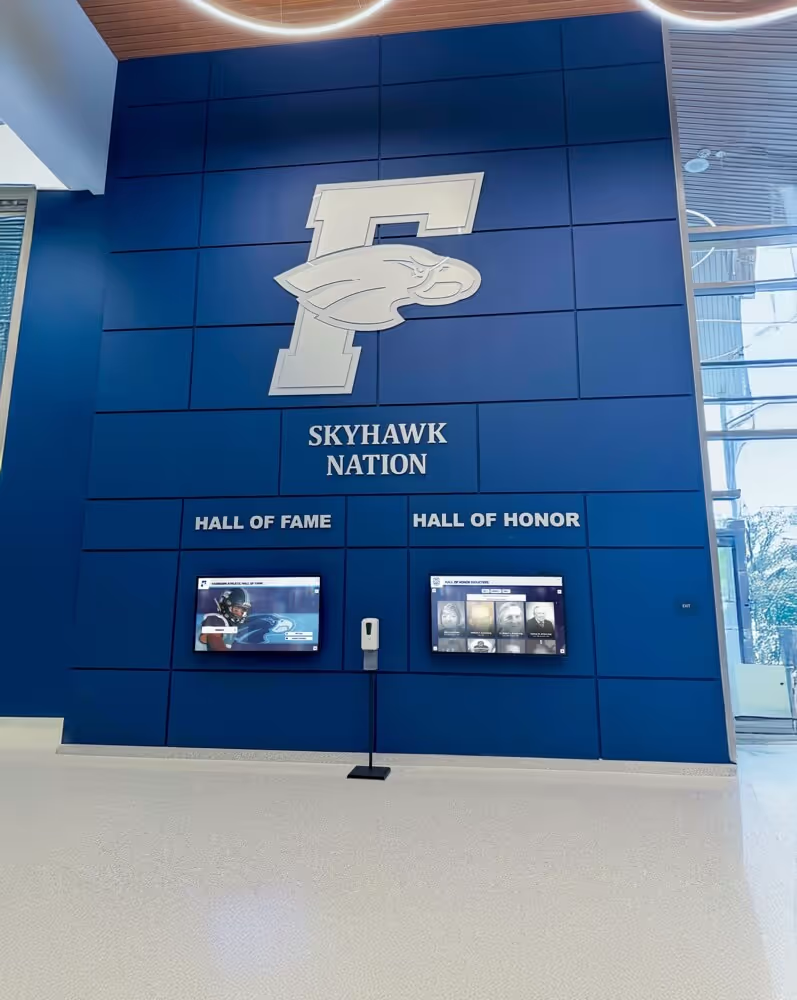
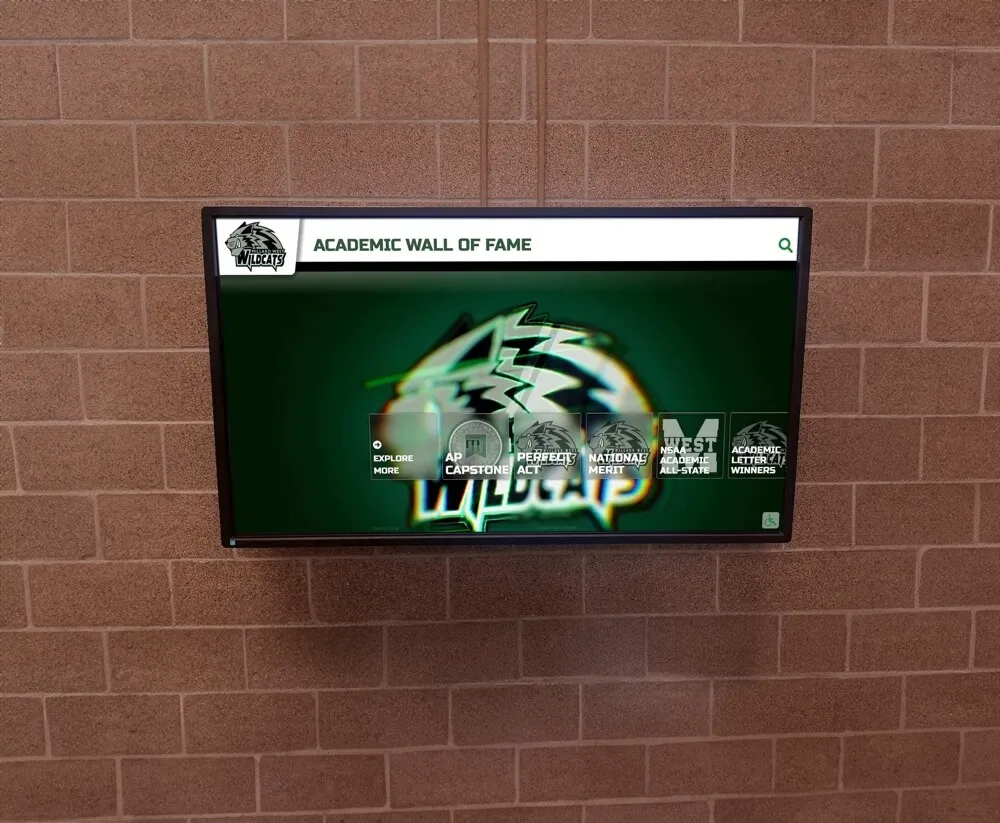
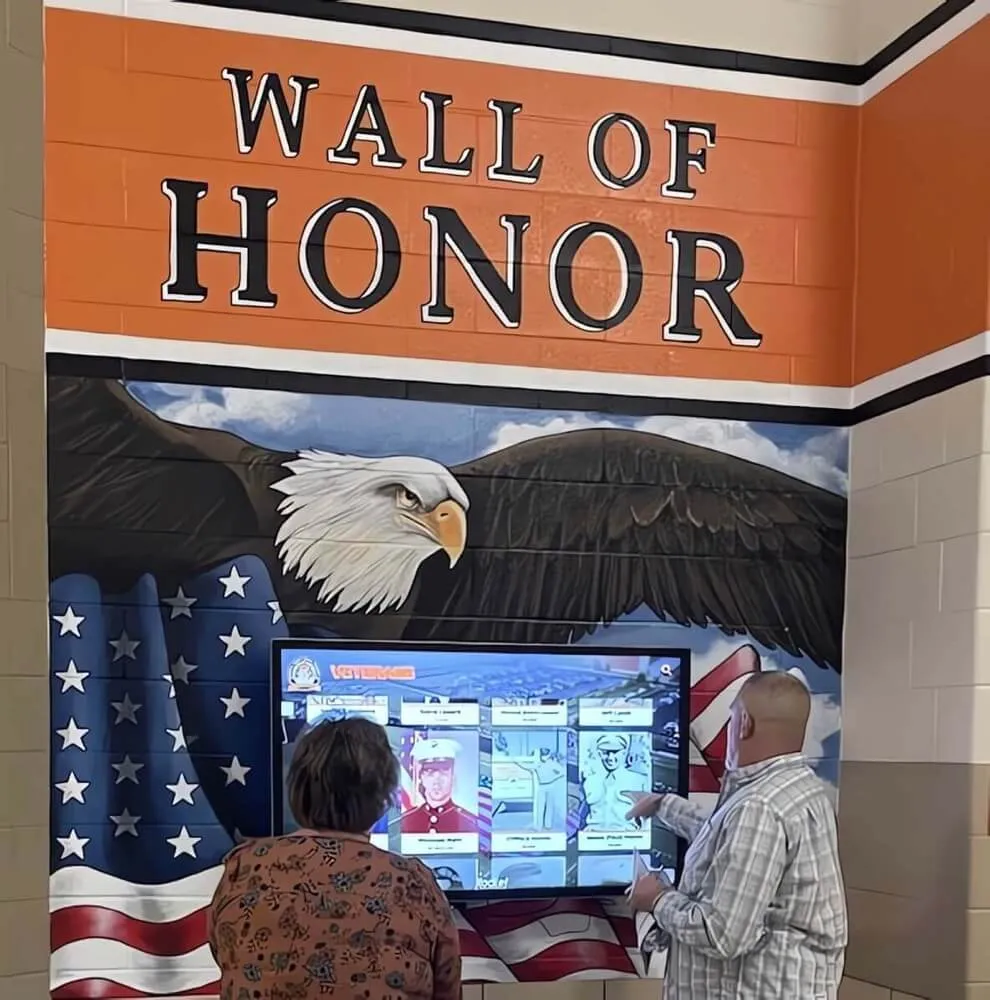
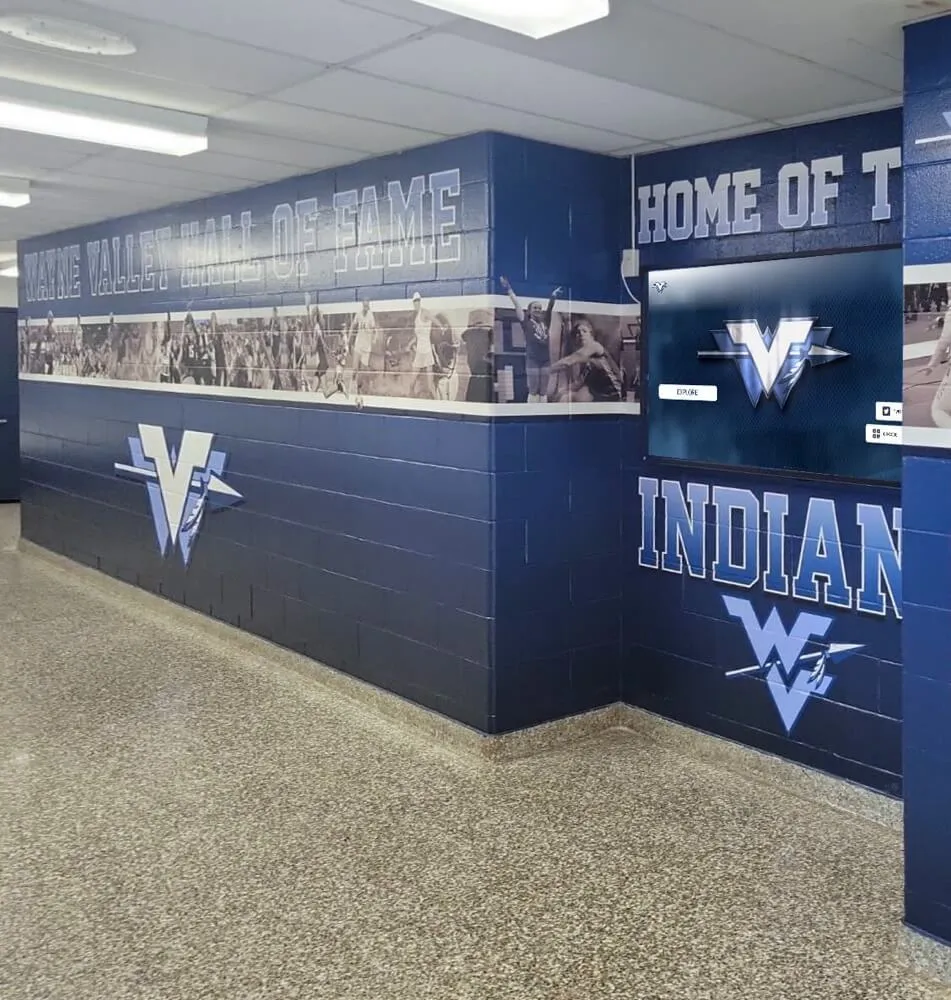
A database-connected touchscreen display turns award history into an interactive experience — visitors can search by sport, year, or name without staff assistance
Keeping the Database Current Year Over Year
A sports awards database is only as valuable as its currency. A database that is three seasons out of date is better than no database, but it is not serving the athletes competing right now — and it will not motivate incoming student-athletes who want to see their sport’s current record holders on the wall.
Assign Clear Ownership
Every database needs a designated owner — a person whose responsibility it is to ensure records are entered on schedule. In most programs, this is the athletic director, but it can be delegated to an SID, a communications coordinator, or a senior booster volunteer with appropriate access. The key is that the responsibility is explicit and documented, not assumed to be everyone’s job (which in practice means no one’s job).
Build Entry Into the Banquet Workflow
The most effective way to ensure timely entry is to make database entry part of the banquet planning process itself. When coaches submit their award recommendations to the athletic director before the banquet, the recommendation form should capture all fields needed for the database record: recipient name, award category, brief bio note, and photo submission. By the time the ceremony occurs, the database entry is 80% complete — only the photo taken at the ceremony remains to be added.
Use the Offseason for Historical Projects
Summers and winter breaks are the most practical time to address historical migration, photo sourcing, and criteria documentation. These projects require focused attention but are not time-sensitive in the way that active-season entries are. Building an annual offseason database project — even a modest four to eight hours — creates steady progress on the historical record without disrupting in-season operations.
For administrators planning a broader award calendar that incorporates database maintenance as a scheduled activity, 100 alumni event ideas offers a planning framework that integrates recognition database updates with alumni engagement events throughout the year.
Frequently Asked Questions
What should a sports awards database include?
A complete sports awards database includes recipient records (name, sport, year, award category), award criteria and eligibility rules, photos linked to each record, seasonal context (academic year and season), display status tracking, and a historical archive. Programs that capture all six categories build a system that supports recognition displays, alumni engagement, and institutional memory across decades.
How is a sports awards database different from a simple spreadsheet?
A spreadsheet captures names and dates but lacks the structure to manage photos, version criteria, track display status, or support alumni browsing. A purpose-built awards database links records to photos, preserves criteria history, provides workflow tools for display updates, and — when connected to a touchscreen platform — makes the data browsable for athletes, families, and visitors without staff involvement.
How do you handle historical award records with missing information?
Enter whatever exists and flag the record for follow-up. A partial record (name, year, award category, no photo) is more useful than a gap. For photo sourcing, alumni outreach campaigns on social media or in newsletters often produce historical photos that staff assumed were lost. Tier your historical migration effort: prioritize the last five to ten years for complete records, and add historical data incrementally as it becomes available.
How often should a sports awards database be updated?
New award records should be entered within 30 days of the ceremony at which they were presented — ideally within seven days. Record board entries should be reviewed within 30 days of any performance that may qualify as a school record. A quarterly full audit (filtering for records with display status Pending or Scheduled) catches any entries that have fallen through the cracks between seasons.
Can a sports awards database connect to a digital display system?
Yes — and this integration is one of the most important features to evaluate when choosing a platform. When the database and the display system share the same platform, a record entered in the database can be published to the hallway touchscreen without any additional steps. Platforms that require separate entry for the database and the display system create double-entry burden that discourages consistent maintenance over time.
Conclusion
A sports awards database is the foundation on which every other piece of an athletic recognition program rests. Without reliable records of who won what, when, and why, the hall of fame inductee selection is guesswork, the record board update is guesswork, and the display case reflects whatever someone happened to remember last time it was opened. With a structured database — capturing winners, criteria, photos, season context, and display status — a program can answer any recognition question in seconds and push updates to displays without duplicating effort.
The programs that build this infrastructure consistently outperform those that don’t — not because database management is glamorous work, but because the compounding effect of clean records over time creates a recognition culture that motivates current athletes, honors alumni, and tells the story of an athletic program with the specificity and credibility it deserves.
Build a Sports Awards Database That Powers Your Displays
Rocket Alumni Solutions builds cloud-managed award tracking systems, digital halls of fame, and interactive record boards that connect your awards database directly to touchscreen displays — keeping recognition current every day of the school year. Request a demo to see a custom mock-up for your school.
Request a Demo