


A school’s wheelchair track results are athletic achievements — verified performances earned at sanctioned competition by athletes who trained, competed, and finished. When your digital record board does not give those results a clear, clearly labeled home, families and alumni searching for them come up empty. This guide is for athletic directors and recognition coordinators who want to put wheelchair track records on a school display accurately: with the right category labels, the right record-scope language, and a blank planning framework to carry those decisions from your files to the screen.
This is a digital recognition content guide. It covers labeling, display organization, and staff planning — not eligibility criteria, classification rules, disability documentation, or coaching guidance.
Wheelchair track and field is a distinct competition category in many state athletic associations. When results from those events come back to your athletic office, they belong in the same recognition collection as your other track achievements — in a clearly identified section, with accurate labels, available to every visitor to your digital board.

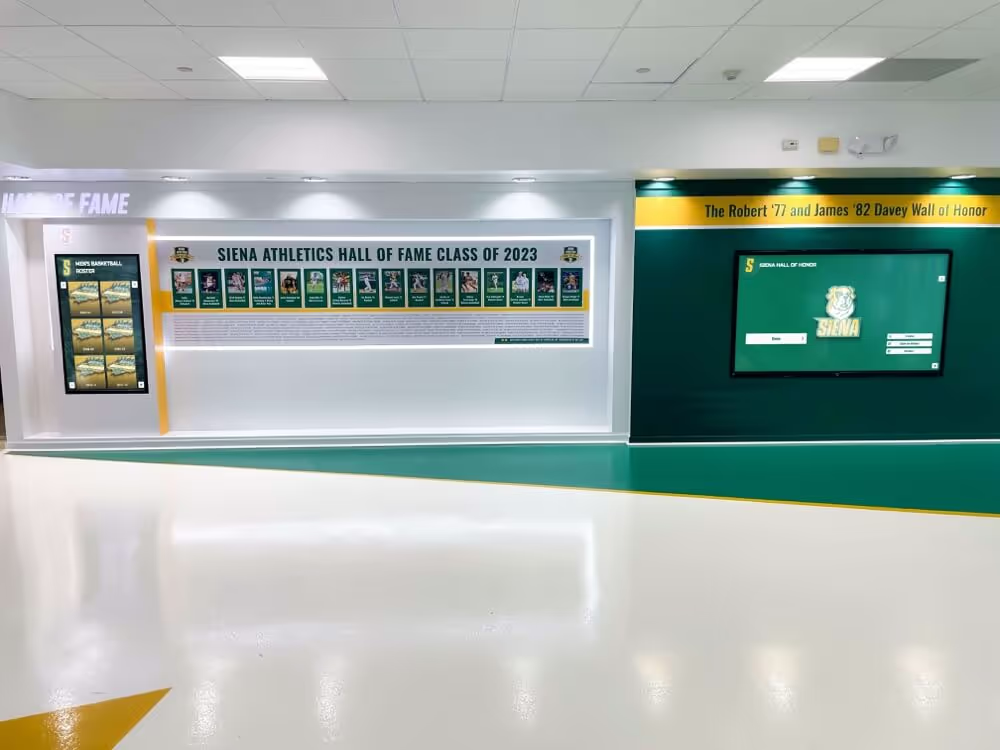
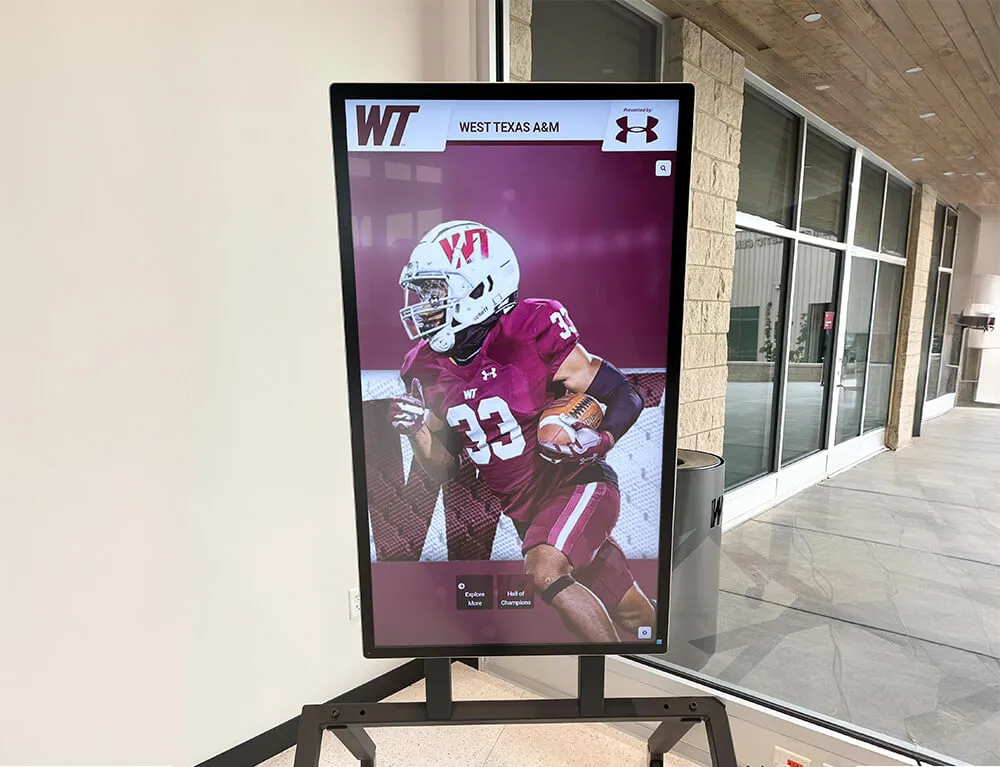
A digital recognition board presents each track achievement in its competition category exactly as it was earned — giving visitors the full picture of the program's accomplishments.
Why the Exact Label Travels with Every Result
The most consequential editorial decision in displaying a wheelchair track result is a simple one: keeping all four pieces of identifying information together every time the result appears anywhere on your board.
Those four pieces are:
- The exact event — 100-meter, 400-meter, 800-meter, 1,600-meter, shot put. The event name and original units belong with the performance, not approximated or converted.
- The competition category — for example, Boys Wheelchair. This is the category as it appears in the official results document from the governing body. Do not infer a category from a photo or equipment.
- The governing body and meet — the state athletic association and the specific championship or meet at which the result was recorded.
- The record scope or result status — a school record, a state-meet record, an individual meet result, and a personal best are all different claims. A final result at a state meet is not by itself evidence of a school record.
Each piece does a different job for the visitor. The event tells them what was competed. The competition category tells them who was competing and under what structure. The governing body and meet tell them where the result was recorded and by what authority. The record scope tells them what the result means in the longer history of your program or the association.
Dropping any one of those pieces leaves the entry incomplete — and an incomplete entry is more likely to mislead than to inform. A result labeled “100-meter — 18.4” with no competition category tells a visitor almost nothing about whether it belongs next to or apart from the school’s other 100-meter entries.
School Records, Meet Records, and Individual Results Are Different Claims
This distinction matters enough to name explicitly because the paperwork that comes back from a championship can include all three claims in one document, and each needs to travel separately to your display.
A meet record is the fastest or best performance ever recorded in that event at that specific championship meet. Some state association results documents mark individual results with a notation — for example, a letter or asterisk — next to results that set a new meet record. That notation belongs to the meet. It does not automatically become a school record.
A school record is a separate institutional determination. Your school’s athletic director or records authority decides what qualifies as a school record, based on your own records policies and what can be traced through documentation. A result can be a school record, a meet record, both, or neither — and each status requires its own verification before it goes on your display.
An individual meet result or personal best is simply what the athlete ran or threw on a given day, at a given meet, in a given event. Celebrating a strong personal performance is entirely appropriate. It just needs honest language — “personal best,” not “school record,” unless the school has verified the school-record status through its own records process.
How One State Association Structures Its Records
Wisconsin’s WIAA provides a useful example of how a state association can structure its published records to include wheelchair competition alongside standard division records.
The WIAA Boys Track & Field Records document, updated following 2026, organizes its records across four sections. The first three sections — Division 1, Division 2, and Division 3 — each list the same lineup of running, relay, and field events for their respective competitive groupings. The fourth section, on page 2, is a distinct Wheelchair Records section. It lists five events: 100-Meter, 400-Meter, 800-Meter, 1,600-Meter, and Shot Put. Unlike the division sections, the wheelchair section is a single statewide grouping — it does not subdivide by division.
The publication structure demonstrates two practices worth noting. First, wheelchair records appear in the same document as division records, giving the achievements comparable visibility at the association level. Second, the wheelchair section uses its own distinct heading and is not merged into any of the three division sections — it stands on its own, with its own events, rather than being inserted into a fastest-time list that spans categories.
This is an example from one state association’s published structure. It does not describe a nationwide or universal requirement, and it does not govern how every school in Wisconsin maintains its own internal all-time records. Your school’s records policies are separate from the association’s championship records.
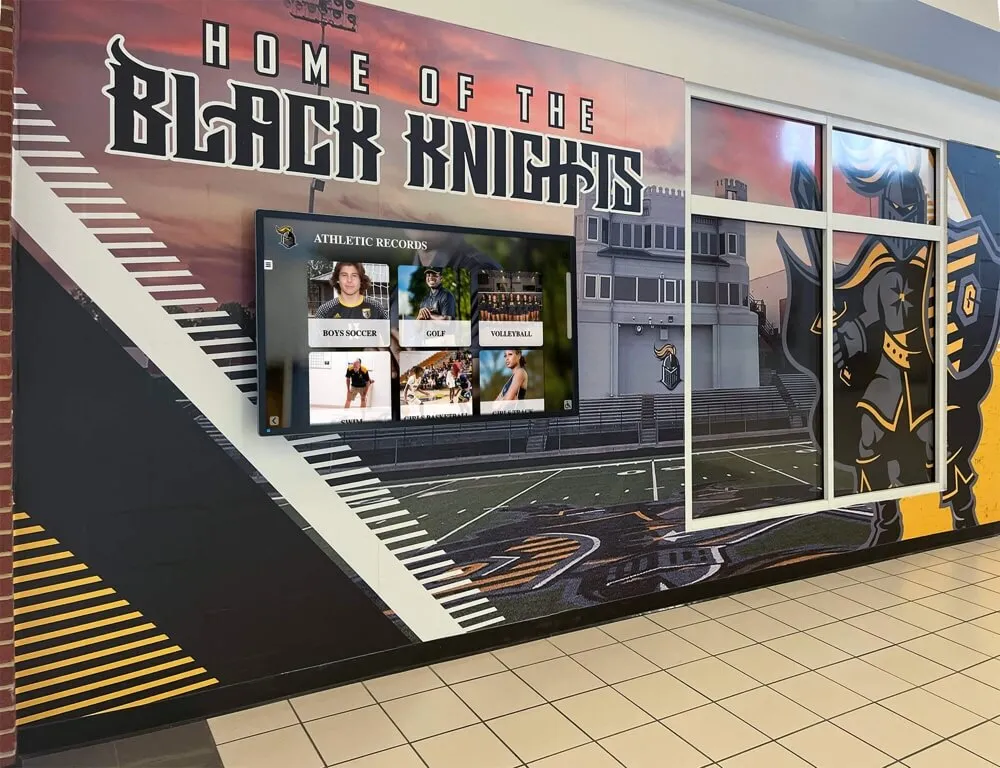
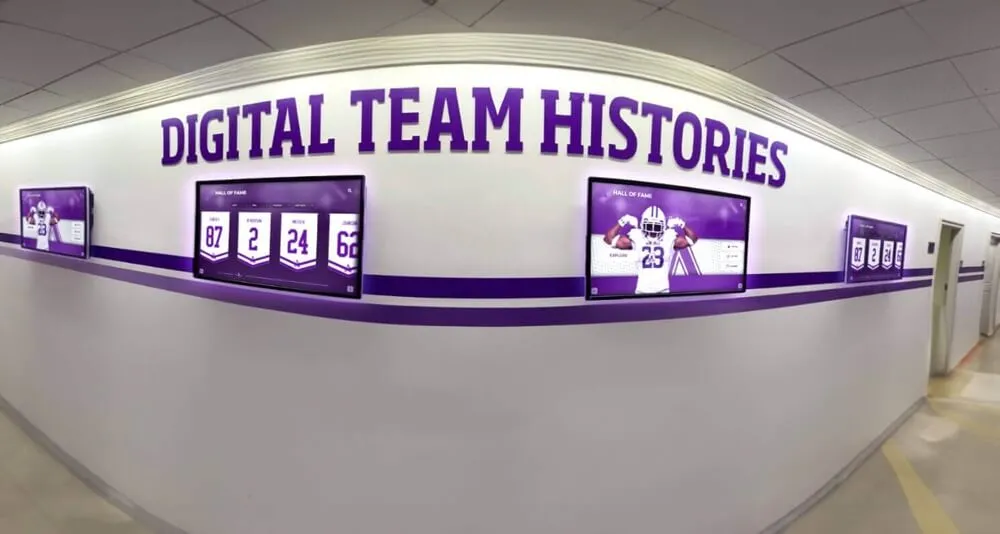
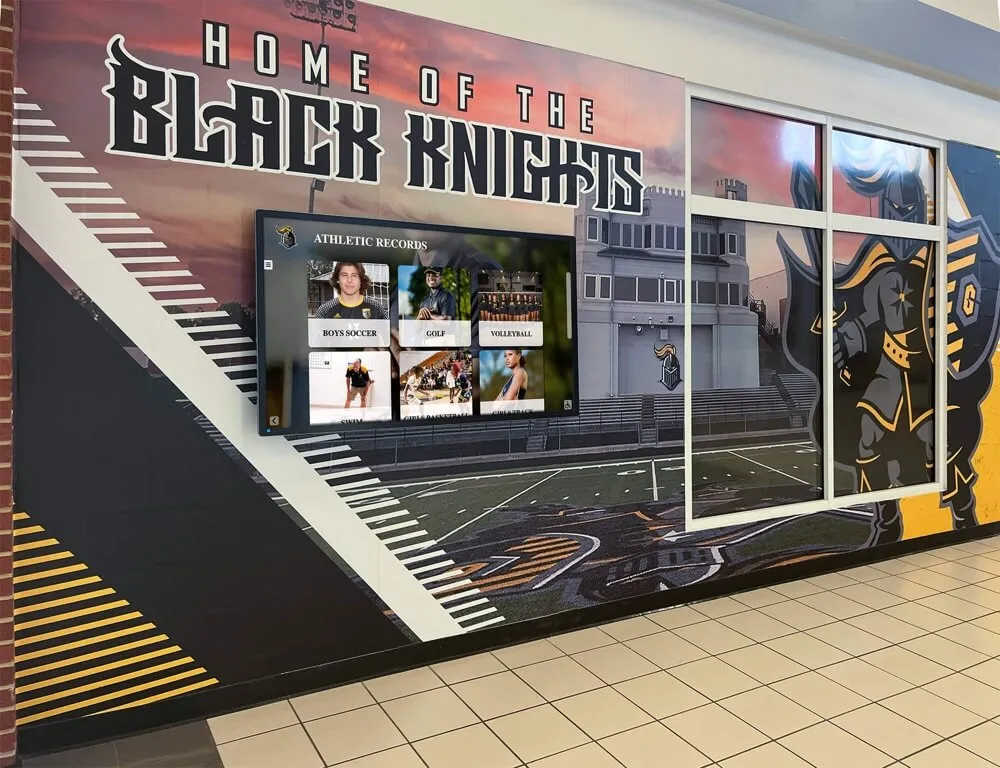
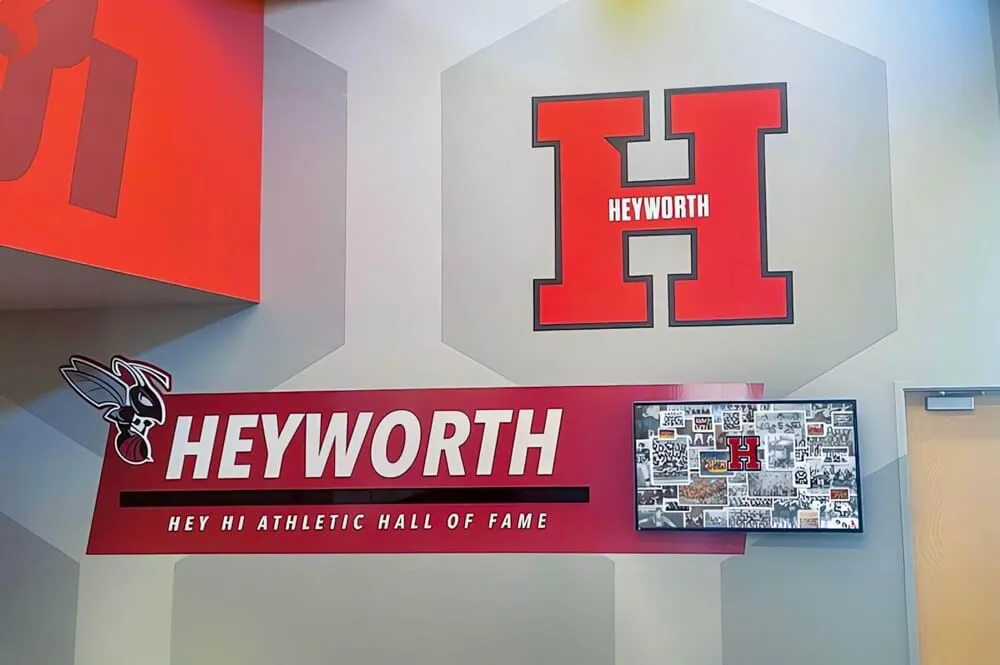
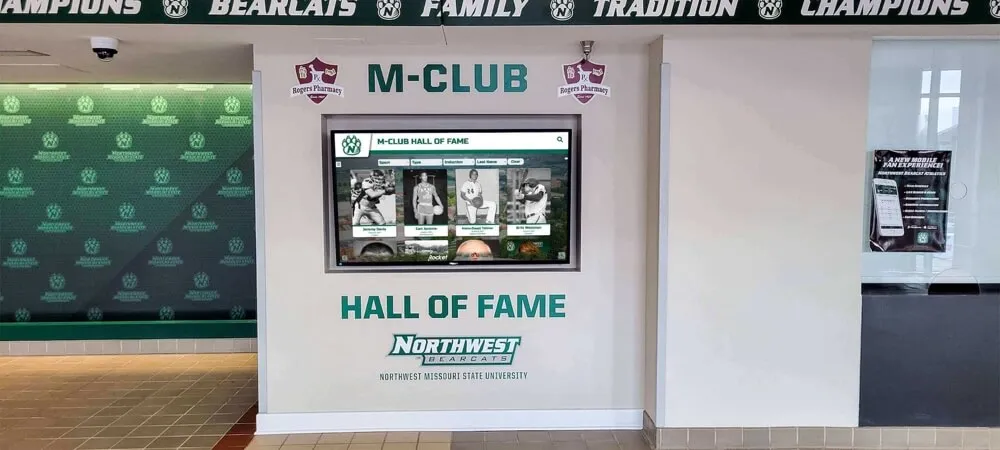
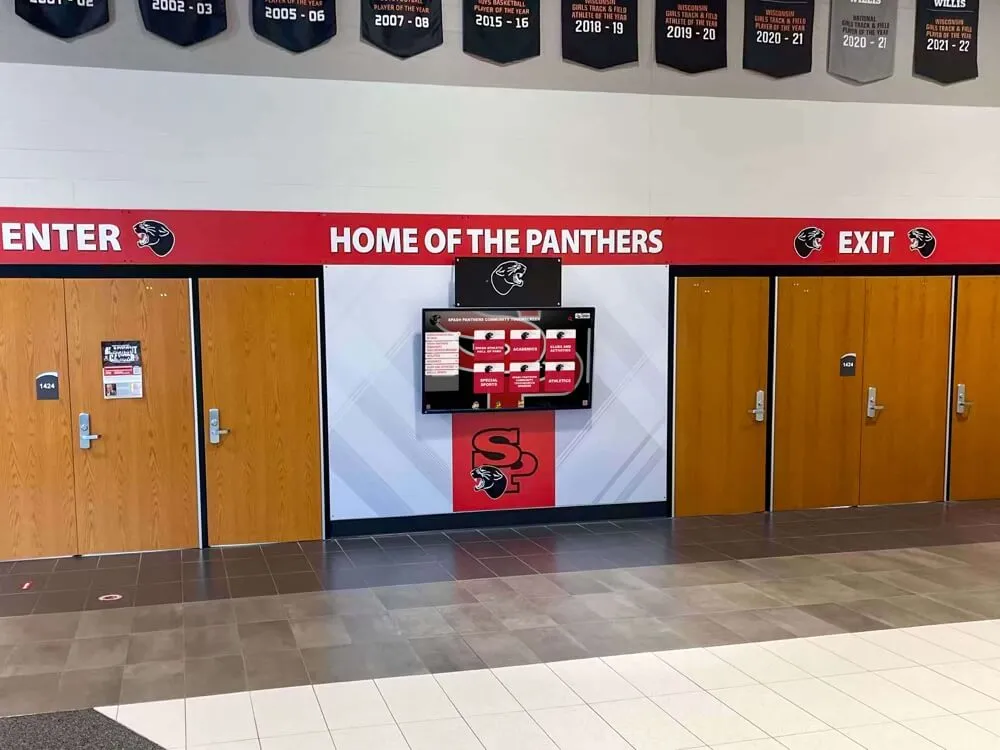
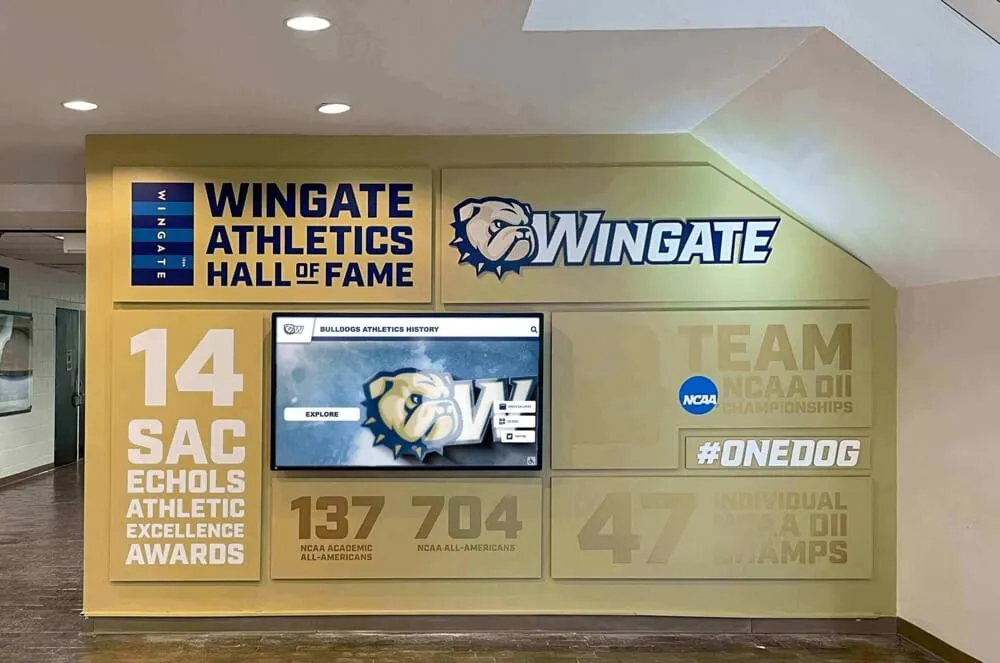
Organized by category with clear headings, a digital records board lets visitors navigate directly to the section they are looking for — including wheelchair track results alongside the school's full athletic record.
Meet Results Show Why Distinct Labels Are Necessary
The WIAA 2026 Boys Wheelchair State Final Results document illustrates why each type of label needs to stay separate.
Page 1 of that document presents the finals results for each of the five boys wheelchair events. Each event block names the event, notes the existing meet record for that event, and then lists the individual placements from that day’s competition. Results that broke the previous meet record are marked accordingly.
Page 3 presents Men — Wheelchair — Team Rankings — 5 Events Scored. This is a separate standing from the Division 1, Division 2, and Division 3 team rankings that appear on pages 1 and 2, each of which scores 18 events. The wheelchair team standings score the five wheelchair events only, and they appear as their own distinct table.
That three-layer structure — individual event results, meet records for those events, and a separate wheelchair team ranking — exists in a single document, and all three labels are different claims. When bringing any of those results to your digital display, each claim needs its own label:
- A placement result stays labeled as a result from that meet and that category.
- A meet record stays labeled as a meet record (not automatically a school record).
- A team standing stays labeled as a wheelchair division team standing, not a combined or overall team ranking.
If your school is documenting a student’s result from this or any similar meet, the source document is the place to start — and the WIAA Boys Track & Field State Archive links results by year and division, including separate links for wheelchair boys and girls results under each year’s accordion. That structure helps your staff trace the authoritative document for the correct season before any label goes on a display.
One note on documentation: result documents can include internal date references that do not always match archive page headers or publication dates. When pulling a document for verification, use the document’s own headers and the association archive as your combined reference — do not attempt to reconcile apparent date mismatches by guessing.
Give Wheelchair Results Visibility Without Merging Categories
Placing wheelchair track results alongside the school’s other athletic achievements is the right goal. Merging those results into a shared fastest-time ranking is not how to accomplish it.
What visibility means on a digital record board: wheelchair results appear in the same recognition collection, accessible through the same navigation, with the same quality of presentation as any other track result. A visitor can find a wheelchair athlete’s performance without knowing in advance which folder or section to look under.
What visibility does not mean: combining wheelchair and running performances into a single ranked list ordered by time or distance. The events, the equipment, and the competition structures are different. Presenting a 100-meter wheelchair result and a 100-meter running result in the same fastest-time ranking implies a comparison that does not exist in sanctioned competition. The appropriate comparison for a wheelchair 100-meter result is within the wheelchair 100-meter category — against the school’s own history in that event and, separately, against the association’s published records for that category.
Additional practices that do not belong on your public display:
- Inferring a student’s classification from a photograph or from the equipment visible in a photo.
- Inventing conversions between wheelchair performance metrics and running metrics to produce a unified ranking.
- Using a result from one event (400-meter) as supporting evidence for a record claim in a different event (100-meter).
- Listing a meet result as a school record without the school having independently verified it as such.
None of these protect the athlete or the record. They introduce inaccuracies that your school — and the student’s family — may spend years correcting.

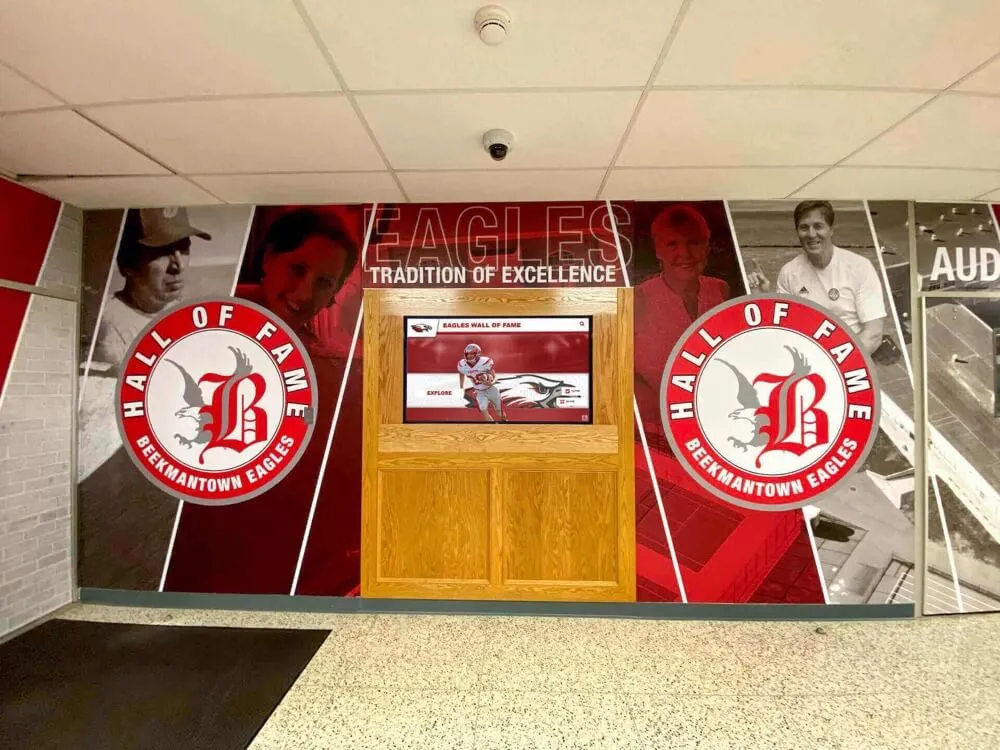
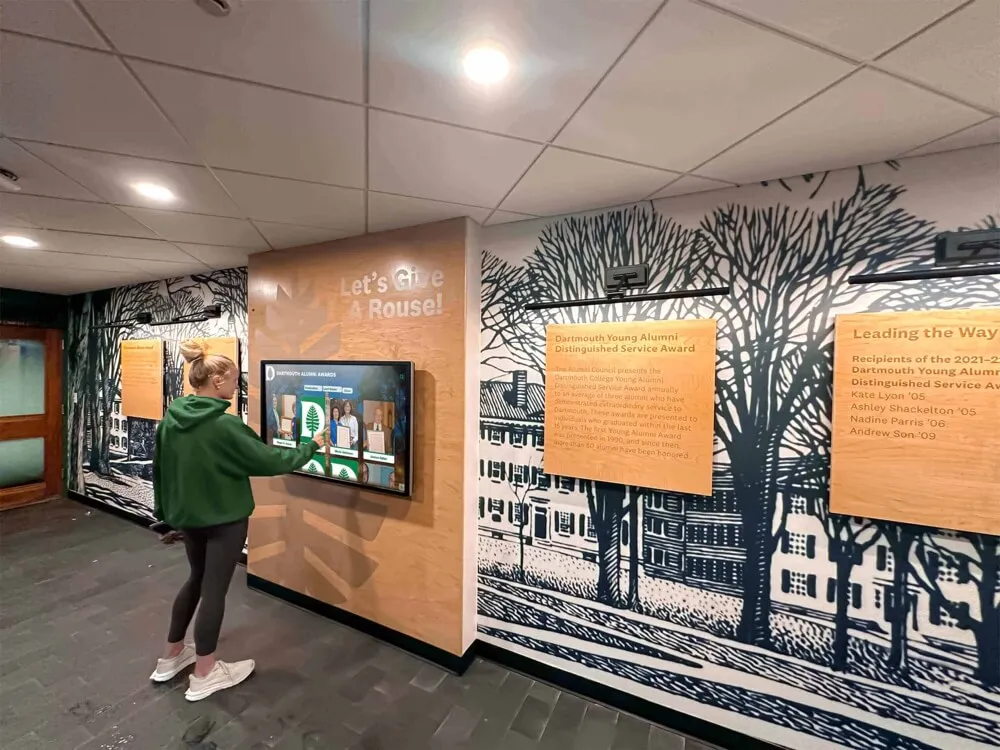
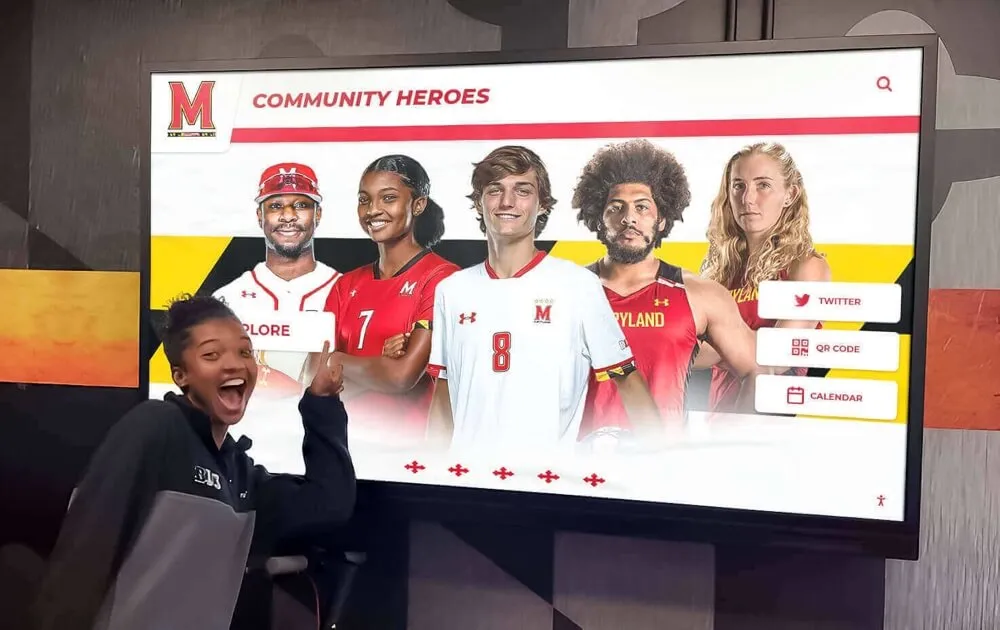
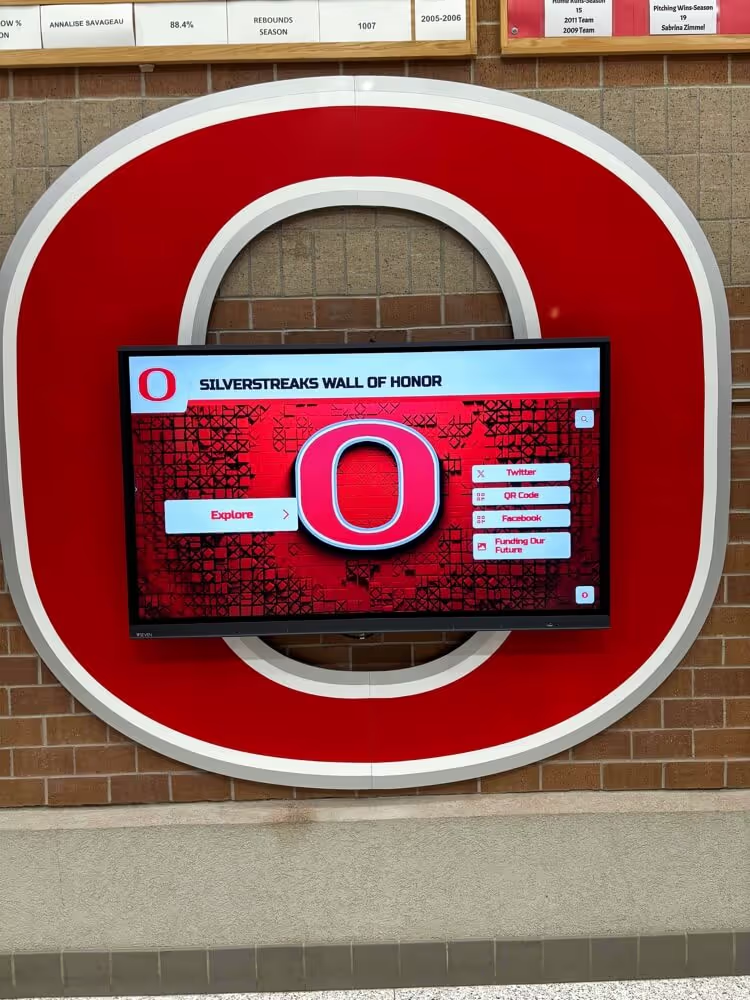
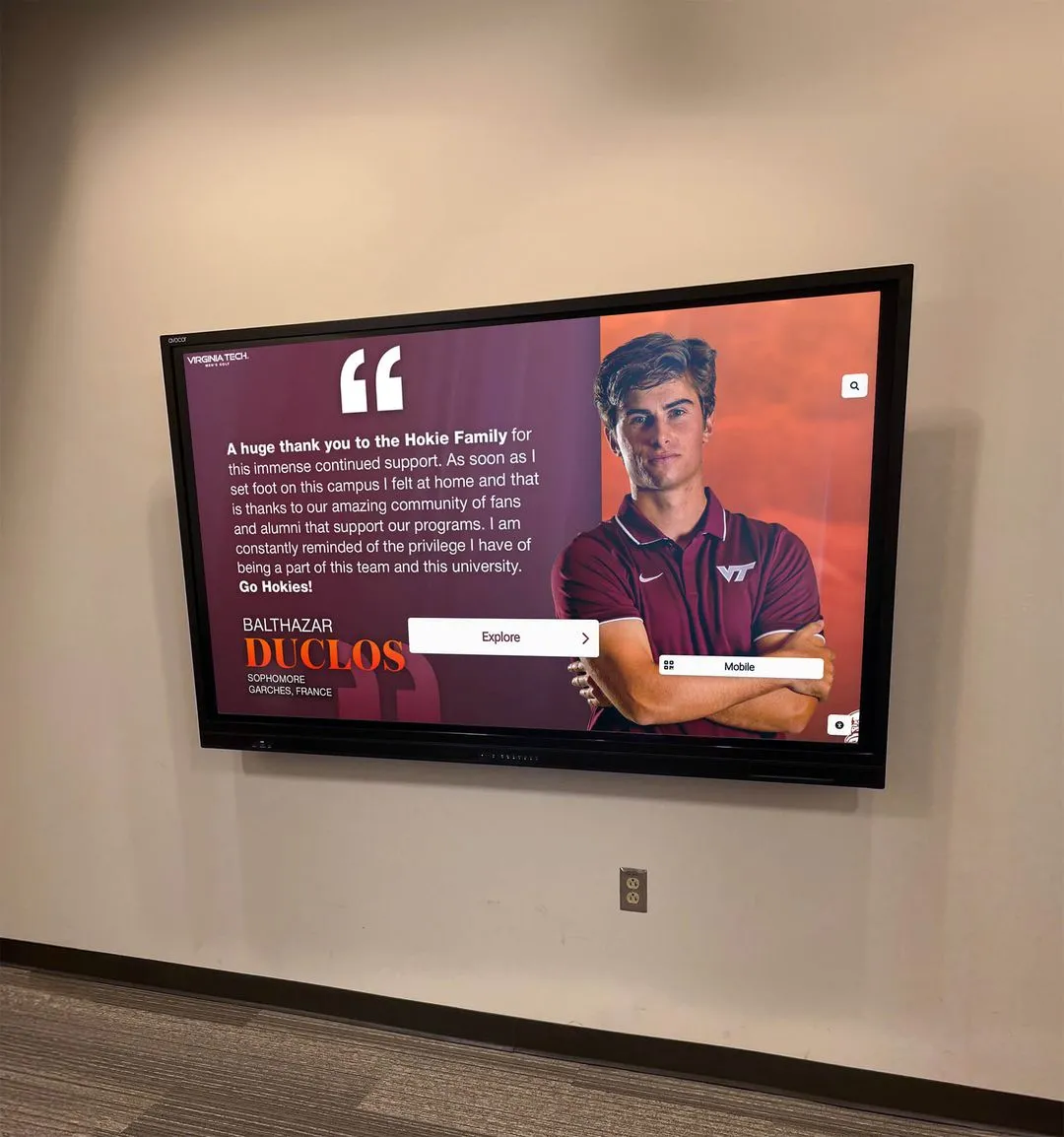
Clear category organization on a digital recognition screen gives visitors an accurate map of the school's athletic achievements without requiring them to interpret unfamiliar distinctions themselves.
Content-Planning Table for Wheelchair Track Entries
The table below is a blank editorial planning aid with suggested fields. These are fields for your staff to complete during the review process — they are not built-in fields in any particular software, and they are not a required national schema. Fill in only approved public information. Do not include medical history, eligibility documentation, diagnoses, classification paperwork, or private student identifiers in your planning record for a public display.
| Suggested Field | Notes |
|---|---|
| Approved public athlete name | |
| Sport and category | |
| Exact official event and label | |
| Performance and original units | |
| Record scope / result status (verified by school) | |
| Season and date | |
| Source URL or document | |
| Reviewer name | |
| Approved public caption |
Approved public athlete name: Use the name the athlete and family have approved for public recognition materials. This is separate from legal name documentation, which stays in internal files.
Exact official event and label: Copy this from the governing body’s published results — for example, “Boys 800 Meter Run Wheelchair” as it appears in the results document. Do not abbreviate, rewrite, or combine event labels.
Performance and original units: Record the time or distance exactly as it appears in the official results, in the original units. Do not convert.
Record scope / result status: Write what has been verified by your school. Options include: school record (verified), state-meet record (as noted in the results document), meet result (finish position only), personal best (if documented). Do not claim a status that has not been confirmed by the relevant authority.
Source URL or document: The specific page, PDF, or results document you verified against. This lets a future records custodian check your work.
Reviewer name: The staff member who compared the public-facing entry against the underlying authoritative result and approved the caption.
Blank Caption Template
The following is a blank template for drafting a public caption for a wheelchair track achievement on your digital board. Fill in only information that has been verified from the authoritative result. A record-holder label requires the relevant authority’s confirmation. A documented meet finish can be celebrated accurately without being upgraded into a record claim.
[Athlete’s approved public name], [School] — [Exact official event and category], [Performance and original units], [Competition name and season/year].
Adjust to reflect exactly what has been verified. If the school has confirmed a school record, add that information only after verification:
School record — verified [Month Year] by [Reviewer].
If the result is a meet result but not a confirmed school record, do not add a record-holder label. A strong performance deserves accurate recognition, not an inflated claim that will need correction later.
Keep medical information, classification documentation, eligibility paperwork, diagnoses, and private student identifiers out of every public caption — including captions reviewed internally before publication. Public recognition materials use approved public information only.
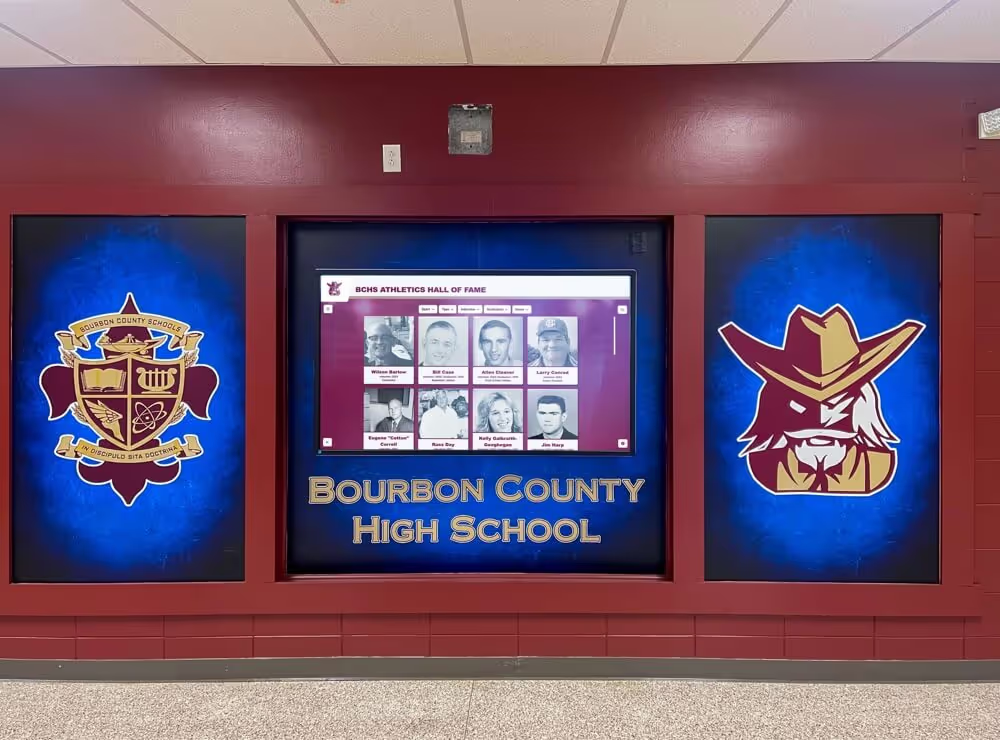
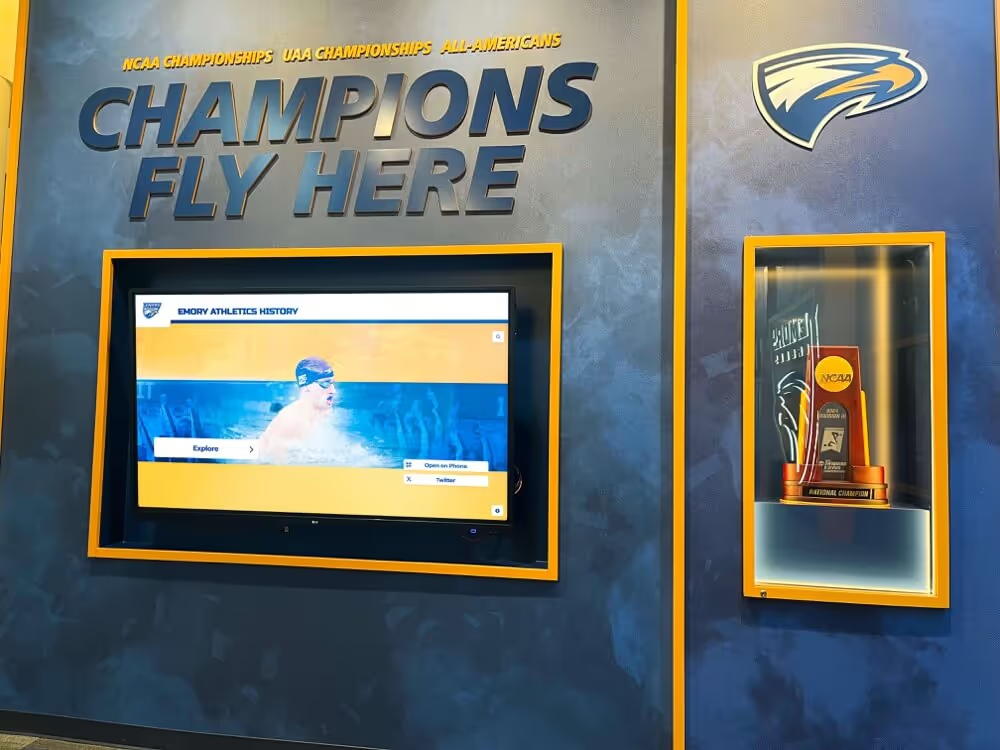
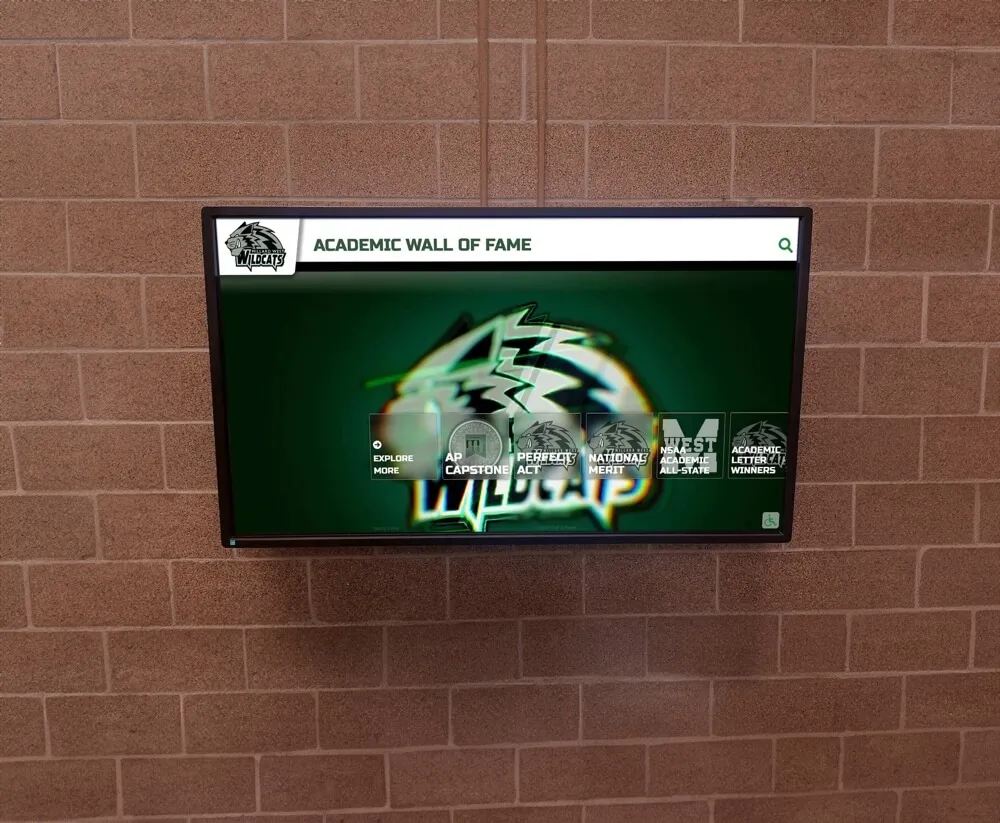
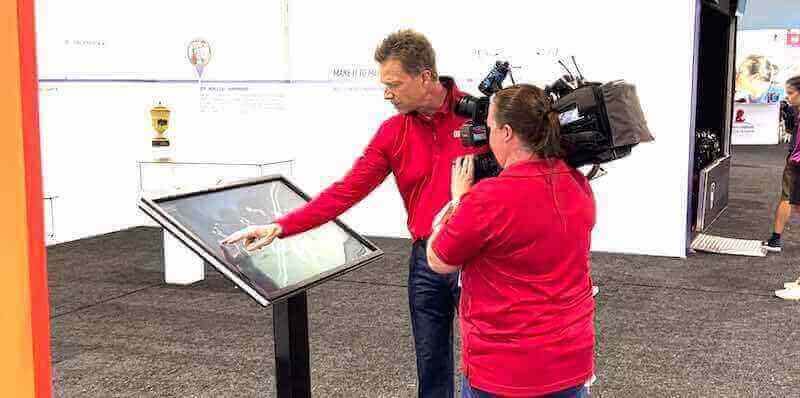
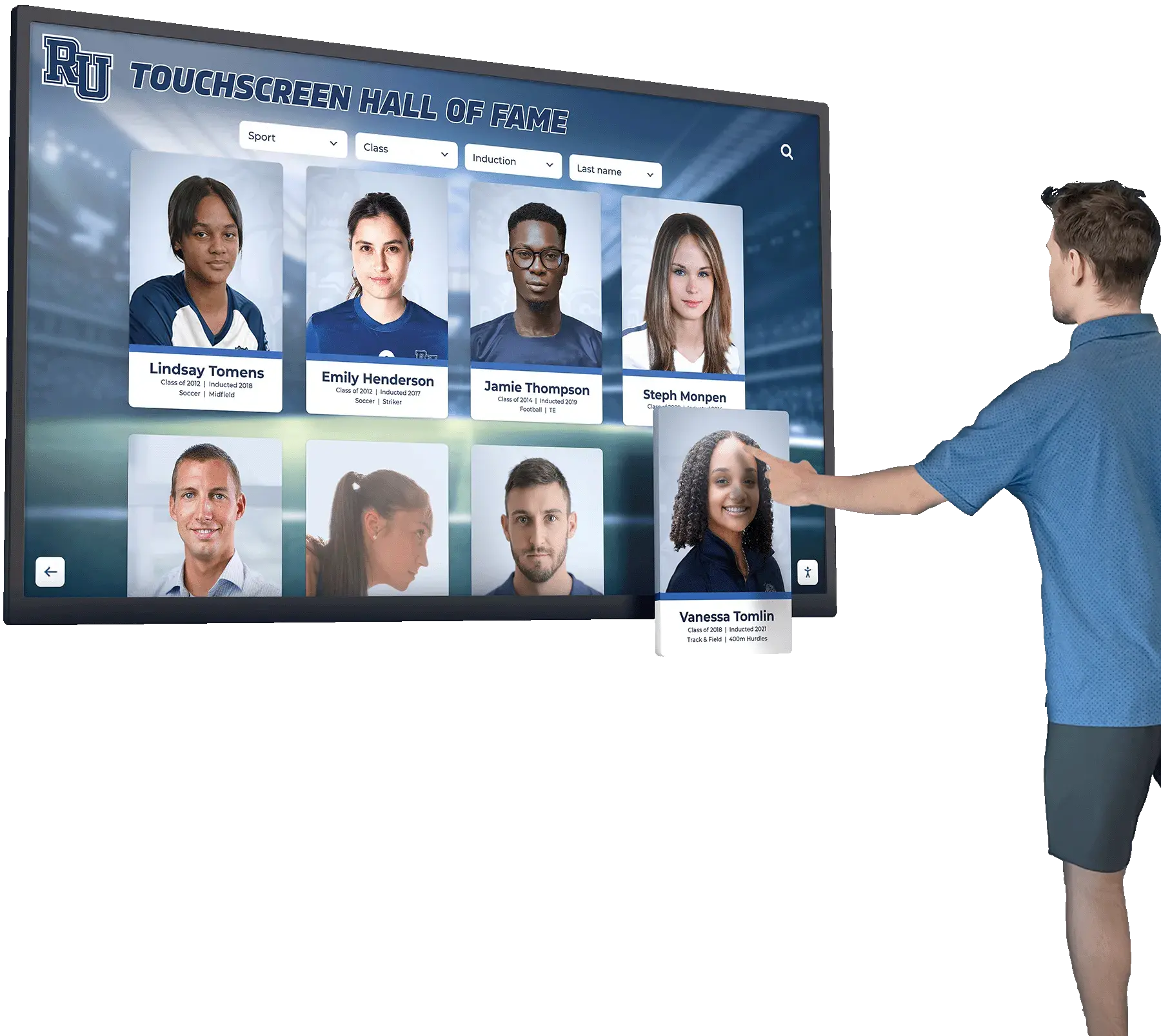
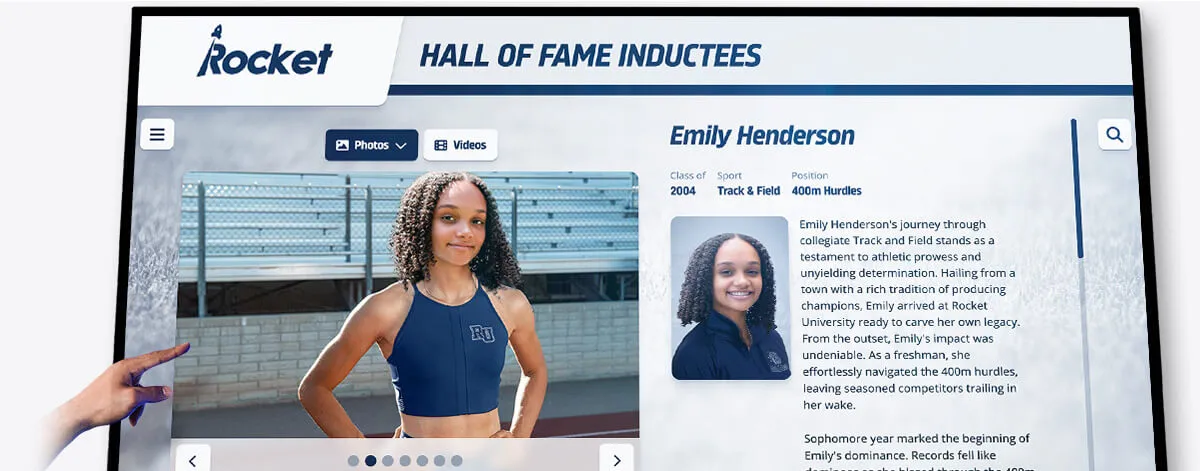
An interactive recognition display organized by sport and category lets families and alumni navigate directly to a wheelchair track result without needing prior knowledge of where it is stored.
Verify-Label-Preview-Publish: A Staff Review for Each Entry
The steps below describe a staff planning process for bringing a wheelchair track result onto your digital display. This is a human review sequence — not an automated import, classification, or validation process. Your display software presents what your staff has verified and approved; it does not verify eligibility, classify athletes, validate record claims, or automatically synchronize association data.
Verify
- Pull the authoritative result document for the season and the specific event. For Wisconsin associations, the WIAA archive page links results by year, including separate wheelchair result files.
- Compare the performance — time, distance, or field result — against the published document. Record the source name, document date, and the date you checked it.
- Confirm the competition category label exactly as it appears in the source.
- Confirm the record scope: is this a meet record as marked in the results document? Is it a school record that your school’s records authority has separately verified? Or is it a meet result with no additional record claim?
- If the result document marks a meet record and you want to also claim a school record, that second determination requires your school’s own records process — not just the meet document.
Label
- Apply the exact official event and category label from the governing body’s document. Do not abbreviate or combine.
- Write the record scope using language that accurately reflects what has been verified. “Meet result — 3rd place, Boys 400 Meter Wheelchair, [Association] State Championship, [Season]” is honest and complete.
- Add the source reference so the entry is traceable.
- Keep the approved public caption free of eligibility information, classification details, diagnoses, and private identifiers.
Preview
- Before the entry goes live, view it in the context of your full recognition collection. Is the wheelchair category clearly distinguishable from the running-event categories? Does the entry appear in the right section?
- Confirm that the entry does not appear in a fastest-time list that merges wheelchair and running categories.
- Share the proposed caption and any associated photo with the athlete or family for review of public wording and image use, following your school’s publication permissions process.
Publish
- Activate the entry after the above checks are complete. Record the reviewer name and approval date in your internal planning table.
- Keep the planning table and source documentation in your school archive. These are not deleted when the display goes live.
- Make a correction contact visible — a staff name or department contact — so that family members or alumni who notice a discrepancy have a way to reach someone.
This sequence applies equally to a meet result, a personal best, and a confirmed school record. The only difference is the label in the record-scope field.
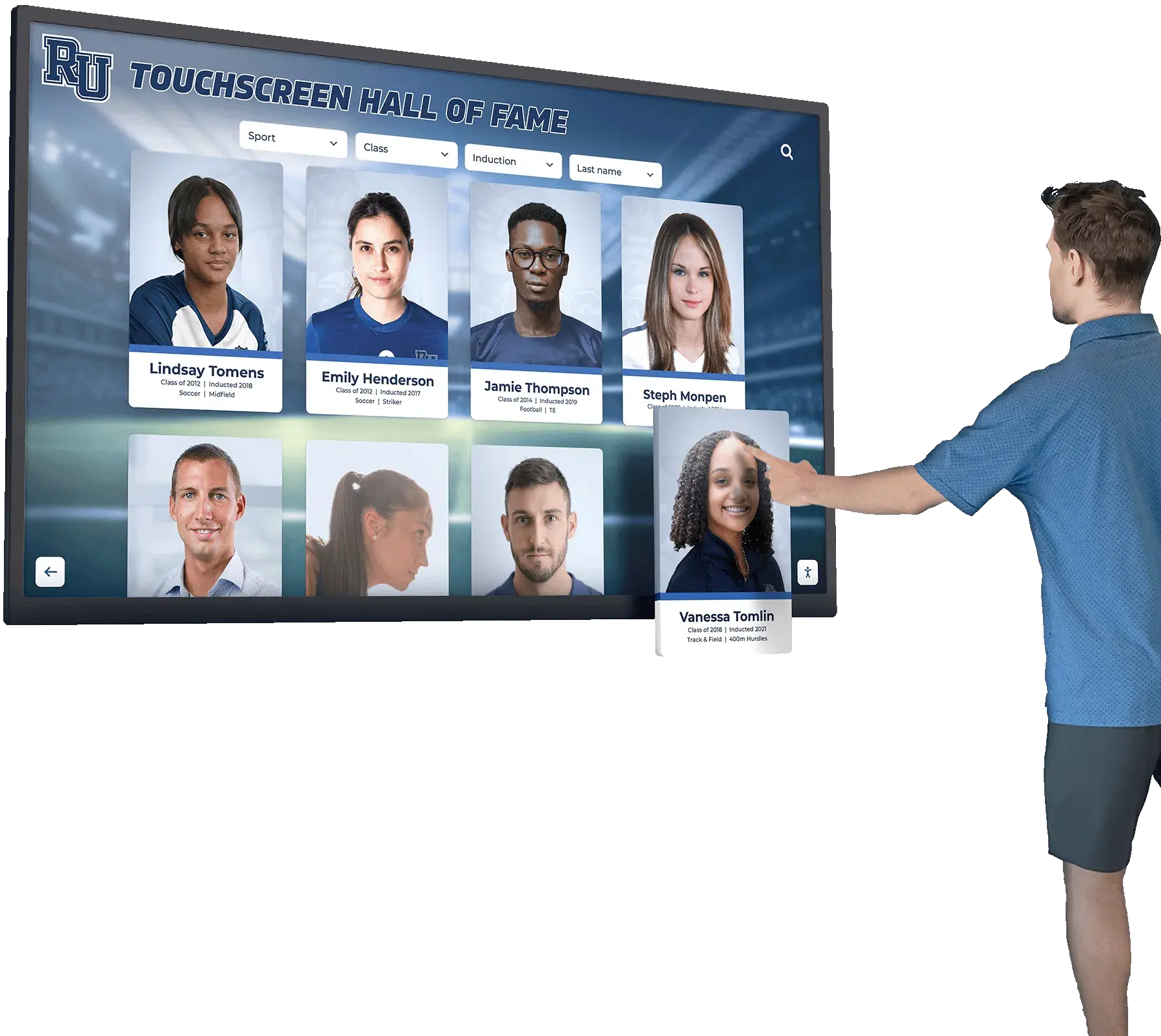
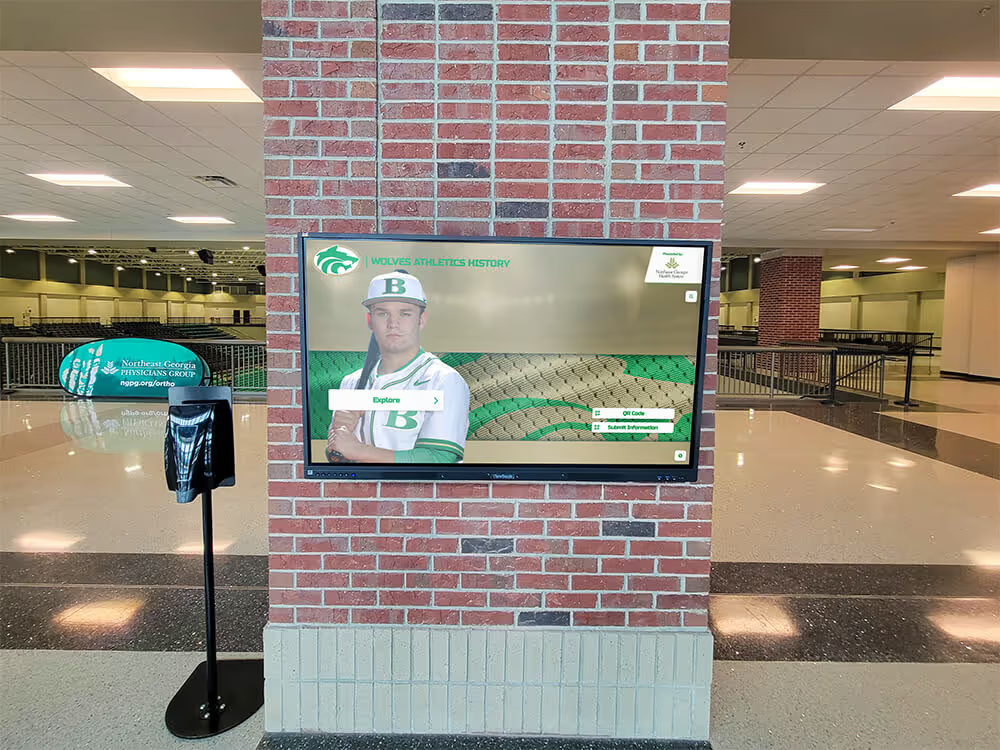
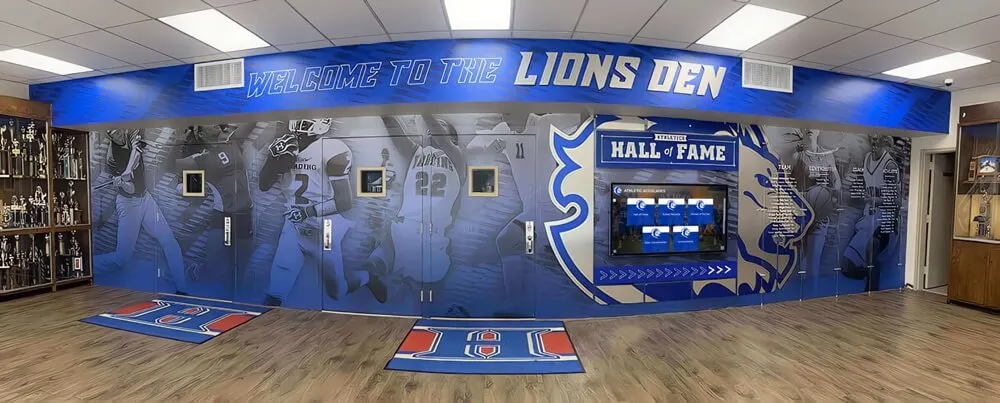
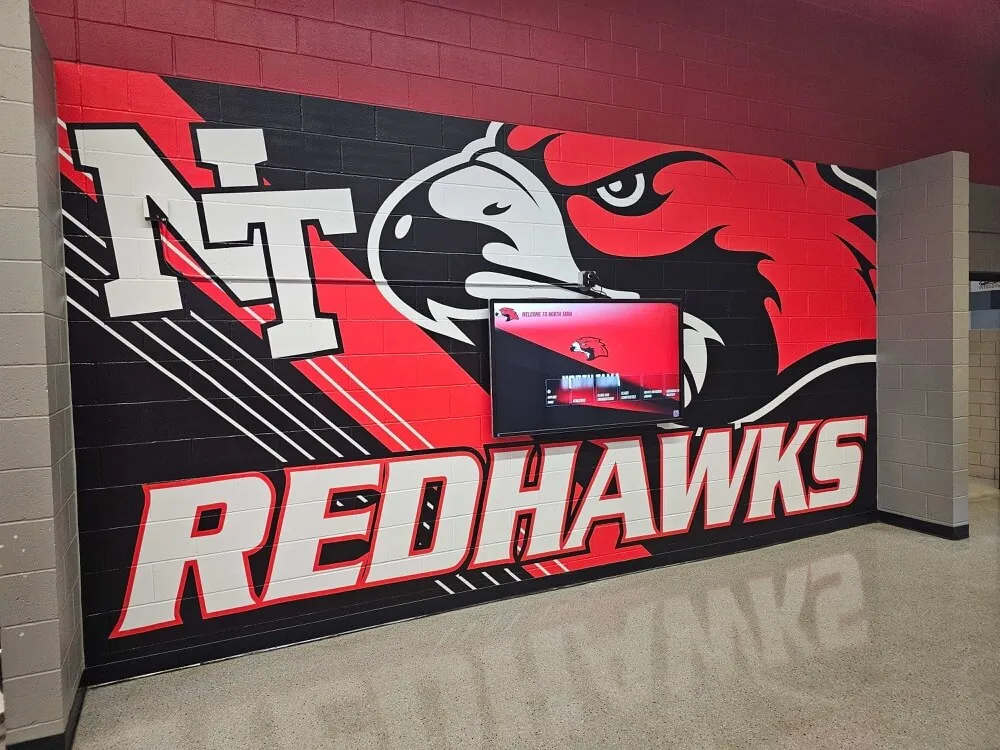
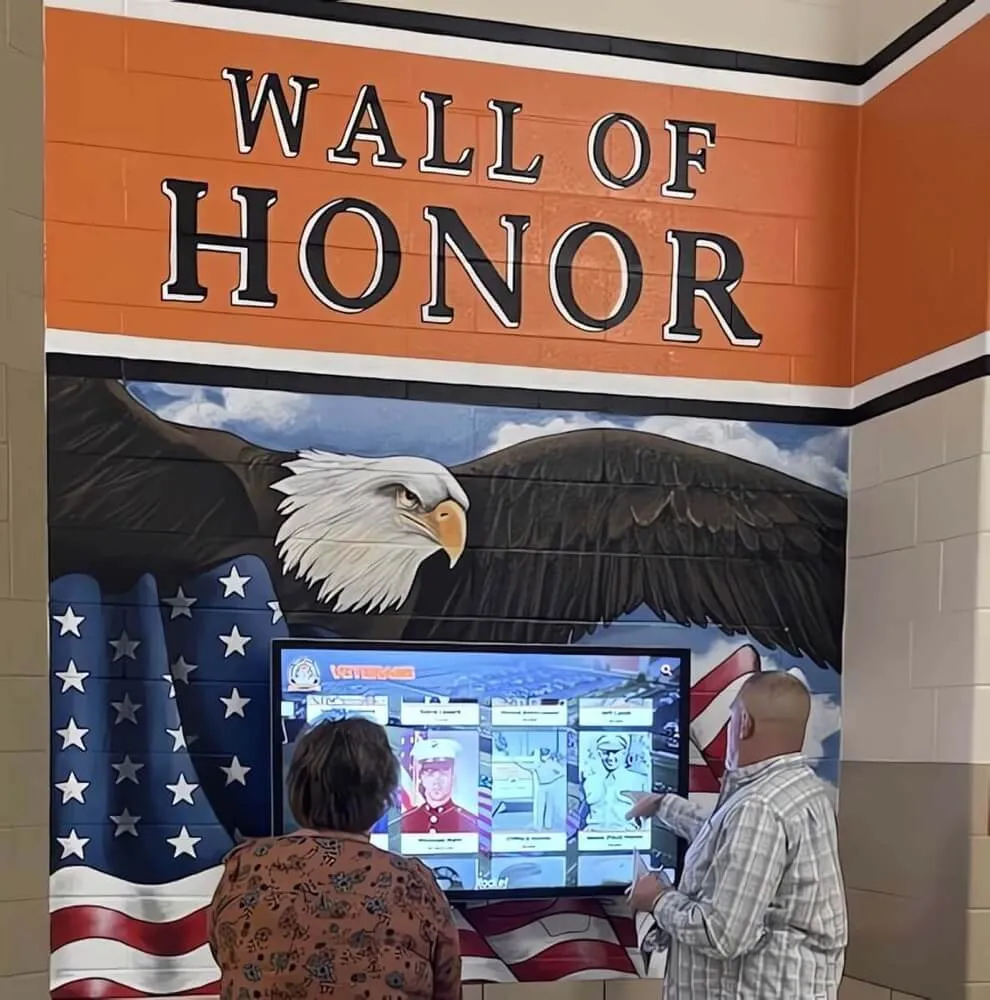
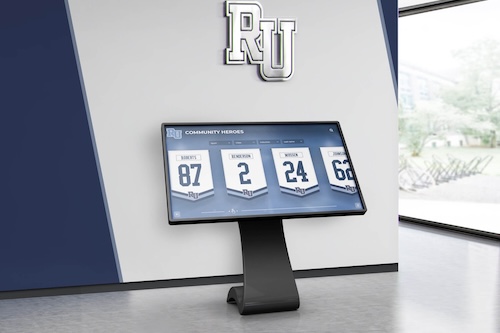
Organized category navigation ensures that wheelchair track results are as easy for families and alumni to find as any other achievement in the school's recognition collection.
Keeping Private Information Out of Public Materials
Recognition staff are not eligibility classifiers, and a digital display is not the right place for eligibility or medical information. Public displays carry only approved public information: the athlete’s approved public name, the sport and event, the result, the competition name and season, and any verified record status.
The following belong in internal files, not on public displays or in public captions:
- Medical history or diagnoses
- Eligibility paperwork or physician documentation
- Equipment classification details beyond what appears in official public results
- Contact information for coaches, physicians, or association staff
- Private student identifiers beyond an approved public name
If there is any question about what information a student and family have approved for public use, resolve it before publishing — not afterward. Your school’s own publication permissions process governs what information appears on any recognition channel, including a digital display.
Rocket Alumni Solutions helps organizations present approved photos and achievement stories through interactive recognition displays. A digital recognition system can hold wheelchair track results, running-event records, and all other athletic achievements in clearly organized, category-specific sections — making it easy for staff to apply consistent labels and for visitors to navigate the full scope of the school’s program.
Frequently Asked Questions
Can wheelchair and running times be displayed in the same fastest-time ranking on a school record board?
No. Wheelchair and running events use different equipment, different competition structures, and different official categories. Combining their results into one ranked list implies a comparison that does not exist in sanctioned competition. The appropriate practice is to organize each category in its own labeled section so visitors understand which category each result belongs to.
What is the difference between a state-meet record and a school record for a wheelchair track event?
A state-meet record is the best performance ever recorded at a specific association championship meet in that event — it is a distinction that belongs to the meet and is marked in the meet’s official results. A school record is a separate institutional determination made by the school’s athletic director or records authority based on the school’s own documentation and records policies. A result that carries a meet-record notation does not automatically become a school record; your school’s own verification and records process determines that separately.
How do I find the authoritative results document for a specific season’s wheelchair track events?
For Wisconsin, the WIAA Boys Track & Field State Archive page organizes results by year, with separate links for wheelchair boys and girls under each year’s accordion. Results documents from other state associations are typically organized similarly on the association’s own archive pages. Always trace a result to its source document before assigning a label on your display.
What should a public caption say if a result has not been confirmed as a school record?
Describe accurately what has been verified: the athlete’s approved name, the school, the exact official event and category, the performance and original units, and the competition name and season. If school-record status has not been confirmed by your school’s records authority, do not add a record-holder label. A documented meet finish is worth celebrating accurately; an inaccurate record claim creates a correction burden for your staff and the family.
Does the WIAA wheelchair records section include separate division standings?
The WIAA Boys Track & Field Records document lists wheelchair records as a single statewide section without division subdivisions — separate from the Division 1, Division 2, and Division 3 sections that cover the standard running and field events. The 2026 boys wheelchair state results document includes a separate Men — Wheelchair — Team Rankings section scored over five events, which is distinct from the three division team standings that each score eighteen events. Each of those standings carries its own label and should not be combined with the others.
Related Resources
Comparing source results, rosters, and recognition entries for athletic records — a practical guide to the administrative task of reconciling source documents, athletic office records, and display entries before publishing recognition materials.