



When planning yearbook senior page ideas, yearbook advisers and student publications teams face a fundamental challenge: creating layouts that honor each graduate’s unique personality, achievements, and four-year journey while maintaining visual consistency across hundreds of pages. These senior sections represent the yearbook’s most treasured content—pages that graduates and families will revisit for decades, making design decisions particularly consequential.
Traditional senior page layouts often default to formulaic grids that reduce each student to identical portrait-and-quote combinations, missing opportunities to celebrate the diverse experiences, accomplishments, and personalities that define graduating classes. Meanwhile, overly creative approaches can create visual chaos, making pages difficult to navigate and reducing the professional quality families expect when investing in yearbook purchases. The result? Senior sections that feel either generically institutional or chaotically inconsistent, rather than thoughtfully designed to balance individual celebration with cohesive presentation.
This comprehensive guide explores 30 proven yearbook senior page ideas across multiple layout categories—from timeless portrait-focused designs to modern approaches integrating QR codes, social media elements, and digital extensions. These layouts help yearbook teams create senior sections that genuinely honor each graduate while maintaining the visual professionalism and organizational clarity that makes yearbooks treasured keepsakes.
The most successful senior page designs recognize that graduating classes contain multitudes of stories deserving thoughtful presentation. Moving beyond one-size-fits-all templates to embrace purposeful layout variety creates yearbook sections families actually want to display, graduates genuinely treasure, and schools take pride in preserving as permanent records of institutional history.

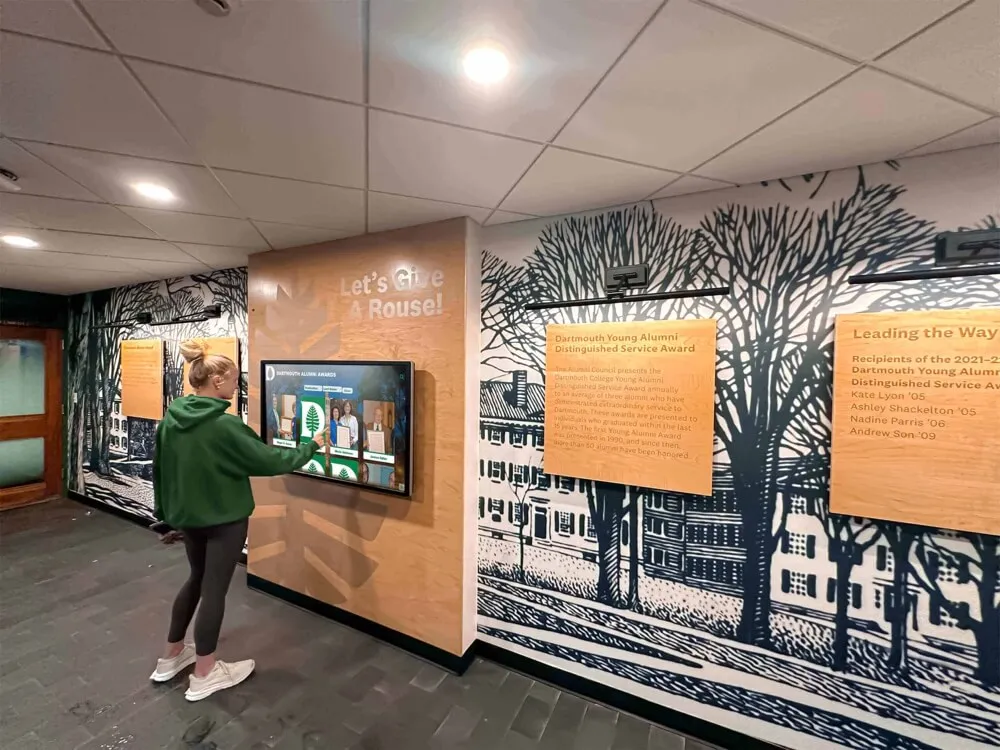
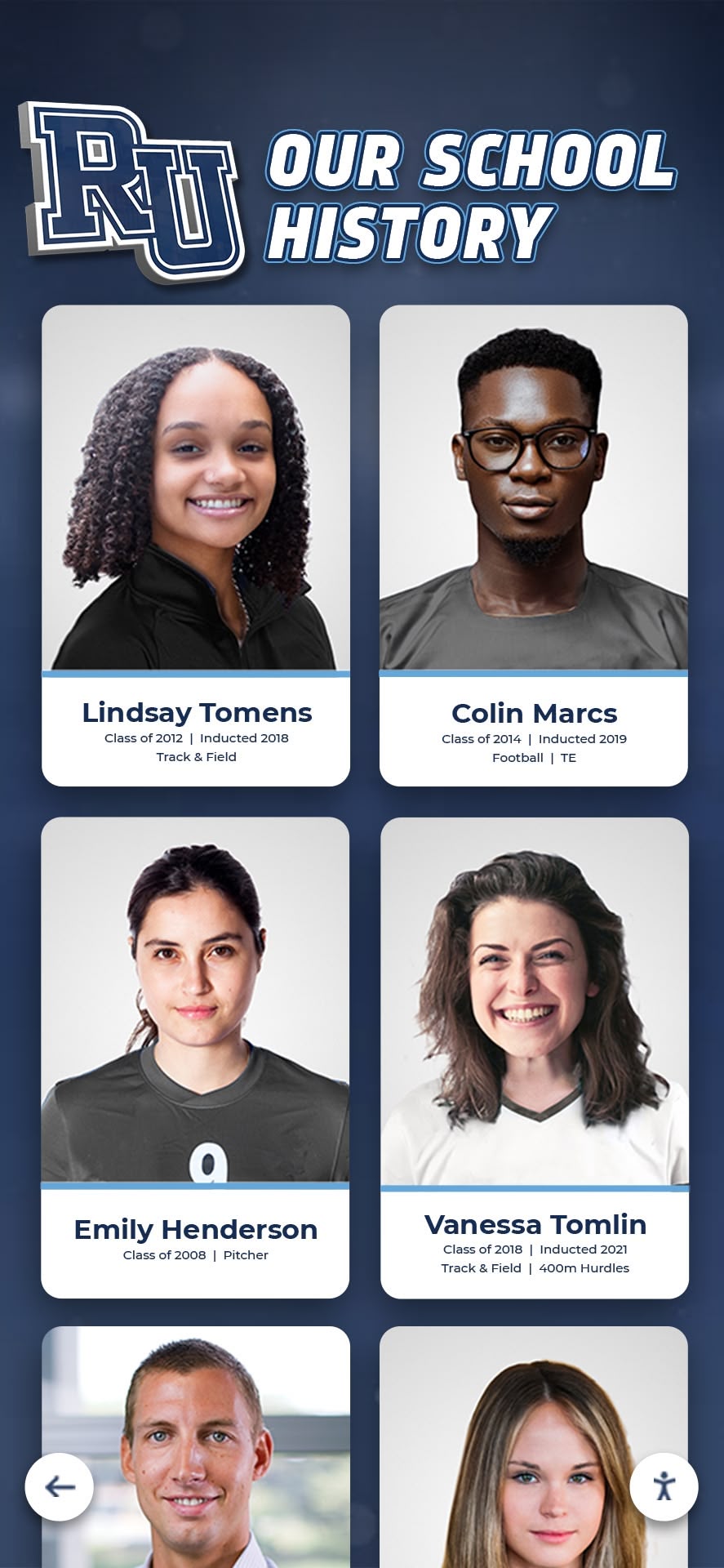
Well-designed senior page layouts balance individual recognition with cohesive visual presentation
Why Senior Page Layout Design Matters
Thoughtful senior page design creates measurable impact on yearbook satisfaction, purchase rates, and long-term value.
Creating Lasting Keepsakes Families Treasure
Strategic layout decisions determine whether yearbooks become cherished family heirlooms or dusty shelf items:
Visual Appeal and Professionalism
- Well-designed layouts communicate that the school values graduating seniors
- Professional presentation justifies yearbook purchase investment
- Cohesive design creates pride in ownership rather than disappointment
- Visual quality determines whether families display yearbooks prominently
- Layout sophistication affects perception of overall institutional excellence
Long-Term Revisit Value
- Thoughtful designs remain visually appealing decades after graduation
- Clear organization makes specific graduates easy to locate during reunions
- Balanced information density provides discovery value upon each viewing
- Professional layouts age better than trendy designs tied to specific eras
- Quality presentation encourages graduates to share yearbooks with their own children
According to yearbook publishers and advisers, senior sections represent the highest-value content in yearbooks, directly influencing purchase decisions and long-term satisfaction. These pages receive more attention than any other section, making design investment particularly worthwhile.
Honoring Individual Stories While Maintaining Cohesion
The best senior page layouts solve the fundamental tension between personalization and consistency:
Celebrating Unique Personalities
- Layout flexibility allows authentic self-expression within structured frameworks
- Design variety accommodates different personality types and achievement profiles
- Personalization options create ownership and pride in yearbook representation
- Individual expression makes pages more engaging to revisit over time
- Recognition of uniqueness honors the complete student rather than reducing to data points
Maintaining Professional Standards
- Consistent design elements create visual flow across hundreds of pages
- Clear organizational systems ensure every graduate receives equitable space
- Professional layouts prevent chaotic appearance undermining perceived value
- Standardized components simplify production while allowing creative variation
- Quality control maintains institutional credibility and publication standards
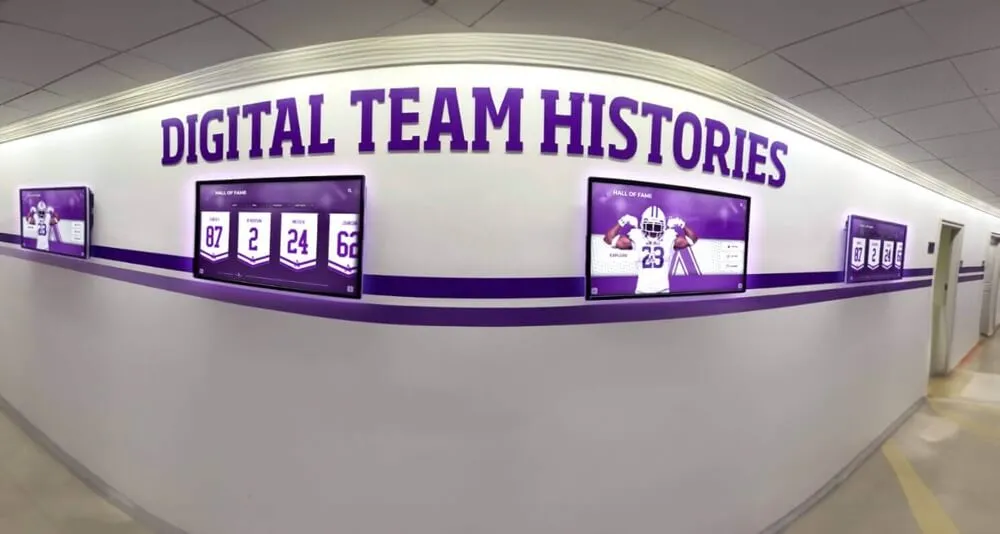
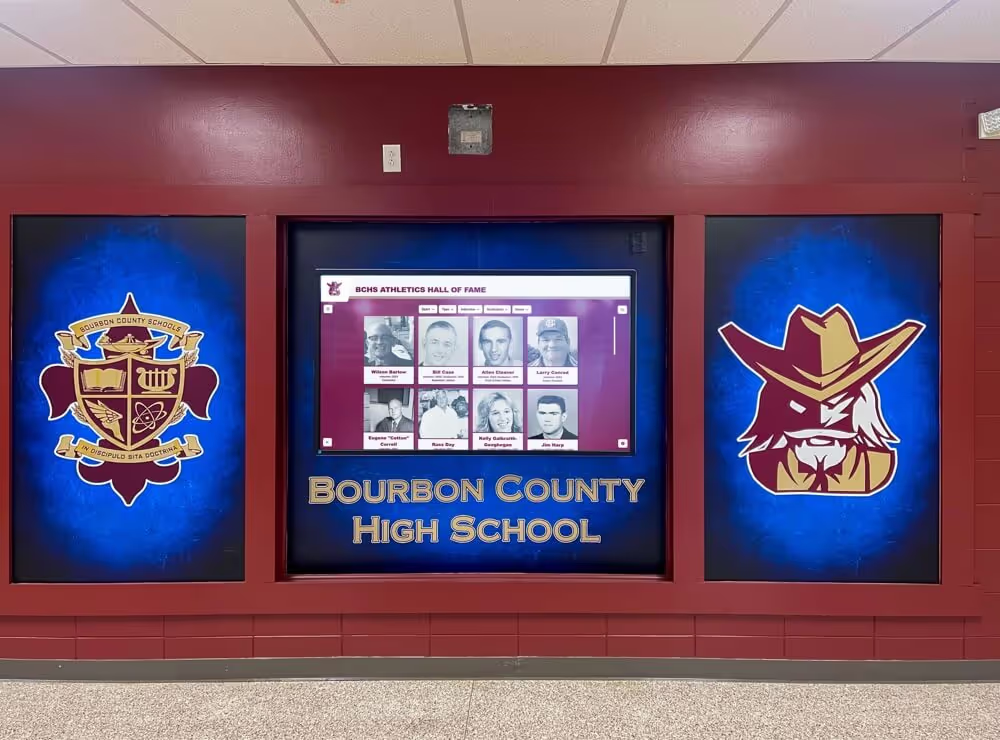
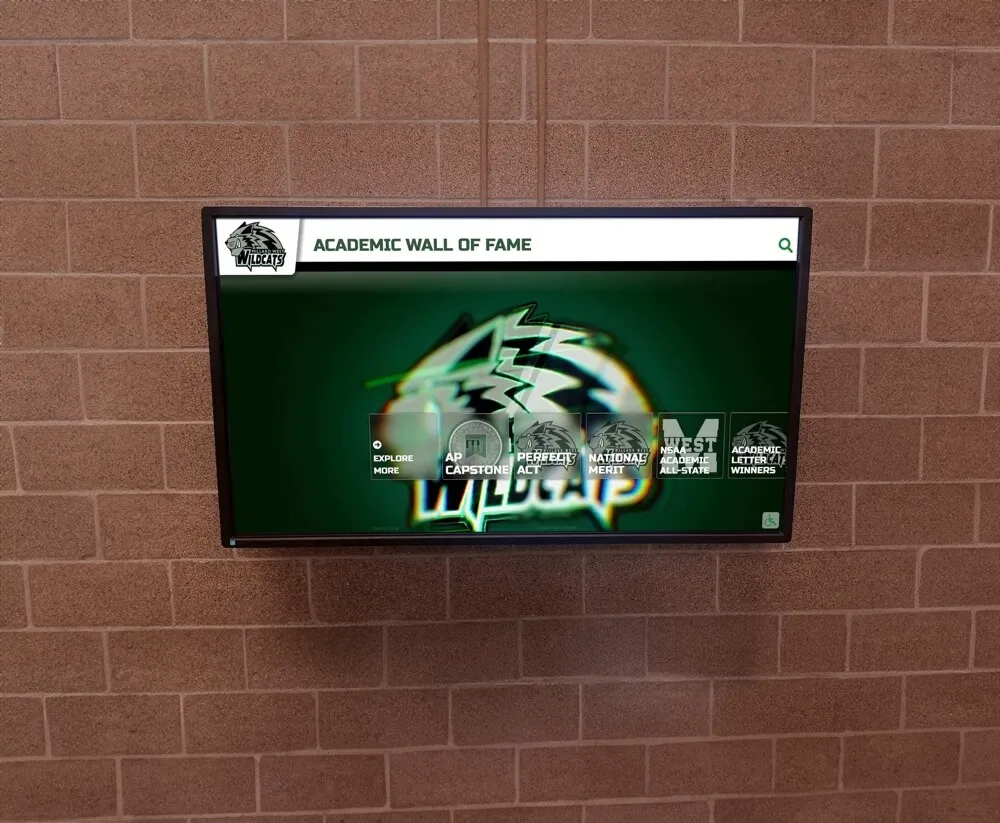
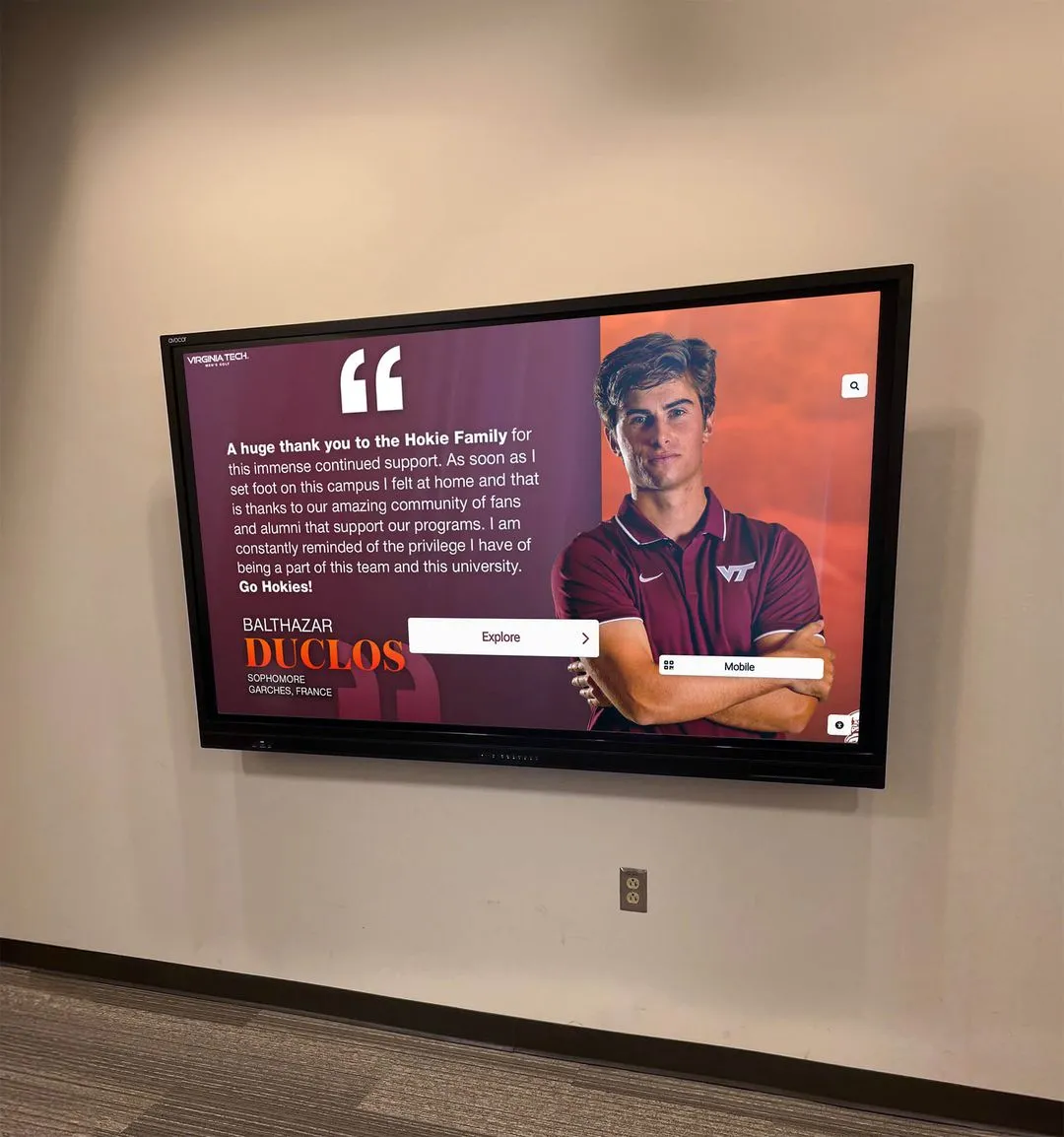
Schools can extend senior recognition beyond yearbook pages through digital display solutions that showcase graduates year-round.
Classic Portrait-Focused Layout Ideas (Layouts 1-10)
Traditional portrait-centered designs provide timeless elegance while offering subtle variations for visual interest.
Single Portrait with Information Block
Layout 1: Centered Portrait with Side Information The most traditional senior page approach:
- Large centered portrait (typically 3x4 or 4x5 inches)
- Information block positioned to right or left
- Standard details: full name, activities, clubs, sports, honors
- Senior quote placed below or integrated within information
- Clean white space preventing crowded appearance
Layout 2: Angled Portrait with Graduated Information Subtle variation adding visual dynamism:
- Portrait positioned at 5-7 degree angle for subtle interest
- Information arranged in decreasing font sizes creating visual hierarchy
- Name prominently displayed in school colors or stylized font
- Quote set apart in italics or distinctive typography
- Activities organized by category (academics, athletics, arts, service)
Layout 3: Portrait with Timeline Integration Chronological approach highlighting four-year journey:
- Standard portrait maintaining primary focus
- Miniature timeline showing freshman through senior years
- Key milestones marked at each grade level
- Visual icons representing major achievements
- Quote positioned at timeline conclusion
Dual Portrait Approaches
Layout 4: Then-and-Now Comparison Nostalgic design comparing freshman and senior portraits:
- Freshman school photo positioned opposite senior portrait
- Visual connection between images (matching frames, connecting line)
- Caption noting four-year transformation
- Information block discussing growth and changes
- Quote reflecting on high school journey
Layout 5: Formal and Candid Combination Balanced presentation showing multiple dimensions:
- Professional senior portrait as primary image
- Smaller candid action shot showing personality or interests
- Candid image depicting favorite activity, sport, or hobby
- Information distributed between images
- Visual cohesion through consistent borders or frames
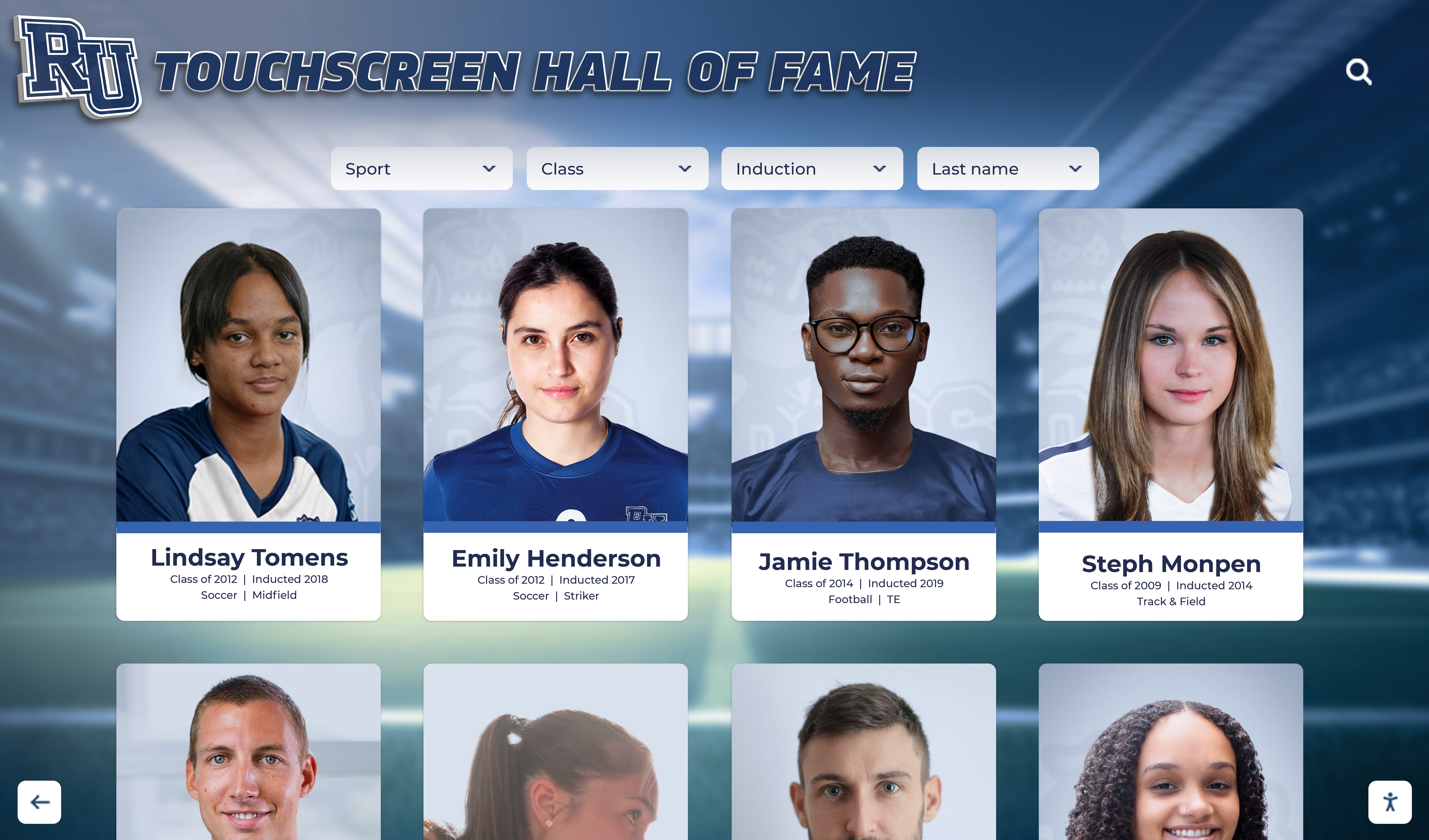
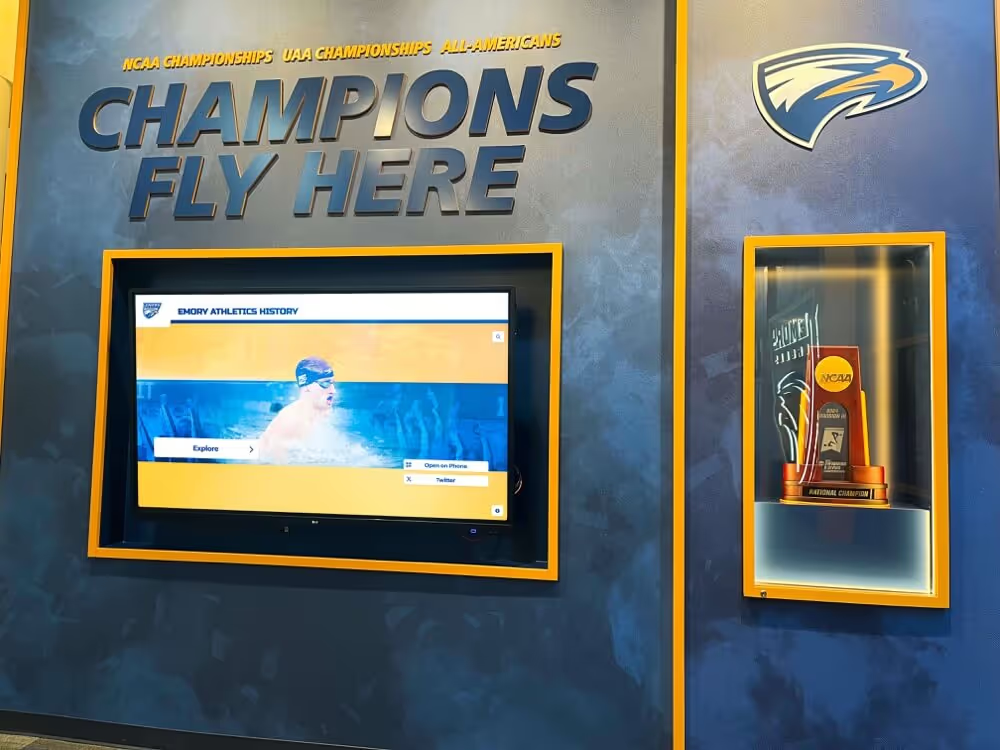
Dual portrait approaches showcase both formal achievements and authentic personality
Layout 6: Multiple Expression Portraits Personality-forward design with varied poses:
- Three to four smaller portraits showing different expressions
- Arranged in grid or creative pattern
- Same session but capturing personality range
- Compact information block preserving focus on images
- Particularly effective for expressive, outgoing personalities
Enhanced Portrait Presentations
Layout 7: Portrait with Background Integration Contextual design connecting portrait to interests:
- Standard portrait as foreground element
- Subtle background imagery related to passions (musical notes, athletic equipment, scientific formulas)
- Transparent or watermark background preventing distraction from portrait
- Information overlaid on background areas
- Visual storytelling through integrated design elements
Layout 8: Portrait with Icon Framework Infographic-style approach visualizing achievements:
- Central portrait surrounded by achievement icons
- Icons representing different categories (academics, athletics, arts, leadership, service)
- Visual indicators showing level of involvement in each area
- Modern, clean aesthetic appealing to design-conscious students
- Information presented through combination of icons and minimal text
Layout 9: Portrait in School Color Framework Pride-focused design emphasizing institutional identity:
- Portrait framed or bordered in school colors
- Color-blocked sections organizing information categories
- School mascot or emblem subtly integrated
- Typography matching school branding standards
- Cohesive appearance when viewing full senior section
Layout 10: Minimalist Portrait Design Clean, modern approach emphasizing portrait quality:
- Large, high-quality portrait as dominant element
- Minimal text (name, one-line summary, quote)
- Extensive white space creating elegant, uncluttered appearance
- High-contrast typography ensuring readability
- Sophisticated aesthetic appealing to design-focused students
Activity and Achievement-Focused Layouts (Layouts 11-20)
These designs prioritize showcasing involvement, accomplishments, and the complete high school experience.
Comprehensive Activity Showcases
Layout 11: Photo Collage with Central Portrait Visual representation of complete high school involvement:
- Central formal portrait (smaller than portrait-only layouts)
- Surrounding collage of activity photos (sports, clubs, performances, service)
- Eight to twelve smaller images creating comprehensive story
- Caption identifying each activity or moment
- Quote integrated into design reflecting on involvement
Layout 12: Achievement Grid Layout Organized presentation of specific accomplishments:
- Portrait positioned in corner or side
- Grid displaying individual achievement cards
- Each card highlighting specific honor (academic awards, athletic achievements, leadership roles)
- Visual consistency through matching card design
- Comprehensive record of measurable accomplishments
Layout 13: Yearbook of the Yearbook Meta approach creating miniature yearbook:
- Senior portrait as “cover”
- Interior pages showing different aspects of high school experience
- Organized by year or activity type
- Creative layout mimicking yearbook design at smaller scale
- Particularly effective for heavily involved students
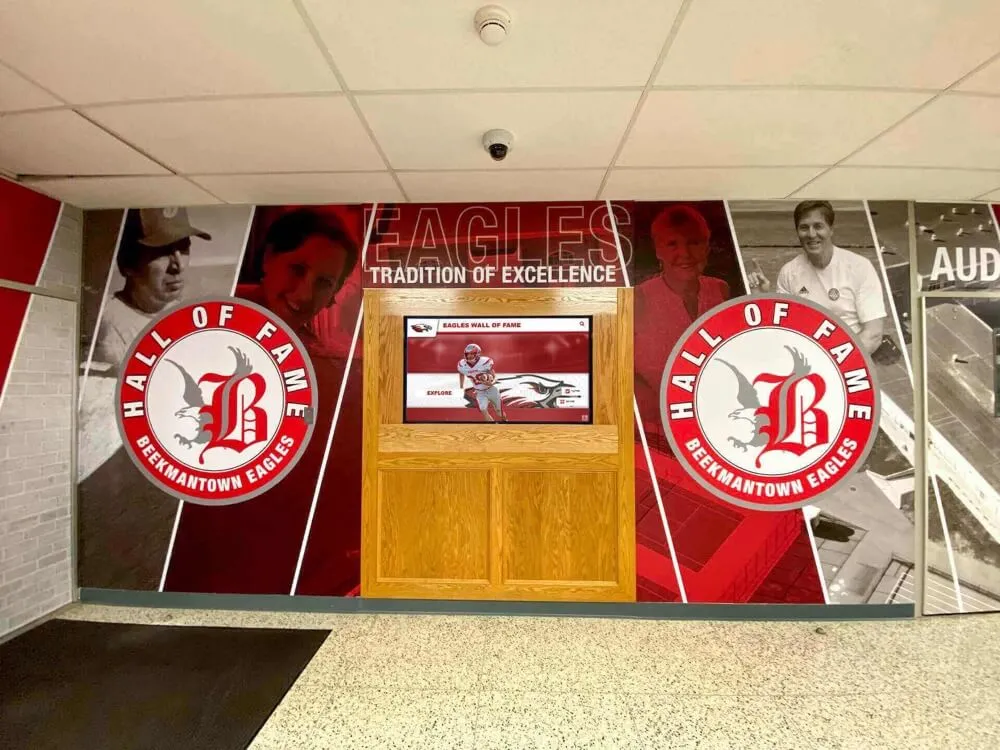
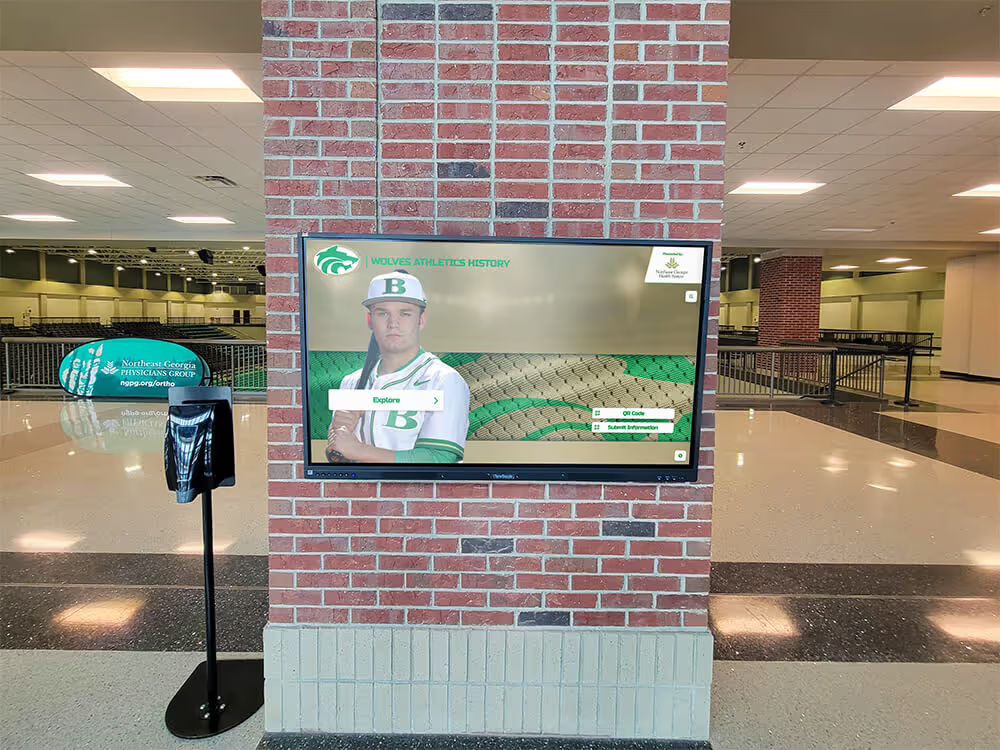
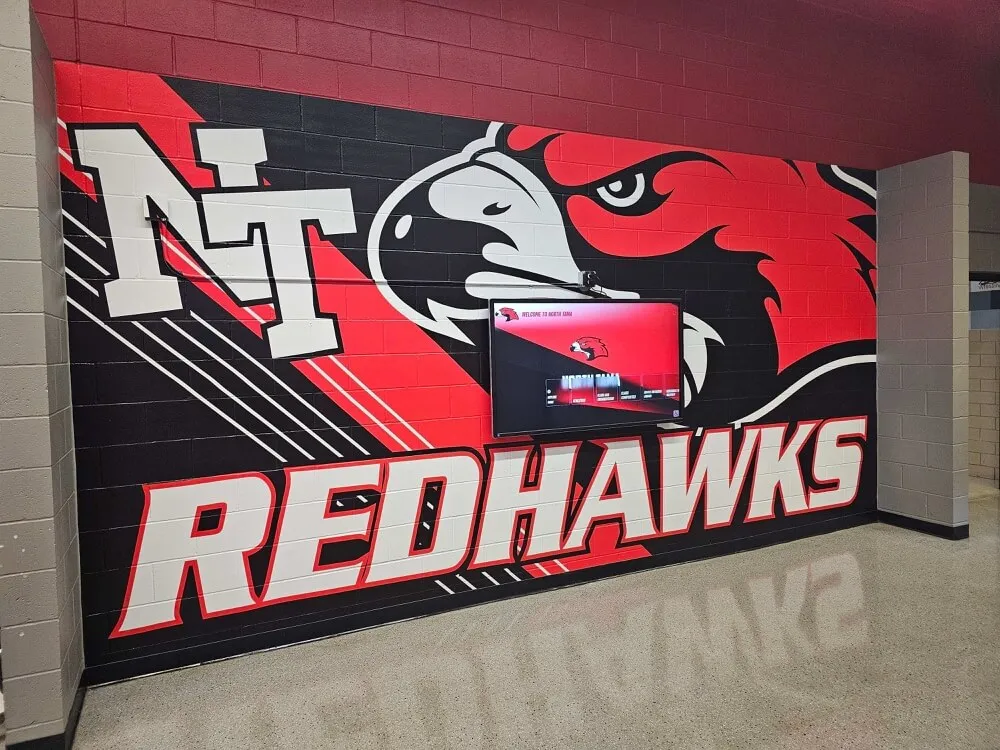
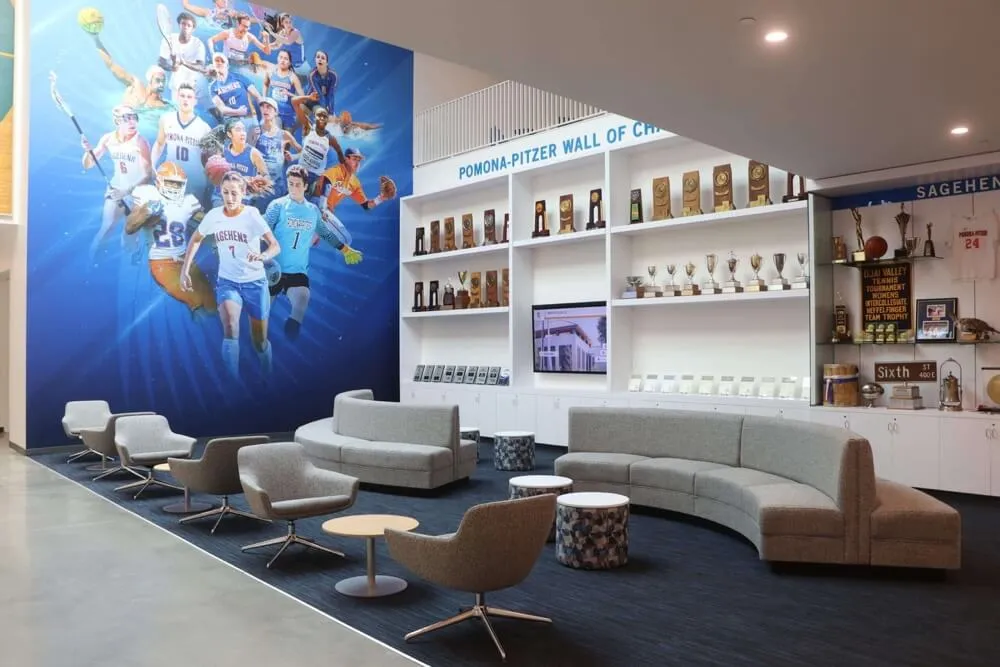
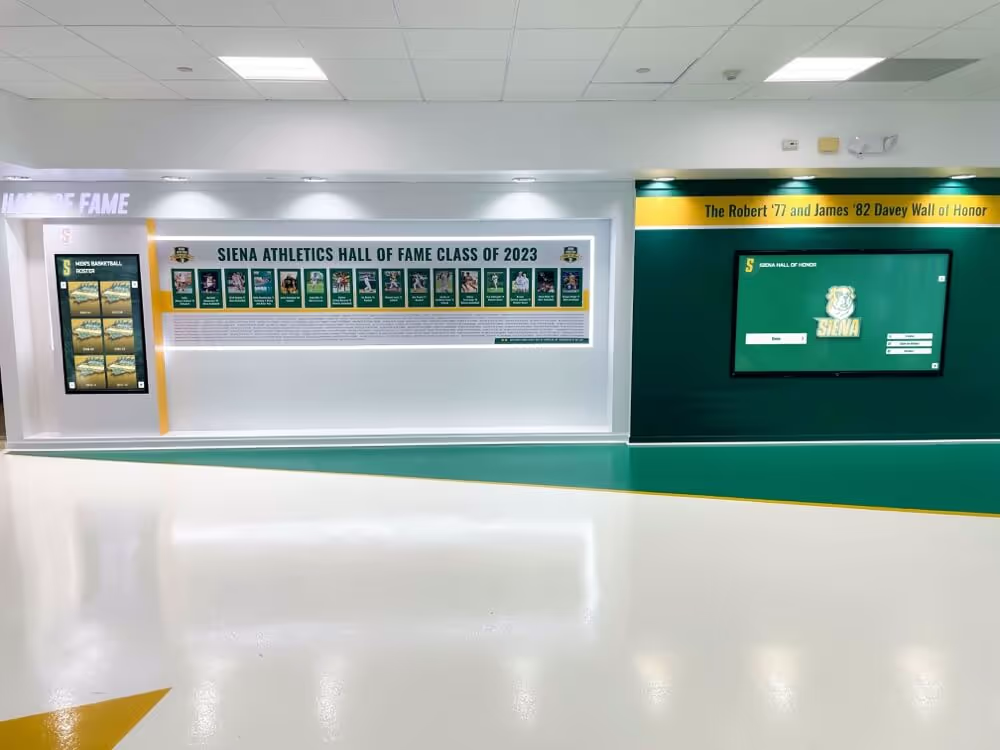
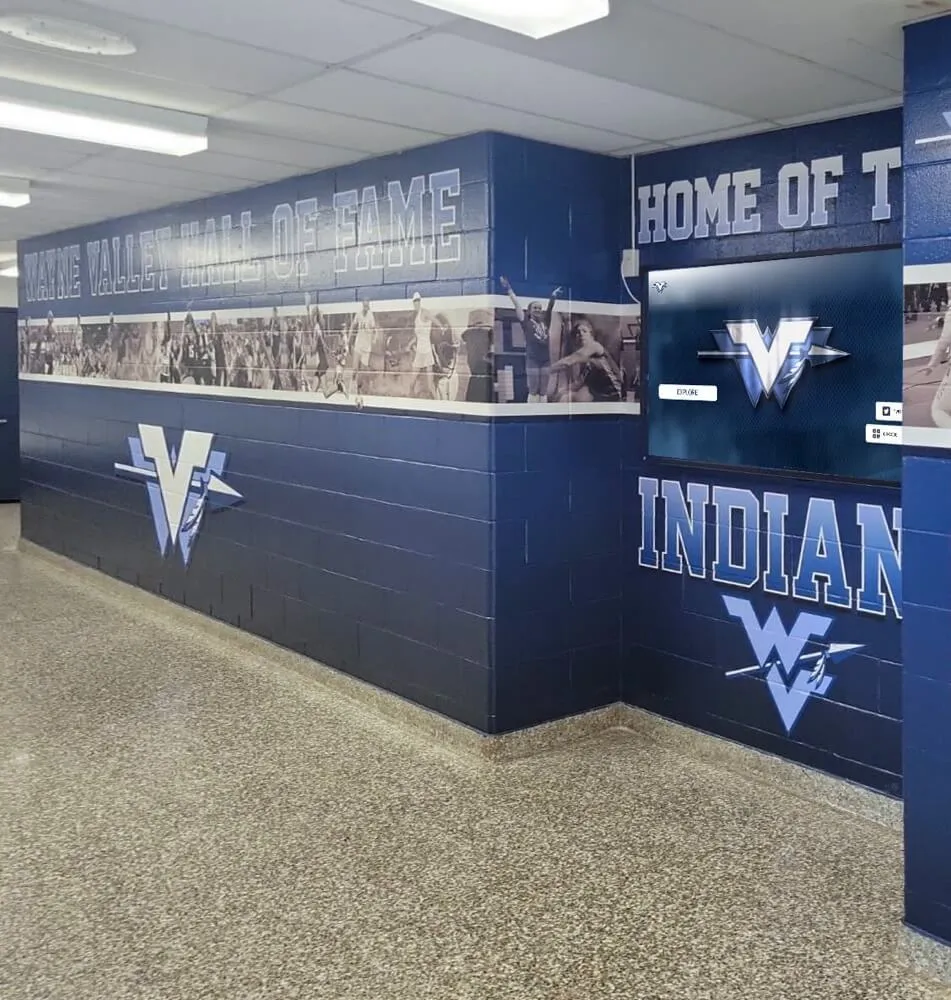
Many schools complement yearbook recognition with permanent digital displays showcasing senior achievements that remain visible to future classes.
Sport and Activity-Specific Designs
Layout 14: Athletic Achievement Focus Sport-centered layout for dedicated athletes:
- Action shot from primary sport as dominant image
- Formal portrait as secondary element
- Statistics, records, and achievement highlights
- Timeline of athletic progression
- Quote about sport’s impact on personal development
Layout 15: Performing Arts Showcase Stage-focused design for theater, music, and dance students:
- Performance photograph capturing student in action
- Formal portrait for balance
- List of performances, roles, musical achievements
- Visual elements (music notes, theater masks, dance silhouettes)
- Quote about artistic journey and growth
Layout 16: Academic Excellence Display Scholarly achievement celebration:
- Portrait with academic regalia or in learning environment
- List of AP courses, academic honors, competitions
- Visual representation of GPA, test scores, or rank (if school permits)
- Recognition badges or icons for specific achievements
- Quote about intellectual curiosity or academic goals
Thematic Integration Approaches
Layout 17: Passion Project Highlight Design centered on defining interest or achievement:
- Images documenting significant project, research, or initiative
- Portrait integrated within project context
- Detailed description of project significance
- Process or timeline visualization
- Reflection on impact and learning
Layout 18: Service and Leadership Focus Community contribution celebration:
- Images from service activities or leadership roles
- Formal portrait balanced with action shots
- List of organizations, volunteer hours, leadership positions
- Impact statistics or testimonial quotes (from organizations served)
- Personal reflection on service philosophy
Layout 19: Career or Future-Focused Layout Forward-looking design connecting high school to future plans:
- Portrait with future career or college imagery
- High school preparation highlighted
- Future goals and aspirations clearly stated
- Connection between current achievements and future path
- Quote about dreams and ambitions
Layout 20: Friendship and Community Emphasis Relationship-centered design:
- Portrait combined with photos of friend groups
- Emphasis on connections and community built
- Quotes from friends or brief testimonials
- Visual elements showing collaborative activities
- Reflection on relationships as defining high school element
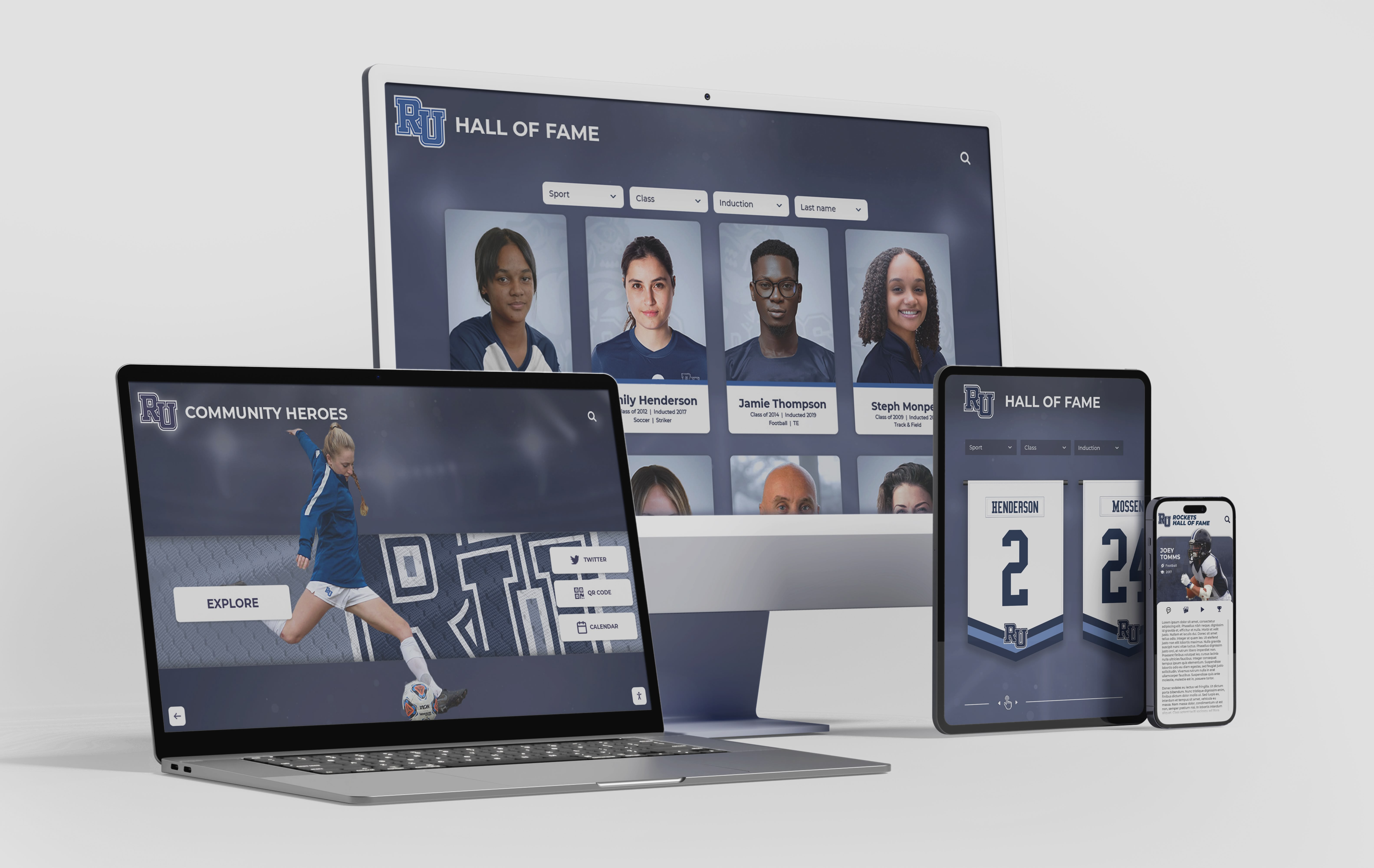
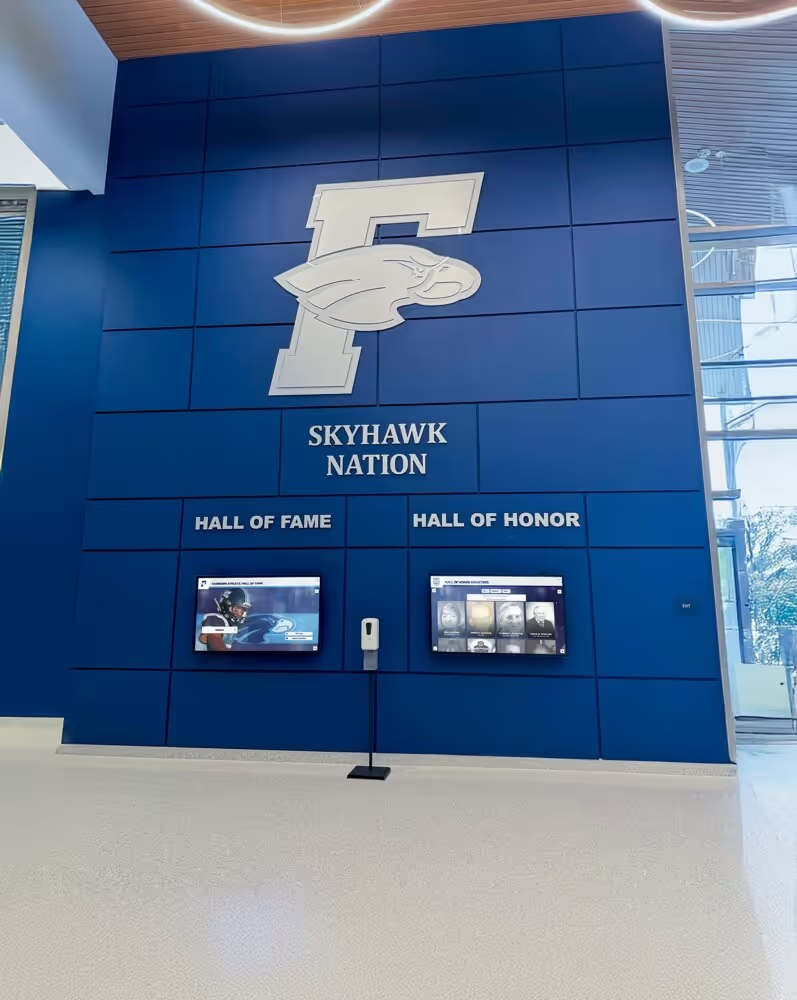
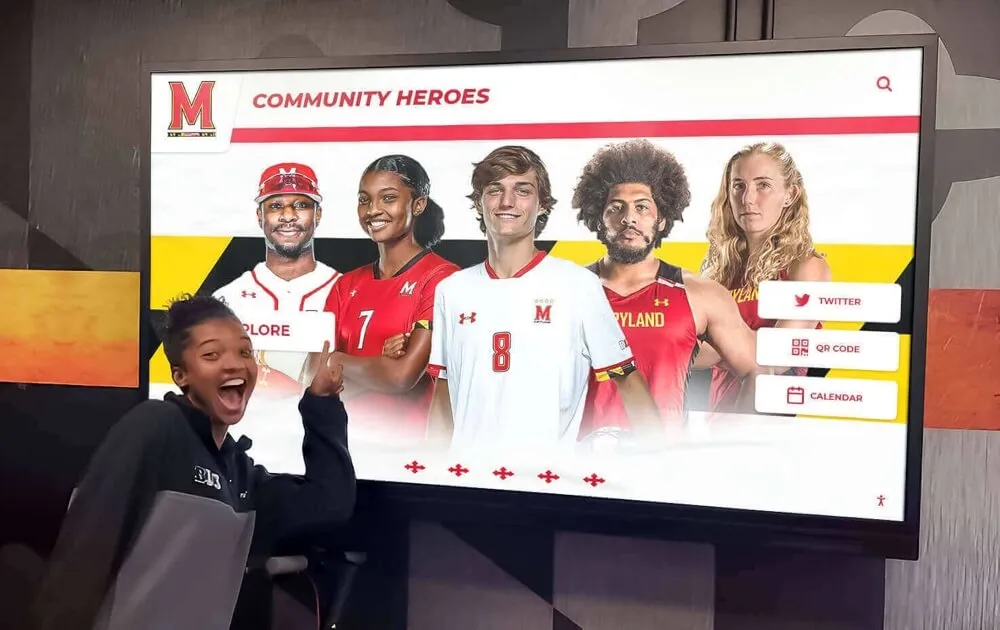
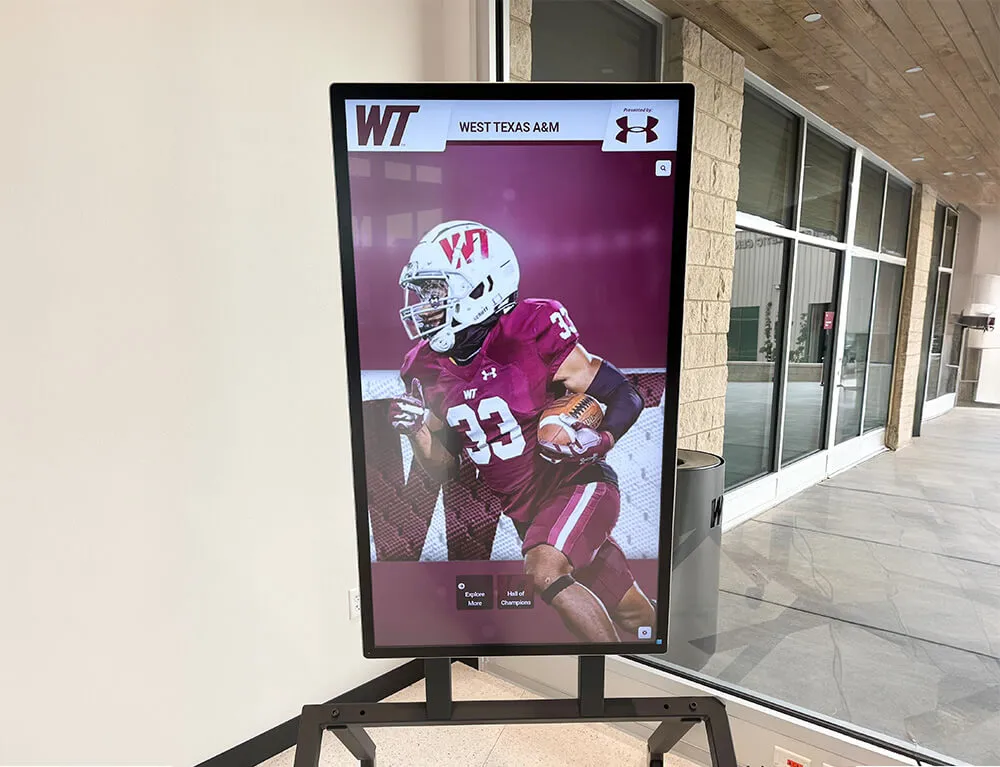
Modern senior recognition extends beyond print through digital platforms accessible on any device
Modern and Digital-Enhanced Layouts (Layouts 21-30)
Contemporary designs integrate technology and interactive elements extending beyond traditional print limitations.
QR Code and Digital Integration
Layout 21: QR Code to Extended Profile Bridging print and digital experiences:
- Traditional portrait and information as foundation
- QR code linking to extended digital profile
- Digital profile includes additional photos, videos, extended biography
- Print layout indicates what digital extension contains
- Future-proof design as technology becomes standard
Layout 22: Social Media Integration Contemporary design reflecting digital native identity:
- Portrait with social media handle displays
- Selected posts, photos, or content from platforms (with permission)
- Visual recreation of social media aesthetic
- Privacy-conscious approach using approved content only
- Reflection of authentic digital personality
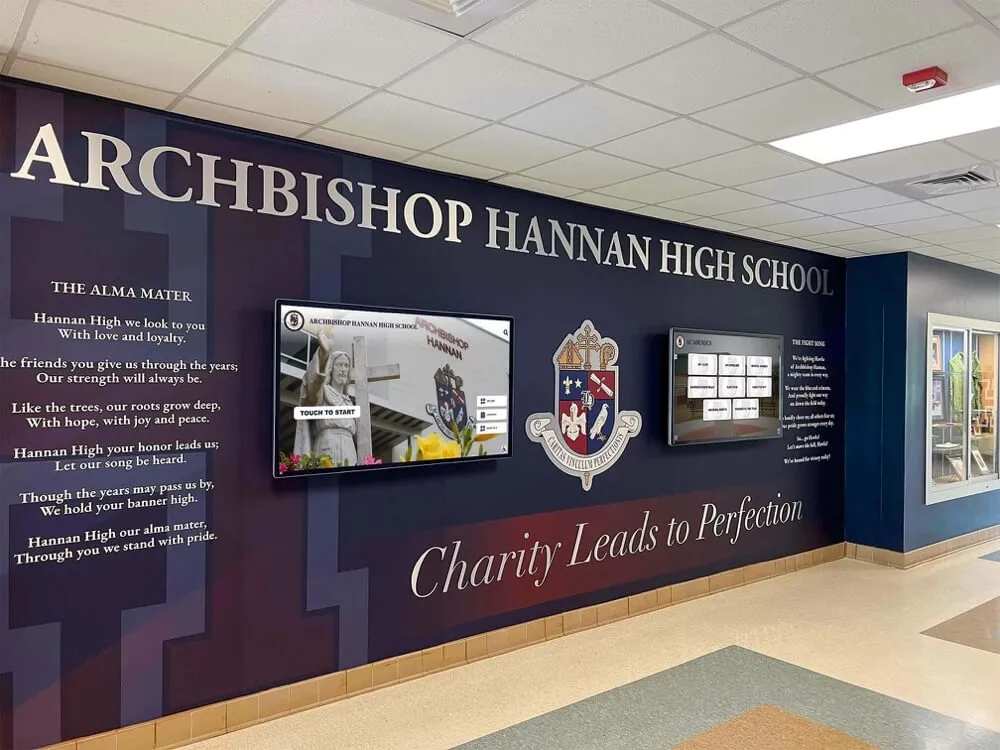
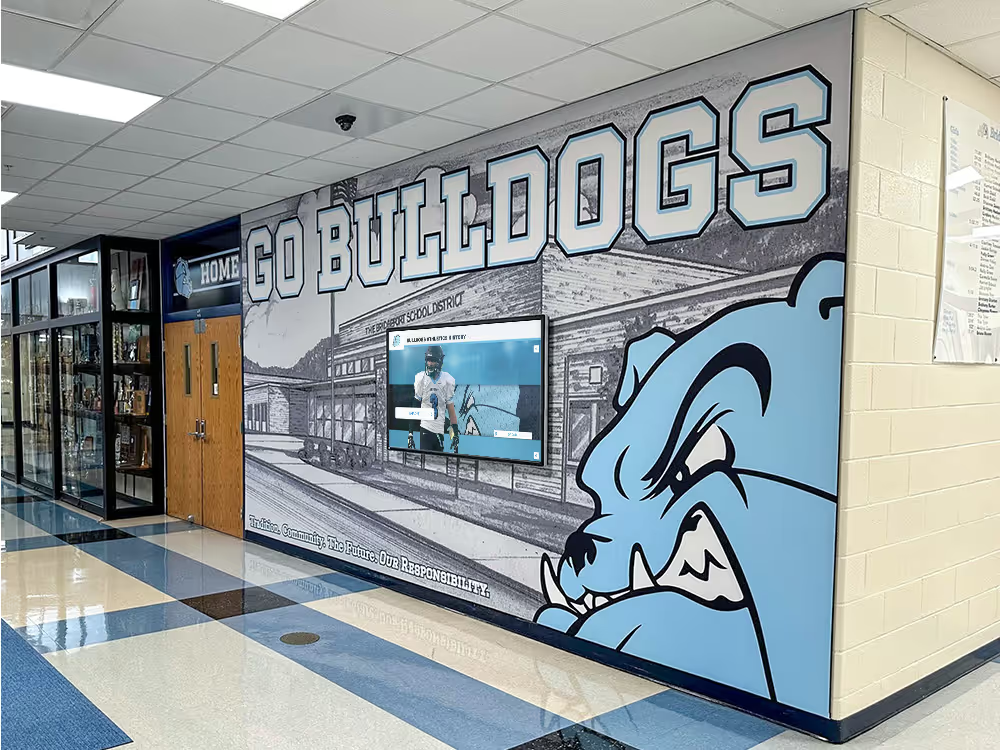
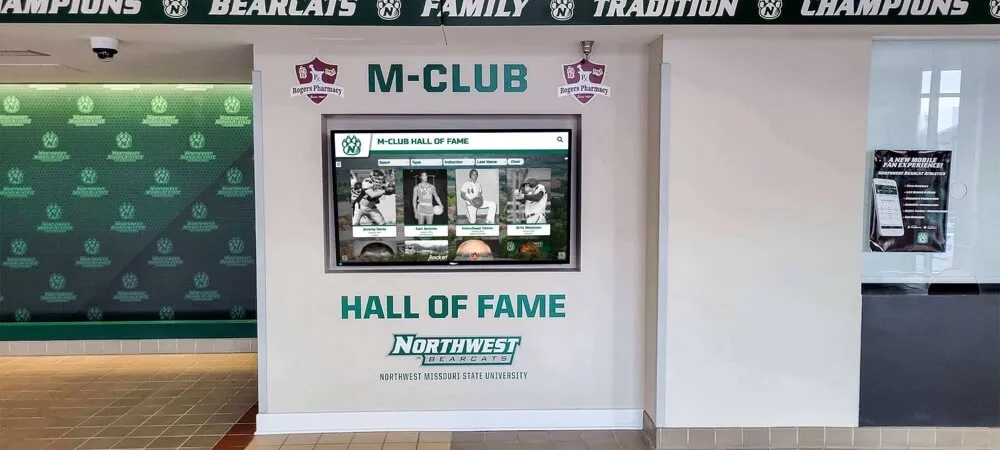
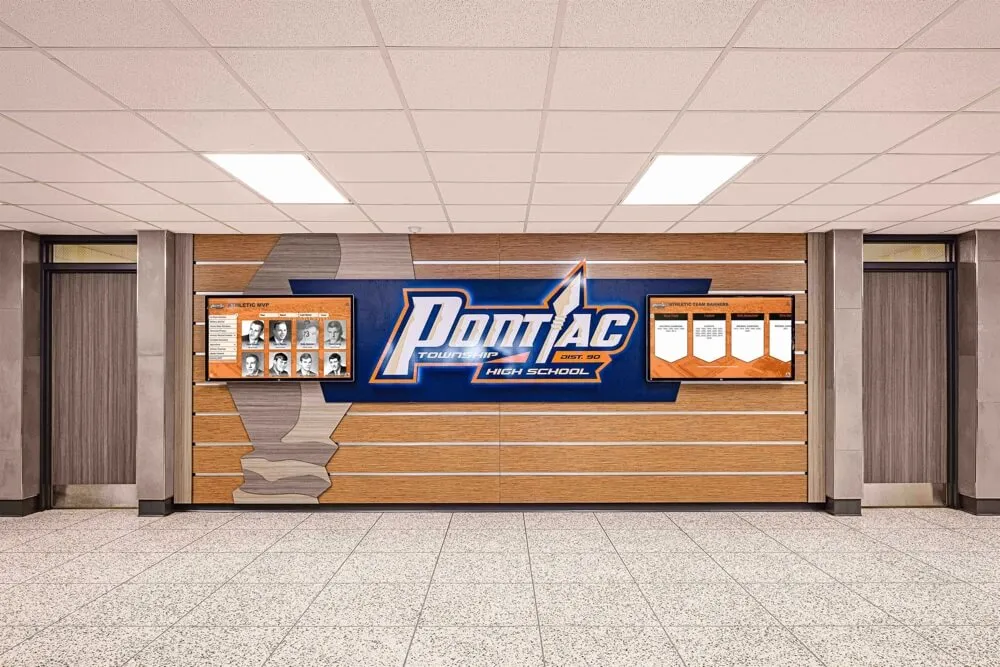
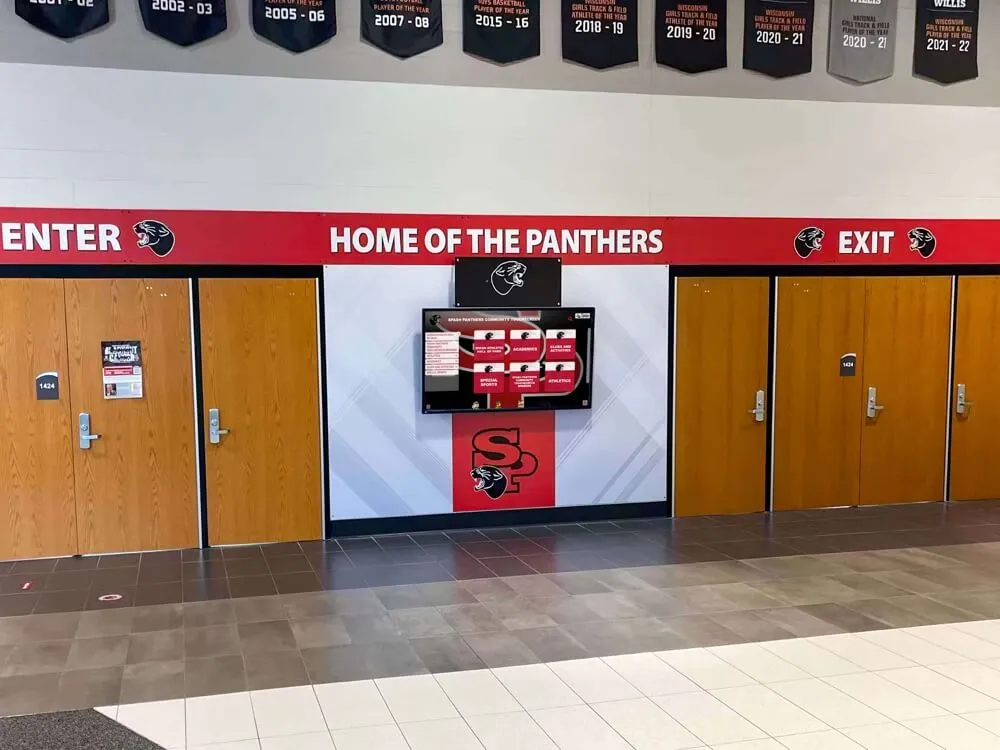
Schools implementing digital recognition systems can create seamless connections between yearbook pages and interactive displays accessible to visitors and alumni.
Layout 23: Video Screenshot Collage Motion captured in print:
- Screenshots from memorable videos (performances, sports highlights, presentations)
- Portrait integrated among video frames
- QR code linking to actual video compilation
- Visual storytelling through sequential images
- Caption explaining significance of each moment
Creative Visual Approaches
Layout 24: Magazine Cover Style Editorial design approach:
- Senior presented as magazine cover subject
- Headlines highlighting major achievements or personality traits
- “Table of contents” listing involvements
- Professional photography with editorial styling
- Sophisticated aesthetic popular with design-conscious students
Layout 25: Infographic Biography Data visualization approach to life story:
- Portrait as anchor element
- Life represented through charts, graphs, timelines
- Visual statistics (books read, miles run, hours practiced)
- Color-coded categories for different life aspects
- Modern, information-dense design
Layout 26: Comic Strip or Graphic Novel Style Narrative storytelling through sequential art:
- High school journey told through comic panels
- Combination of photos and illustrated elements
- Chronological progression from freshman to senior year
- Dialogue bubbles for quotes and reflections
- Creative approach particularly effective for artistic students
Collaborative and Interactive Designs
Layout 27: Peer Recognition Layout Community perspective on individual:
- Central portrait surrounded by peer testimonials
- Short quotes from friends, teachers, coaches
- “Voted most likely to…” or superlative recognition
- Community perspective balancing self-representation
- Validation of impact on others
Layout 28: Family Heritage Design Multi-generational storytelling:
- Portrait with family photos or heritage imagery
- Recognition of cultural background or family traditions
- Alumni connections if parents or siblings attended school
- Values or lessons from family highlighted
- Personal identity within broader family context
Layout 29: Comparison to Childhood Self Growth and development emphasis:
- Baby or childhood photo opposite senior portrait
- Life timeline from early childhood through graduation
- “What I wanted to be when I grew up” vs. actual plans
- Reflection on how dreams evolved or remained consistent
- Nostalgic approach with broad appeal
Layout 30: Interactive Choose-Your-Own-Adventure Gamified decision tree showing high school path:
- Portrait at center of decision tree
- Branches showing key choices and their outcomes
- Visual representation of how decisions shaped experience
- QR code to interactive digital version
- Creative approach showing agency in own story
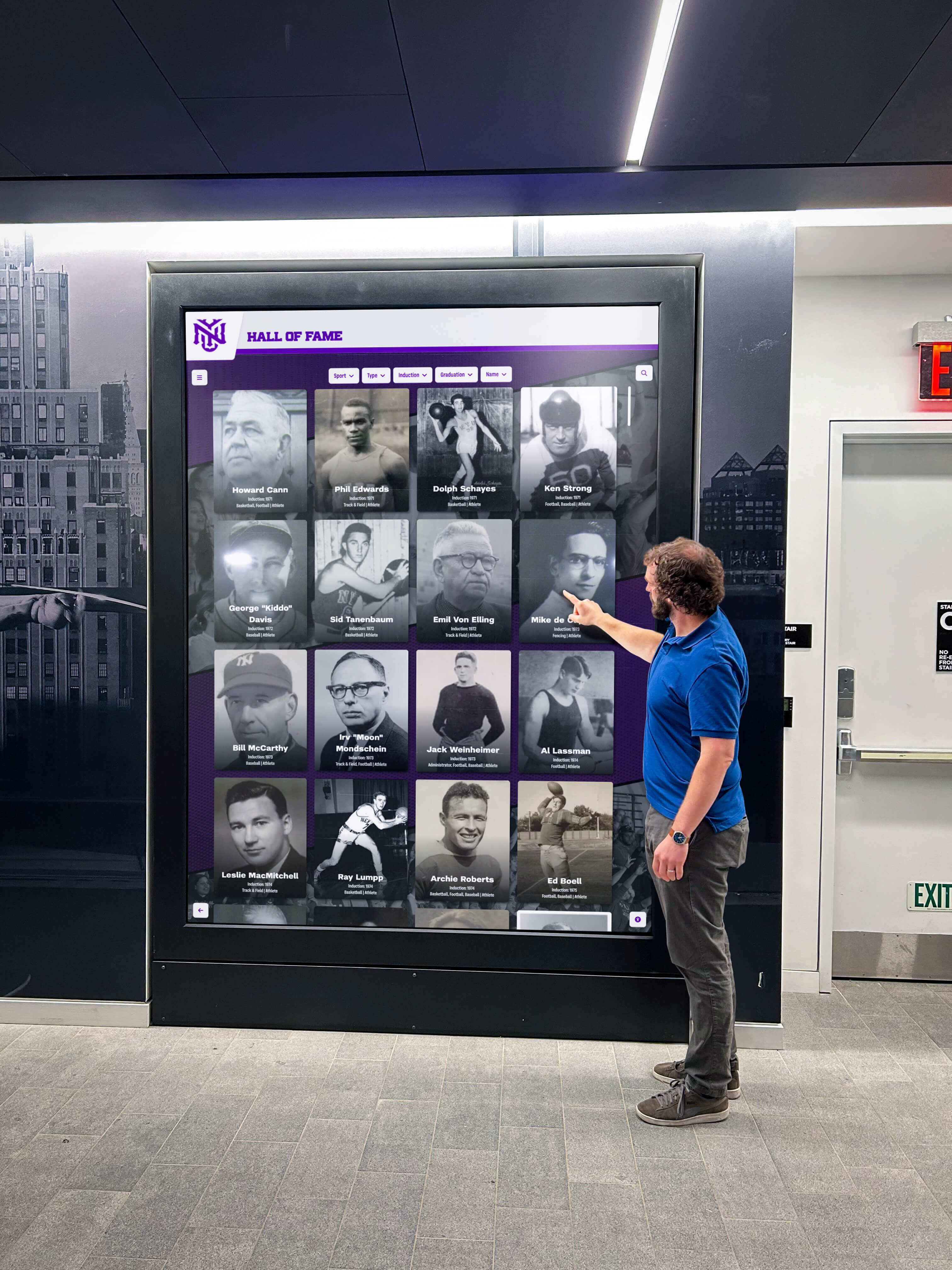
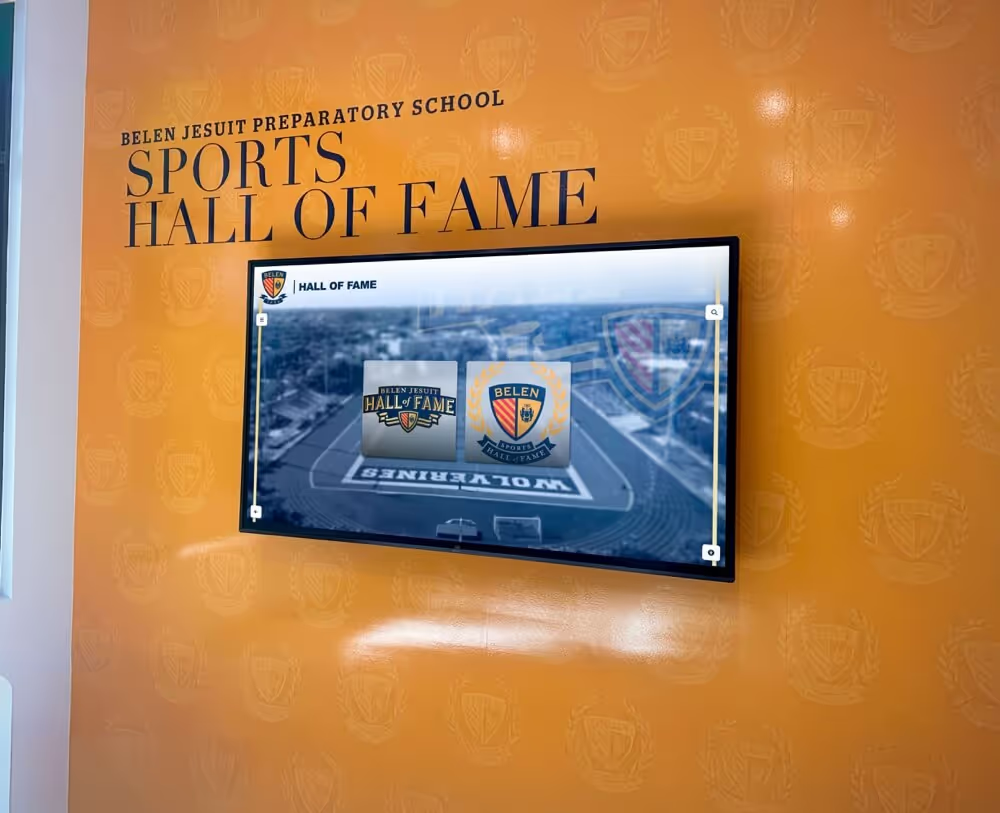
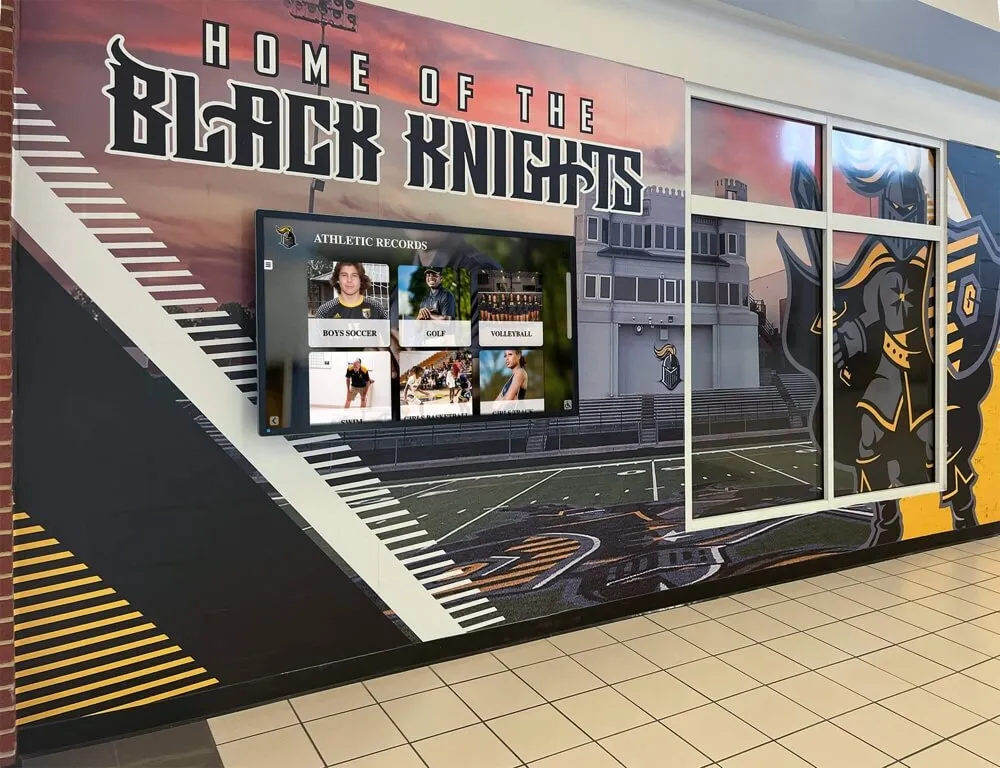
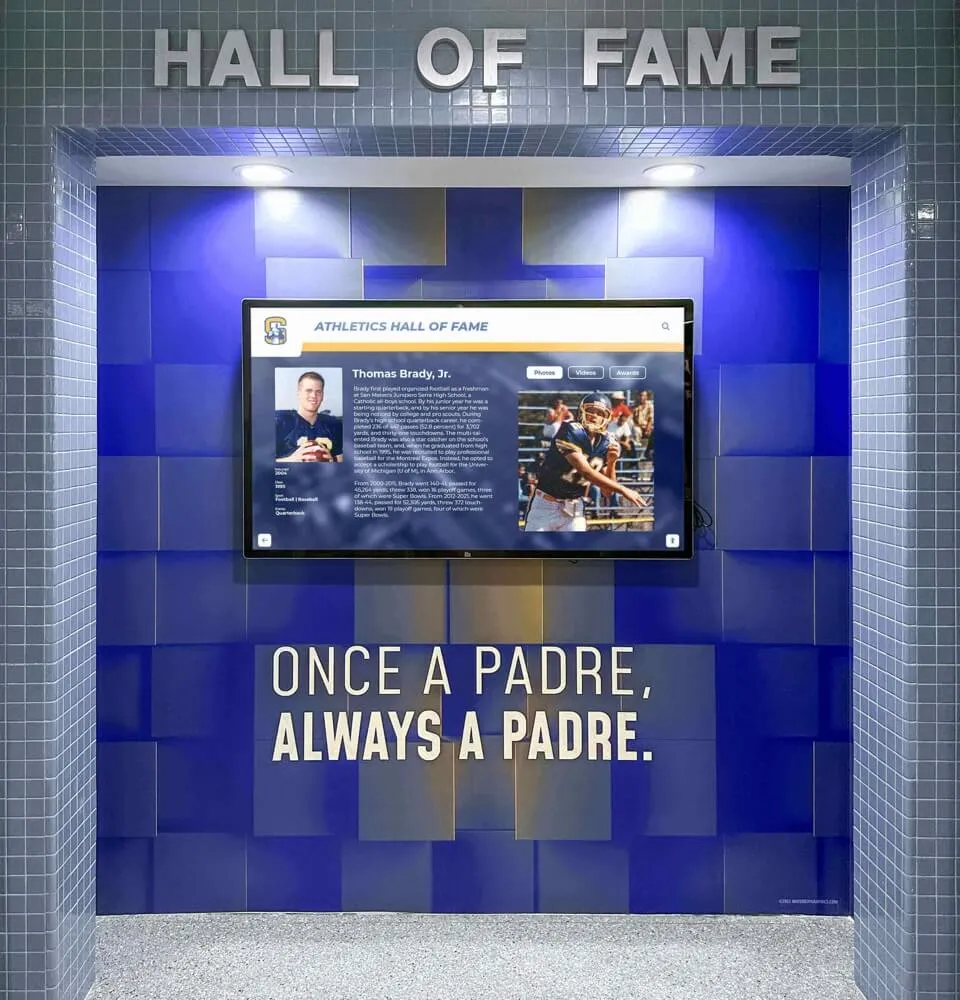
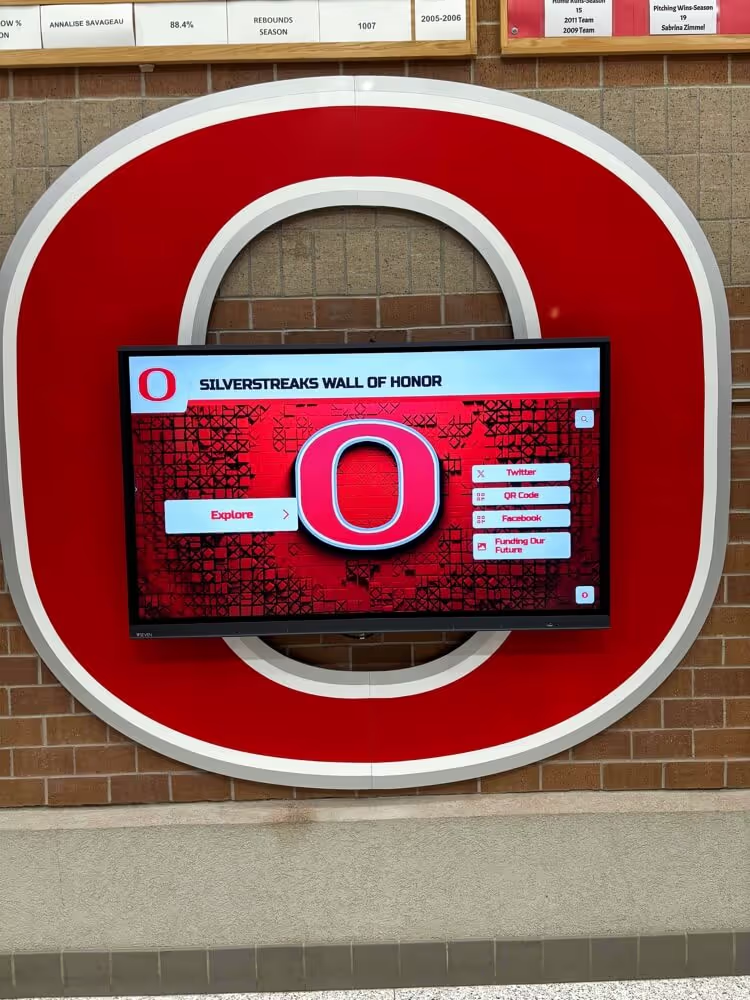
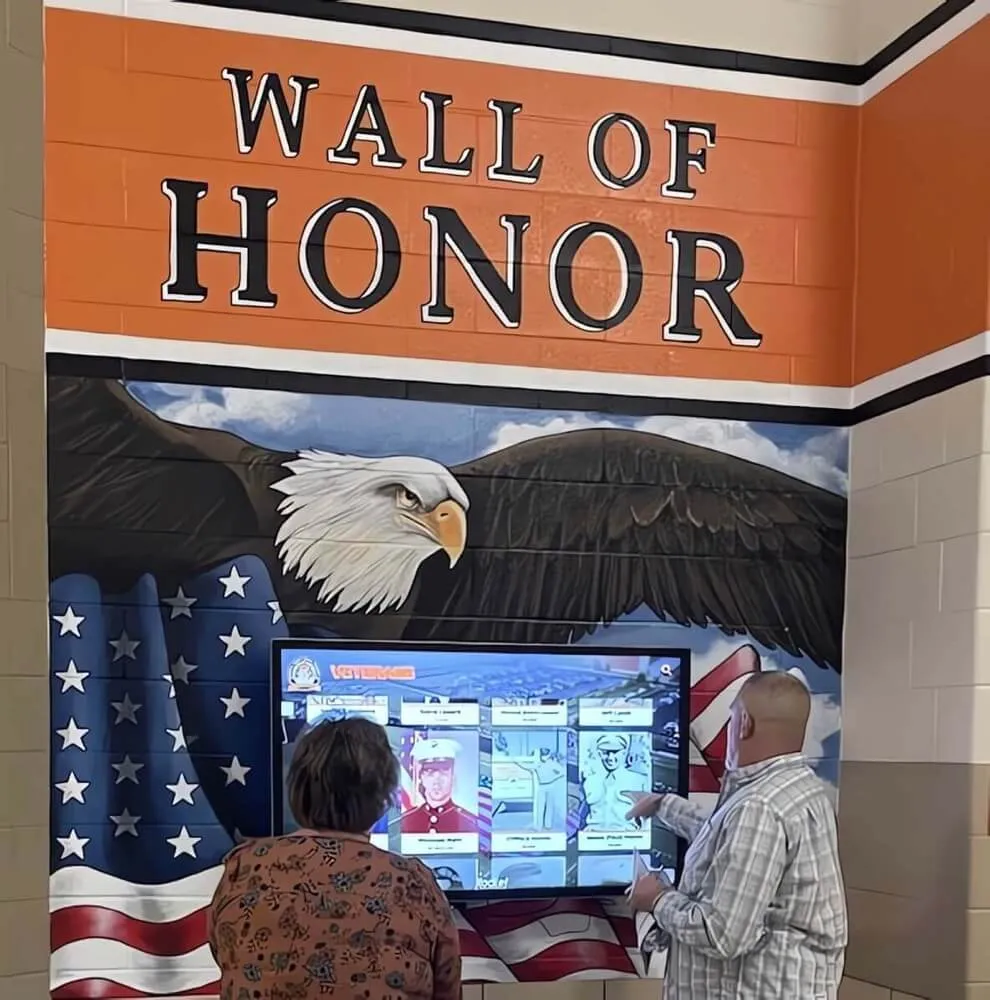
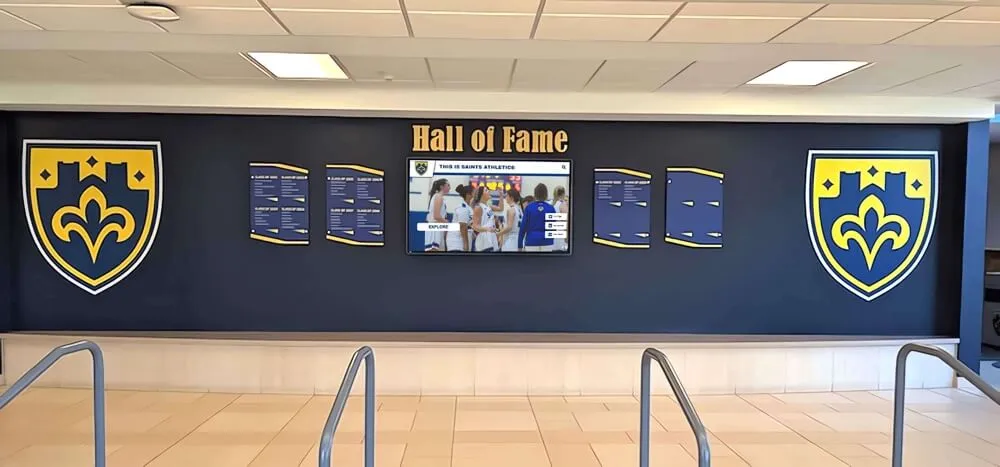
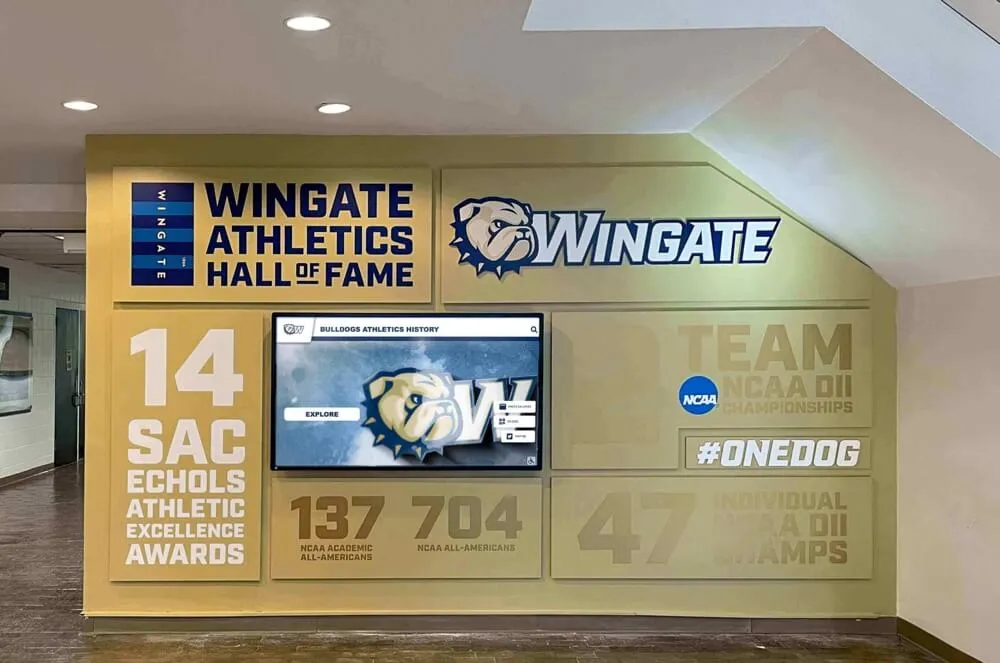
Interactive displays allow seniors' achievements to be showcased permanently in school spaces
Design Principles for Effective Senior Pages
Regardless of specific layout choice, certain fundamental principles ensure effective senior page design.
Balancing Information Density and Visual Appeal
Optimizing Content Volume
- Include essential information without overwhelming the page
- Prioritize elements most meaningful to subject and audience
- Use hierarchy to guide eye through information
- Maintain white space preventing cramped appearance
- Edit ruthlessly to preserve visual clarity
Typography Best Practices
- Limit to two to three font families per page
- Ensure sufficient size for readability (minimum 8-9 point for body text)
- Use bold, italic, and size variation for hierarchy, not multiple fonts
- Match typography to personality (formal vs. playful) while maintaining legibility
- Test readability at actual print size before finalizing
Ensuring Equitable Treatment Across Seniors
Standardization Within Flexibility
- Establish consistent space allocation for all seniors
- Allow personalization within defined parameters
- Create clear guidelines preventing significant inequality
- Ensure photography quality standards apply equally
- Balance individual expression with fair treatment
Managing Special Circumstances
- Accommodate students with varying involvement levels
- Provide dignified options for students with limited photos
- Handle sensitive situations (transfers, personal challenges) with care
- Ensure inclusivity regardless of financial resources
- Maintain privacy and consent around all published content
Understanding academic recognition best practices helps ensure yearbook programs celebrate achievement equitably and meaningfully.
Photography Quality and Consistency
Professional Portrait Standards
- Consistent lighting, background, and styling across senior portraits
- Clear quality requirements communicated to photography vendors
- Timeline allowing retakes if portraits don’t meet standards
- Guidance for students on appropriate attire and presentation
- Digital file specifications ensuring print reproduction quality
Candid and Activity Photo Selection
- Resolution requirements for print quality (minimum 300 DPI)
- Permission and consent for all photographed individuals
- Appropriate content standards applied consistently
- Visual quality sufficient for chosen layout size
- Authentic moments over staged or forced poses
Technical Considerations for Yearbook Production
Understanding production constraints ensures designs remain feasible while maintaining creative vision.
Print Specifications and Requirements
Resolution and File Format Standards
- 300 DPI minimum for all images at final print size
- CMYK color mode rather than RGB for accurate color reproduction
- Appropriate bleed and margin specifications from printer
- Font embedding or outlining preventing substitution issues
- PDF/X-1a or printer-specified format for final submission
Color Management
- School colors accurately represented through Pantone or CMYK values
- Consistent color calibration across all pages
- Understanding of color shift between screen and print
- Test proofs verifying color accuracy before full print run
- Consideration of color reproduction on yearbook paper stock
Digital Layout Tools and Workflows
Software Selection Popular platforms for yearbook design:
- Adobe InDesign (industry standard for professional layouts)
- Specialized yearbook software (Jostens, Balfour platforms)
- Template-based systems for less experienced teams
- Collaborative tools enabling multiple student designers
- Version control preventing lost work or conflicting edits
Production Timeline Management
- Deadlines working backward from print delivery date
- Photography session scheduling early in school year
- Staggered page deadlines preventing last-minute chaos
- Review and approval processes before submission
- Buffer time for revisions and corrections
Schools interested in extending senior recognition beyond yearbook pages can explore digital recognition platforms that preserve graduate legacies permanently.
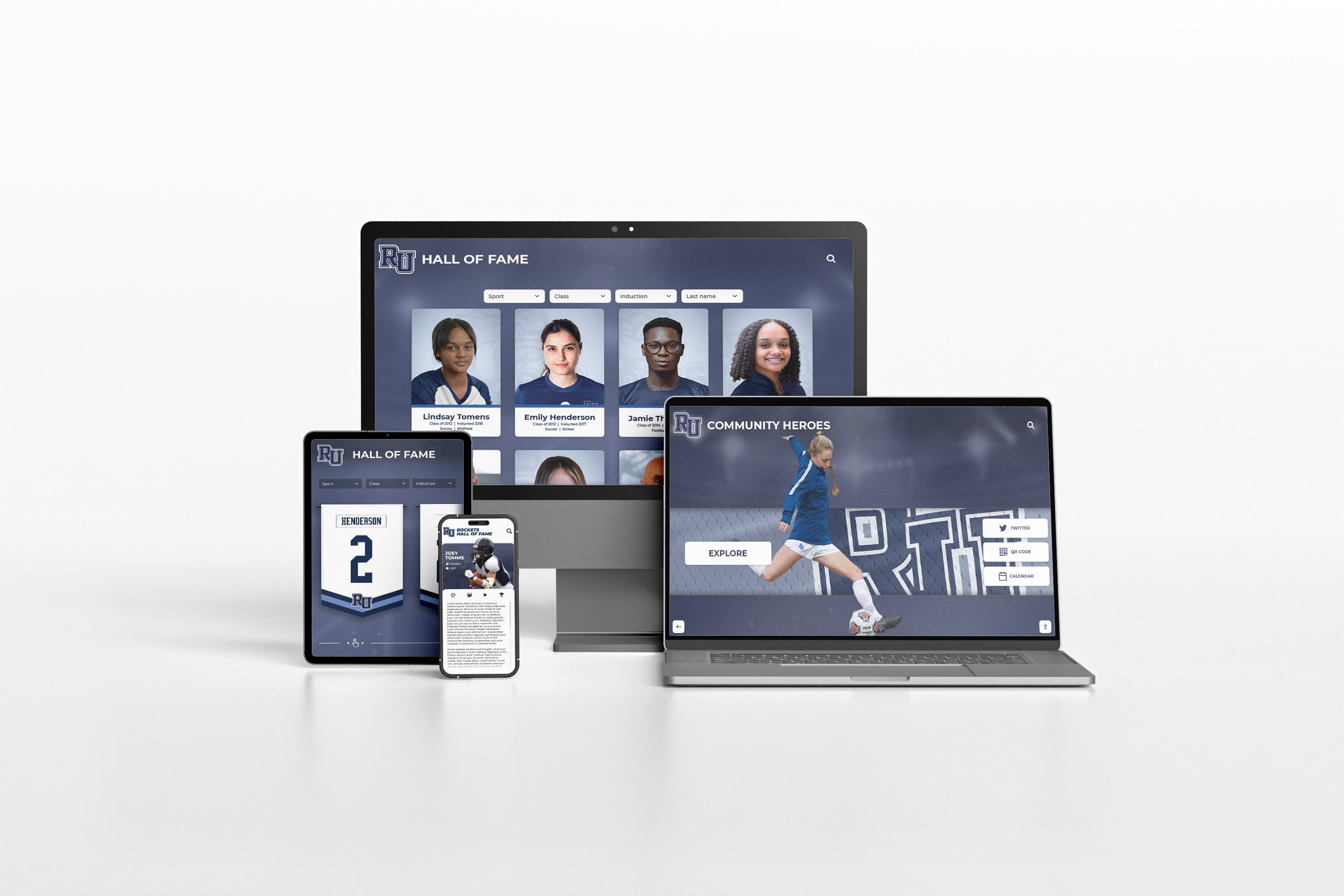
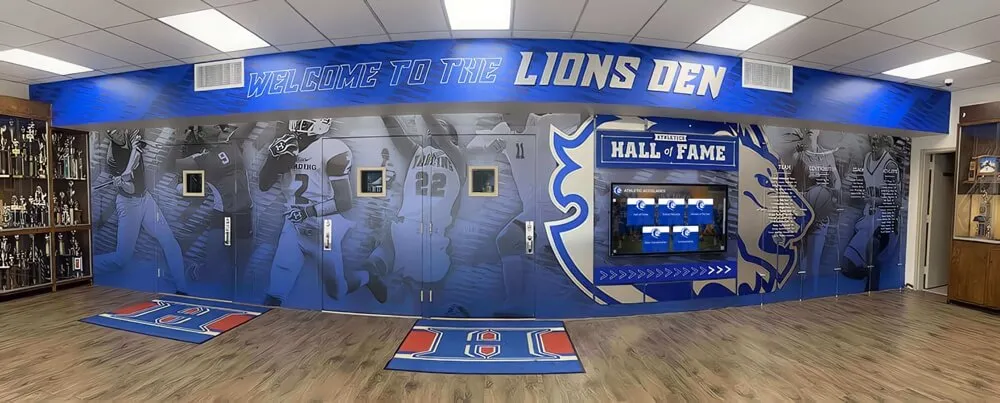
Modern platforms make senior achievements accessible to families and future students across all devices
Extending Senior Recognition Beyond Print
While yearbooks remain treasured keepsakes, schools increasingly complement print recognition with permanent digital displays.
Digital Senior Recognition Displays
Modern schools integrate technology to extend senior celebration:
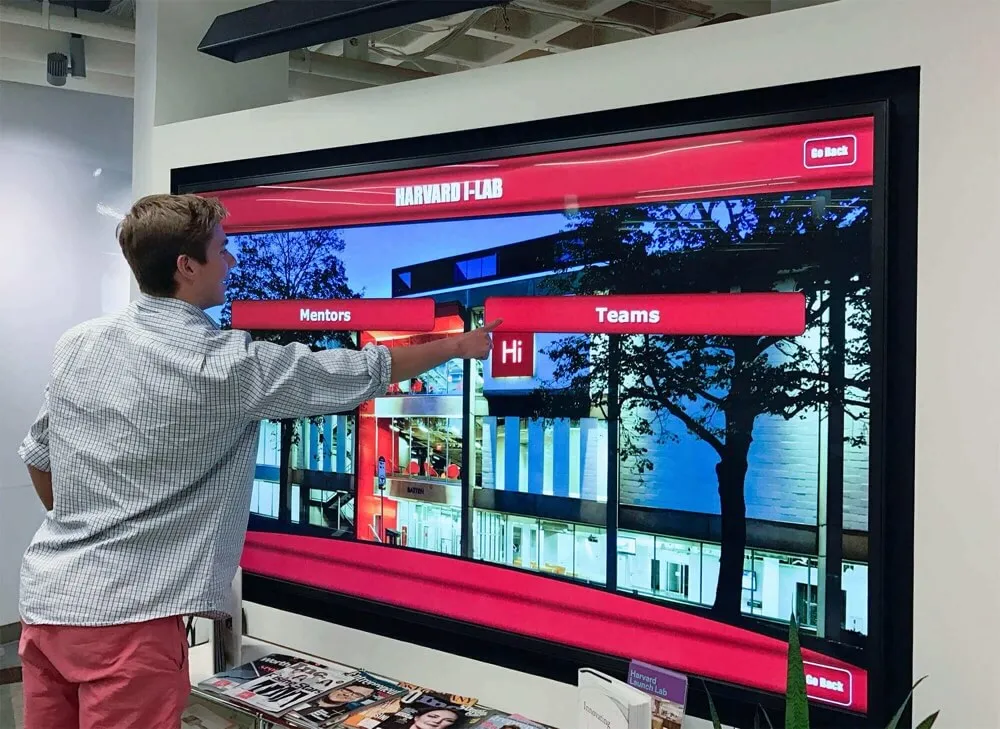
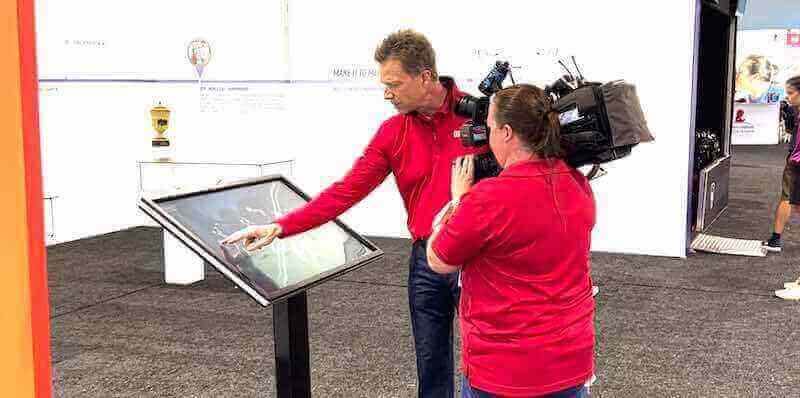
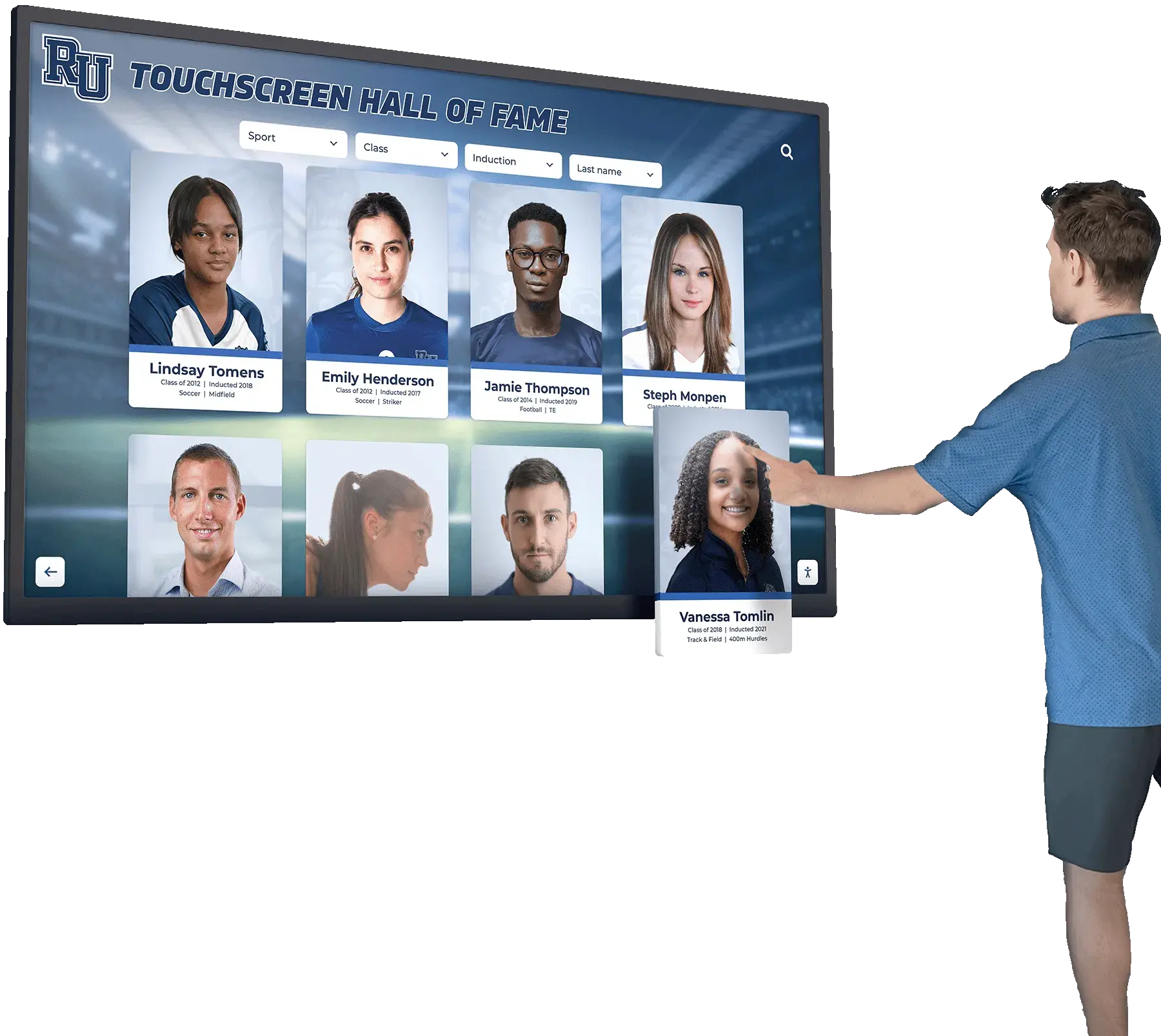
Interactive Touchscreen Displays
- Lobby installations showcasing senior profiles permanently
- Searchable databases allowing visitors to explore graduating classes
- Photo galleries, achievement lists, and video compilations
- Annual updates adding each new senior class
- Alumni returning to campus can view their own recognition
Digital Display Advantages
- Recognition remains visible year-round rather than one yearbook viewing
- Updates and corrections possible unlike printed pages
- Multimedia integration (videos, audio) impossible in print
- Space constraints eliminated allowing comprehensive profiles
- Cost-effective compared to expanding yearbook page counts
Connecting Print and Digital
- QR codes in yearbooks linking to digital profiles
- Consistent branding between yearbook and digital displays
- Digital archives preserving yearbook content permanently
- Family access to digital profiles from anywhere
- Seamless transition from ceremony to ongoing recognition
Building Permanent Recognition Archives
Forward-thinking schools create lasting legacy programs:
Year-Over-Year Senior Databases
- Cumulative databases preserving every graduating class
- Alumni able to view their cohort decades after graduation
- Searchable by name, year, activity, or achievement
- Family legacies tracked showing multiple generations
- Institutional history preserved systematically
Integration with School Recognition Systems
- Senior profiles connected to broader achievement recognition
- Athletic accomplishments linked to sports record boards
- Academic honors connected to academic excellence displays
- Service recognition integrated with community contribution tracking
- Comprehensive view of student impact across all dimensions
Solutions like Rocket Alumni Solutions provide schools with permanent digital recognition systems that preserve senior legacies while complementing traditional yearbook programs.
Gathering Content from Seniors
Successful senior pages require systematic content collection from graduating students.
Information Collection Systems
Digital Forms and Questionnaires
- Online forms capturing required and optional information
- Structured questions ensuring comprehensive data
- File upload capabilities for photos and documents
- Deadline reminders and submission tracking
- Automated organization of collected content
Required vs. Optional Elements Essential information to collect:
- Legal full name and preferred name
- Contact information for coordination
- Activity and achievement lists
- Senior quote (with appropriateness guidelines)
- Photo permissions and consents
Optional personalization elements:
- Extended biography or statement
- Additional photos beyond school portrait
- Future plans and college/career intentions
- Family information or alumni connections
- Personal interests and hobbies
Managing Quote Selection and Approval
Senior quotes require careful management:
Appropriateness Guidelines
- Clear standards communicated early in process
- Review and approval workflow before publication
- Handling of questionable content with respect and clear communication
- Alternative quote requests if submissions don’t meet standards
- Timely feedback allowing revisions before deadlines
Quote Inspiration and Support
- Examples of meaningful, appropriate quotes
- Guidance for students struggling with quote selection
- Balance between humor and sentiment
- Encouragement of authentic voice rather than trending quotes
- Recognition that quotes become permanent record
For schools seeking to showcase senior wisdom and reflections beyond yearbook constraints, digital displays provide expanded platforms for comprehensive senior profiles.
Student Involvement in Layout Design
Empowering students in design decisions creates ownership while maintaining standards.
Student Choice Within Structure
Layout Selection Systems
- Offering 3-5 approved layout options rather than unlimited customization
- Clear guidelines for each option’s requirements
- Examples showing completed layouts with similar content
- Matching layout to personality and achievement profile
- Deadline for selection ensuring production timeline
Personalization Parameters Elements students can typically customize:
- Layout choice from approved options
- Quote selection and positioning
- Photo selection for multi-image layouts
- Color scheme variations within school palette
- Optional add-ons (QR codes, additional text)
Elements typically standardized:
- Overall space allocation and size
- Typography families and hierarchy
- Border and framing treatments
- Information organization structure
- Quality and technical requirements
Yearbook Staff Design Workflows
Design Team Organization
- Lead designers establishing templates and standards
- Student designers assigned to specific senior sections
- Quality control review process before finalization
- Mentorship pairing experienced with new designers
- Clear communication channels for questions and issues
Training and Skill Development
- Early-year workshops on design software
- Templates and style guides simplifying technical aspects
- Critique sessions building design judgment
- Deadlines structured to build skills progressively
- Recognition that yearbook provides valuable design experience
Budget Considerations for Senior Section Design
Layout choices impact overall yearbook costs requiring strategic planning.
Cost Factors in Senior Page Design
Page Count Impact
- Senior section typically represents 30-40% of total yearbook pages
- Page count directly affects printing costs
- Balance between comprehensive recognition and budget constraints
- Creative layouts maximizing space efficiency
- Decisions about senior section length made early in planning
Color vs. Black and White
- Full-color senior sections standard in modern yearbooks
- Significant cost differential if considering partial color
- School color accents as compromise option
- Budget impact of premium paper or finishes
- Sponsor funding potentially offsetting color costs
Photography and Production Costs
- Professional senior portrait packages and pricing
- In-house photography reducing costs but requiring expertise
- Digital submission management systems
- Design software subscriptions or licensing
- Print proofs and revision costs
Funding Strategies
Yearbook Sales and Pricing
- Pricing reflecting senior section quality and value
- Early bird discounts encouraging advance sales
- Payment plans increasing accessibility
- Digital yearbook options as cost-effective alternatives
- Family packages for multiple yearbook purchases
Sponsorships and Advertising
- Local business ads offsetting production costs
- Senior parent ads or tributes generating revenue
- Sponsor recognition pages
- Partnership with photography vendors
- Fundraising events supporting yearbook program
Creating Inclusive Senior Sections
Thoughtful planning ensures all seniors receive meaningful recognition regardless of circumstances.
Accommodating Diverse Student Populations
Transfer Students and Late Arrivals
- Meaningful recognition for students with limited time at school
- Inclusion of previous school achievements when appropriate
- Connection to current class despite shorter tenure
- Dignified treatment preventing isolation or lesser recognition
- Proactive outreach ensuring participation
Students with Varied Involvement Levels
- Recognition options for less-involved students
- Emphasis on qualities beyond traditional activities
- Personal interests and future goals when activity lists limited
- Avoiding empty space or sparse pages creating embarrassment
- Alternative content emphasizing individual worth
Privacy and Sensitivity Considerations
Consent and Permission
- Clear processes for all published content
- Parental consent for students under 18
- Respect for students requesting minimal information
- Handling of name changes or preferred names
- Sensitivity to family situations affecting information shared
Supporting Vulnerable Students
- Awareness of students facing challenging circumstances
- Flexible policies accommodating financial constraints
- Support for students without family involvement in process
- Protection of privacy around sensitive personal situations
- Resources ensuring no senior excluded due to circumstances beyond control
Schools committed to celebrating every student can explore comprehensive recognition solutions that complement yearbook programs.
Timeline for Senior Page Planning and Production
Systematic scheduling ensures quality results without last-minute stress.
Year-Long Planning Schedule
Summer Before Senior Year
- Yearbook staff establishes senior section vision
- Layout templates designed or selected
- Information collection systems prepared
- Photography vendor coordination finalized
- Budget and page count determinations made
Fall Semester
- Senior portrait sessions conducted (typically August-October)
- Information collection forms distributed with clear deadlines
- Initial layout drafts created for early submissions
- Quote and content review processes established
- Communication with seniors about expectations and deadlines
Winter/Spring Semester
- Content collection deadlines enforced
- Page design completed in organized sections
- Review and approval workflows before finalization
- Corrections and revisions addressed systematically
- Final submission to printer meeting yearbook deadline
Post-Publication
- Distribution planning and senior recognition events
- Error documentation for continuous improvement
- Thank you recognition for student designers and contributors
- Archive of digital files for reference
- Feedback collection informing next year’s planning
Critical Deadline Management
Working Backward from Publication
- Printer submission deadline as anchor date
- Internal review periods before submission
- Design completion targets allowing review time
- Content collection deadlines providing design time
- Photography completion dates enabling layout work
Communication and Accountability
- Regular updates to seniors about approaching deadlines
- Clear consequences for missed submissions
- Support for seniors struggling with deadlines
- Transparency about production timeline constraints
- Celebration of teams meeting milestones
Measuring Senior Page Success
Evaluation frameworks help improve programs year over year.
Satisfaction Assessment
Senior Feedback Collection
- Surveys assessing satisfaction with representation
- Specific questions about layout, information accuracy, overall quality
- Identification of elements working well and needing improvement
- Anonymous feedback enabling honest assessment
- Response rates sufficient for meaningful data
Family and Community Response
- Yearbook sales and reorder rates as satisfaction indicator
- Unsolicited feedback and communications
- Social media mentions and reactions
- Alumni engagement with digital senior profiles
- Long-term usage and display of yearbooks
Continuous Improvement Process
Documentation and Analysis
- Error tracking identifying systematic issues
- Timeline analysis revealing bottlenecks or inefficiencies
- Design element assessment determining most successful approaches
- Student designer feedback on workflow and systems
- Comparison with previous years’ publications
Year-Over-Year Enhancement
- Specific improvements identified from feedback
- Updated templates addressing identified weaknesses
- Process refinements increasing efficiency
- Training improvements based on common challenges
- Evolution of standards as technology and expectations shift
Conclusion: Creating Senior Pages Worth Treasuring
Effective yearbook senior page ideas balance timeless design principles with contemporary personalization, creating layouts that honor each graduate’s unique story while maintaining the visual cohesion and professional quality that makes yearbooks treasured keepsakes. Whether choosing classic portrait-focused layouts, activity-rich collages, or modern digital-enhanced designs, thoughtful planning ensures senior sections genuinely celebrate graduating classes while building permanent institutional records.
The 30 layouts explored in this guide provide starting points for yearbook teams to develop senior sections reflecting their specific school culture, student preferences, and publication standards. By establishing clear design frameworks, implementing systematic content collection processes, maintaining equitable treatment across all seniors, and embracing both print and digital recognition opportunities, schools create senior page programs that graduates and families will genuinely treasure for decades.
As schools seek to extend senior recognition beyond yearbook pages, modern digital recognition platforms offer opportunities to preserve graduate legacies permanently. Rocket Alumni Solutions provides interactive touchscreen displays and digital recognition systems that complement traditional yearbooks by making senior achievements visible year-round in school spaces. These platforms allow alumni to revisit their recognition decades after graduation while showcasing institutional history to current students, creating lasting connections between yearbook traditions and ongoing community building.
By investing in thoughtful senior page design—whether in print, digitally, or through integrated approaches—schools demonstrate that they value each graduate’s individual journey while building recognition traditions worthy of the milestone graduation represents.